Have you ever stared at the tiny numbers on an AC adapter label, wondering if '2A' means it's powerful enough for your gadget? Mismatched adapters are a top cause of device failures, overheating, and even fires. This guide demystifies amperage so you can plug in confidently.
You'll learn what amperage means, how to read adapter labels, match amps to your devices, and calculate power needs using simple analogies like water hoses. No math degree required—we break it down for beginners.
Expect a quick 10-minute read with real-world examples and safety tips. By the end, you'll spot safe adapters at a glance and troubleshoot power issues like a pro.
▸What You'll Need
- •Your device's user manual or specs (for power requirements)
- •An AC adapter to examine (the one you're using)
- •Optional: Digital multimeter for measuring actual current draw
- •Paper and pen for quick wattage math
Estimated Time: 10-15 minutes
Difficulty: beginner
▸Step-by-Step Instructions
Step 1: Understand the Basics: What is an AC Adapter?
AC adapters convert wall outlet AC power (like 110V in the US) to low DC voltage for devices like routers, lamps, or toys.
Key specs on the label: Output: 12V 2A means 12 volts at up to 2 amps. Voltage (V) is pressure; amperage (A) is flow rate.
Why it matters: Wrong specs = no power, slow charging, or fried circuits. Expect labels near the plug or barrel connector.
💡 Tips:
- •Look for UL or CE certification marks for safety.
Step 2: Decode Voltage First (The Pressure Part)
Voltage is like water pressure—too high bursts pipes (damages device); too low means weak flow.
Match exactly: If your device needs 12V, use a 12V adapter. Never mix (e.g., 9V on 12V device).
Amperage comes next, but voltage mismatch is the biggest killer. Check your manual for 'Input: 12VDC'.
⚠️ Warnings:
- •Never use higher voltage—it's the #1 cause of smoke.
Step 3: What Amperage (A) Actually Means
Amperage is current flow, like water volume through a hose. The rating (e.g., 2A) is the maximum the adapter can safely supply.
Your device draws only what it needs—say 1A even if rated 2A. Analogy: A garden hose rated 2 gallons/minute handles a sprinkler (1 gal) fine.
Why read it? Too-low amps = adapter overheats; higher is usually safe.
💡 Tips:
- •Think 'A for Ample'—higher rating provides more headroom.
Step 4: Read the Adapter Label Correctly
Labels say Output: XXV YZA (volts, amps). Ignore input (wall side).
Example: '5V 2A' for USB chargers. Polarity (+/- inside circle) must match too.
Pro tip: Snap a photo of labels for shopping. Expect tiny print—use magnifier app.
Step 5: Match Amps: Minimum Required vs. Safe Higher
Device manual lists required amps (or watts). Adapter must meet or exceed it.
Safe: Device 1.5A? Use 2A adapter. Unsafe: 1A adapter overheats.
Higher amps OK if voltage matches—device pulls less. Expect cooler, faster operation.
⚠️ Warnings:
- •Never go lower—adapters burn out fast under load.
Step 6: Calculate Wattage for Confirmation
Watts (power) = Volts x Amps. Device 12V 1A = 12W. Adapter must supply at least that.
Example: Laptop needs 19V 3.42A (65W). Use 19V 4A+.
Manuals list watts if no amps. Solve for amps: Watts / Volts.
💡 Tips:
- •Use phone calculator: 12 * 1.5 = 18W needed.
Step 7: Test and Monitor for Safety
Plug in, feel for heat after 10 mins (warm OK, hot = wrong).
Use multimeter in series to measure actual amps drawn.
Ongoing: Replace frayed cords. Unplug when not in use.
⚠️ Warnings:
- •Smell burning? Unplug immediately!
▸Pro Tips
- •Higher amp adapters run cooler and last longer—buy with 20-50% headroom.
- •Universal adjustable adapters save money for multiple devices.
- •Check polarity symbol (looks like battery +/-) before plugging.
- •Label your adapters with device names using tape.
- •For laptops/routers, prioritize reputable brands to avoid fakes.
- •Use a Kill-A-Watt meter for total household power insights.
- •Store adapters flat to prevent bent pins.
▸Common Mistakes to Avoid
- •Using lower-amp adapter: Causes overheating and fire risk—always check minimum.
- •Ignoring voltage: Even perfect amps fail if volts mismatch—double-check manuals.
- •Assuming all barrel plugs fit: Wrong size/polarity shorts circuits.
- •Overlooking wattage: Amps alone mislead—calculate W = V x A.
- •Buying cheap no-name adapters: Fail safety tests—stick to UL-listed.
▸Troubleshooting
Problem: Device won't power on
Solution: Verify voltage match and polarity. Test with known good adapter. Check fuse inside some adapters.
Problem: Adapter gets very hot
Solution: Amps too low for device—upgrade to higher rating. Ensure ventilation.
Problem: Intermittent power or buzzing
Solution: Loose connector or frayed wire—inspect and replace. Clean ports.
Problem: Device charges slowly
Solution: Adapter amps too low—measure draw with multimeter and upgrade.
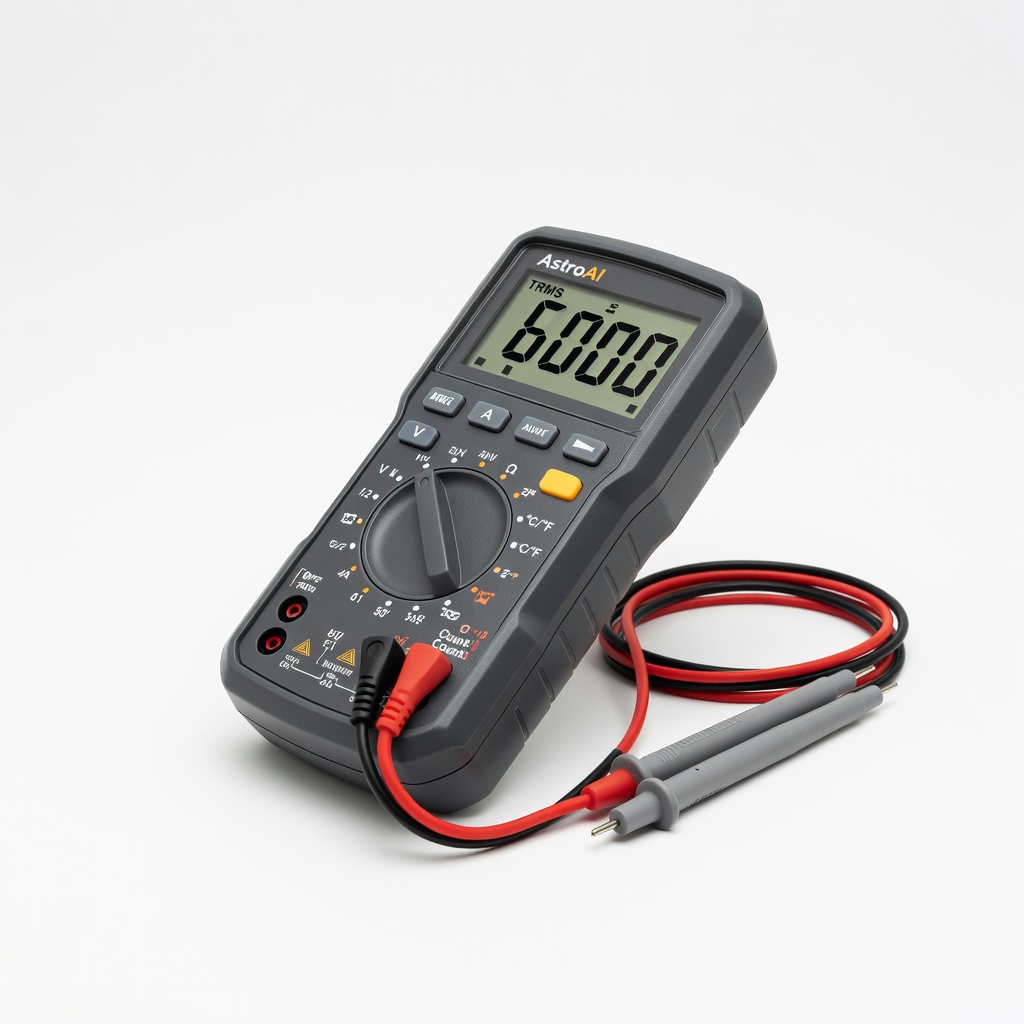
AstroAI Digital Multimeter TRMS 6000 Counts
Measures actual voltage and amperage draw to verify if your adapter matches device needs accurately.
Best for: Testing unknown adapters or troubleshooting power issues on routers, toys, or LEDs.
Price Range: $26.99
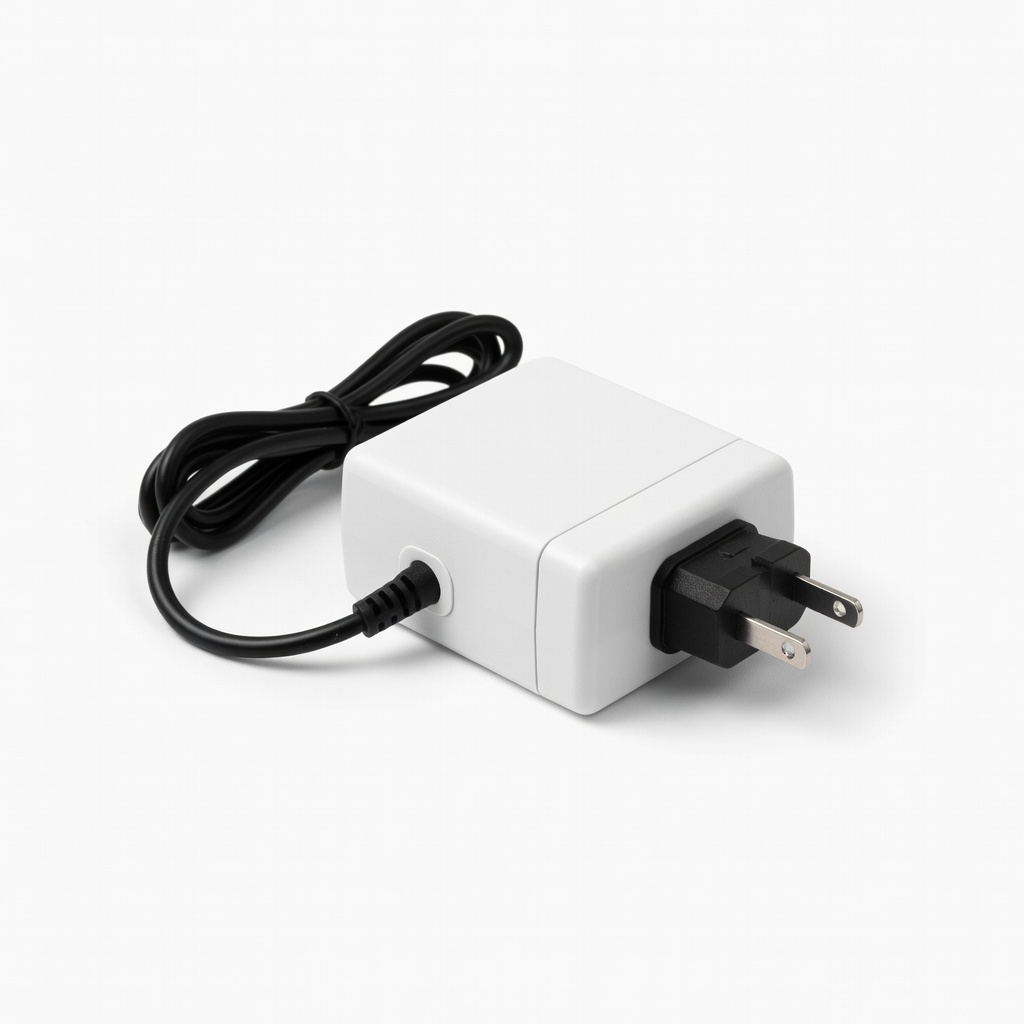
KFD 12V AC Adapter 2A Power Supply
Reliable, UL-certified with exact labeling—perfect replacement for common 12V devices.
Best for: Routers, LED strips, or toys needing up to 24W (12V x 2A).
Price Range: $14.99
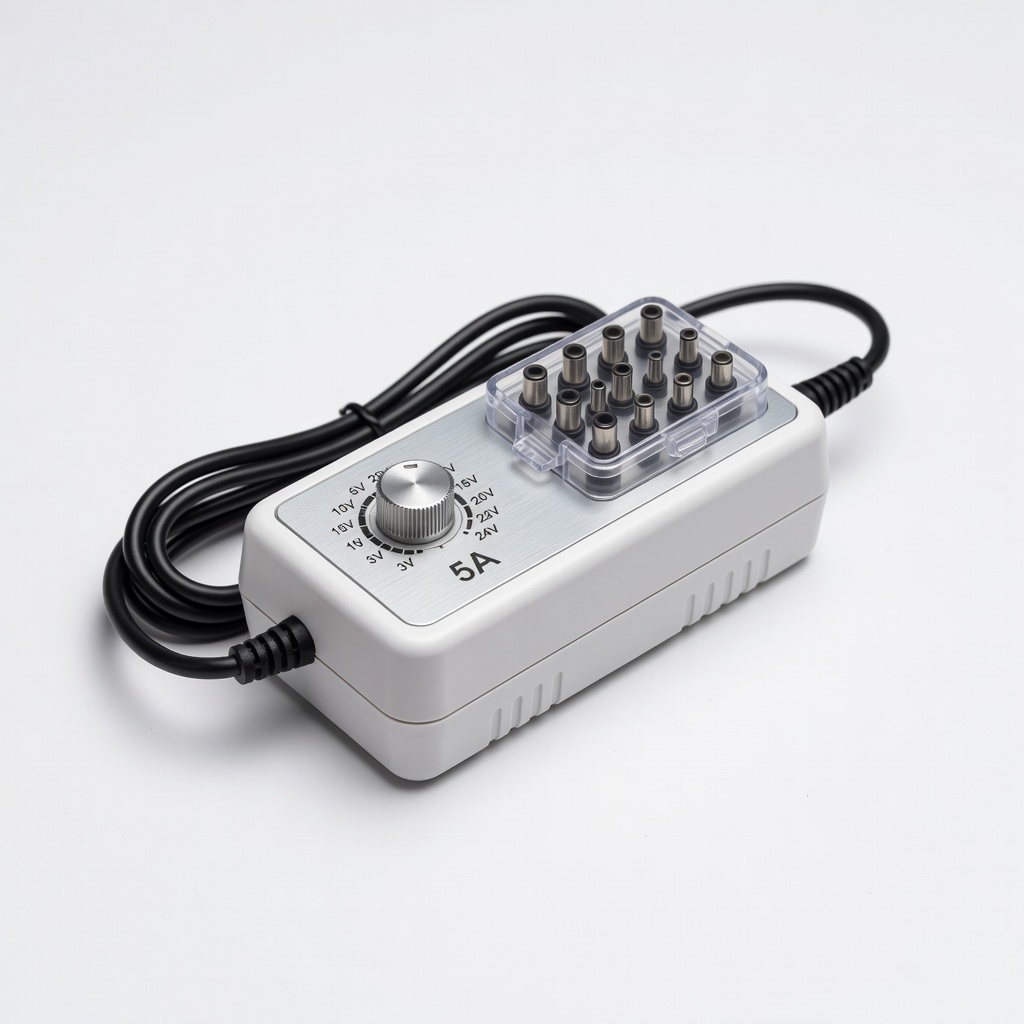
Universal AC/DC Adapter Adjustable 3V-24V 5A
Versatile dial for voltage/amperage—covers most devices with one adapter, includes multiple tips.
Best for: Hobbyists or households with varied gadgets like fans, pumps, or cameras.
Price Range: $16.99-$19.99
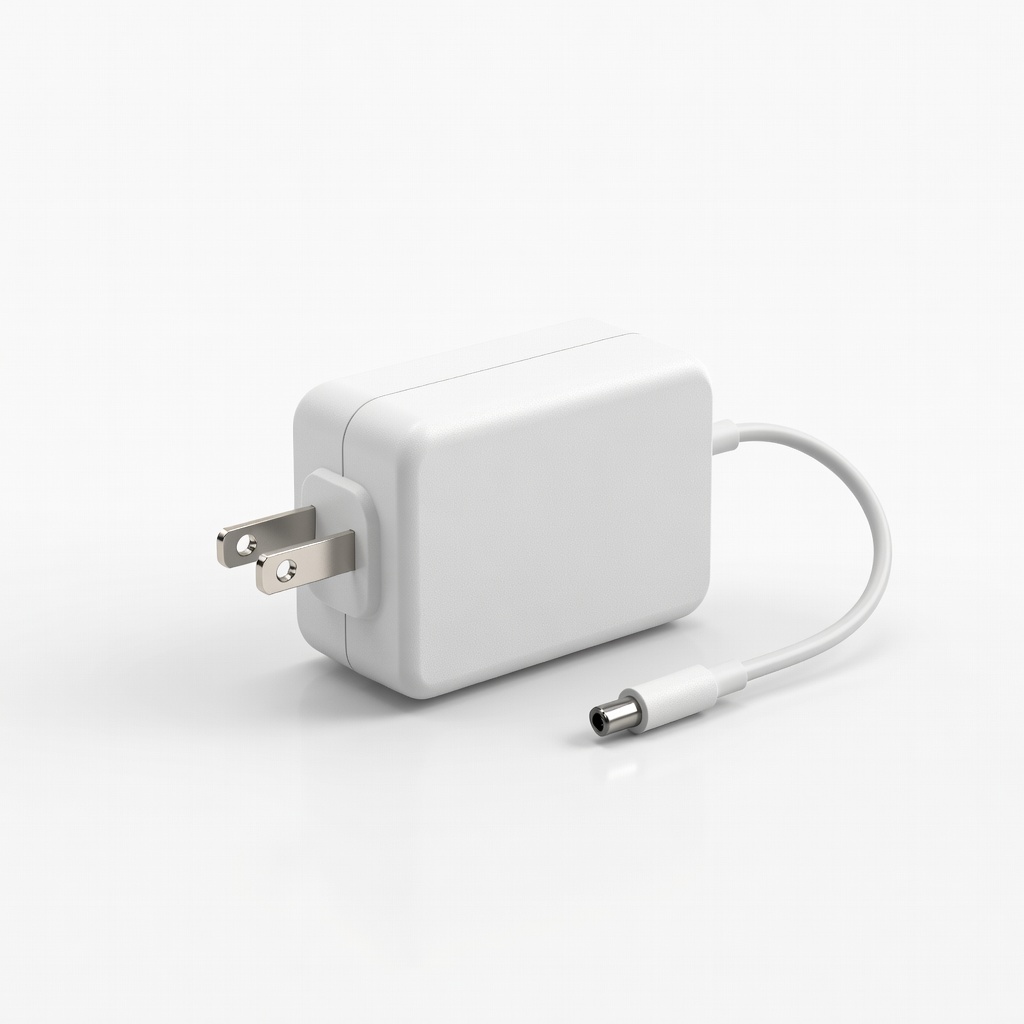
PPSGP 5V 2A AC Adapter Power Supply
Budget-friendly for USB-like devices with solid build and safety fuse.
Best for: Small electronics, speakers, or fountains needing steady 10W.
Price Range: $9.99
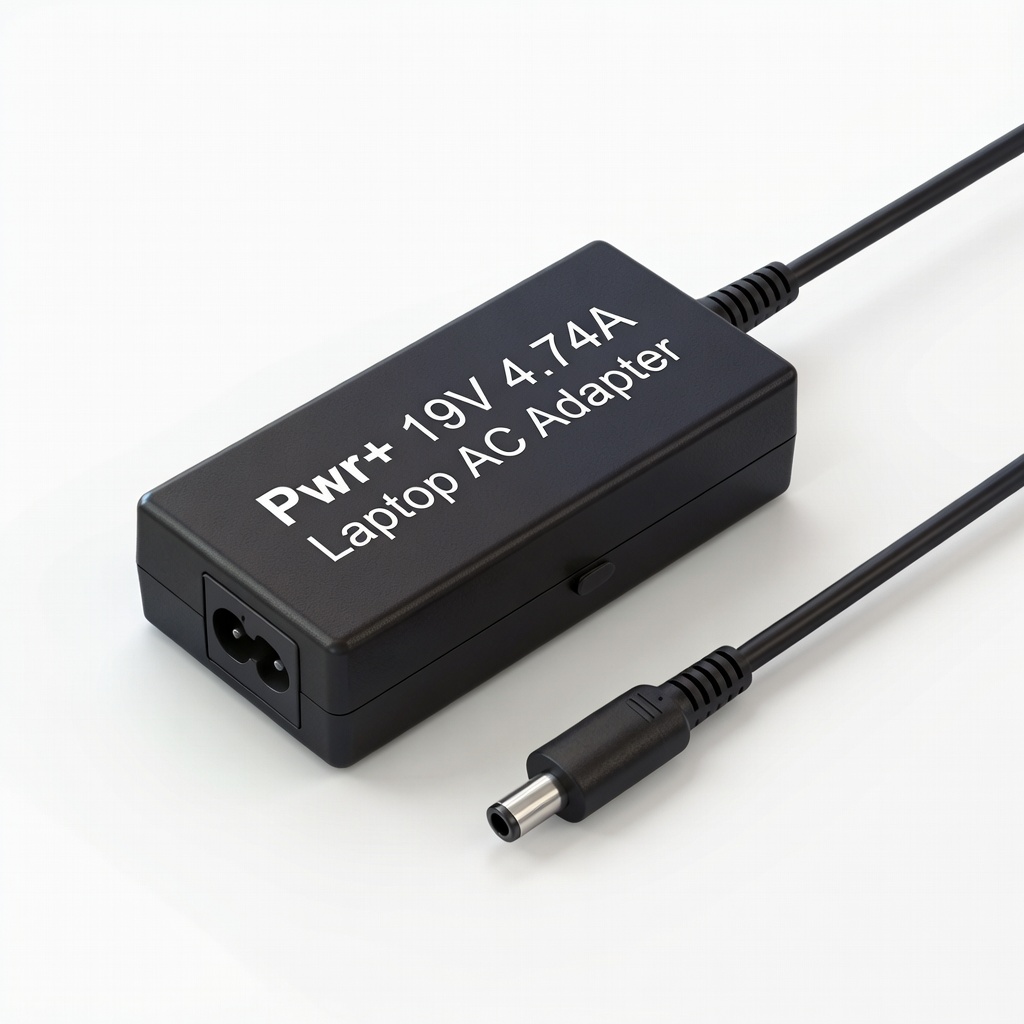
Pwr+ 19V 4.74A Laptop AC Adapter
High-amp for power-hungry laptops—matches OEM specs precisely.
Best for: Laptops or monitors up to 90W.
Price Range: $29.99