You've just popped a fresh 9V battery into your multimeter, only to find it dead after a few weeks of light use. Frustrating, right? This is a common gripe among DIYers, electricians, and hobbyists who rely on these tools for troubleshooting circuits. Rapid battery drain wastes money and interrupts workflows.
In this guide, you'll learn the top technical reasons why 9V batteries die quickly in multimeters, from sneaky circuit behaviors to battery quality issues. We'll break it down with real-world examples, analogies, and step-by-step explanations—no jargon overload. By the end, you'll know how to diagnose and prevent it, saving time and cash.
Expect a straightforward read (intermediate level) covering concepts like current draw and power modes. No hands-on disassembly needed, but we'll include optional tests for verification.
▸What You'll Need
- •Digital multimeter (any model using 9V battery)
- •Fresh 9V alkaline or lithium batteries for testing (2-3 recommended)
- •Optional: Second multimeter or clamp meter to measure current draw
- •Notebook for logging battery life observations
- •Prerequisite: Basic electronics knowledge (Ohm's Law, voltage/current basics)
Estimated Time: 10-15 minutes to read and understand; 30-60 minutes if testing
Difficulty: intermediate
▸Step-by-Step Instructions
Step 1: Grasp Baseline Power Consumption
Multimeters sip power like a straw in voltage or resistance mode—typically 1-10 microamps (μA), enough for months of standby. Think of it as a phone on airplane mode: minimal drain.
But switch modes, and current jumps to milliamps (mA). A 9V alkaline holds ~500mAh; at 10mA constant draw, it lasts just 50 hours. Most drain happens in active use, not standby.
Why it matters: Knowing averages (e.g., 3mA average for modern DMMs) helps benchmark your tool.
💡 Tips:
- •Log runtime: Note date/code on new battery and check after 1 week.
Step 2: Spot the Continuity Buzzer Drain
The #1 culprit: continuity mode's audible buzzer. It beeps on low resistance (<50Ω), drawing 20-100mA pulses. Like revving a car engine repeatedly, each beep guzzles juice.
Accidentally leaving it in continuity? It probes circuits constantly. Example: Testing wires for hours can halve battery life.
Modern meters add visual LEDs, but buzzers persist for 'traditional' feel.
⚠️ Warnings:
- •Avoid probing unknown circuits—risk shock or false positives.
Step 3: Check Backlight and Display Power Hogs
LCD backlights (especially LEDs) pull 20-50mA. Analogy: Like leaving your fridge light on—bright but battery-killing.
Auto-on in low light or always-enabled? Drain accelerates. High-refresh displays for bar graphs add more.
Test: Cover sensor; if it dims, it's light-triggered.
💡 Tips:
- •Tape over light sensor to disable auto-backlight.
Step 4: Examine Auto-Ranging and Sampling
Auto-ranging DMMs constantly cycle ranges, sampling 10-100 times/sec at 1-5mA per pulse. Like a fidgety sleeper checking the clock hourly.
In high-voltage modes, it peaks higher. Manual ranging saves power but requires skill.
Step 5: Evaluate Battery Quality and Type
Cheap alkalines have high internal resistance (>1Ω), voltage sags under load. Lithium 9Vs (1.5V/cell) hold steady, lasting 5-10x longer.
Self-discharge: Alkalines lose 5-10%/year; store cool/dry. Old stock? Already half-dead.
💡 Tips:
- •Buy lithium for high-drain tools; test with load.
⚠️ Warnings:
- •Never mix battery types—risk leakage.
Step 6: Inspect Auto Power-Off and Standby
Faulty APO (shuts off after 15-30min) or disabled mode keeps circuits live. Leaky switches add 100μA chronic drain.
Why matters: Standby should be <10μA; test by leaving overnight.
Step 7: Consider Environmental and Usage Factors
Heat (>30°C) doubles self-discharge; cold stiffens chemistry. Vibration loosens contacts.
Heavy use (mA/Hz measuring) obvious drain. Example: HVAC techs see 2x faster depletion.
💡 Tips:
- •Store at 20°C; use protective case.
▸Pro Tips
- •Switch to manual ranging for voltage/resistance to cut sampling.
- •Disable buzzer via settings if your meter allows (check manual).
- •Use lithium 9Vs or rechargeables for 3-5x life extension.
- •Turn off backlight manually; work in good light.
- •Enable/test auto power-off weekly.
- •Clean battery terminals with alcohol to reduce contact resistance.
- •Track usage: Log modes to identify personal drain patterns.
- •Buy battery testers to verify before install.
▸Common Mistakes to Avoid
- •Leaving in continuity mode after testing—set reminder to switch to OFF.
- •Using expired or bulk discount batteries—always check dates.
- •Ignoring APO: Test it; disable only if needed.
- •Storing in hot cars/garages—chemistry degrades fast.
- •Not tightening battery cap—poor contact causes spikes.
▸Troubleshooting
Problem: Battery dies in days despite light use
Solution: Measure standby current (<20μA OK). Clean contacts; test APO. Swap to lithium.
Problem: Drain only in certain modes
Solution: Avoid/ limit that mode (e.g., buzzer). Check for firmware update if smart meter.
Problem: Intermittent power loss
Solution: Inspect corrosion/leakage. Replace if bulging. Use dielectric grease on terminals.
Problem: No APO activation
Solution: Reset meter (remove battery 10min). If fails, faulty—consider repair/replace.
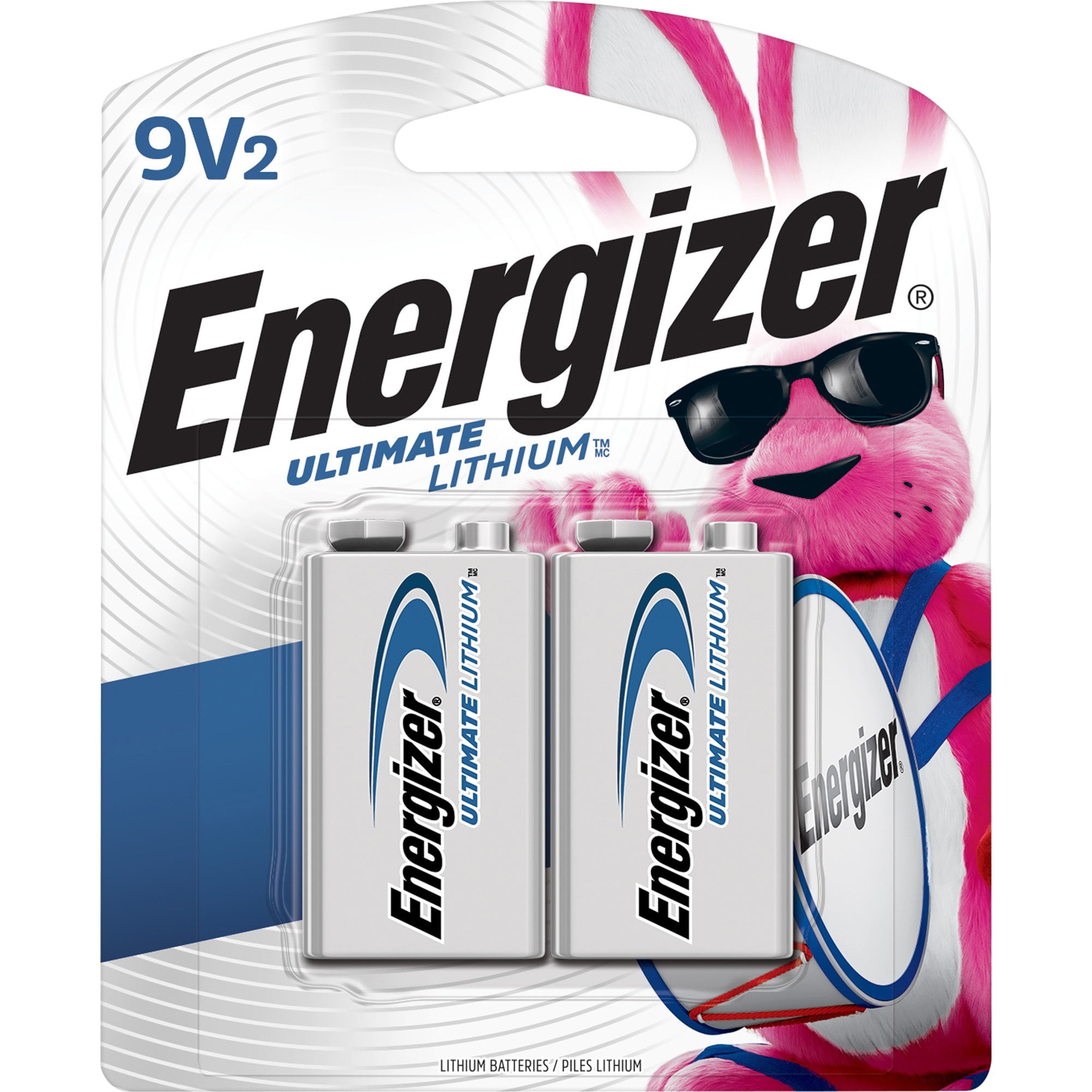
Energizer Ultimate Lithium L92 9V Battery (2-Pack)
Superior voltage stability and 5-10x longer life in high-drain multimeter modes due to lithium chemistry.
Best for: Ideal for frequent users; perfect for continuity/backlight heavy testing.
Price Range: $10-12
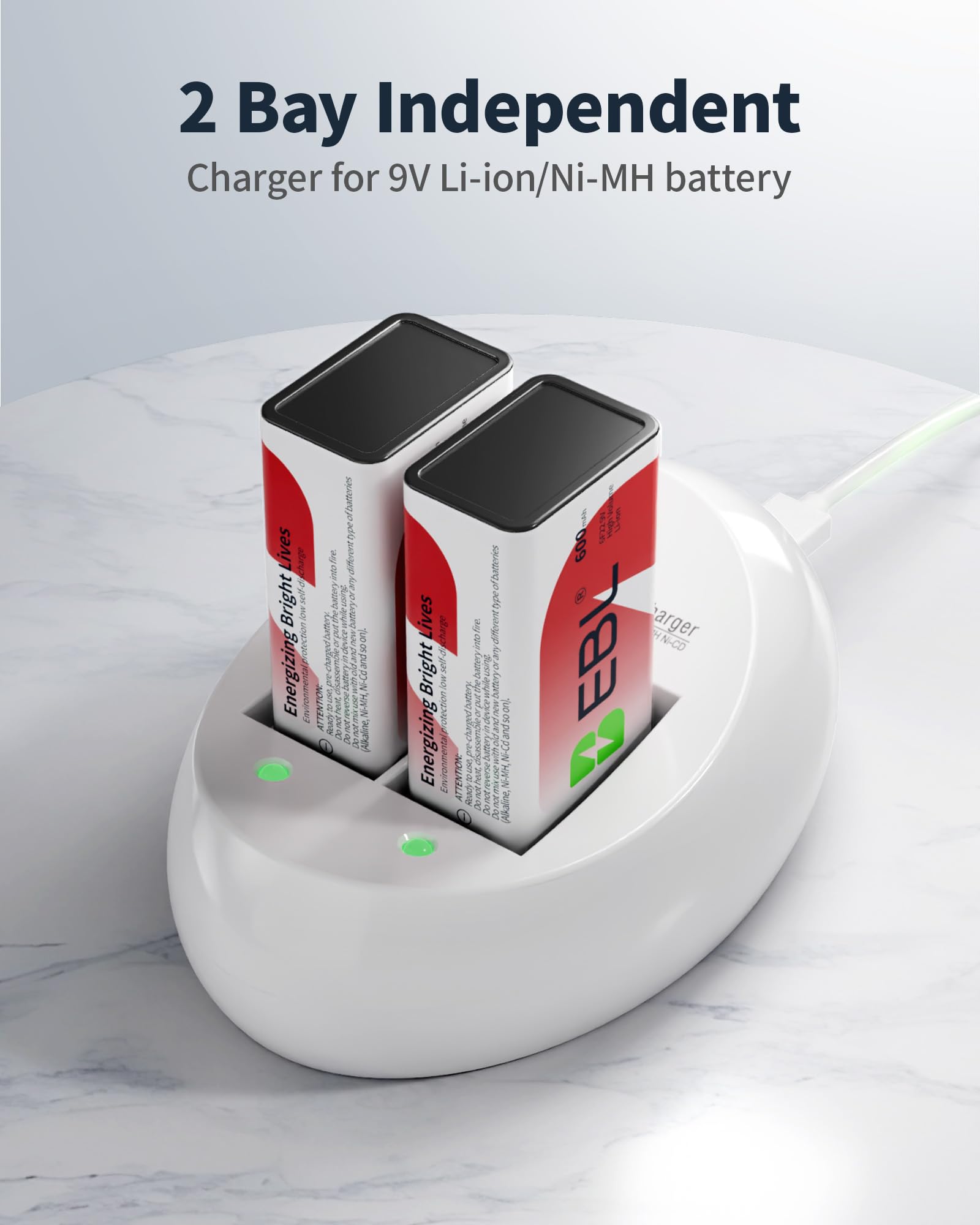
EBL 9V Ni-MH Rechargeable Batteries (4-Pack) + Charger
Reusable with 600mAh capacity; eliminates frequent replacements and waste.
Best for: Daily pros; charge between jobs for endless runtime.
Price Range: $20-25
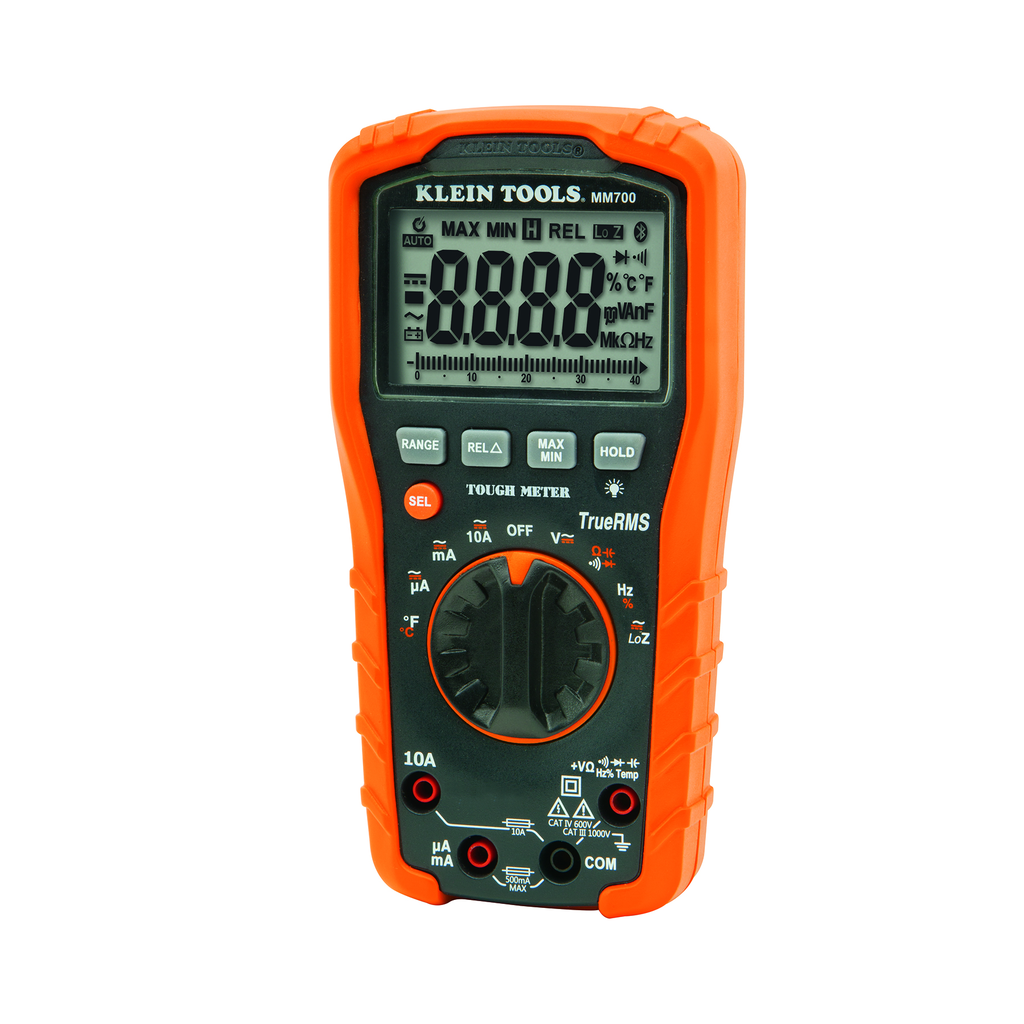
Klein Tools MM700 Digital Multimeter
Optimized low-power design (auto-off, efficient sampling) for 2x better battery life than budget models.
Best for: Upgrade from draining old meter; TRMS accuracy for pros.
Price Range: $60-70
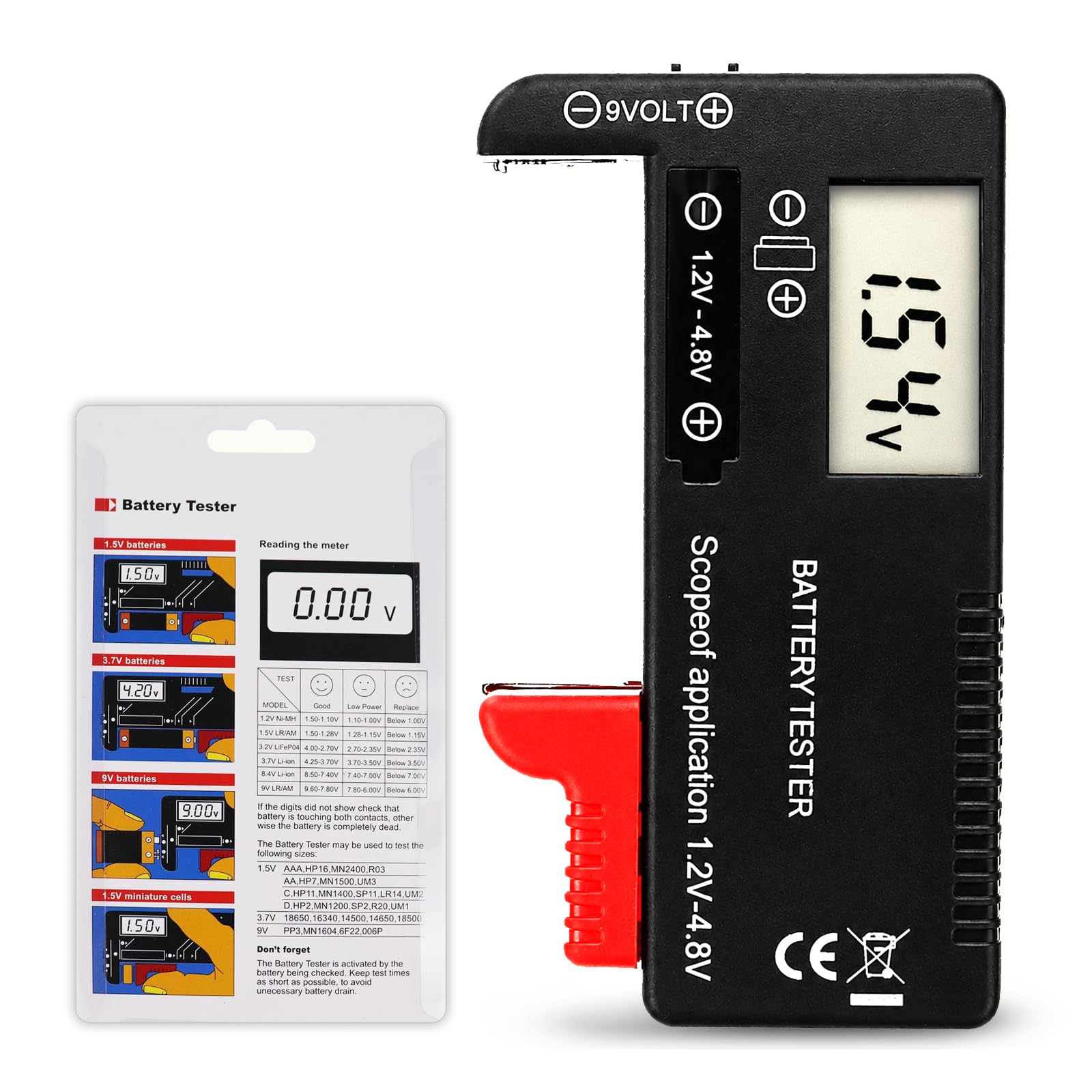
Accutest Digital Battery Tester
Tests 9V under load to verify capacity before install, preventing 'dead on arrival' issues.
Best for: Quick check for bulk buys or suspect batteries.
Price Range: $10-15
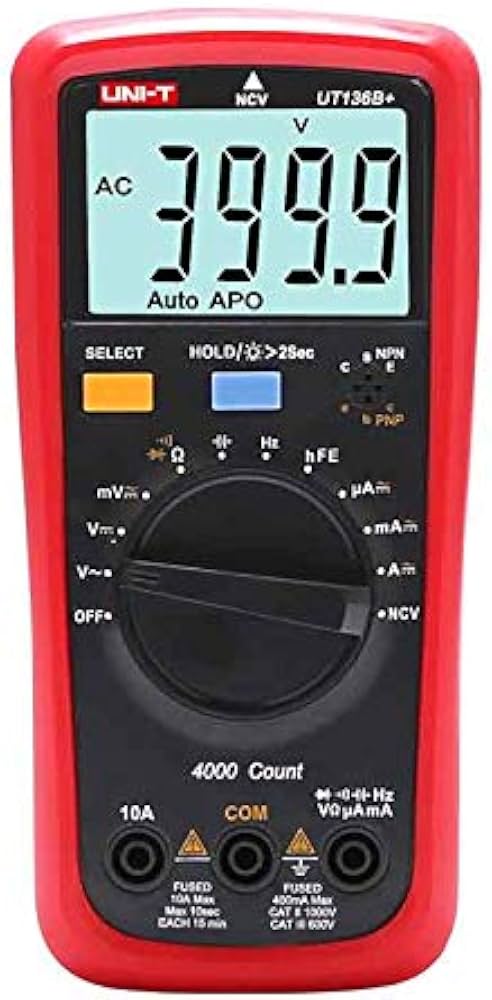
UNI-T UT136B+ Auto-Ranging Multimeter
Low quiescent current (<10μA) and smart power management for minimal drain.
Best for: Budget upgrade with True RMS and buzzer disable.
Price Range: $30-40