
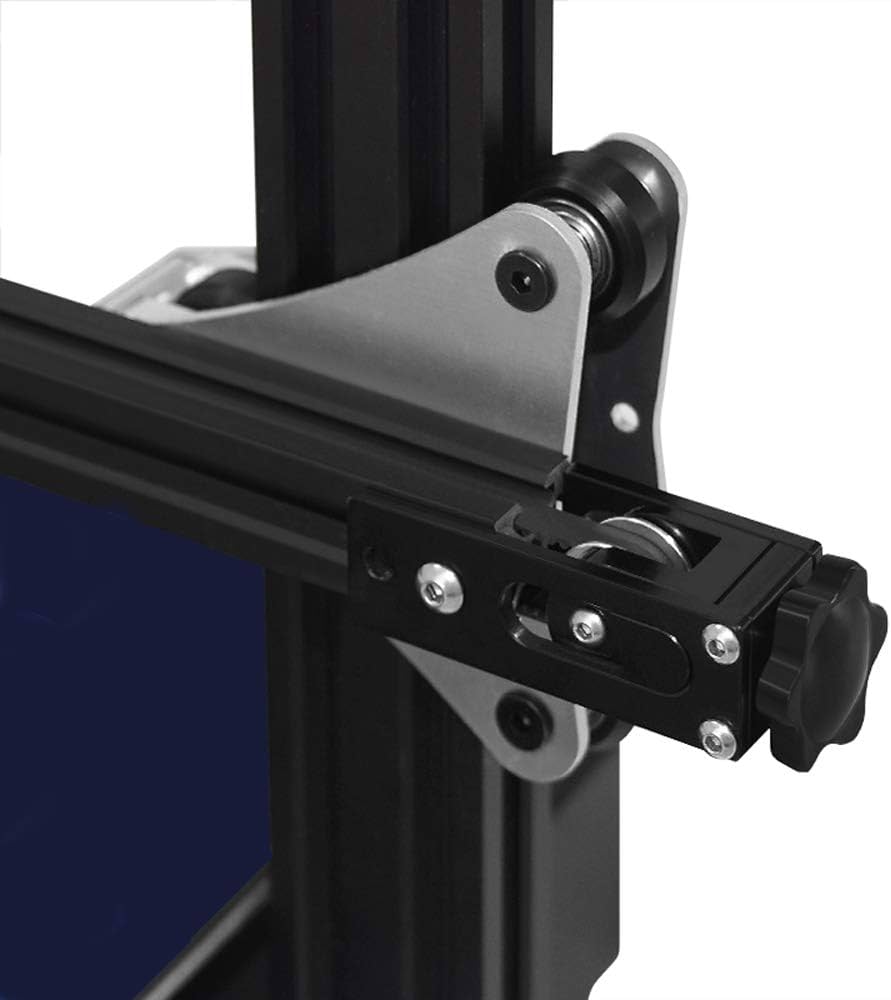
DCYDXSY Ender 3 Belt Tensioner Kit
CoreXY/Cartesian printers like Ender 3; daily maintenance.
$14.99
DCYDXSY Ender 3 Belt Tensioner Kit Easy-install adjusters prevent belt slip, precise tension without tools.
Get the App
Better experience on mobile
Master the science of 3D print ghosting: identify vibration causes and apply advanced fixes for razor-sharp prints every time.
Ghosting (or ringing) turns your crisp 3D prints into blurry messes with echoes of sharp corners trailing behind. For advanced users chasing professional-grade results, this artifact kills detail and wastes filament. Whether you're printing functional parts or display models, eliminating ghosting unlocks sub-0.1mm precision.
In this guide, you'll learn the physics of vibrations, diagnose your setup with tests, and deploy targeted fixes—from belt tensioning to input shaping. Expect to spend 1-2 hours diagnosing, with fixes taking minutes to weeks depending on hardware upgrades. No beginner fluff: we'll dive into accelerometers, jerk control, and frame dynamics.
By the end, your prints will be ghost-free, with real-world benchmarks to verify success.
Estimated Time: 1-2 hours for diagnosis and basic fixes; 4+ hours with advanced tuning Difficulty: advanced
Ghosting occurs when print head vibrations from rapid direction changes create 'echoes' on surfaces. Imagine whipping a rope: the wave travels and reflects, rippling your model.
Key equation: Vibration frequency = sqrt(stiffness/mass) / (2π). Loose belts lower stiffness, amplifying rings at corners. Test with a ringing tower print (search 'ghosting test STL'). Look for waves 1-5mm behind edges.
Expect 80% of cases from mechanics, 20% firmware.
💡 Tips:
Belts transmit motor torque; slack causes head whip. Pluck belts like guitar strings: aim for 110-130Hz tone (use free apps like Spectroid).
Loosen idlers, route belts taut without bowstring tightness. Retighten incrementally, retest print. Why? Tension under 100Hz doubles ring amplitude.
Common on CoreXY (Voron) or Cartesian (Ender 3).
⚠️ Warnings:
Wobbly frames amplify vibes. Shake axes: <1mm deflection ideal. Brace Z-leadscrew with silicone dampers; weld/bolt X/Y joints.
Advanced: Modal analysis via accelerometer—mount ADXL345, run resonance test in Klipper. Peaks >50Hz indicate issues.
Expect 20-50% ring reduction post-bracing.
💡 Tips:
Acceleration: Max speed change rate (mm/s²). Start 3000, drop 500 until ghost-free. Jerk (classic)/Junction Deviation (Marlin 2.1+): 8-10mm/s.
In slicer/firmware: Set accel=2000, jerk=8; print tower. Use input shaper preview in SuperSlicer.
Why? High accel excites frame modes (e.g., 50Hz Z resonance).
💡 Tips:
Bindings cause micro-vibrations. Clean rods/rails, apply PTFE lube sparingly. Linear rails > V-wheels for 70% less chatter.
Wheel check: Rotate freely, no grit. Eccentric nuts at 0.1mm preload.
Test: Slow manual jog—no catches.
⚠️ Warnings:
Advanced fix: Pre-distort moves to cancel vibes. Install Klipper on Raspberry Pi, mount accelerometer.
Run TEST_RESONANCES AXIS=X, apply M593 filter. Reduces ghosting 90% at full speed.
Analogy: Noise-cancelling headphones for your print head.
💡 Tips:
Re-print ghosting tower at 100mm/s. Measure ring height <0.05mm with calipers. Benchy overhangs should be crisp.
Iterate: Log settings, A/B test.
Problem: Ghosting persists after belts/frame fixes
Solution: Check stepper currents (80% Vref), motor skips. Enable input shaping.
Problem: Asymmetric rings (one side worse)
Solution: Tram bed/gantry square; check eccentric spacing.
Problem: High-freq chatter (ripples <1mm)
Solution: Wheel/rail binding or bad belt skip teeth.
Problem: Klipper shaper fails calibration
Solution: Secure accelerometer tape-mount; print slower test.
Easy-install adjusters prevent belt slip, precise tension without tools.
Best for: CoreXY/Cartesian printers like Ender 3; daily maintenance.
Price Range: $14.99
PTFE-based, non-migrating lube cuts rail friction 50% without dust attract.
Best for: Linear rods/rails on Prusa, Voron; post-cleaning.
Price Range: $8.47
Enables Klipper input shaping; detects resonances down to 5Hz accurately.
Best for: Firmware tuners chasing max speed; Voron/Ender upgrades.
Price Range: $12.99
Low-stretch replacement; 3x lifespan vs. Chinese clones.
Best for: High-speed prints >100mm/s; belt wear victims.
Price Range: $10.99
Absorbs motor vibes at source; 30% ring reduction.
Best for: NEMA17 motors on budget printers.
Price Range: $19.99
CoreXY/Cartesian printers like Ender 3; daily maintenance.
DCYDXSY Ender 3 Belt Tensioner Kit Easy-install adjusters prevent belt slip, precise tension without tools.
Linear rods/rails on Prusa, Voron; post-cleaning.
Super Lube 21030 Synthetic Grease PTFE-based, non-migrating lube cuts rail friction 50% without dust attract.
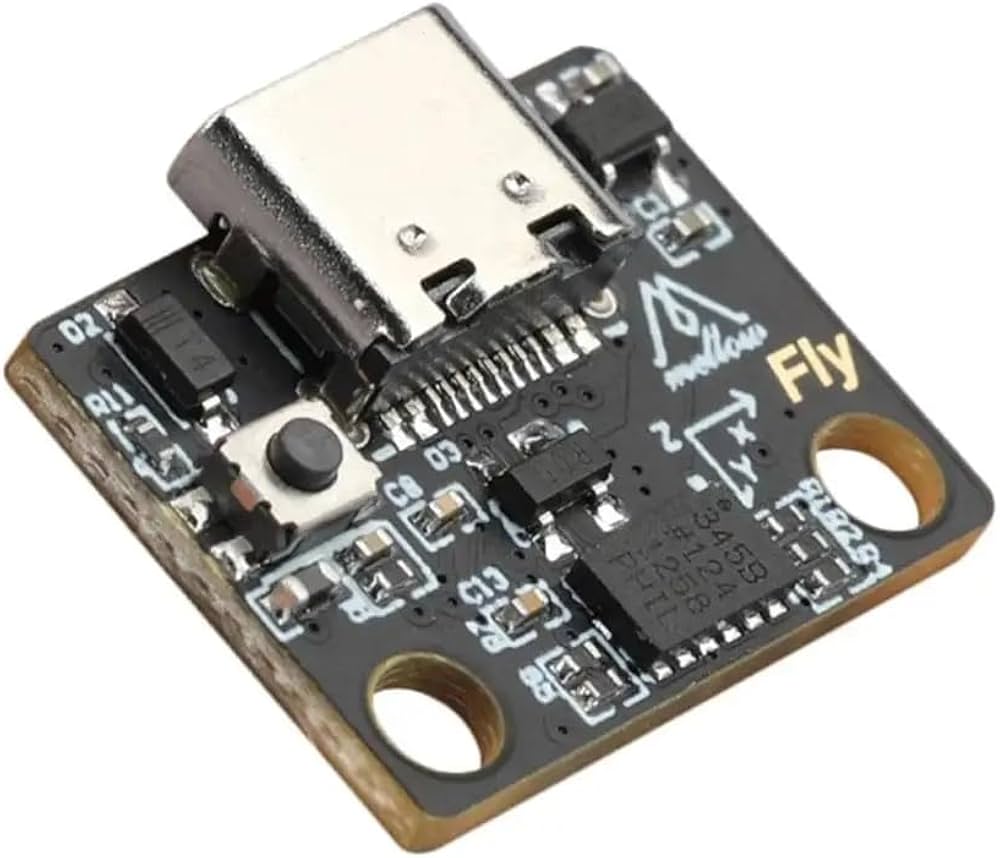
Firmware tuners chasing max speed; Voron/Ender upgrades.
BIGTREETECH ADXL345 Accelerometer Enables Klipper input shaping; detects resonances down to 5Hz accurately.
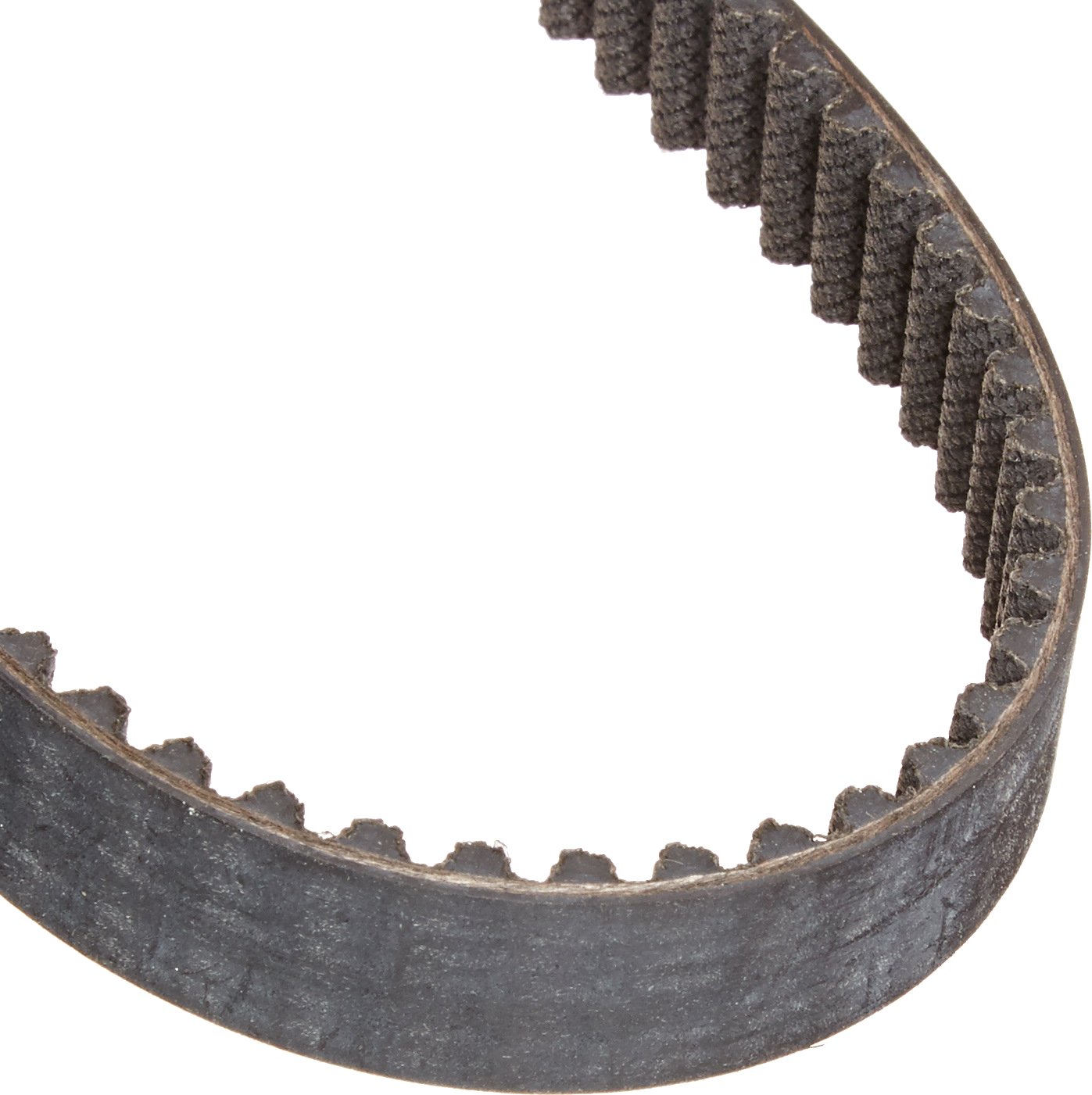
High-speed prints >100mm/s; belt wear victims.
Gates PowerGrip GT2 Timing Belt Low-stretch replacement; 3x lifespan vs. Chinese clones.
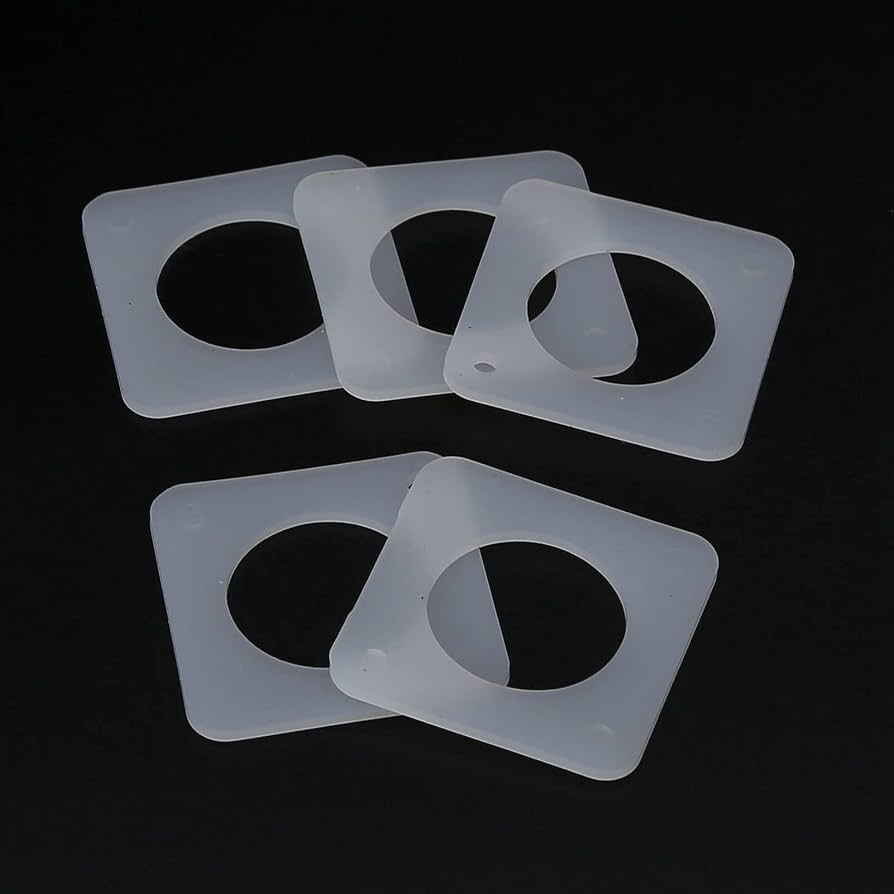
NEMA17 motors on budget printers.
Printed Solid Silicone Stepper Dampers Absorbs motor vibes at source; 30% ring reduction.