
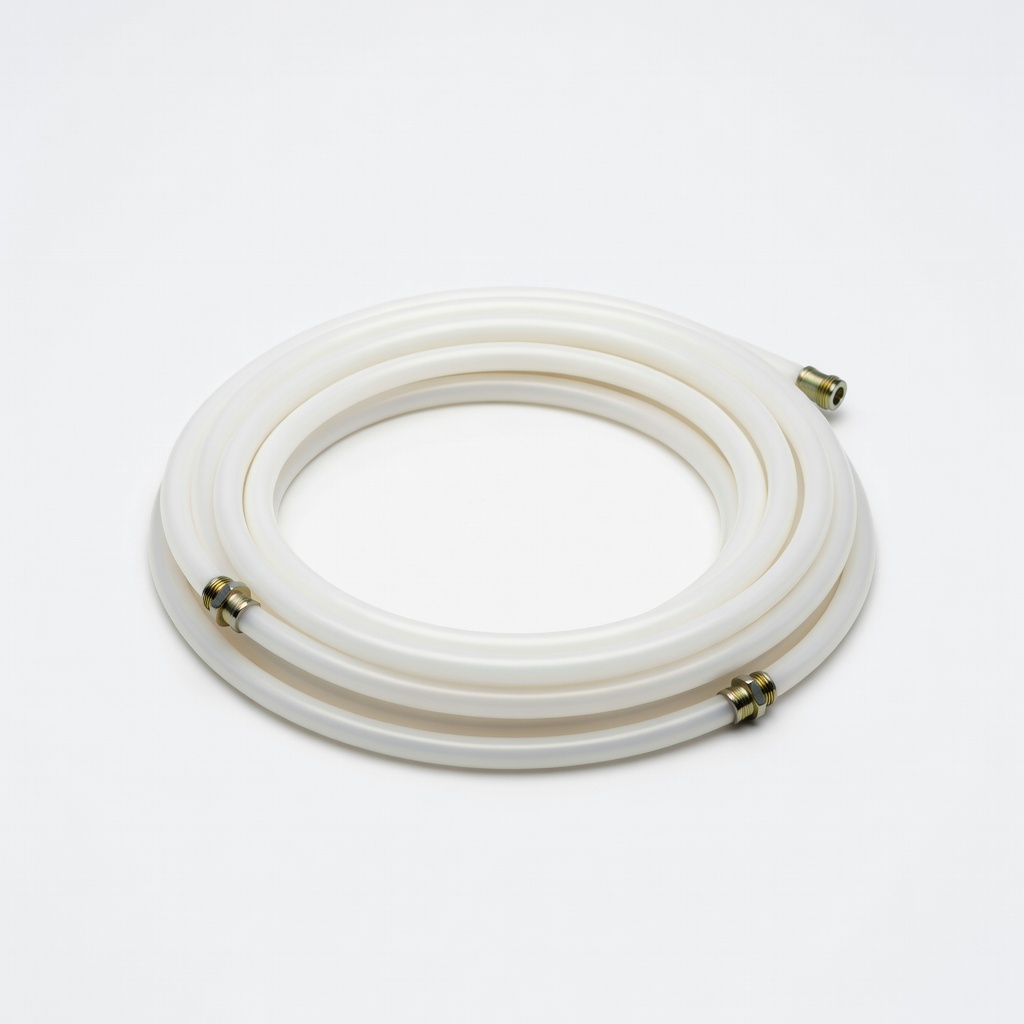
Capricorn XS PTFE Bowden Tube (1M)
Bowden setups where long tubes cause stringing.
$10-15
Capricorn XS PTFE Bowden Tube (1M) Superior heat resistance reduces ooze compared to stock PTFE.
Get the App
Better experience on mobile
Discover the top causes of stringy 3D prints and master easy fixes for clean, professional results as a beginner.
Stringing in 3D prints—those annoying thin, wispy strands between parts—can ruin even the simplest models, turning your cool prototype into a spiderweb mess. It's one of the most common frustrations for new 3D printer users, but the good news is it's almost always fixable with a few tweaks.
In this guide, you'll learn the main causes of stringing (like high temps and wet filament) and get step-by-step fixes you can apply right away. We'll cover everything from slicer settings to hardware checks, so you can diagnose and solve it in under an hour. No advanced knowledge needed—just your printer and some patience.
By the end, your prints will be string-free, saving filament and time while boosting print quality.
Estimated Time: 30-45 minutes (plus print test time) Difficulty: beginner
Stringing happens when molten filament oozes from the nozzle during non-print moves, leaving thin strings between features.
Why it matters: Recognizing it helps you spot the issue early. Imagine your nozzle as a leaky pen—fix the leak, no more trails.
Expect to see it on overhangs or spaced parts. Take a close look at your failed print.
💡 Tips:
Cause: Too hot filament stays molten and oozes.
Open your slicer (e.g., Cura), go to Temperature > Print. For PLA, start at 200°C; drop 5-10°C increments (190-195°C ideal).
Slice and print a test. Cooler temp reduces viscosity, minimizing strings. Why? Hotter filament flows easier but drips more.
Re-slice with new settings and test.
💡 Tips:
⚠️ Warnings:
Cause: Poor retraction lets filament ooze.
In slicer: Travel > Retraction Distance (0.8-1.2mm direct drive; 4-6mm Bowden), Speed (30-60mm/s).
Retraction pulls filament back, preventing drip. Enable Z-Hop (0.2mm) for nozzle lift during travel.
Test print: Strings should vanish as retraction sucks back ooze.
💡 Tips:
Cause: Wet filament pops moisture, causing inconsistent flow and strings.
Heat filament in oven at 50°C for 4 hours or use a dryer. PLA absorbs humidity fast.
Dry filament extrudes smoothly—no steam blobs or strings. Store in airtight bag with desiccant post-dry.
💡 Tips:
⚠️ Warnings:
Cause: Partial clogs cause erratic ooze.
Heat nozzle to 220°C, use cold pull (insert nylon filament, pull cold) or needle clean.
Clean nozzle ensures even flow. Inspect for wear—replace if >0.4mm ID.
💡 Tips:
Cause: Over-extrusion pushes extra goo.
Print single-wall cube, measure wall thickness (should match nozzle, e.g., 0.4mm). Adjust Flow % in slicer (95-105% typical).
Proper flow prevents excess material from stringing.
Cause: Drafts cool filament unevenly.
Enable Draft Shield in slicer or use enclosure for stable temps.
Stable environment reduces ooze—especially for ABS/PETG.
💡 Tips:
Slice a stringing test (e.g., retraction tower from Thingiverse). Compare to before.
Iterate tweaks if needed. Clean prints mean success!
Track settings for future use.
Problem: Strings persist after temp/retraction tweaks
Solution: Check for Bowden tube wear—replace with Capricorn PTFE. Dry filament longer.
Problem: Severe blobs with strings
Solution: Clean nozzle thoroughly; reduce coasting/wipe distance.
Problem: Only strings on top layers
Solution: Increase travel Z-lift; enable ironing.
Problem: Fix works but print quality drops
Solution: Fine-tune incrementally; print calibration suite.
Superior heat resistance reduces ooze compared to stock PTFE.
Best for: Bowden setups where long tubes cause stringing.
Price Range: $10-15
Efficiently dries filament, eliminating moisture-induced strings.
Best for: Humid environments or hygroscopic filaments like Nylon.
Price Range: $40-50
Maintains stable temps, preventing drafts that worsen stringing.
Best for: Open-frame printers like Ender 3 for ABS/PETG.
Price Range: $60-80
Consistent diameter and low moisture content minimizes stringing out-of-box.
Best for: Reliable starter filament for testing fixes.
Price Range: $20-25
Durable, abrasion-resistant for consistent flow without wear-clogs.
Best for: Frequent printing with filled filaments.
Price Range: $10-15
Bowden setups where long tubes cause stringing.
Capricorn XS PTFE Bowden Tube (1M) Superior heat resistance reduces ooze compared to stock PTFE.
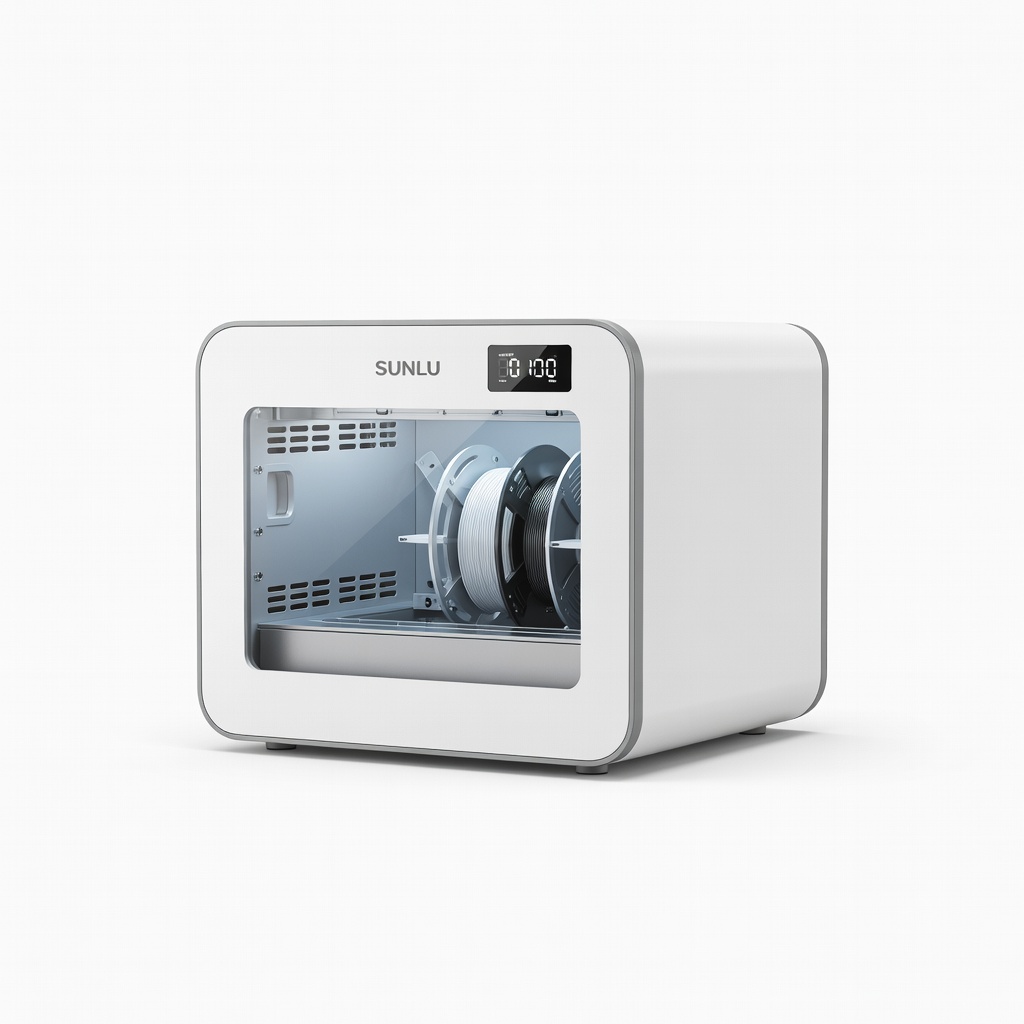
Humid environments or hygroscopic filaments like Nylon.
SUNLU FilaDryer S2 Filament Dryer Efficiently dries filament, eliminating moisture-induced strings.
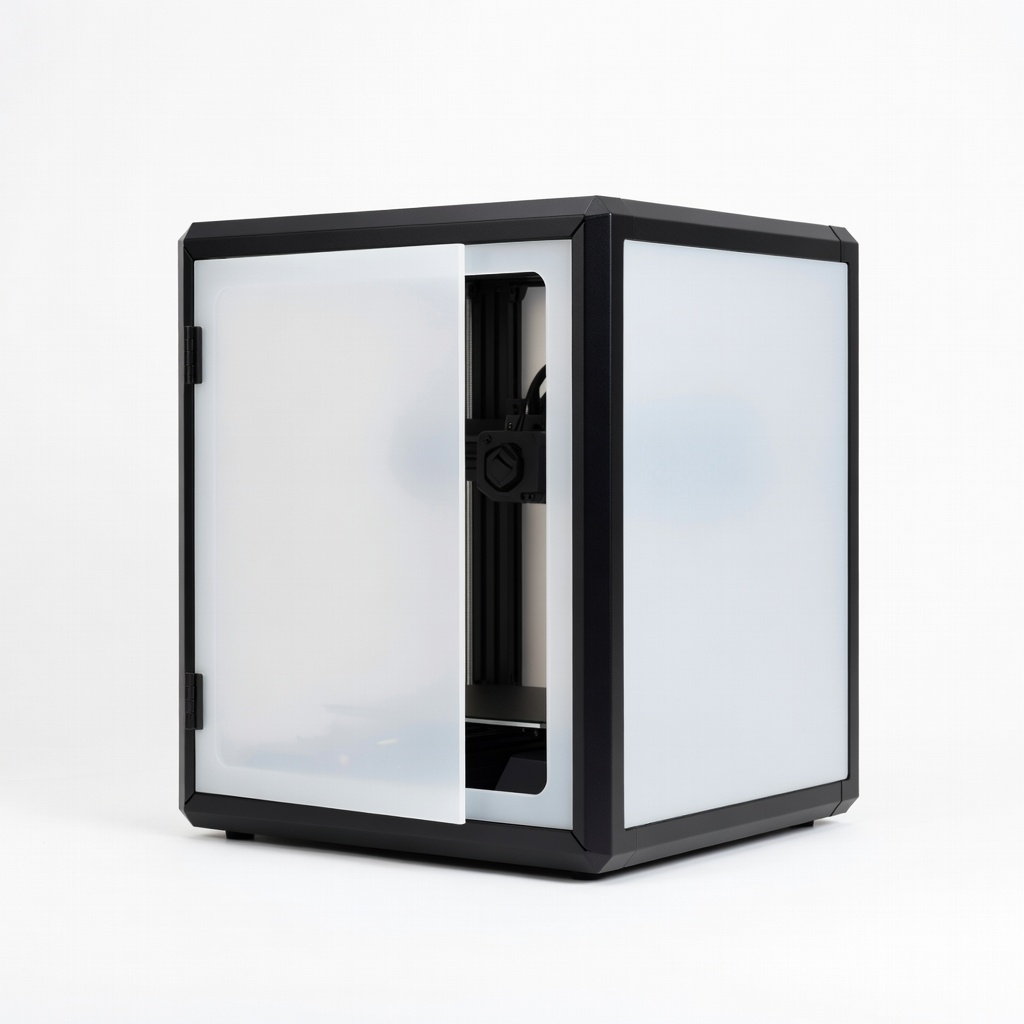
Open-frame printers like Ender 3 for ABS/PETG.
Creality 3D Printer Enclosure Maintains stable temps, preventing drafts that worsen stringing.
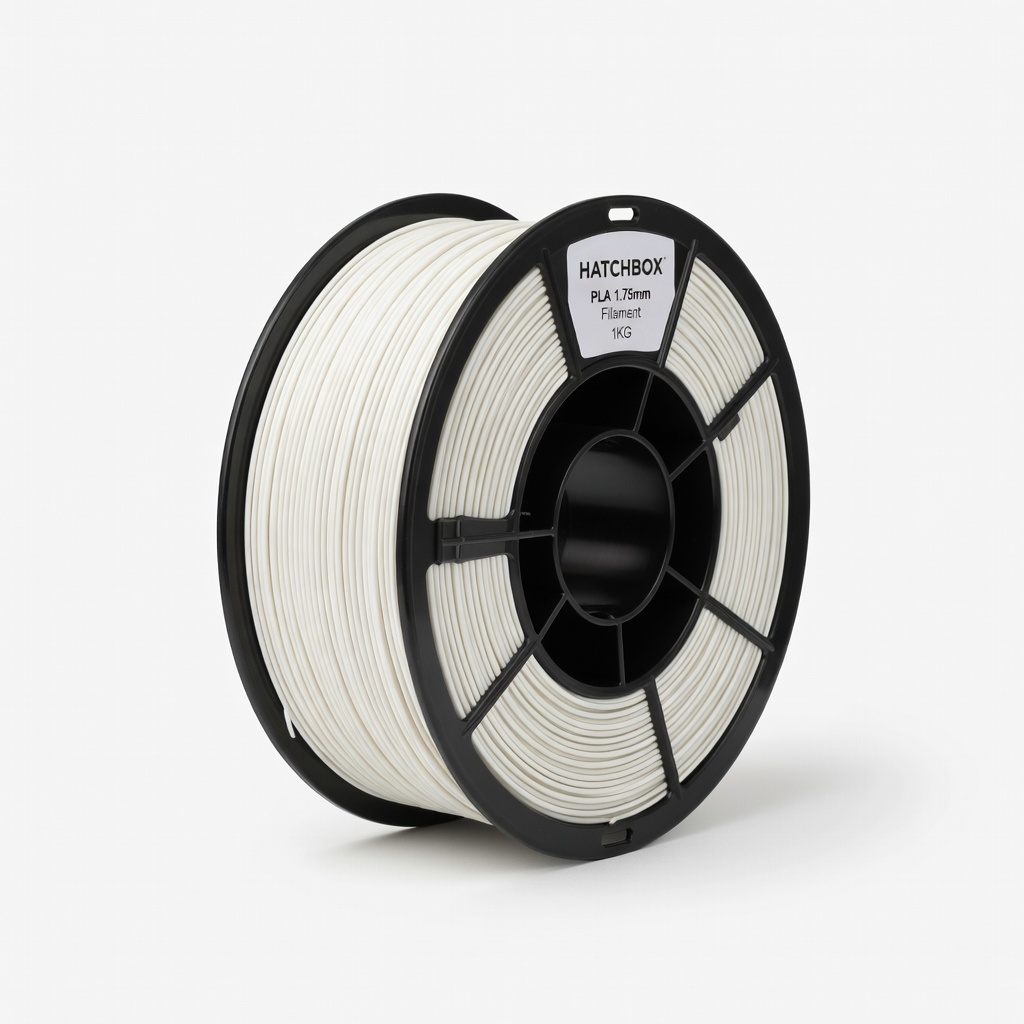
Reliable starter filament for testing fixes.
HATCHBOX PLA 1.75mm Filament 1KG Consistent diameter and low moisture content minimizes stringing out-of-box.
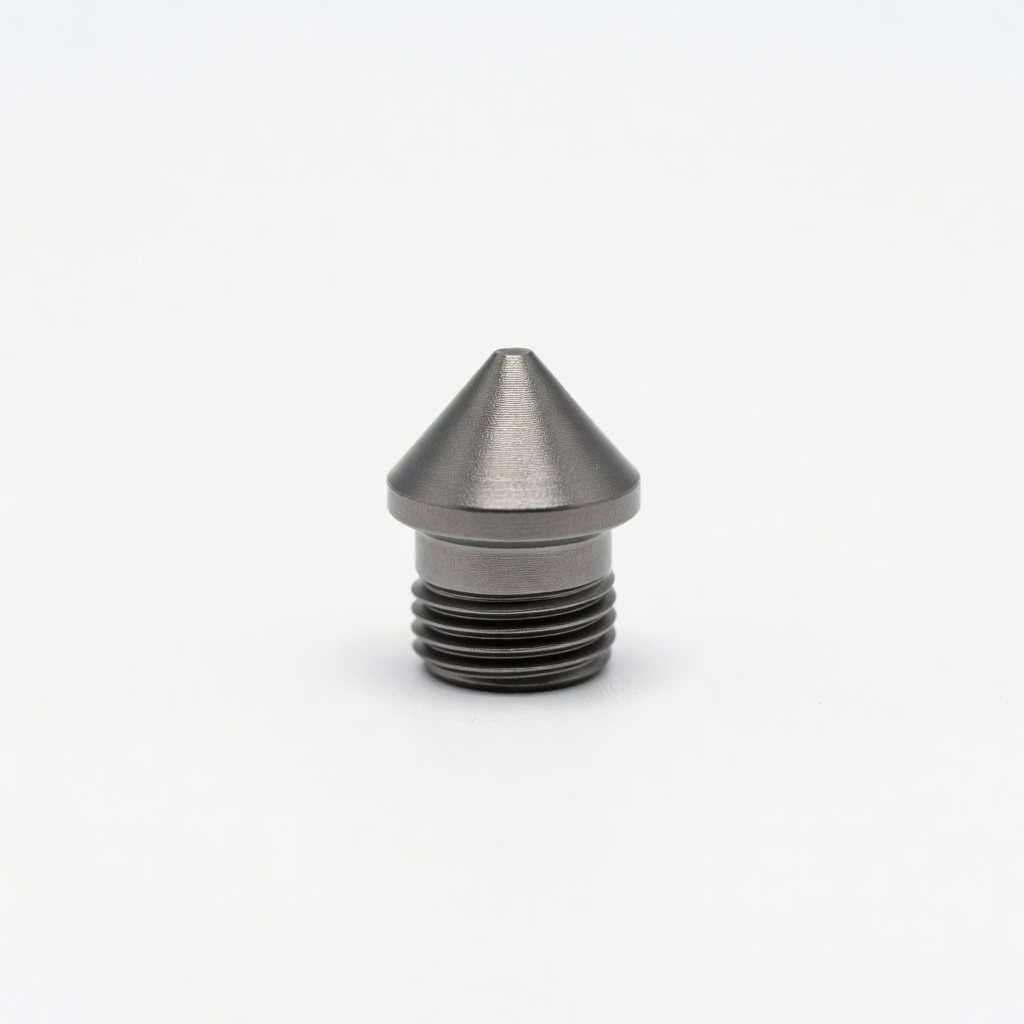
Frequent printing with filled filaments.
Trianglelab Hardened Steel Nozzle 0.4mm Durable, abrasion-resistant for consistent flow without wear-clogs.