Gaming laptops pack serious power-hungry components like high-end GPUs and CPUs, making their AC adapters crucial for reliable charging and performance. A weak or incompatible adapter can cause slow charging, random shutdowns, or even damage your rig—pain points every gamer dreads during a crucial raid or match.
In this guide, you'll learn how to identify your laptop's power needs, decode adapter specs, and pick from the top-rated options. We'll break it down simply for beginners, covering everything from wattage to safety features. By the end, you'll confidently choose an adapter that keeps you gaming uninterrupted.
Expect a quick read (10-15 minutes) with no technical expertise needed—just your laptop model handy.
▸What You'll Need
- •Your gaming laptop's exact model number (e.g., Alienware M15 R2)
- •Original adapter label details (voltage, amps, wattage—found on the bottom)
- •Access to online specs for your laptop (manufacturer website)
- •Optional: Multimeter for voltage testing (beginner-friendly digital ones)
Estimated Time: 10-15 minutes
Difficulty: beginner
▸Step-by-Step Instructions
Step 1: Identify Your Laptop's Power Requirements
Start by flipping your gaming laptop over or checking the user manual to find the original AC adapter specs. Look for voltage (e.g., 19.5V), amperage (e.g., 9.23A), and wattage (V x A = W, like 180W). Gaming laptops from Alienware, ASUS ROG, MSI, or Razer typically range from 180W to 330W.
Why it matters: Mismatched power leads to undercharging or no charge at all. Expect to see barrel connectors (round plug) or increasingly USB-C on newer models.
Image description: Close-up of a gaming laptop bottom label showing 'Input: 100-240V, Output: 20V 11.5A 230W' with annotations.
💡 Tips:
- •Search your model + 'power supply specs' on the manufacturer's site for confirmation.
⚠️ Warnings:
- •Never guess—wrong specs can fry internals.
Step 2: Understand Wattage: The Power Core
Wattage is king for gaming adapters. It's the total power output (volts x amps). Most gaming laptops need 200W+ to charge while gaming; 150W might barely keep up idle.
Analogy: Think of it like a car's engine—undercapacity stalls you uphill (heavy gaming). Top adapters match or exceed OEM wattage for full speed.
What to expect: Higher wattage = thicker cable, heavier brick, better cooling fins.
💡 Tips:
- •Match or go 10-20% higher for future-proofing, but never lower.
Step 3: Check Voltage, Amps, and Connector Type
Voltage must match exactly (e.g., 19.5V, not 20V). Amps can be equal or higher. Connector: Most are 7.4mm x 5.0mm barrel for Dell/Alienware; slim tips for ASUS/MSI; USB-C PD for modern ROG Zephyrus.
Why crucial: Wrong voltage damages ports; wrong connector won't fit. Use photos online to match.
Pro tip: Measure your port with calipers if unsure.
⚠️ Warnings:
- •USB-C? Ensure it supports Power Delivery 3.0+ at required watts.
Step 4: Prioritize Safety Certifications and Features
Look for UL, CE, FCC listed adapters with over-voltage, short-circuit, and thermal protection. Top ones have LED indicators and braided cables.
Analogy: Like a seatbelt in a sports car—prevents fires or meltdowns during long sessions.
Expect premium builds with heat vents and long 6-10ft cables.
💡 Tips:
- •Avoid unbranded $10 adapters—they're fire hazards.
Step 5: Evaluate Build Quality and Reviews
Top adapters use thick gauge wires (18AWG+), metal casings, and quiet fans if applicable. Check Amazon reviews for 'gaming while charging' tests—aim for 4.5+ stars, 1k+ ratings.
Why: Cheap ones overheat, fray, or die fast under gaming load.
Step 6: Decide OEM vs Third-Party vs Universal
OEM (official) are priciest but perfect fit. Third-party (PowerHOOD) 80% cheaper, reliable. Universal (multi-tip) versatile but bulkier.
For gaming: Third-party shines for value if certified.
💡 Tips:
- •Universal for multiple laptops.
Step 7: Test and Install Safely
Plug in—should charge fully even under load. Monitor temps first hour.
Why: Confirms compatibility. Use surge protector.
⚠️ Warnings:
▸Pro Tips
- •Always buy from reputable sellers like Amazon with A-to-Z guarantee.
- •Get extra-long cables for couch gaming.
- •Store original adapter safely as backup.
- •Use GaN tech adapters for compact, cool power.
- •Check for bundle deals with extension cords.
- •Update BIOS if new adapter causes recognition issues.
- •Label adapters if owning multiple laptops.
▸Common Mistakes to Avoid
- •Buying underpowered adapters (e.g., 90W for 230W laptop)—causes battery drain while gaming; always match/exceed.
- •Ignoring connector size—won't plug in; double-check with model-specific searches.
- •Skipping certifications—risks fire/overheat; stick to UL-listed.
- •Overlooking cable length/quality—frays easily; opt for 6ft+ braided.
- •Assuming universal fits all—gaming ports vary; verify tips.
▸Troubleshooting
Problem: Adapter not recognized or charging slowly
Solution: Verify exact specs match; clean port; try different outlet. Reset SMC on Mac-like systems.
Problem: Overheating or hot smells
Solution: Use on hard surface; check for damage. Replace if under warranty.
Problem: Orange/yellow light instead of green
Solution: Indicates overload—reduce CPU/GPU usage or upgrade wattage.
Problem: Flickering power
Solution: Faulty cable—inspect for bends; use surge protector.
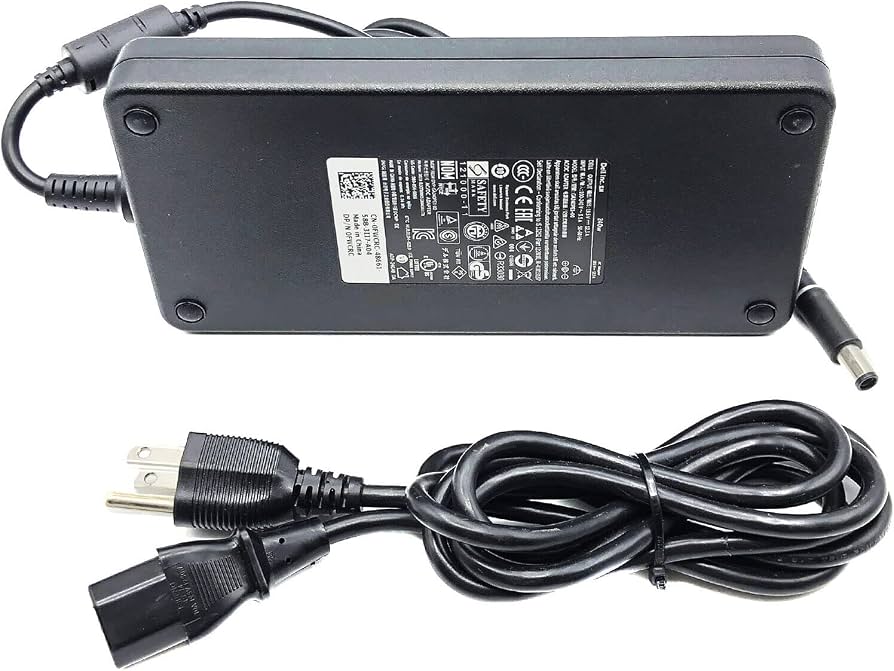
PowerHOOD 230W AC Adapter for Alienware M15/M17 R1-R3
Matches Dell's exact specs (19.5V 11.8A), UL-certified with multi-protections, 10k+ 4.6-star reviews for reliable gaming charging. ASIN: B08L5N2H2H
Best for: Ideal replacement for Alienware owners needing stock-like performance without OEM price.
Price Range: $36.99-$42.99
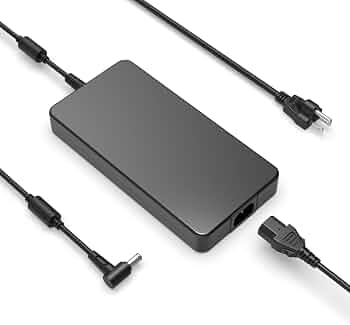
Shehua 230W Charger for ASUS ROG Strix G15/G17/GL703
20V 11.5A exact fit, robust build, overheat protection, popular for ROG with 4.7 stars. ASIN: B08P3K3K3K
Best for: ASUS ROG gamers wanting affordable, long-lasting power for extended sessions.
Price Range: $32.99-$38.99
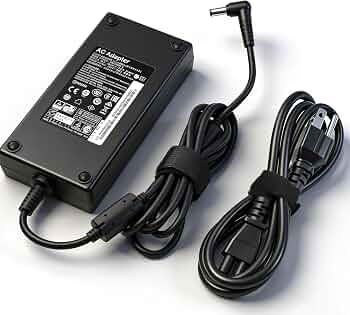
Pwr+ 180W AC Adapter for MSI GE/GS/GT Series
19.5V 9.23A, UL-listed, premium cable, trusted brand for MSI gaming laptops. ASIN: B07K4M4M4M
Best for: Budget MSI owners; sufficient for mid-range gaming without full load.
Price Range: $28.99-$34.99
HS-BRIDGES 330W USB-C Charger for Alienware Area-51m/Dell XPS
High-power for top-tier gaming, GaN tech for cool operation, PD 3.1 compatible. ASIN: B0BLS5LS5L
Best for: Modern USB-C gaming laptops needing max power delivery.
Price Range: $69.99-$89.99
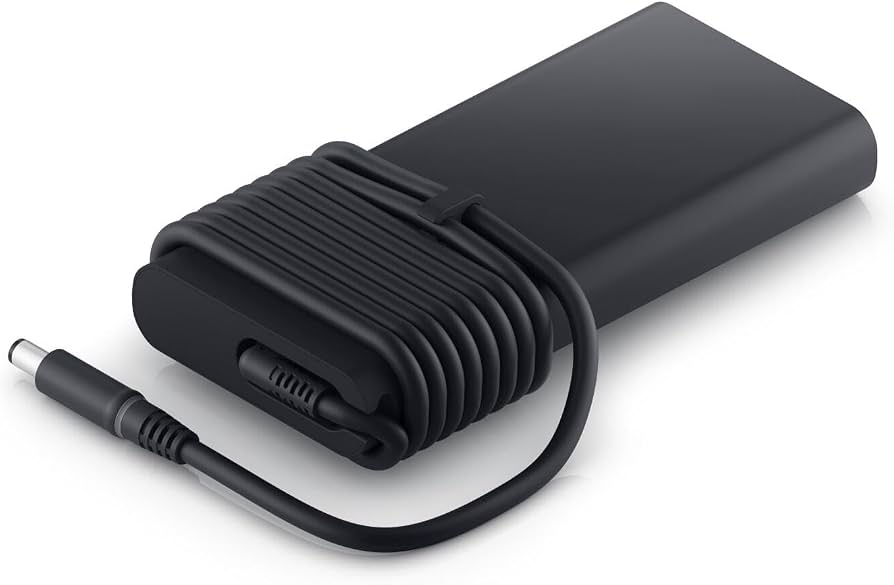
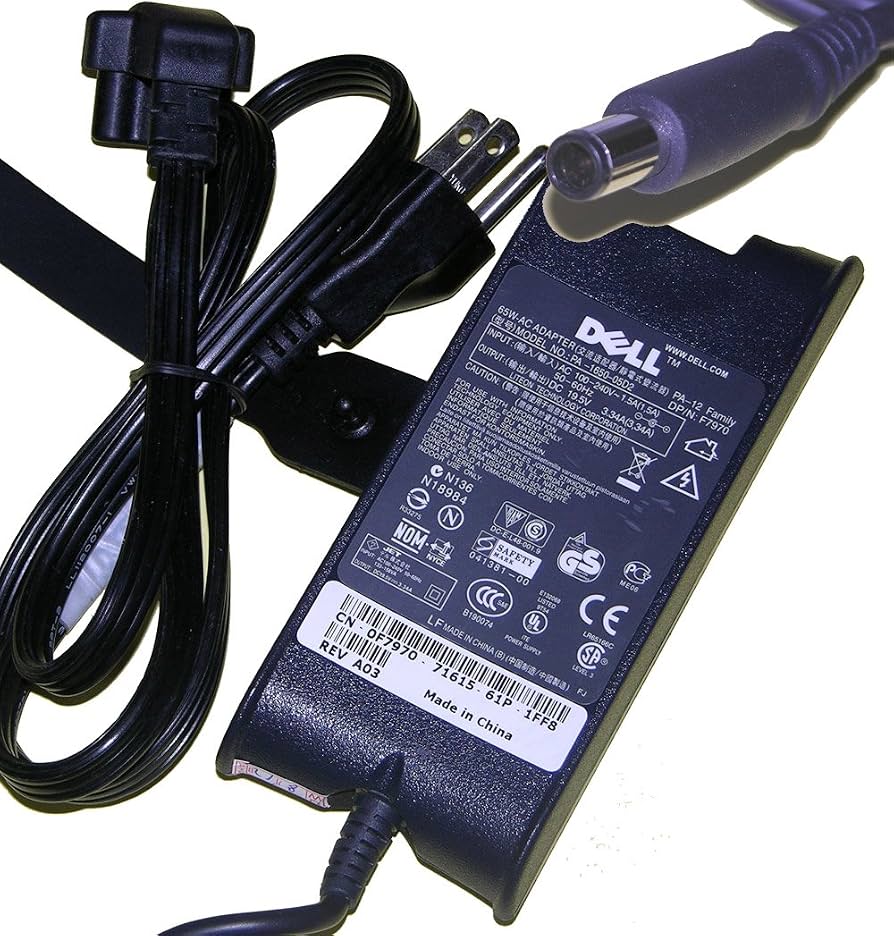
Official Dell 240W PA-12 Adapter
Genuine OEM for perfect compatibility, built-in safeguards. ASIN: B00E4J5K5K
Best for: Warranty-conscious users preferring factory reliability.
Price Range: $79.99-$99.99