
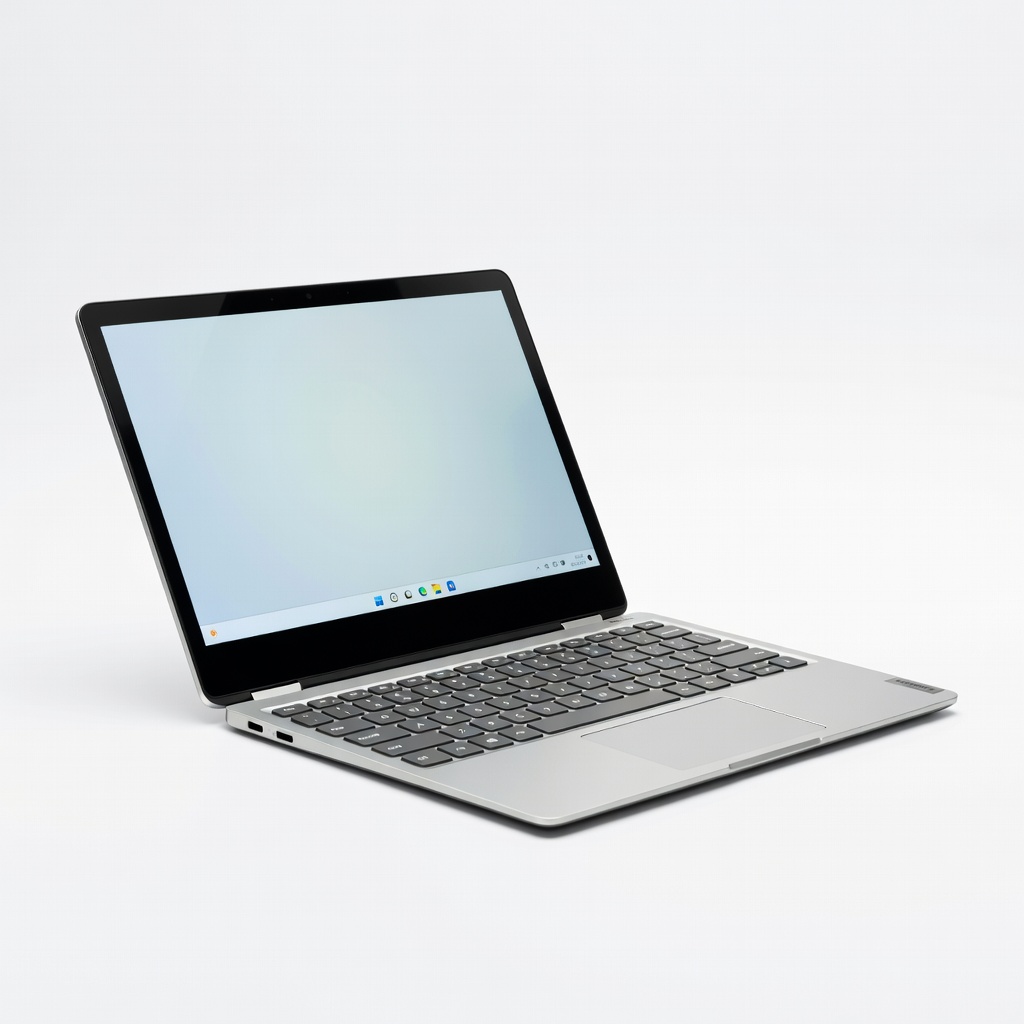
Lenovo IdeaPad Duet 5i Chromebook
Budget-conscious students needing portability for classes.
$400-$500
Lenovo IdeaPad Duet 5i Chromebook Affordable, lightweight (2.2 lbs) with stylus support, ideal for note-taking and long battery (12+ hours).
Get the App
Better experience on mobile
Unlock the top advantages of 2-in-1 laptops that save space, boost productivity, and adapt to student life for ultimate flexibility.
As a student, you're constantly on the move—lugging textbooks, notebooks, and a bulky laptop between classes, dorms, and study sessions. Backpacks overflow, and switching devices for typing essays or sketching diagrams feels like a hassle. Enter 2-in-1 laptops: hybrid devices that flip, fold, or detach into tablets, solving these pain points with one sleek gadget.
In this guide, you'll learn the key pros of 2-in-1 laptops tailored for students, from portability to interactive learning tools. We'll break down each benefit with real-world examples and analogies, so even beginners can see why they're a game-changer. No tech expertise needed—just 10 minutes to read and get smarter about your next buy.
Expect clear explanations, student-focused scenarios, and tips to maximize value, helping you decide if a 2-in-1 fits your academic hustle.
Estimated Time: 10-15 minutes Difficulty: beginner
2-in-1 laptops shine with their ability to switch modes—laptop for typing papers, tablet for reading PDFs, tent for watching lectures, or stand for presentations. Imagine a Swiss Army knife for your studies: no need for separate laptop, tablet, and notebook.
This matters for students because class schedules vary—one minute you're coding in laptop mode, the next doodling anatomy notes with a stylus in tablet mode. Expect seamless transitions via hinges or detachable keyboards, making multitasking effortless.
Real-world example: During group projects, flip to tablet mode for shared annotations on slides.
💡 Tips:
Weighing 2-4 lbs (vs. 5+ lbs for traditional laptops), 2-in-1s are backpack-friendly. Analogy: Like trading a desktop PC for a smartphone—compact power without the bulk.
Students benefit from carrying one device instead of laptop + iPad, freeing space for books or snacks. Battery life often hits 8-12 hours, lasting a full campus day.
What to expect: Slim designs (under 0.7 inches thick) slip into any bag, reducing shoulder strain.
⚠️ Warnings:
Touch-enabled screens support stylus pens for handwriting notes, marking up textbooks, or drawing diagrams—perfect for art, engineering, or med students. It's like having digital paper that's searchable and shareable.
Why it matters: Improves retention (studies show handwriting boosts memory) and collaboration (email annotated PDFs). Many include pressure-sensitive pens.
Example: In biology class, sketch cell structures directly on slides instead of printing.
💡 Tips:
Dorm rooms are tiny—one 2-in-1 replaces laptop, tablet, and sketchpad, decluttering your space. Fold it flat as a tablet for bedtime reading or prop it for video calls.
This pro saves money too—no extra accessories needed. Expect sturdy builds that handle daily flips without wobbling.
Analogy: A transformer toy that shrinks when not in use.
Run apps side-by-side in tablet mode or use touch gestures for quick navigation. Great for split-screen note-taking during Zoom classes.
Students gain efficiency: Type essays fast in laptop mode, then review in tablet. Many have vibrant displays (IPS or OLED) for media-heavy courses.
What to expect: Smooth performance with Intel/AMD processors and 8GB+ RAM.
💡 Tips:
Built with reinforced hinges and MIL-STD-810H testing, they withstand drops and flips better than standard laptops. Spill-resistant keyboards add protection.
For students, this means surviving backpack tosses or coffee spills. Many offer 3-year warranties.
Example: Survives semester after semester of heavy use.
⚠️ Warnings:
Problem: Hinge sticks or creaks after flips
Solution: Apply silicone lubricant sparingly; if persists, contact manufacturer warranty.
Problem: Touchscreen unresponsive
Solution: Restart, update drivers via Device Manager, or calibrate in Settings > Devices.
Problem: Short battery life
Solution: Close background apps, lower brightness, enable battery saver mode.
Affordable, lightweight (2.2 lbs) with stylus support, ideal for note-taking and long battery (12+ hours).
Best for: Budget-conscious students needing portability for classes.
Price Range: $400-$500
Versatile 360-degree hinge, touchscreen with pen, solid performance for essays and videos.
Best for: Everyday student use with multitasking in dorms.
Price Range: $450-$600
Durable build, vibrant display, stylus-ready for interactive learning.
Best for: Creative students in art/design needing drawing capabilities.
Price Range: $500-$700
Premium feel, long battery, powerful for heavier tasks like coding.
Best for: Advanced students handling projects and light editing.
Price Range: $800-$1000
Budget-conscious students needing portability for classes.
Lenovo IdeaPad Duet 5i Chromebook Affordable, lightweight (2.2 lbs) with stylus support, ideal for note-taking and long battery (12+ hours).
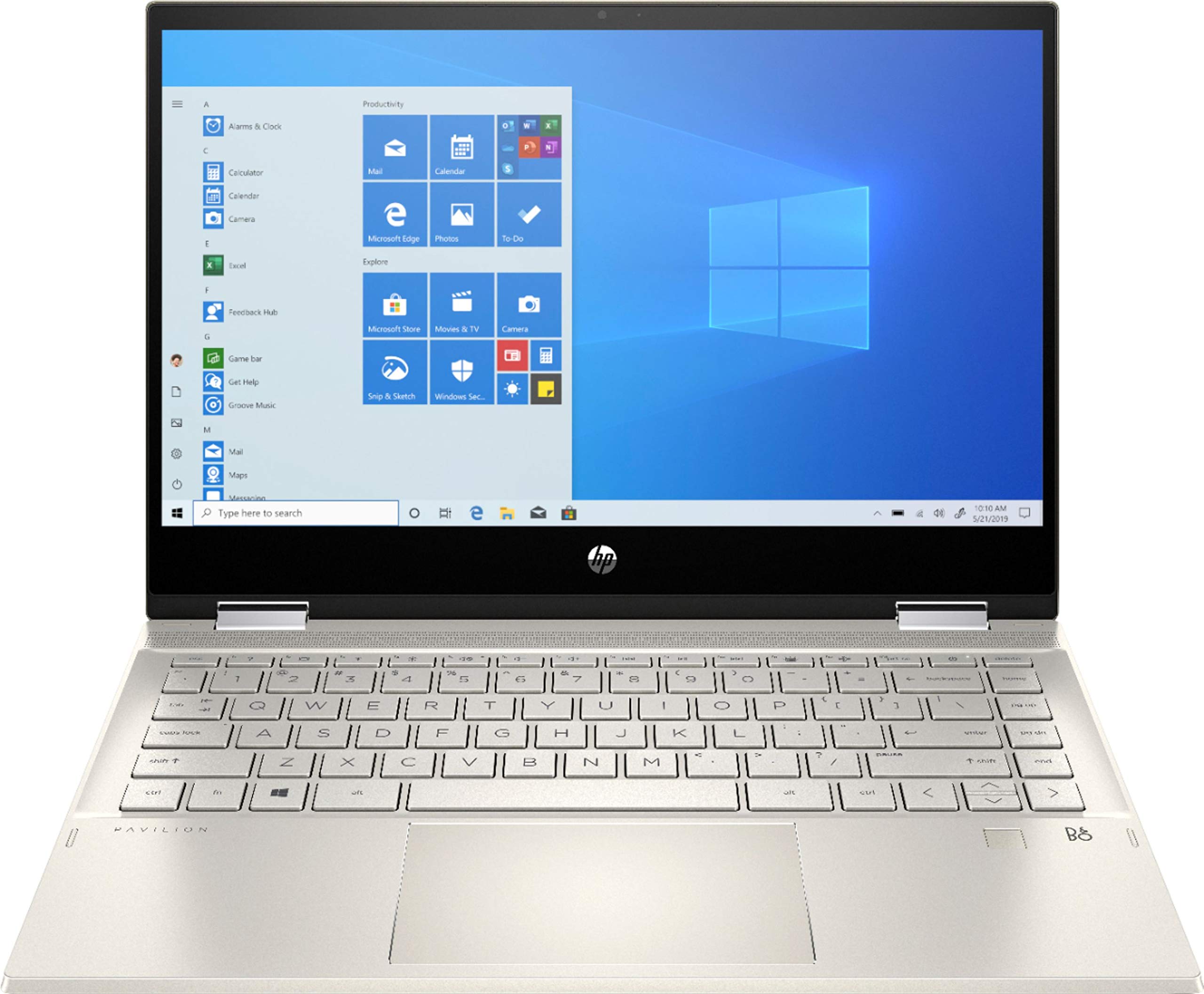
Everyday student use with multitasking in dorms.
HP Pavilion x360 14" 2-in-1 Versatile 360-degree hinge, touchscreen with pen, solid performance for essays and videos.
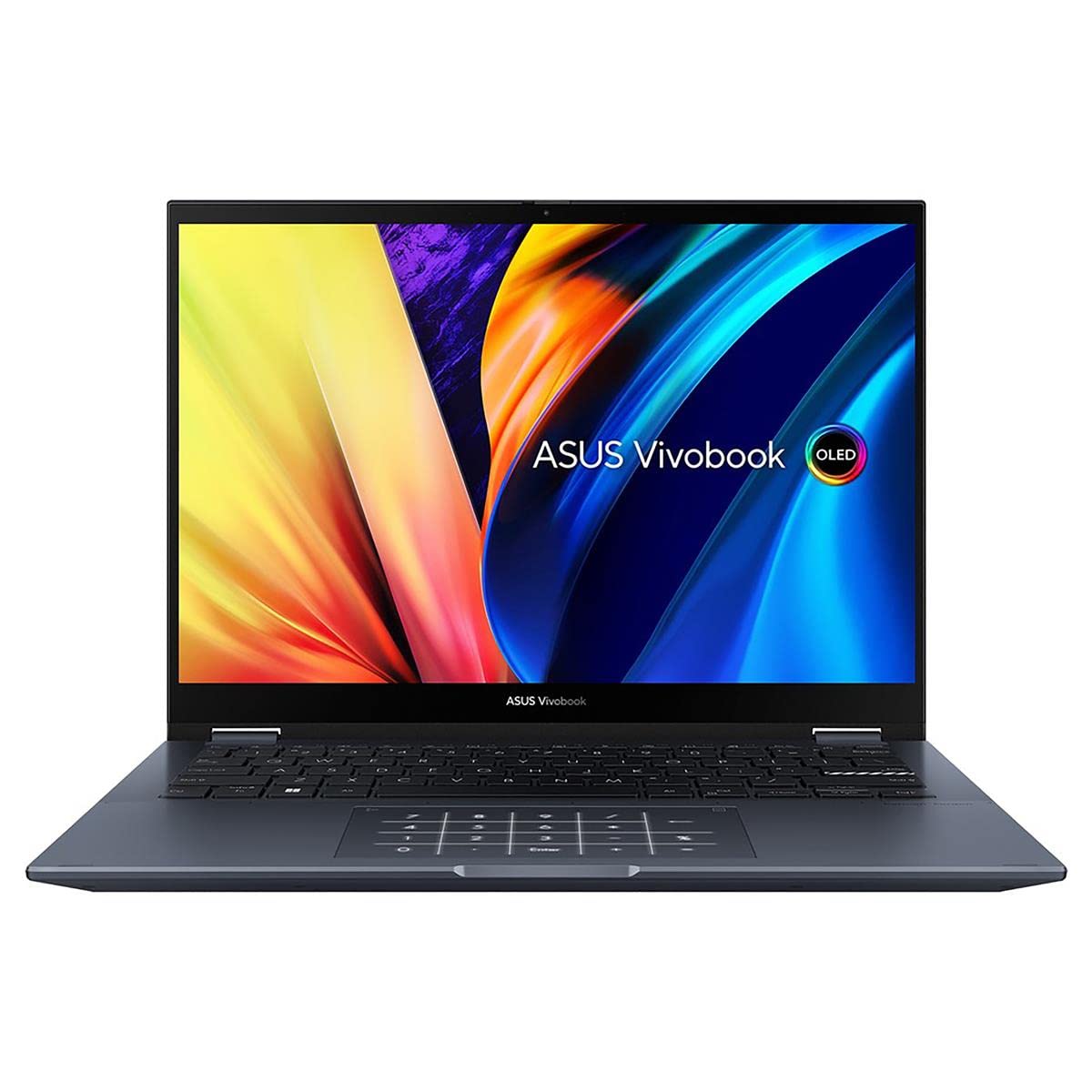
Creative students in art/design needing drawing capabilities.
ASUS VivoBook Flip 14 Durable build, vibrant display, stylus-ready for interactive learning.
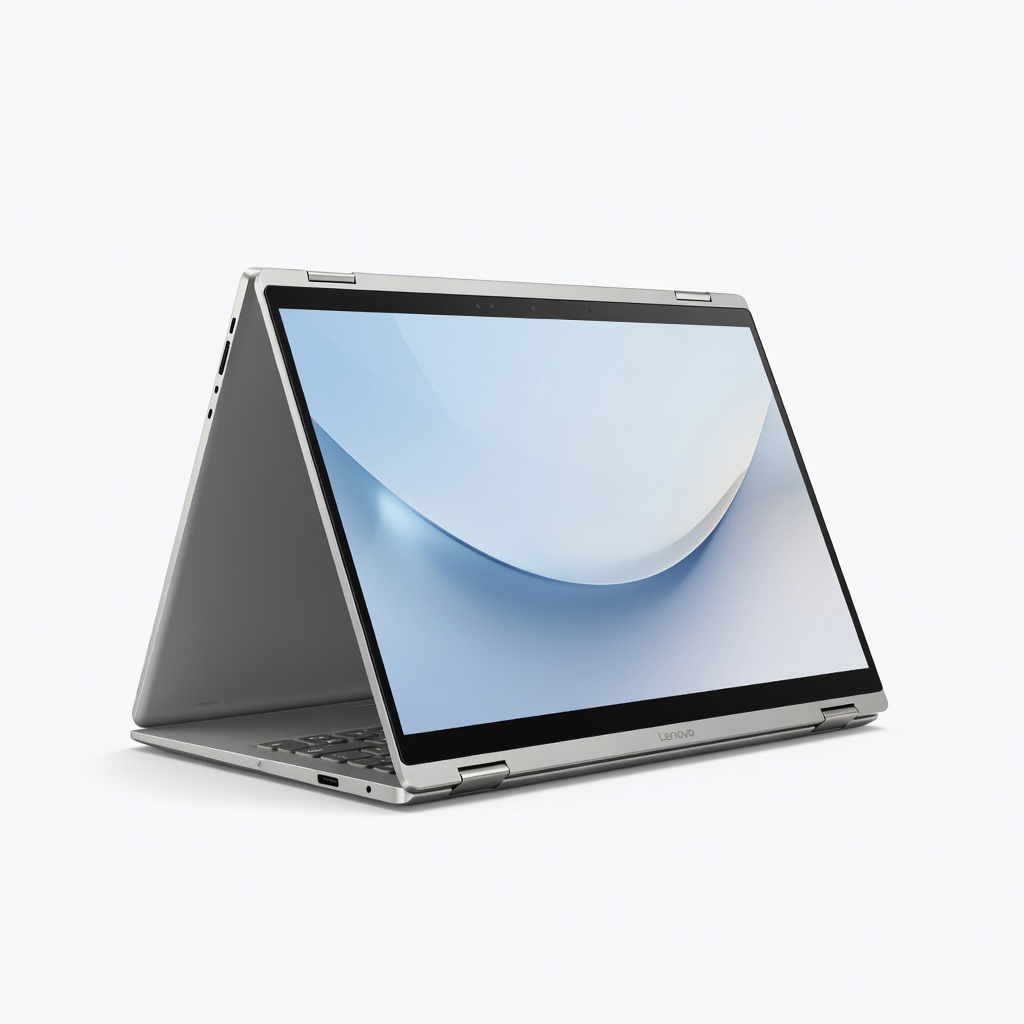
Advanced students handling projects and light editing.
Lenovo Yoga 7i 14" 2-in-1 Premium feel, long battery, powerful for heavier tasks like coding.