In today's digital world, learning to code opens doors to exciting careers, creative projects, and problem-solving skills that apply everywhere from app development to data analysis. If you've ever felt intimidated by programming, you're not alone—many beginners worry about complex syntax or starting from scratch. But Python changes that with its simple, readable language that's perfect for newcomers.
In this guide, you'll learn the core basics of Python, including what it is, how to set it up, and key concepts like variables, loops, and functions. By the end, you'll be able to write and run basic programs, giving you the confidence to tackle more advanced topics. Expect a straightforward journey—no prior experience needed, just curiosity and about 1-2 hours of focused time.
We'll break it down step by step, using real-world analogies and simple examples to make concepts stick. Whether you're a student, hobbyist, or career changer, mastering these basics will set you on a path to coding proficiency.
▸What You'll Need
- •A computer (Windows, macOS, or Linux) with internet access—required for installation and practice
- •Python software (free download from python.org)—required to run code
- •A code editor or IDE like VS Code (free)—optional but highly recommended for easier coding
- •Basic computer skills (e.g., navigating files)—prerequisite knowledge; no advanced math or programming experience needed
Estimated Time: 1-2 hours to read and practice the basics
Difficulty: beginner
▸Step-by-Step Instructions
Step 1: Understand What Python Is
Python is a high-level programming language created by Guido van Rossum in 1991, designed for readability and simplicity—think of it like English sentences rather than cryptic symbols. It's versatile, used for web development, automation, AI, and more, powering giants like Google and Netflix.
Why it matters: As a beginner, starting with Python reduces the learning curve compared to languages like C++. You'll learn to instruct computers to perform tasks, like calculating tips or analyzing data.
Expect to grasp its popularity (it's the most beginner-friendly language per Stack Overflow surveys) and why it's free and open-source.
💡 Tips:
- •Compare Python to everyday tools: It's like a Swiss Army knife for digital tasks.
Step 2: Install Python on Your Computer
Head to python.org/downloads and grab the latest version (3.12+ as of 2024). For Windows/macOS, run the installer and check 'Add Python to PATH' during setup. On Linux, use your package manager (e.g., sudo apt install python3).
This step is crucial because without Python installed, you can't execute code locally. It takes 5-10 minutes, and you'll verify by opening a terminal/command prompt and typing python --version—it should show the installed version.
If issues arise, official docs have troubleshooting, but it's straightforward for most users.
💡 Tips:
- •Use the official installer to avoid compatibility issues with third-party sources.
⚠️ Warnings:
- •Don't skip adding to PATH, or you'll get 'command not found' errors later.
Step 3: Set Up a Code Editor
Download Visual Studio Code (VS Code) from code.visualstudio.com—it's free, lightweight, and beginner-friendly with Python extensions. Install the Python extension by Microsoft for syntax highlighting and debugging.
Why use an editor? Typing code in a basic text file works, but VS Code makes it easier with auto-complete and error checking, like having a smart assistant.
Open VS Code, create a new file with .py extension (e.g., hello.py), and you're ready to code. Expect a clean interface that feels intuitive after a quick tutorial.
💡 Tips:
- •Enable the integrated terminal in VS Code for running code without switching apps.
Step 4: Learn Variables and Data Types
Variables store data—like boxes labeled with names. In Python, assign with name = 'Alice' (string) or age = 25 (integer). Common types: strings (text), integers (whole numbers), floats (decimals), booleans (True/False).
This is foundational because programs manipulate data; think of variables as ingredients in a recipe. Run print(age) to output values—Python is dynamically typed, so no need to declare types upfront.
Practice: Create a script assigning your name and age, then print a greeting. You'll see immediate results in the terminal.
💡 Tips:
- •Use descriptive names like user_age instead of x for readability.
⚠️ Warnings:
- •Avoid starting variable names with numbers or using Python keywords like 'print'.
Step 5: Work with Basic Operations and Input
Python handles math easily: result = 10 + 5 * 2 follows order of operations. For user input, use name = input('Enter your name: ') to make programs interactive.
Why it matters: Real apps respond to users, like a calculator. Combine with variables: length = float(input('Length: ')) for calculations.
Expect simple scripts that take input and compute outputs, building toward more complex logic.
💡 Tips:
- •Convert inputs with int() or float() to avoid type errors in math.
Step 6: Explore Control Structures: If-Else and Loops
Use if condition: for decisions—e.g., if age >= 18: print('Adult'). Loops like for i in range(5): print(i) repeat actions, ideal for lists or patterns.
These control flow: Without them, code runs linearly. Analogy: If-else is like a choose-your-own-adventure book; loops are like repeating a chorus in a song.
Practice a loop that prints numbers 1-10. You'll handle repetition efficiently.
💡 Tips:
- •Indent code properly—Python uses spaces (4 per level) to define blocks.
⚠️ Warnings:
- •Infinite loops (e.g., while True without break) can freeze your program; always include exit conditions.
Step 7: Introduce Functions
Functions are reusable code blocks: def greet(name): print(f'Hello, {name}!'). Call with greet('Bob').
They organize code, avoiding repetition—like predefined recipes. Why essential: Modular code is easier to debug and scale.
Write a function to add two numbers and call it. Expect cleaner, professional-looking scripts.
💡 Tips:
- •Use 'def' followed by function name and parameters; return values with 'return' for computations.
Step 8: Run and Debug Your First Program
Save your .py file, run with python hello.py in terminal. Use print() for debugging to check values.
This ties everything together: Write, test, fix errors (syntax like missing colons). Expect trial-and-error, but it's how pros learn.
Common first program: Hello World, evolving to a simple quiz using inputs and if-else.
💡 Tips:
- •Read error messages—they point to the line and issue, like a map to fixes.
⚠️ Warnings:
- •Save files in UTF-8 encoding to avoid character issues.
▸Pro Tips
- •Practice daily with small challenges on sites like Codecademy to reinforce basics.
- •Comment your code with # for notes—it helps you (and others) understand later.
- •Use online REPLs like Replit for quick tests without full setup.
- •Break problems into tiny steps; Python's simplicity shines here.
- •Join communities like Reddit's r/learnpython for free help.
- •Experiment with f-strings for formatted output—they're cleaner than old % methods.
- •Version control with Git early; it's a pro habit for tracking changes.
- •Focus on understanding over memorizing—Python's docs are excellent for reference.
▸Common Mistakes to Avoid
- •Forgetting colons after if/loops/functions—causes IndentationError; always double-check syntax.
- •Mixing data types without conversion (e.g., adding string to int)—leads to TypeError; use str() or int() as needed.
- •Not indenting properly—Python relies on whitespace; use consistent 4 spaces.
- •Overcomplicating first programs—start simple to build confidence, avoid jumping to advanced libraries.
- •Ignoring errors—read them fully instead of restarting; they guide fixes.
▸Troubleshooting
Problem: Python not recognized in terminal after install
Solution: Reinstall and ensure 'Add to PATH' is checked, or manually add to environment variables. Restart terminal.
Problem: Indentation errors in code
Solution: Use spaces, not tabs, or configure your editor to convert tabs to spaces. Check for mixed whitespace.
Problem: Module not found when importing (e.g., if using extras)
Solution: For basics, stick to built-ins. For libraries, use pip install in terminal.
Problem: Code runs but outputs nothing
Solution: Add print statements to trace execution, or check if conditions/loops are met.
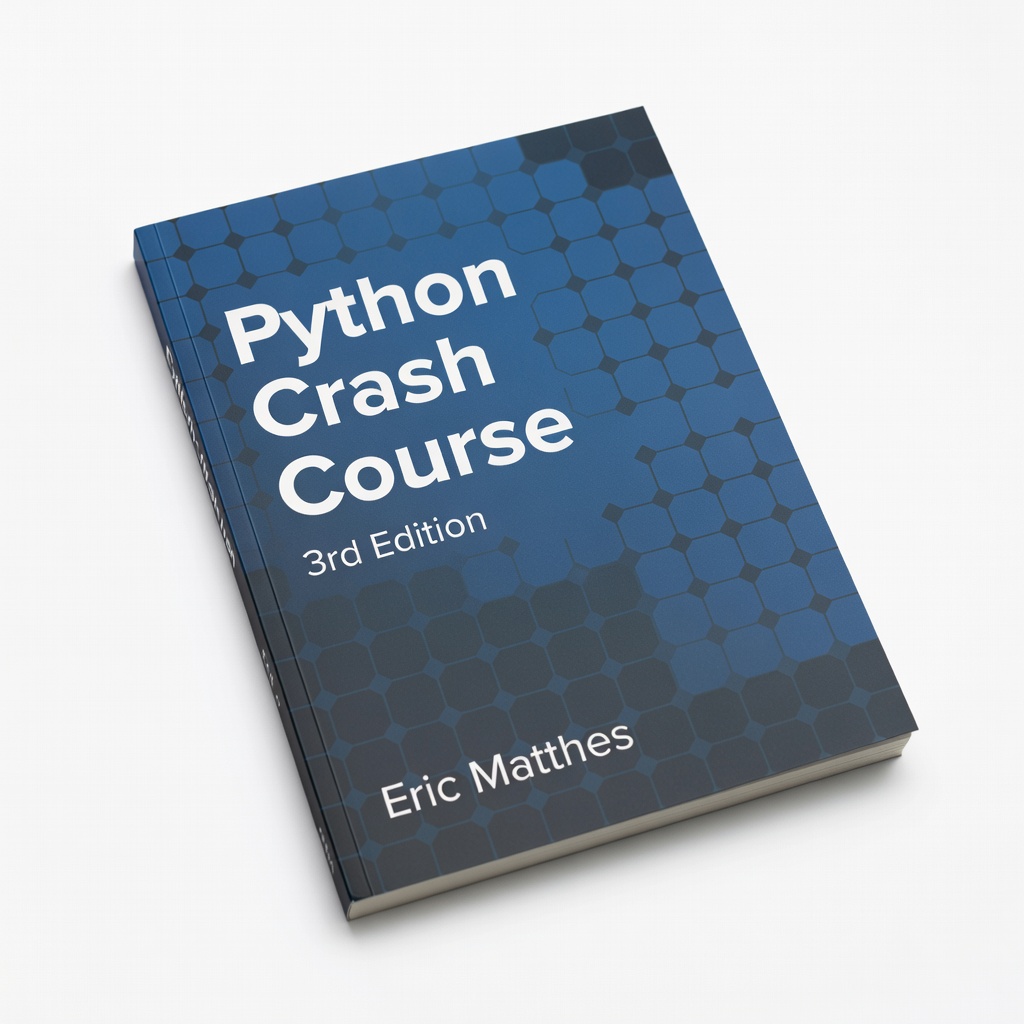
Python Crash Course, 3rd Edition by Eric Matthes
This hands-on book teaches basics through projects like games and data viz, perfect for visual learners building real skills.
Best for: Use as a structured workbook alongside this guide for exercises on variables, loops, and functions.
Price Range: $25-$30
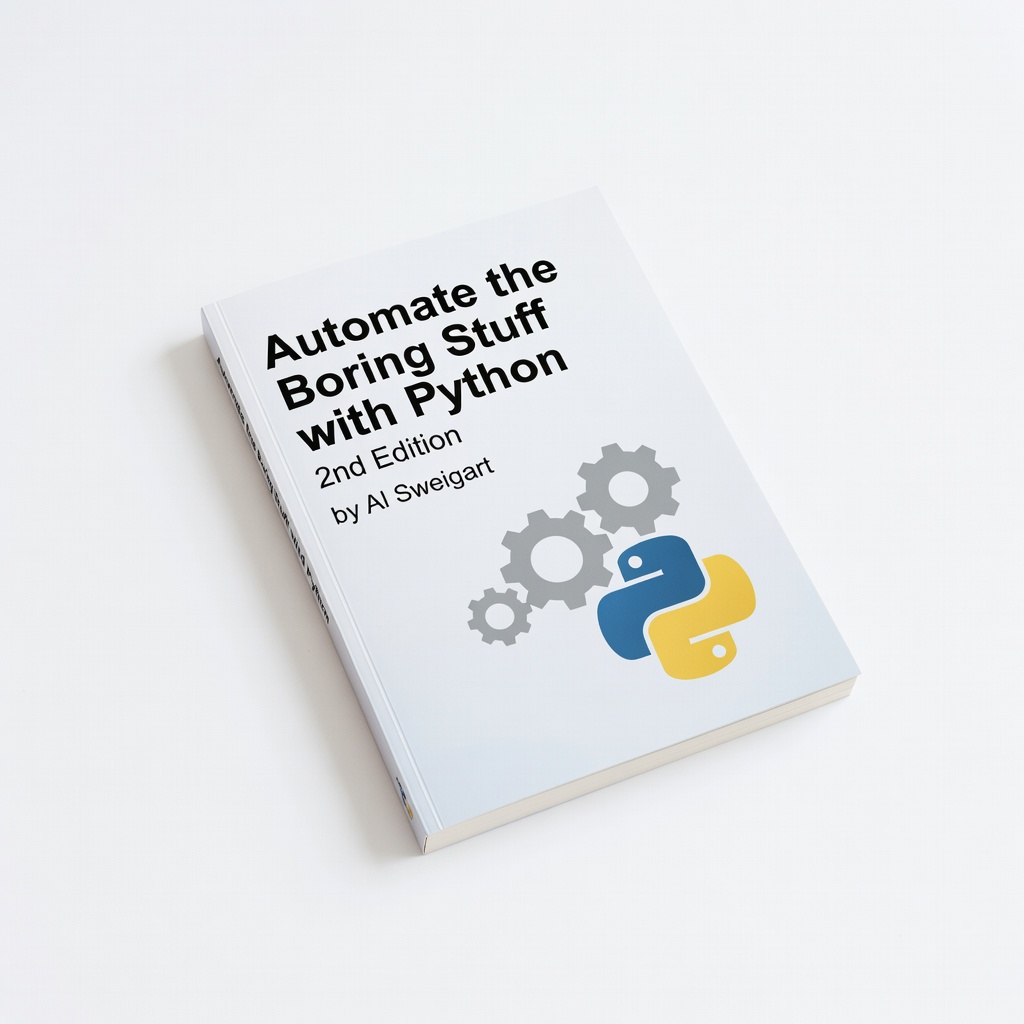
Automate the Boring Stuff with Python, 2nd Edition by Al Sweigart
Focuses on practical automation, making abstract concepts tangible with examples like file handling—ideal for beginners seeing immediate value.
Best for: Read chapters on basics after setup to apply inputs and functions to everyday tasks like web scraping intros.
Price Range: $20-$25
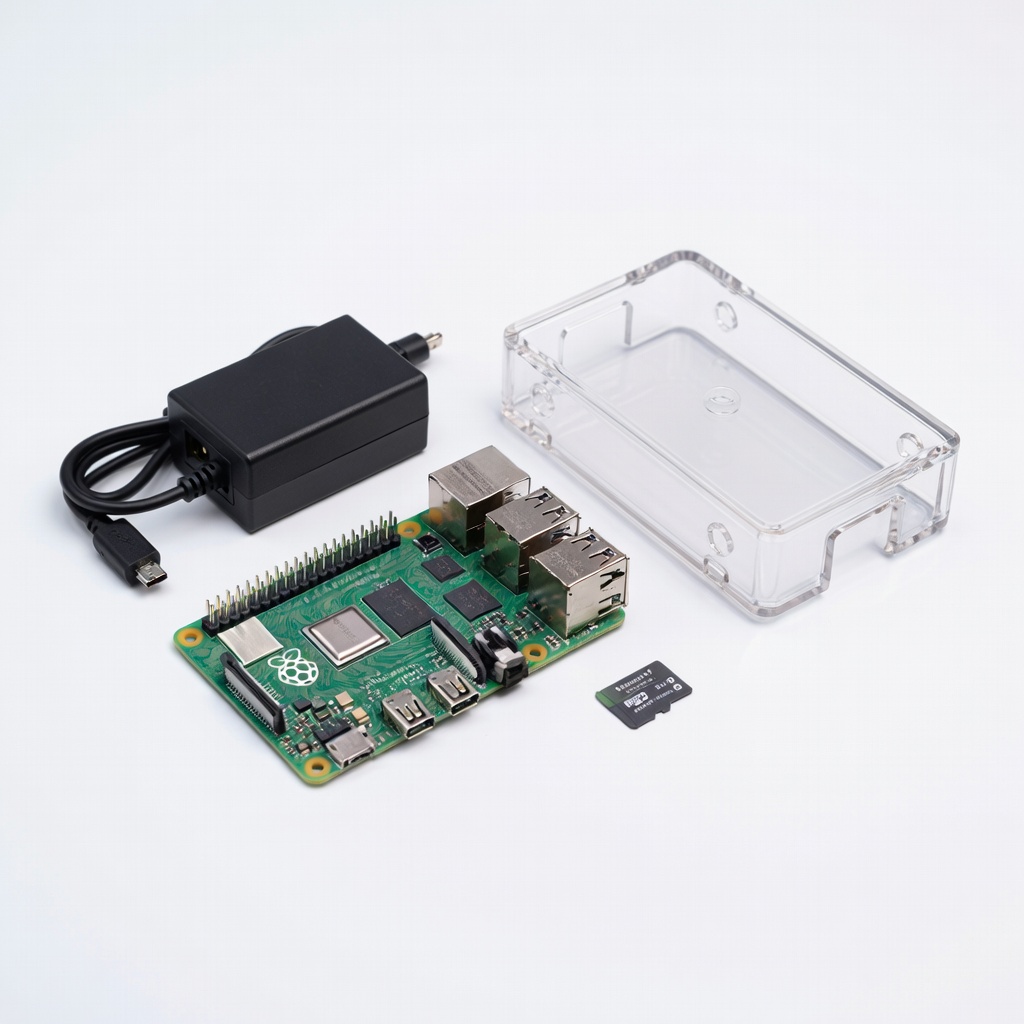
Raspberry Pi 4 Model B 4GB RAM Starter Kit
Affordable hardware for hands-on Python projects; runs Python natively, encouraging tinkering without risking your main PC.
Best for: Set up Python on Pi for GPIO experiments after mastering basics, like simple LED controls with loops.
Price Range: $75-$100
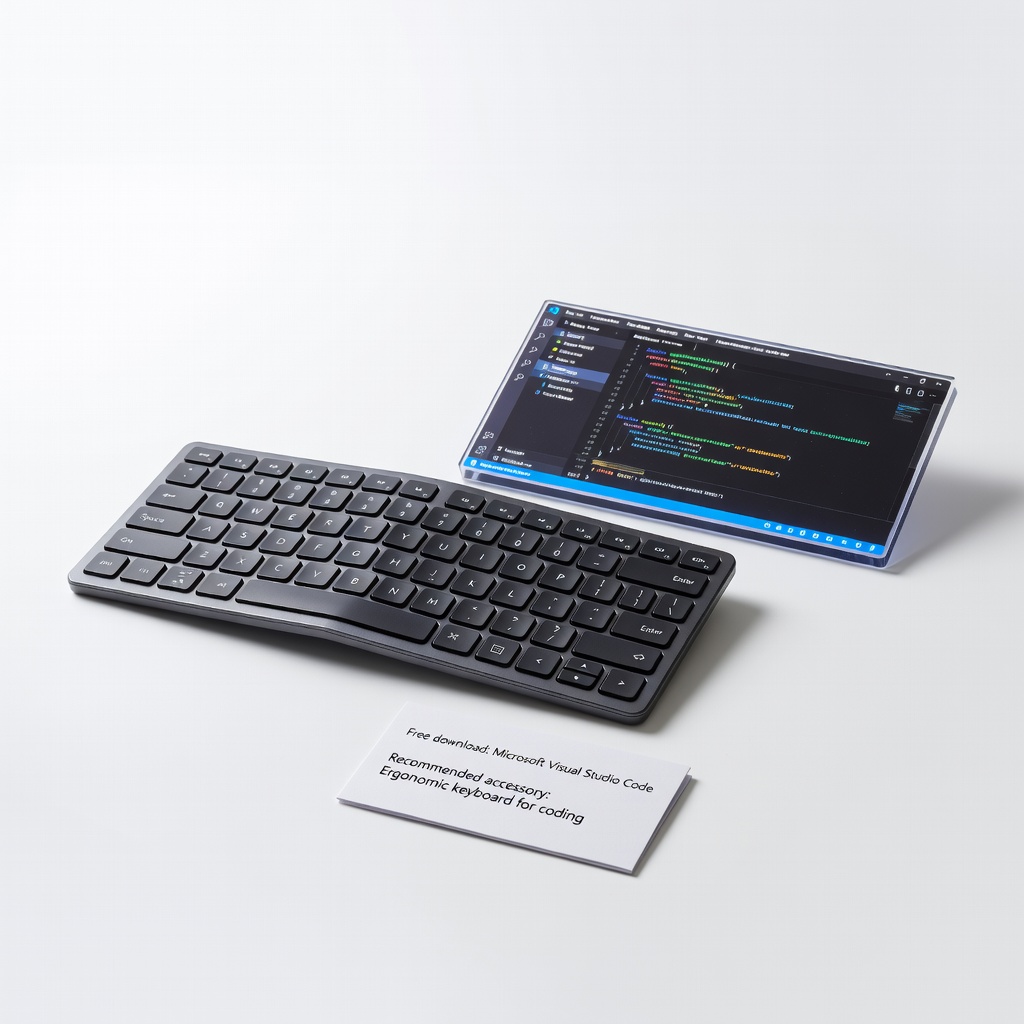
Microsoft Visual Studio Code (free download, but recommend ergonomic keyboard for coding)
VS Code is the top free IDE for Python; pair with a mechanical keyboard for comfortable long sessions.
Best for: Install VS Code for all practice; use keyboard to reduce fatigue during extended coding.
Price Range: $80-$100
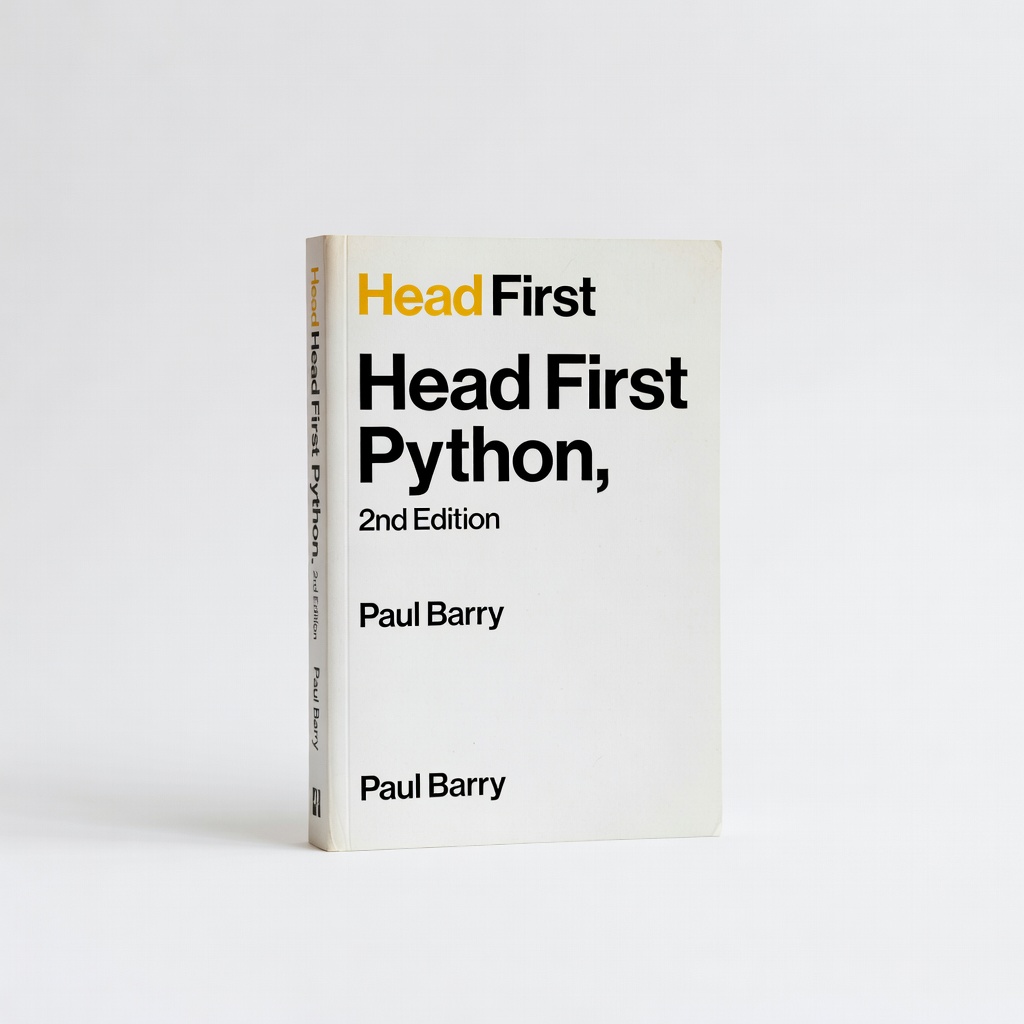
Head First Python, 2nd Edition by Paul Barry
Uses brain-friendly visuals and puzzles to explain concepts, great for retaining info without boredom.
Best for: Supplement for data types and functions with its engaging format after initial steps.
Price Range: $30-$40