In today's fast-paced world, your refrigerator does more than just keep food cold—it's becoming the hub of your kitchen. Traditional fridges often lead to forgotten groceries, wasted food, and inefficient meal planning, but smart refrigerators address these pain points with innovative technology. If you've ever wondered how these appliances connect to your phone or even suggest recipes based on what's inside, this guide is for you.
You'll learn about key smart features, how they function through real-world examples, and tips for maximizing their benefits. From Wi-Fi connectivity to internal cameras, we'll break down the concepts step by step, using simple analogies to make complex tech accessible. No prior tech expertise is needed beyond basic smartphone use; expect to spend 10-15 minutes reading to gain a solid understanding.
By the end, you'll know if a smart fridge is right for your home and how to choose one that fits your lifestyle, empowering you to make informed decisions without the overwhelm of tech jargon.
▸What You'll Need
- •Basic smartphone or tablet for app demonstrations (required for hands-on exploration)
- •Internet access to research models (required)
- •Familiarity with smart home basics like Wi-Fi and apps (prerequisite knowledge; optional if you're new to tech)
Estimated Time: 10-15 minutes to read and understand
Difficulty: intermediate
▸Step-by-Step Instructions
Step 1: Understand the Basics of a Smart Refrigerator
A smart refrigerator is essentially a traditional fridge upgraded with internet connectivity and advanced sensors, allowing it to communicate with other devices and users. Think of it like your smartphone: just as it syncs with apps to manage your life, a smart fridge uses Wi-Fi or Bluetooth to connect to your home network, enabling remote monitoring and control.
At its core, these fridges integrate IoT (Internet of Things) technology, which means they're part of a larger ecosystem of smart home devices. This connectivity allows features like temperature adjustments via an app or alerts when the door is left open. For intermediate users, this builds on basic appliance knowledge by adding digital layers—expect to see models from brands like Samsung or LG that start around $1,500, offering value through efficiency.
Why it matters: These basics reduce energy waste and food spoilage, potentially saving you hundreds annually. What to expect: A seamless blend of hardware (sensors, screens) and software (apps) that feels intuitive once set up.
💡 Tips:
- •Start with entry-level models if you're testing the waters to avoid overwhelming features.
⚠️ Warnings:
- •Ensure your home Wi-Fi is secure to prevent unauthorized access.
Step 2: Explore Wi-Fi Connectivity and App Integration
The foundation of smart features is Wi-Fi connectivity, which lets your fridge join your home network like any other device. Once connected, it pairs with a dedicated app (e.g., Samsung's SmartThings or LG's ThinQ), allowing you to monitor and control it remotely. Imagine checking if you have milk while at the grocery store— the app pulls real-time data from fridge sensors.
How it works: The fridge's built-in module sends data to the cloud, where the app processes it. For example, if the internal temperature rises due to a power outage, you'll get a push notification. This is powered by protocols like Wi-Fi 6 for faster, more reliable connections. Intermediate users will appreciate how this integrates with voice assistants like Alexa or Google Assistant for hands-free operation.
What to expect: Setup takes 5-10 minutes via the app's QR code scan. It matters because it turns passive cooling into active management, preventing issues like spoilage during vacations.
💡 Tips:
- •Update your router's firmware for better compatibility with fridge apps.
Step 3: Discover Internal Cameras and Inventory Tracking
Many smart fridges feature built-in cameras that capture images of the interior, helping you track inventory without opening the door. These cameras, often multiple in number (e.g., one per shelf), use AI to identify items like fruits or dairy, creating a visual list in the app. It's like having a security camera inside your fridge, but for groceries.
The tech works via computer vision algorithms that analyze photos and recognize patterns— for instance, detecting a low milk level and adding it to your shopping list. High-end models sync this with recipe apps, suggesting meals based on what's inside. For intermediate audiences, note that accuracy improves with good lighting inside the fridge and regular app updates.
Why it matters: This feature cuts food waste by 20-30%, as studies show forgotten items cause most spoilage. Expect clear, timestamped photos viewable from your phone, making remote checks effortless.
⚠️ Warnings:
- •Cameras may require occasional cleaning for accurate imaging; avoid blocking them with items.
Step 4: Learn About Touchscreens and Voice Control
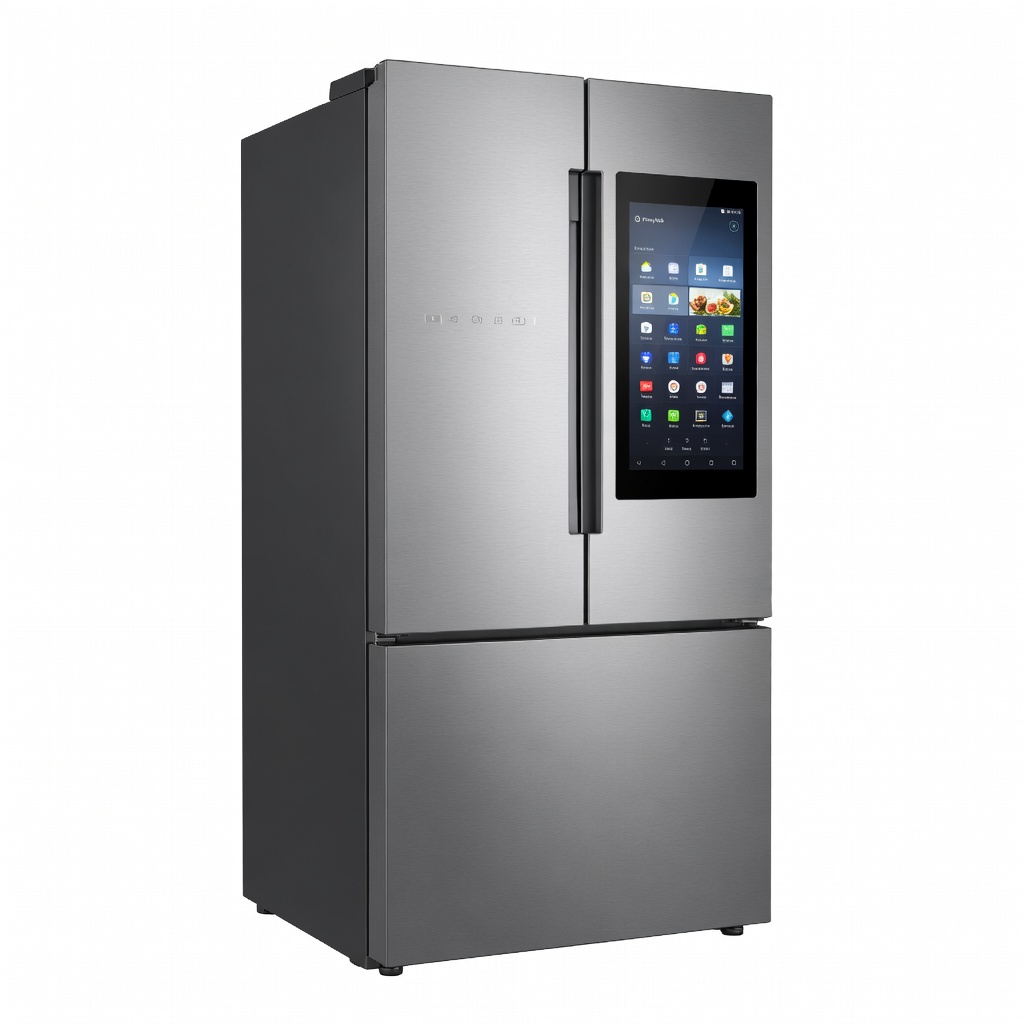
External touchscreens on smart fridges act as interactive displays, showing calendars, recipes, or even streaming videos while you cook. Brands like Samsung's Family Hub use large 21-inch screens with apps for shopping lists and family messaging. Voice control integrates with assistants, so you can say, 'Alexa, what's expiring soon?' and get an audible response.
How it functions: The screen runs on Android-based OS, connecting to the internet for real-time updates. Voice tech uses microphones and natural language processing to interpret commands, routing them to the fridge's controls or linked devices. This is ideal for busy households, turning the fridge into a command center.
What to expect: Responsive interfaces similar to tablets, but optimized for kitchen use with smudge-resistant glass. It enhances daily life by centralizing info, reducing the need for multiple gadgets.
💡 Tips:
- •Customize the screen widgets to prioritize family needs, like kid-friendly recipe displays.
Step 5: Dive into Energy Management and Smart Diagnostics
Smart fridges optimize energy use with sensors that adjust cooling based on usage patterns, door openings, and ambient temperature. They also run self-diagnostics, alerting you to issues like filter clogs or compressor faults via the app, preventing costly repairs.
The mechanism involves IoT sensors monitoring variables in real-time, using algorithms to predict and adjust—much like a smart thermostat for your HVAC. Integration with energy apps tracks consumption, helping you lower bills. For intermediate users, this means proactive maintenance, extending fridge life by years.
Why it matters: These features can reduce energy use by up to 15%, aligning with eco-friendly living. Expect detailed reports in the app, with tips for efficiency.
⚠️ Warnings:
- •Ignore diagnostics at your peril; early alerts can save hundreds in repairs.
Step 6: Integrate with Smart Home Ecosystems
Smart fridges shine when linked to broader ecosystems like Amazon Alexa, Google Home, or Apple HomeKit, allowing automation—e.g., turning on lights when the fridge door opens or syncing with your oven for meal prep.
How it works: Through APIs and hubs, the fridge shares data with compatible devices. For example, if inventory is low, it can auto-order groceries via Amazon. This creates a cohesive smart kitchen, where actions trigger chains (e.g., low eggs → add to list → notify via smart speaker).
What to expect: Broad compatibility, but check certifications before buying. It matters for seamless living, saving time in multi-device homes.
💡 Tips:
- •Use a central hub like a smart plug to bridge incompatible devices.
▸Pro Tips
- •Regularly update the fridge's firmware through the app to access new features and security patches.
- •Use inventory tracking to plan weekly meals, reducing impulse buys at the store.
- •Set up geofencing in the app so it reminds you of fridge contents when you arrive at the grocery store.
- •Pair with a smart scale for precise weight-based inventory of produce.
- •Customize notifications to avoid overload—focus on critical alerts like temperature changes.
- •For families, enable shared access in the app so everyone can update shopping lists.
- •Test voice commands in a quiet kitchen for best accuracy.
▸Common Mistakes to Avoid
- •Neglecting Wi-Fi security: This exposes your fridge to hacks; always use strong passwords and enable two-factor authentication on apps.
- •Overloading the fridge with items that block sensors or cameras, leading to inaccurate tracking; maintain clear spaces around tech components.
- •Ignoring app permissions: Granting too many can drain your phone's battery; review and limit to essentials.
- •Assuming all features work offline: Most require internet; have a backup plan for outages.
- •Skipping initial setup calibration: This causes errors in temperature or inventory; follow the app's guided process.
▸Troubleshooting
Problem: Fridge won't connect to Wi-Fi
Solution: Restart the router and fridge, ensure 2.4GHz band compatibility (not just 5GHz), and reset network settings in the app. If persists, check for firmware updates.
Problem: App shows inaccurate inventory
Solution: Manually rescan with cameras open and good lighting; clean lenses and update AI software. Avoid reflective packaging that confuses recognition.
Problem: Notifications not arriving
Solution: Verify push notification permissions in phone settings and app; test with a door-open alert. Seek professional help if hardware microphone issues suspected.
Problem: Touchscreen unresponsive
Solution: Power cycle the fridge; clean with microfiber cloth. If software glitch, factory reset via app—back up data first.
Samsung RF28R7201SR Family Hub Refrigerator
Its 21-inch touchscreen and internal cameras provide top-tier inventory tracking and family integration, ideal for tech-savvy households.
Best for: Busy families needing recipe suggestions and shared lists; perfect for centralizing kitchen info.
Price Range: $2,000-$2,500
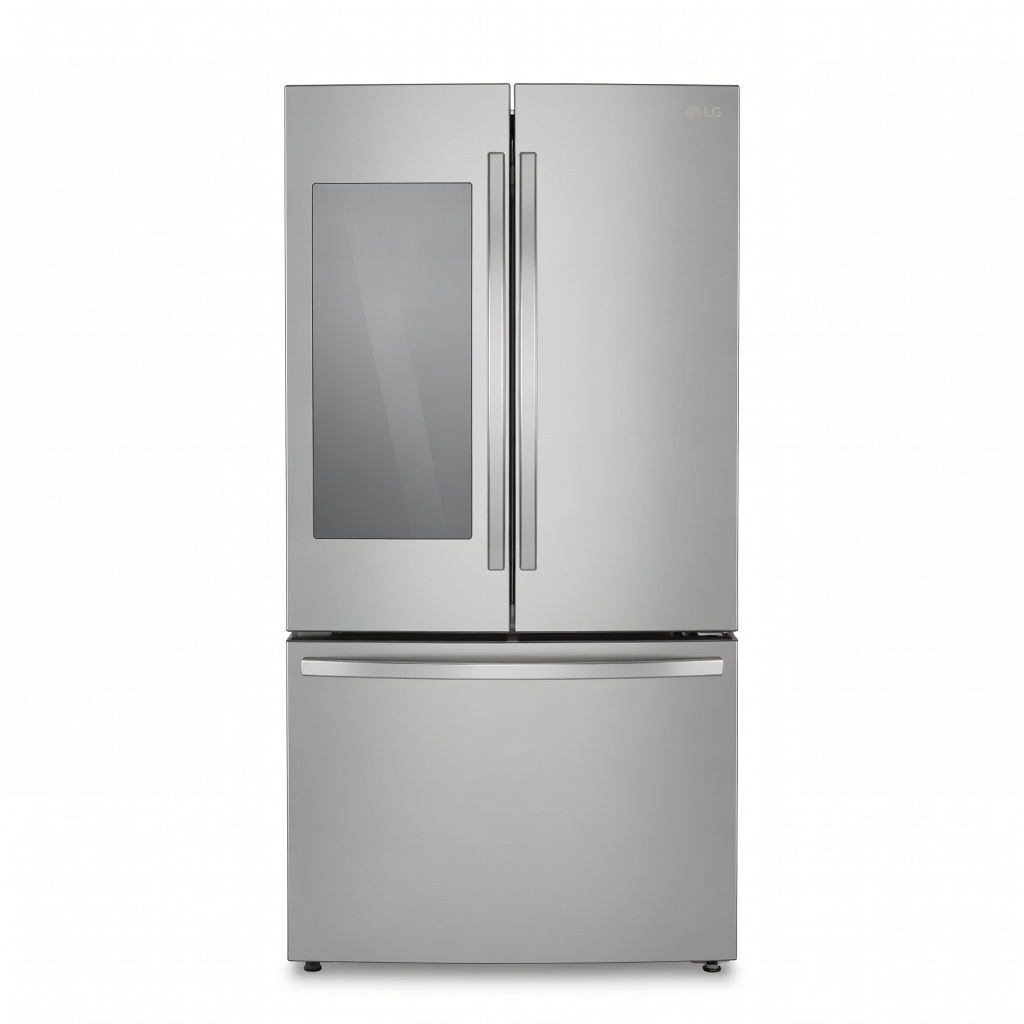
LG LRFXS2503S InstaView Smart Refrigerator
InstaView knock-to-see window reduces door openings, saving energy, with ThinQ app for remote diagnostics—great balance of features and affordability.
Best for: Energy-conscious users wanting visual checks without full smart overload; suits intermediate setups.
Price Range: $1,800-$2,200
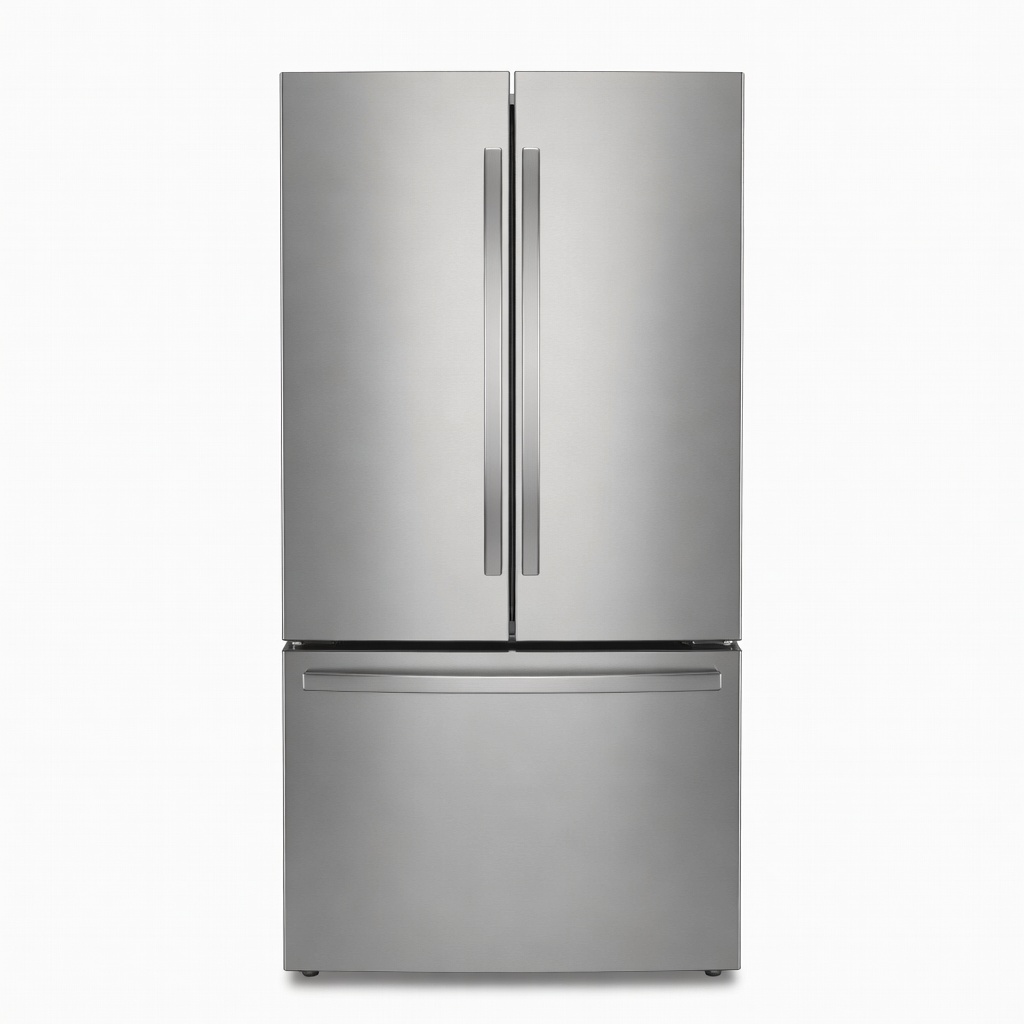
Whirlpool WRF535SWHZ French Door Refrigerator
Affordable entry to smart tech with app-controlled temperature zones and diagnostics, offering reliable basics without excess.
Best for: Budget buyers upgrading from basic fridges; ideal for simple inventory alerts.
Price Range: $1,200-$1,500
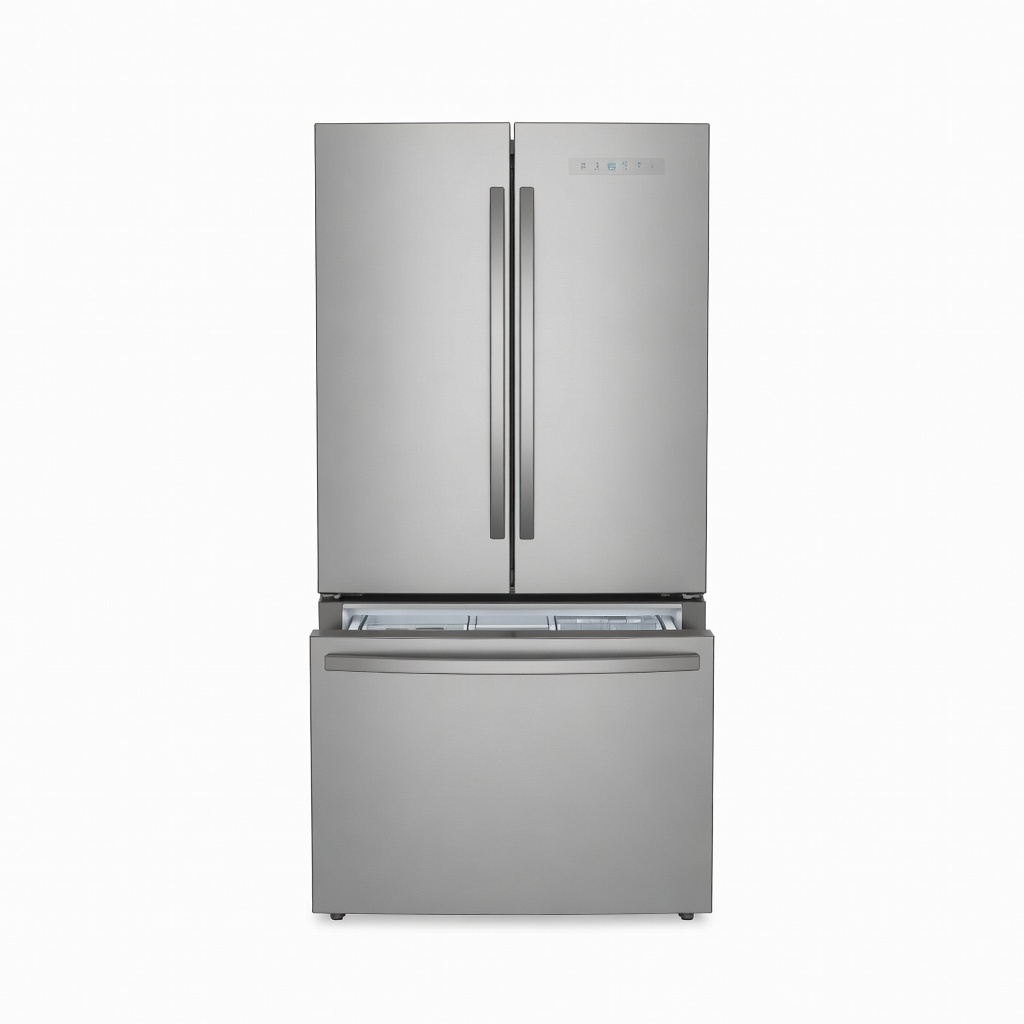
GE Profile PFE28KYNFS French Door Smart Fridge
Excellent voice control integration with Alexa and internal cameras for precise tracking, plus energy-efficient design.
Best for: Smart home enthusiasts linking to multiple devices; great for automated routines.
Price Range: $2,200-$2,800