
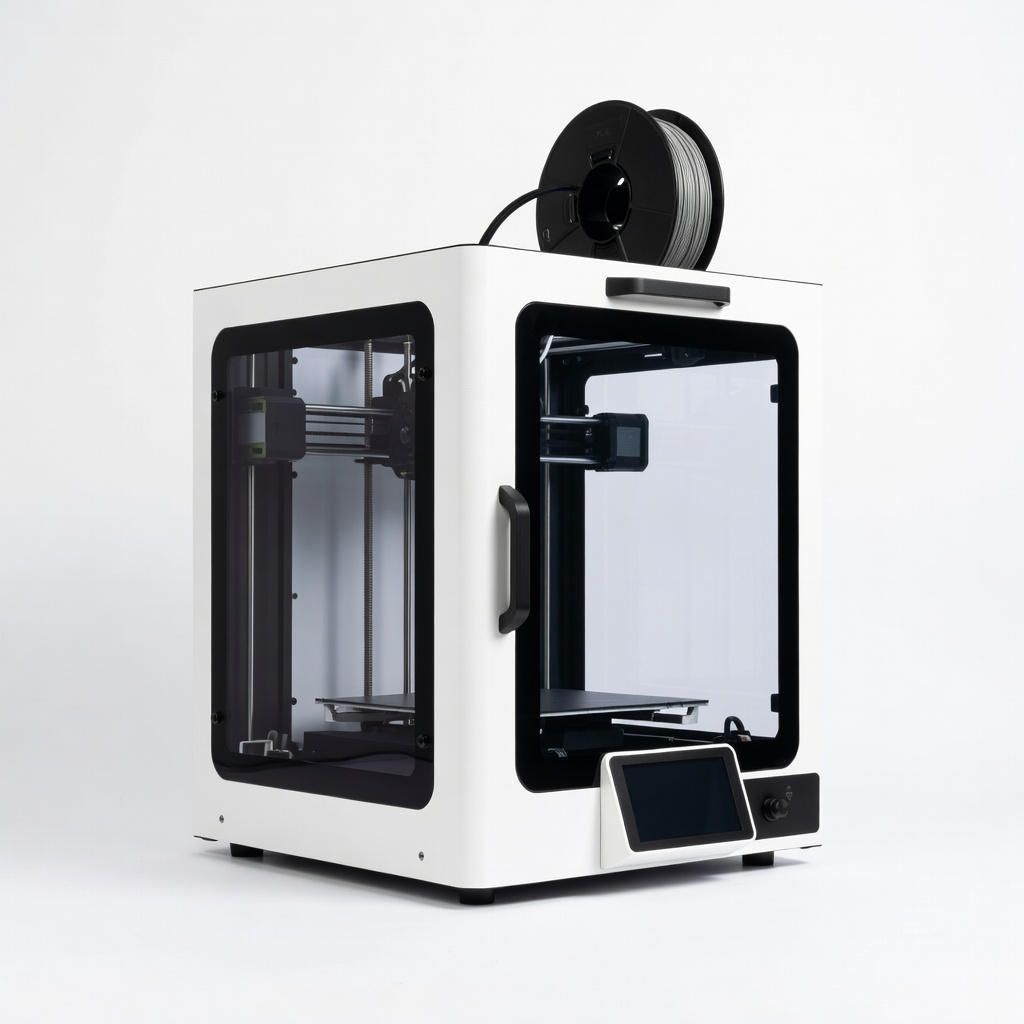
QIDI Tech X-Plus 3
Prototyping functional parts with soluble supports or TPU accents.
$749-$849
QIDI Tech X-Plus 3 High-speed CoreXY with dual nozzles and active chamber heating—perfect for reliable multi-material prints without warping.
Get the App
Better experience on mobile
Learn the top applications for dual extruder 3D printers, from multi-color prints to soluble supports, and when to invest in one.
Imagine printing a fully assembled action figure with vibrant colors and flexible joints in a single job—no manual assembly required. Single extruder printers limit you to one material or color at a time, but dual extruder models unlock advanced capabilities like multi-material and multi-color printing. This guide explains what dual extruders excel at, helping intermediate makers decide if they're the right upgrade.
You'll discover how dual extruders work, their best use cases with real-world examples, limitations, and tips for success. Whether you're prototyping functional parts or creating eye-catching models, this explainer breaks it down simply. Expect to spend 10-15 minutes reading and gain actionable insights to level up your 3D printing.
Dual extruders shine for complex projects where single-extruder printers fall short, but they add complexity in setup and maintenance. We'll cover everything from basics to pro tips.
Estimated Time: 10-15 minutes Difficulty: intermediate
Single extruder printers use one hotend to melt and deposit filament, limiting prints to one color or material per job. Dual extruder printers have two independent hotends, allowing seamless switching between two filaments mid-print.
This setup is like having two pens in a plotter: one for the body (PLA) and one for details (TPU). Why it matters: Duals enable features impossible on singles, like printing supports in a different material that dissolves away.
Diagram idea: Side-by-side comparison of single nozzle vs. dual nozzle Y-carriage.
💡 Tips:
Dual extruders come in types: shared carriage (nozzles move together, cheaper) or IDEX (independent X axes, pricier but no oozing). Filament from two spools feeds into separate hotends. Slicers like PrusaSlicer assign tools (T0, T1) to model parts.
During printing, the inactive nozzle parks or purges excess filament to prevent oozing. Expect a 'purge tower' or 'wipe tower' in your print—a small structure that cleans nozzles between switches.
This matters for precision: Proper calibration ensures clean layer transitions.
💡 Tips:
⚠️ Warnings:
Dual extruders excel at vibrant, multi-color models without painting or assembly. Assign colors to different model parts in your slicer—e.g., black body (T0) and red eyes (T1) on a robot.
Real-world example: Printing custom board game pieces with colored accents. Why best here? No need for AMS (multi-spool systems on single nozzles); direct color control.
Expect slight seams at color changes, but they're minimal with good calibration.
💡 Tips:
Combine rigid PLA with flexible TPU for functional parts, like phone cases with grippy sides. The second extruder handles dissimilar materials without contamination.
Analogy: Like baking a cake with chocolate batter and vanilla filling—one oven (hotend) per mix. Ideal for prototypes needing varied properties (strength + flexibility).
This unlocks engineering applications, such as drone frames with shock-absorbing bumpers.
💡 Tips:
Print complex overhangs using soluble filament (PVA/HIPS) in the second extruder. Post-print, dissolve supports in water—leaving perfect surfaces.
Why superior? No manual removal scars like breakaway supports on singles. Example: Intricate jewelry or turbine blades with undercuts.
Water-soluble PVA works best; expect 4-8 hour dissolution baths.
💡 Tips:
⚠️ Warnings:
IDEX duals (independent axes) print two identical parts simultaneously or mirrors, doubling speed. Shared carriage duals can't do this.
Use case: Batch production of small tools. Why best? Efficiency for makers producing multiples.
Not all duals support IDEX—check specs.
Duals use more power, require precise calibration, and waste filament on purges. Oozing or stringing is common if temps mismatch.
They're overkill for simple prints—singles are faster/cheaper. Best for intermediate users tackling advanced projects.
Upgrade path: Start with single, add dual kit if compatible.
⚠️ Warnings:
Problem: Oozing or stringing between colors
Solution: Lower inactive nozzle temp, increase retraction (6-8mm), add coasting in slicer.
Problem: Nozzle crashes or misalignment
Solution: Run printer's built-in alignment wizard; check Z-offset for each tool.
Problem: Color contamination
Solution: Increase purge volume in slicer (200-300mm³); use contrasting colors for testing.
Problem: Under-extrusion on second nozzle
Solution: Recalibrate e-steps via extrude 100mm test; clean Bowden tube.
High-speed CoreXY with dual nozzles and active chamber heating—perfect for reliable multi-material prints without warping.
Best for: Prototyping functional parts with soluble supports or TPU accents.
Price Range: $749-$849
Budget-friendly dual Z-axis dual extruder with auto-leveling—great entry for multi-color hobby projects.
Best for: Home makers printing custom multi-color models like figurines.
Price Range: $279-$349
IDEX system for independent printing—no purge waste, ideal for duplicates or large multi-material builds.
Best for: Professional batch production or mirrored engineering parts.
Price Range: $1,999-$2,499
Reliable water-soluble filament optimized for dual extruders—dissolves cleanly without residue.
Best for: Overhang-heavy prints needing perfect surfaces.
Price Range: $25-$35 per 1kg
Prototyping functional parts with soluble supports or TPU accents.
QIDI Tech X-Plus 3 High-speed CoreXY with dual nozzles and active chamber heating—perfect for reliable multi-material prints without warping.
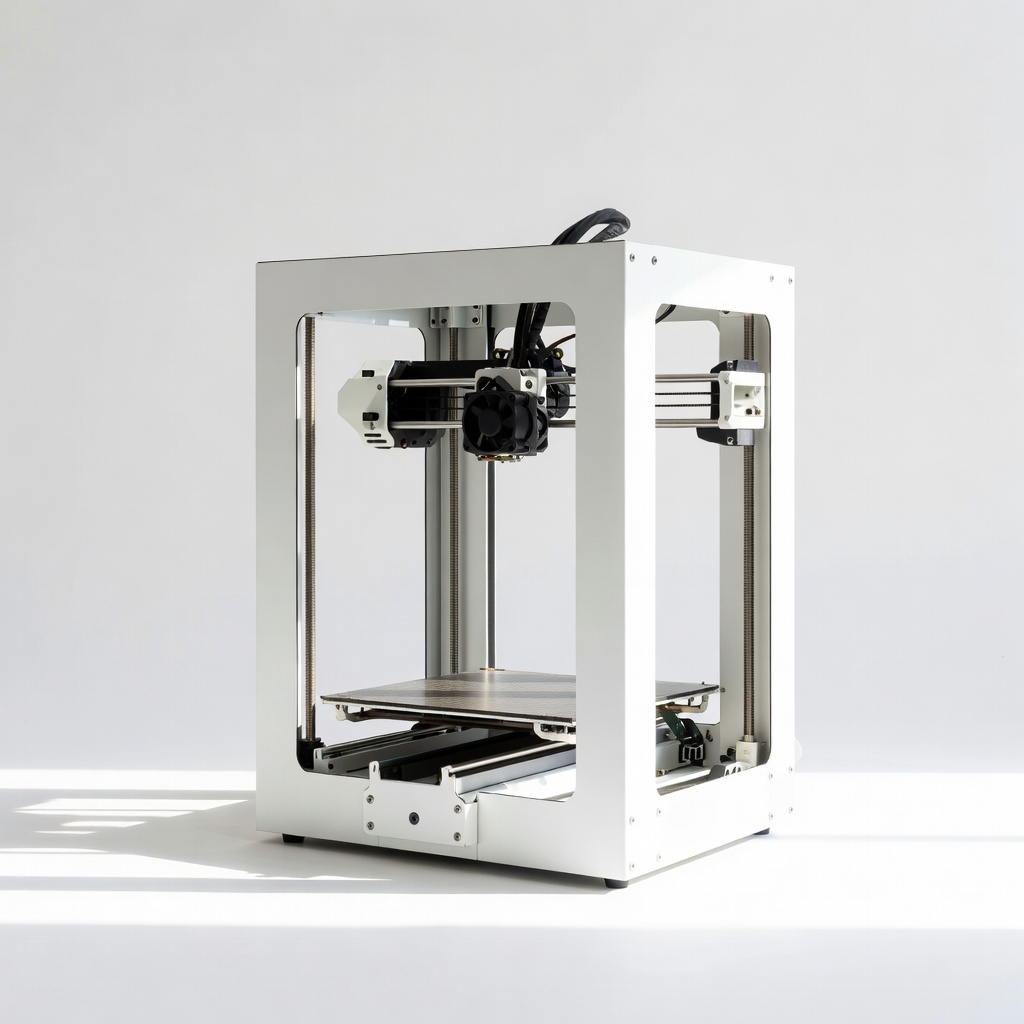
Home makers printing custom multi-color models like figurines.
Sovol SV06 Plus Budget-friendly dual Z-axis dual extruder with auto-leveling—great entry for multi-color hobby projects.
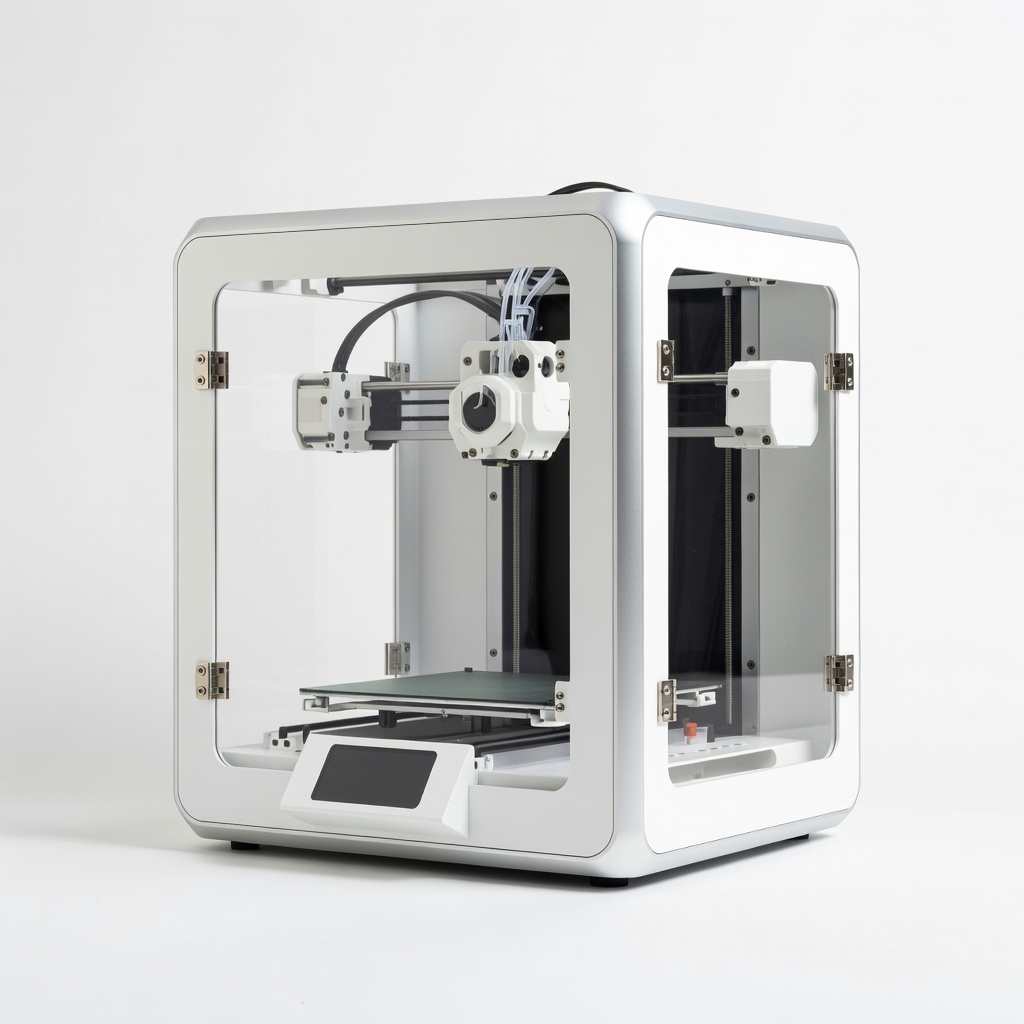
Professional batch production or mirrored engineering parts.
Flashforge Creator 3 IDEX system for independent printing—no purge waste, ideal for duplicates or large multi-material builds.
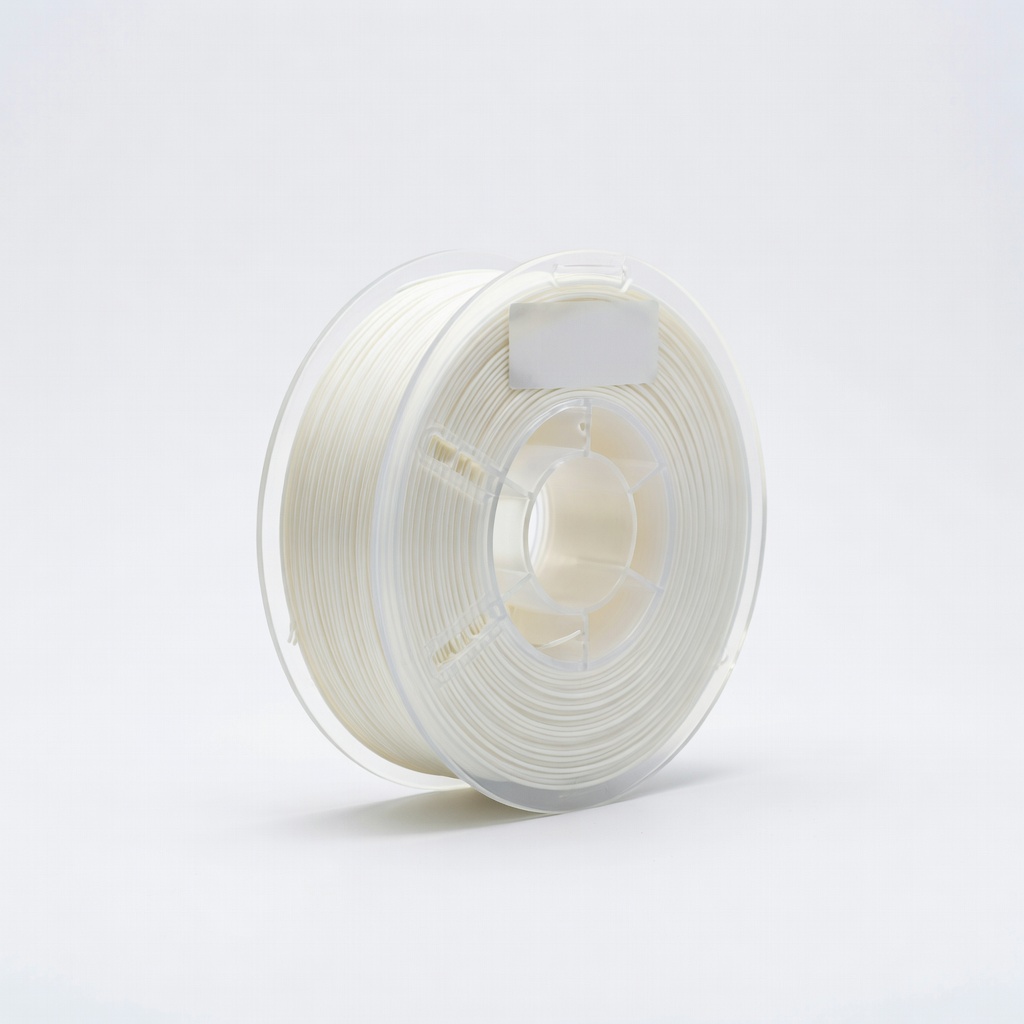
Overhang-heavy prints needing perfect surfaces.
eSUN PVA Support Filament Reliable water-soluble filament optimized for dual extruders—dissolves cleanly without residue.