
QuickBooks Online
Ideal for service businesses needing professional invoices and tax prep.
$30-$70/month
QuickBooks Online Top-rated for beginners with robust invoicing, reports, and bank sync—handles startup growth seamlessly.
Get the App
Better experience on mobile
Discover essential accounting tools and software that simplify finances, track expenses, and ensure compliance for new entrepreneurs.
Starting a small business is exciting, but managing finances can quickly become overwhelming—tracking receipts, invoicing clients, and preparing taxes without proper tools leads to errors, fines, or even business failure. Studies show 82% of startups fail due to cash flow problems, often from poor accounting.
In this guide, you'll learn what accounting tools are, the types every startup needs, key features to look for, and how to choose the right ones. We'll break it down with simple analogies (like comparing software to a smart wallet) and real-world examples, so even beginners can grasp it.
Expect a straightforward explainer: no jargon overload, just clear concepts in 20-30 minutes of reading. By the end, you'll know how to pick tools that save time and money.
Estimated Time: 20-30 minutes Difficulty: beginner
Accounting tools are digital software or apps designed to automate and organize your business's financial tasks. Think of them as a 'smart assistant' for money management—replacing manual spreadsheets that are prone to errors.
For small business startups, these tools handle everything from recording sales to generating reports. Unlike general apps like Excel, they're built specifically for business compliance, tax rules, and scalability as you grow.
Example: A freelance designer uses an invoicing tool to send bills automatically, instead of chasing payments via email.
💡 Tips:
Startups have irregular cash flow, few staff, and tight budgets—manual accounting eats hours you should spend growing the business. Tools prevent 'death by a thousand cuts' like missed deductions or overdrawn accounts.
Analogy: Without tools, it's like driving without a dashboard; you might run out of gas (cash) unexpectedly. With them, you get real-time insights, forecasts, and alerts.
Real-world stat: Businesses using accounting software report 20% better cash flow accuracy.
⚠️ Warnings:
Break them into categories:
Most modern tools combine these into all-in-one platforms.
💡 Tips:
Essential must-haves:
Why it matters: Features like auto-categorization save 10+ hours/month.
Free tools (e.g., Wave) suit solopreneurs with basic needs—no transaction fees on payments. Paid ones (e.g., QuickBooks) offer advanced reports, support, and scalability ($10-50/month).
Analogy: Free is a bicycle for local trips; paid is a car for highways (growth).
Start free, upgrade when revenue hits $5K/month.
💡 Tips:
⚠️ Warnings:
Expect 1-2 hours setup; tools guide you with wizards.
Log transactions weekly, reconcile banks monthly, run reports quarterly. Use tags for projects/clients. Backup data regularly.
Pro tip: Set alerts for low balance or overdue invoices to stay proactive.
💡 Tips:
Problem: Transactions not syncing from bank
Solution: Check API permissions in bank settings; replug account in software. Contact support if persists.
Problem: Overwhelmed by setup
Solution: Use onboarding wizards or YouTube tutorials for your tool. Start with just income/expenses.
Problem: High subscription feels wasteful
Solution: Downgrade to basic plan or switch to free alternative. Track ROI via time saved.
Problem: Tax reports inaccurate
Solution: Verify categorizations; consult free tool resources or accountant. When unsure, seek CPA help.
Top-rated for beginners with robust invoicing, reports, and bank sync—handles startup growth seamlessly.
Best for: Ideal for service businesses needing professional invoices and tax prep.
Price Range: $30-$70/month
Completely free for unlimited invoicing and bookkeeping, perfect for bootstrapped startups.
Best for: Solopreneurs or tiny teams with basic needs—no monthly fees.
Price Range: Free (2.9% payment processing fee)
Intuitive for non-accountants, excels at time-tracking and client invoicing with beautiful templates.
Best for: Freelancers/consultants billing by project or hours.
Price Range: $19-$60/month
Strong bank reconciliation and multi-currency support for global startups.
Best for: E-commerce or international businesses needing inventory basics.
Price Range: $13-$70/month
Affordable with CRM integration, automation workflows for efficient workflows.
Best for: Tech-savvy startups using Zoho ecosystem.
Price Range: $20-$60/month
Ideal for service businesses needing professional invoices and tax prep.
QuickBooks Online Top-rated for beginners with robust invoicing, reports, and bank sync—handles startup growth seamlessly.
Solopreneurs or tiny teams with basic needs—no monthly fees.
Wave Accounting Completely free for unlimited invoicing and bookkeeping, perfect for bootstrapped startups.
Freelancers/consultants billing by project or hours.
FreshBooks Intuitive for non-accountants, excels at time-tracking and client invoicing with beautiful templates.
E-commerce or international businesses needing inventory basics.
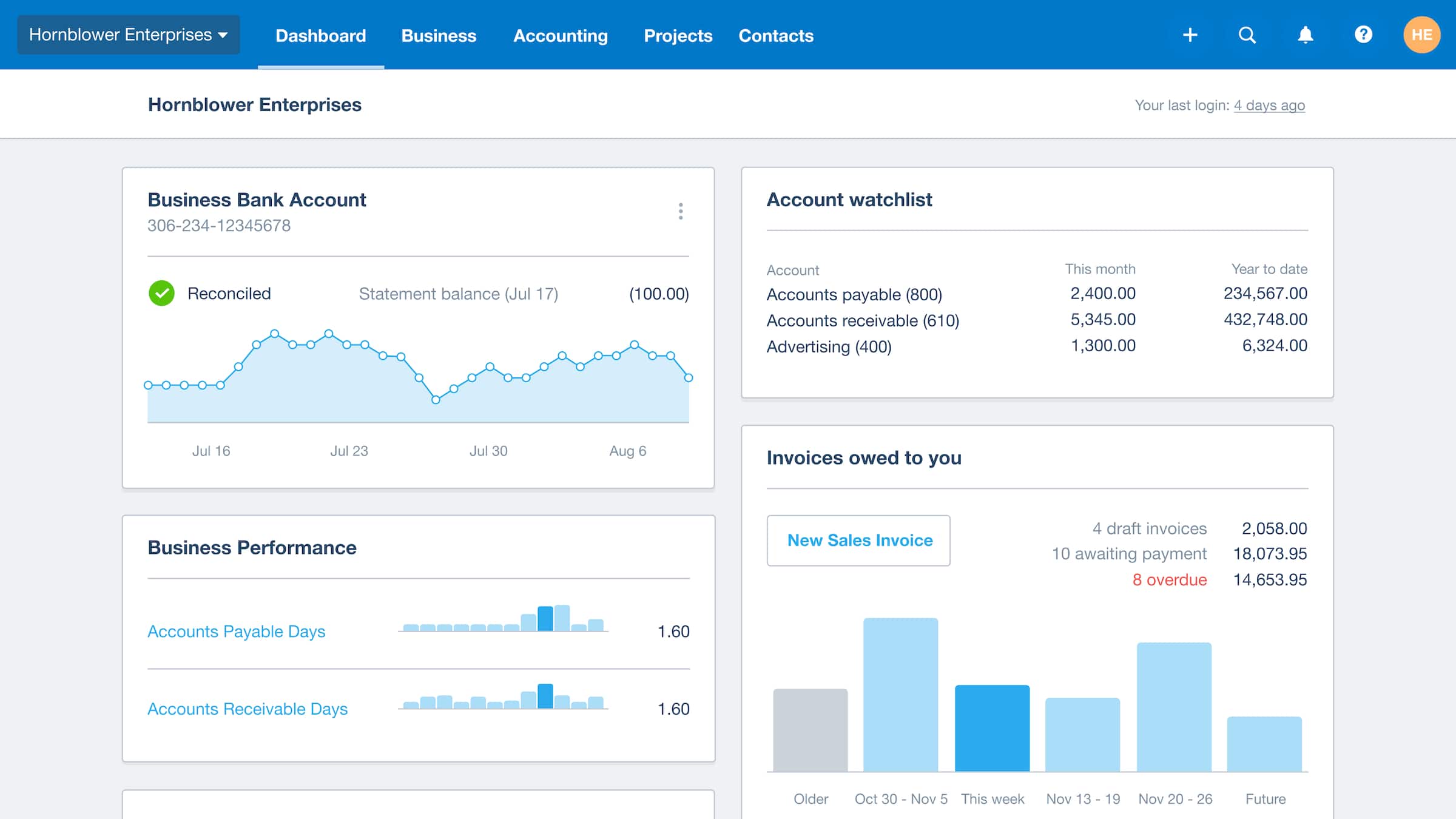
Xero Strong bank reconciliation and multi-currency support for global startups.
Tech-savvy startups using Zoho ecosystem.
Zoho Books Affordable with CRM integration, automation workflows for efficient workflows.