

Creality Ender 3 V2
Entry-level functional prototyping like enclosures or brackets.
$199-$250
Creality Ender 3 V2 Affordable FDM printer with reliable CoreXY motion for fast, accurate prototypes.
Get the App
Better experience on mobile
Learn the best 3D printers, materials, and tech for rapid prototyping to accelerate your design process.
In product development, prototyping is crucial for testing ideas quickly without high costs. Traditional methods like CNC machining can be slow and expensive for iterations, but additive manufacturing (AM)—commonly known as 3D printing—allows you to create complex parts in hours. However, not all AM products are equal for prototyping; choosing the wrong one leads to poor quality, wasted time, or failed tests.
This guide breaks down AM technologies, key factors for prototyping, and top product recommendations. By the end, you'll know how to select printers and materials that match your needs, like speed, detail, or strength. Expect to spend 20-30 minutes reading; intermediate knowledge of CAD software helps but isn't required.
We'll cover FDM for affordable functional prototypes, SLA for high-detail visuals, SLS for durable end-use parts, plus materials and tips. Real-world examples show when each shines.
Estimated Time: 20-30 minutes to read and evaluate options Difficulty: intermediate
Start by clarifying what your prototype needs: mechanical strength, fine details, speed, or cost? For functional testing (e.g., gears), prioritize durability. For visual mockups (e.g., consumer products), focus on surface finish.
Why it matters: Mismatched products lead to reprints. Use a checklist: tolerance (±0.1mm?), size (up to 200mm?), quantity (1-10?).
Expect a requirements doc in 5 minutes. Image: Checklist table with columns for strength, detail, speed, cost.
💡 Tips:
⚠️ Warnings:
AM builds layer-by-layer. Key types for prototyping:
Analogy: FDM is like stacking LEGO bricks (fast but rough); SLA is sculpting clay (smooth but brittle). Image: Side-by-side comparison of FDM, SLA, SLS prints.
💡 Tips:
⚠️ Warnings:
FDM suits most prototyping: quick iterations, supports like PLA/ABS/PETG. Ideal for mechanical prototypes up to 220x220x250mm.
Pros: Low cost ($200-1K), easy maintenance. Cons: Layer lines visible.
Expect 1-4 hour prints. Real example: Automotive parts testing.
💡 Tips:
SLA uses resin for smooth finishes (±25 micron accuracy). Perfect for jewelry, medical models, or snap-fits.
Pros: Isotropic strength, no supports needed. Cons: Messy post-processing, brittle parts.
Print times: 2-6 hours. Analogy: Like pouring resin into a mold vs. stacking.
💡 Tips:
⚠️ Warnings:
SLS sinters nylon powder—no supports! Great for functional prototypes like housings or air ducts.
Pros: High strength, batch printing. Cons: $5K+ machines, powder handling.
Best for mid-volume (10+ parts). Example: Aerospace ducts.
💡 Tips:
Match materials to needs:
Why: Wrong material fails tests. Cost: $20-50/kg.
💡 Tips:
⚠️ Warnings:
Use slicers like PrusaSlicer (free) or PreForm (Formlabs). They optimize supports, infill.
Workflow: CAD → Slice → Print → Post-process.
Pro tip: Simulate prints to catch issues.
💡 Tips:
Budget matrix:
| Tech | Cost | Speed | Detail |
|---|---|---|---|
| FDM | Low | Fast | Medium |
| SLA | Med | Med | High |
| SLS | High | Batch | High |
Scale up with services for production.
💡 Tips:
Problem: Prints warp or delaminate
Solution: Use enclosure, brim/raft, or switch to PETG. Check bed adhesion with glue stick.
Problem: Resin prints sticky or incomplete
Solution: Ensure proper UV curing time; clean vat thoroughly. Replace if contaminated.
Problem: Poor tolerances (±0.5mm+ error)
Solution: Calibrate extruder steps; use 0.2mm nozzle for precision.
Problem: High cost per part
Solution: Optimize infill (10-20%); print multiples. Switch to services for SLS.
Affordable FDM printer with reliable CoreXY motion for fast, accurate prototypes.
Best for: Entry-level functional prototyping like enclosures or brackets.
Price Range: $199-$250
High-res 9K resin printer with auto-leveling for ultra-detailed prototypes.
Best for: Visual models, miniatures, or tight-tolerance parts under 150mm.
Price Range: $250-$300
Pro-grade FDM with auto-calibration and input shaper for vibration-free prints.
Best for: Engineering prototypes needing strength and repeatability.
Price Range: $800-$1,100
Advanced SLA with fast curing for professional-grade detail and materials.
Best for: High-end prototyping in medical/dental or consumer products.
Price Range: $4,500-$5,000
Reliable filament with low warp and high layer adhesion for consistent prototypes.
Best for: Everyday FDM printing across printers.
Price Range: $25-$30 per kg
Entry-level functional prototyping like enclosures or brackets.
Creality Ender 3 V2 Affordable FDM printer with reliable CoreXY motion for fast, accurate prototypes.
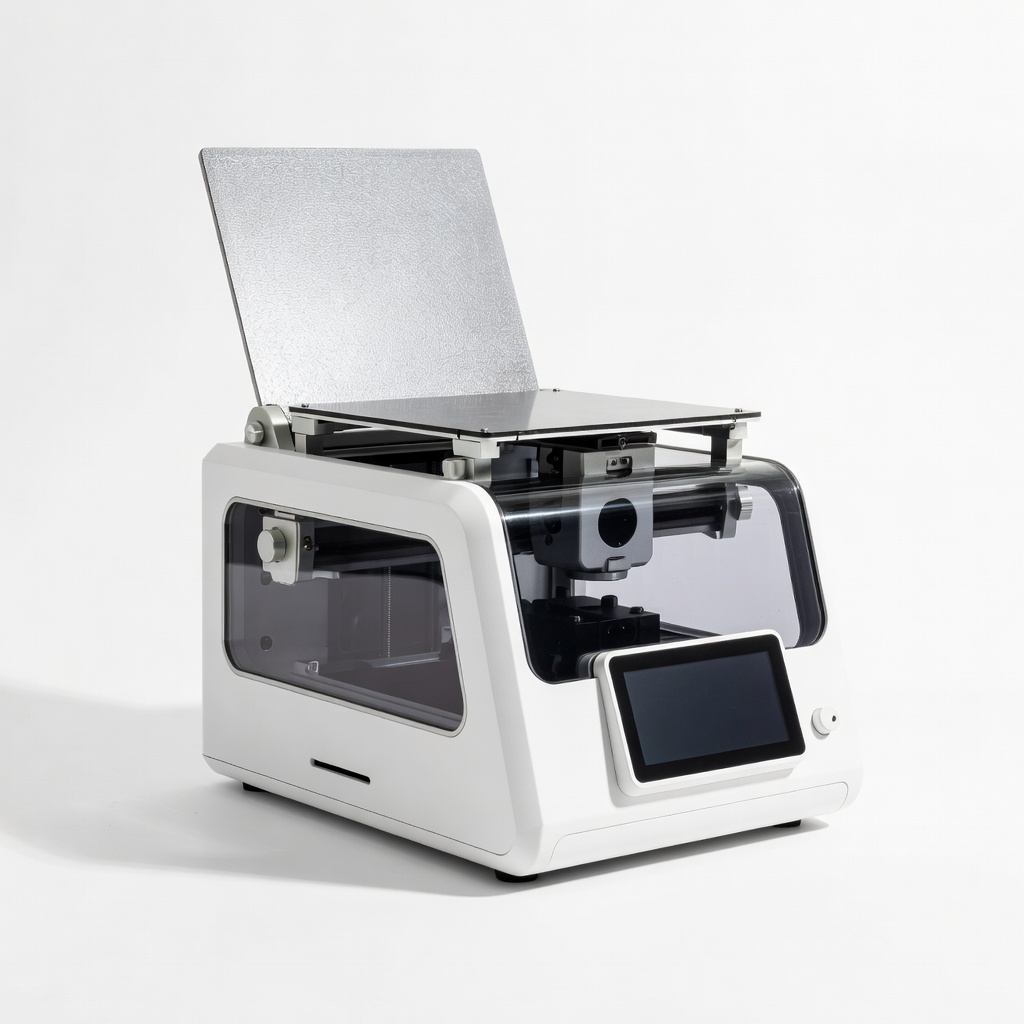
Visual models, miniatures, or tight-tolerance parts under 150mm.
Elegoo Mars 4 Ultra High-res 9K resin printer with auto-leveling for ultra-detailed prototypes.
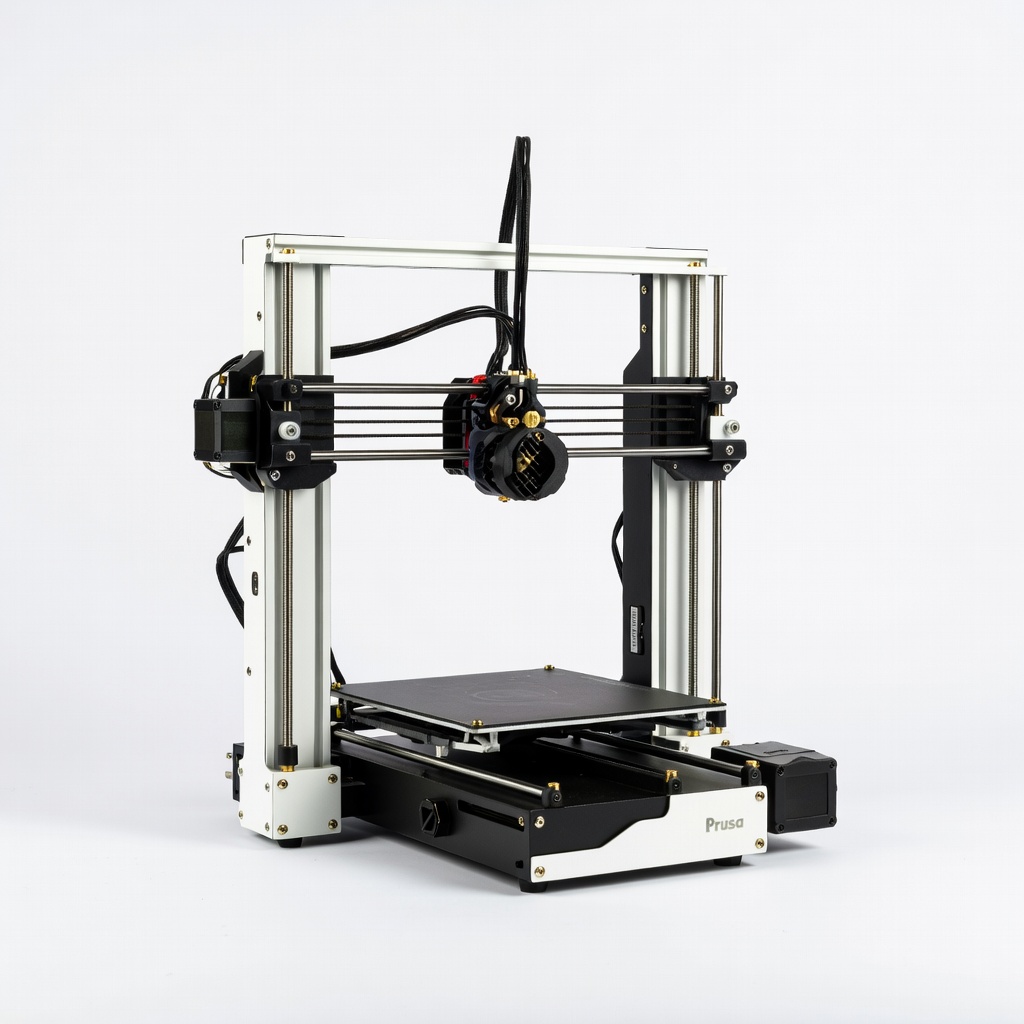
Engineering prototypes needing strength and repeatability.
Prusa i3 MK4 Pro-grade FDM with auto-calibration and input shaper for vibration-free prints.
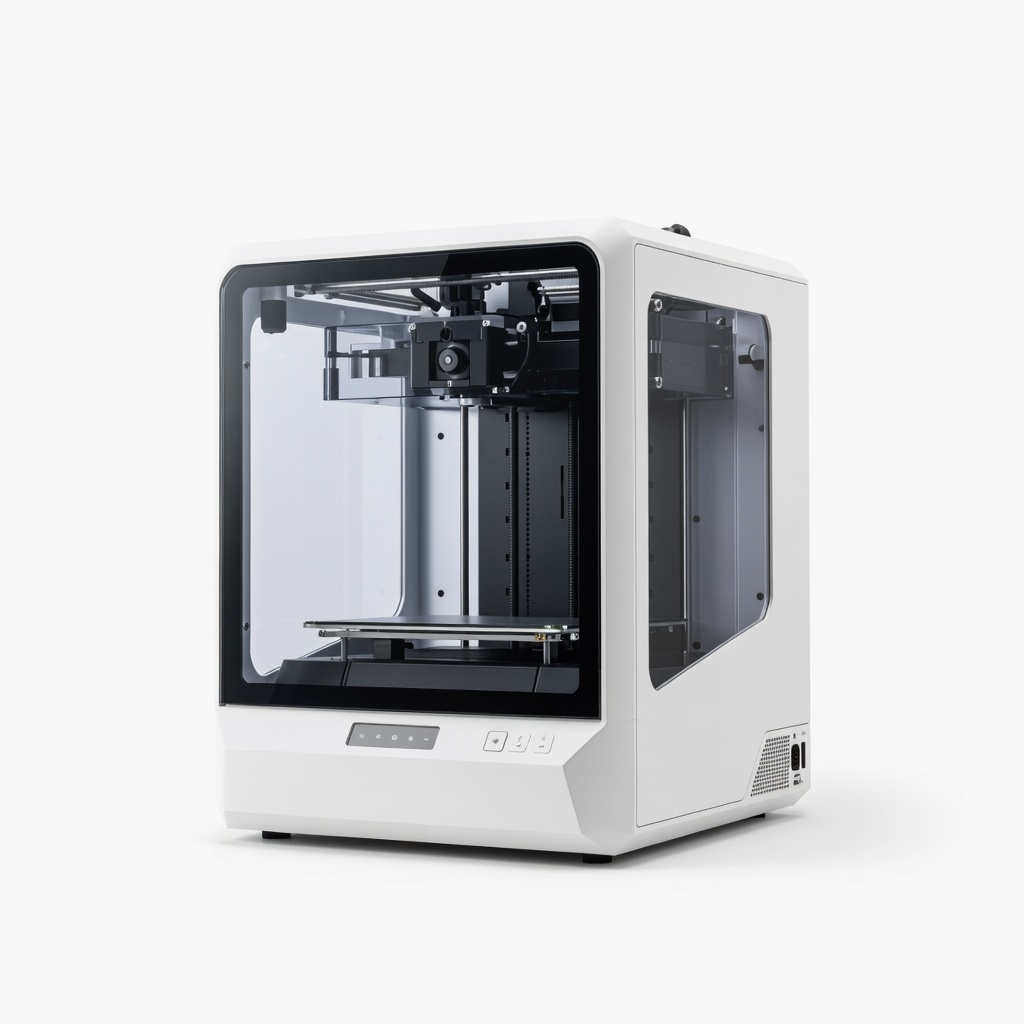
High-end prototyping in medical/dental or consumer products.
Formlabs Form 4 Advanced SLA with fast curing for professional-grade detail and materials.
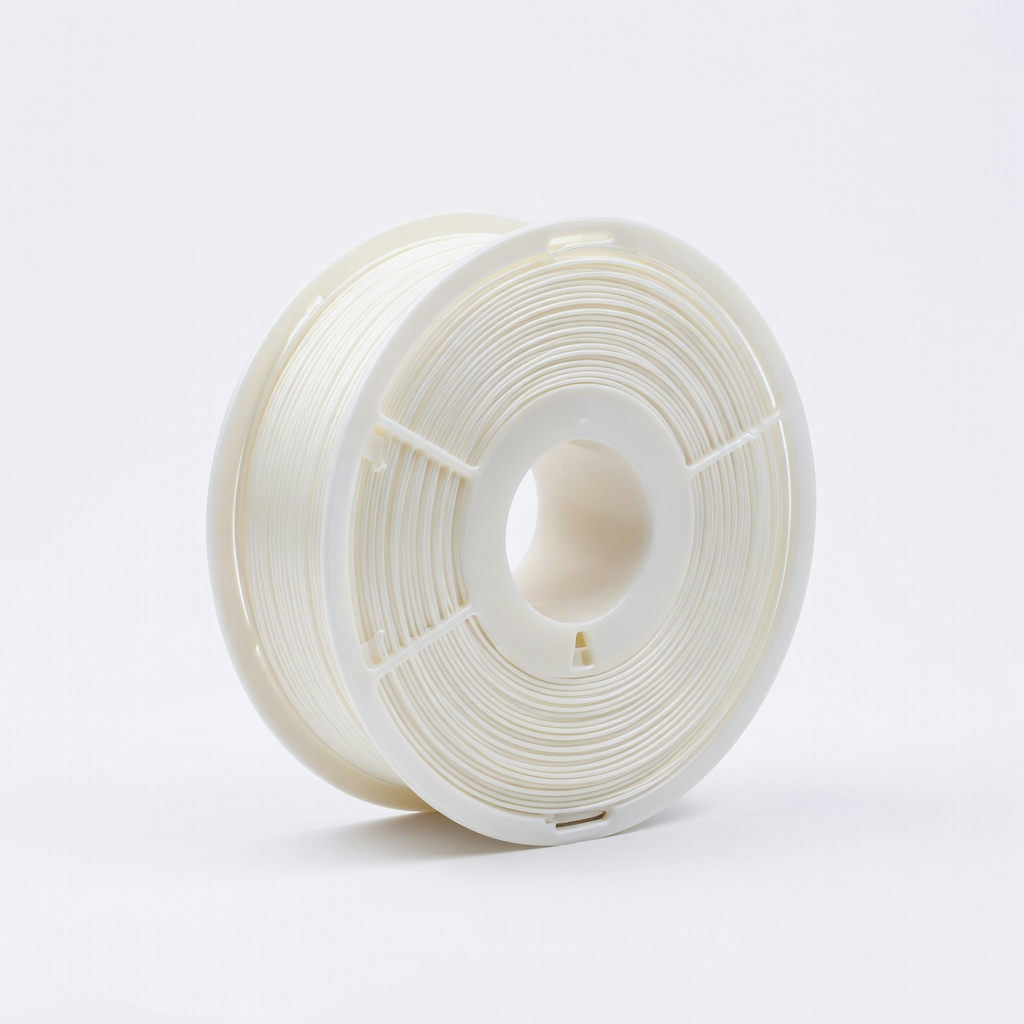
Everyday FDM printing across printers.
Polymaker PolyLite PLA Reliable filament with low warp and high layer adhesion for consistent prototypes.