
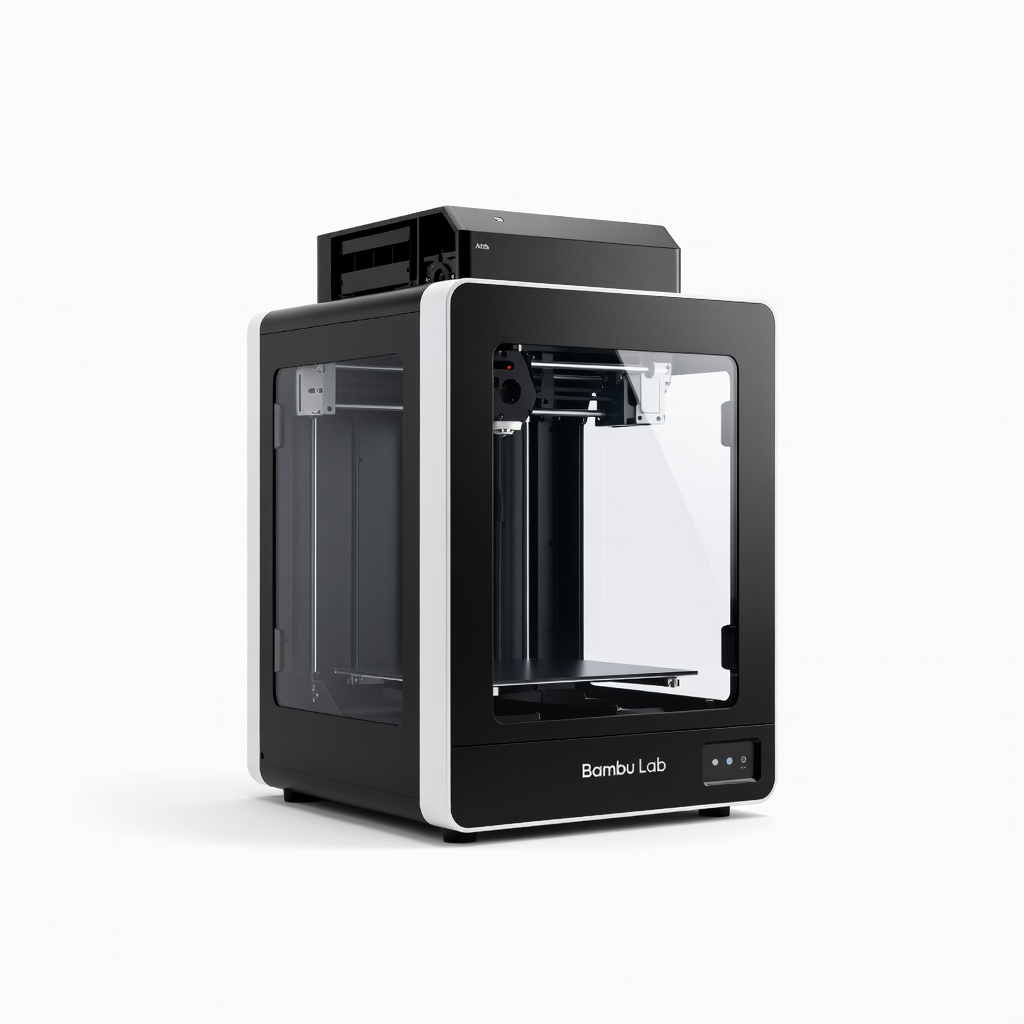
Bambu Lab X1-Carbon
Rapid functional prototypes in R&D; ideal for iterations needing color/strength.
$1,199-$1,450
Bambu Lab X1-Carbon Blazing 500mm/s speeds with AMS for multi-material prototypes, enclosed for warp-free engineering plastics.
Get the App
Better experience on mobile
Learn top additive manufacturing products that slash prototyping time from weeks to days for advanced engineers and designers.
In product development, prototyping bottlenecks like long lead times and high costs can kill innovation. Traditional methods such as CNC machining or injection molding often take weeks and thousands of dollars per iteration. Additive manufacturing (AM) flips this script, enabling rapid design validation directly from CAD files.
This guide breaks down the best AM products that accelerate prototyping, from high-speed printers to optimized software and materials. You'll understand how they work, their real-world impact, and how to integrate them into your workflow. Expect to gain actionable insights for advanced users—no beginner fluff.
By the end, you'll know exactly which tools to deploy for 10x faster iterations, with examples from industries like aerospace and consumer electronics. Reading time: 25 minutes; implementation varies by project.
Estimated Time: 25-30 minutes to read; 1-2 hours for initial setup/testing Difficulty: advanced
Start by mapping your current prototyping pain points: wait times for parts, material waste, or design revisions that require full remakes. Traditional subtractive methods remove 90%+ of material, slowing iteration.
AM excels here by building layer-by-layer from digital files, reducing lead times to hours. For advanced users, quantify your cycle: if iterations take >1 week, AM products can cut it to <1 day.
Why it matters: Targeting specific bottlenecks (e.g., complex geometries) guides product selection.
💡 Tips:
⚠️ Warnings:
Key AM types for prototyping: FDM (Fused Deposition Modeling) for affordable speed, SLA/DLP (Stereolithography/Digital Light Processing) for high-resolution details, and SLS (Selective Laser Sintering) for functional parts without supports.
FDM suits mechanical prototypes; SLA for visuals/medical; SLS for end-use strength. Acceleration comes from speed (mm/s print rates) and automation (auto-leveling, multi-material).
Expect hybrids like CoreXY kinematics for 500mm/s+ speeds in modern printers.
💡 Tips:
FDM printers with linear rails and Klipper firmware accelerate prototyping by printing at 300-600mm/s. They handle large batches of functional prototypes quickly.
Look for enclosed chambers for ABS/ASA materials and AMS (Automatic Material System) for multi-color/material swaps without pausing.
Real-world: Aerospace firms prototype brackets in hours vs. days via machining.
💡 Tips:
Resin-based printers cure layers with UV light, ideal for intricate prototypes like microfluidics or jewelry. Modern DLP models print full layers instantly, hitting 100mm/hour vertically.
They accelerate by minimizing supports and enabling batch printing (multiple parts per build).
Why: Sub-50 micron resolution validates fits/tolerances instantly.
⚠️ Warnings:
Big build volumes (300x300x300mm+) and multi-material systems prototype full assemblies in one go, slashing assembly time.
Products like SLS printers or hybrid FDM/SLA fuse materials for overmolding simulations.
Impact: Consumer electronics teams iterate enclosures 5x faster.
💡 Tips:
Advanced slicers like OrcaSlicer or PrusaSlicer with AI pathing reduce print time 20-50% via variable layer heights and infill patterns.
Simulate failures pre-print to avoid waste.
Pro move: Integrate with CAD for seamless workflows.
Engineering filaments/resins with low viscosity and high flow (e.g., PETG at 1.75mm) or tough resins print faster without quality loss.
They enable functional testing sooner, accelerating feedback loops.
💡 Tips:
Combine hardware/software: CAD → Slicer → Print → Auto post-process (wash/cure stations). Track with PLM software for data-driven iterations.
Result: End-to-end prototyping in <24 hours.
Problem: Layer shifts at high speeds
Solution: Tighten belts, enable input shaping in Klipper firmware.
Problem: Resin fails to cure
Solution: Check UV wavelength match; replace resin if expired.
Problem: Poor tolerances
Solution: Calibrate XY steps/mm; use 0.4mm nozzles for detail.
Problem: Print failures overnight
Solution: Add filament runout sensors and chamber heaters.
Blazing 500mm/s speeds with AMS for multi-material prototypes, enclosed for warp-free engineering plastics.
Best for: Rapid functional prototypes in R&D; ideal for iterations needing color/strength.
Price Range: $1,199-$1,450
DLP tech prints full layers at 150mm/h with 12K resolution for ultra-detailed prototypes.
Best for: High-precision parts like optics or dental models; batch 20+ small prototypes.
Price Range: $500-$600
Large 300mm build volume at 600mm/s for full-scale prototypes; AI camera for monitoring.
Best for: Consumer product enclosures or drone frames; solo engineering teams.
Price Range: $800-$900
High-impact, fast-curing for functional prototypes mimicking ABS.
Best for: Snap-fit tests or drop tests; pairs with SLA printers.
Price Range: $200/1L cartridge
Advanced slicing with AI optimization cuts print times 40%; supports all printers.
Best for: Software bottleneck relief for complex geometries.
Price Range: Free (Pro $200/year)
Rapid functional prototypes in R&D; ideal for iterations needing color/strength.
Bambu Lab X1-Carbon Blazing 500mm/s speeds with AMS for multi-material prototypes, enclosed for warp-free engineering plastics.
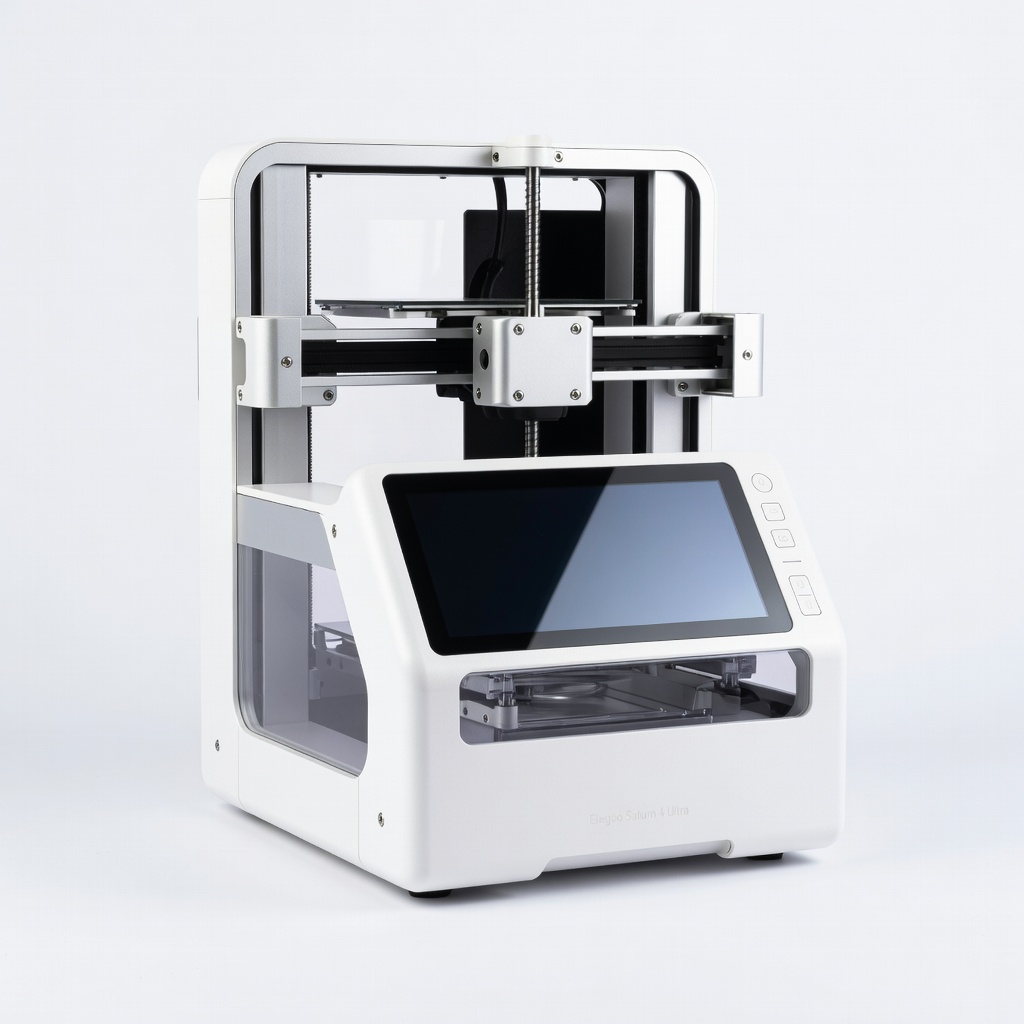
High-precision parts like optics or dental models; batch 20+ small prototypes.
Elegoo Saturn 4 Ultra DLP tech prints full layers at 150mm/h with 12K resolution for ultra-detailed prototypes.

Consumer product enclosures or drone frames; solo engineering teams.
Creality K1 Max Large 300mm build volume at 600mm/s for full-scale prototypes; AI camera for monitoring.
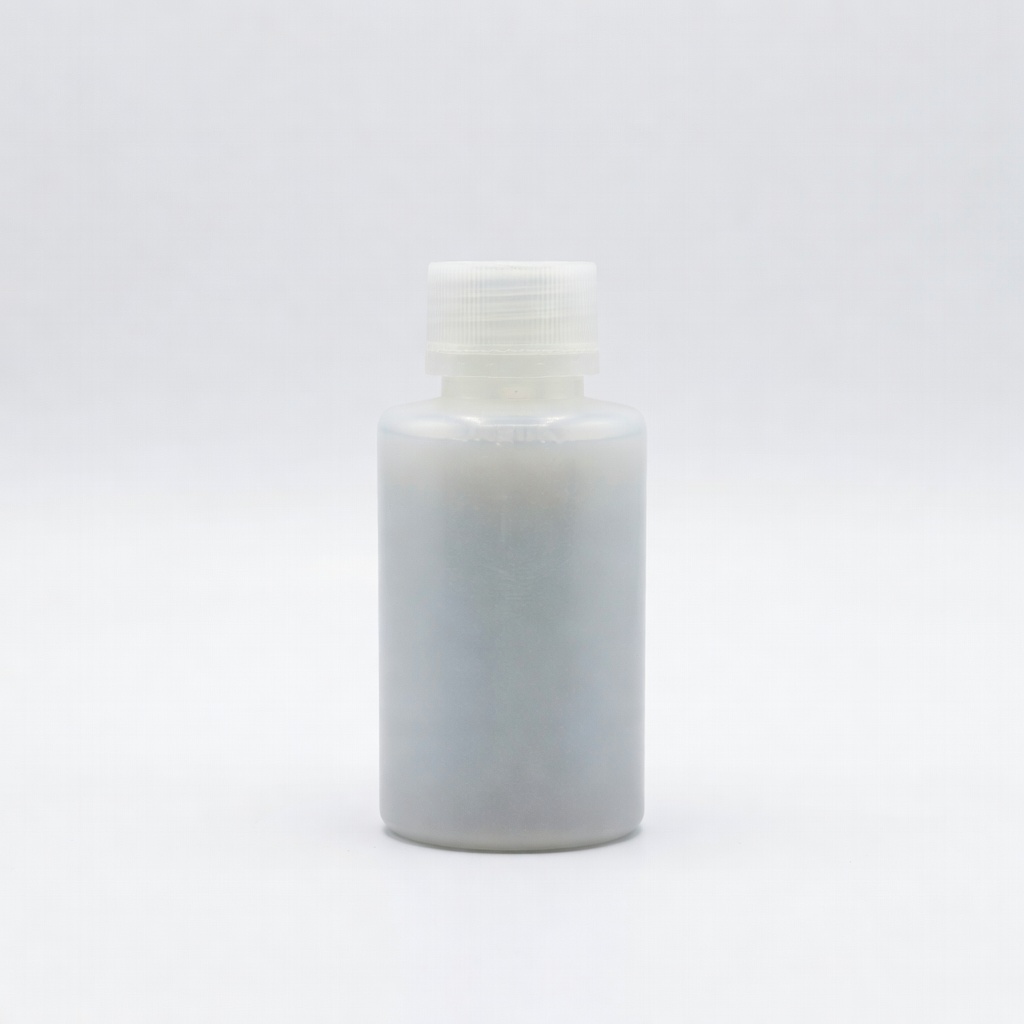
Snap-fit tests or drop tests; pairs with SLA printers.
Formlabs Tough 2000 Resin High-impact, fast-curing for functional prototypes mimicking ABS.
Software bottleneck relief for complex geometries.
PrusaSlicer Pro Advanced slicing with AI optimization cuts print times 40%; supports all printers.