
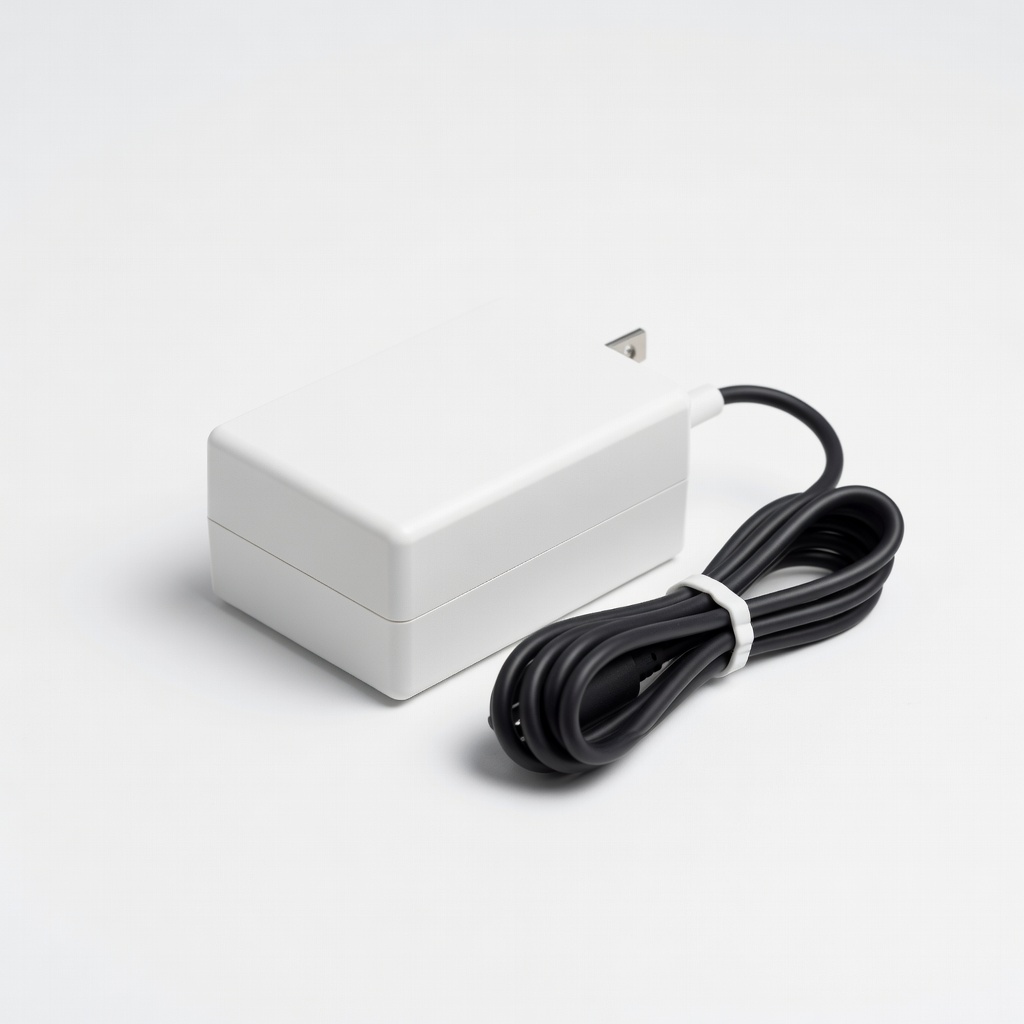
Nintendo Switch AC Adapter
Primary replacement for Switch OLED/Lite; works worldwide (100-240V).
$19.99
Nintendo Switch AC Adapter Official 39W USB-C PD matches exact specs for safe, full-speed charging/docking.
Get the App
Better experience on mobile
Learn exact specs and compatible adapters for PS5, Xbox, Switch to avoid damage and power up safely.
Ever plugged in the wrong power adapter and watched your gaming console flicker or worse, fry? It's a common nightmare for gamers traveling or replacing lost cords. Wrong voltage or connectors can damage internals, costing hundreds to repair.
In this guide, you'll learn how to identify your console's power needs, match adapters perfectly, and pick safe replacements. We'll break down specs like voltage, amps, and connectors for popular consoles like Nintendo Switch, PlayStation, and Xbox. No tech jargon overload—just clear steps to get you gaming without worry. Expect 10-15 minutes to read and verify your setup; beginner-friendly with no tools needed.
Estimated Time: 10-15 minutes Difficulty: beginner
Start by noting your exact console model (e.g., Nintendo Switch OLED, PS4 Slim, Xbox Series X). Check if it uses an external power supply (brick or cord) or internal PSU (built-in, plugs directly to wall).
Modern consoles vary: Switch uses USB-C (portable), PS5 has internal PSU (needs standard IEC C7 'figure-8' cord), Xbox Series X has a proprietary external brick. Why it matters: Internal PSUs can't use random adapters—only the right cord. Look on the console label or original adapter for clues like '12V 5A'. Expect to find this in 1 minute via Google '[console model] power specs'.
💡 Tips:
Power adapters have three main specs:
Check your label: Switch is 15V/2.6A (39W), PS4 12V/5A (60W). Why? Mismatch causes overheating or shutdowns.
⚠️ Warnings:
Adapters have plugs: USB-C (Switch), barrel (PS4: 5.5x2.5mm), proprietary (Xbox brick), or figure-8 (PS5 internals).
Polarity (+ center or - center) matters for DC barrels—symbol on label looks like ⊕ or ⊖. Most gaming use center positive. Expect a quick visual match; use calipers if unsure (cheap on Amazon). This prevents reverse polarity shorts.
💡 Tips:
Switch uses USB-C PD: Official is 15V/2.6A (39W) or 5V USB. Compatible: Any 45W+ PD charger (e.g., laptop bricks). Works docked or handheld. Why? Switch negotiates power safely via PD protocol—no damage risk if PD-certified.
💡 Tips:
PS4/PS4 Pro/Slim: External 12V/5A barrel (5.5mm). PS5: Internal—replace with 2-prong figure-8 (C7) cord, 250W capable. PS3: 12V/4.7A brick. Use exact matches; generics ok if specs align. PS5 cords are simple swaps for travel.
⚠️ Warnings:
Xbox One/Series S: Internal or 12V/10.83A (130W). Series X: External 245W brick (proprietary connector). Replacements mimic shape/ pins. Why exact? High power draw needs stable output.
💡 Tips:
Universals (e.g., 12V adjustable) for multiples, but risky—prefer console-specific. Travel: Plug adapters (not power converters) for international outlets. Voltage converters rare/expensive for gaming.
⚠️ Warnings:
Problem: Console won't turn on with new adapter
Solution: Verify voltage match and connector fit; test original if available. Check outlet with another device.
Problem: Overheating or buzzing
Solution: Wrong specs or poor quality—swap immediately. Ensure ventilation.
Problem: Flickering power light
Solution: Loose connector or low amps—increase A rating or reseat.
Problem: International travel no power
Solution: Use plug adapter only (not converter) if voltage matches (100-240V most adapters).
Official 39W USB-C PD matches exact specs for safe, full-speed charging/docking.
Best for: Primary replacement for Switch OLED/Lite; works worldwide (100-240V).
Price Range: $19.99
Exact match for PS4 Slim/Pro barrel connector; UL certified for safety.
Best for: Replacing lost PS4 adapter; auto-voltage for travel.
Price Range: $22.99
65W PD for Switch (faster charge) and accessories; compact for travel.
Best for: Multi-device gamers; charges Switch at full 39W.
Price Range: $39.99
Replacement for Xbox Series X brick; LED status, quiet fan.
Best for: High-power Xbox Series X users needing backup.
Price Range: $49.99
Plug adapter for 150+ countries; pairs with your existing power supply.
Best for: Gamers traveling abroad without voltage conversion needs.
Price Range: $13.99
Primary replacement for Switch OLED/Lite; works worldwide (100-240V).
Nintendo Switch AC Adapter Official 39W USB-C PD matches exact specs for safe, full-speed charging/docking.
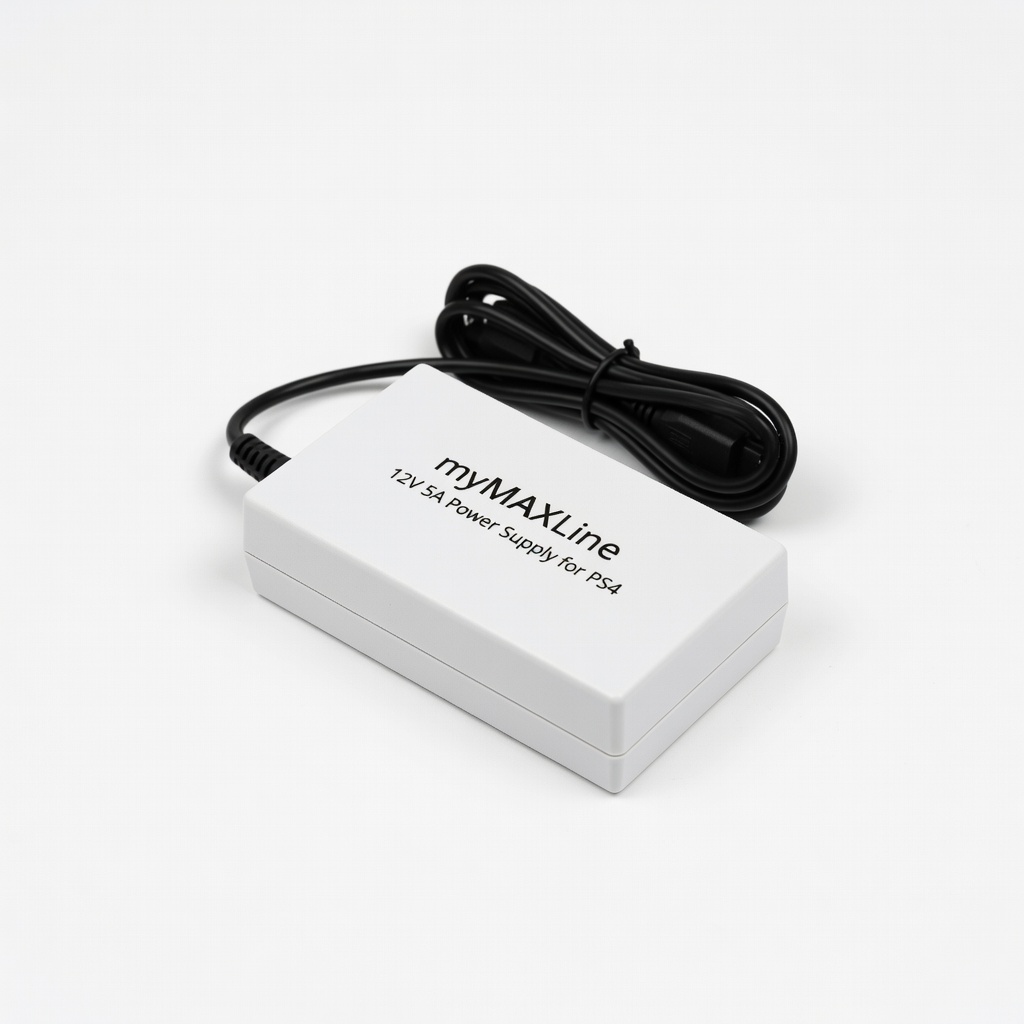
Replacing lost PS4 adapter; auto-voltage for travel.
myMAXLine 12V 5A Power Supply for PS4 Exact match for PS4 Slim/Pro barrel connector; UL certified for safety.
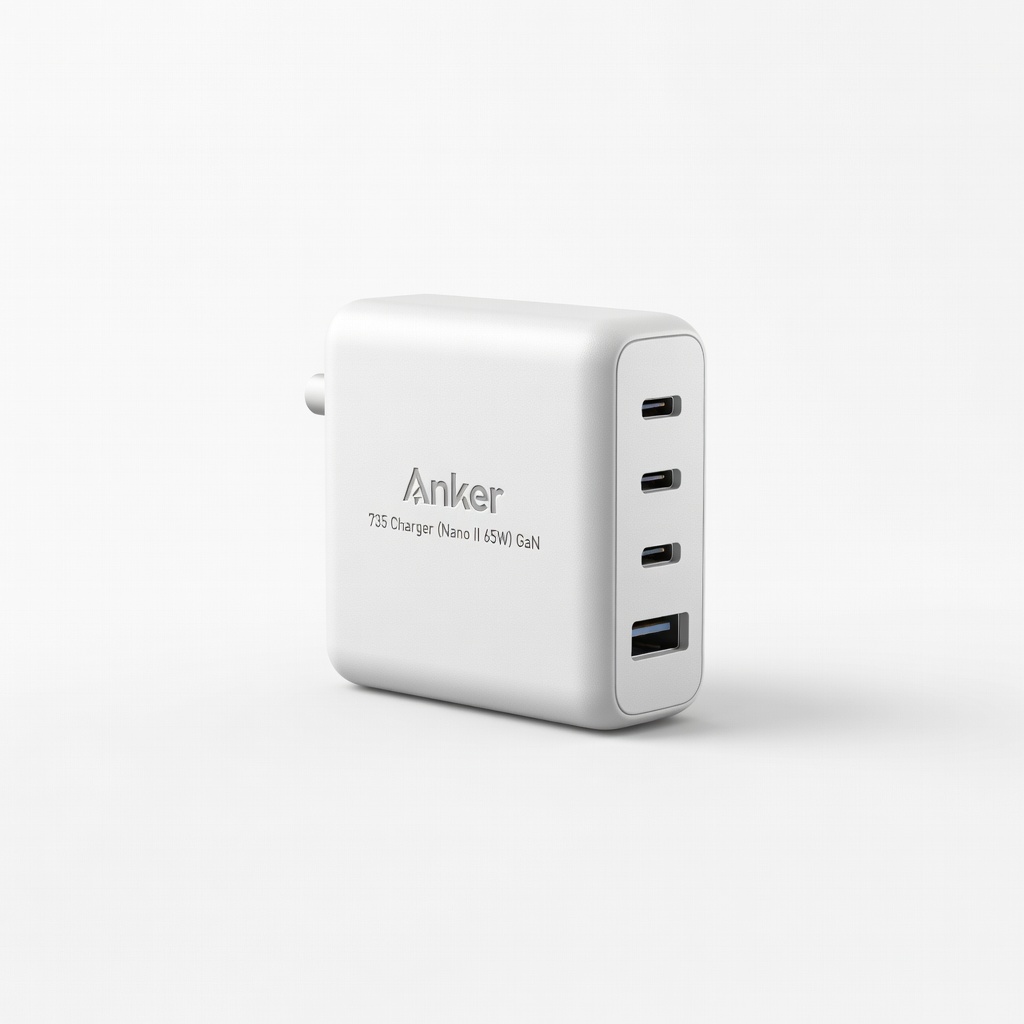
Multi-device gamers; charges Switch at full 39W.
Anker 735 Charger (Nano II 65W) GaN 65W PD for Switch (faster charge) and accessories; compact for travel.
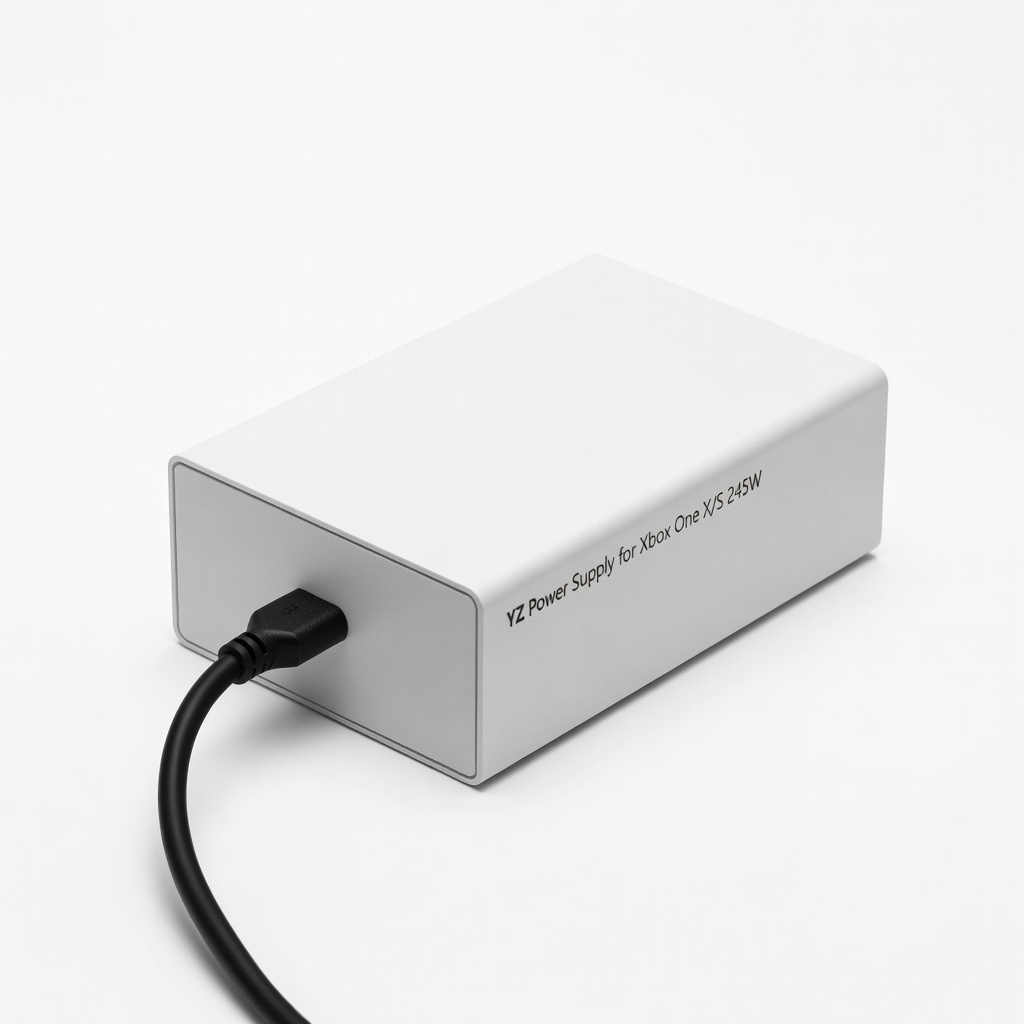
High-power Xbox Series X users needing backup.
YZ Power Supply for Xbox One X/S 245W Replacement for Xbox Series X brick; LED status, quiet fan.
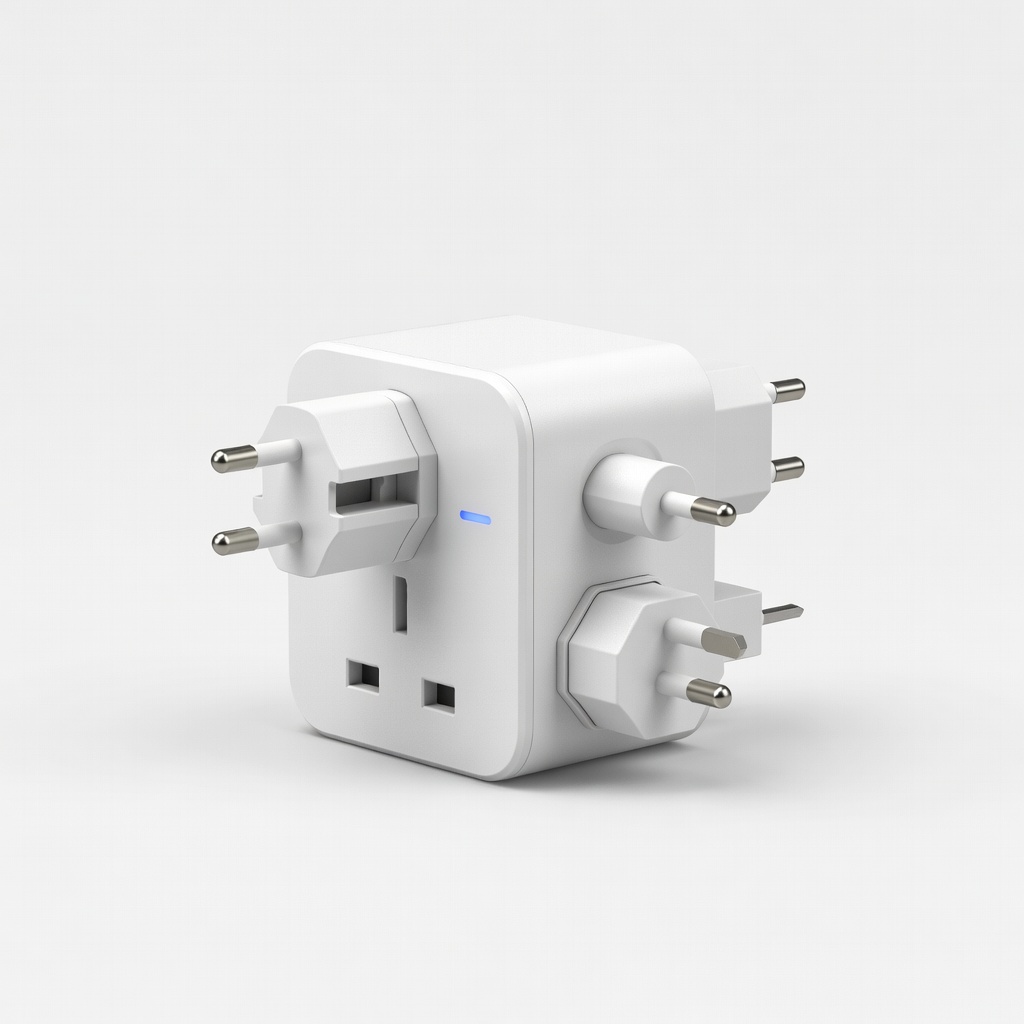
Gamers traveling abroad without voltage conversion needs.
EPICKA Universal Travel Adapter Plug adapter for 150+ countries; pairs with your existing power supply.