
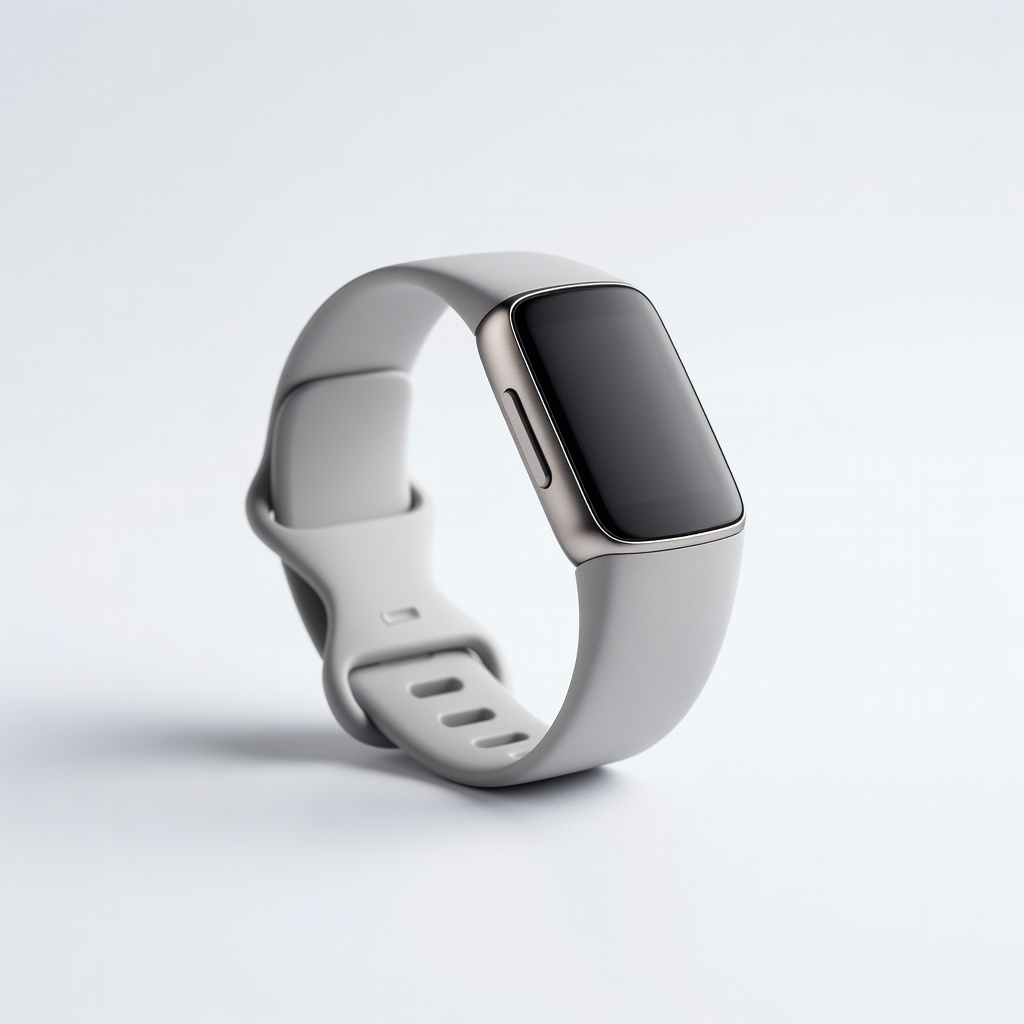
Fitbit Charge 6
Beginners wanting steps, heart rate, ECG, and 7-day battery.
$159.95
Fitbit Charge 6 Best overall sync with dedicated Android app, Google Fit integration, and instant notifications—flawless for daily use.
Get the App
Better experience on mobile
Learn which fitness trackers sync seamlessly with Android phones, plus top picks to track steps, heart rate, and sleep effortlessly.
Struggling with fitness trackers that won't sync properly to your Android phone? You're not alone—many users face dropped data, app crashes, or limited features due to poor compatibility. This guide breaks down the best activity trackers that work flawlessly with Android, helping you choose one that keeps your health data flowing without headaches.
By the end, you'll understand key sync factors, compare top options, and know how to set up for success. No tech expertise needed—this is beginner-friendly and takes just 15 minutes to read and decide.
We'll cover what makes a tracker 'Android-friendly,' real-world recommendations, and tips to avoid common pitfalls for reliable tracking every day.
Estimated Time: 15-20 minutes Difficulty: beginner
Syncing is how your activity tracker sends data like steps, heart rate, calories burned, and sleep stats to your Android phone's app. It happens via Bluetooth Low Energy (BLE), usually every few minutes or on demand.
Think of it like a wireless bridge: the tracker collects data 24/7, then 'phones home' to the app for viewing, analysis, and sharing with Google Fit or other services. Poor sync leads to gaps in your fitness history—frustrating for motivation!
Why it matters: Reliable sync ensures accurate, real-time insights without manual intervention.
💡 Tips:
Not all trackers are equal—Apple Watch, for example, prioritizes iOS and barely works with Android (limited to basic time display). Android excels with open ecosystems, but trackers need dedicated apps optimized for Google Play.
Key: Look for 'native Android support' meaning full features like GPS routes, notifications, and music controls without workarounds. Analogy: It's like choosing headphones that pair perfectly with your phone vs. ones needing adapters.
Expect: Top Android trackers sync in seconds, auto-detect your phone, and integrate with Google Fit.
⚠️ Warnings:
Prioritize these:
Why? These prevent common issues like failed pairings. Test in app stores via reviews searching 'Android sync issues.'
💡 Tips:
Fitbit leads with its polished app; Garmin offers pro-level accuracy; budget picks like Xiaomi shine for basics. All have Android-first apps:
| Brand | Sync Speed | Battery Life | Price Range |
|---|---|---|---|
| Fitbit | Instant | 7 days | $100-180 |
| Garmin | Fast | 7+ days | $150+ |
| Xiaomi | Good | 14 days | $30-50 |
What to expect: 95%+ users report no sync issues on Android forums.
Download the app (e.g., Fitbit, Garmin Connect), enable Bluetooth/location, and follow in-app pairing. Expect a 30-second QR scan or auto-detect.
Why matters: Proper setup enables auto-sync. Test by walking 100 steps—data should appear instantly.
Pro move: Link to Google Fit during onboarding for all-in-one tracking.
💡 Tips:
⚠️ Warnings:
Wear tracker overnight, charge via USB-C (most models), sync in morning. Check app for full data history.
Troubleshoot early: If laggy, restart Bluetooth or update app. Analogy: Like syncing your phone photos—consistent use builds reliable habits.
Goal: Zero data loss over a week.
Problem: Tracker won't pair with Android
Solution: Toggle Bluetooth off/on, forget device in settings, restart phone, reinstall app. Ensure tracker is in pairing mode (usually hold button 5s).
Problem: Data not syncing or delayed
Solution: Check battery (under 20% skips sync), enable background app refresh, clear app cache. Force sync in app menu.
Problem: Inaccurate step/heart data
Solution: Calibrate via app walk test, wear snugly on wrist, update firmware. Compare with phone pedometer.
Problem: App crashes on Samsung/Pixel
Solution: Clear app data, update OS, check for beta firmware. Contact support if persists.
Best overall sync with dedicated Android app, Google Fit integration, and instant notifications—flawless for daily use.
Best for: Beginners wanting steps, heart rate, ECG, and 7-day battery.
Price Range: $159.95
Superior accuracy and Garmin Connect app syncs GPS, sleep, and stress data seamlessly to Android.
Best for: Runners/hikers needing detailed analytics and long battery.
Price Range: $149.99
Budget champ with Mi Fitness app that auto-syncs 150+ modes to Android, including Google Fit.
Best for: Casual users on tight budget wanting 16-day battery.
Price Range: $40-50
Zepp app offers smooth Android sync for Alexa, SpO2, and PAI scores with minimal battery drain.
Best for: Value seekers with smart features like calls/weather.
Price Range: $45-50
Native Samsung Health app syncs perfectly with Galaxy phones, extends to other Android via Wearable app.
Best for: Samsung owners for fall detection and 13-day battery.
Price Range: $59.99
Beginners wanting steps, heart rate, ECG, and 7-day battery.
Fitbit Charge 6 Best overall sync with dedicated Android app, Google Fit integration, and instant notifications—flawless for daily use.
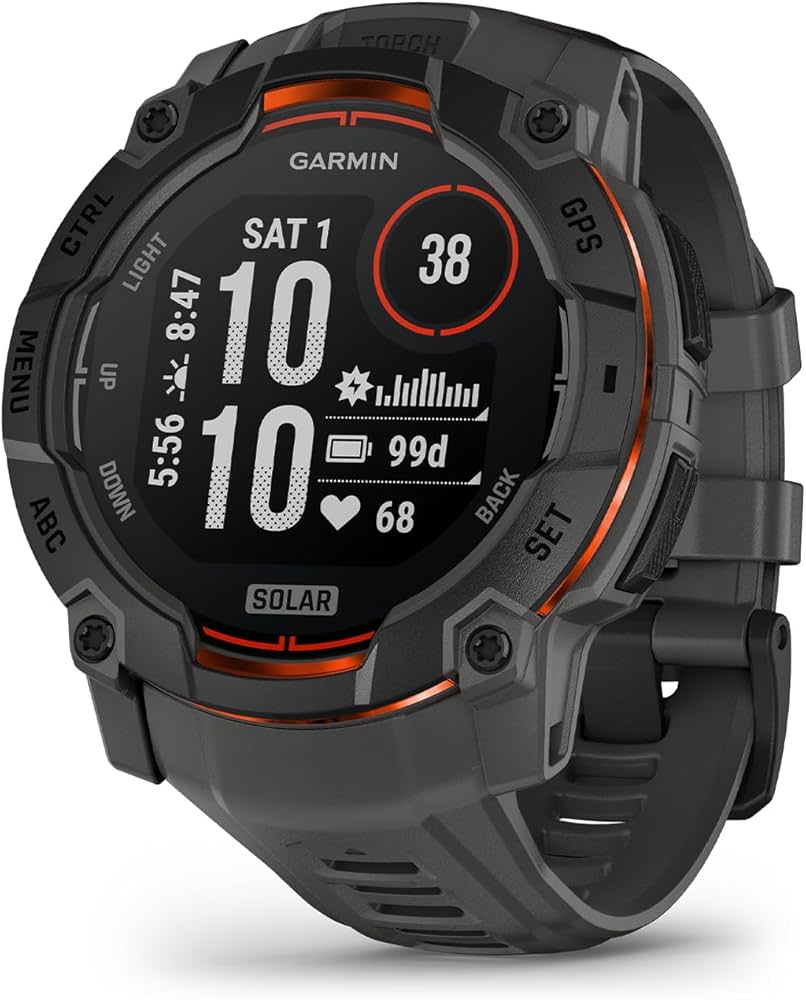
Runners/hikers needing detailed analytics and long battery.
Garmin Vivosmart 5 Superior accuracy and Garmin Connect app syncs GPS, sleep, and stress data seamlessly to Android.
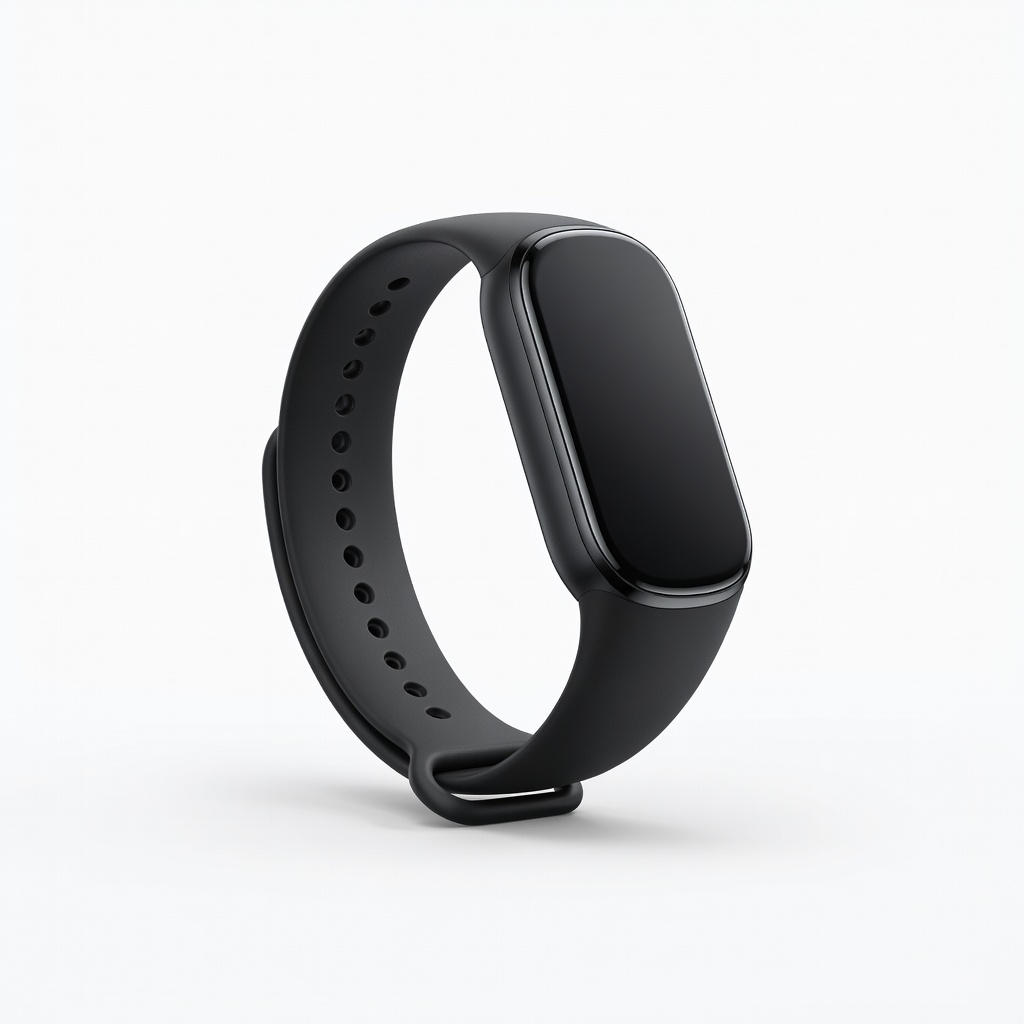
Casual users on tight budget wanting 16-day battery.
Xiaomi Smart Band 8 Budget champ with Mi Fitness app that auto-syncs 150+ modes to Android, including Google Fit.
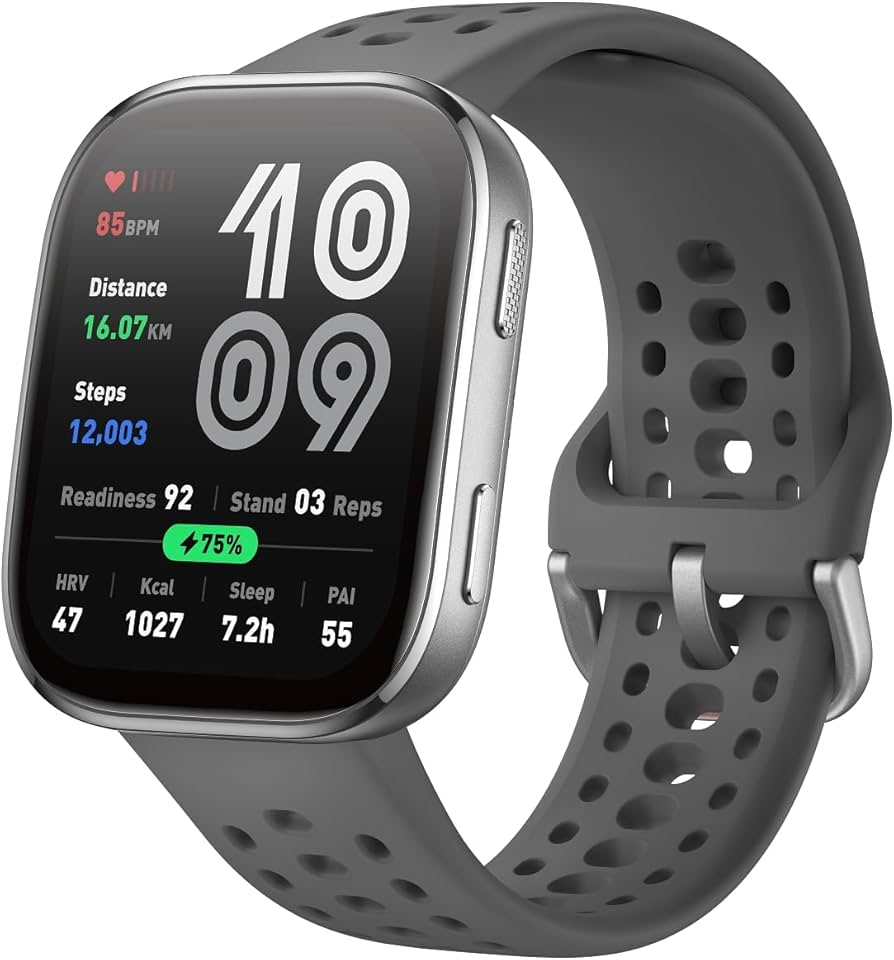
Value seekers with smart features like calls/weather.
Amazfit Band 7 Zepp app offers smooth Android sync for Alexa, SpO2, and PAI scores with minimal battery drain.
Samsung owners for fall detection and 13-day battery.
Samsung Galaxy Fit3 Native Samsung Health app syncs perfectly with Galaxy phones, extends to other Android via Wearable app.