Action adventure games like Assassin's Creed Valhalla, Tomb Raider, or God of War deliver epic open worlds, intense combat, and stunning visuals—but they can turn your PC into a slideshow if it's not optimized. Stuttering, low frame rates, crashes, and overheating are common pain points for intermediate gamers pushing mid-range rigs.
In this guide, you'll learn the key hardware requirements, software tweaks, and step-by-step optimization process to achieve buttery-smooth performance. We'll break down complex specs like GPU ray tracing and CPU threading with simple analogies (think GPU as your graphics engine, CPU as the director). Expect 20-30 minutes to read and apply basics, scaling to 1-2 hours for upgrades—perfect for intermediate users comfortable with Task Manager and driver updates.
By the end, your PC will handle high settings in action adventures without breaking a sweat.
▸What You'll Need
- •PC with Windows 10/11
- •Monitoring tools: MSI Afterburner + RivaTuner (free download)
- •HWInfo or HWMonitor for temps (free)
- •Basic hardware knowledge (CPU/GPU specs via Task Manager)
- •Optional: Screwdriver set for upgrades
Estimated Time: 20-30 minutes to read + 1-2 hours for tweaks/upgrades
Difficulty: intermediate
▸Step-by-Step Instructions
Step 1: Understand Action Adventure Game Demands
Action adventure games emphasize open-world exploration, dynamic lighting, physics-based combat, and high-res textures. Unlike shooters, they load massive assets continuously, stressing RAM and storage more than pure FPS titles.
Analogy: Imagine the game as a Hollywood blockbuster—GPU renders the explosions (ray tracing, shadows), CPU handles NPC AI and physics (crowd scenes), RAM stores props (open map), and SSD streams footage (no loading hitches).
Benchmark popular titles: Cyberpunk 2077 needs RTX 3060+ for 60 FPS at 1440p; Horizon Forbidden West demands 16GB RAM minimum. Use Steam's hardware survey or CanIrunIt.com to check.
💡 Tips:
- •Test with free demos like The Witcher 3 Next-Gen update.
⚠️ Warnings:
- •Don't ignore VRAM—8GB minimum for 1440p.
Step 2: Benchmark Your Current PC Specs
Download MSI Afterburner and HWInfo. Run a game like Shadow of the Tomb Raider at max settings for 10 minutes while monitoring.
Key metrics: FPS (target 60+), GPU/CPU usage (under 90%), temps (<80°C), RAM usage. Why it matters: Identifies bottlenecks—e.g., 100% GPU usage means upgrade graphics card.
Expect: Overlay shows real-time stats. Log with RTSS for videos.
💡 Tips:
- •Use in-game benchmarks if available (e.g., Assassin's Creed tools).
Step 3: Prioritize GPU Upgrades
GPU handles 70% of action adventure visuals (ray tracing, DLSS). Minimum: GTX 1660 Super (1080p); ideal: RTX 3060/4060 (1440p, 60FPS).
Analogy: GPU is the painter—more cores mean detailed landscapes without lag. Enable NVIDIA DLSS/AMD FSR for 30-50% FPS boost.
Check via Device Manager; upgrade if <6GB VRAM.
💡 Tips:
- •RTX series for ray tracing in newer titles like Alan Wake 2.
⚠️ Warnings:
- •Avoid mining-used GPUs—thermal throttling kills performance.
Step 4: Secure 16GB+ RAM (32GB Recommended)
These games preload 10-20GB for seamless worlds. Dual-channel DDR4 3200MHz+ prevents hitching.
Why: Single-channel halves bandwidth—like a highway with one lane. Test with Task Manager during play.
Upgrade: Match existing sticks for best results.
💡 Tips:
- •XMP profile in BIOS for full speed.
Step 5: Switch to NVMe SSD Storage
HDDs cause 10-30s stutters; NVMe SSDs load in <5s. 1TB minimum for installs (games 100GB+).
Analogy: SSD is express delivery vs. HDD's slow truck. Prioritize OS/games on SSD.
💡 Tips:
- •Clone drive with Macrium Reflect (free).
⚠️ Warnings:
- •Don't defrag SSDs—shortens life.
Step 6: Optimize CPU and Cooling
6+ cores/12 threads (e.g., Ryzen 5 5600X) for AI/physics. Keep <75°C with aftermarket cooler.
Why: Overheating throttles like a sprinting athlete in sauna. Repaste thermal compound yearly.
💡 Tips:
- •Undervolt CPU via Ryzen Master for 10°C drop.
Step 7: Update Drivers and Tweak Software
Use GeForce Experience/AMD Software for latest drivers. Clean boot Windows, disable overlays (Discord, Steam).
Set power plan to High Performance. Expect: 10-20% FPS gain.
Cap FPS at 60/120Hz to reduce heat.
💡 Tips:
- •MSI Afterburner curve optimizer for GPU undervolt.
⚠️ Warnings:
- •Beta drivers can crash—stick to stable.
Step 8: Fine-Tune In-Game Settings
Medium-high presets: Lower shadows/volumetrics first (biggest FPS hit). Enable DLSS Quality.
Test iteratively: Adjust, benchmark, repeat. Analogy: Dial like a camera—balance sharpness vs. speed.
💡 Tips:
- •Reshade for free sharpening post-FPS tweaks.
▸Pro Tips
- •Enable Resizable BAR in BIOS for 10% GPU boost on compatible hardware.
- •Use Game Mode + Hardware-Accelerated GPU Scheduling in Windows.
- •Close browser tabs—Chrome eats 4GB RAM.
- •Monitor with CapFrameX for 1% lows (stutter metric).
- •Overclock RAM safely via Thaiphoon Burner test.
- •Batch driver updates monthly via NVCleanstall.
- •Vertical sync off + RTSS limit FPS for tear-free play.
▸Common Mistakes to Avoid
- •Ignoring VRAM limits—causes texture pop-in; check with GPU-Z.
- •Running on HDD—massive stutters; migrate to SSD first.
- •Overlooking background apps—use Process Lasso to kill hogs.
- •Max settings blind—start medium, scale up.
- •Skipping driver updates—miss 20% perf from new games.
▸Troubleshooting
Problem: Sudden crashes or black screens
Solution: Update GPU drivers, check PSU wattage (650W+ for RTX 30-series), test RAM with MemTest86.
Problem: Overheating (>85°C)
Solution: Reapply thermal paste, improve case airflow, lower ambient room temp.
Problem: Low FPS despite good specs
Solution: Disable fullscreen optimizations in .exe properties, verify game files on Steam.
Problem: Stuttering on open maps
Solution: Preload textures if option exists, ensure pagefile on SSD (16GB min).
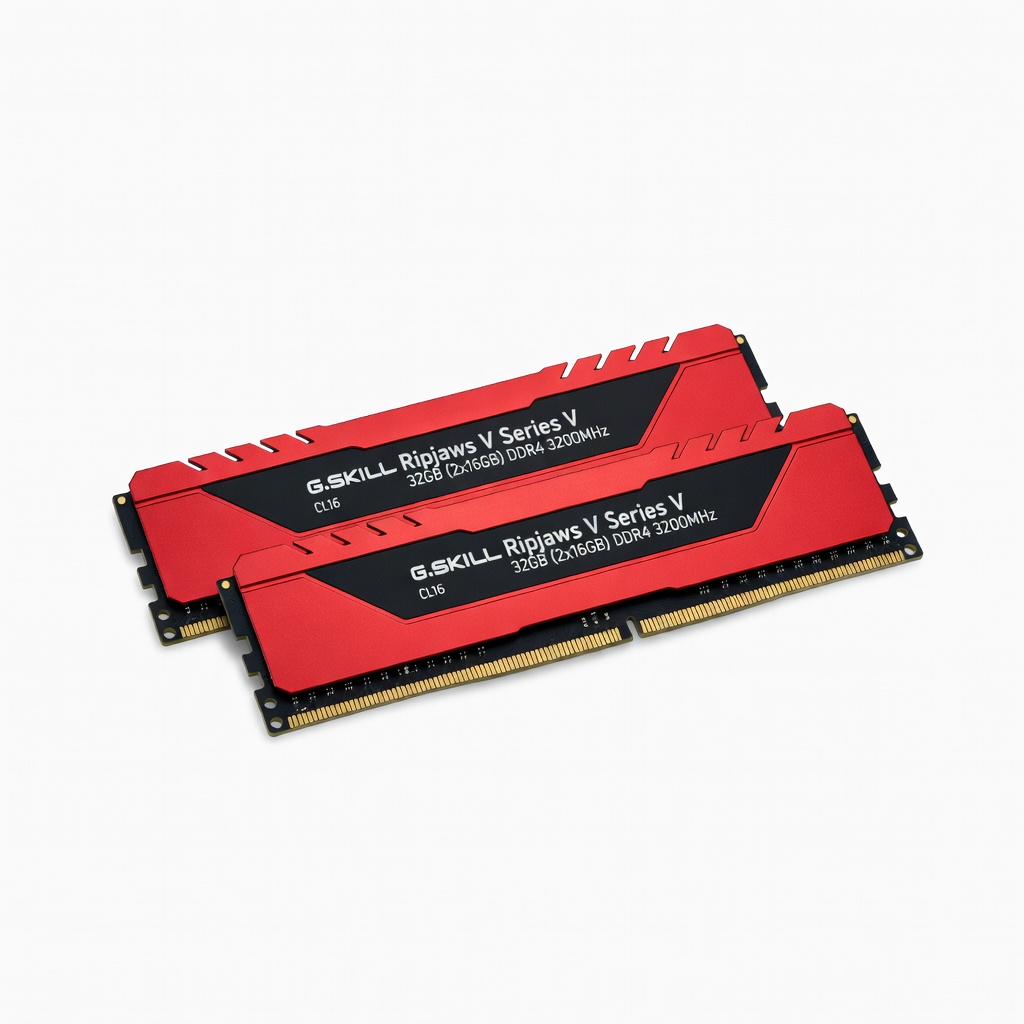
G.SKILL Ripjaws V Series 32GB (2x16GB) DDR4 3200MHz
Perfect dual-channel kit for multitasking in open-world games; stable XMP speeds prevent hitching.
Best for: Upgrade from 8/16GB for seamless exploration in Assassin's Creed.
Price Range: $70-$90
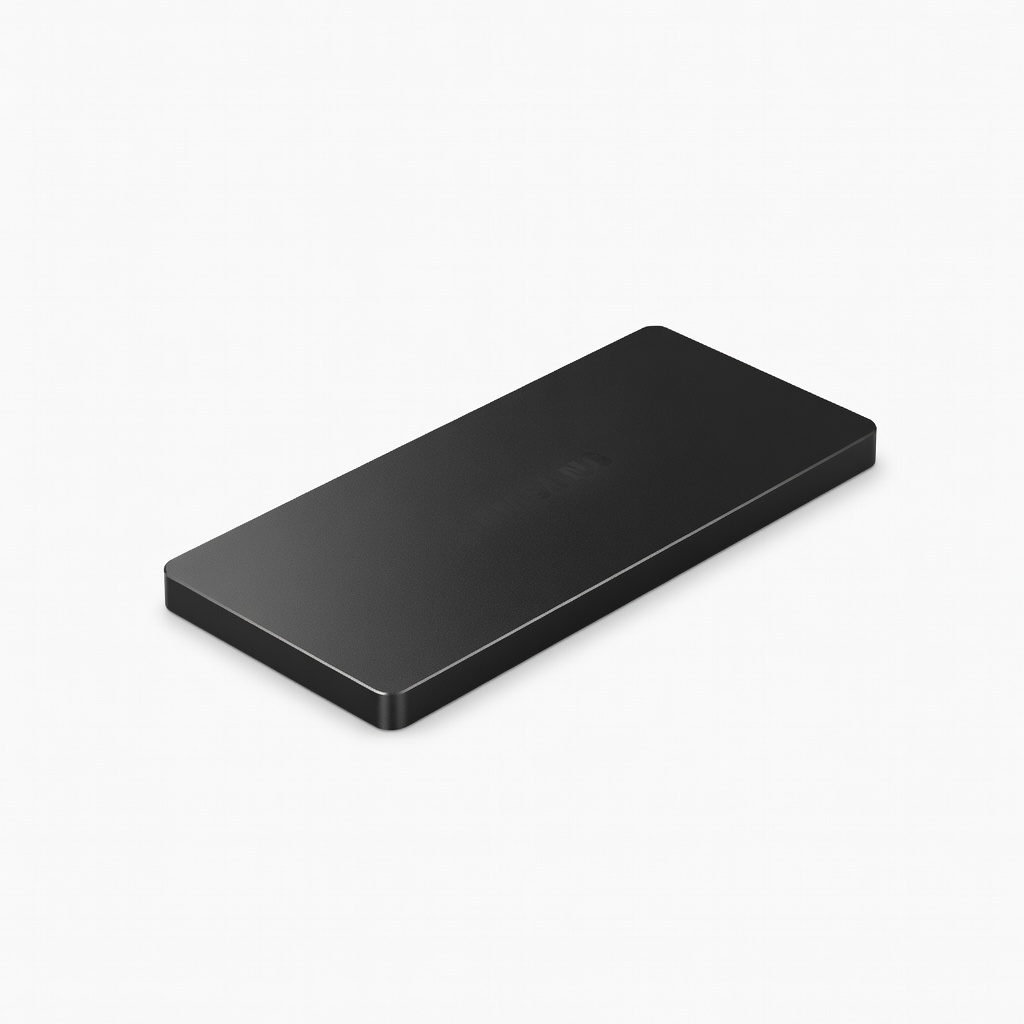
Samsung 990 PRO 1TB PCIe 4.0 NVMe SSD
Blazing 7450MB/s reads eliminate loading stutters; heatsink version for sustained performance.
Best for: Install games/OS here for instant world loads in Tomb Raider-style titles.
Price Range: $90-$110
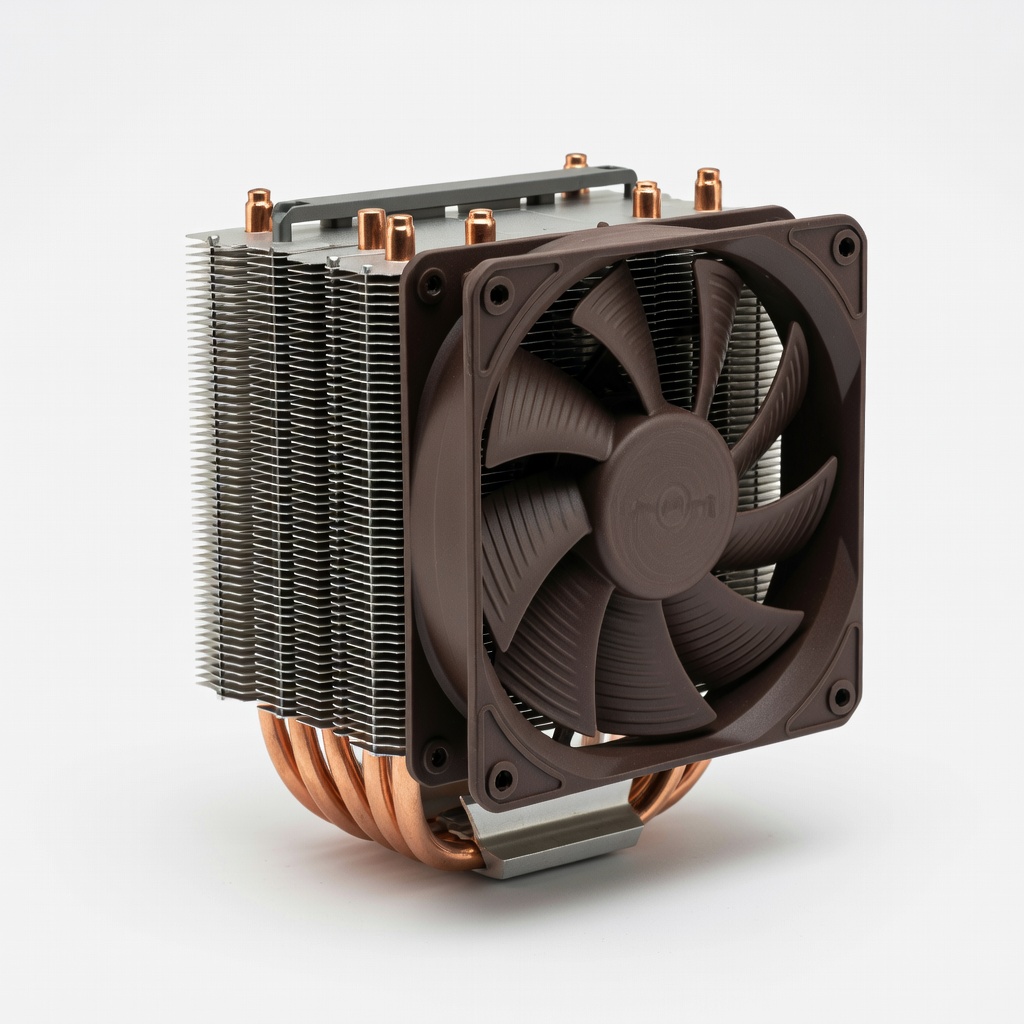
Noctua NH-U12S Redux CPU Cooler
Quiet, efficient air cooling drops temps 20°C vs. stock; ideal for Ryzen/Intel in long sessions.
Best for: Prevent throttling during boss fights or parkour chases.
Price Range: $50-$60
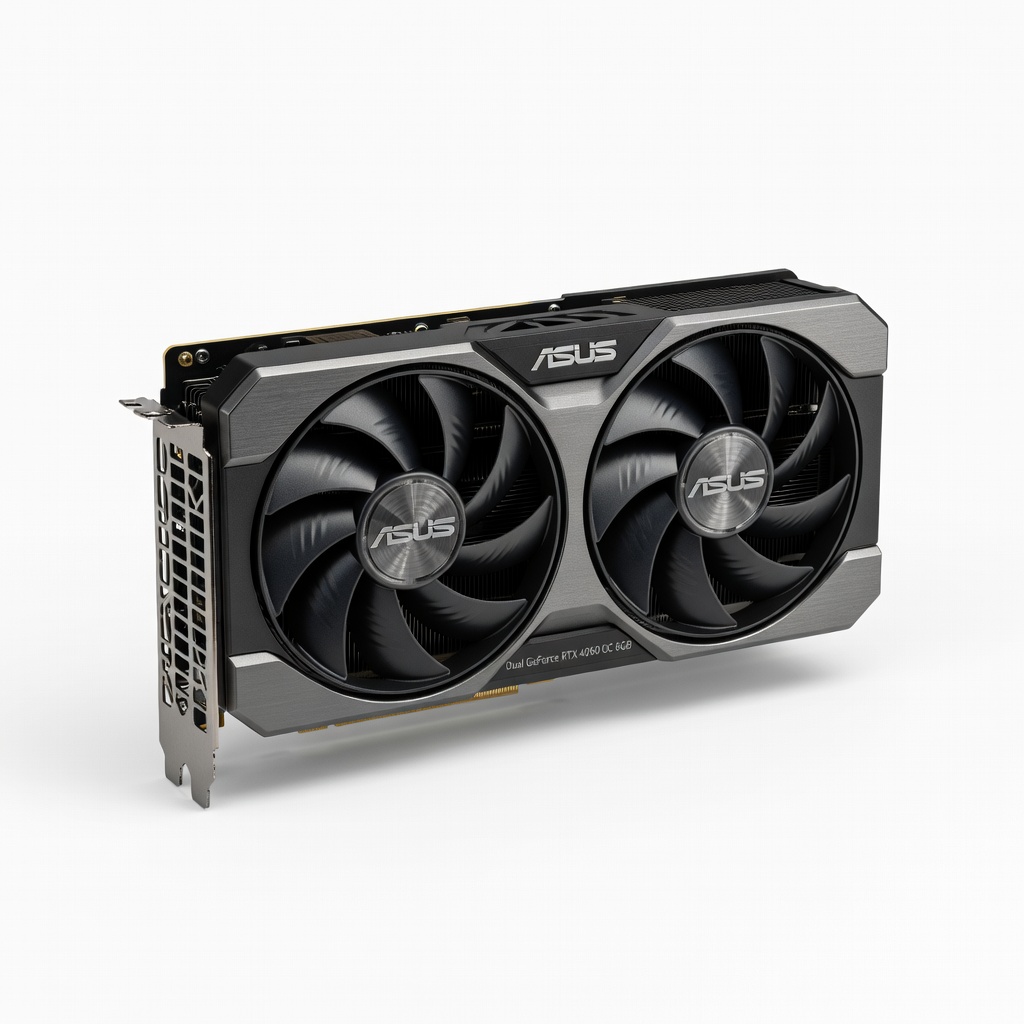
ASUS Dual GeForce RTX 4060 OC 8GB
Excellent 1080p/1440p performer with DLSS 3 for future-proof ray tracing in action adventures.
Best for: Budget upgrade for 60+ FPS high settings in Horizon or God of War.
Price Range: $280-$320
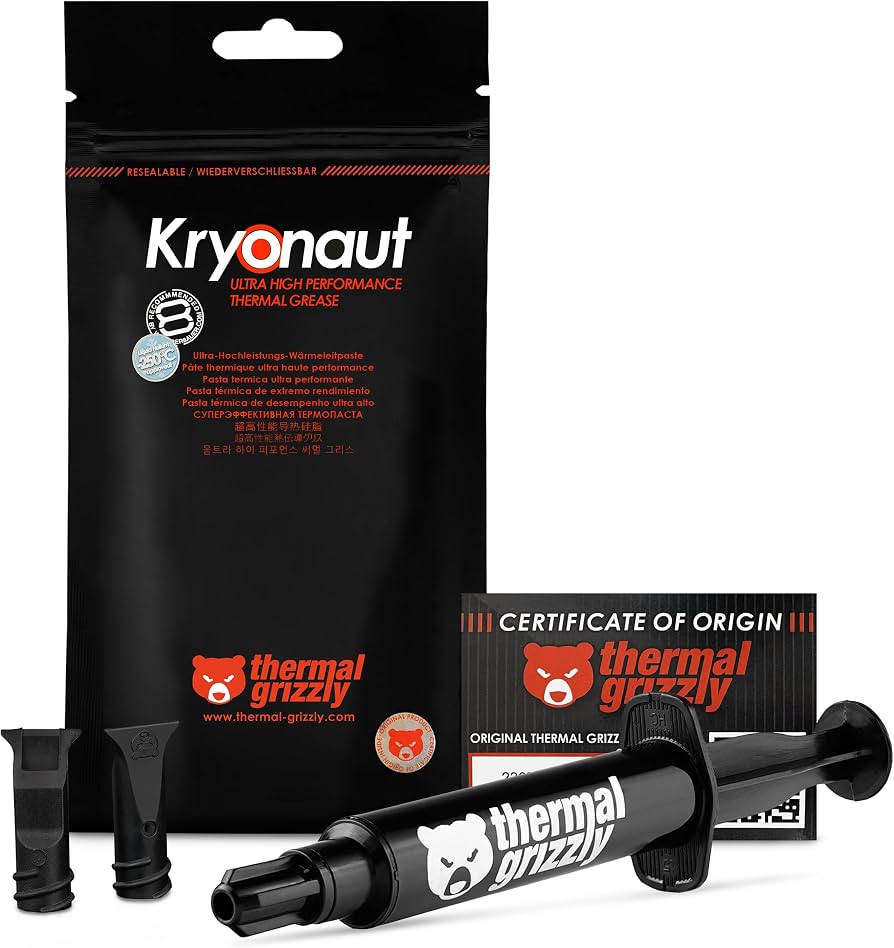
Thermal Grizzly Kryonaut Thermal Paste
High-conductivity paste for 5-10°C cooler CPU/GPU; easy apply for DIY.
Best for: Refresh old thermal compound during upgrades.
Price Range: $8-$12