
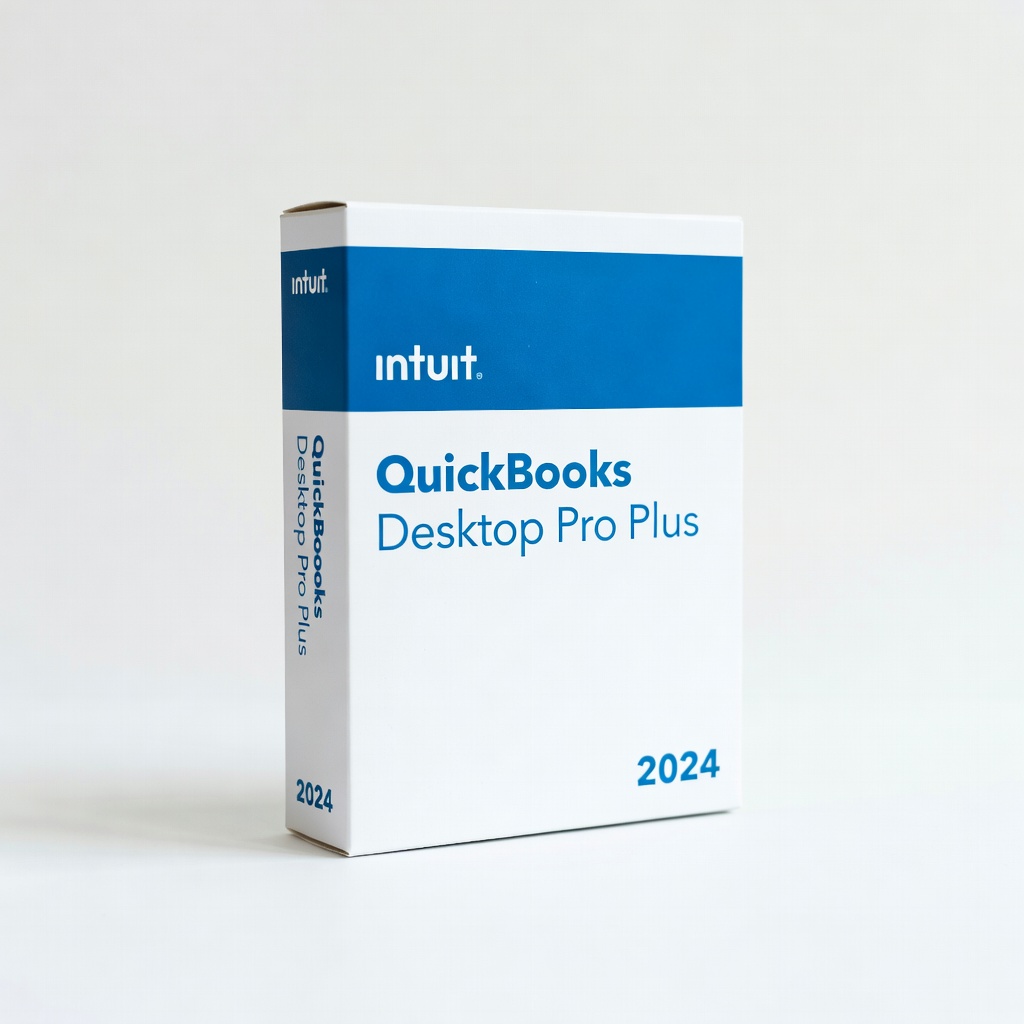
Intuit QuickBooks Desktop Pro Plus 2024
Desktop users digitizing ledgers for small businesses.
$349.99
Intuit QuickBooks Desktop Pro Plus 2024 Built-in receipt import and OCR matching syncs scanned physical books seamlessly.
Get the App
Better experience on mobile
Learn top tools like QuickBooks and Xero that digitize and sync physical ledgers via OCR for error-free accounting.
Maintaining physical account books—traditional ledgers for recording transactions—offers tactile reliability but leads to tedious manual data entry into digital systems. Errors, lost time, and compliance risks pile up. This guide reveals accounting tools that bridge the gap by syncing physical records digitally.
You'll discover how syncing works, top software options, setup steps, and hardware helpers. Expect to grasp concepts and actionable setups in 20-30 minutes, perfect for intermediate users transitioning hybrid workflows.
By the end, you'll know exactly which tools integrate physical books with cloud accounting, reducing double-entry by 80%.
Estimated Time: 20-30 minutes Difficulty: intermediate
Physical account books are paper ledgers where transactions like sales, expenses, and inventory are manually recorded. Common types include general ledgers, cash books, and sales journals. They provide a tangible audit trail but don't auto-sync with digital systems.
Syncing means converting these records into digital data via scanning and OCR (Optical Character Recognition), then importing to software. This eliminates re-keying. Expect 90%+ accuracy with good tools.
Image description: Close-up of an open physical ledger book with handwritten entries next to a smartphone scanning it.
💡 Tips:
⚠️ Warnings:
Syncing relies on OCR technology to 'read' scanned images and extract data like dates, amounts, and descriptions. Apps then match this to digital categories and push via API to accounting software.
Analogy: Like Google Lens translating a menu—OCR 'translates' handwriting to editable data. Cloud sync ensures real-time updates across devices. Bidirectional sync (rare) allows digital edits to print back, but most are one-way import.
Why it matters: Cuts errors by 70% per studies from Xero users.
💡 Tips:
OCR engines (e.g., Google Cloud Vision) convert images to text. Top tools use AI for handwriting recognition. Data syncs via secure APIs to QuickBooks, Xero, etc.
Process: Scan → OCR → Categorize → Import. Expect setup in 10 minutes, processing per page in seconds.
QuickBooks leads with its mobile app for receipt capture and ledger scanning. Upload photos; AI extracts data and matches to bank feeds or invoices.
It syncs physical books by importing CSV from scans or direct app integration. Use case: Small businesses digitizing daily journals. Free for basic receipt matching.
💡 Tips:
Xero pairs with Hubdoc (now Xero-owned) for unlimited OCR on physical docs. Email or app-scan ledgers; it extracts and publishes to Xero.
Handles multi-page books via batch upload. Pro for intermediates: Rule-based auto-coding. Syncs in under 1 minute per batch.
⚠️ Warnings:
Dext (formerly Receipt Bank) excels at handwritten ledgers, syncing to 10,000+ apps including QuickBooks/Xero. 99% accuracy claimed.
Upload scans; AI lines up to chart of accounts. Ideal for complex physical books like inventory logs.
💡 Tips:
Portable scanners like ScanSnap feed directly to accounting apps via software bridges. Batch-scan entire books, auto-OCR, and export to QuickBooks.
Why better than phone? Higher resolution for faded entries. Setup: Install driver, link to cloud folder synced with software.
Post-sync, review matches in software dashboard. Set rules for recurring entries. Backup physical originals for audits.
Routine: Weekly scans keep books current. Tools notify discrepancies.
Problem: OCR fails on handwriting
Solution: Retrain AI with examples or switch to typed ledgers; try Dext's handwriting mode.
Problem: Sync errors/API limits
Solution: Check app permissions; reduce batch size under 50 pages.
Problem: Data mismatch in software
Solution: Use custom rules; manually edit first import as template.
Problem: Slow processing
Solution: Upgrade to premium OCR; scan offline and upload WiFi.
Built-in receipt import and OCR matching syncs scanned physical books seamlessly.
Best for: Desktop users digitizing ledgers for small businesses.
Price Range: $349.99
High-speed batch scanning with OCR software that exports directly to QuickBooks/Xero.
Best for: Volume-heavy physical books needing pro resolution.
Price Range: $424.99
Affordable, mobile scanner with app integration for on-the-go ledger syncing.
Best for: Freelancers scanning receipts/journals into cloud accounting.
Price Range: $199.99
Wireless direct sync to accounting apps via WiFi, great for shared physical books.
Best for: Teams needing quick desk-to-cloud transfer.
Price Range: $249.99
Desktop users digitizing ledgers for small businesses.
Intuit QuickBooks Desktop Pro Plus 2024 Built-in receipt import and OCR matching syncs scanned physical books seamlessly.
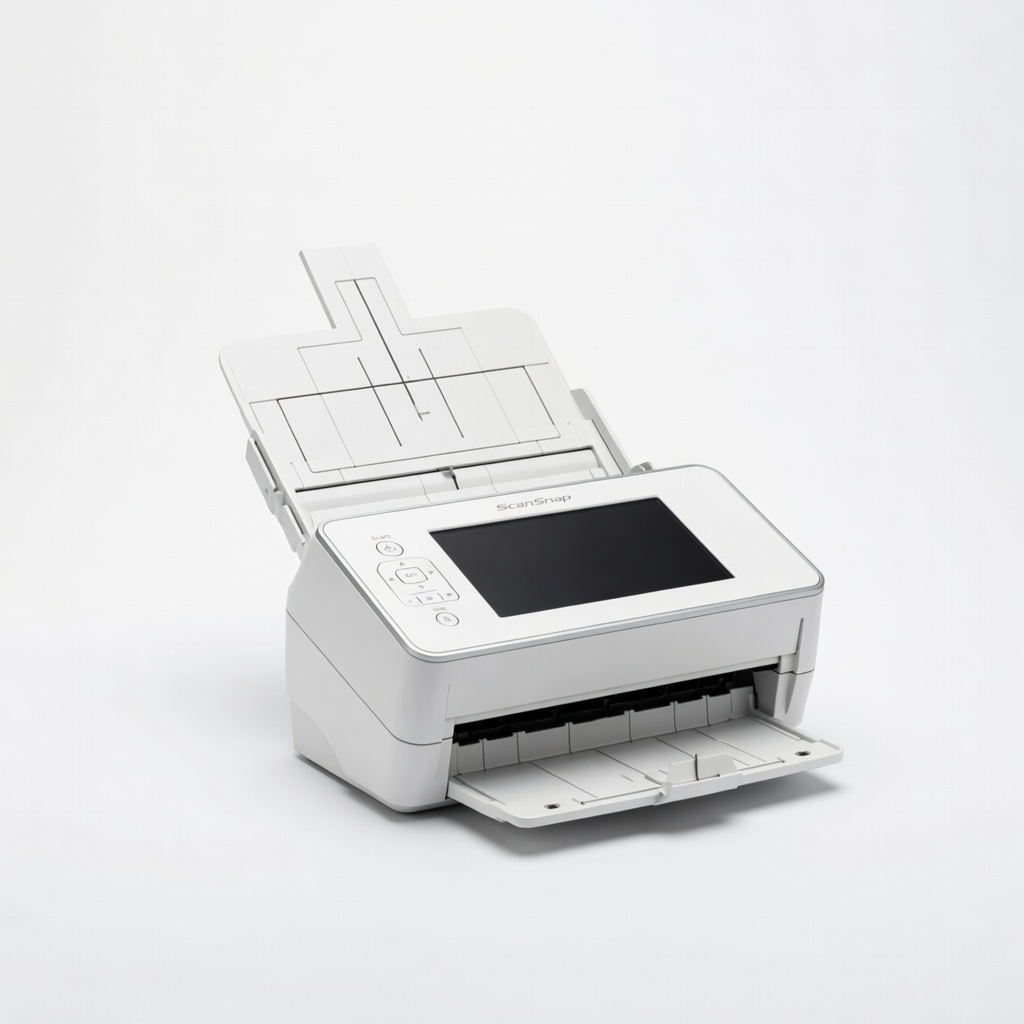
Volume-heavy physical books needing pro resolution.
Fujitsu ScanSnap iX1600 Document Scanner High-speed batch scanning with OCR software that exports directly to QuickBooks/Xero.
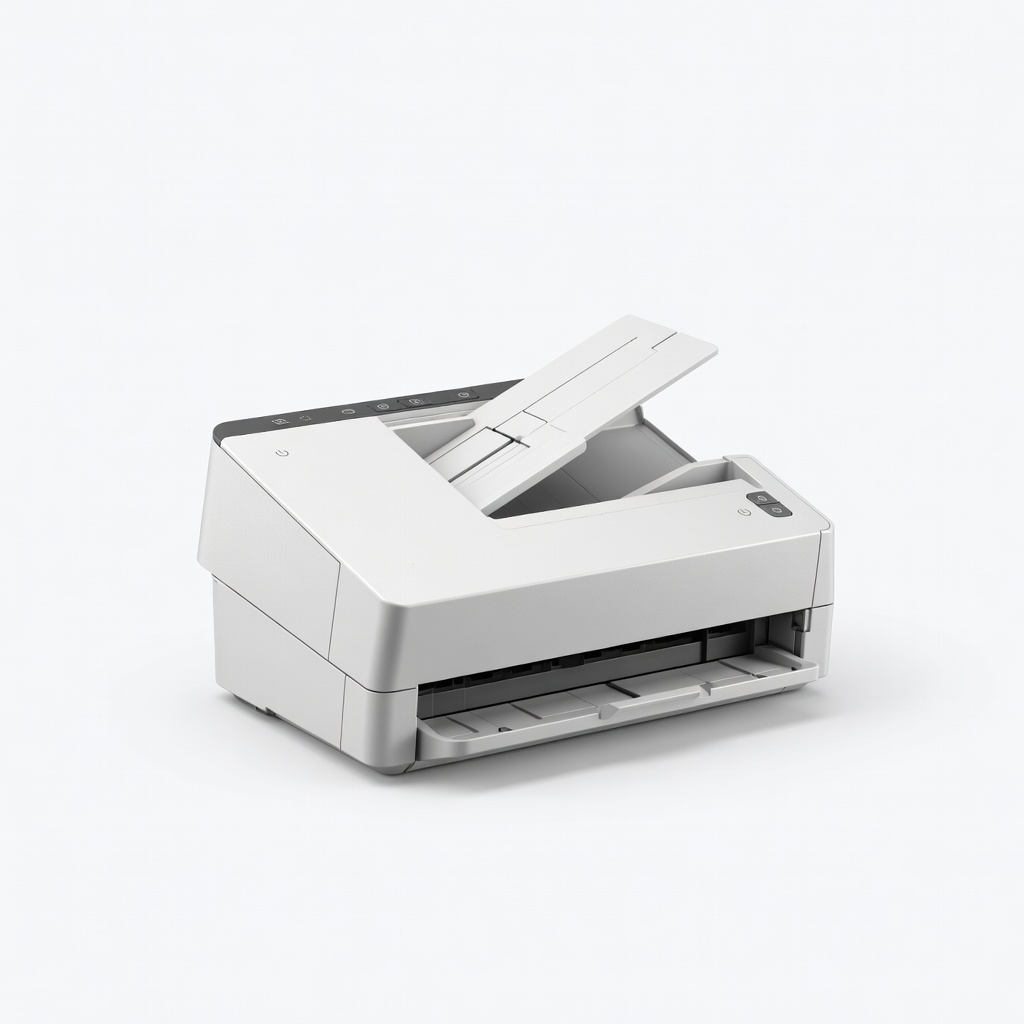
Freelancers scanning receipts/journals into cloud accounting.
Epson WorkForce ES-200 Portable Scanner Affordable, mobile scanner with app integration for on-the-go ledger syncing.
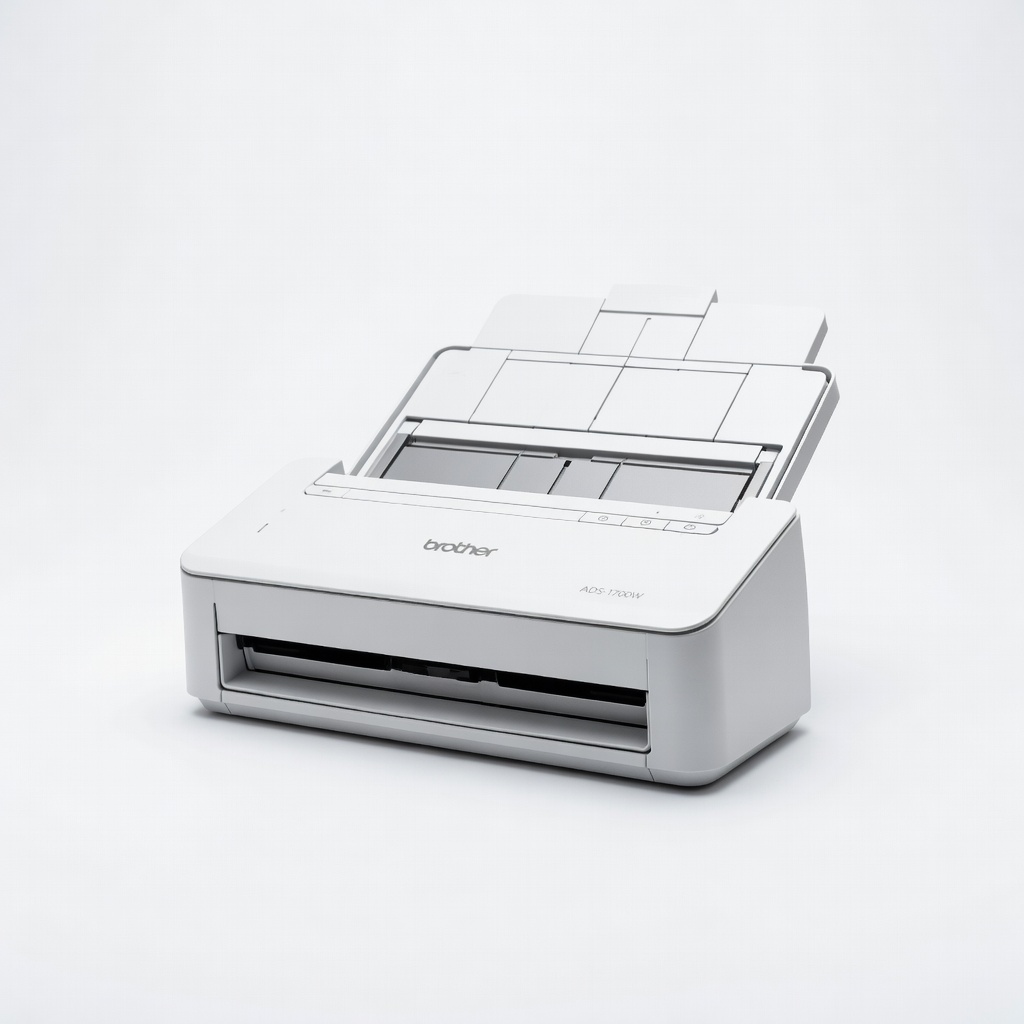
Teams needing quick desk-to-cloud transfer.
Brother ADS-1700W Wireless Scanner Wireless direct sync to accounting apps via WiFi, great for shared physical books.