
QuickBooks Online Plus
Medium e-com stores with 100+ orders/month needing US compliance.
$90/month
QuickBooks Online Plus Native, robust integrations with all major e-com platforms; handles complex taxes/inventory best for intermediates.
Get the App
Better experience on mobile
Learn top accounting software that syncs with Shopify, WooCommerce & more to automate your books and eliminate manual entry.
Running an e-commerce store? Manually exporting sales data, reconciling payments, and tracking inventory across platforms can eat up hours weekly, leading to errors and tax headaches. For intermediate users managing growing online sales, seamless integration between your e-commerce platform and accounting tool is a game-changer.
In this guide, you'll discover the best accounting tools that integrate with popular e-commerce platforms like Shopify, WooCommerce, BigCommerce, and Etsy. We'll break down how they work, key features, setup basics, and comparisons with real-world examples. Expect to gain clarity on choosing and implementing the right fit—no coding required.
This explainer takes 20-30 minutes to read, with actionable insights for intermediate users familiar with basic bookkeeping.
Estimated Time: 20-30 minutes Difficulty: intermediate
Integration automates data flow between your e-commerce platform and accounting software, syncing sales, taxes, fees, inventory, and refunds in real-time or batches. Without it, you'd manually import CSVs, risking mismatches like double-counted revenue or missed refunds.
Analogy: Think of it as a conveyor belt moving packages directly from your store shelf to the warehouse log—no forklift needed. This saves 10-20 hours/month for scaling stores.
Expect reduced errors (up to 90% fewer per studies) and better cash flow visibility. For e-com, it handles multi-channel sales (Shopify + Amazon).
💡 Tips:
Common platforms: Shopify (app store), WooCommerce (WordPress plugin), BigCommerce, Squarespace, Etsy, Amazon Seller Central. Each has native apps or APIs for accounting sync.
Example: Shopify's App Store lists 100+ accounting apps. WooCommerce uses plugins like 'WooCommerce QuickBooks'. Check compatibility first—e.g., Etsy integrates best with QuickBooks or A2X.
Why it matters: Not all tools support every platform equally. Shopify/Xero is plug-and-play; Magento may need Zapier.
⚠️ Warnings:
Key players: QuickBooks Online (QBO, market leader), Xero (intuitive for small biz), Zoho Books (affordable), FreshBooks (invoicing-focused), Wave (free). All offer e-com syncs via native apps, APIs, or third-party like Zapier.
Comparison: QBO excels in US taxes; Xero in inventory tracking; Wave for bootstrappers. Most start at $0-30/month, scaling to $100+.
Pro: Cloud-based, mobile apps. Con: Learning curve for rules setup (e.g., categorizing fees).
💡 Tips:
QBO integrates natively with Shopify, WooCommerce, BigCommerce, Square, Etsy via apps like 'QuickBooks Connector' or Commerce Sync. Syncs orders as invoices, fees as expenses, inventory real-time.
Example: Shopify sales auto-post to QBO, calculating sales tax per state. Handles multi-currency.
Setup: Install app, connect API keys, map accounts. Expect daily/hourly syncs.
Xero shines with Shopify, WooCommerce, BigCommerce via apps like 'A2X' (advanced) or native. Tracks COGS, bundles, variants accurately.
Analogy: Xero is like a smart scale—weighing exact fees (PayPal 2.9%) automatically.
Ideal for international sellers. Free bank feeds complement e-com data.
💡 Tips:
FreshBooks: Great for WooCommerce/Shopify via plugins; time-tracking bonus. Zoho Books: Integrates all major platforms, CRM bundle. Wave: Free forever, basic Shopify sync.
When to choose: FreshBooks for services + products; Wave if under $50k/year revenue.
Limitations: Wave lacks advanced inventory.
Why: Custom mapping prevents miscategorization. Expect 15-min setup.
Pro tip: Use historical data import first.
⚠️ Warnings:
Factors: Cost, sync frequency (real-time vs. daily), support (US GAAP vs. IFRS), scalability. QBO for complex; Xero for simple.
Matrix example:
| Tool | Shopify | Woo | Price | Best For |
|---|---|---|---|---|
| QBO | Yes | Yes | $30+ | Taxes |
| Xero | Yes | Yes | $13+ | Inventory |
Finalize based on your volume (100 orders/mo?).
💡 Tips:
Problem: Sync fails or duplicates orders
Solution: Check API keys, clear cache, contact app support. Verify date ranges.
Problem: Taxes miscategorized
Solution: Edit mapping rules in app settings. Use tool's tax calculator.
Problem: Inventory not updating
Solution: Enable bi-directional sync. Check stock levels manually first.
Problem: High costs from third-party apps
Solution: Compare native vs. A2X/Zapier fees. Switch if over 5% of revenue.
Native, robust integrations with all major e-com platforms; handles complex taxes/inventory best for intermediates.
Best for: Medium e-com stores with 100+ orders/month needing US compliance.
Price Range: $90/month
Excellent real-time inventory sync and multi-currency; user-friendly dashboard.
Best for: International Shopify/WooCommerce sellers tracking COGS accurately.
Price Range: $65/month
Specialized reconciler that summarizes messy payouts into clean accounting entries.
Best for: High-volume Amazon/Shopify sellers drowning in fees/refunds.
Price Range: $19-$199/month
Connects any e-com to any accounting tool via no-code zaps; unlimited automations.
Best for: Custom needs like Etsy to Zoho or rare platforms.
Price Range: $49/month
Pairs perfectly with accounting tools for digitizing receipts tied to e-com expenses.
Best for: Hybrid setups where physical receipts need quick upload to QBO/Xero.
Price Range: $100-$130
Medium e-com stores with 100+ orders/month needing US compliance.
QuickBooks Online Plus Native, robust integrations with all major e-com platforms; handles complex taxes/inventory best for intermediates.
International Shopify/WooCommerce sellers tracking COGS accurately.
Xero Premium Plan Excellent real-time inventory sync and multi-currency; user-friendly dashboard.
High-volume Amazon/Shopify sellers drowning in fees/refunds.
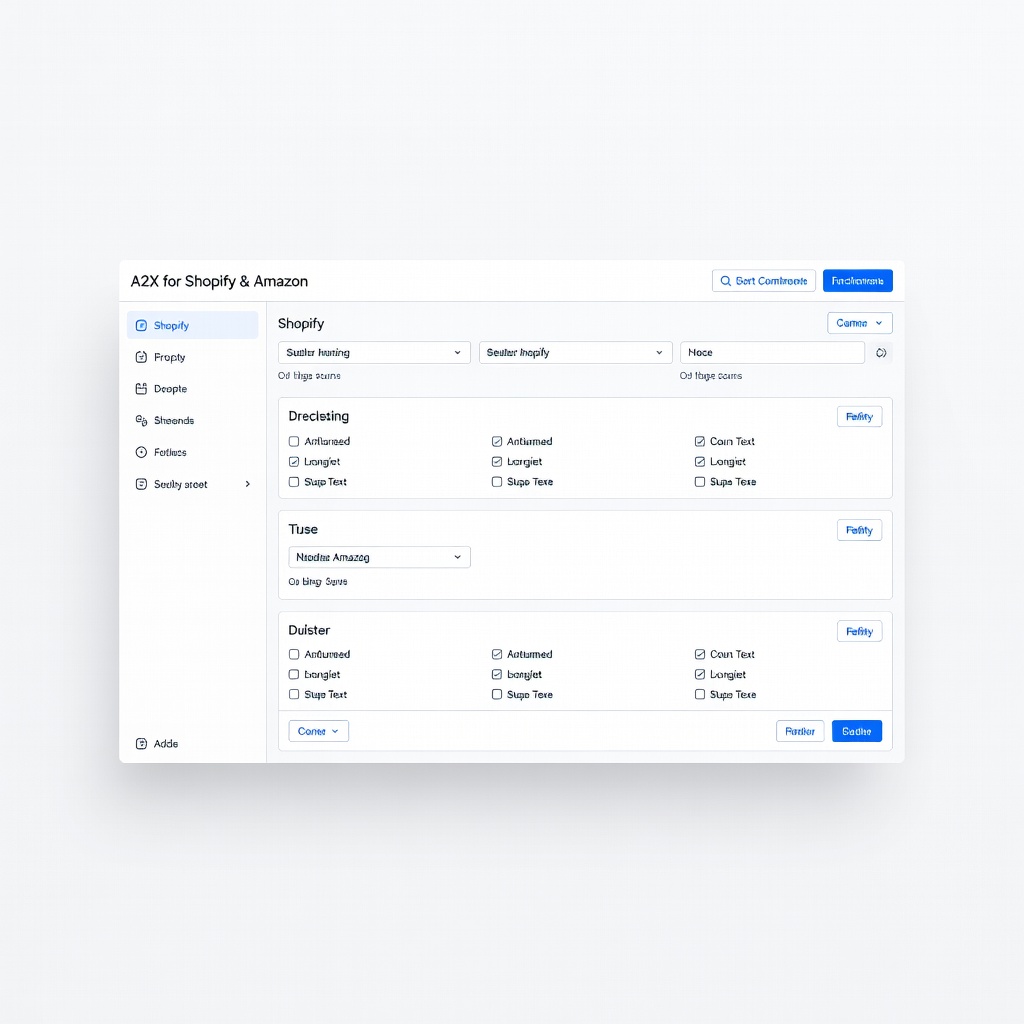
A2X for Shopify & Amazon Specialized reconciler that summarizes messy payouts into clean accounting entries.
Custom needs like Etsy to Zoho or rare platforms.
Zapier Professional Connects any e-com to any accounting tool via no-code zaps; unlimited automations.
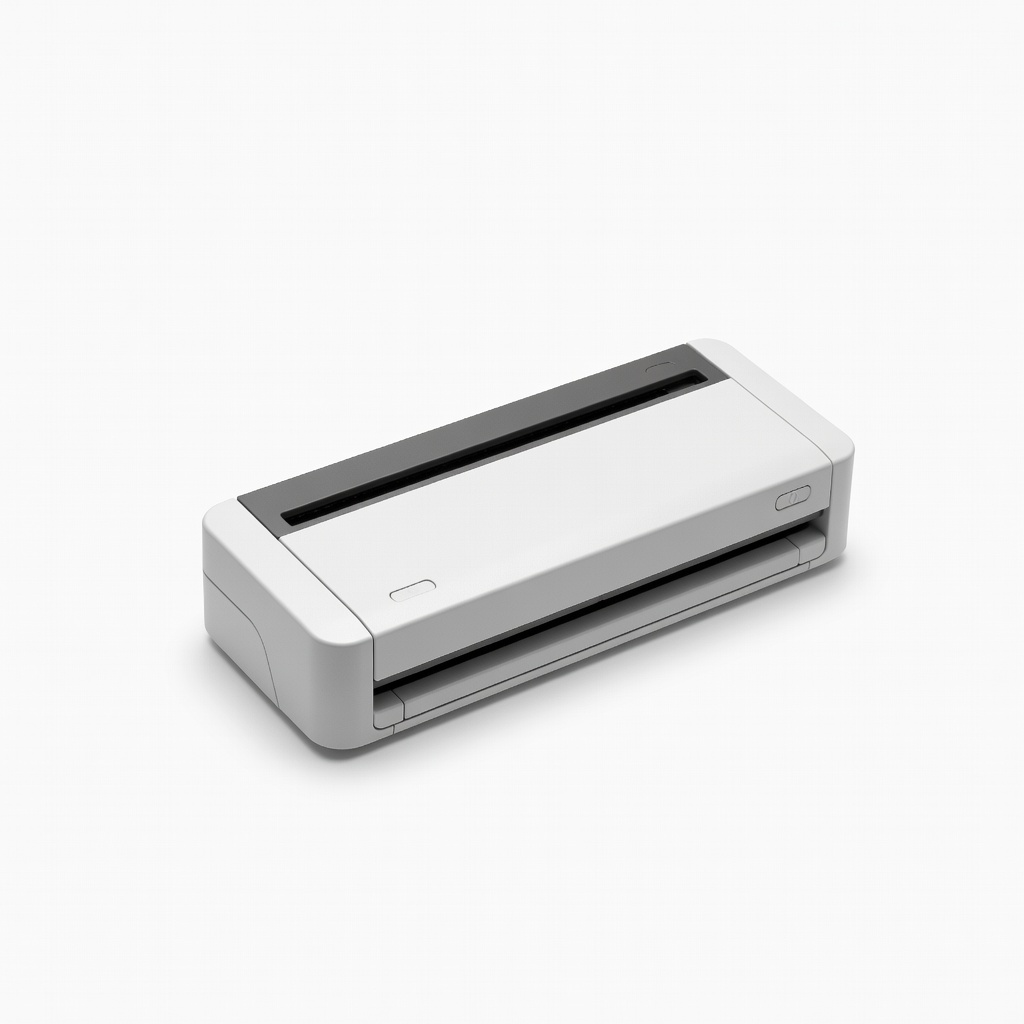
Hybrid setups where physical receipts need quick upload to QBO/Xero.
Brother DS-640 Compact Scanner Pairs perfectly with accounting tools for digitizing receipts tied to e-com expenses.