
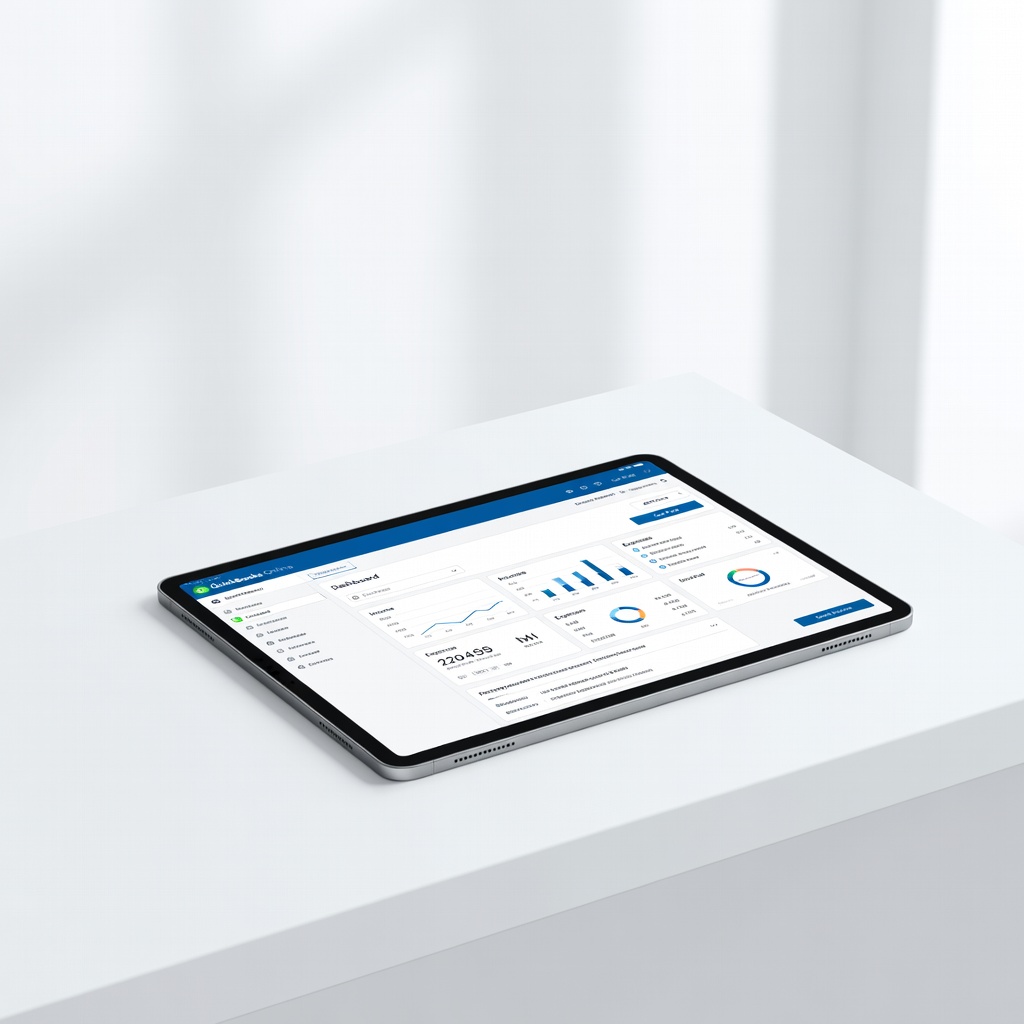
QuickBooks Online
Small businesses needing invoicing, payroll, and reports.
$30-$200/month
QuickBooks Online Industry leader with seamless bank feeds, AI categorization, and 700+ integrations for full automation.
Get the App
Better experience on mobile
Discover beginner-friendly tools that automatically update your books, saving hours on manual entry and reducing errors.
Imagine spending weekends hunched over spreadsheets, manually entering receipts and balancing accounts—only to spot errors that cost you money. Manual bookkeeping is a common pain for small business owners and freelancers, but automation tools change everything by syncing data directly from banks and vendors.
In this guide, you'll learn what account books are, why automation matters, how these tools work with simple examples, and top recommendations to get started. No prior experience needed—we break it down like explaining a smart thermostat that adjusts your home without you lifting a finger.
Expect a straightforward read (20-30 minutes) with actionable insights to choose and use tools that handle the heavy lifting.
Estimated Time: 20-30 minutes Difficulty: beginner
Account books are the records of all your business's financial transactions—like a diary for money in and out. They include ledgers (daily entries), journals (source docs), and summaries (balance sheets, profit/loss statements).
Think of it as your business's memory bank. Without accurate books, you can't track profits, pay taxes correctly, or spot fraud. For beginners, start simple: income minus expenses equals profit.
Automation tools digitize this, pulling data automatically instead of you typing every receipt.
💡 Tips:
Manual entry takes 5-10 hours/week for small businesses, with 1-3% error rates leading to tax penalties (up to $10K+). Automation cuts this to minutes via AI and integrations.
Example: Instead of logging a $50 coffee expense, the tool grabs it from your bank app and categorizes it as 'office supplies'. Why it matters: Accurate books mean better decisions, like knowing if you're profitable monthly.
Expect 80-90% time savings once set up.
⚠️ Warnings:
Top tools offer bank feeds (auto-import transactions), rule-based categorization (e.g., 'Starbucks = meals'), invoice automation (send/track payments), and reconciliations (match bank to books).
Analogy: Like autopilot in a car— you set rules once, it drives straight. Reports auto-generate for taxes or loans.
These features ensure compliance with GAAP/IRS standards without expertise.
💡 Tips:
Connect your bank (Chase, PayPal) via secure API—tools like QuickBooks pull transactions daily.
What happens: $100 sale imports as debit (cash) and credit (revenue). You review/match in seconds. Why matters: Ends 'forgotten' entries, common in 40% of small biz errors.
Expect first sync in 5 minutes; ongoing is hands-off.
Tools auto-create invoices from templates, email them, and track payments. Scan receipts via phone app—OCR (optical character recognition) extracts amount/vendor.
Example: Vendor bill? Snap photo, it books as payable. Analogy: Like email auto-reply, but for money.
This handles 70% of routine tasks.
💡 Tips:
⚠️ Warnings:
Generate P&L, cash flow reports instantly. AI flags anomalies (e.g., unusual expenses).
Why it matters: See trends like 'marketing costs up 20%' without spreadsheets. Dashboards visualize like a fitness tracker for finances.
Export to PDF/Excel for accountants.
Cloud-based (QuickBooks Online, Xero): Accessible anywhere, scales. Desktop (QuickBooks Desktop): Offline, one-time buy. Free (Wave): Basics for solos.
Choose by need: Solopreneur? Free tier. Growing biz? Paid with payroll.
All automate core books.
💡 Tips:
Sign up, connect bank/email, set categories/rules, import history. Review first report.
Time: 30-60 min setup. What to expect: 95% accuracy after tweaks. Scale by adding payroll/apps.
Pro result: Books always current.
Problem: Bank sync fails
Solution: Check API permissions in bank app; replug connection or contact support. Try manual CSV import as backup.
Problem: Categorization errors
Solution: Edit rules in settings; batch recategorize past entries. Use AI suggestions.
Problem: Slow performance
Solution: Clear cache, upgrade plan, or switch to cloud version. Seek pro help if data >10K transactions.
Problem: Tax report wrong
Solution: Verify chart of accounts matches IRS categories; consult accountant.
Industry leader with seamless bank feeds, AI categorization, and 700+ integrations for full automation.
Best for: Small businesses needing invoicing, payroll, and reports.
Price Range: $30-$200/month
Excellent for unlimited users, auto-reconciliations, and global currencies; user-friendly for beginners.
Best for: Teams or international freelancers tracking expenses.
Price Range: $15-$70/month
Completely free unlimited invoicing and bookkeeping with bank sync—perfect starter tool.
Best for: Solopreneurs or startups on tight budgets.
Price Range: Free (addons $8+/month)
Affordable with workflow automation, inventory tracking, and multi-currency support.
Best for: E-commerce or service businesses needing custom automations.
Price Range: $20-$240/month
Time-tracking integration and beautiful invoices; automates project-based billing.
Best for: Agencies or consultants billing by hour.
Price Range: $19-$60/month
Small businesses needing invoicing, payroll, and reports.
QuickBooks Online Industry leader with seamless bank feeds, AI categorization, and 700+ integrations for full automation.

Teams or international freelancers tracking expenses.
Xero Excellent for unlimited users, auto-reconciliations, and global currencies; user-friendly for beginners.
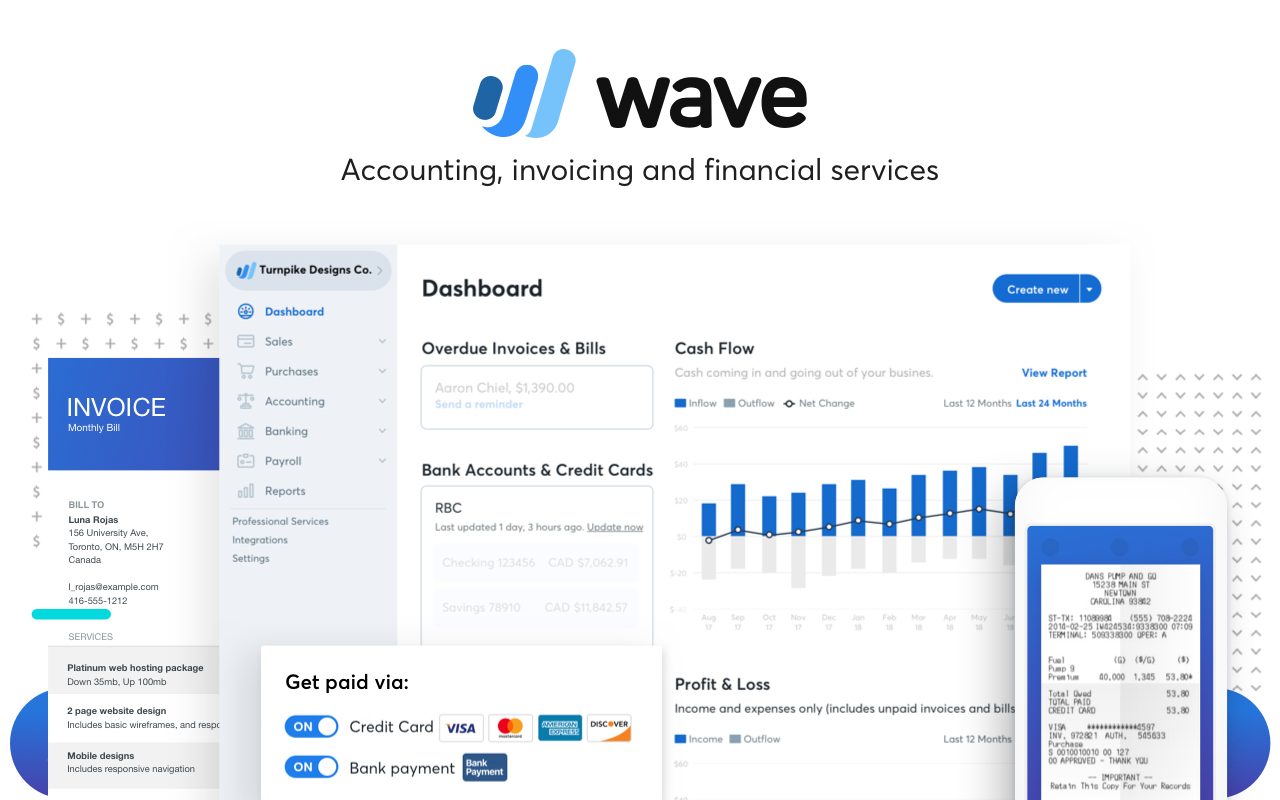
Solopreneurs or startups on tight budgets.
Wave Accounting Completely free unlimited invoicing and bookkeeping with bank sync—perfect starter tool.
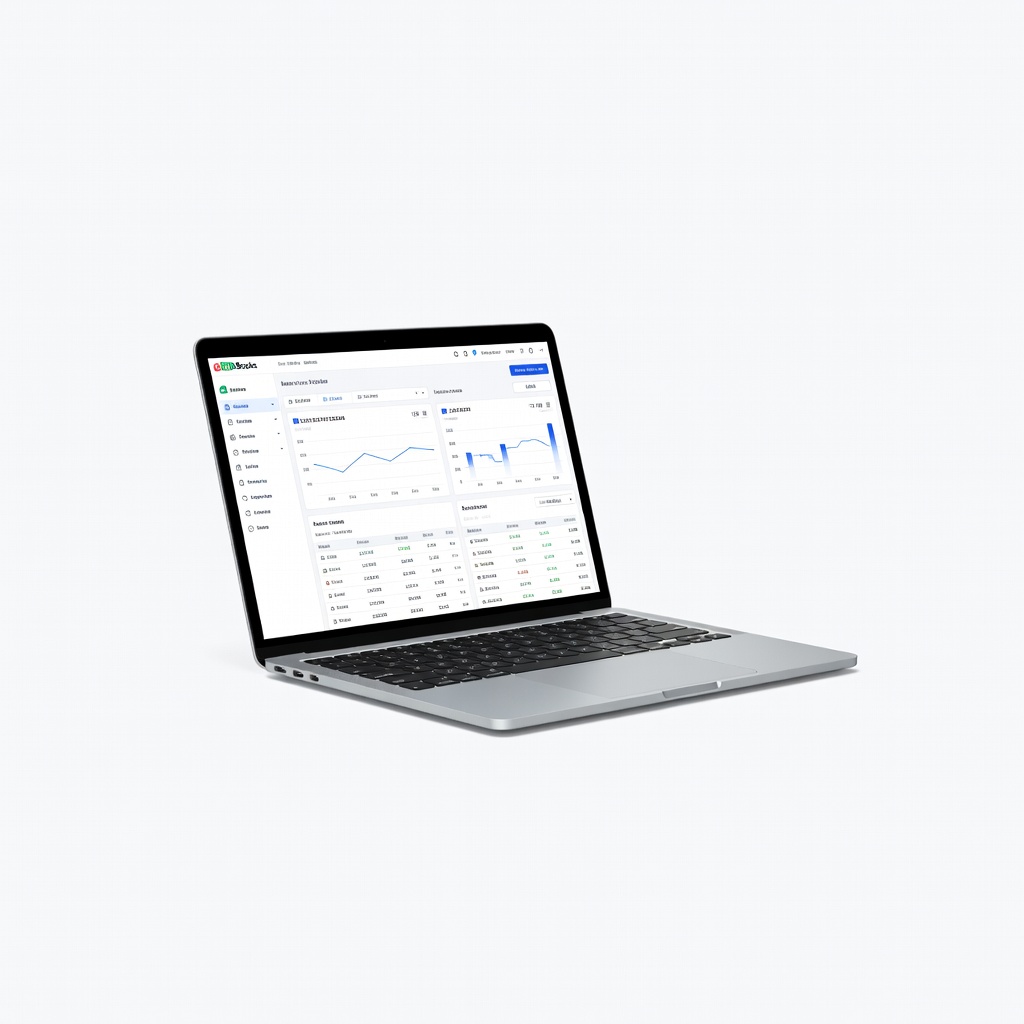
E-commerce or service businesses needing custom automations.
Zoho Books Affordable with workflow automation, inventory tracking, and multi-currency support.
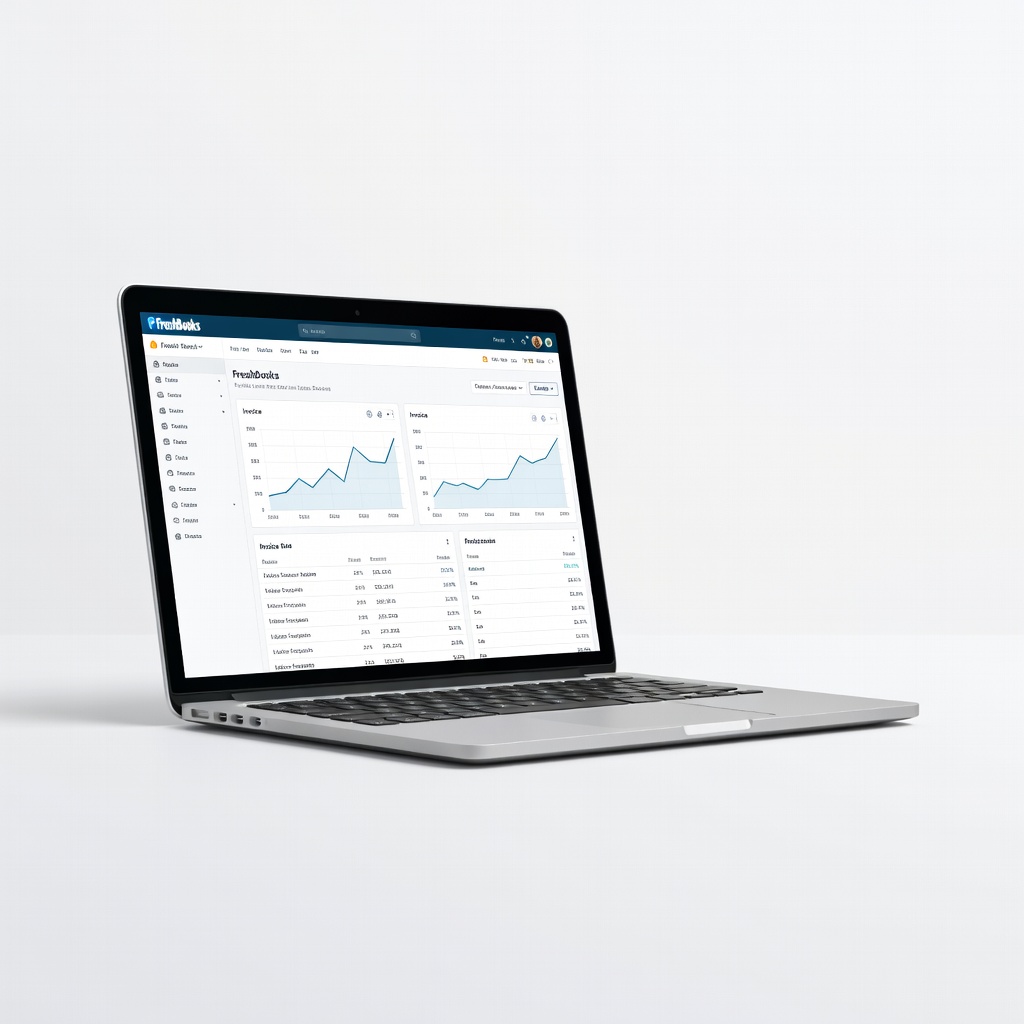
Agencies or consultants billing by hour.
FreshBooks Time-tracking integration and beautiful invoices; automates project-based billing.