Tax season brings dread for many small business owners and freelancers—scrambling through receipts, fearing audits, or overpaying due to poor records. Traditional account books offer a reliable, low-tech way to track finances meticulously, ensuring compliance and deductions you deserve.
In this guide, you'll master using account books for taxes: from setup to tax-ready reports. Expect clear explanations, real-world examples, and intermediate-level tips. Setup takes 1 hour; daily maintenance is 10-15 minutes.
By the end, you'll have organized books that make filing a breeze, whether using physical ledgers or hybrids with software.
▸What You'll Need
- •Account ledger book or pad (physical or printable template)
- •Permanent ink pens (black or blue)
- •Calculator or adding machine
- •Receipt organizer or file folders
- •Basic accounting knowledge (debits, credits, income vs. expenses)
- •Optional: Computer for backups or Excel integration
Estimated Time: Setup: 1 hour; Ongoing daily tracking: 10-15 minutes; Monthly review: 30-45 minutes
Difficulty: intermediate
▸Step-by-Step Instructions
Step 1: Choose the Right Account Book
Select a ledger with at least 8-12 columns for date, description, income/expense categories, debits, credits, and running balances. Columns allow categorization vital for tax forms like Schedule C.
Why it matters: Proper format prevents errors in totaling deductible expenses (e.g., office supplies, mileage). Expect books sized 8.5x11 inches for easy filing.
Example: A 9-column ledger suits solopreneurs; 12-column for businesses with multiple accounts.
💡 Tips:
- •Opt for acid-free paper for longevity.
- •Choose tear-out sheets for scanning.
⚠️ Warnings:
- •Avoid cheap notebooks—columns misalign during audits.
Step 2: Set Up Your Chart of Accounts
List tax-relevant categories in a front index: Income (sales, services), Expenses (rent, utilities, travel), Assets (bank, inventory), Liabilities (loans). Customize to IRS categories like Form 1040 Schedule C lines.
This foundation ensures every entry maps to deductions. Analogy: Like file folders—everything has a home.
Spend 15 minutes aligning with prior-year taxes.
💡 Tips:
- •Use color tabs for Income (green), Expenses (red).
Step 3: Record Income Transactions Daily
Enter every payment: date, source (e.g., 'Client ABC invoice #123'), amount in income column, note payment method. Total daily/weekly.
Why: IRS requires proof of all reportable income (1099s, cash). Expect 2-5 minutes per entry.
Example: '10/15/24, Paypal from XYZ Corp, $500 services'—tracks gross receipts accurately.
⚠️ Warnings:
- •Never skip cash income—it's audit bait.
Step 4: Log Expenses with Details
For each expense: date, vendor, category, amount, receipt reference. Use sub-columns for splits (e.g., $100 supplies: $60 deductible, $40 personal).
Matters for maximizing deductions—categorize precisely for meals (50% deductible), home office. Attach stubs.
💡 Tips:
- •Use abbreviations consistently, e.g., 'UTIL' for utilities.
Step 5: Calculate Running Balances Monthly
Sum columns, subtract expenses from income for net profit. Reconcile against bank statements.
Ensures accuracy before taxes—spot discrepancies early. Analogy: Balancing a checkbook, but business-scale.
💡 Tips:
- •Use a calculator tape for proof.
⚠️ Warnings:
- •Ignore this, and year-end totals won't match 1099s.
Step 6: Organize Supporting Documents
File receipts chronologically or by category, cross-reference ledger page numbers. Scan for digital backup.
IRS wants 3-7 years' proof; this speeds audits.
Step 7: Review Quarterly for Tax Estimates
Total YTD income/expenses, estimate quarterly payments via IRS Form 1040-ES.
Prevents underpayment penalties (up to 5%).
💡 Tips:
Step 8: Compile Year-End Tax Summary
Sum columns into a final sheet matching tax forms. Transfer to software like TurboTax.
Ready for CPA or self-filing—saves hours.
▸Pro Tips
- •Date every entry immediately—memory fades.
- •Batch weekends for receipts to save time.
- •Color-code pages: Income front, Expenses back.
- •Cross-reference bank app for quick verification.
- •Use P&L templates to preview tax impact.
- •Backup digitally monthly via phone scans.
- •Track mileage separately with an app integration.
- •Consult free IRS Pub 334 for category guidance.
▸Common Mistakes to Avoid
- •Mixing personal and business expenses—dilutes deductions; use separate columns.
- •Inconsistent categorization—leads to missed deductions; standardize early.
- •Skipping daily entries—causes backlog and errors; commit to 10-min routine.
- •No backups—lost books mean refiling; scan quarterly.
- •Ignoring reconciliations—bank mismatches trigger audits.
▸Troubleshooting
Problem: Balances don't match bank statement
Solution: Check math errors, omitted entries, or cleared checks. Recalculate column totals.
Problem: Forgotten receipts
Solution: Use credit card statements as proxies, note 'per CC stmt'. Request duplicates from vendors.
Problem: Overwhelming volume
Solution: Switch to weekly batches or hybrid with software. Seek CPA for setup.
Problem: Unsure on deductible categories
Solution: Reference IRS Publication 535. Consult tax pro for edge cases like home office.
Moonster Accounting Ledger Book (ASIN: B08L3Y5Z3K)
Extra-large pages with 9 pre-printed columns perfect for detailed tax tracking without alignment issues.
Best for: Daily use for small businesses or freelancers logging income/expenses.
Price Range: $9.99
Wilson Jones Ledger Pad, 50 Sheets (ASIN: B00006IC2O)
Professional-grade, three-hole punched for binders, durable for multi-year use.
Best for: Accountants or businesses needing punchable sheets for organized filing.
Price Range: $12.99-$15.99
Bookkeeping Ledger Notebook by Red Ledger (ASIN: B07Z8G5Z5Z)
Compact, 100+ pages with summary sheets—ideal for portable tax prep.
Best for: Freelancers on-the-go who scan pages into tax software.
Price Range: $6.99
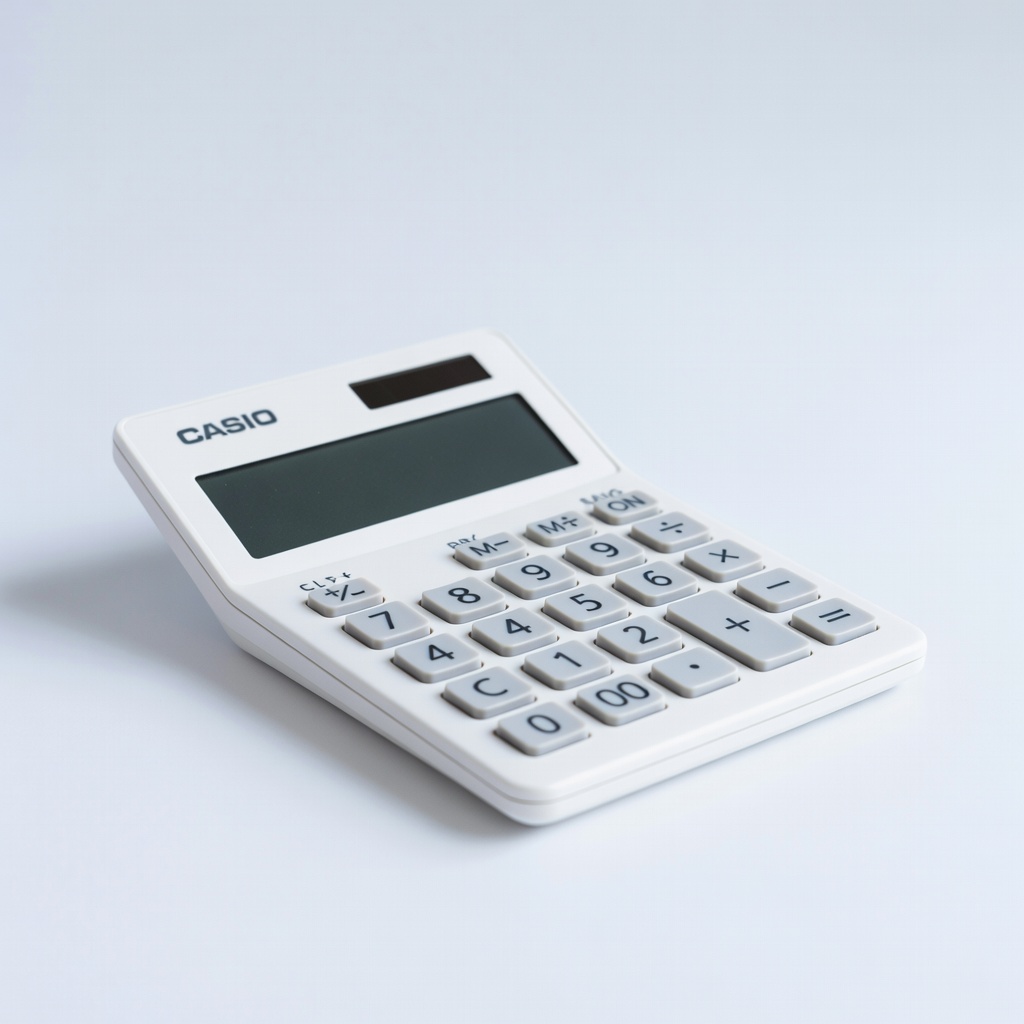
Casio Desktop Calculator (ASIN: B00000JBLH)
Prints tape for audit-proof additions, essential for column totals.
Best for: Accurate monthly reconciliations without errors.
Price Range: $29.99-$39.99
QuickBooks Online (Subscription)
Digitizes ledger data for easy tax export, hybrid with physical books.
Best for: Scaling businesses bridging manual to automated tracking.
Price Range: $30/month