
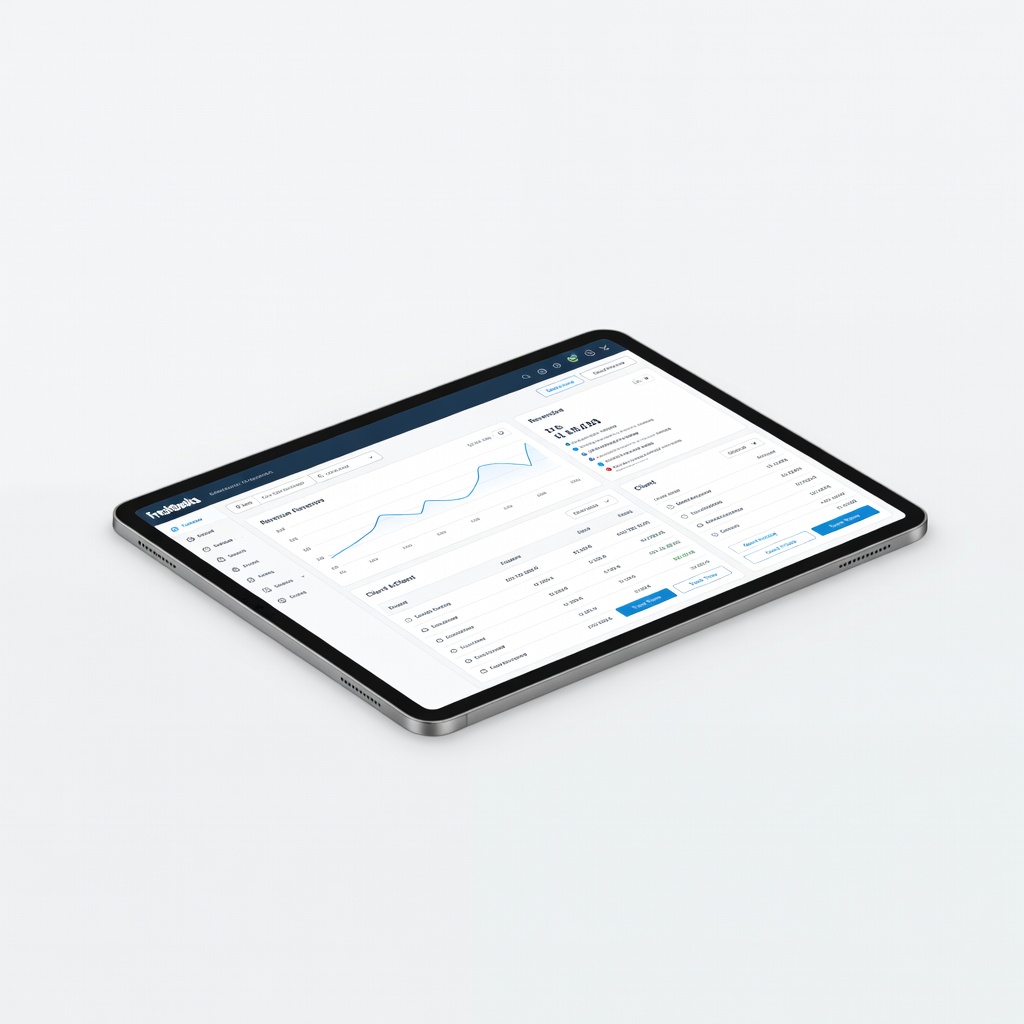
FreshBooks
Freelancers with client proposals and billable hours (e.g., designers, photographers).
$19-$60/month
FreshBooks Intuitive for creatives with beautiful invoicing, time tracking, and project management—feels like a design tool.
Get the App
Better experience on mobile
Discover user-friendly tools to track income, expenses, and invoices effortlessly, saving time and reducing tax stress for creative freelancers.
As a freelance creative—whether you're a graphic designer, photographer, or illustrator—juggling client projects and finances can feel overwhelming. Irregular income, project-based billing, and deductible expenses like software subscriptions or art supplies often lead to messy spreadsheets and tax-time panic. The good news? The right accounting software simplifies it all.
In this guide, you'll learn how to choose software tailored to creatives' unique needs, compare top options, and get started quickly. We'll break down features like easy invoicing and expense tracking with real examples, so even beginners can follow along. Expect to spend 20-30 minutes reading and evaluating options—no prior accounting knowledge required.
Estimated Time: 20-30 minutes to read and choose software Difficulty: beginner
Start by listing your financial inflows and outflows. Freelance creatives often have project-based income from clients, variable expenses like Adobe Creative Cloud ($52.99/mo) or camera gear, and travel for shoots. Use a simple spreadsheet or notebook to note: average monthly income, recurring costs, one-off purchases, and tax deductions (e.g., home office setup).
Why it matters: Software that fits irregular workflows prevents oversights. For example, a photographer might need mileage tracking for client sessions, while a designer needs time tracking for retainers.
Expect a 5-minute exercise yielding a clear picture—like realizing 40% of expenses are software subscriptions.
💡 Tips:
Prioritize tools with intuitive invoicing (custom templates with your branding), automated expense scanning via photo upload, time tracking for billable hours, and integrations with creative apps like Dropbox or Stripe. Unlike rigid enterprise software, creative-friendly options use simple dashboards—like a visual project timeline.
Analogy: Think of it as a digital sketchbook for finances—drag-and-drop expenses instead of manual entry. Key features: mobile apps for on-the-go shoots, profit/loss reports for tax season, and client portals for approvals.
This step ensures the software feels creative, not corporate.
⚠️ Warnings:
Free tools suit starters (<$5K/mo income), while paid plans ($15-40/mo) offer advanced reporting. Most offer 14-30 day free trials—no credit card needed for some.
Why it matters: Creatives value time over features; pick scalable plans. Expect to test 2-3 options by importing sample data.
Pro tip: Calculate ROI—software saving 5 hours/mo on bookkeeping pays for itself.
💡 Tips:
Compare based on ease: Wave (free, unlimited invoices), FreshBooks (intuitive for projects), QuickBooks Self-Employed (auto-mileage). Dive into demos—FreshBooks shines for branded proposals sent via email.
Example: Invoice a logo design for $800 with line items for revisions, auto-paid via Stripe.
Narrow to 2-3 based on your needs list.
Create accounts, connect bank/PayPal. Upload bank statements or snap expense receipts—AI categorizes (e.g., Starbucks as 'client meeting').
Why: Seamless setup reveals insights fast, like undeducted supplies.
Takes 10 minutes; expect 80% auto-categorization.
💡 Tips:
Set up project templates, tax categories (Schedule C for US freelancers), and reminders. Integrate with tools like Google Workspace.
Result: Automated reports showing project profitability, e.g., $2K photoshoot netted $1.2K after expenses.
⚠️ Warnings:
Send a test invoice, track a week's expenses. Monitor for 1 week before committing.
Success: Finances organized, taxes prepped—freedom for creativity.
Problem: Bank sync fails
Solution: Check permissions in bank app; try manual CSV upload. Contact support (most respond <24h).
Problem: Expenses miscategorized
Solution: Bulk edit rules in settings; review monthly. Use AI suggestions.
Problem: Slow performance on mobile
Solution: Clear cache or switch browsers. Upgrade plan if needed.
Problem: Tax reports inaccurate
Solution: Verify categories match IRS Schedule C. Consult accountant for setup.
Intuitive for creatives with beautiful invoicing, time tracking, and project management—feels like a design tool.
Best for: Freelancers with client proposals and billable hours (e.g., designers, photographers).
Price Range: $19-$60/month
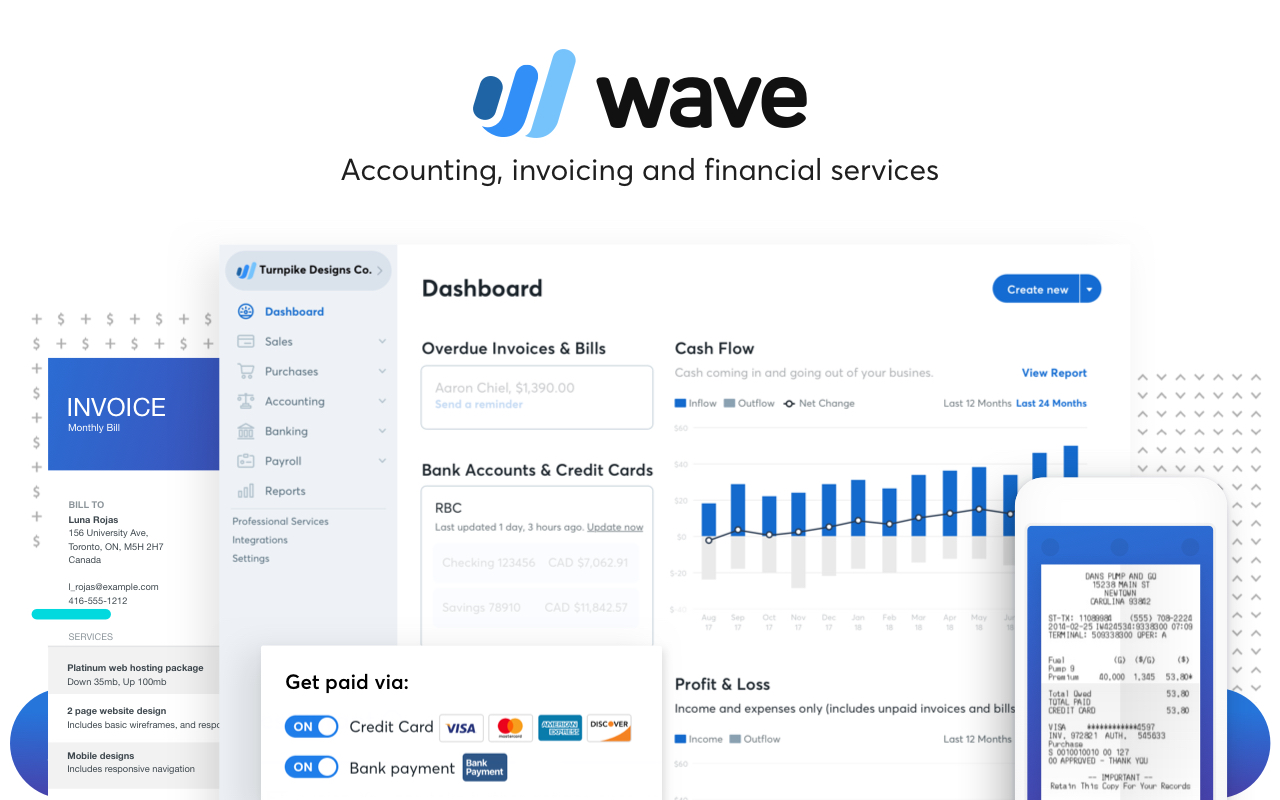
Completely free with unlimited invoicing and receipt scanning—perfect starter without commitment.
Best for: Budget-conscious beginners with simple needs.
Price Range: Free (2.9% payment fees)
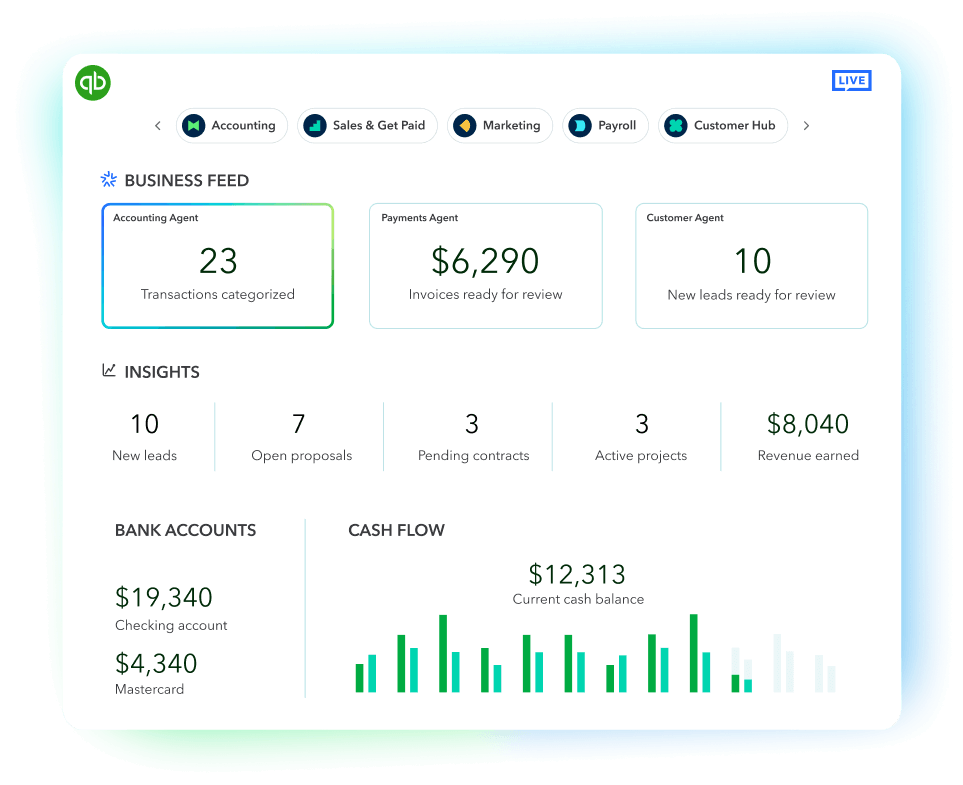
Auto-tracks mileage and categorizes expenses via bank links—ideal for mobile creatives.
Best for: Travel-heavy pros like event photographers.
Price Range: $15-$30/month
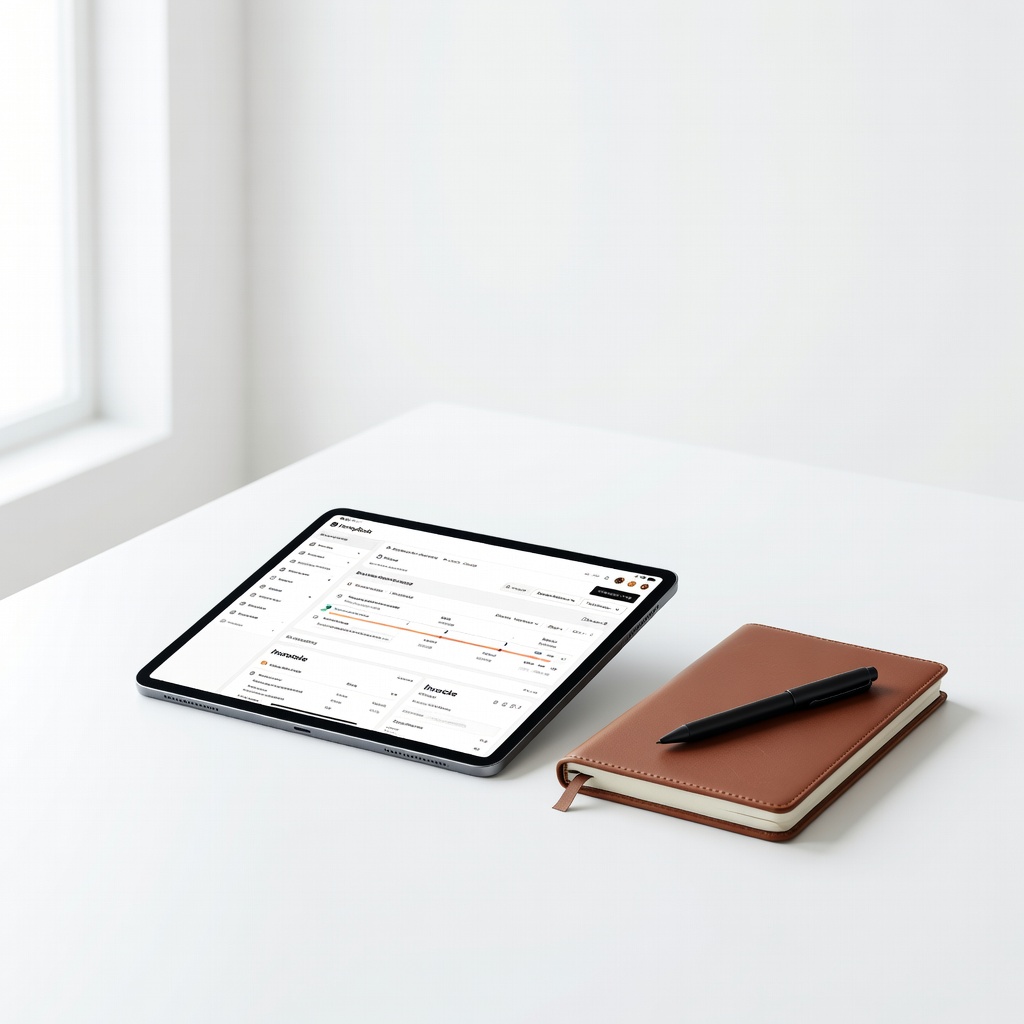
All-in-one CRM with payments and contracts tailored for creatives—streamlines client flow.
Best for: Wedding planners or artists needing scheduling + accounting.
Price Range: $19-$79/month
Freelancers with client proposals and billable hours (e.g., designers, photographers).
FreshBooks Intuitive for creatives with beautiful invoicing, time tracking, and project management—feels like a design tool.
Budget-conscious beginners with simple needs.
Wave Accounting Completely free with unlimited invoicing and receipt scanning—perfect starter without commitment.
Travel-heavy pros like event photographers.
QuickBooks Self-Employed Auto-tracks mileage and categorizes expenses via bank links—ideal for mobile creatives.
Wedding planners or artists needing scheduling + accounting.
HoneyBook All-in-one CRM with payments and contracts tailored for creatives—streamlines client flow.