
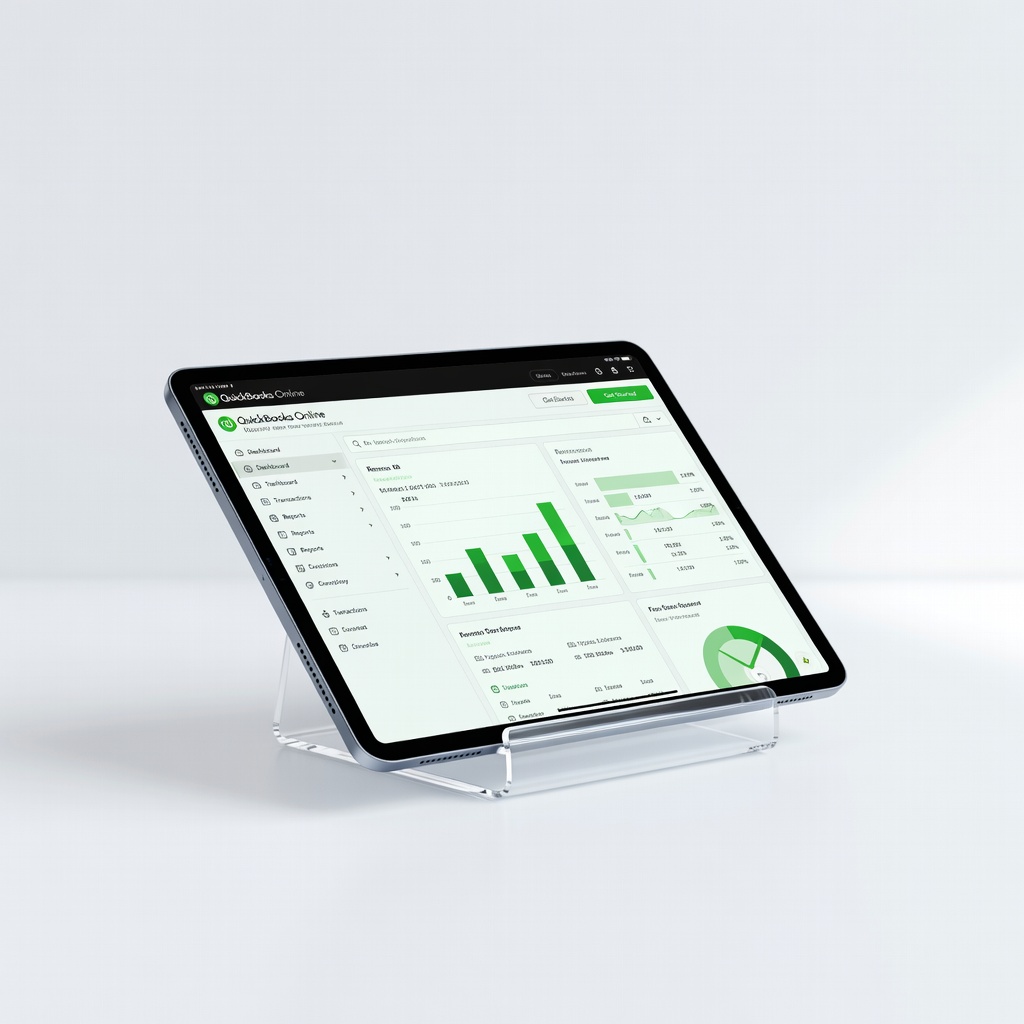
QuickBooks Online
Small businesses with inventory, payroll needs (1-50 employees).
$30-$200/month
QuickBooks Online Comprehensive features for growing businesses, excellent reporting and integrations.
Get the App
Better experience on mobile
Discover top picks like QuickBooks and Xero to simplify invoicing, expenses, and taxes for your small business.
Running a small business often means wearing many hats, including accountant. Manual spreadsheets lead to errors, missed deductions, and hours wasted on paperwork. The good news? Modern accounting software automates these tasks, saving time and money.
In this guide, you'll learn how to evaluate software based on your needs, compare key features, and choose the best fit. We'll cover must-haves like invoicing and reporting, plus top recommendations. Expect to spend 45-60 minutes reading and assessing options—no prior expertise needed.
By the end, you'll have a shortlist and steps to get started, reducing financial stress and boosting efficiency.
Estimated Time: 45-60 minutes Difficulty: beginner
Start by listing what your business requires. Small businesses vary: freelancers need simple invoicing, retailers want inventory, while service pros prioritize time tracking.
Ask: How many transactions monthly? Do you need payroll or multi-user access? This prevents overspending on unused features. For example, a solo baker might skip advanced inventory, but a shop owner can't.
Why it matters: Matching software to needs ensures efficiency. Expect a 10-minute brainstorm yielding 5-10 priorities.
💡 Tips:
⚠️ Warnings:
Focus on essentials: invoicing (customizable, automated reminders), expense tracking (receipt scans via app), bank reconciliation (auto-imports), reporting (P&L, tax-ready), and mobile access.
Nice-to-haves: payroll integration, CRM links (e.g., to Shopify), multi-currency. Analogy: Like a smartphone—core calls/texts are musts, apps are bonuses.
Expect: Software demos highlight these; note which align with your list.
💡 Tips:
Most charge monthly: free tiers for basics, $15-$60 for pro features. Factor setup fees, add-ons (e.g., payroll $40+/mo), and scalability.
Example: Free Wave suits startups; QuickBooks scales to $200/mo. Calculate total cost: software + time saved.
Why: Budget surprises kill adoptions. Use pricing pages—most offer annual discounts.
💡 Tips:
⚠️ Warnings:
Beginners need intuitive dashboards, tutorials, and 24/7 chat/phone support. Check app stores for 4.5+ star ratings.
Test: Sign up for demos. Xero feels like Google Docs; others clunky.
Matters because: Steep curves waste time. Expect quick onboarding (under 1 hour).
💡 Tips:
Narrow to leaders:
Compare via sites like G2 or Capterra.
💡 Tips:
Ensure links to tools like Stripe, Square, or Google Workspace. Security: Bank-grade encryption, 2FA mandatory.
Why: Seamless workflow; protects data (GDPR/HIPAA compliant?).
💡 Tips:
Most offer 14-30 day trials. Input real data to test.
Scan 50+ reviews for pain points. Expect: Shortlist 2-3.
⚠️ Warnings:
Pick based on scores. Export CSV from old system; use import tools.
Final tip: Set reminders for trial end.
Problem: Bank transactions won't sync
Solution: Check permissions in bank app; use manual CSV upload. Contact support if persistent.
Problem: Steep learning curve
Solution: Use built-in tutorials or free YouTube courses. Switch if no improvement in week 1.
Problem: High costs post-trial
Solution: Downgrade plan or cancel. Many prorate refunds.
Problem: Data import fails
Solution: Clean CSV (no formulas); use software's template. Seek accountant help for complex migrations.
Comprehensive features for growing businesses, excellent reporting and integrations.
Best for: Small businesses with inventory, payroll needs (1-50 employees).
Price Range: $30-$200/month
User-friendly interface, unlimited users, strong bank feeds.
Best for: International or multi-location small businesses.
Price Range: $15-$70/month
Intuitive for non-accountants, great invoicing and time tracking.
Best for: Freelancers, agencies, service-based solos.
Price Range: $19-$60/month
Completely free core features, no limits on invoices.
Best for: Bootstrapped startups or very small operations.
Price Range: Free (payroll $20+/mo)
Affordable, scales well, integrates with Zoho suite.
Best for: Tech-savvy small businesses using CRM/email tools.
Price Range: Free-$240/month
Small businesses with inventory, payroll needs (1-50 employees).
QuickBooks Online Comprehensive features for growing businesses, excellent reporting and integrations.
International or multi-location small businesses.
Xero User-friendly interface, unlimited users, strong bank feeds.
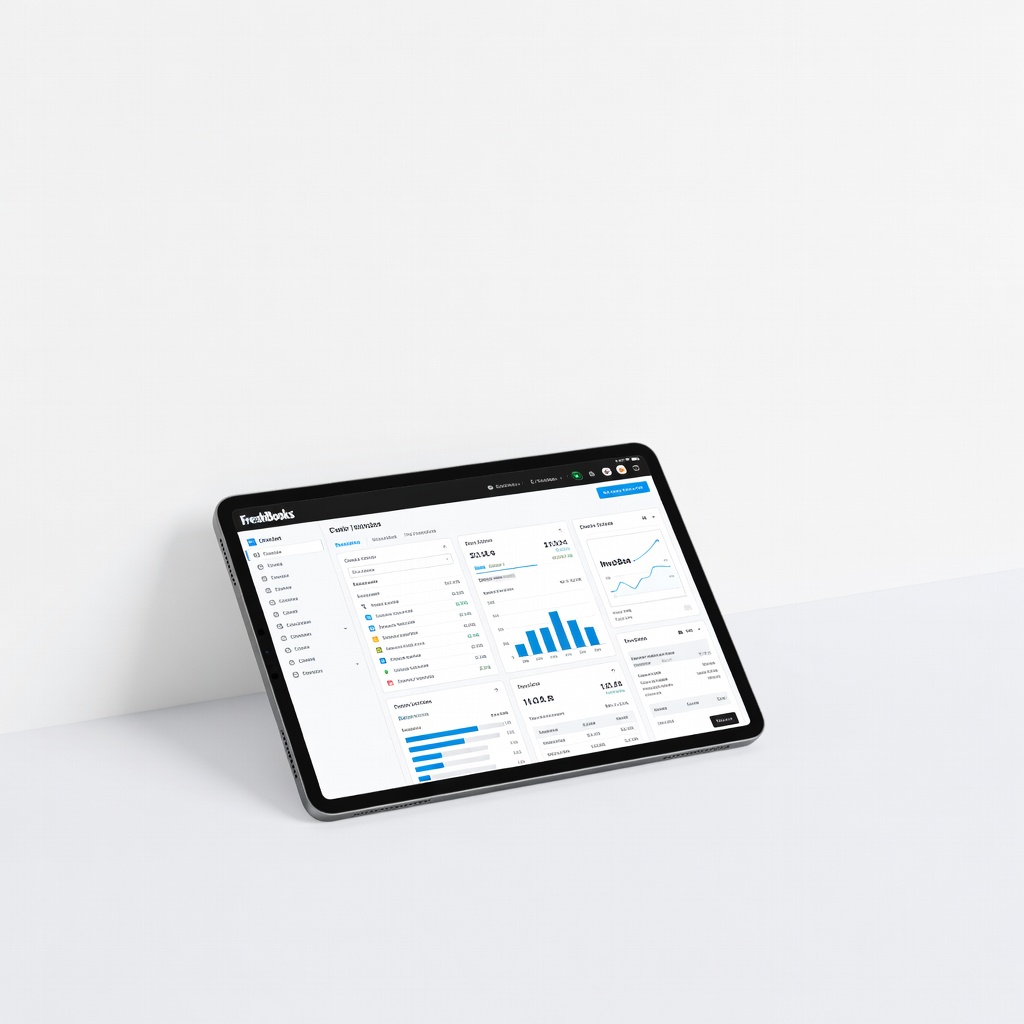
Freelancers, agencies, service-based solos.
FreshBooks Intuitive for non-accountants, great invoicing and time tracking.
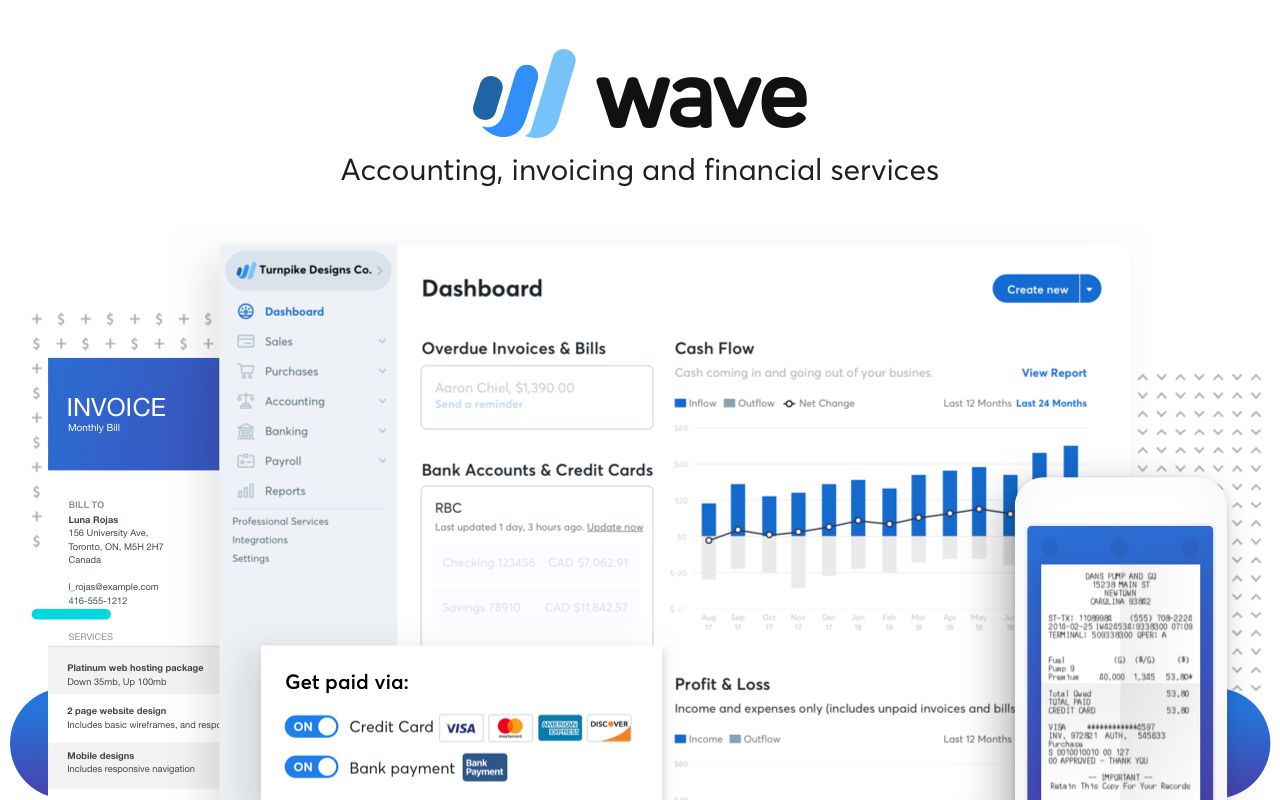
Bootstrapped startups or very small operations.
Wave Accounting Completely free core features, no limits on invoices.
Tech-savvy small businesses using CRM/email tools.
Zoho Books Affordable, scales well, integrates with Zoho suite.