
Wave Accounting
Solo freelancers handling under 50 invoices/month without needing advanced CRM.
Free (2.9% + $0.60 per paid invoice)
Wave Accounting Completely free core features with unlimited invoicing make it ideal for budget-conscious beginners.
Get the App
Better experience on mobile
Simplify invoicing, expense tracking, and taxes with our beginner-friendly picks for top tools that save time and money.
As a freelancer, juggling client payments, expenses, and tax deadlines can feel overwhelming without the right tools. Many beginners resort to spreadsheets, leading to errors, missed deductions, and hours wasted. This guide helps you find the best accounting software to streamline your finances effortlessly.
You'll learn how to assess your needs, key features to prioritize, and detailed comparisons of the top options. By the end, you'll know which software fits your workflow, with actionable steps to get started. This beginner explainer takes just 20-30 minutes and requires no prior accounting knowledge.
We'll cover everything from free tools to paid powerhouses, using real-world examples and analogies to make concepts crystal clear – like choosing a Swiss Army knife tailored for your freelance gigs.
Estimated Time: 20-30 minutes Difficulty: beginner
Start by listing your core requirements. Freelancers typically need simple invoicing, expense tracking, mileage logs for deductions, and basic reports for taxes. Ask: How many clients do you have? Do you travel for work? Need payment reminders?
Analogy: Think of accounting software like a personal assistant – pick one that handles your specific 'chores' without overwhelming you with office-manager features.
Expect a 5-minute self-audit. Jot down 3-5 must-haves, like 'mobile app for on-the-go receipts.' This prevents choosing bloated software.
💡 Tips:
⚠️ Warnings:
Focus on user-friendly essentials: automated invoicing (send and track payments), bank sync (auto-import transactions), receipt scanning via mobile, and tax reports (like 1099 summaries).
Example: Receipt scanning turns a crumpled coffee receipt into a categorized expense in seconds. Avoid advanced inventory if you're service-based.
Why it matters: These save hours weekly. Most top tools offer free trials to test.
💡 Tips:
Freelancer software ranges from free to $50+/mo. Free tiers suit solos under $50K/year; paid adds teams/clients. Watch for 'billed annually' discounts (20-30% off).
Analogy: Like Netflix plans – basic for casual users, premium for pros. Factor in hidden costs like add-ons for payroll.
Expect to budget $0-25/mo initially.
⚠️ Warnings:
Wave offers unlimited invoicing, accounting, and payments – 100% free for core use (2.9% + 30¢ per transaction). Ideal for beginners testing waters.
Real-world: A graphic designer sends 50 invoices/month, tracks expenses, runs P&L reports seamlessly.
Why best for freelancers: No commitment, scales with growth. Sign up in 2 minutes.
💡 Tips:
FreshBooks shines with beautiful invoices, time tracking, and client portals ($19/mo Lite plan). Auto-recurring billing and project profitability reports.
Example: Consultants love expense approvals and late payment chasers.
Perfect for client-focused freelancers; 30-day free trial.
⚠️ Warnings:
QuickBooks Solopreneur (formerly Self-Employed, $20/mo) excels at mileage tracking via GPS and quarterly tax estimates.
Analogy: Like a GPS for taxes – categorizes rides, maximizes Schedule C deductions.
Great for drivers/gig workers; integrates with TurboTax.
💡 Tips:
Zoho Books ($20/mo) for multi-currency; Xero ($15/mo) for bank feeds. Use a free comparison tool or trial 2-3.
Decision matrix: Score on price/features/mobile (e.g., Wave 9/10 free, FreshBooks 9.5/10 usability).
Sign up: Create account, connect bank, import data – done in 15 mins.
💡 Tips:
Link bank/PayPal, categorize rules (e.g., 'Uber = mileage'), set invoice templates. Run first report.
Expect smooth sailing; most have 24/7 chat support.
Pro tip: Schedule weekly reviews to stay on top.
Problem: Bank won't connect or sync fails
Solution: Check bank permissions in app settings; try Plaid alternative or manual CSV import. Contact support if persists.
Problem: Invoices not sending or payments delayed
Solution: Verify email templates and client details; test with your own email. Ensure gateway (Stripe) is active.
Problem: Overwhelmed by reports
Solution: Stick to dashboard summaries; use guided tours or YouTube tutorials for specifics. Upgrade only if needed.
Problem: Software feels slow
Solution: Clear cache/browser; switch to app version. Consider higher plan for more data.
Completely free core features with unlimited invoicing make it ideal for budget-conscious beginners.
Best for: Solo freelancers handling under 50 invoices/month without needing advanced CRM.
Price Range: Free (2.9% + $0.60 per paid invoice)
Exceptional user interface and automation for invoicing save hours weekly, with strong client communication tools.
Best for: Creative pros or consultants sending proposals and tracking projects.
Price Range: $19-$60/month
Automatic mileage tracking and tax estimates maximize deductions effortlessly.
Best for: Gig economy workers, drivers, or anyone needing IRS-ready reports.
Price Range: $20/month
Affordable scalability with inventory and multi-currency for growing freelancers.
Best for: International clients or those expanding to products/services.
Price Range: $0-$60/month (free for < $50K revenue)
Superior bank reconciliation and 800+ app integrations for customized workflows.
Best for: Tech-savvy freelancers integrating with tools like Shopify or HubSpot.
Price Range: $15-$70/month
Solo freelancers handling under 50 invoices/month without needing advanced CRM.
Wave Accounting Completely free core features with unlimited invoicing make it ideal for budget-conscious beginners.
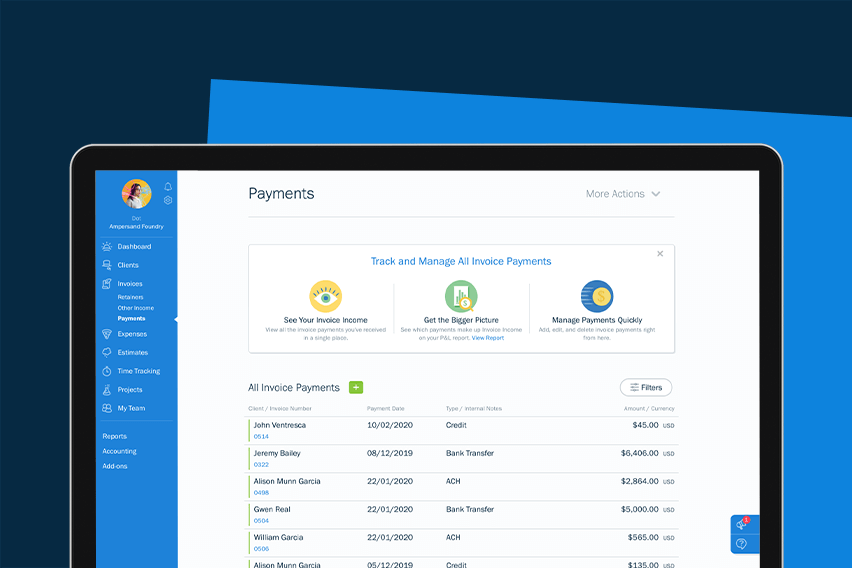
Creative pros or consultants sending proposals and tracking projects.
FreshBooks Exceptional user interface and automation for invoicing save hours weekly, with strong client communication tools.
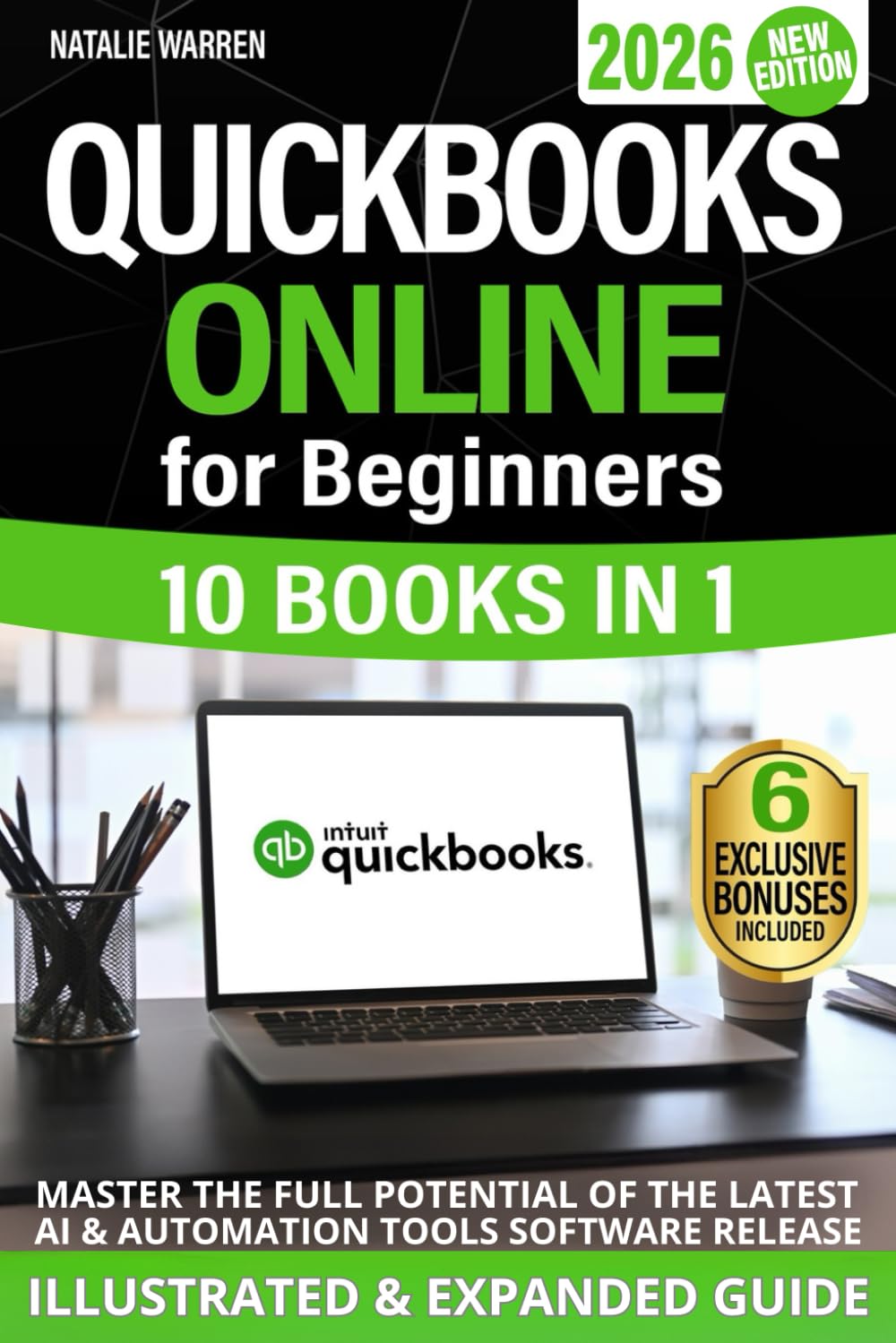
Gig economy workers, drivers, or anyone needing IRS-ready reports.
QuickBooks Solopreneur Automatic mileage tracking and tax estimates maximize deductions effortlessly.
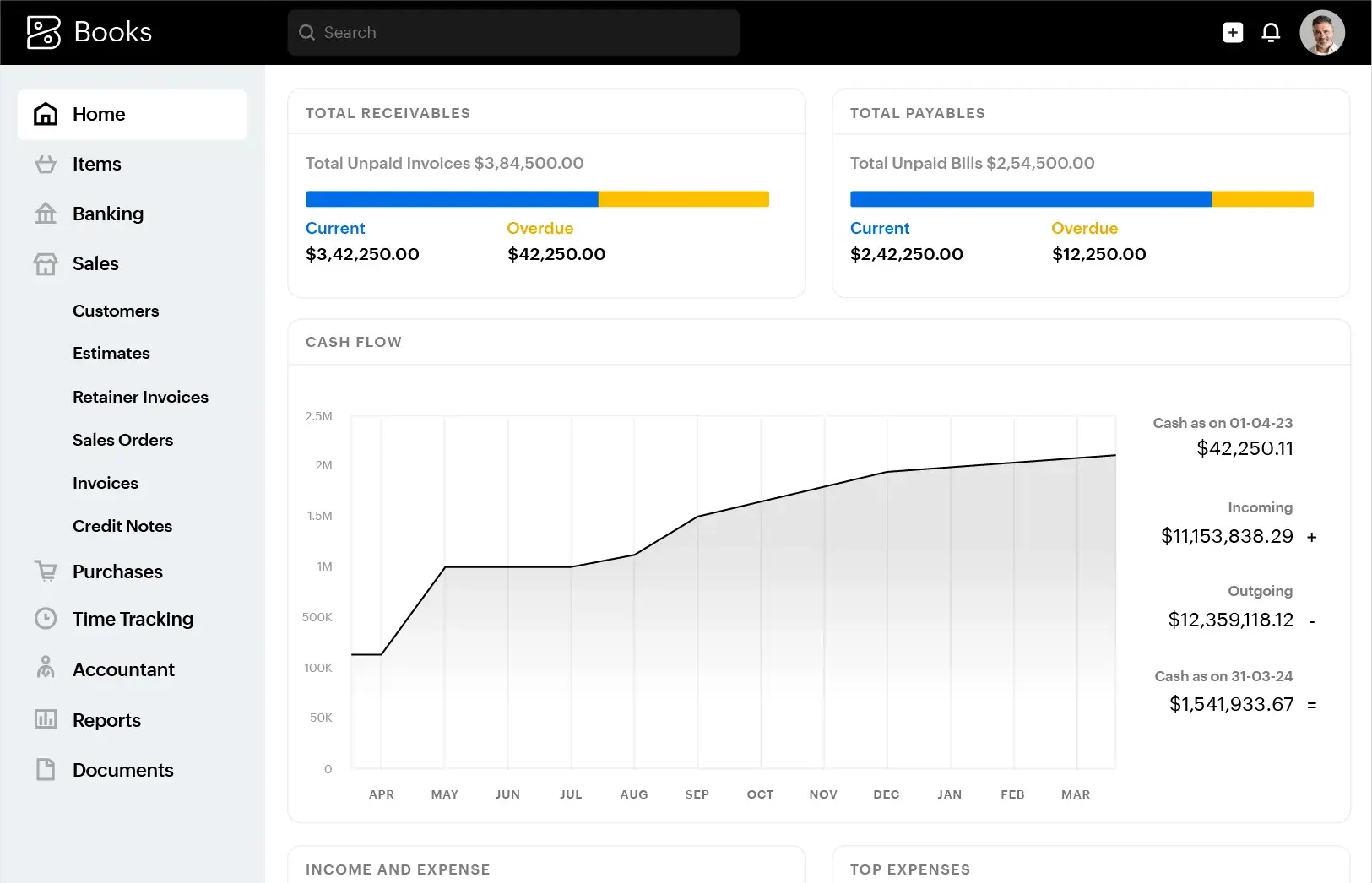
International clients or those expanding to products/services.
Zoho Books Affordable scalability with inventory and multi-currency for growing freelancers.

Tech-savvy freelancers integrating with tools like Shopify or HubSpot.
Xero Superior bank reconciliation and 800+ app integrations for customized workflows.