
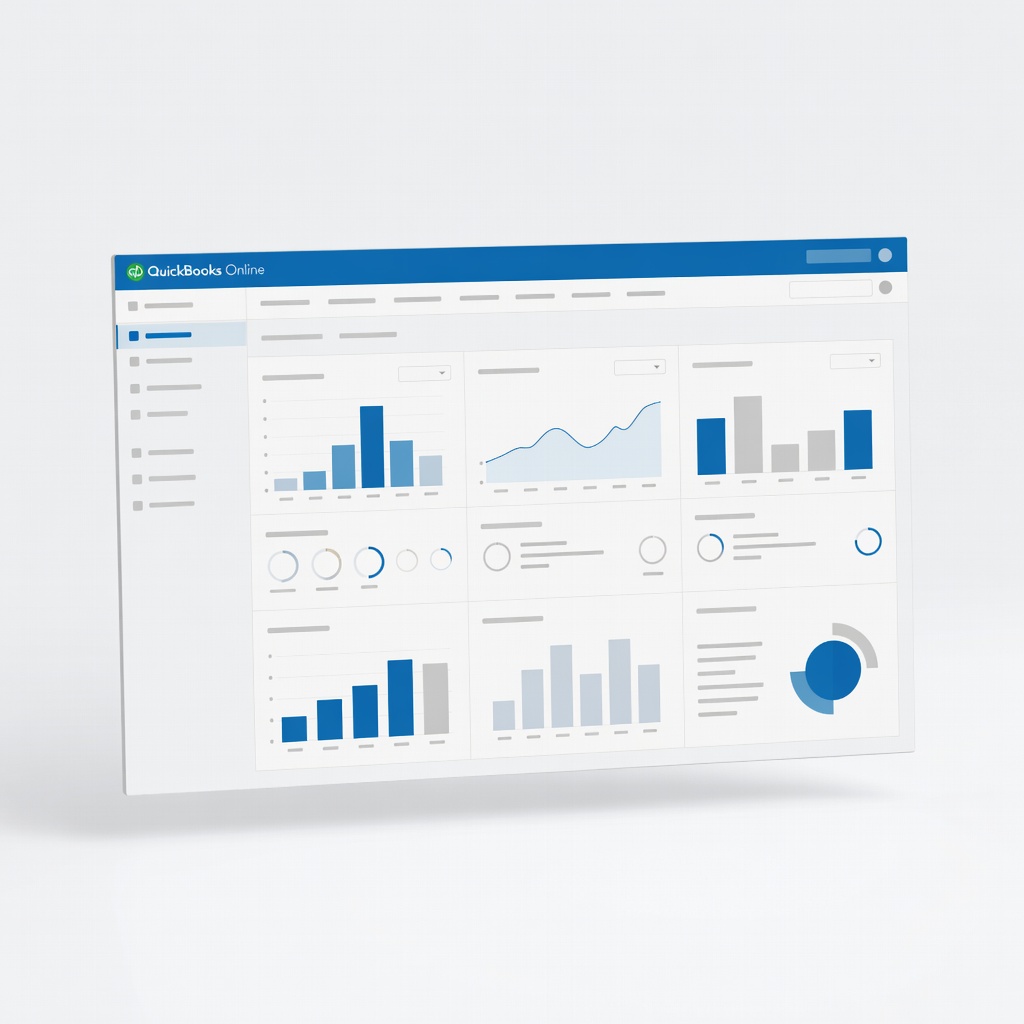
QuickBooks Online
Freelancers growing to agencies with employees/clients >50.
$30-$200/month
QuickBooks Online Industry leader with seamless scaling via add-ons like payroll, inventory, and 650+ apps; handles US taxes effortlessly.
Get the App
Better experience on mobile
Learn key features, top picks, and how to choose software that grows from solo gigs to a full team without switching tools.
As a freelancer, you start with simple invoicing and expense tracking, but what happens when client volume doubles, projects multiply, or you hire your first contractor? Many freelancers outgrow basic tools like spreadsheets or free apps, leading to costly migrations and lost data. This guide breaks down scalable accounting software that evolves with your business.
You'll learn the core features that define scalability, how to evaluate options, and top recommendations tailored for intermediate users handling multiple clients and basic taxes. By the end, you'll know exactly which software fits your growth path.
Expect a straightforward explainer: no fluff, just actionable insights. Reading and self-assessing takes 20-30 minutes, with optional trials adding 1-2 hours.
Estimated Time: 20-30 minutes to read and assess; 1-2 hours for trials Difficulty: intermediate
Start by mapping your current and future needs. Solo freelancers often handle 5-20 clients with basic invoicing, but scaling means 50+ clients, retainers, team payments, or international taxes.
Why it matters: Scalable software matches today's simplicity with tomorrow's complexity, avoiding disruptions. For example, if you're a graphic designer adding subcontractors, you need user permissions and project tracking.
List your metrics: monthly invoices, expense categories, tax requirements. Expect a reality check—most freelancers underestimate growth by 2x in year 2.
💡 Tips:
⚠️ Warnings:
Focus on features that flex: unlimited invoices/users, automated bank feeds, customizable reports, and integrations (e.g., Stripe, PayPal, CRM like HubSpot).
Analogy: Think of software like a backpack—starter plans carry basics, scalable ones add pockets for tools without repacking. Key scalers include multi-currency, inventory tracking, payroll add-ons, and API access for custom apps.
Prioritize: Automation saves 10+ hours/month as volume grows. Test if it handles 1,000 transactions without lagging.
💡 Tips:
Scalability isn't just features—it's performance under load. Measure by transaction limits (aim for unlimited), uptime (99.9%+), and plan progression (e.g., Simple to Advanced without data loss).
Real-world example: A freelancer with QuickBooks scales from $30/mo (Essentials) to $200/mo (Advanced) seamlessly. Watch for migration ease and customer support tiers.
Benchmark: Software should support 1-100 users and export data cleanly if needed.
⚠️ Warnings:
Narrow to 3-5 tools based on reviews (G2, Capterra 4.5+ stars). QuickBooks Online leads for US freelancers with robust payroll; Xero shines globally with bank rules.
Breakdown:
| Software | Starter Price | Scale To | Best For |
|---|---|---|---|
| QuickBooks | $30/mo | Enterprise | US taxes |
| Xero | $15/mo | Unlimited | International |
| FreshBooks | $19/mo | Projects | Service pros |
Expect variances in reporting depth—test dashboards.
💡 Tips:
Sign up for 14-30 day free trials. Import sample data (expenses, invoices) and simulate growth: add fake team members, run reports.
Why: 80% of users switch within 3 months if unfit. Track time saved on reconciliation.
Evaluate: Mobile app usability, custom fields, and support chat response (under 5 min).
💡 Tips:
⚠️ Warnings:
Once chosen, map data import (CSV/bank sync). Set up rules for auto-matching.
Pro tip: Week 1: Basics. Week 2: Custom reports. Scale gradually to avoid overwhelm.
Measure ROI: Aim for 20% time savings initially, scaling to full automation.
Review quarterly: Usage reports show if you're maxing limits. Upgrade seamlessly.
Long-term: Integrations like Zapier extend life. Most scale 3-5 years before enterprise needs.
💡 Tips:
Problem: Data import fails or duplicates
Solution: Clean CSV first (remove headers/duplicates); use official importers. Contact support for bulk fixes.
Problem: Slow performance with high volume
Solution: Archive old years; upgrade plan. Clear browser cache.
Problem: Tax reports inaccurate
Solution: Verify categories match IRS/Schedule C. Consult accountant or use built-in tax tools.
Problem: Can't add team members
Solution: Upgrade to higher plan. Invite via email with role limits.
Industry leader with seamless scaling via add-ons like payroll, inventory, and 650+ apps; handles US taxes effortlessly.
Best for: Freelancers growing to agencies with employees/clients >50.
Price Range: $30-$200/month
Unlimited users/transactions from day one, strong bank reconciliation, and global multi-currency support.
Best for: International freelancers or those expanding abroad quickly.
Price Range: $15-$70/month
Intuitive for services with project tracking, time billing, and easy upgrades; scales without complexity.
Best for: Creative freelancers (designers, consultants) managing retainers/projects.
Price Range: $19-$60/month
Affordable with automation, workflow rules, and Zoho ecosystem integration; scales to 100s of clients.
Best for: Budget-conscious solos scaling to small teams.
Price Range: $20-$240/month
Free core features with paid payroll; good starter that scales modestly via add-ons.
Best for: Bootstrapping freelancers testing waters before premium commitment.
Price Range: Free; $40+/month for pro
Freelancers growing to agencies with employees/clients >50.
QuickBooks Online Industry leader with seamless scaling via add-ons like payroll, inventory, and 650+ apps; handles US taxes effortlessly.

International freelancers or those expanding abroad quickly.
Xero Unlimited users/transactions from day one, strong bank reconciliation, and global multi-currency support.
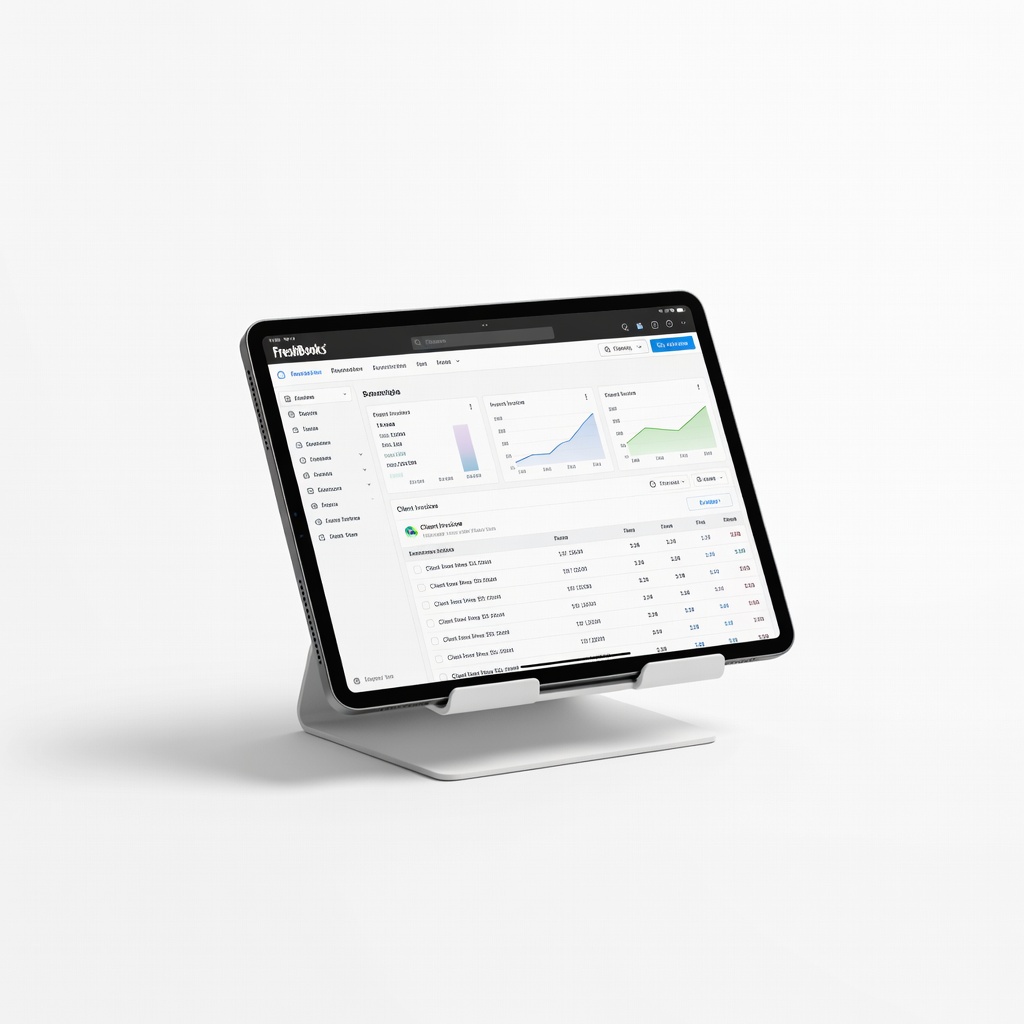
Creative freelancers (designers, consultants) managing retainers/projects.
FreshBooks Intuitive for services with project tracking, time billing, and easy upgrades; scales without complexity.
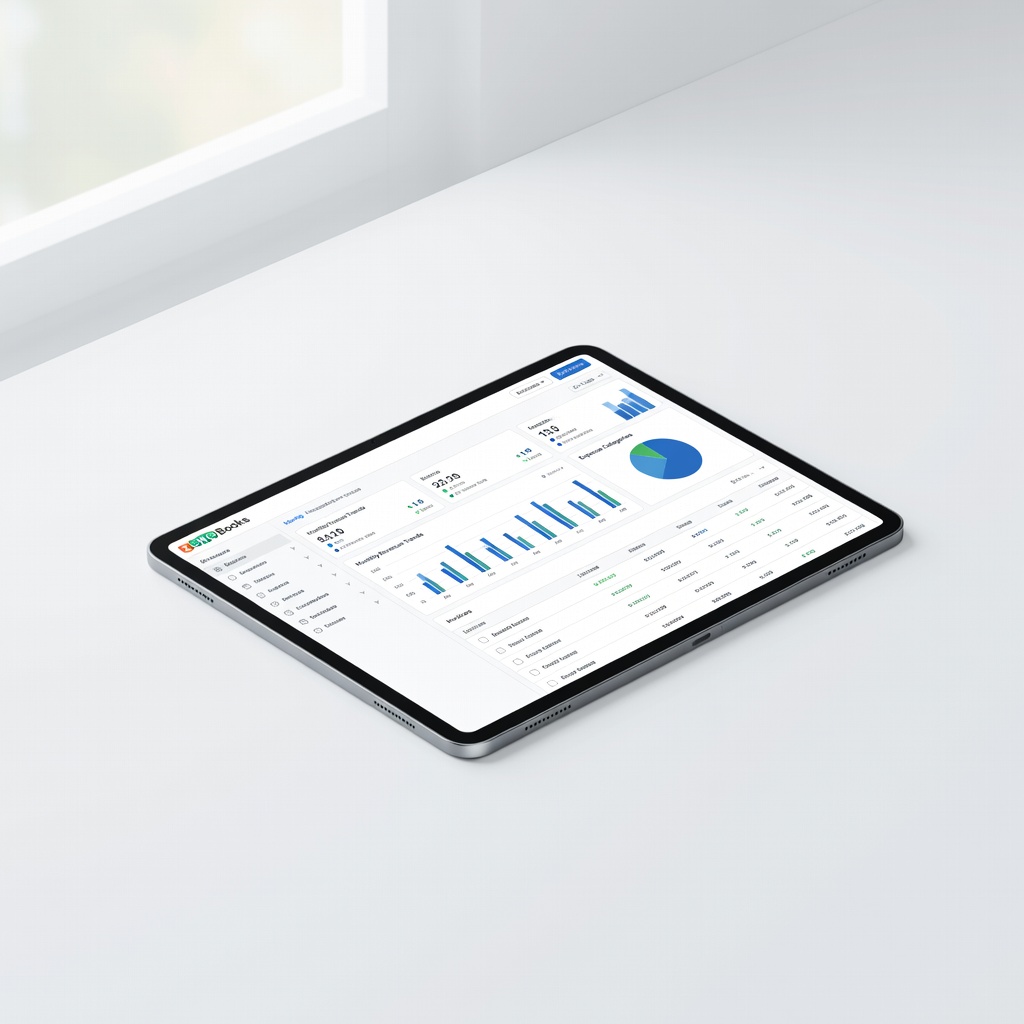
Budget-conscious solos scaling to small teams.
Zoho Books Affordable with automation, workflow rules, and Zoho ecosystem integration; scales to 100s of clients.
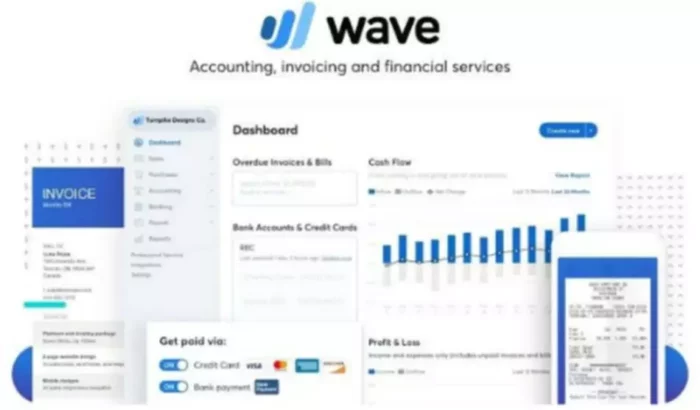
Bootstrapping freelancers testing waters before premium commitment.
Wave Accounting Free core features with paid payroll; good starter that scales modestly via add-ons.