
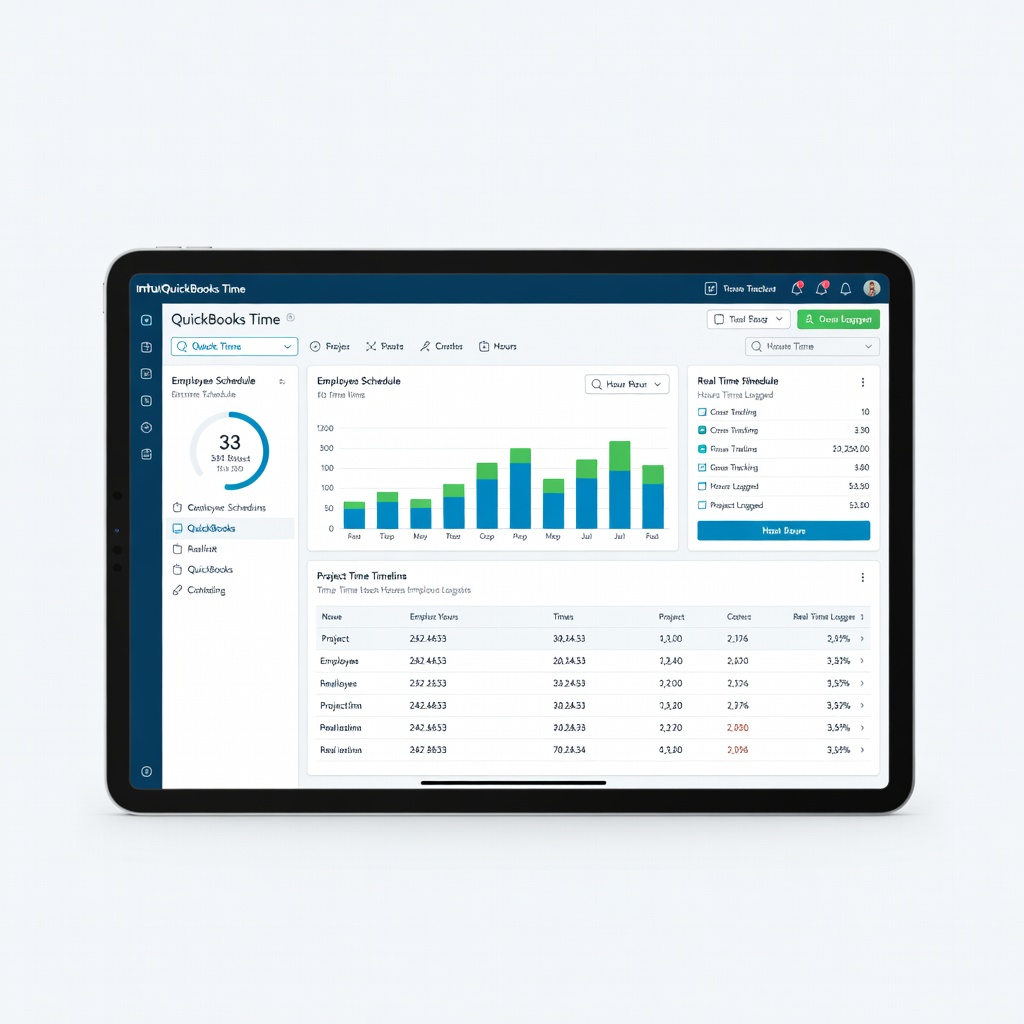
QuickBooks Time (by Intuit)
Track billable hours on mobile and auto-invoice in QuickBooks.
$20/user/month (free for 1 user)
QuickBooks Time (by Intuit) Native integration ensures zero glitches; perfect for hourly freelancers.
Get the App
Better experience on mobile
Learn top accounting software that syncs with QuickBooks to automate invoicing, expenses, and time tracking for easier freelance finances.
As a freelancer, managing invoices, tracking time, and handling expenses can feel overwhelming alongside client work. QuickBooks is a powerhouse for accounting, but it shines brighter with integrations that automate data flow, reduce errors, and save hours each week. Without them, you're stuck with manual entry, double-checking numbers, and missed deductions.
In this guide, you'll discover why integrations matter, the best ones for freelancers, and how to set them up step-by-step. No tech expertise needed—we break it down simply with examples and tips. By the end, you'll have a streamlined system ready in under 30 minutes.
Expect beginner-friendly explanations, real freelancer use cases, and warnings on pitfalls. This setup works for QuickBooks Online (most integrations focus here; Desktop has fewer options).
Estimated Time: 20-30 minutes Difficulty: beginner
Integrations connect QuickBooks to other apps, automatically syncing data like time logs, expenses, or payments. Think of it like a conveyor belt: no more copying numbers from one app to another.
For freelancers, this means accurate invoicing from tracked hours, auto-captured receipts, and seamless payments. Example: Log 5 hours in a time app, and it turns into a billable invoice in QuickBooks instantly.
Why it matters: Saves 5-10 hours/week, cuts errors by 80%, and ensures tax-ready books. Start here to pick integrations matching your workflow (e.g., hourly billing vs. project-based).
💡 Tips:
Focus on these categories:
Freelancers often start with 2-3 to avoid overload. Check the Intuit App Store for 700+ verified integrations.
💡 Tips:
⚠️ Warnings:
QuickBooks Time (formerly TSheets) is Intuit-owned, so integration is flawless. Track hours via mobile app, GPS, or desktop; data syncs directly to QuickBooks timesheets and invoices.
Freelancer example: Bill clients per project phase—hours auto-populate payroll or bills. Starts free for one user.
Setup preview: Connect in QuickBooks Apps tab.
Expensify scans receipts with OCR, categorizes (e.g., 'Meals: Client Lunch'), and pushes to QuickBooks expenses. Dext (formerly Receipt Bank) excels at bulk uploads.
Why for freelancers: Deduct mileage/travel effortlessly at tax time. Expect 99% accuracy on scans.
Both integrate via API—data appears in QuickBooks 'Expenses' tab within minutes.
💡 Tips:
⚠️ Warnings:
Stripe connects payments to QuickBooks invoices/customers automatically. PayPal syncs sales/deposits.
Example: Client pays invoice via Stripe link; funds and records update in QuickBooks bank feed—no manual matching.
Ideal for freelancers with online payments; reduces reconciliation time from hours to zero.
Gusto handles 1099s for subcontractors or W2 if you grow. Syncs payroll runs, taxes, and payments to QuickBooks.
Freelancer fit: Simple for occasional hires. Auto-files forms.
Skip if solo.
💡 Tips:
Expect instant or scheduled syncs (hourly/daily). Revoke anytime in Apps.
💡 Tips:
⚠️ Warnings:
Run a test invoice/expense. Check QuickBooks reports for accuracy. Use audit logs for sync history.
Monitor monthly: Data clean? Errors? Adjust mappings.
Pro result: Hands-off books ready for taxes.
💡 Tips:
Problem: Sync fails or duplicates data
Solution: Check app permissions, clear cache, reauthorize. Contact support via App Store.
Problem: Data not appearing in reports
Solution: Verify sync frequency (manual/run now) and field mappings. Refresh QuickBooks.
Problem: High costs creeping up
Solution: Monitor usage; downgrade tiers or cancel unused apps.
Problem: Security worries
Solution: Use apps with SOC2 compliance (listed in App Store). Revoke access if unused.
Native integration ensures zero glitches; perfect for hourly freelancers.
Best for: Track billable hours on mobile and auto-invoice in QuickBooks.
Price Range: $20/user/month (free for 1 user)
SmartScan tech categorizes expenses accurately, syncing seamlessly to QuickBooks.
Best for: Receipt-heavy freelancers deducting travel/meals.
Price Range: $5-10/user/month
Handles 1099s and taxes with direct QuickBooks payroll sync.
Best for: Freelancers subcontracting work.
Price Range: $40/month base + $6/employee
Auto-matches payments to invoices, reducing bank rec time.
Best for: Online payment collection for services.
Price Range: 2.9% + 30¢ per transaction
Affordable, intuitive time tracking with one-click QuickBooks export.
Best for: Project-based billing needing detailed reports.
Price Range: $10/user/month
Track billable hours on mobile and auto-invoice in QuickBooks.
QuickBooks Time (by Intuit) Native integration ensures zero glitches; perfect for hourly freelancers.
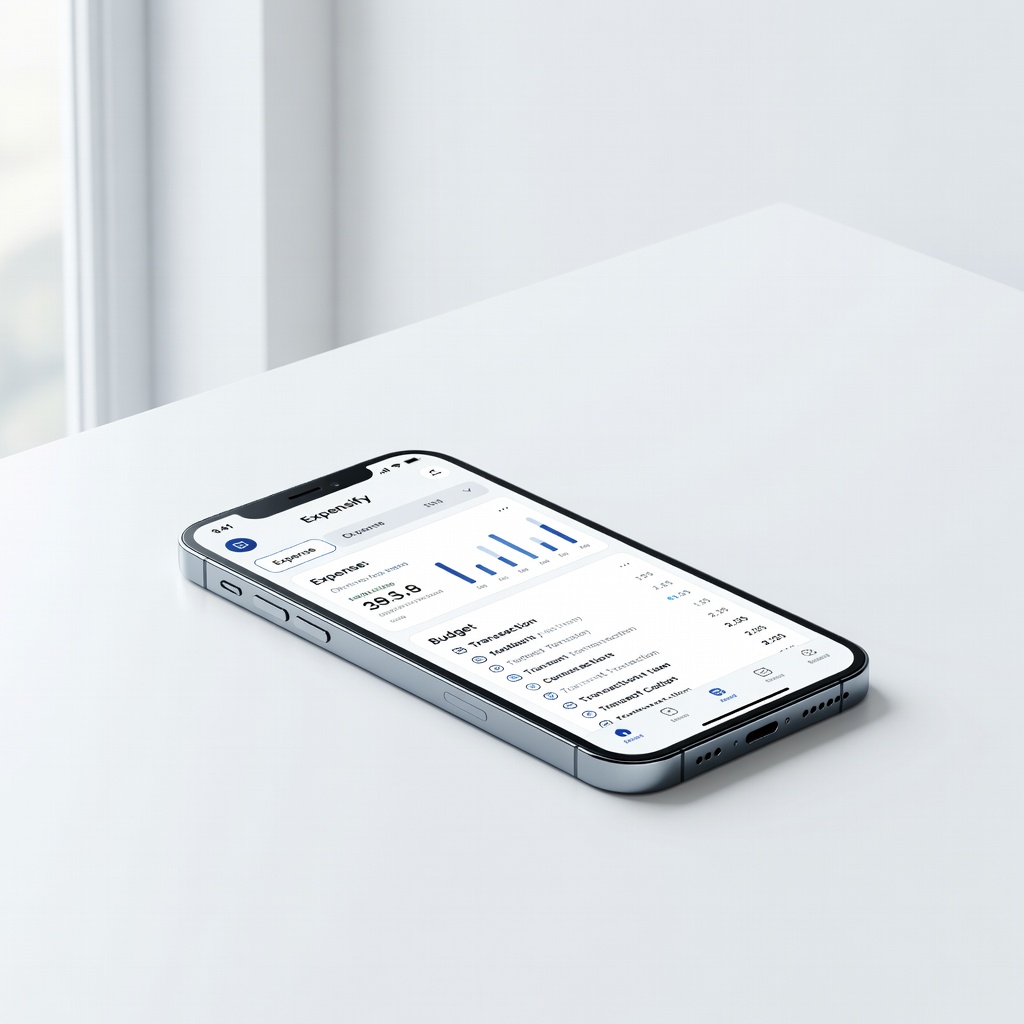
Receipt-heavy freelancers deducting travel/meals.
Expensify SmartScan tech categorizes expenses accurately, syncing seamlessly to QuickBooks.

Freelancers subcontracting work.
Gusto Payroll Handles 1099s and taxes with direct QuickBooks payroll sync.

Online payment collection for services.
Stripe Auto-matches payments to invoices, reducing bank rec time.
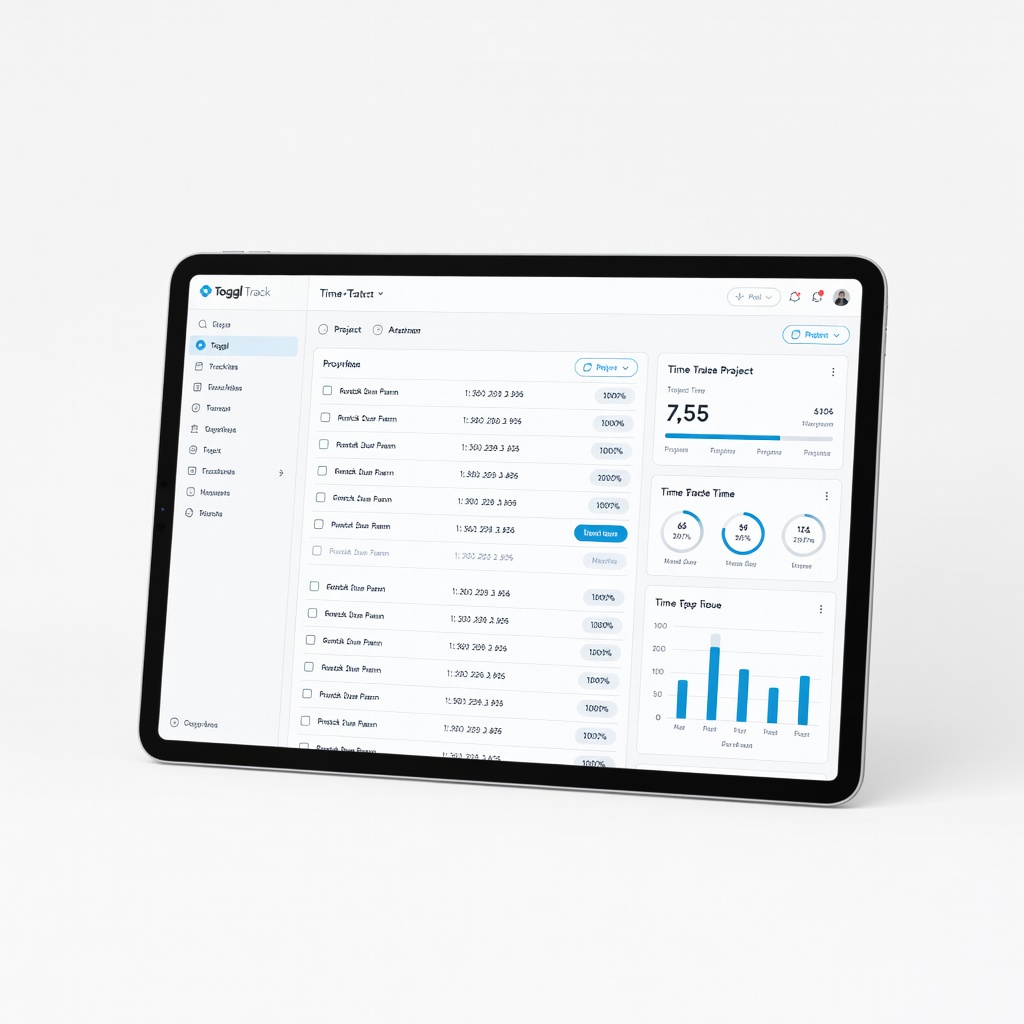
Project-based billing needing detailed reports.
Toggl Track Affordable, intuitive time tracking with one-click QuickBooks export.