Switching from QuickBooks? Many businesses seek alternatives for better pricing, features, or scalability, but a major pain point is losing seamless data flow with other tools. Poor integrations lead to manual data entry, errors, and wasted time.
In this guide, you'll discover popular QuickBooks alternatives and the accounting-related software (like payroll, invoicing, and inventory tools) that integrate effortlessly with them. We'll break down compatibility, setup basics, and real-world examples using simple analogies—like connecting apps as easily as plugging in a charger.
Expect a straightforward explainer: no coding required, intermediate knowledge assumed. You'll finish in 20-30 minutes with actionable insights to evaluate your stack.
▸What You'll Need
- •Internet access to check app marketplaces
- •Basic familiarity with accounting terms (e.g., invoices, payroll)
- •Optional: Free trial accounts for alternatives like Xero or Zoho Books
Estimated Time: 20-30 minutes
Difficulty: intermediate
▸Step-by-Step Instructions
Step 1: Identify Popular QuickBooks Alternatives
Start by listing top QuickBooks alternatives. QuickBooks dominates, but options like Xero (cloud-based, great for international), FreshBooks (invoicing-focused for freelancers), Wave (free for basics), Zoho Books (CRM-integrated), and Sage Intacct (enterprise-level) offer compelling features.
Why this matters: Each has unique strengths, but integration support varies. Think of alternatives as different phone OSes—Android (Xero) has vast apps, iOS (FreshBooks) has polished ones.
Expect a shortlist: Choose based on business size (e.g., Wave for solopreneurs, Sage for mid-size).
💡 Tips:
- •Compare via free trials to test integrations live.
Step 2: Understand What 'Integrates' Means in Accounting
Integration means two-way data sync (e.g., invoices from Shopify auto-post to Xero). Native integrations use APIs (direct connections), while third-party like Zapier handle 1000+ apps.
Accounting-specific integrations include payroll (Gusto), payments (Stripe), CRM (HubSpot), and inventory (TradeGecko). Analogy: Like a universal remote controlling all your devices—no manual switching.
What to expect: Most alternatives have app stores (e.g., Xero App Store with 800+). Check for real-time sync vs. batch.
⚠️ Warnings:
- •Avoid 'export/import CSV'—it's manual and error-prone.
Step 3: Explore Xero Integrations
Xero leads with 1,000+ integrations. Accounting software like Gusto (payroll), Depreciation Engine (fixed assets), and Hubdoc (document capture) sync natively.
Example: Link Shopify sales to Xero invoices automatically. Why it matters: Saves hours on reconciliation.
Pro: Open API for custom; con: Some premium apps cost extra.
💡 Tips:
- •Use Xero's App Store search for 'accounting' or 'payroll'.
Step 4: Dive into FreshBooks Integrations
FreshBooks excels for service businesses, integrating with Gusto, Stripe, PayPal, and Google Workspace. Accounting add-ons: Inventory Planner and Expensify for expenses.
Analogy: FreshBooks is like a sleek notebook—integrations add sticky notes that auto-update. Expect double-entry accuracy without spreadsheets.
Best for: Invoicing + time tracking bundles.
Step 5: Check Wave Accounting Integrations
Wave is free, integrates with PayPal, Stripe, Shopify, and basic payroll via Wave Payroll. Limited accounting depth but solid for basics + Google Sheets exports.
Why choose: No-cost entry. Expect: Manual tweaks for complex accounting; use Zapier for more (e.g., to Zoho).
⚠️ Warnings:
- •Wave lacks advanced inventory—pair with Dear Inventory.
Step 6: Review Zoho Books Integrations
Zoho Books shines in the Zoho ecosystem, integrating with Zoho CRM, Zoho Inventory, Gusto, and Amazon. Native multi-currency accounting.
Example: Sales from Zoho CRM create invoices instantly. Ideal for growing teams.
💡 Tips:
- •Leverage free Zoho One bundle for all-in-one.
Step 7: Evaluate Sage Intacct and Others
For enterprises, Sage Intacct integrates with Amazon, Salesforce, Bill.com (AP automation). Robust for consolidations.
Others: ZipBooks (simple, Stripe-heavy). Always verify via 'integrations' page.
Step 8: Test and Set Up Integrations
Sign up for trials, go to 'Integrations' or 'Apps', search/connect (e.g., authorize Stripe in Xero). Map fields (e.g., customer name sync).
Why: Ensures compatibility. Expect 5-10 min setup; test with dummy data.
💡 Tips:
- •Use Zapier for non-native (free tier: 100 tasks/month).
▸Pro Tips
- •Prioritize native integrations over Zapier for speed/reliability.
- •Check sync frequency (real-time vs. daily) for your needs.
- •Use app reviews for real-user integration feedback.
- •Start with payments/payroll—they yield quickest ROI.
- •Budget for premium connectors ($10-50/month).
- •Document your stack in a spreadsheet for audits.
- •Test migrations from QuickBooks using built-in importers.
▸Common Mistakes to Avoid
- •Assuming all integrations are free—many add fees.
- •Ignoring data security; always check OAuth/encryption.
- •Overlooking field mapping, causing duplicate entries.
- •Choosing based on marketing, not your workflow.
- •Forgetting to monitor sync logs for errors.
▸Troubleshooting
Problem: Sync failures or delays
Solution: Reauthorize the app, check API limits, or contact support. Clear cache if web-based.
Problem: Data mismatches (e.g., amounts off)
Solution: Verify field mappings and currency settings. Run a test transaction.
Problem: No integration available
Solution: Use Zapier/Integrately as middleware. Seek dev help for custom API.
Problem: High costs post-setup
Solution: Review tiered pricing; downgrade unused apps. Seek professional accountant advice.
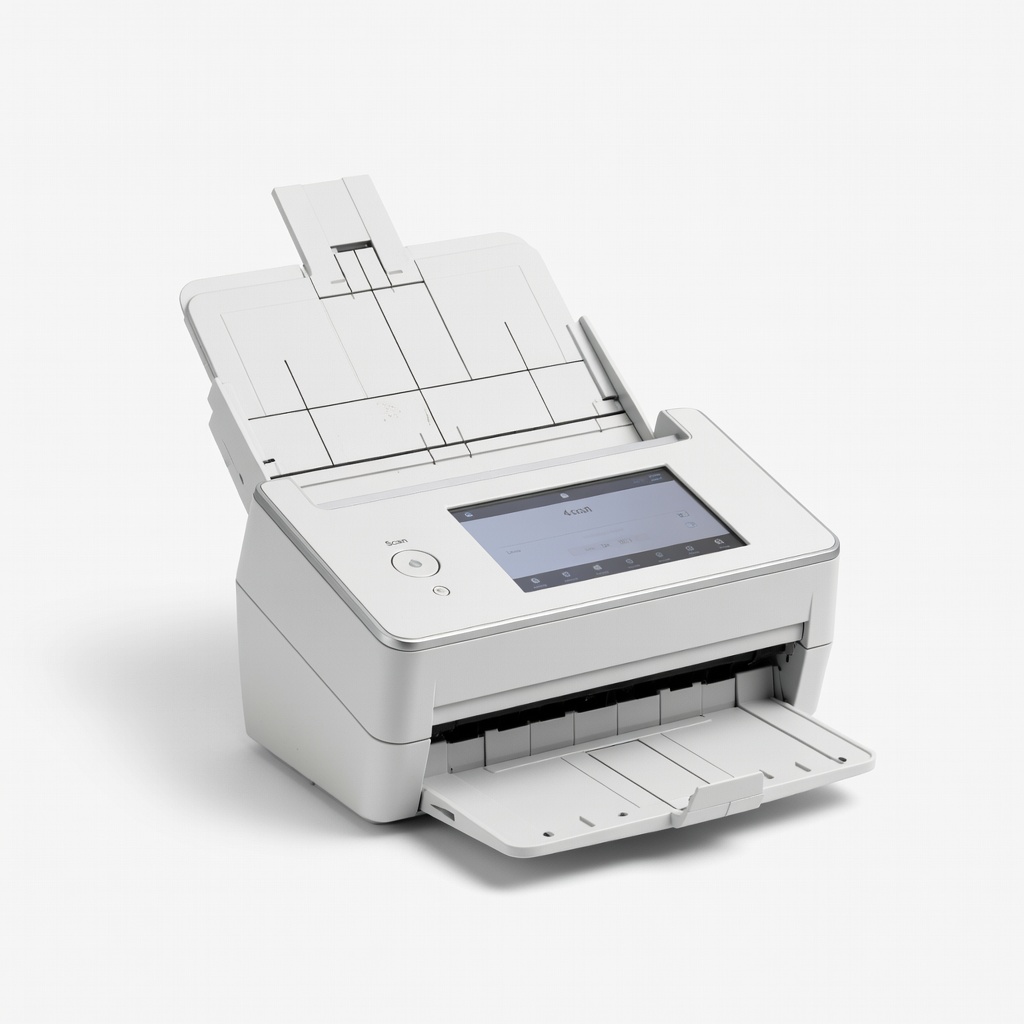
Fujitsu ScanSnap iX1600 Document Scanner
Scans receipts and invoices directly into Xero, Zoho Books, or FreshBooks via companion software, automating expense tracking.
Best for: Small businesses digitizing paper docs for integration with accounting alternatives.
Price Range: $429.99
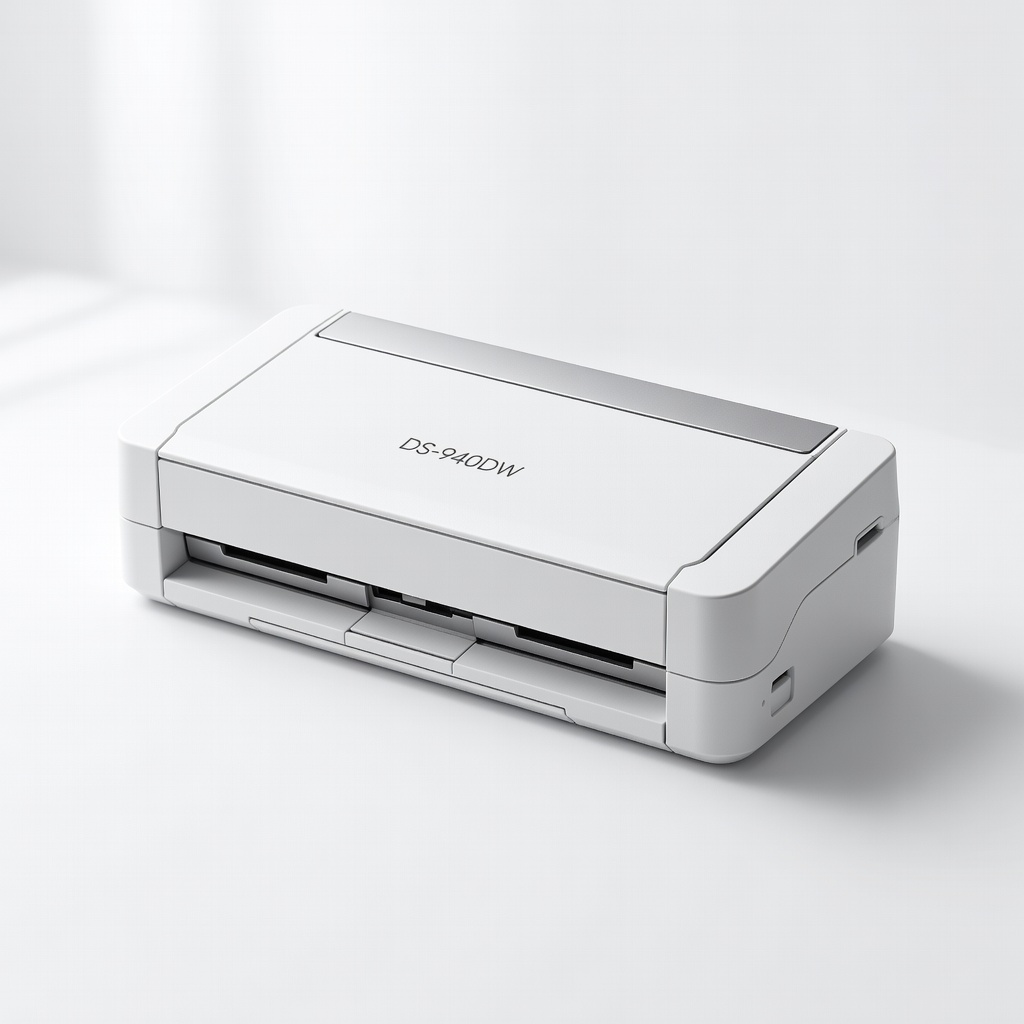
Brother DS-940DW Mobile Document Scanner
Portable scanning with apps that export to QuickBooks alternatives like Wave or Xero, reducing manual entry.
Best for: Freelancers or mobile teams needing quick receipt capture.
Price Range: $179.99
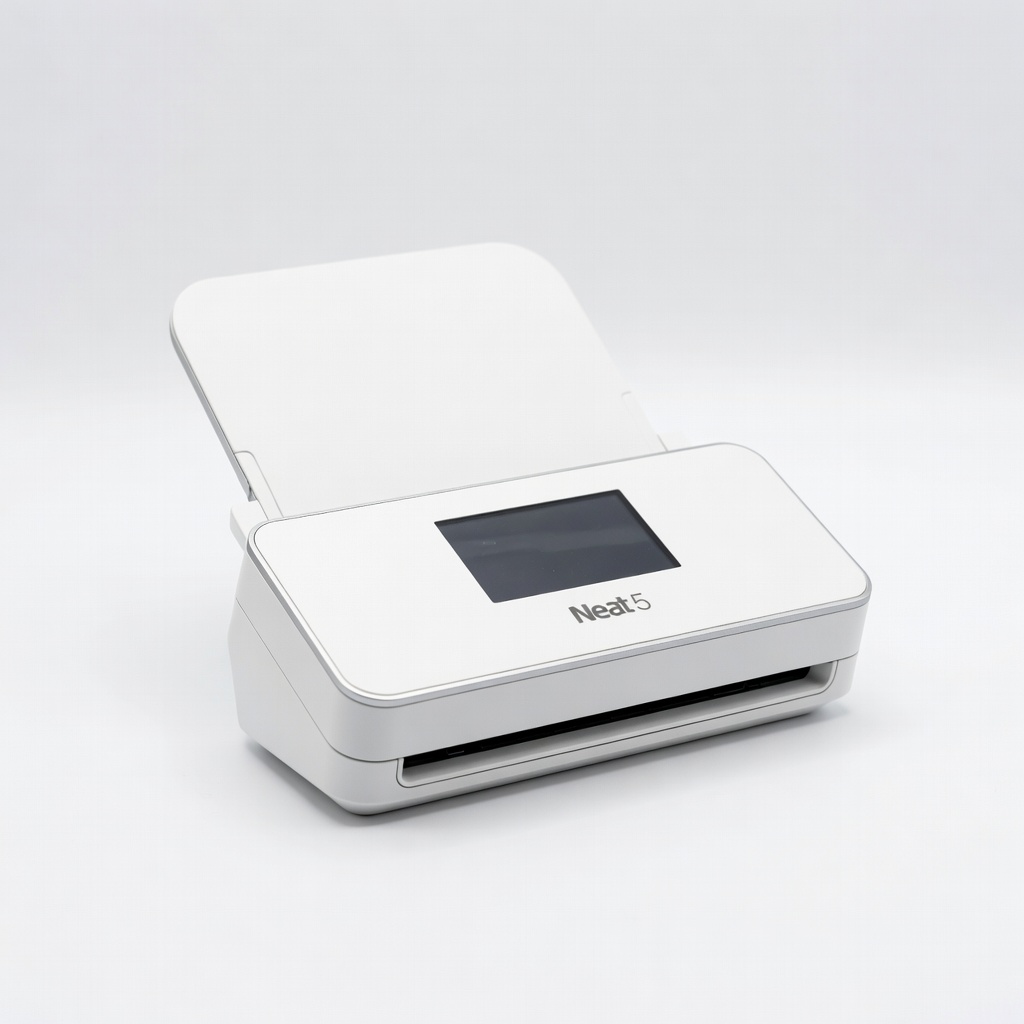
Neat 5 Standalone Document Scanner
Wireless scanning and organization software integrates with Xero/FreshBooks for cloud upload and auto-categorization.
Best for: Offices handling high-volume invoices with accounting software.
Price Range: $229.00
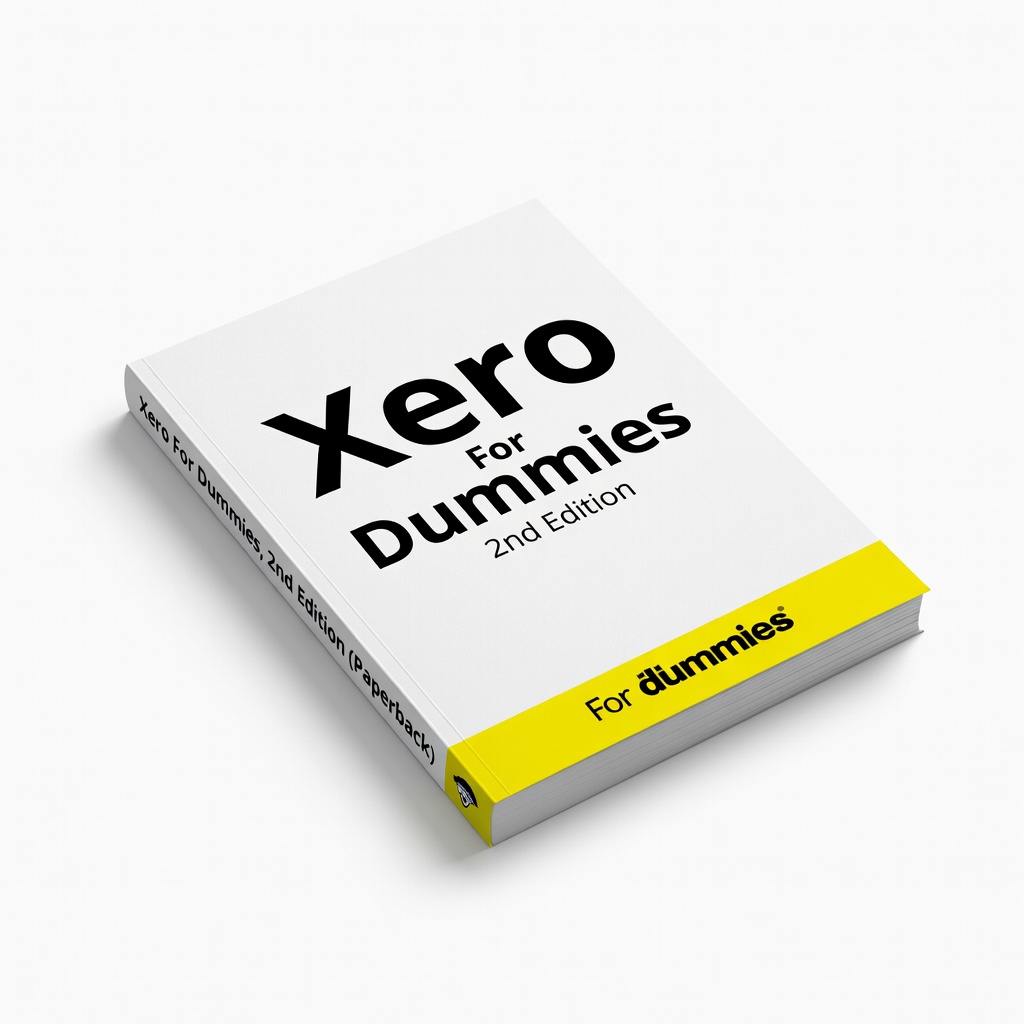
Xero For Dummies, 2nd Edition (Paperback)
Comprehensive guide to Xero setup, integrations, and best practices for QuickBooks switchers.
Best for: Intermediate users learning integrations hands-on.
Price Range: $24.99
Sage 50 Pro Accounting 2024 (Download)
Desktop alternative to QuickBooks with strong integrations to CRM/payroll; great for hybrid cloud setups.
Best for: Businesses needing robust accounting beyond SaaS.
Price Range: $449.00