
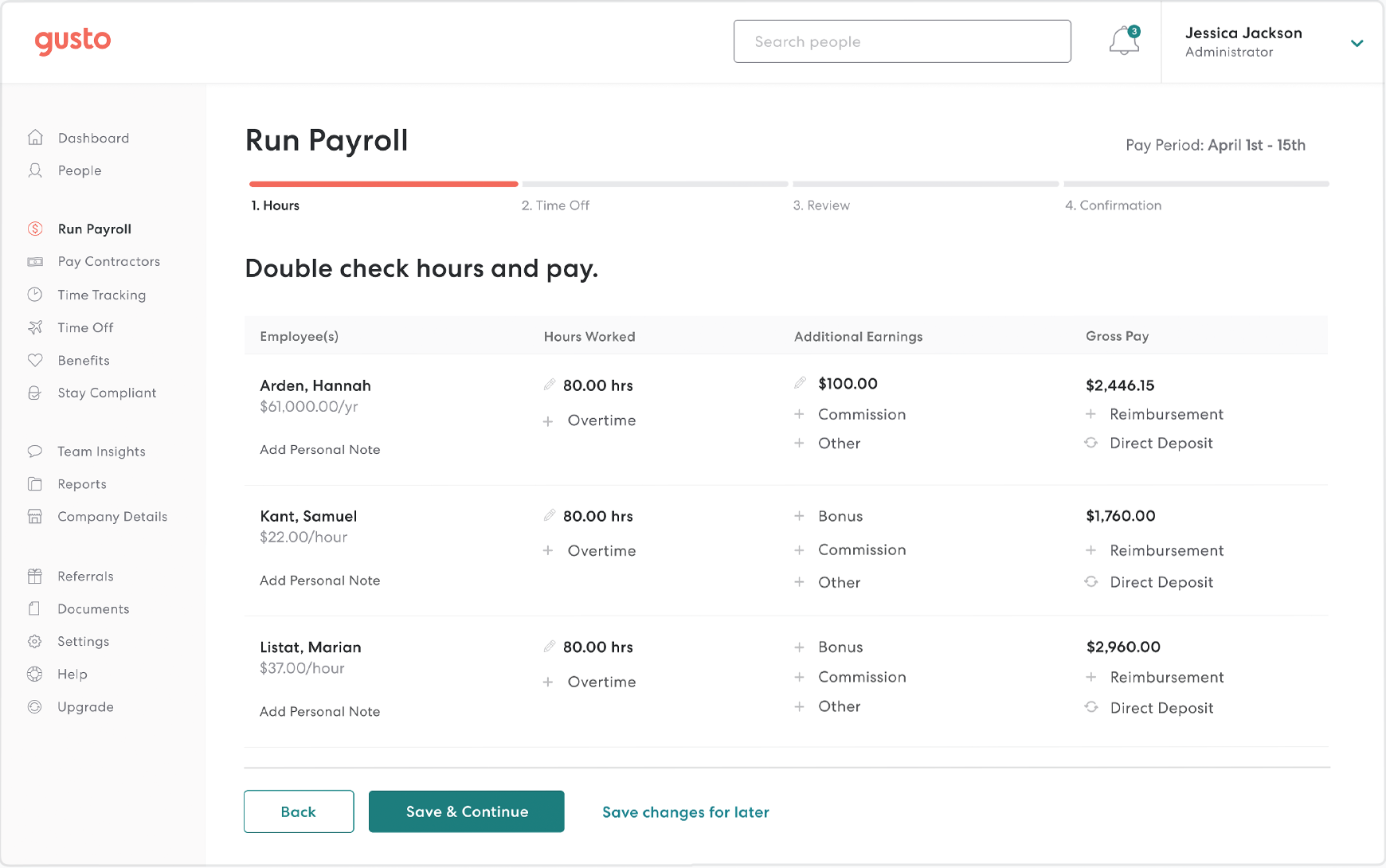
Gusto Payroll Software
Small to mid-size businesses needing compliant payroll automation.
$40+/month base + $6/employee
Gusto Payroll Software Top-rated payroll integrator with seamless QB sync for wages, taxes, and filings.
Get the App
Better experience on mobile
Learn top tools that sync seamlessly with QuickBooks to automate workflows, reduce errors, and scale your business finances effortlessly.
Managing business finances often involves juggling multiple tools, leading to tedious manual data entry, errors, and lost time. If you're a QuickBooks user, integrating complementary accounting software can automate payroll, expenses, inventory, and more, saving hours weekly.
In this guide, you'll discover the best accounting software that integrates with QuickBooks Online and Desktop, understand how integrations work, and get step-by-step advice on setup. Whether you're handling payroll or tracking inventory, these tools connect via APIs for real-time data sync.
Expect a straightforward explainer: no coding required for most setups, suitable for intermediate users with basic QuickBooks knowledge. You'll finish informed and ready to integrate in under 30 minutes.
Estimated Time: 20-30 minutes Difficulty: intermediate
QuickBooks integrations use APIs (Application Programming Interfaces) to connect apps, allowing two-way data sync like invoices, payments, and reports. This eliminates double-entry; changes in one app update the other automatically.
Why it matters: Manual imports cause 30% of accounting errors (per industry stats). Integrations ensure accuracy and compliance.
Expect: Most are plug-and-play via the QuickBooks App Store (over 750 apps). QuickBooks Online has broader support than Desktop.
💡 Tips:
⚠️ Warnings:
Payroll is a top integration need. Tools like Gusto and Justworks pull employee data from QuickBooks and push payroll journals back.
Example: Gusto syncs wages, taxes, and deductions directly to your Chart of Accounts. Analogy: Like a conveyor belt moving data without stopping production.
Gusto handles 1099s and benefits; setup takes 10 minutes.
💡 Tips:
CRM tools like HubSpot or Method:CRM integrate to convert leads into QuickBooks invoices/customers.
Method:CRM is accounting-focused, blending CRM with QB-native invoicing. Why? Syncs opportunities to estimates seamlessly.
Expect real-time customer data matching; avoids duplicate records.
⚠️ Warnings:
Inventory apps like Fishbowl or SOS Inventory connect for stock levels, costing, and sales orders syncing to QB.
Fishbowl excels for warehouses: Tracks serial numbers, updates QB inventory in real-time. Analogy: QB as the brain, Fishbowl as the warehouse manager.
POS like Square syncs daily sales summaries.
💡 Tips:
Apps like Expensify, Bill.com, and Tipalti automate expenses and bills.
Expensify scans receipts, categorizes, and exports to QB expenses. Bill.com handles approvals and payments, syncing vendor bills.
Benefits: Cuts processing time by 70%; OCR tech reads receipts accurately.
💡 Tips:
⚠️ Warnings:
Go to Apps.Intuit.com, search by category (e.g., 'Payroll'), filter by rating (4+ stars) and 'QuickBooks Integrated' badge.
Click 'Connect', authorize QB, map fields (accounts, classes). Test sync with sample data.
Why last? Builds on prior knowledge; most apps free trial.
💡 Tips:
Run test transactions (e.g., dummy payroll), verify QB ledger. Set alerts for sync errors.
Monitor via app dashboards; most log failures. Analogy: Like checking smoke detectors monthly.
Scale: Start one integration, add more gradually.
⚠️ Warnings:
Problem: Sync fails with 'authentication error'
Solution: Reconnect via Apps page; regenerate API keys if Desktop.
Problem: Duplicate entries after sync
Solution: Enable duplicate detection in app settings; clear QB duplicates manually.
Problem: Data lags or doesn't update
Solution: Check sync schedule (e.g., hourly); contact app support for logs.
Problem: Integration not listed in App Store
Solution: Use Zapier as middleware for 6,000+ apps; seek accountant help for custom.
Top-rated payroll integrator with seamless QB sync for wages, taxes, and filings.
Best for: Small to mid-size businesses needing compliant payroll automation.
Price Range: $40+/month base + $6/employee
Automates bill approvals and payments with direct QB journal sync.
Best for: Teams handling high-volume vendor bills to cut manual entry.
Price Range: $45+/month
Receipt scanning and auto-export to QB expenses; SmartScan tech is accurate.
Best for: Remote teams submitting expenses quickly.
Price Range: $5/user/month
Accounting-focused CRM with native QB data sync for sales-to-invoice workflows.
Best for: Sales-driven businesses needing CRM-accounting bridge.
Price Range: $25/user/month
Hardware companion for digitizing receipts/bills before Expensify/QB import.
Best for: Paper-heavy offices transitioning to digital accounting.
Price Range: $399-$499
Small to mid-size businesses needing compliant payroll automation.
Gusto Payroll Software Top-rated payroll integrator with seamless QB sync for wages, taxes, and filings.
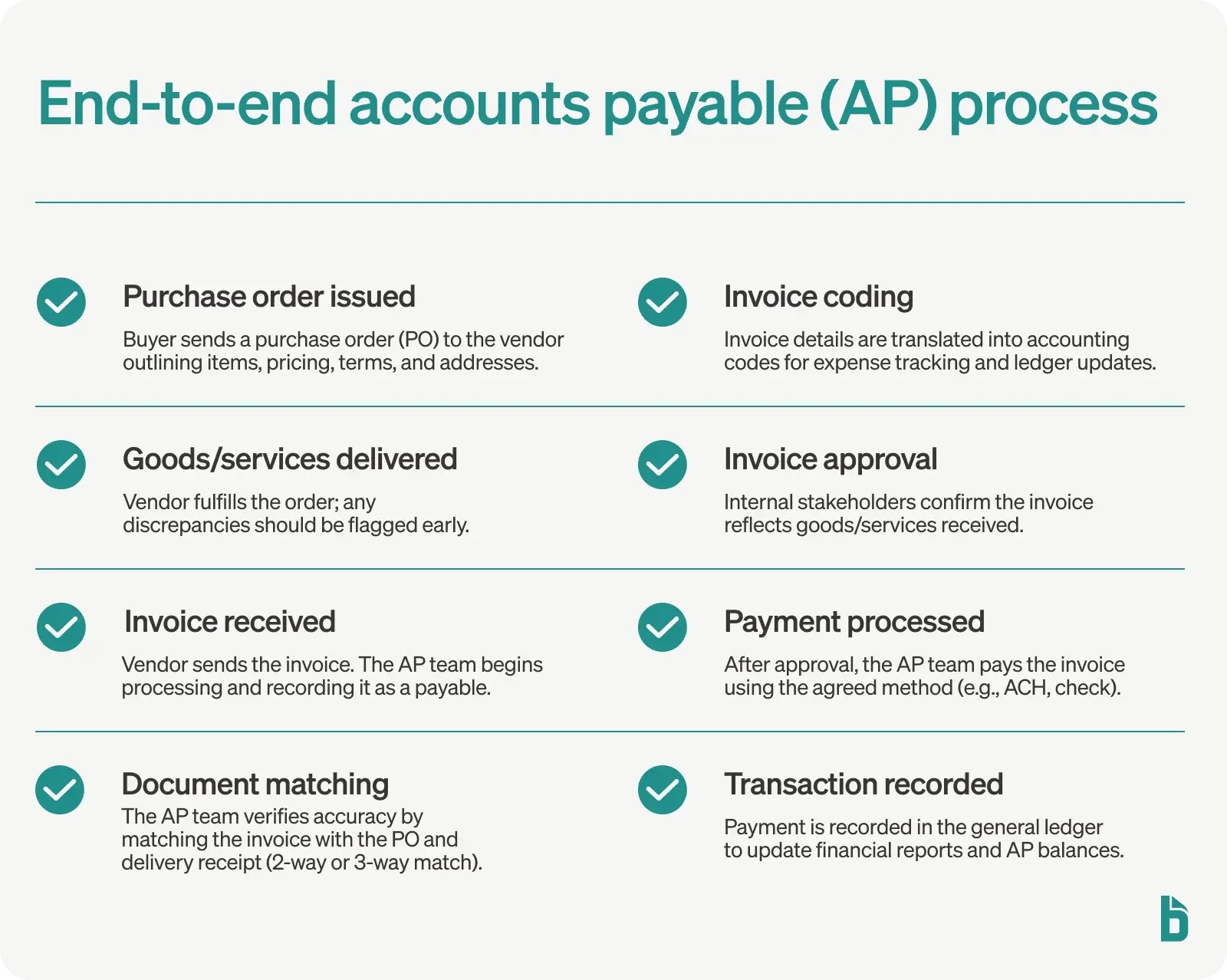
Teams handling high-volume vendor bills to cut manual entry.
Bill.com Accounts Payable Automates bill approvals and payments with direct QB journal sync.
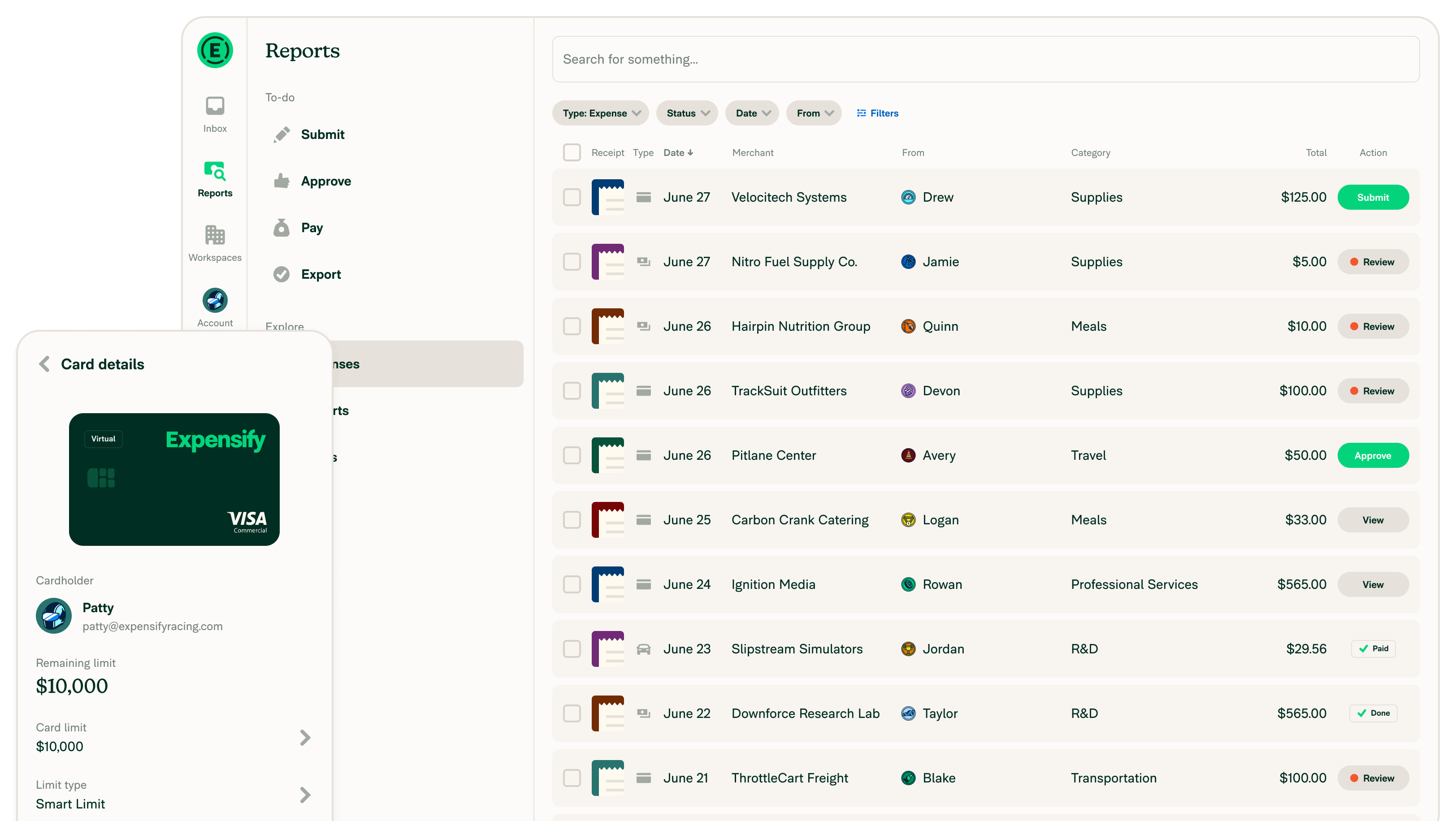
Remote teams submitting expenses quickly.
Expensify Expense Management Receipt scanning and auto-export to QB expenses; SmartScan tech is accurate.
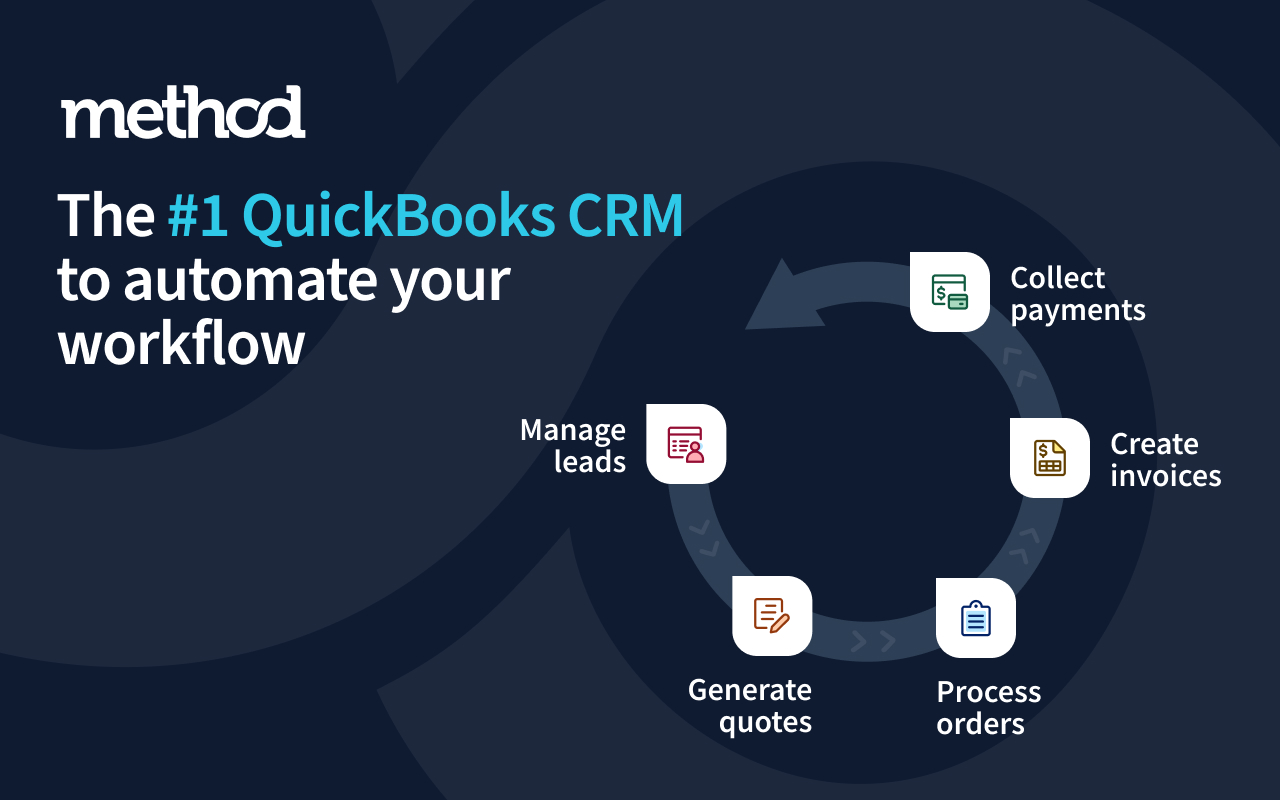
Sales-driven businesses needing CRM-accounting bridge.
Method:CRM Accounting-focused CRM with native QB data sync for sales-to-invoice workflows.
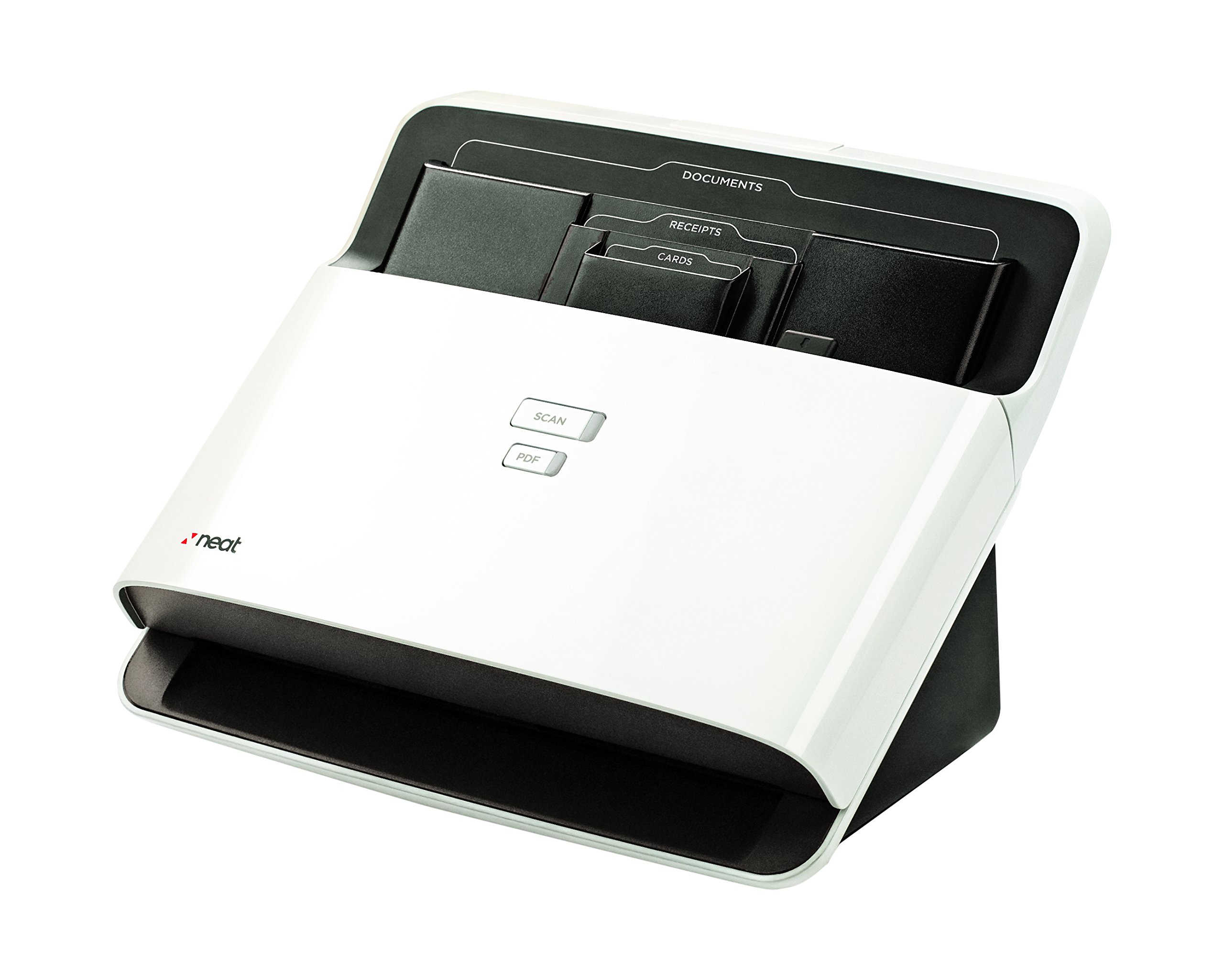
Paper-heavy offices transitioning to digital accounting.
Neat 5 Document Scanner Hardware companion for digitizing receipts/bills before Expensify/QB import.