Maintaining physical accounting books—like handwritten ledgers, journals, or stacks of receipts—is common for small businesses or traditional accountants, but manually transcribing data into digital software is time-consuming and error-prone. This leads to reconciliation headaches, compliance risks, and lost productivity.
In this guide, you'll discover what 'integration with physical books' really means, key features to seek, and the best accounting software options that bridge the gap using OCR (optical character recognition), mobile scanning apps, and import tools. Whether you're digitizing old ledgers or ongoing receipts, you'll learn how to set it up seamlessly.
Expect a straightforward explainer: no advanced tech skills needed, just intermediate accounting knowledge. Reading and initial setup takes 20-30 minutes.
▸What You'll Need
- •Intermediate accounting knowledge (familiarity with ledgers, journals, debits/credits)
- •Physical books: handwritten ledgers, receipts, or invoices
- •Smartphone with camera or flatbed/document scanner (required for digitization)
- •Internet access and computer (required)
- •Optional: OCR app or subscription to add-ons like Dext
Estimated Time: 20-30 minutes to read; 1-2 hours for initial setup
Difficulty: intermediate
▸Step-by-Step Instructions
Step 1: Understand Physical Books and Integration Basics
Physical books refer to manual accounting records like bound ledgers, columnar pads, cash books, or paper receipts kept outside digital systems. Integration means using software to automatically pull data from scans or photos of these records into your digital ledger, reducing manual entry.
Why it matters: This hybrid approach modernizes traditional bookkeeping without fully abandoning paper trails. Expect 80-90% automation accuracy with OCR, which 'reads' text from images like a digital eye.
Analogy: Think of it as a bridge between your grandma's recipe notebook and a smart kitchen app—scan the page, and ingredients auto-populate your grocery list.
💡 Tips:
- •Start with high-contrast ink on white paper for better scans.
Step 2: Identify Key Integration Features
Look for OCR technology, mobile receipt capture apps, bulk import from PDFs/images, and add-on compatibility (e.g., Dext or Hubdoc). Top features include auto-categorization, two-way sync, and error-flagging for manual review.
Why prioritize: These handle messy handwriting or faded ink, mapping line items to accounts like 'Sales' or 'Expenses'. Test free trials to verify accuracy on your records.
⚠️ Warnings:
- •Avoid software without data validation—OCR isn't 100% perfect.
Step 3: Explore QuickBooks Online
QuickBooks Online (QBO) leads with built-in Hubdoc for scanning receipts and bills. Upload photos of ledger pages or use the mobile app; OCR extracts dates, amounts, vendors.
Integrates seamlessly: Auto-matches to bank feeds and charts of accounts. Ideal for US small businesses. Free tier limited; starts at $30/month.
Setup: Go to Apps > Hubdoc > Upload files.
💡 Tips:
- •Use QBO Advanced for unlimited document storage.
Step 4: Evaluate Xero
Xero excels via its Files portal and integrations with Dext or Hubdoc. Snap photos of physical books; AI parses multi-line entries from ledgers.
Strengths: Global compliance, unlimited users. Great for international firms. Pricing from $13/month.
Why choose: Handles poor-quality scans better than most.
Step 5: Consider Zoho Books
Zoho Books offers native OCR for invoices/receipts and Excel import for ledger sheets. Vendor Bills module auto-fills from scans.
Affordable at $20/month; scales for mid-size teams. Integrates with Zoho Expense for mobile capture.
💡 Tips:
- •Export ledgers to CSV first for bulk import.
Step 6: Check FreshBooks and Wave (Free Option)
FreshBooks has receipt capture with OCR; good for solopreneurs ($19/month). Wave is free, supports photo uploads but basic OCR—pair with Zapier for advanced flows.
Wave suits startups: Unlimited invoicing, simple ledger sync.
⚠️ Warnings:
- •Wave's free tier lacks robust audit trails.
Step 7: Set Up Your Chosen Software
- •Sign up/trial the software. 2. Connect scanner/app. 3. Test-scan a ledger page. 4. Map categories (e.g., 'Debit Column' to Expenses). 5. Review/approve extracts. 6. Set rules for recurring entries.
Expect: 5-10 min per batch initially; automates over time.
💡 Tips:
- •Batch-scan weekly to stay current.
Step 8: Validate and Maintain Data
Always cross-check 10-20% of entries manually. Run reconciliations monthly. Archive originals for audits.
Pro tip: Use software rules to flag anomalies like mismatched totals.
▸Pro Tips
- •Scan in batches: Organize physical books by month before digitizing.
- •Improve OCR: Use 300 DPI scans and straight-edge alignment.
- •Automate workflows: Link scans to bank feeds for full reconciliation.
- •Backup originals: Store physical books securely post-scan.
- •Trial multiple tools: Most offer 14-30 day free periods.
- •Custom rules: Train software on your ledger format for 95%+ accuracy.
- •Mobile first: Apps like QuickBooks mobile save desk time.
▸Common Mistakes to Avoid
- •Skipping validation: OCR errors compound; always spot-check.
- •Poor scan quality: Blurry images lead to 50% failure—use good lighting.
- •Ignoring add-ons: Native features limit; Dext boosts any software.
- •Overlooking compliance: Ensure software supports your region's standards (e.g., GAAP).
- •Bulk uploading without prep: Unorganized files cause import chaos.
▸Troubleshooting
Problem: OCR misreads handwriting
Solution: Retake scan or use manual edit; switch to typed ledgers long-term.
Problem: Import fails or duplicates entries
Solution: Clear cache, check file formats (PDF/JPG), delete duplicates via bulk tools.
Problem: Slow processing for large ledgers
Solution: Split into smaller batches; upgrade to premium plans.
Problem: No integration with legacy books
Solution: Use Excel bridge: Transcribe summaries, then import.
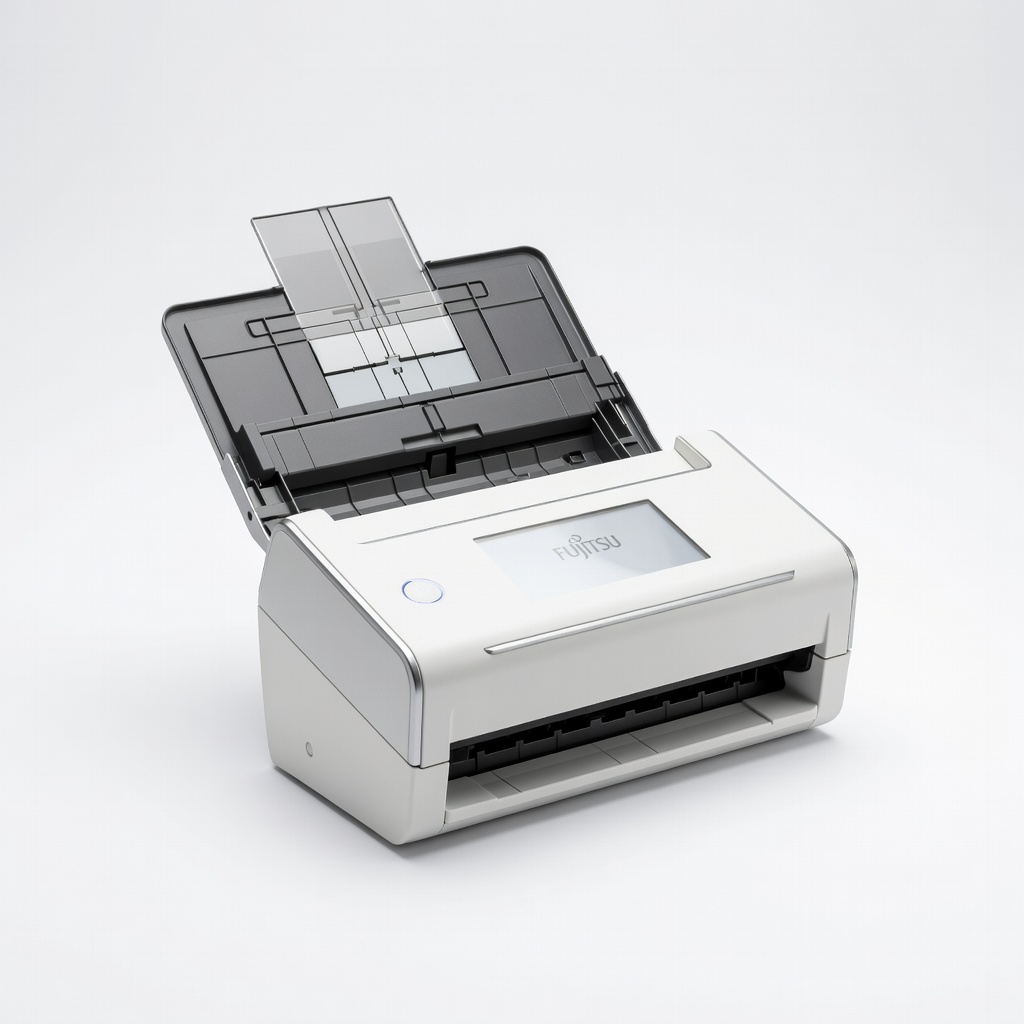
Fujitsu ScanSnap iX1600 Wireless Document Scanner
High-speed duplex scanning with auto-OCR feeds directly to QuickBooks/Xero via cloud.
Best for: Digitizing thick ledger books or receipt stacks for bulk integration.
Price Range: $400-$450
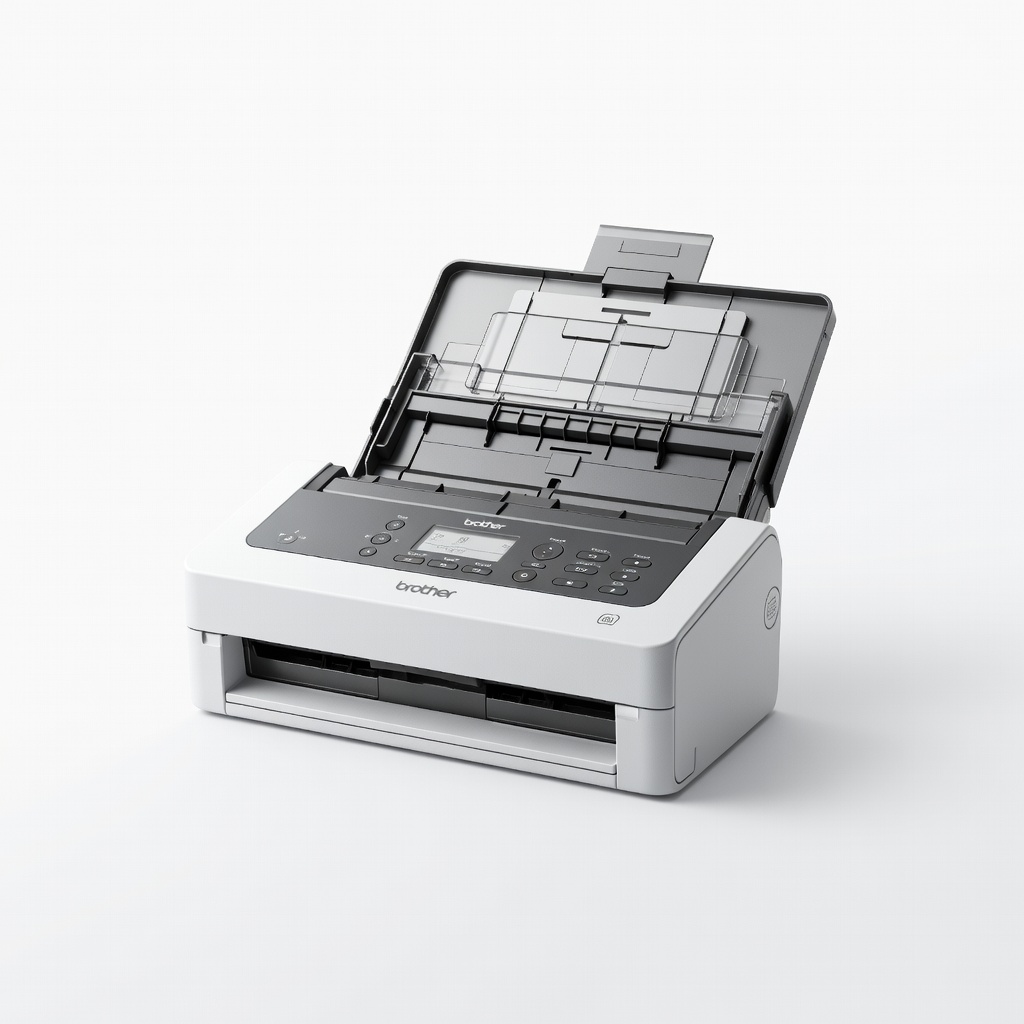
Brother ADS-2800W Wireless High-Speed Desktop Scanner
Affordable, compact with excellent OCR compatibility for accounting apps.
Best for: Small business daily receipt/ledger scanning into Xero or Zoho.
Price Range: $300-$350
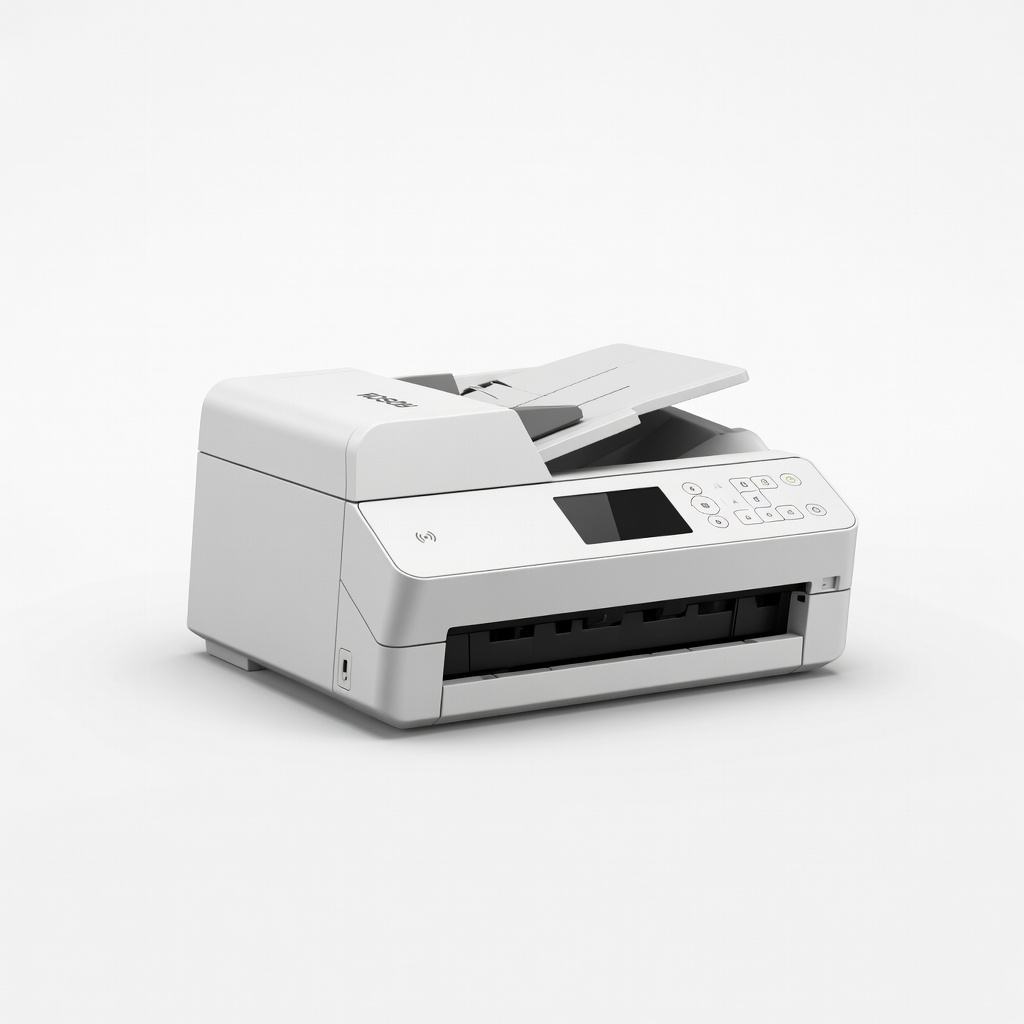
Epson WorkForce ES-580W Wireless Document Scanner
Fast, portable with Receipt Manager software for auto-export to accounting CSV.
Best for: Mobile pros scanning physical books on-site.
Price Range: $350-$400
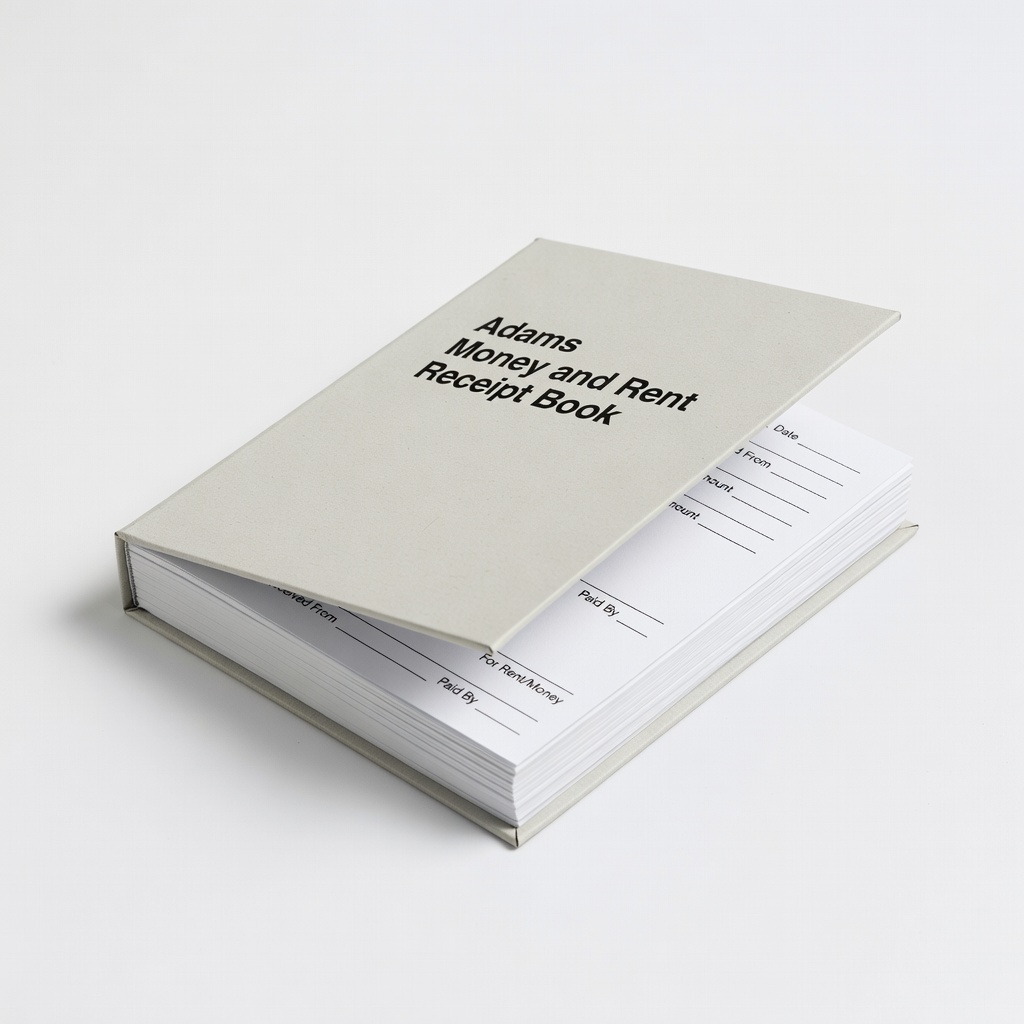
Adams Money and Rent Receipt Book
Durable physical book designed for easy scanning; carbonless duplicates.
Best for: Ongoing paper receipts that integrate smoothly via photo OCR.
Price Range: $10-$15
Global Account Book 9 Column Ledger
Professional-grade physical ledger with clear columns for precise OCR mapping.
Best for: Transitioning manual books to digital software.
Price Range: $8-$12