
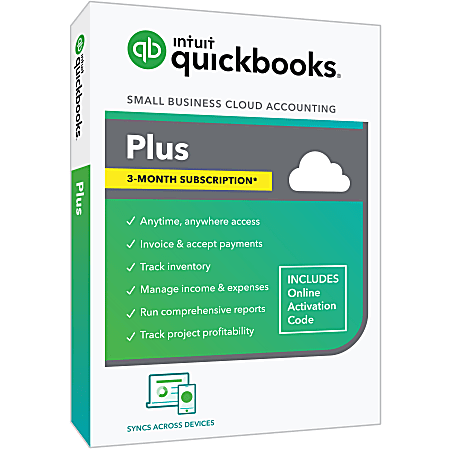
QuickBooks Online Plus
Multi-channel stores needing robust reporting ($90/mo).
$90/month
QuickBooks Online Plus Best overall for ecommerce with deep Shopify/WooCommerce syncs, inventory tracking, and 700+ apps.
Get the App
Better experience on mobile
Learn top accounting tools that sync seamlessly with Shopify, WooCommerce & more to automate sales tracking and save hours on bookkeeping.
Running an ecommerce business means dealing with a flood of sales data, inventory changes, and payments—but manually entering everything into accounting software leads to errors, wasted time, and tax headaches. Integration solves this by automatically syncing orders, customers, and payments between your store and books.
In this guide, you'll discover the best accounting software that works with major ecommerce platforms like Shopify, WooCommerce, and Amazon. We'll break down integrations, setup basics, and key features with real examples. Expect to spend 15-20 minutes reading and gain the knowledge to choose and implement the right tool for your intermediate-level business—no coding required.
Estimated Time: 15-20 minutes to read and understand Difficulty: intermediate
Integration automates data flow between your ecommerce platform and accounting software, like a conveyor belt moving orders from store to books without manual entry.
Without it, you'd export CSVs daily, risking mismatches in sales tax or inventory. With it, expect real-time syncs: a Shopify sale instantly creates an invoice in QuickBooks. This cuts errors by 80% and frees 10+ hours weekly.
Example: A WooCommerce store selling apparel sees 100 orders/day—integration handles COGS, refunds, and multi-channel sales effortlessly.
💡 Tips:
Focus on top platforms: Shopify (hosted, user-friendly), WooCommerce (WordPress plugin, customizable), BigCommerce, Amazon Seller Central, and Etsy.
Each has an app marketplace (e.g., Shopify App Store) listing integrations. Why it matters: Not all accounting tools support every platform equally—Shopify has 100+ options, while Etsy is more niche.
Analogy: Think of platforms as airports; accounting software as airlines—check routes (integrations) before booking.
⚠️ Warnings:
QuickBooks Online (QBO) leads with native apps for Shopify, WooCommerce, BigCommerce, Amazon, eBay, and Etsy via QuickBooks Connector or apps like A2X.
It syncs orders as invoices, tracks payments, calculates sales tax automatically, and handles multi-currency. Expect daily/ real-time syncs.
Pro example: Sync Shopify orders to QBO—refunds auto-adjust books, inventory updates prevent overselling.
💡 Tips:
Xero shines for international sellers, integrating with Shopify, WooCommerce, BigCommerce, Amazon, and Square via apps like Webgility or Depicta.
Features: Auto-fetch orders, match payments, inventory sync. It's cloud-based, mobile-friendly, and excels in bank feeds.
Analogy: Xero is like a smart filing cabinet—ecommerce data slots in perfectly, updating your financial picture instantly.
Zoho Books integrates with Shopify, WooCommerce via Zoho apps—great for bundles with CRM/ inventory.
FreshBooks suits solopreneurs with Shopify/Square syncs, focusing on invoicing/time-tracking.
Both are affordable; Zoho for scalability, FreshBooks for simplicity. Expect order-to-invoice automation.
💡 Tips:
Most use APIs (application programming interfaces)—your store 'talks' to accounting via secure keys.
Setup: Install app > Enter API key > Map fields (e.g., product SKU to account). Data flows one-way (orders to books) or bi-directional (inventory back).
What to expect: Initial sync (hours), then real-time. Test with sample orders.
⚠️ Warnings:
Why: Ensures accuracy before live. Takes 10-30 mins.
💡 Tips:
Track ROI: Time saved, error reduction, faster reporting. Choose based on platform match, pricing ($10-100/mo), features (tax compliance).
Tip: Free trials all offer—test 2-3.
Problem: Sync fails or duplicates orders
Solution: Check API permissions, clear cache, contact app support. Reauthorize if expired.
Problem: Inventory not updating
Solution: Enable bi-sync in settings; verify product IDs match exactly.
Problem: Tax calculations wrong
Solution: Update nexus rules in accounting; use apps like TaxJar integration.
Problem: High costs post-setup
Solution: Review tier pricing; start with essentials-only plan.
Best overall for ecommerce with deep Shopify/WooCommerce syncs, inventory tracking, and 700+ apps.
Best for: Multi-channel stores needing robust reporting ($90/mo).
Price Range: $90/month
Excellent for global ecommerce with auto-bank rec and Shopify/Amazon integrations.
Best for: International sellers ($65/mo).
Price Range: $65/month
Affordable all-in-one with CRM/inventory for WooCommerce/Shopify.
Best for: Growing SMBs ($20/mo/user).
Price Range: $20/month/user
Simple invoicing-focused sync for Shopify solopreneurs.
Best for: Service + product stores ($60/mo).
Price Range: $60/month
Specialized reconciler prevents Amazon sales mess-ups.
Best for: High-volume Amazon sellers ($19/mo starter).
Price Range: $19-$99/month
Multi-channel stores needing robust reporting ($90/mo).
QuickBooks Online Plus Best overall for ecommerce with deep Shopify/WooCommerce syncs, inventory tracking, and 700+ apps.
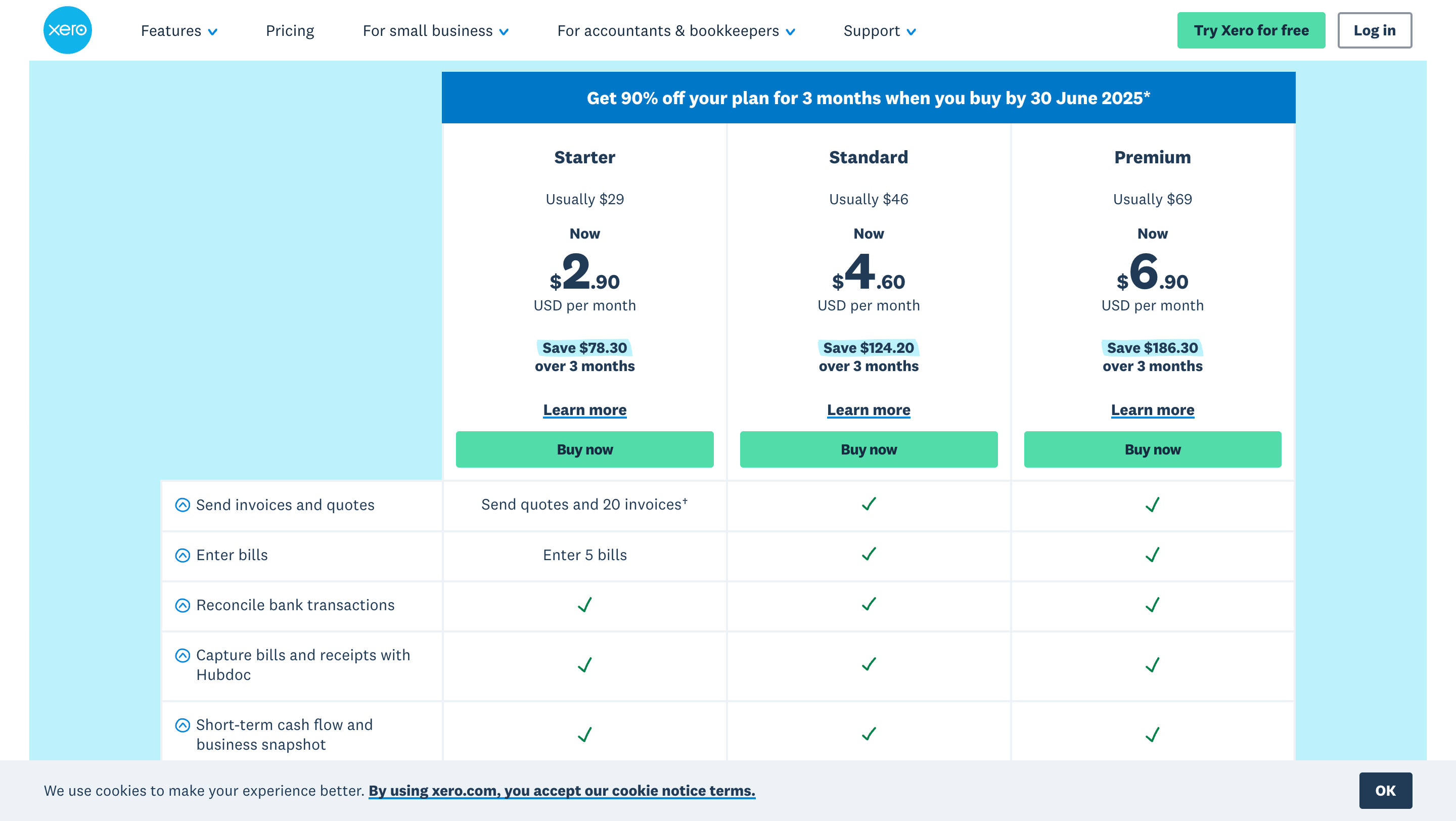
International sellers ($65/mo).
Xero Premium Plan Excellent for global ecommerce with auto-bank rec and Shopify/Amazon integrations.
Growing SMBs ($20/mo/user).
Zoho Books Standard Affordable all-in-one with CRM/inventory for WooCommerce/Shopify.
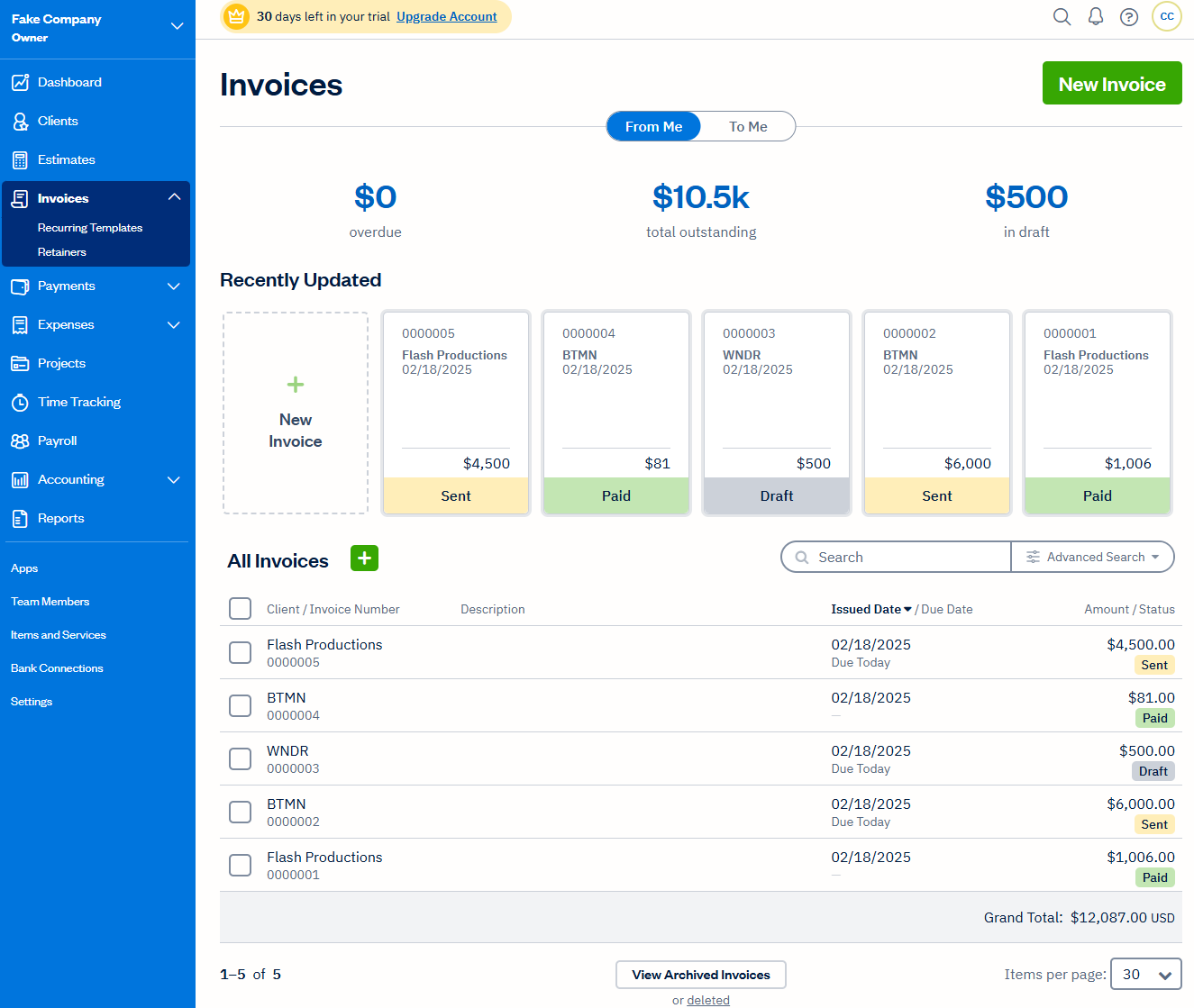
Service + product stores ($60/mo).
FreshBooks Premium Simple invoicing-focused sync for Shopify solopreneurs.

High-volume Amazon sellers ($19/mo starter).
A2X for QuickBooks/Shopify Specialized reconciler prevents Amazon sales mess-ups.