Running a nonprofit means juggling donations, grants, and restricted funds while staying compliant—QuickBooks helps, but it needs the right partners.
Many nonprofits use QuickBooks Online or Desktop for core accounting, but struggle with fund-specific reporting and donor data silos. This guide breaks down the best integrating software, why they excel for nonprofits, and how to choose. You'll learn evaluation criteria, top picks with real examples, and setup steps.
Expect a straightforward process: assess needs (5 mins), compare options (15 mins), and plan integration (10 mins). Intermediate users with basic QuickBooks knowledge will find this actionable—no advanced coding required.
▸What You'll Need
- •Active QuickBooks Online or Desktop account (Nonprofit edition preferred)
- •Nonprofit EIN and basic financial data ready for testing
- •Internet access for app stores and free trials
- •Prerequisite: Intermediate QuickBooks skills (invoicing, reports)
Estimated Time: 30-45 minutes
Difficulty: intermediate
▸Step-by-Step Instructions
Step 1: Assess Your Nonprofit's Unique Needs
Start by listing pain points: Do you need fund accounting (tracking restricted vs. unrestricted funds), donor management, grant tracking, or payroll for volunteers? Nonprofits often deal with complex compliance like FASB standards.
Example: A food bank might prioritize donation syncing, while a church needs pledge tracking. Use QuickBooks' Reports > Nonprofit Summary to baseline current gaps.
This matters because mismatched software leads to double-entry errors. Expect a customized shortlist.
💡 Tips:
- •Prioritize 3-5 must-haves like 'two-way sync' or 'Form 990 reports'.
⚠️ Warnings:
- •Avoid generic small business tools—they lack nonprofit fund codes.
Step 2: Understand QuickBooks Integration Types
QuickBooks supports apps via its App Store (for Online) or direct API/Zapier (Desktop). Key types: One-way sync (donations to QB), two-way (full ledger sync), or native add-ons.
Analogy: Think of QB as your main bank; integrations are linked accounts auto-transferring transactions. Check your version—Online has 700+ apps; Desktop uses web connectors.
Why it matters: Seamless sync prevents manual CSV imports, saving hours weekly.
💡 Tips:
- •Search QB App Store for 'nonprofit'—650+ results.
Step 3: Evaluate Key Criteria for Top Integrations
Score software on: 1) Nonprofit features (fund accounting, 990 prep), 2) Sync reliability (real-time vs. batch), 3) Pricing ($50-$500/mo), 4) Ease (no-code setup), 5) Support (chat + nonprofit experts).
Example: Rate on a 1-10 scale. Tools like Zapier bridge gaps but add costs.
Expect 80% of top tools to offer free trials—test sync a sample donation.
Step 4: Explore #1: Aplos Accounting
Aplos is nonprofit-first accounting with two-way QuickBooks Online sync for transactions, funds, and reports. Handles fund accounting natively, generates 990s.
Why best for many: Full replacement or companion—e.g., sync QB payroll to Aplos funds. Starts at $59/mo.
Real-world: Churches use it for pledge tracking; expect 95% uptime per reviews.
💡 Tips:
- •Start with their QB connector demo video.
⚠️ Warnings:
- •Desktop QB needs CSV export workaround.
Step 5: Review #2: Bloomerang Donor Management
CRM-focused but strong accounting sync: Push donations/contacts to QB automatically. Tracks recurring gifts, engagement.
Analogy: Bloomerang is your donor CRM 'front office' feeding QB 'back office'. $119/mo base.
Ideal for mid-size orgs—integrates via QB Apps, no IT needed.
Step 6: Consider #3: NeonCRM and Others
NeonCRM: All-in-one CRM/accounting hybrid, QB Online sync for payments/funds. $99/mo. DonorPerfect ($89/mo) excels in fundraising pipelines.
Compare: Aplos for pure accounting, Bloomerang/Neon for donor-heavy. Others like DonorPerfect add automation.
💡 Tips:
- •Use G2/Capterra reviews filtered by 'QuickBooks nonprofit'.
Step 7: Test and Set Up Integration
Sign up for trials: In QB Apps, 'Connect' > Authorize > Map fields (e.g., donor email to QB customer). Test with dummy donation.
Steps: 1) Install app, 2) Link accounts, 3) Sync historical data, 4) Run test report.
Why: Catches mapping errors early. Full setup: 1-2 hours.
⚠️ Warnings:
- •Backup QB data first via File > Create Backup.
Step 8: Monitor and Scale
Post-setup, review weekly sync logs. Scale by adding users or Zapier for custom flows.
Pro tip: Train staff with built-in reports. Measure ROI via time saved on reconciliations.
▸Pro Tips
- •Use QB's sandbox company for risk-free testing.
- •Map funds as QB Classes for easy reporting.
- •Leverage free Zapier tier for simple automations.
- •Schedule monthly audits of synced data.
- •Join nonprofit QB user groups on Facebook for peer advice.
- •Start small: Sync donations first, then payroll.
- •Negotiate nonprofit discounts—many offer 20-50% off.
▸Common Mistakes to Avoid
- •Ignoring QB version compatibility—Desktop apps are limited.
- •Overlooking data mapping: Leads to mismatched funds (fix: preview sync).
- •Skipping trials: Causes surprise fees or poor fit.
- •Forgetting backups: Risk data loss during sync (always export first).
- •Choosing donor-only tools without fund accounting needs.
▸Troubleshooting
Problem: Sync fails with 'authentication error'
Solution: Reconnect app in QB Apps > My Apps > Reauthorize. Check API permissions.
Problem: Duplicate transactions appear
Solution: Enable 'dedupe' in app settings or use QB Rules to merge.
Problem: Slow syncs with large data
Solution: Batch process nightly; upgrade QB to Enterprise for volume.
Problem: Funds not separating in reports
Solution: Remap using QB Classes/Locations. Consult app support.
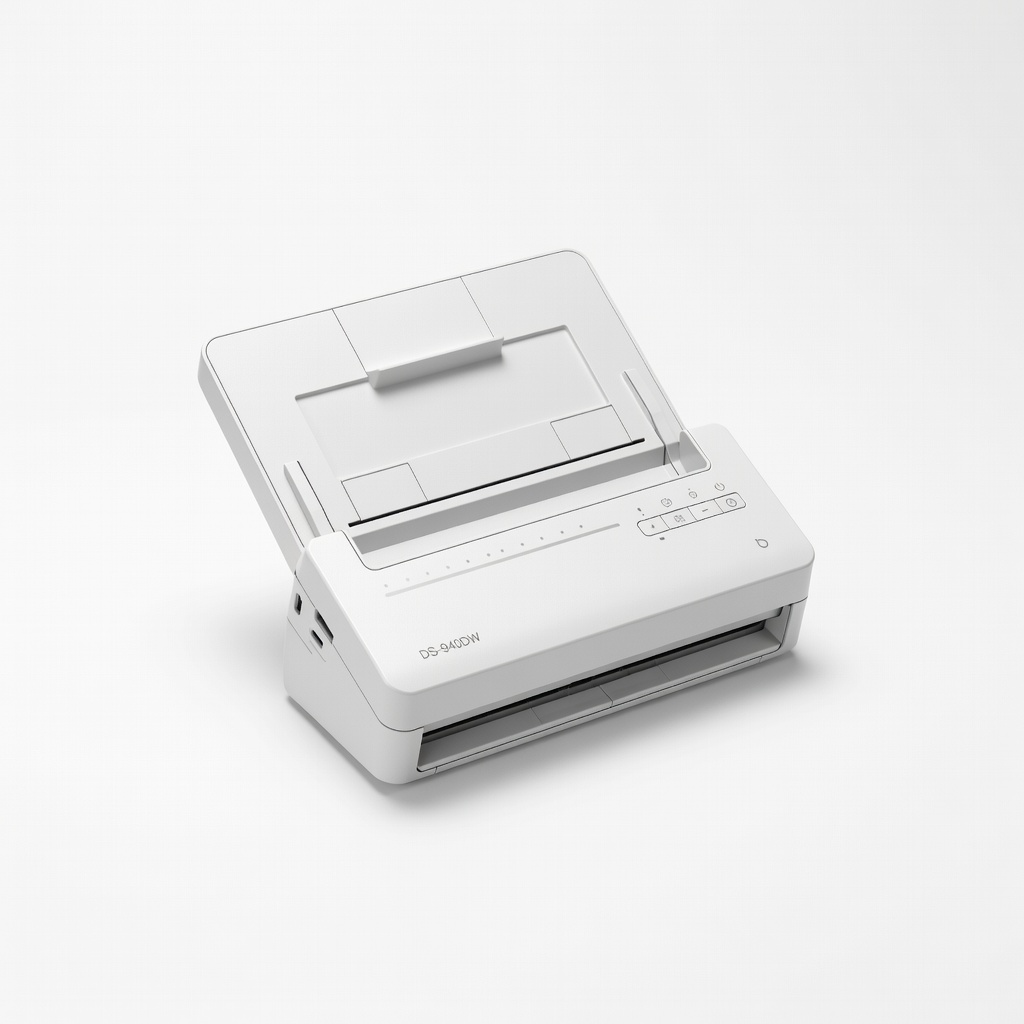
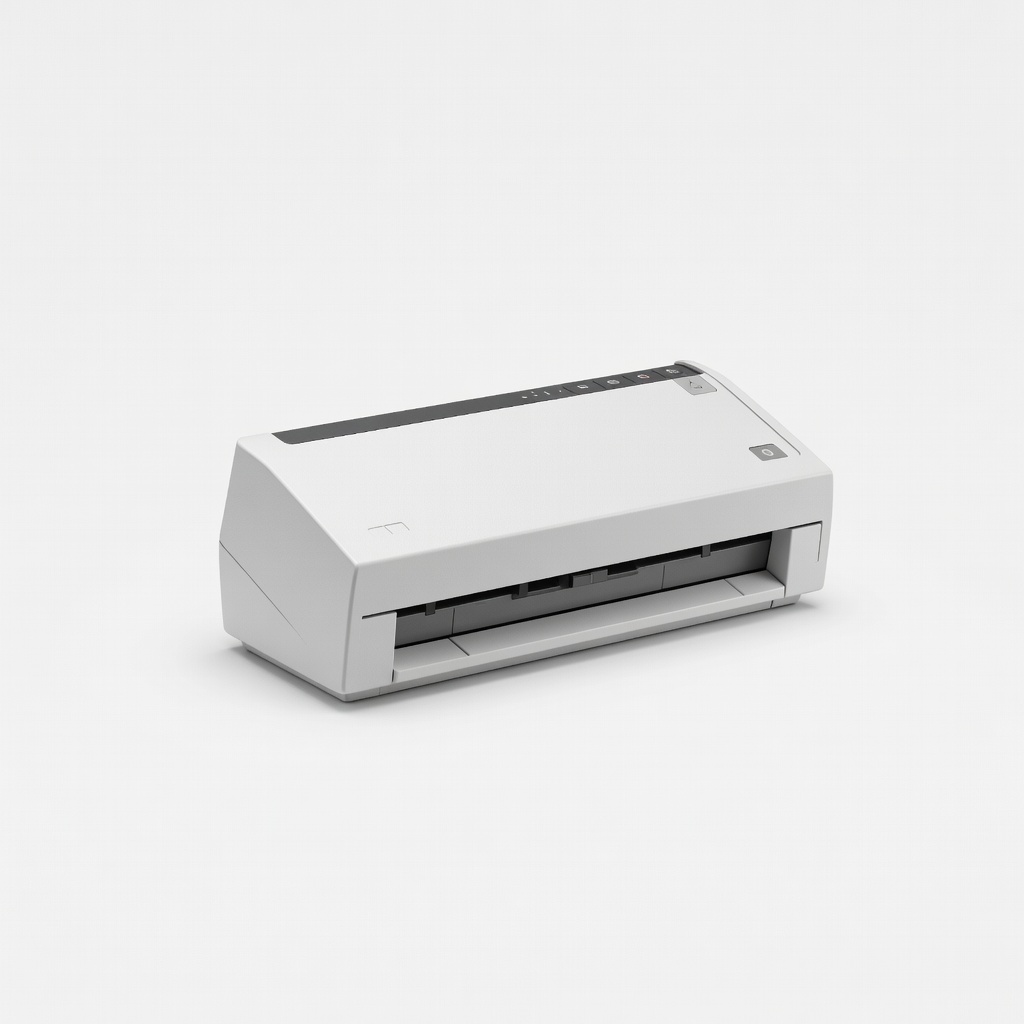
Brother DS-940DW Mobile Document Scanner
Scans receipts, donation forms directly to QuickBooks, speeding data entry for nonprofits.
Best for: Digitize paper donations/grants before syncing to integrated software.
Price Range: $150-$180
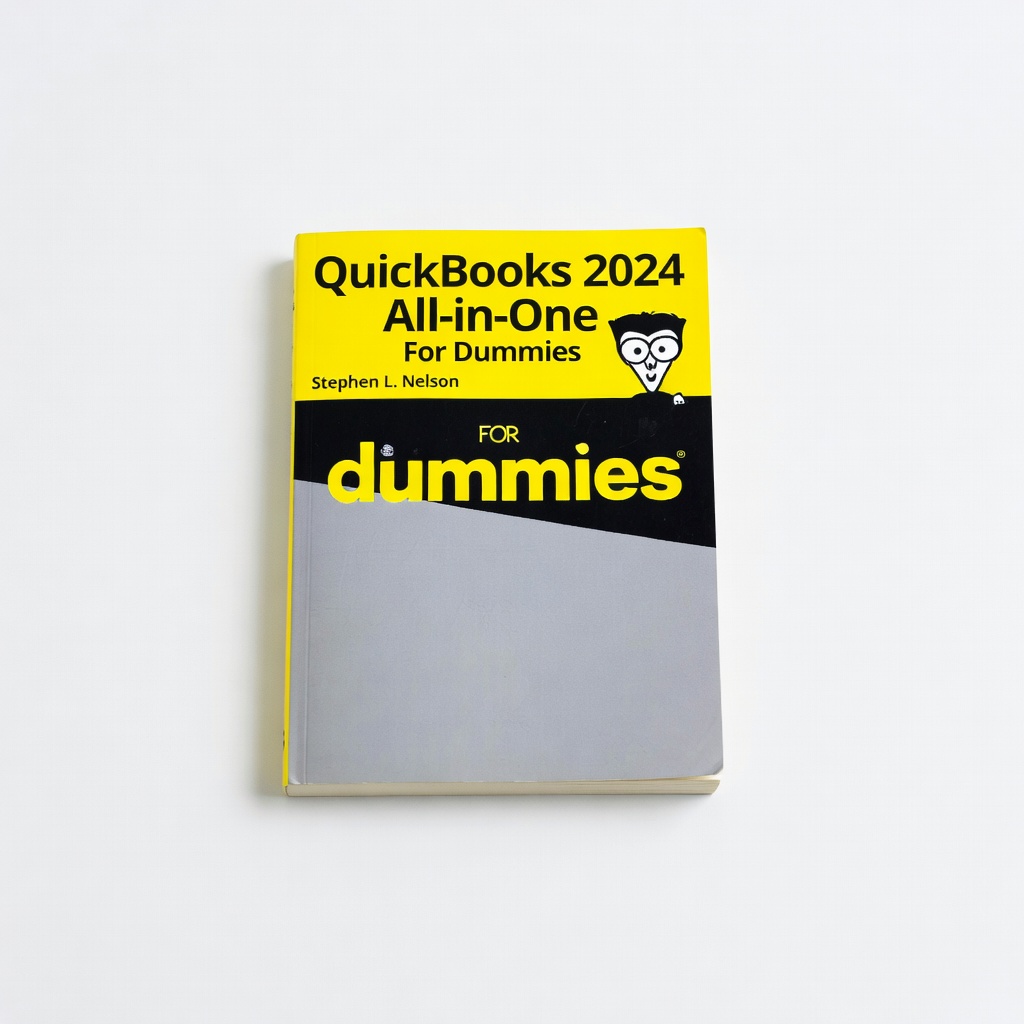
QuickBooks 2024 All-in-One For Dummies by Stephen L. Nelson
Comprehensive guide with nonprofit examples, integration tips, and troubleshooting.
Best for: Learn QB setup for funds/classes before integrating software.
Price Range: $25-$35
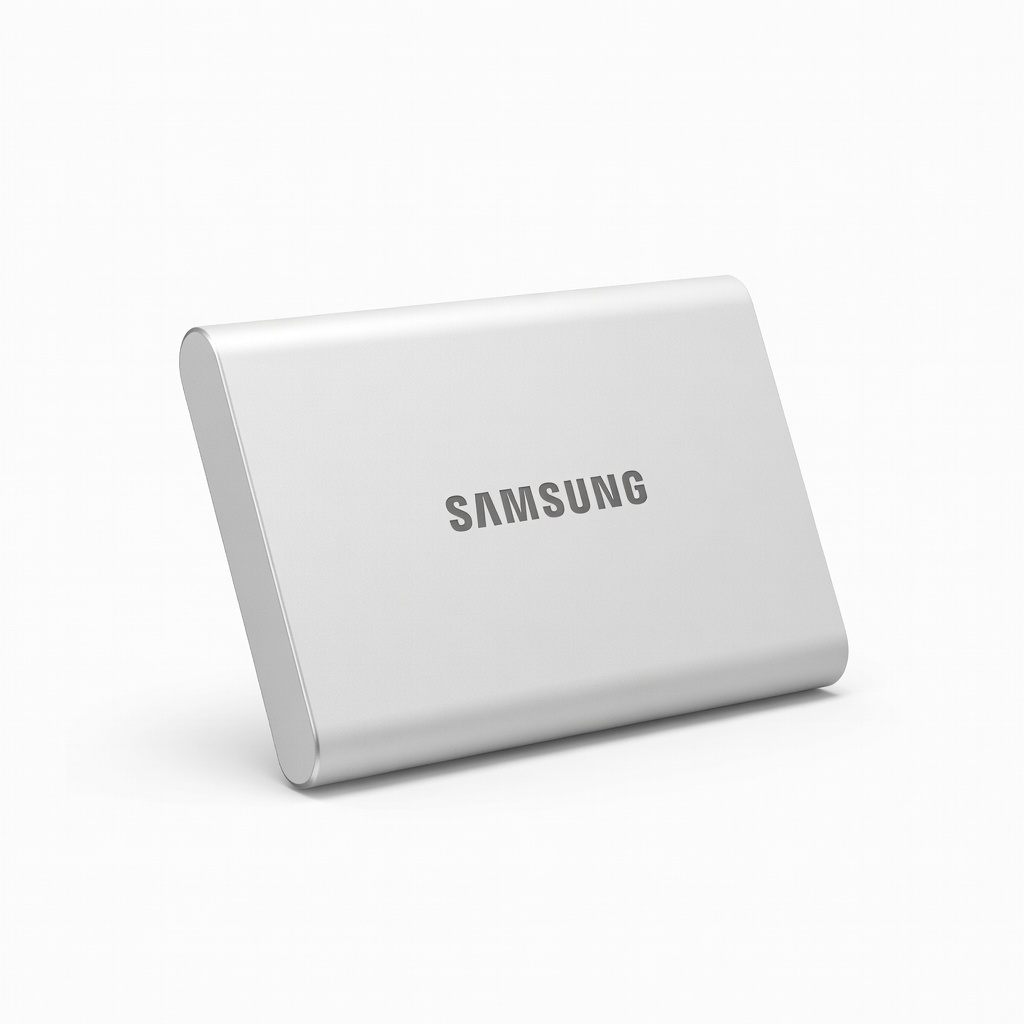
Samsung T7 1TB Portable SSD
Fast, secure backups of QB data pre/post-integration to prevent loss.
Best for: Daily automated backups for compliance-heavy nonprofits.
Price Range: $90-$120
WD 5TB Elements Desktop External Hard Drive
Affordable large storage for historical financial data and QB company files.
Best for: Archive old years when migrating to integrated systems.
Price Range: $110-$130
Epson WorkForce ES-200 Portable Scanner
Compact scanner for field staff to input data on-the-go into QB-integrated workflows.
Best for: Event-based nonprofits scanning pledges immediately.
Price Range: $200-$250