Struggling with tedious manual transfers from your account books to digital tools? Many beginners waste hours re-entering ledger data into spreadsheets or software, risking errors and frustration. This guide breaks down the best accounting software that integrates smoothly with account books—whether physical ledgers or Excel sheets.
You'll discover what integration really means, compare top picks like QuickBooks and Xero, and get step-by-step setup instructions. By the end, you'll know how to choose and implement the perfect solution for your small business or personal finances. Expect a beginner-friendly read taking 20-30 minutes—no prior tech skills needed.
We'll cover key features, real-world examples, and tips to avoid pitfalls, so you can streamline your bookkeeping today.
▸What You'll Need
- •Physical account book (ledger notebook) or digital version (Excel/Google Sheets)
- •Computer or laptop with internet access
- •Email address for software sign-ups
- •Optional: Document scanner for physical books (e.g., to digitize pages)
Estimated Time: 20-30 minutes
Difficulty: beginner
▸Step-by-Step Instructions
Step 1: Understand What Account Books Are
Account books, also called ledgers, are traditional records where you track income, expenses, assets, and liabilities in columns—think of a physical notebook with debit/credit tables or a simple Excel sheet.
Why it matters: Knowing this helps you match software features to your setup. Physical books are tactile for beginners but hard to digitize; digital ones (CSV/Excel) integrate faster.
Expect: Clarity on whether your books are 'physical' (scan needed) or 'digital' (direct import).
💡 Tips:
- •Use a 4-column ledger (date, description, debit, credit) for easiest software import.
Step 2: Grasp Why Integration Matters
Integration means software pulls data from your account books automatically—via CSV import, OCR scanning, or API sync—eliminating double-entry.
Analogy: Like linking your bank app to budgeting software; no more typing numbers twice. This cuts errors by 80% and saves 5-10 hours weekly for small businesses.
What to expect: Reduced tedium, real-time balances matching your books.
⚠️ Warnings:
- •Without integration, data mismatches lead to tax errors.
Step 3: Identify Key Integration Features
Look for: CSV/Excel import (for digital books), OCR scanning (for physical), bank feeds, and reconciliation tools.
Prioritize user-friendly dashboards for beginners. Test free trials to import sample data.
Why it matters: These features bridge old-school books to modern software seamlessly.
💡 Tips:
- •Check for 'multi-currency' if global; mobile apps for on-the-go scans.
Step 4: Evaluate QuickBooks Online
QuickBooks leads with excellent Excel/CSV imports and apps like Hubdoc for scanning ledger pages.
Pros: Intuitive for beginners, auto-categorizes entries, starts at $30/month. Integration score: 9.5/10—direct match to ledger columns.
Example: Export your Excel ledger, upload to QuickBooks, and reconcile in minutes.
Step 5: Evaluate Xero
Xero shines with bank feeds and 800+ app integrations, including Excel imports and Receipt Bank for scans.
Pros: Cloud-based, unlimited users, $13/month starter. Integration score: 9/10—great for physical books via photo uploads.
Real-world: Australian small businesses love its ledger-like reports.
Step 6: Consider Free Option: Wave
Wave offers free CSV imports and simple ledger matching—no subscription for basics.
Pros: Zero cost, mobile scanning. Cons: Limited support. Score: 8/10 for solo beginners.
Ideal if testing waters before paid tools.
💡 Tips:
- •Upgrade to Pro ($16/month) for payroll integration.
Step 7: Compare Top Options Side-by-Side
| Software | Price | Best For | Import Ease |
|---|
| QuickBooks | $30+/mo | All ledgers | Excellent |
| Xero | $13+/mo | Scans | Very Good |
| Wave | Free | Budget | Good |
Choose based on volume: QuickBooks for heavy use, Wave for light.
Step 8: Set Up Integration (Using QuickBooks as Example)
- •Sign up for free trial. 2. Format ledger as CSV (columns: Date, Description, Amount, Category). 3. Go to 'Import Data' > Banking/Expenses. 4. Upload and map columns. 5. Reconcile matches.
Why: Automates 90% of work. Test with 10 entries first.
Repeat for Xero/Wave similarly.
💡 Tips:
- •Backup original books before import.
⚠️ Warnings:
- •Match categories exactly to avoid misfiles.
▸Pro Tips
- •Start with a free trial—import sample data before committing.
- •Use OCR apps like Adobe Scan for physical books before software import.
- •Reconcile monthly: Compare software totals to book balances.
- •Label ledger columns clearly to match software fields.
- •Automate recurring entries (e.g., rent) for ongoing sync.
- •Join user forums like QuickBooks Community for setup help.
- •Export software reports back to PDF for physical backup.
▸Common Mistakes to Avoid
- •Ignoring data formatting: CSV columns must match software—use templates to avoid.
- •Skipping reconciliation: Leads to unbalanced books; always verify post-import.
- •Choosing feature overload: Beginners pick Enterprise plans—start basic.
- •Forgetting mobile access: Ensure app supports scans for on-the-go.
- •Not testing small batches: Import all data first risks total mess.
▸Troubleshooting
Problem: Data won't import (format error)
Solution: Download software's CSV template and reformat your ledger. Check date formats (MM/DD/YYYY).
Problem: Duplicates after sync
Solution: Enable 'unique transaction ID' in settings or manually merge during reconciliation.
Problem: Scans unreadable
Solution: Use high-res scanner; clean pages first. Switch to manual CSV entry.
Problem: Balances don't match
Solution: Run trial balance report; adjust uncategorized entries. Seek accountant if persistent.
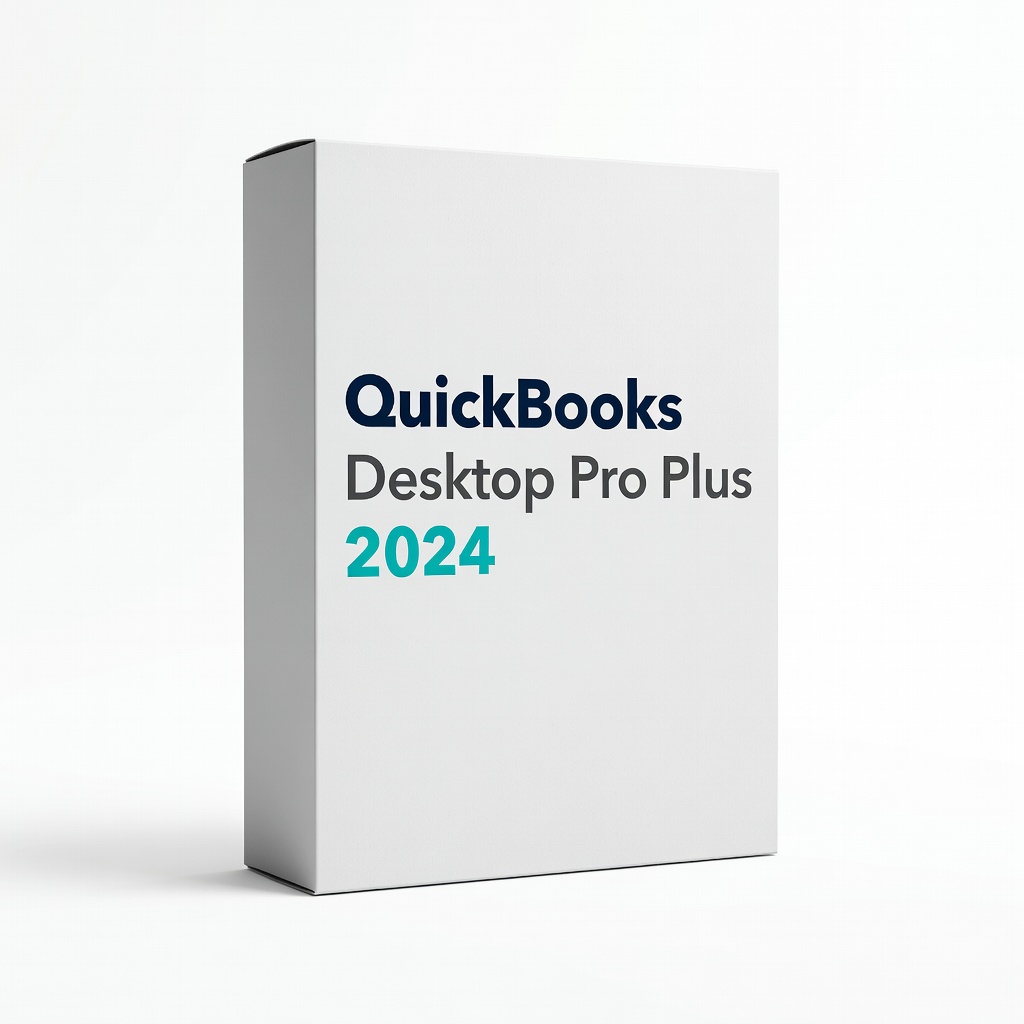
QuickBooks Desktop Pro Plus 2024
Built-in Excel/CSV importers perfectly match account book structures, with desktop reliability for offline ledger work.
Best for: Small businesses transitioning physical ledgers to digital without internet dependency.
Price Range: $349.99
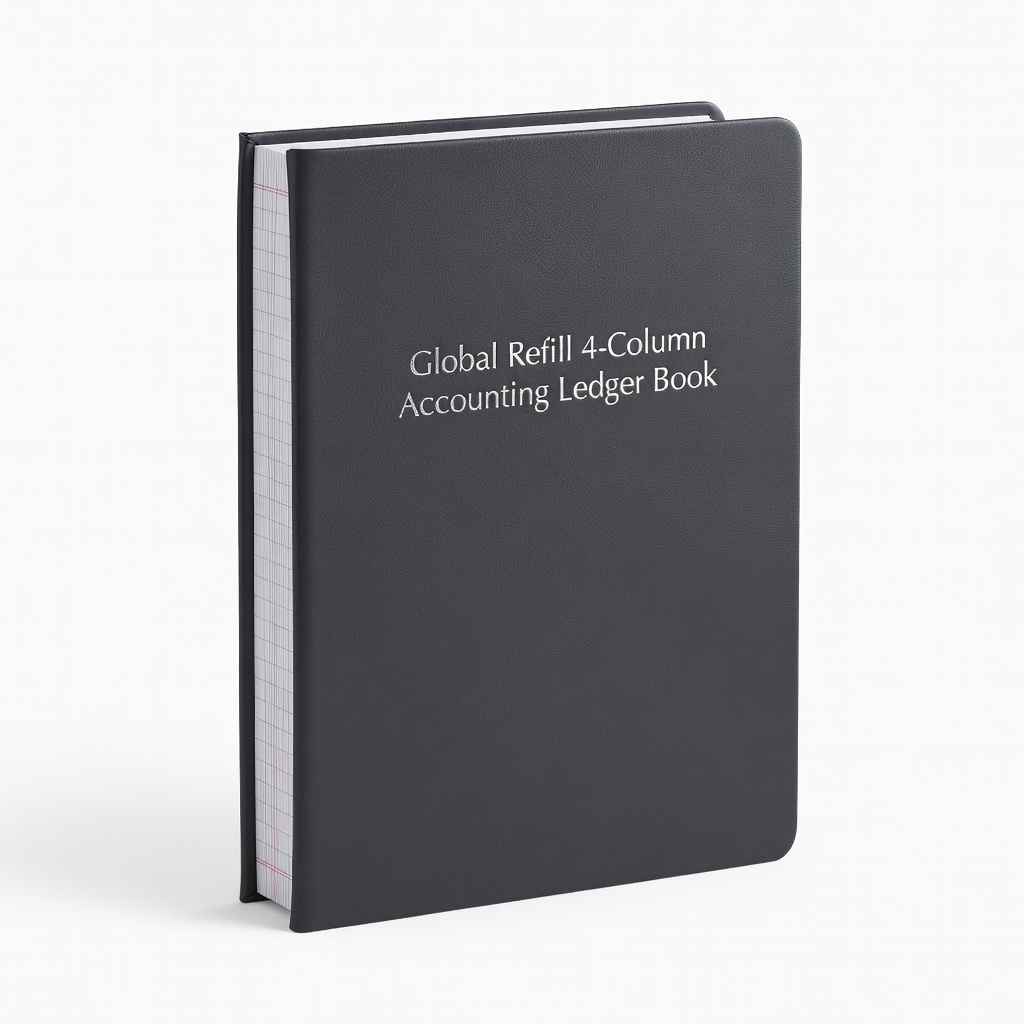
Global Refill 4-Column Accounting Ledger Book
Durable, pre-formatted pages designed for easy scanning/CSV conversion to top software like QuickBooks or Xero.
Best for: Beginners needing a physical starting point that integrates digitally.
Price Range: $12.99
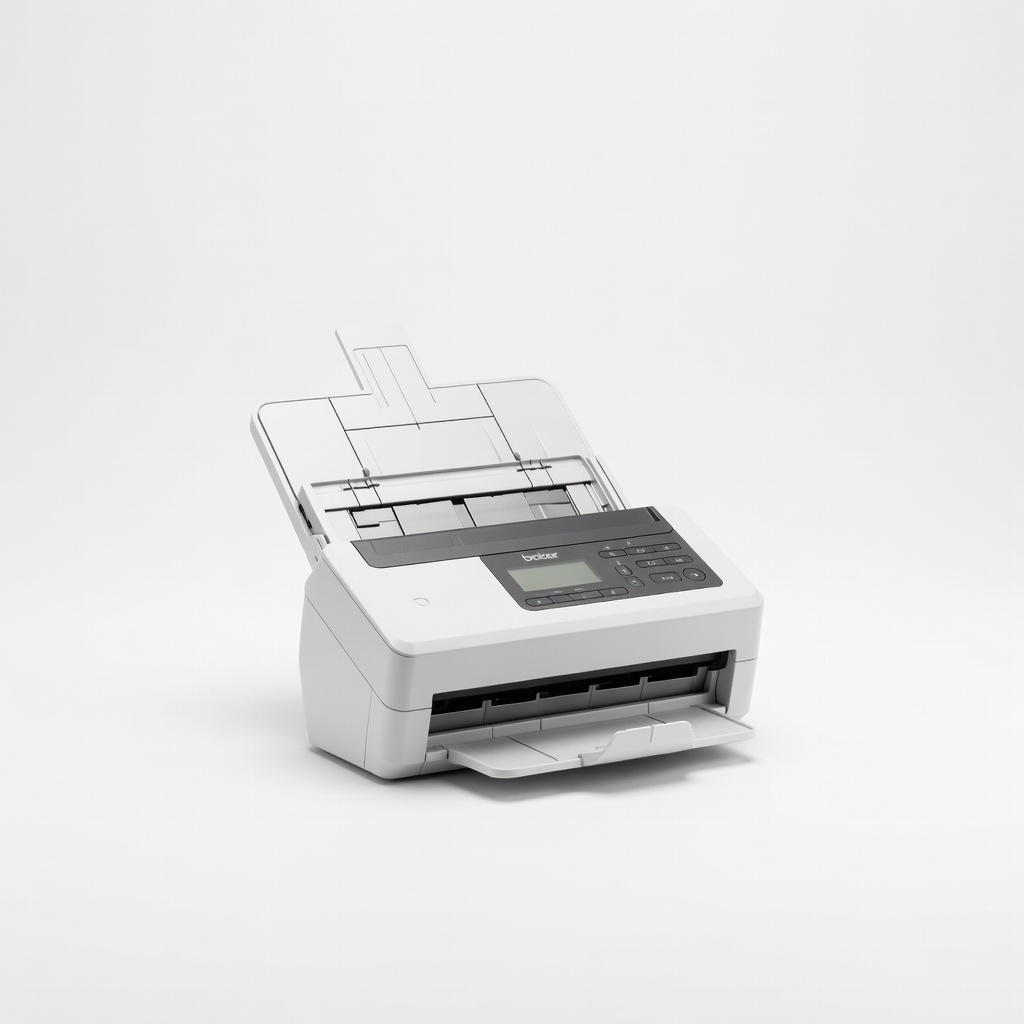
Brother ADS-1700W Wireless Document Scanner
Fast OCR scanning turns physical ledger pages into editable CSV for instant software import.
Best for: Heavy physical book users digitizing volumes quickly.
Price Range: $249.99
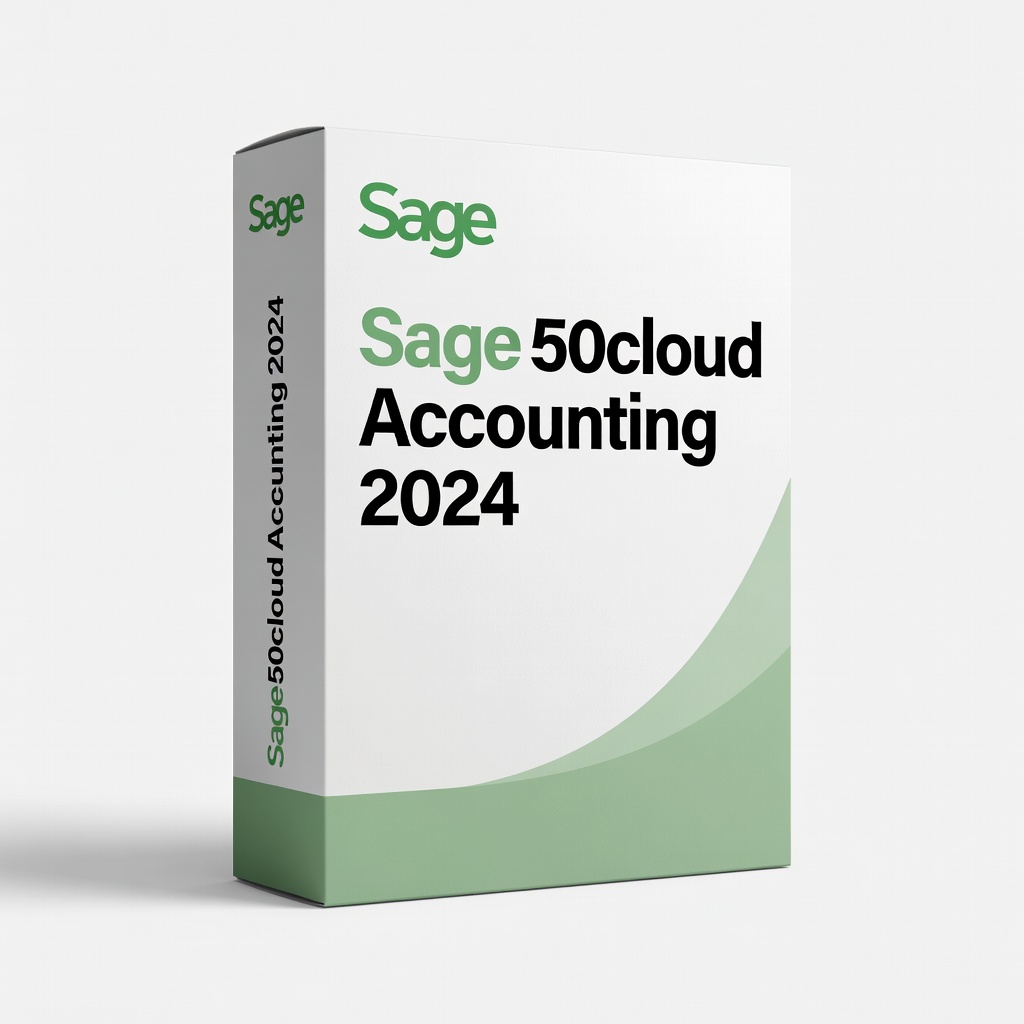
Sage 50cloud Accounting 2024
Advanced ledger import and peach tree compatibility for traditional account books.
Best for: Legacy users needing robust desktop integration.
Price Range: $449.99