
Wave Accounting
Beginner freelancers with <10 clients/month needing quick setup.
Free (premium add-ons $16/mo)
Wave Accounting Completely free for unlimited invoicing and basic reports; ideal starter with no learning curve.
Get the App
Better experience on mobile
Find the top tools to track income, expenses, and taxes effortlessly—saving hours on bookkeeping so you can focus on freelancing.
As a freelancer, juggling client payments, expenses, and tax deadlines can feel overwhelming without the right tools. Many beginners waste hours on spreadsheets or miss deductions, leading to stress and penalties. In 2025, accounting software automates these tasks with AI-powered categorization, invoicing, and reports tailored for solopreneurs.
This guide walks you through choosing the best software step-by-step. You'll learn key features, compare top options, and pick one that fits your needs. Expect to spend 20-30 minutes reading and evaluating—perfect for beginners with no prior experience.
By the end, you'll have a shortlist of software to trial, simplifying your finances and boosting profitability.
Estimated Time: 20-30 minutes to choose + 1 hour for initial setup Difficulty: beginner
Start by listing what you handle: invoicing clients? Tracking mileage? Estimating quarterly taxes? Freelancers often deal with irregular income, so prioritize software that handles multiple clients and currencies if international.
Why it matters: Matching software to needs prevents overspending on unused features. Expect a 5-minute brainstorm—jot down 3-5 must-haves like 'easy invoicing' or 'tax reports'.
Image description: A simple notepad with bullet points: 'Invoice 10 clients/month', 'Track $500 expenses', 'US taxes'.
💡 Tips:
⚠️ Warnings:
Key must-haves: Automated invoicing (send/track payments), expense categorization (scan receipts via app), mileage tracking (GPS auto-log), profit/loss reports, and tax prep (1099 forms in US).
Bonus: Bank integrations (e.g., Plaid for auto-imports) and time tracking. In 2025, look for AI that flags deductions. Analogy: It's like a smart assistant sorting your messy drawer.
Expect confusion if jargon-heavy—tools explain terms on signup.
💡 Tips:
Narrow to beginner-friendly picks: Wave (free basics), FreshBooks (invoicing focus), QuickBooks Solopreneur (mileage/taxes), Xero (multi-user), Zoho Books (affordable growth).
Why: These dominate 2025 reviews for freelancers (G2, Capterra scores 4.5+). Read overviews—each suits niches like creatives (FreshBooks) or consultants (Xero).
Free: Wave (unlimited invoicing, ads). Paid: $15-30/month. Factor trials (14-30 days). Watch for limits like client caps.
Pro tip: Calculate ROI—software saves 5+ hours/month vs. manual tracking.
⚠️ Warnings:
Scan G2/Capterra for 'freelancer' filters. Test integrations: PayPal/Stripe for payments, Google Workspace for emails.
Expect real-user stories: 'Wave saved my taxes!'
💡 Tips:
Create accounts (no card needed often). Import sample data to test.
Why: Hands-on reveals usability—aim for intuitive dashboards.
Connect banks, upload receipts, set tax rates. Most auto-categorize 80% accurately.
Time: 30 mins. Celebrate: Instant profit reports!
⚠️ Warnings:
Problem: Bank sync fails
Solution: Check permissions in bank app; try manual CSV upload. Contact support (most 24/7 chat).
Problem: High fees on transactions
Solution: Switch to software's native payments or Stripe (2.9% +30¢).
Problem: Overwhelmed by setup
Solution: Watch 5-min onboarding videos; hire VA for $20/hour if needed.
Problem: Tax reports inaccurate
Solution: Verify categories manually first month; consult CPA.
Completely free for unlimited invoicing and basic reports; ideal starter with no learning curve.
Best for: Beginner freelancers with <10 clients/month needing quick setup.
Price Range: Free (premium add-ons $16/mo)
Intuitive invoicing and time tracking with beautiful templates; top-rated for creatives.
Best for: Service-based freelancers sending 20+ proposals/month.
Price Range: $19-$60/month
Excellent mileage tracking and tax estimates; auto-categorizes via AI.
Best for: US freelancers driving for work, needing Schedule C prep.
Price Range: $20/month
Scalable with bank feeds and 800+ integrations; unlimited users.
Best for: Growing freelancers collaborating with bookkeepers.
Price Range: $15-$70/month
Affordable with automation workflows; great multi-currency.
Best for: International freelancers on a budget.
Price Range: Free tier; $20-$60/month
Beginner freelancers with <10 clients/month needing quick setup.
Wave Accounting Completely free for unlimited invoicing and basic reports; ideal starter with no learning curve.
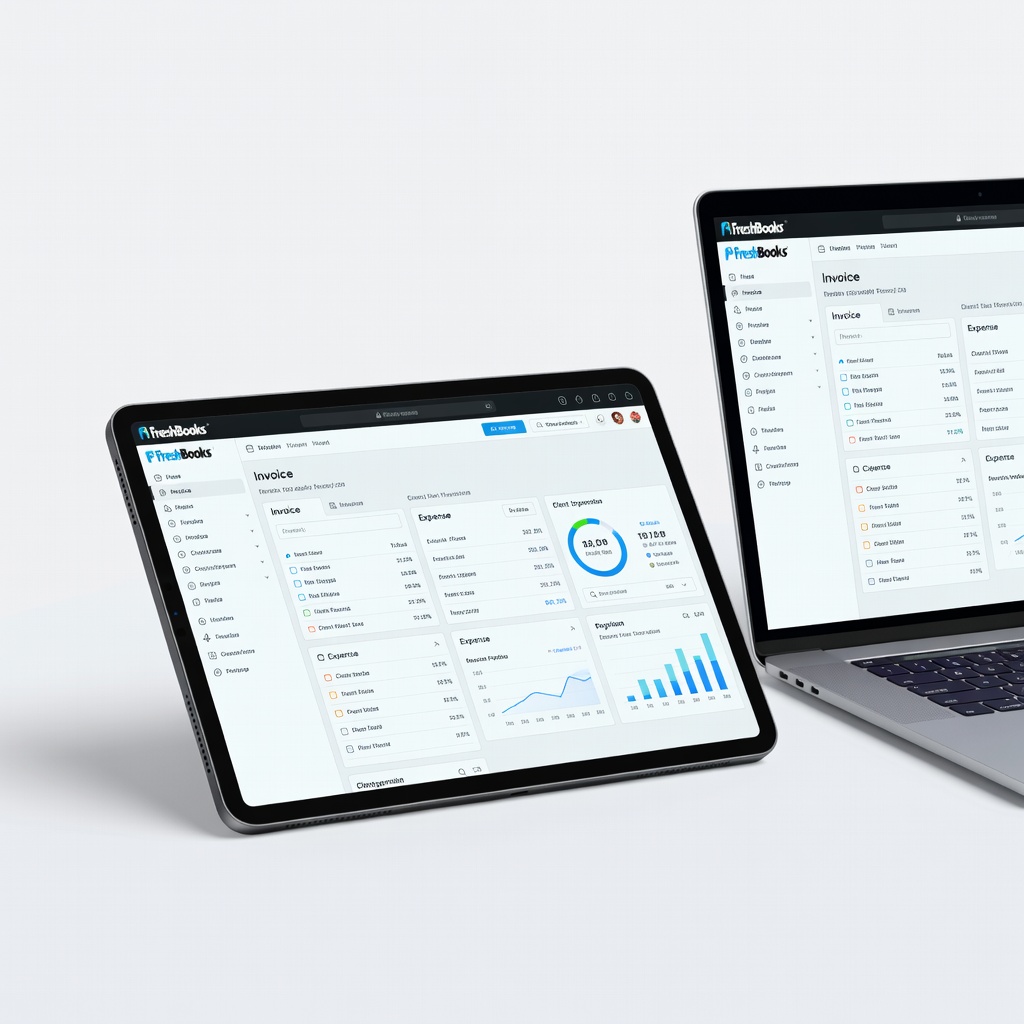
Service-based freelancers sending 20+ proposals/month.
FreshBooks Intuitive invoicing and time tracking with beautiful templates; top-rated for creatives.
US freelancers driving for work, needing Schedule C prep.
QuickBooks Solopreneur Excellent mileage tracking and tax estimates; auto-categorizes via AI.
Growing freelancers collaborating with bookkeepers.
Xero Scalable with bank feeds and 800+ integrations; unlimited users.
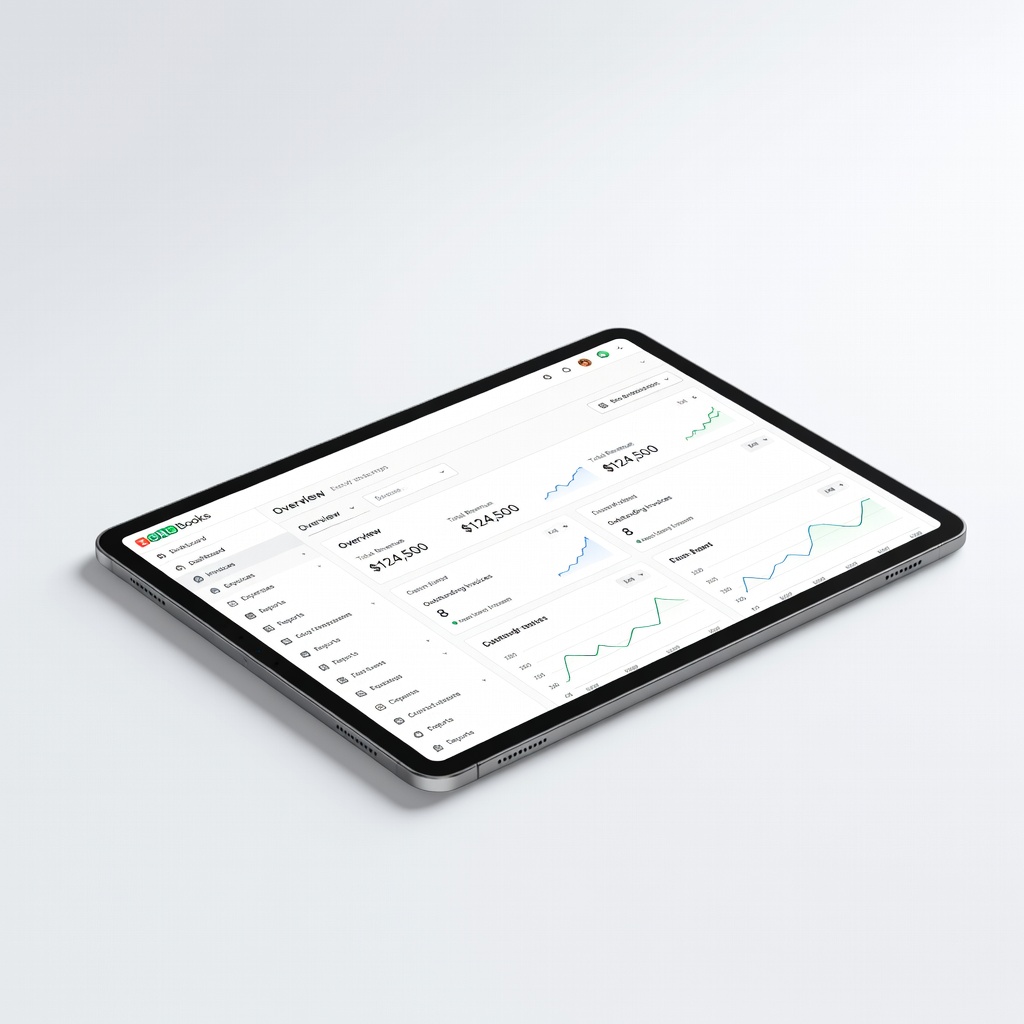
International freelancers on a budget.
Zoho Books Affordable with automation workflows; great multi-currency.