
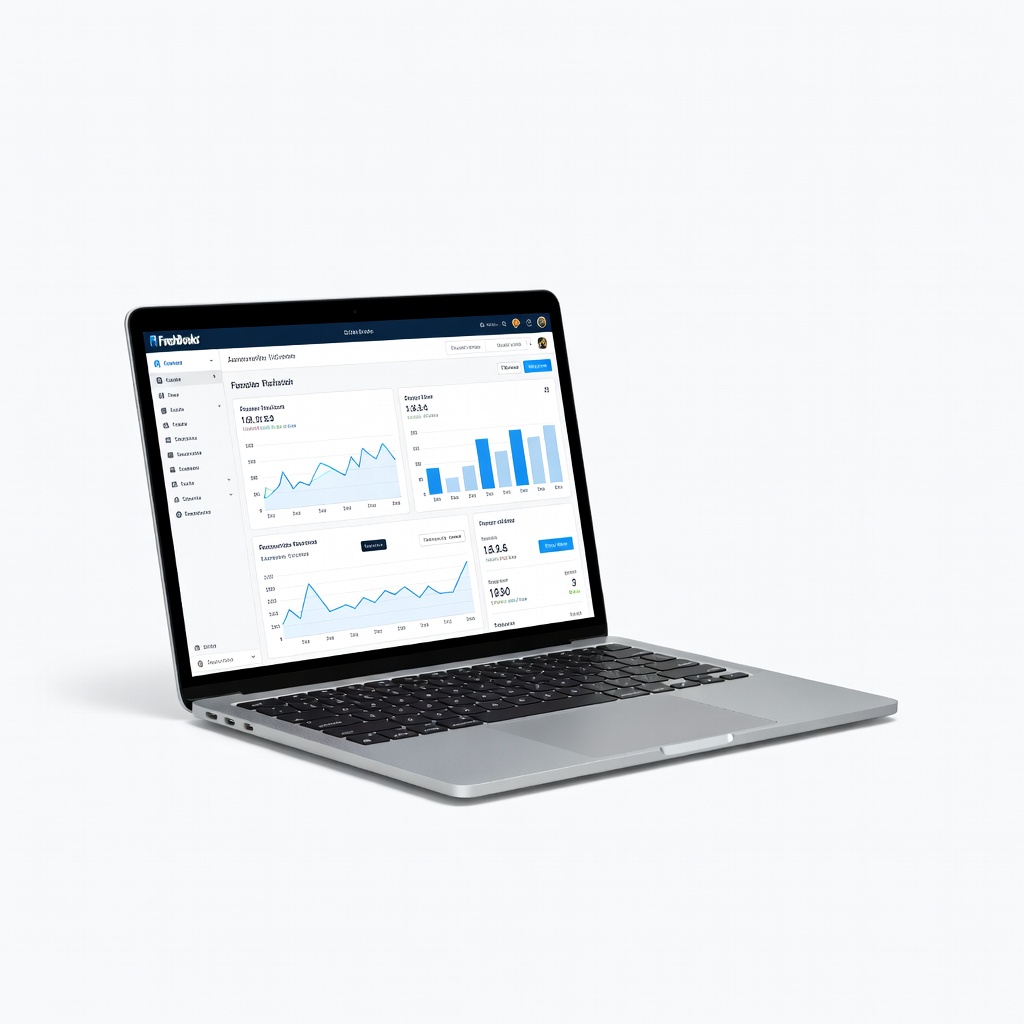
FreshBooks
Service-based freelancers sending 10+ invoices/month who need professional branding.
$19-$60/month
FreshBooks Intuitive invoicing and time tracking tailored for freelancers, with beautiful templates and client portals.
Get the App
Better experience on mobile
Learn how to choose the perfect accounting software to track income, expenses, invoices, and taxes effortlessly as a beginner freelancer.
As a freelancer, juggling client payments, expenses, and tax deadlines can feel overwhelming without the right tools. Many beginners resort to spreadsheets, leading to errors, missed deductions, and stress during tax season. The good news? Affordable accounting software designed for solopreneurs simplifies everything from invoicing to profit tracking.
In this guide, you'll learn the key factors to consider when picking accounting software, essential features for freelancers, and top recommendations. We'll break it down step-by-step so you can evaluate options confidently. Expect to spend 45-60 minutes reading and assessing your needs—no prior accounting knowledge required.
By the end, you'll know exactly which software fits your workflow, saving you hours weekly and ensuring you're tax-ready year-round.
Estimated Time: 45-60 minutes Difficulty: beginner
Start by listing your specific accounting requirements. As a freelancer, you likely need to track irregular income from clients, categorize expenses like software subscriptions or travel, send professional invoices, and estimate quarterly taxes.
Why it matters: Software that matches your needs prevents overpaying for unused features. For example, if you bill hourly, prioritize time-tracking integration; if you're international, look for multi-currency support.
Grab a notebook or digital doc and jot down: number of clients, invoicing frequency, expense volume, and tax obligations (e.g., self-employment tax in the US). Expect this to take 10 minutes.
💡 Tips:
Core features include automated invoicing with templates, expense tracking via receipt scans, bank account reconciliation, profit/loss reports, and tax deduction estimates.
Analogy: Think of it like a smart wallet that categorizes every dollar automatically. Additional perks: mileage tracking for travel deductions, client portals for payments, and mobile apps for on-the-go use.
Prioritize mobile access if you're always traveling—most top tools offer apps that scan receipts with your phone's camera.
💡 Tips:
⚠️ Warnings:
Freelancer software ranges from free to $50+/month. Free tiers suit micro-businesses (<$10K/year), while paid plans ($10-30/month) unlock advanced reports and support.
Why consider scalability: Start simple, but choose software that grows with you (e.g., adding team members later). Factor in hidden costs like payment processing fees (2-3% per transaction).
Calculate: Monthly revenue x 1-2% for software budget.
💡 Tips:
As a beginner, opt for intuitive dashboards with drag-and-drop interfaces—no accounting degree needed. Test demos for quick invoice creation (under 2 minutes).
Support matters: Look for 24/7 chat, email, or phone. Read reviews on ease (aim for 4.5+ stars on G2 or Capterra).
Pro tip: Watch YouTube setup tutorials to gauge learning curve.
⚠️ Warnings:
Ensure it connects to tools like PayPal, Stripe, Google Workspace, or calendars. Security: Bank-level encryption and two-factor authentication are non-negotiable.
Compliance: US freelancers need 1099 support; international users want VAT/GST handling.
Verify SOC 2 certification for data protection.
💡 Tips:
Narrow to 3-5 tools based on steps 1-5. Popular picks: Wave (free, unlimited invoicing), FreshBooks (invoicing pro), QuickBooks Solopreneur (tax-focused), Xero (robust reporting).
Create a simple spreadsheet comparing features, pricing, and ratings.
Sign up for trials, import sample data, and send a test invoice. Check mobile app performance.
Scour freelancer forums (Reddit r/freelance) for honest feedback on reliability during tax season.
💡 Tips:
Pick your winner, connect bank accounts, categorize past transactions, and set up recurring invoices. Most import from spreadsheets or CSV.
You're now set for automated finances—celebrate with a profit report!
⚠️ Warnings:
Problem: Bank sync fails or duplicates transactions
Solution: Disconnect/reconnect bank; use manual categorization rules. Contact support if persistent.
Problem: Software feels too complex after setup
Solution: Watch official tutorials or switch to simpler options like Wave. Most have easy onboarding wizards.
Problem: Data migration errors from spreadsheets
Solution: Use CSV templates provided; clean data first (remove duplicates). Seek pro help for large datasets.
Problem: High payment fees eating profits
Solution: Compare processor rates; use ACH for lower fees (0.5-1%).
Intuitive invoicing and time tracking tailored for freelancers, with beautiful templates and client portals.
Best for: Service-based freelancers sending 10+ invoices/month who need professional branding.
Price Range: $19-$60/month
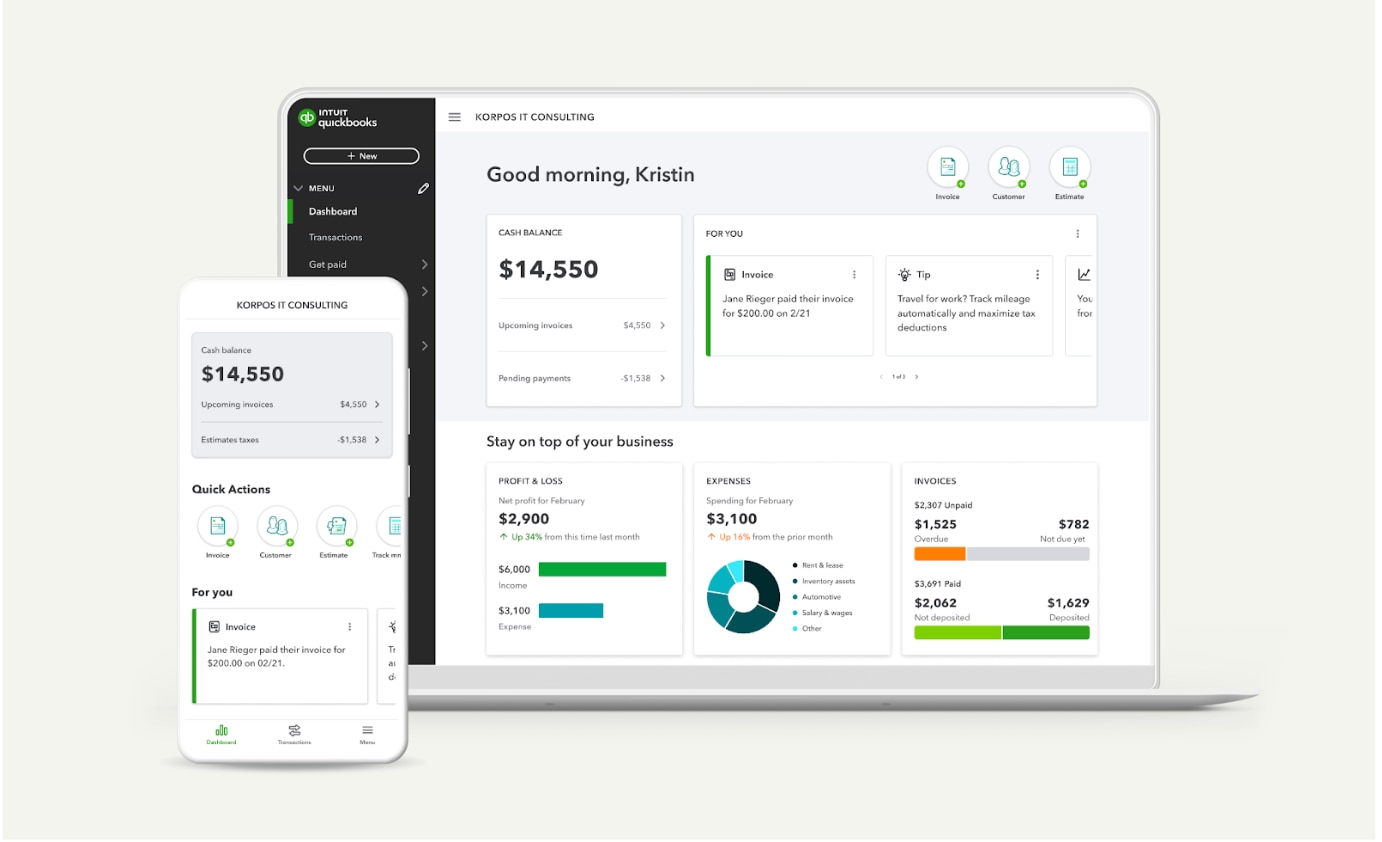
Excellent tax categorization, mileage tracking, and quarterly estimates—perfect for US freelancers.
Best for: Solo pros focused on maximizing deductions and IRS compliance.
Price Range: $20/month
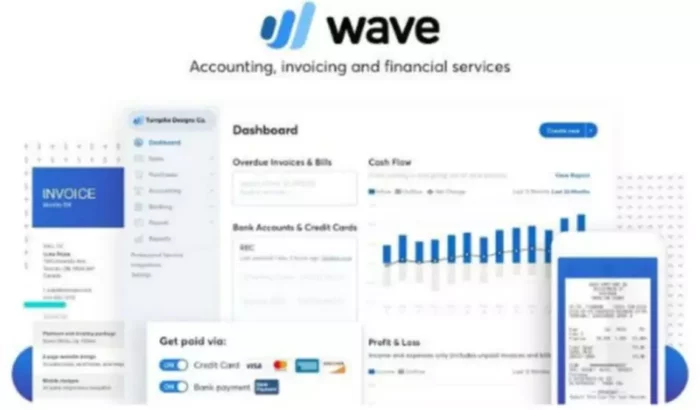
Completely free with unlimited invoicing and basic reports; no ads or upsells.
Best for: Beginner freelancers or those under $10K/year keeping costs at zero.
Price Range: Free (2.9% + $0.60 per transaction)
Powerful bank reconciliation and 800+ integrations for growing businesses.
Best for: Freelancers using multiple tools (e.g., Stripe, PayPal) needing scalability.
Price Range: $15-$78/month
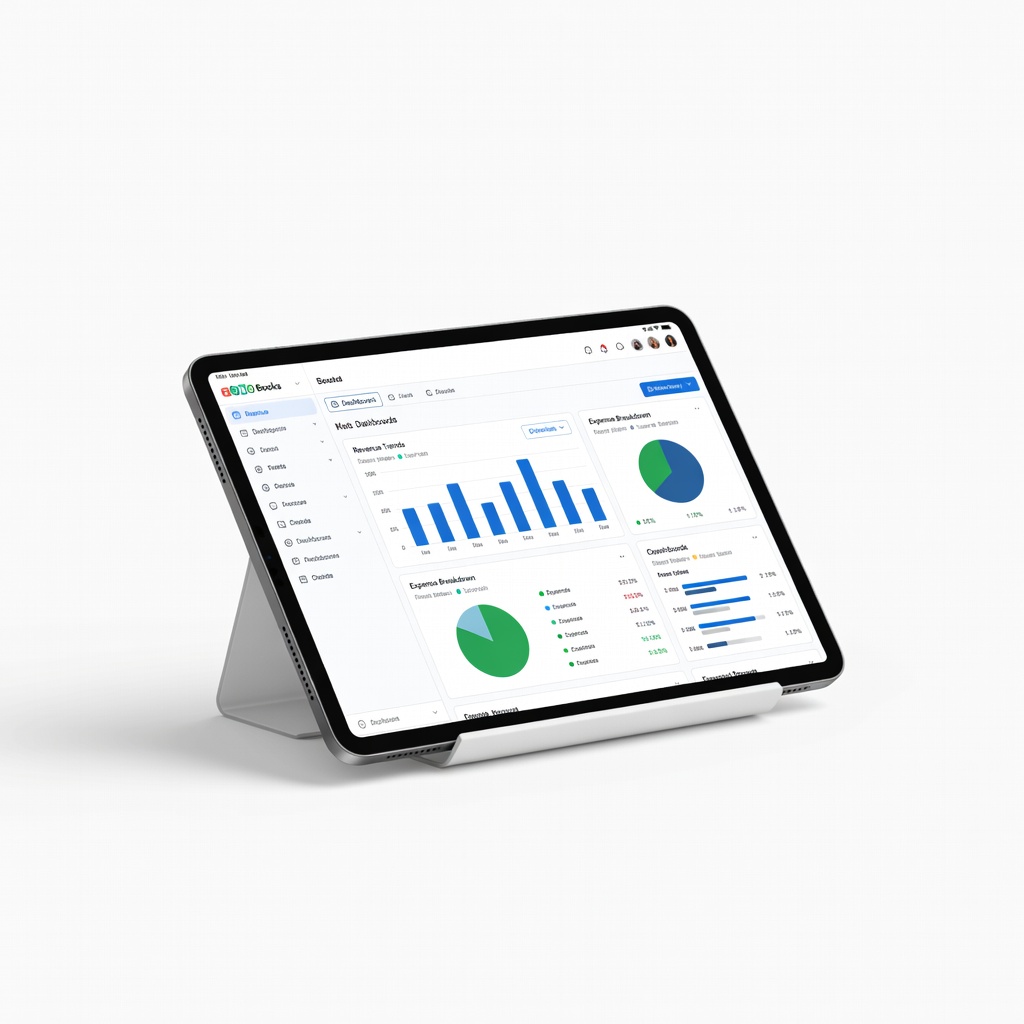
Affordable with automation workflows and multi-currency support.
Best for: International freelancers or those in the Zoho ecosystem.
Price Range: $0-$60/month
Service-based freelancers sending 10+ invoices/month who need professional branding.
FreshBooks Intuitive invoicing and time tracking tailored for freelancers, with beautiful templates and client portals.
Solo pros focused on maximizing deductions and IRS compliance.
QuickBooks Solopreneur Excellent tax categorization, mileage tracking, and quarterly estimates—perfect for US freelancers.
Beginner freelancers or those under $10K/year keeping costs at zero.
Wave Accounting Completely free with unlimited invoicing and basic reports; no ads or upsells.

Freelancers using multiple tools (e.g., Stripe, PayPal) needing scalability.
Xero Powerful bank reconciliation and 800+ integrations for growing businesses.
International freelancers or those in the Zoho ecosystem.
Zoho Books Affordable with automation workflows and multi-currency support.