
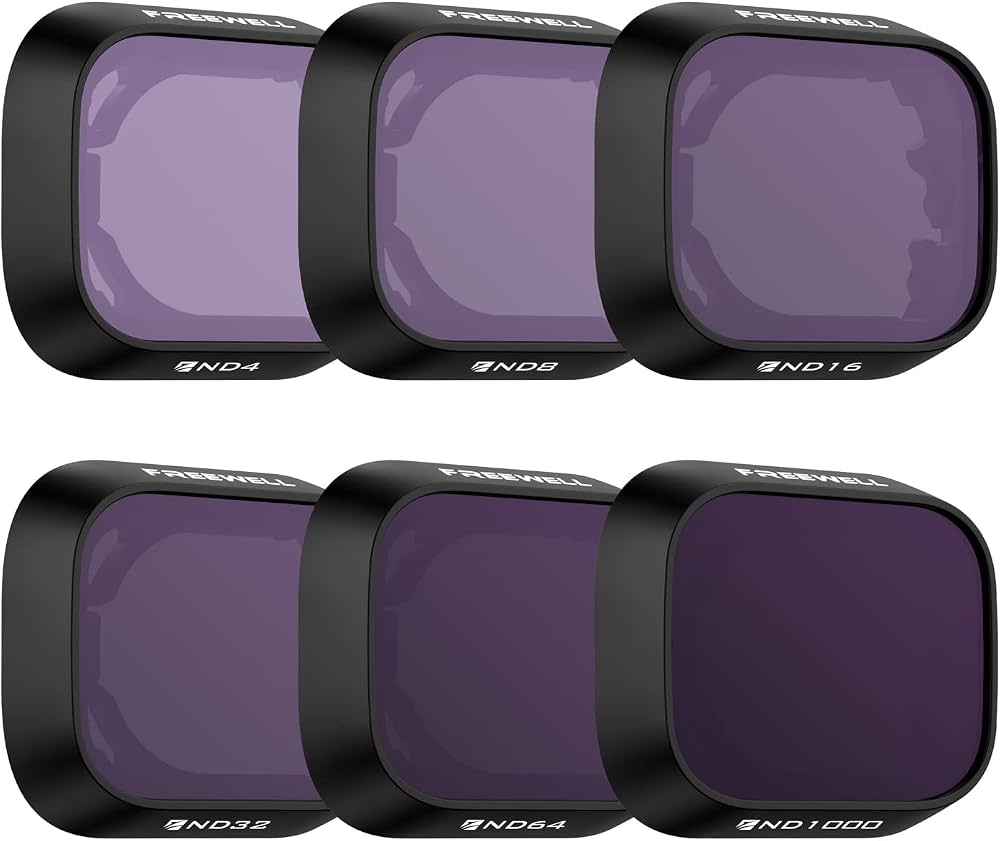
Freewell 6-Pack ND/CPL/UV Filters for DJI Mini 3 Pro
Daylight cinematic video and glare-heavy landscapes.
$79.99
Freewell 6-Pack ND/CPL/UV Filters for DJI Mini 3 Pro Magnetic mount for quick swaps; cinema-grade glass reduces flare for pro footage.
Get the App
Better experience on mobile
Discover the top accessories that elevate your drone shots from good to professional, with step-by-step explanations and real product picks.
Drone photography can transform ordinary scenes into breathtaking aerial masterpieces, but without the right accessories, you're leaving quality, safety, and efficiency on the ground. Intermediate pilots often struggle with issues like overexposed footage, short flight times, or unstable landings in windy conditions, leading to missed opportunities.
In this guide, you'll learn the essential accessories that optimize performance, image quality, and workflow. We'll break down each category from filters to batteries, explaining why they matter, how they work, and when to use them. Expect to spend 20-30 minutes reading and planning your upgrades—no prior accessory knowledge needed, just intermediate flying skills.
Estimated Time: 20-30 minutes to read and plan Difficulty: intermediate
Neutral Density (ND) filters reduce incoming light without altering color, enabling slower shutter speeds for cinematic motion blur—crucial for smooth video in bright sunlight. Circular Polarizing (CPL) filters cut glare from water or glass, boosting color saturation and contrast.
Why it matters: Stock drone lenses often overexpose in daylight, ruining footage. Filters mimic pro camera setups, like sunglasses for your drone's eyes. Expect sharper, more vibrant images instantly.
Mount by screwing onto the lens (drone-specific threads). Test in manual mode for best results.
💡 Tips:
⚠️ Warnings:
Drones fly 20-40 minutes per battery, but photography sessions demand more for scouting and retries. Extra batteries double or triple airtime; hub chargers recharge multiples simultaneously.
This optimizes workflow by minimizing downtime—think of it as fuel cans for endless shoots. Expect 1-2 hour sessions without breaks.
💡 Tips:
High-end drones record 4K/60fps or RAW photos, requiring UHS-I Speed Class 3 (V30) cards with 100+ MB/s write speeds to prevent dropped frames.
Slow cards cause recording errors; fast ones ensure buffer-free bursts. Analogy: Like a wide highway for data traffic. Swap cards between flights for seamless editing.
💡 Tips:
⚠️ Warnings:
Bright, wind-resistant landing pads (2-3m diameter) mark safe zones on grass, sand, or snow, preventing prop damage and improving GPS lock.
Vital for photography in varied terrains; visible from 100m up. Expect fewer crashes and cleaner undershot footage.
💡 Tips:
Clear prop guards shield blades during low-altitude cinematic shots; gimbal bumpers prevent crash damage to the camera.
Balances safety with pro footage—guards reduce vibration minimally on modern drones. Essential for intermediate pilots pushing creative limits.
💡 Tips:
Anti-collision or camera lights (200+ lumens) enable low-light photography, highlighting subjects and improving visibility.
Optimizes dawn/dusk golden hours or urban nights; like stage lights for aerials. Adjustable brightness avoids lens flare.
💡 Tips:
Hard-shell cases protect gear during transport; tablet mounts free hands for precise framing.
Streamlines setup/teardown, like a mobile studio. Expect pro-level organization for multi-day shoots.
💡 Tips:
Problem: Filter causing focus issues
Solution: Ensure correct thread size; clean lens threads. Recalibrate gimbal.
Problem: Battery not charging fully
Solution: Update firmware; use official charger. Store at room temp.
Problem: SD card errors during recording
Solution: Switch to V30+ card; format in drone. Test write speeds.
Problem: Lights interfering with video
Solution: Dim or reposition; use diffused covers.
Magnetic mount for quick swaps; cinema-grade glass reduces flare for pro footage.
Best for: Daylight cinematic video and glare-heavy landscapes.
Price Range: $79.99
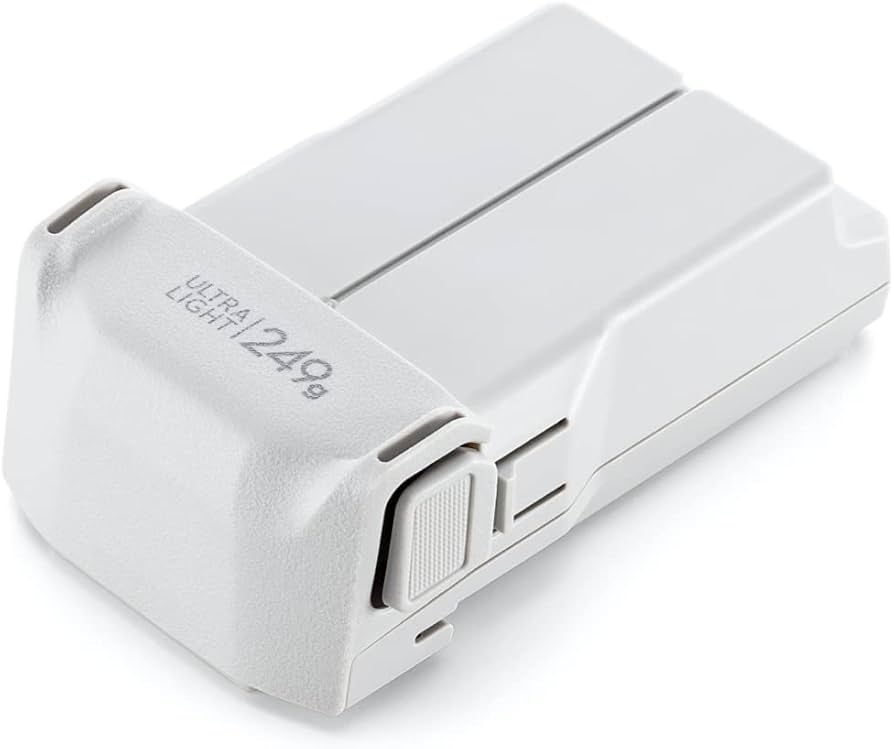
Official 34-min flight time; smart monitoring prevents overcharge.
Best for: Extended photo sessions without downtime.
Price Range: $79.00
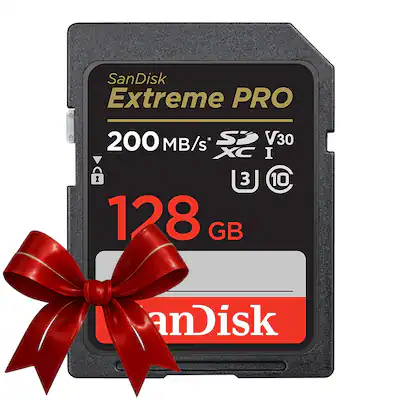
200MB/s read, 140MB/s write—handles 4K RAW bursts flawlessly.
Best for: High-res photo/video storage on any drone.
Price Range: $19.99
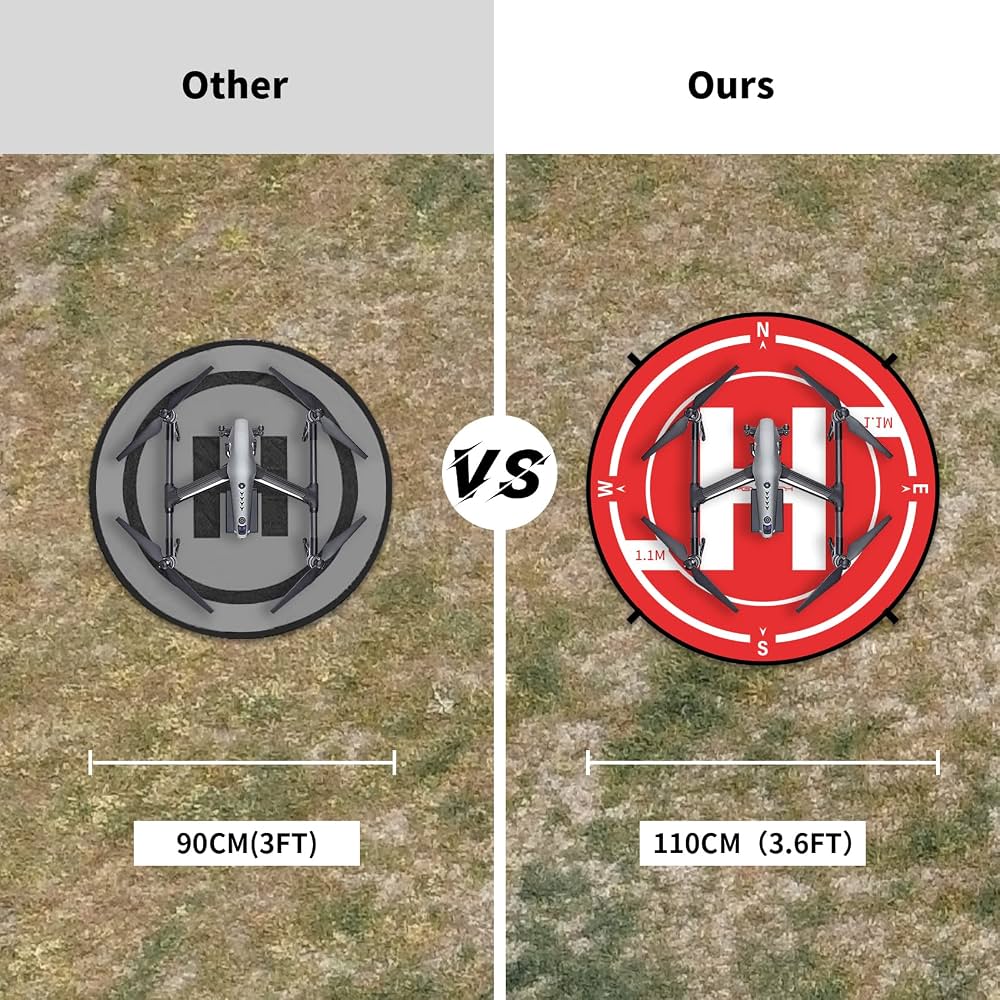
Waterproof, bright orange/green reversible; wind stakes included.
Best for: Uneven terrain takeoffs for clean undershots.
Price Range: $24.99
Adjustable 1-2000 lumens; waterproof for night aerials.
Best for: Low-light portraits or search-and-rescue style shots.
Price Range: $69.99
Daylight cinematic video and glare-heavy landscapes.
Freewell 6-Pack ND/CPL/UV Filters for DJI Mini 3 Pro Magnetic mount for quick swaps; cinema-grade glass reduces flare for pro footage.
Extended photo sessions without downtime.
DJI Mini 3 Pro Intelligent Flight Battery Official 34-min flight time; smart monitoring prevents overcharge.
High-res photo/video storage on any drone.
SanDisk Extreme PRO 128GB microSDXC UHS-I Card 200MB/s read, 140MB/s write—handles 4K RAW bursts flawlessly.
Uneven terrain takeoffs for clean undershots.
PGYTECH 90cm Drone Landing Pad Waterproof, bright orange/green reversible; wind stakes included.
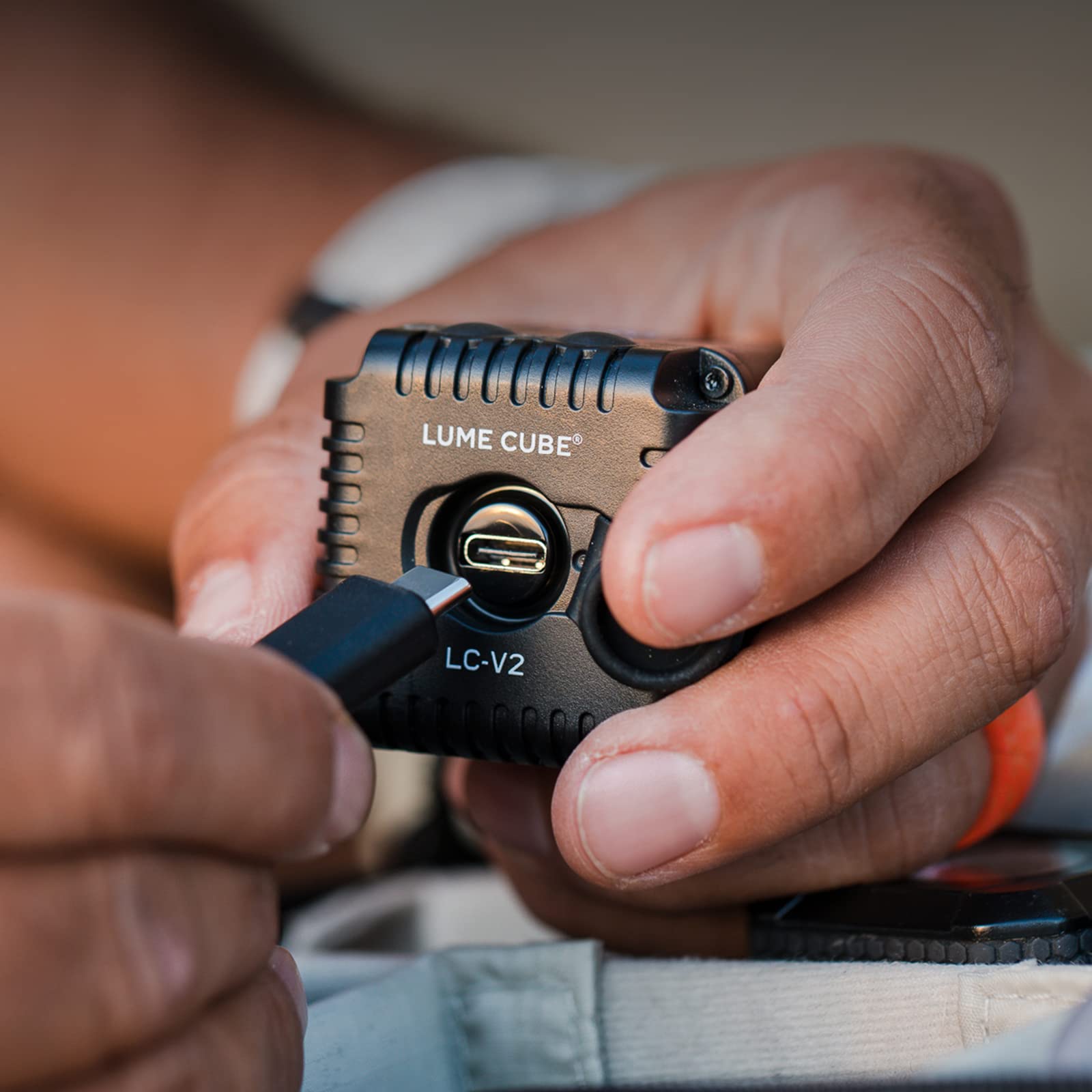
Low-light portraits or search-and-rescue style shots.
Lume Cube Drone Light 2.0 Adjustable 1-2000 lumens; waterproof for night aerials.