
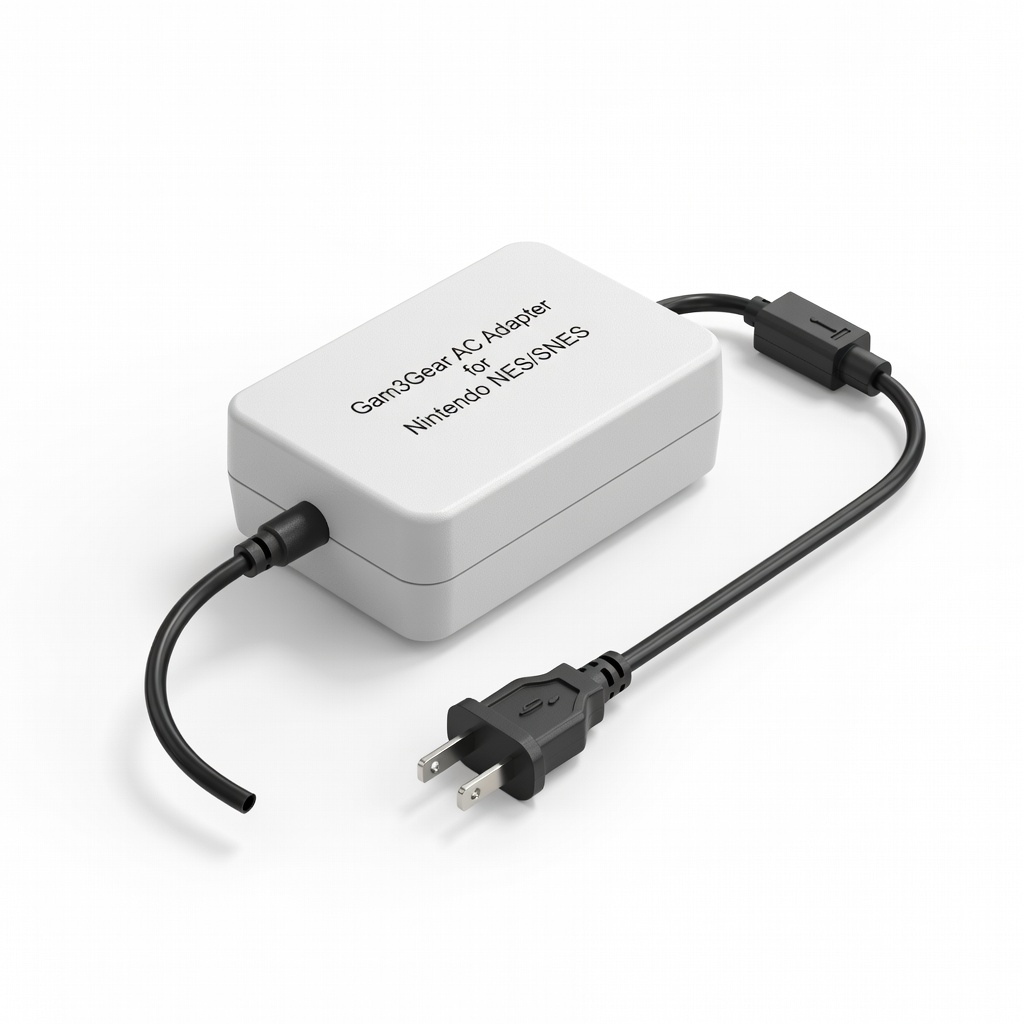
Gam3Gear AC Adapter for Nintendo NES/SNES
Daily play on NES front/top-loader without risk.
$9.99
Gam3Gear AC Adapter for Nintendo NES/SNES Exact 9VDC 1.3A negative tip match for original NES; regulated for stability.
Get the App
Better experience on mobile
Learn to match voltage, polarity, and connectors for safe power on NES, Atari, Sega, and more retro systems.
Reviving vintage game consoles like the NES, Atari 2600, or Sega Genesis is a thrill, but nothing kills the nostalgia faster than a fried board from the wrong AC adapter. Many original adapters are lost, yellowed, or dead after decades, leaving owners scrambling for replacements that won't damage rare hardware.
In this guide, you'll learn how to identify your console's exact power needs, decode adapter specs, and choose safe options—original, third-party, or universal. We'll break down voltage, amperage, polarity, and connectors with examples for popular systems. Expect to spend 10-15 minutes reading and checking your setup; no advanced soldering required, just basic research and measurement.
By the end, you'll confidently power up your retro rig without risks, saving money on bad buys and extending console life.
Estimated Time: 10-15 minutes Difficulty: intermediate
Start by noting the exact model. Vintage consoles vary: NES front-loader vs. top-loader, Atari 2600 'Heavy Sixer' vs. later revisions, Sega Genesis Model 1 vs. 2/3.
Look on the bottom label, cartridge slot, or original box. Search '[model] power supply specs' online (e.g., nesdev.org for NES). This avoids mismatches—e.g., original NES needs DC 9V 1.3A, but clone systems differ.
Expect a label like 'INPUT: AC 120V 60Hz OUTPUT: DC 9V 850mA'. Download service manuals from sites like console5.com for precise diagrams.
💡 Tips:
⚠️ Warnings:
Voltage must match exactly (e.g., 9V for NES, 10VDC for Atari 2600). Too high fries components; too low won't power on.
Amperage (current) can be equal or higher—adapters supply what's needed, like a water faucet (voltage=pressure, amps=flow). NES needs 1.3A min; a 2A adapter is fine if voltage/polarity match.
Analogy: Think of it as car tires—voltage is wheel size (must fit), amps is width (wider OK). List: NES/SNES: 9-10VDC 1-2A; Atari 2600: 9VAC unregulated; Genesis Mk1: 10VDC 850mA.
💡 Tips:
Most vintage DC consoles (NES) need DC output; Atari 2600 uses AC (unregulated, ripples to DC internally).
Regulated adapters maintain steady voltage under load (safer, modern standard). Unregulated drop voltage as amps rise—originals often were, so match type.
Test with multimeter: Regulated stays flat; unregulated sags. Why it matters: Wrong type causes glitches or damage.
⚠️ Warnings:
Polarity icon on adapter/console: solid line + dot = positive tip (+ inside barrel); opposite for negative.
NES: negative tip (- center). Atari 5200: positive. Use multimeter in DC mode: red probe tip, black barrel = positive.
Mismatch reverses current, smoking capacitors. 90% vintage Nintendo: negative polarity.
💡 Tips:
Barrel plugs: OD/ID x length (mm). NES: 5.4x2.1mm or 5.5x2.5mm. Genesis: 4.0x1.7x9mm.
Use caliper for accuracy. Wrong size won't fit or shorts. Common: 2.1mm ('small'), 2.5mm ('medium').
Why: Loose fit arcs/sparks; tight damages port.
⚠️ Warnings:
Prioritize: 1) OEM refurbished (rare). 2) Reputable third-party (Gam3Gear). 3) Universal adjustable (dial voltage, switch polarity).
Search Amazon/eBay 'replacement [console] AC adapter'. Verify specs match. For multiples, get switchable universals.
Test: Plug in briefly, check for heat/noise.
💡 Tips:
Unplug all, insert adapter, power on briefly (10s). Monitor voltage at console pins with multimeter.
No smoke/smell? Play a game 30min, feel for excessive heat. Why: Catches mismatches early.
Pro move: Use dummy load (resistor) first.
⚠️ Warnings:
Problem: Console powers on but flickers/resets
Solution: Amps too low or unregulated on regulated port—increase amps or match regulation.
Problem: No power, adapter light on
Solution: Polarity wrong or connector loose—remeasure and swap.
Problem: Gets hot/smells
Solution: Voltage too high or short—unplug immediately, check specs.
Problem: Humming noise
Solution: AC on DC or bad grounding—confirm DC output.
Exact 9VDC 1.3A negative tip match for original NES; regulated for stability.
Best for: Daily play on NES front/top-loader without risk.
Price Range: $9.99
Over-spec 2A output handles power-hungry carts; UL-listed safety.
Best for: Multi-console setups or high-draw games.
Price Range: $11.99
Dial voltage/polarity switch; covers NES(9V-), Atari(9V+), Genesis(10V-).
Best for: Collection of mixed vintage consoles.
Price Range: $14.99
Essential for verifying voltage/polarity; auto-ranging for beginners.
Best for: Testing any adapter before use.
Price Range: $12.99
Correct 9VAC unregulated for originals; avoids DC conversion issues.
Best for: Atari woody or junior models.
Price Range: $14.99
Daily play on NES front/top-loader without risk.
Gam3Gear AC Adapter for Nintendo NES/SNES Exact 9VDC 1.3A negative tip match for original NES; regulated for stability.
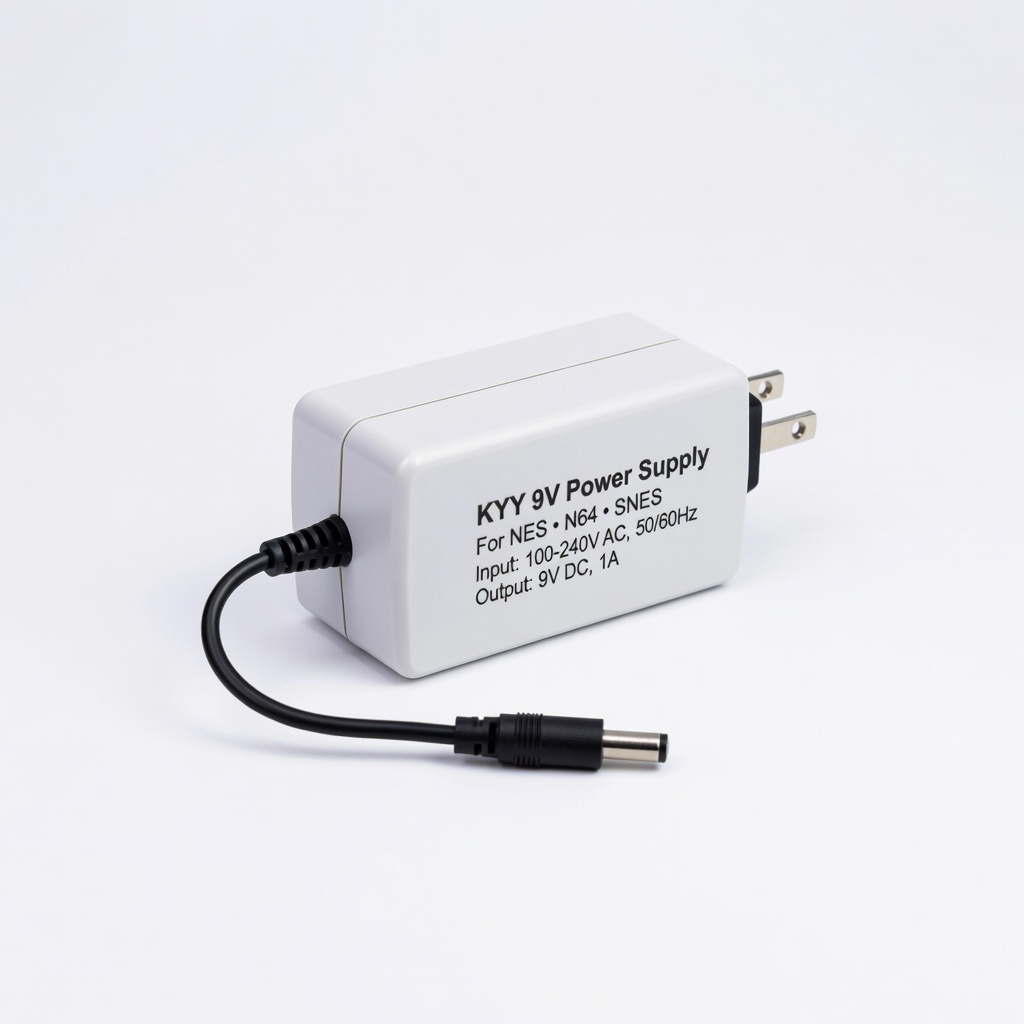
Multi-console setups or high-draw games.
KYY 9V Power Supply for NES N64 SNES Over-spec 2A output handles power-hungry carts; UL-listed safety.
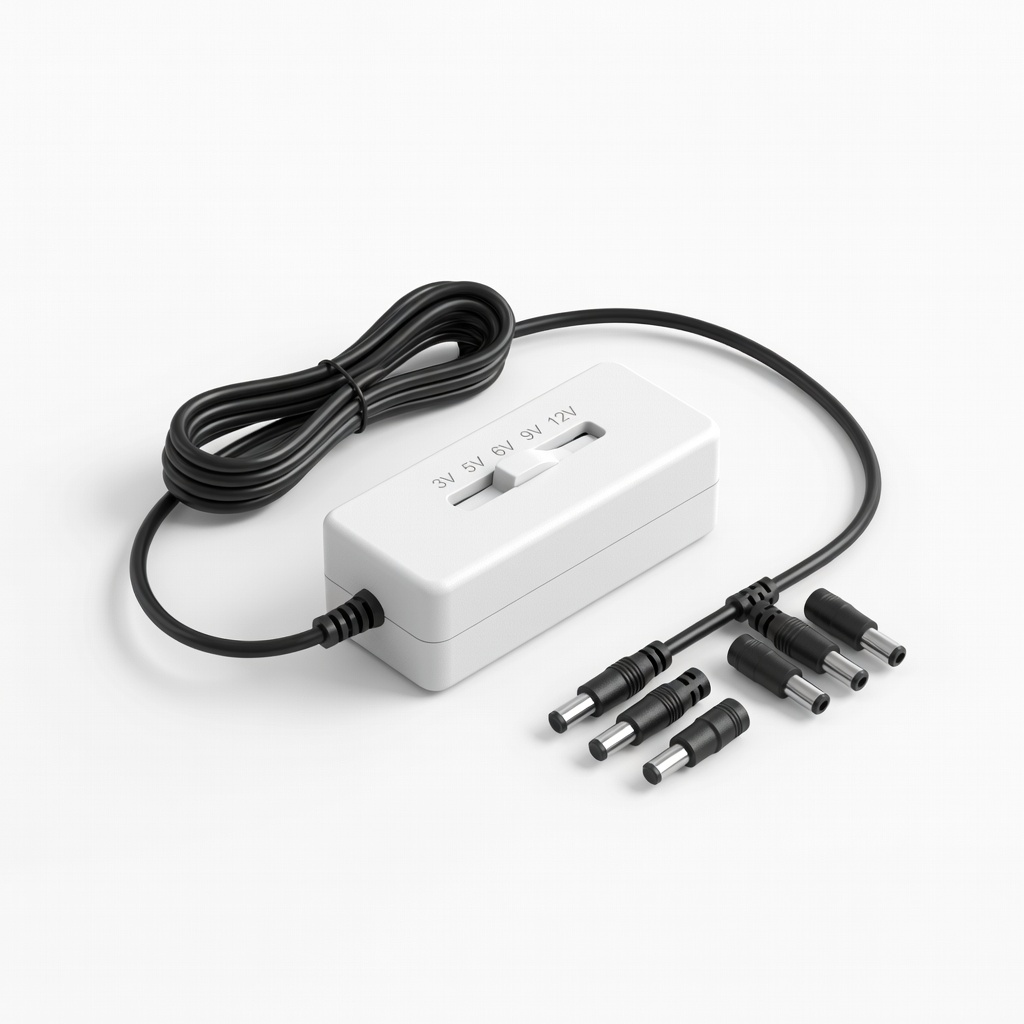
Collection of mixed vintage consoles.
Ramayan Universal AC Adapter 3-12V Adjustable Dial voltage/polarity switch; covers NES(9V-), Atari(9V+), Genesis(10V-).
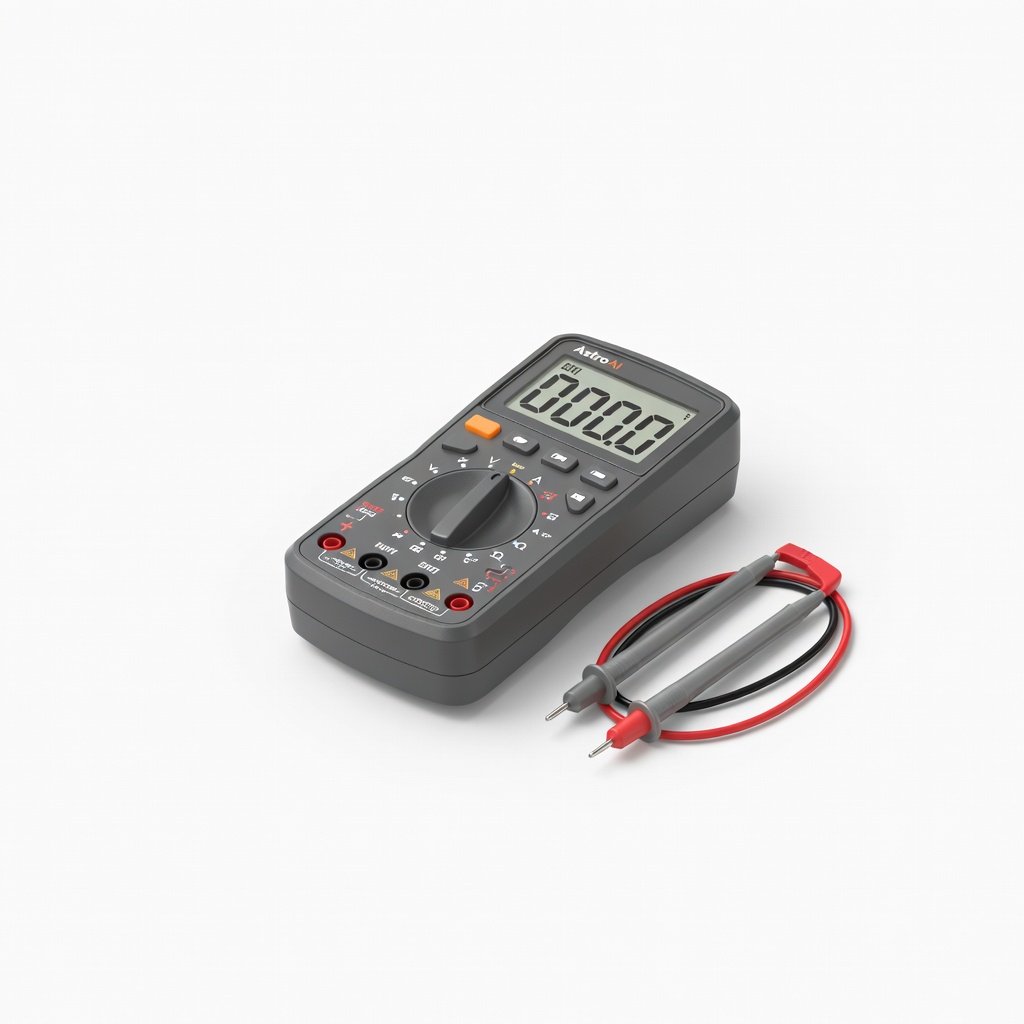
Testing any adapter before use.
AstroAI Digital Multimeter Essential for verifying voltage/polarity; auto-ranging for beginners.
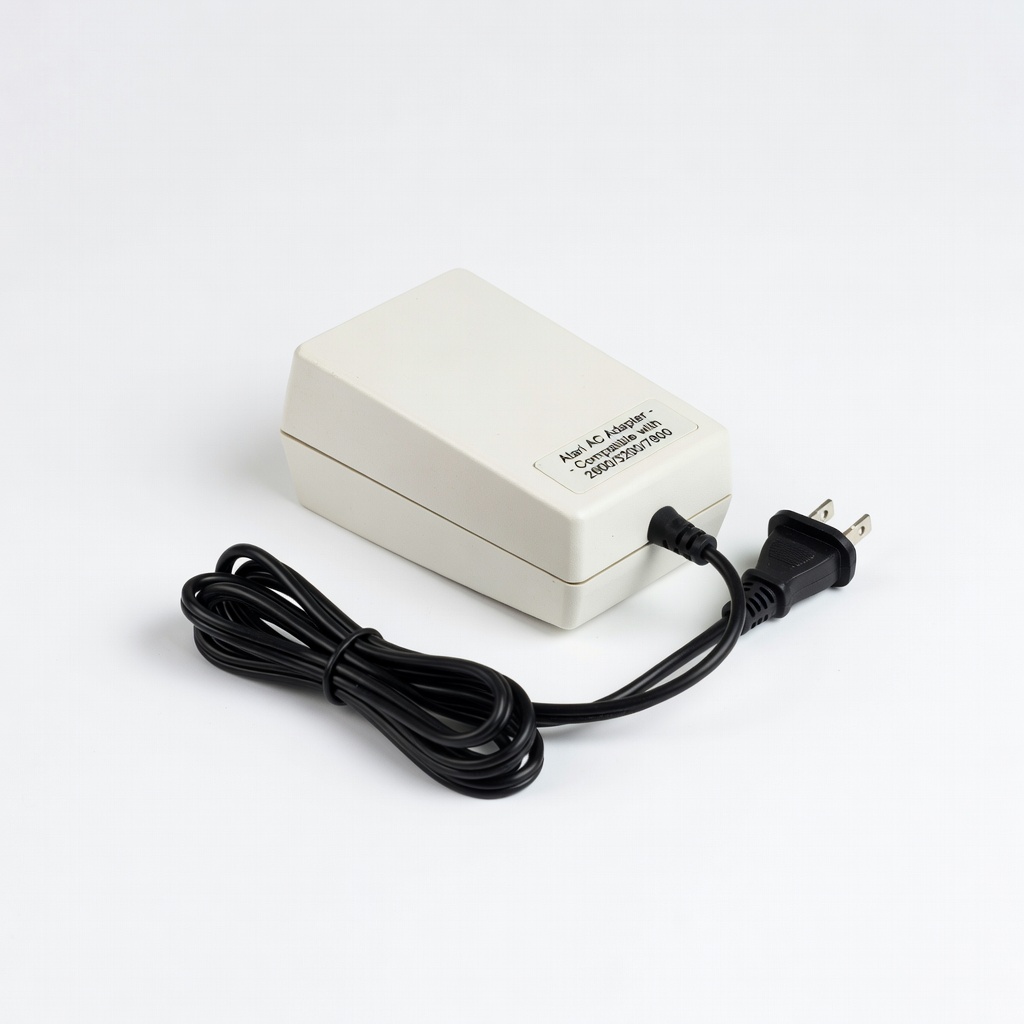
Atari woody or junior models.
AC Adapter for Atari 2600/5200/7800 Correct 9VAC unregulated for originals; avoids DC conversion issues.