
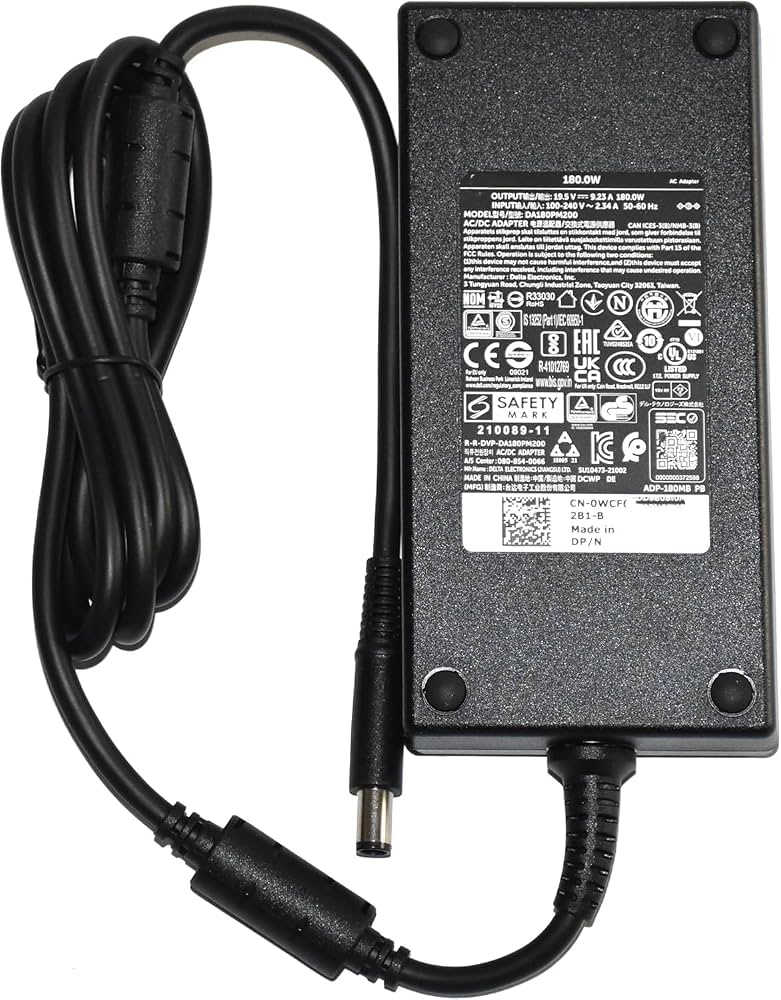
PowerHOOD 180W AC Charger for Dell Alienware
Replacement for Alienware gaming laptops needing reliable 180W power.
$32.99
PowerHOOD 180W AC Charger for Dell Alienware Exact match for M15/M17 models with 19.5V 9.23A specs, UL-certified for safety.
Get the App
Better experience on mobile
Learn how to choose the right wattage for your gaming laptop's charger to avoid crashes, overheating, and battery damage in minutes.
Gaming laptops pack serious power with high-end CPUs and GPUs, but using the wrong AC adapter wattage can lead to frustrating throttling, sudden shutdowns, or even permanent hardware damage. Many gamers grab the cheapest replacement online without checking specs, only to face performance issues during intense sessions. This guide breaks it down simply.
You'll learn how to identify your laptop's exact power needs, calculate safe wattage margins, and pick reliable adapters. Whether replacing a lost OEM charger or upgrading for multi-monitor setups, you'll master the concept in 10-15 minutes—no technical expertise required beyond basic specs lookup.
Expect clear steps with real-world examples, like matching a 240W ASUS ROG charger, plus warnings on common pitfalls.
Estimated Time: 10-15 minutes Difficulty: intermediate
Gaming laptops draw massive power—often 150W+ under load from CPU (e.g., Intel i9) + GPU (e.g., RTX 4080). Wattage (power in watts) = voltage (V) × amps (A). Too low, and the adapter can't supply enough juice, causing thermal throttling or crashes.
Analogy: It's like a garden hose for a fire—thin hose (low wattage) starves the blaze. Aim for at least the OEM rating; 10-20% higher is safe for headroom.
Expect: Most gaming rigs need 180-330W, vs. 65W for ultrabooks.
💡 Tips:
⚠️ Warnings:
Flip your laptop over or press Win+R, type 'msinfo32' to find model (e.g., Alienware m16). Check the original adapter label: e.g., '19.5V 9.23A 180W'.
Why? This is your baseline. Note voltage, amps, and connector size (e.g., 7.4x5.0mm barrel).
If lost, search '[model] specifications PDF' on manufacturer site.
💡 Tips:
Visit Dell/Alienware, ASUS ROG, MSI, etc. support page. Enter model > Power Adapter specs. Example: ROG Strix Scar 18 needs 280W.
Cross-reference user manual or forums like Reddit r/GamingLaptops for TDP (Thermal Design Power) totals.
What to expect: Official lists minimum; some allow higher for docks.
⚠️ Warnings:
Multiply V × A from label for exact watts. Add 10-20% buffer for peaks (e.g., 200W OEM → 220-240W replacement).
Real example: MSI GE76 (19V 11.8A = 224W) → use 240W min.
Why? Peaks during ray-tracing hit 300W transients.
💡 Tips:
Gaming adapters use barrel plugs (4.0x1.35mm to 7.4x5.0mm) or USB-C (Thunderbolt 4). Check polarity (usually center positive ⚠️).
Mismatch fries ports. Measure with calipers or match OEM photo.
USB-C gaming laptops (e.g., Framework) need PD 3.1 240W+.
⚠️ Warnings:
OEM: Perfect match, pricier. Third-party: Cheaper if UL-listed, same specs.
Test: Plug in, run Cinebench + FurMark; monitor temps/watts via HWInfo.
Headroom bonus: 330W on 240W laptop speeds charging while gaming.
💡 Tips:
Install HWMonitor or ThrottleStop. Stress test: No throttling? Good.
Signs of underpower: Fans max, FPS drops, 'plugged in not charging'.
Recheck after 1 week.
⚠️ Warnings:
Problem: Laptop not charging or slow charge
Solution: Verify wattage ≥ OEM, clean port, try different outlet. Test with OEM if available.
Problem: Overheating or shutdowns during games
Solution: Insufficient wattage—upgrade 20%. Check dust in vents.
Problem: Adapter gets too hot
Solution: Poor quality; replace with UL-certified. Ensure ventilation.
Problem: Sparks or no connection
Solution: Wrong connector—return and match size/polarity exactly.
Exact match for M15/M17 models with 19.5V 9.23A specs, UL-certified for safety.
Best for: Replacement for Alienware gaming laptops needing reliable 180W power.
Price Range: $32.99
Precise 20V 12A output with correct 5.5x2.5mm plug, overload protection.
Best for: Daily use on ROG laptops for stable gaming sessions without throttling.
Price Range: $39.99
High-efficiency replacement with 19.5V 14.36A, includes cable for convenience.
Best for: Upgrading MSI gaming rigs for headroom during 4K gaming.
Price Range: $44.99
OEM quality with slim design, perfect voltage match for Blade laptops.
Best for: Premium users wanting authentic performance and warranty compatibility.
Price Range: $79.99
Future-proof for USB-C gaming laptops like Lenovo Legion Slim, multiple ports.
Best for: Modern Thunderbolt laptops needing 240W+ PD charging.
Price Range: $99.99
Replacement for Alienware gaming laptops needing reliable 180W power.
PowerHOOD 180W AC Charger for Dell Alienware Exact match for M15/M17 models with 19.5V 9.23A specs, UL-certified for safety.
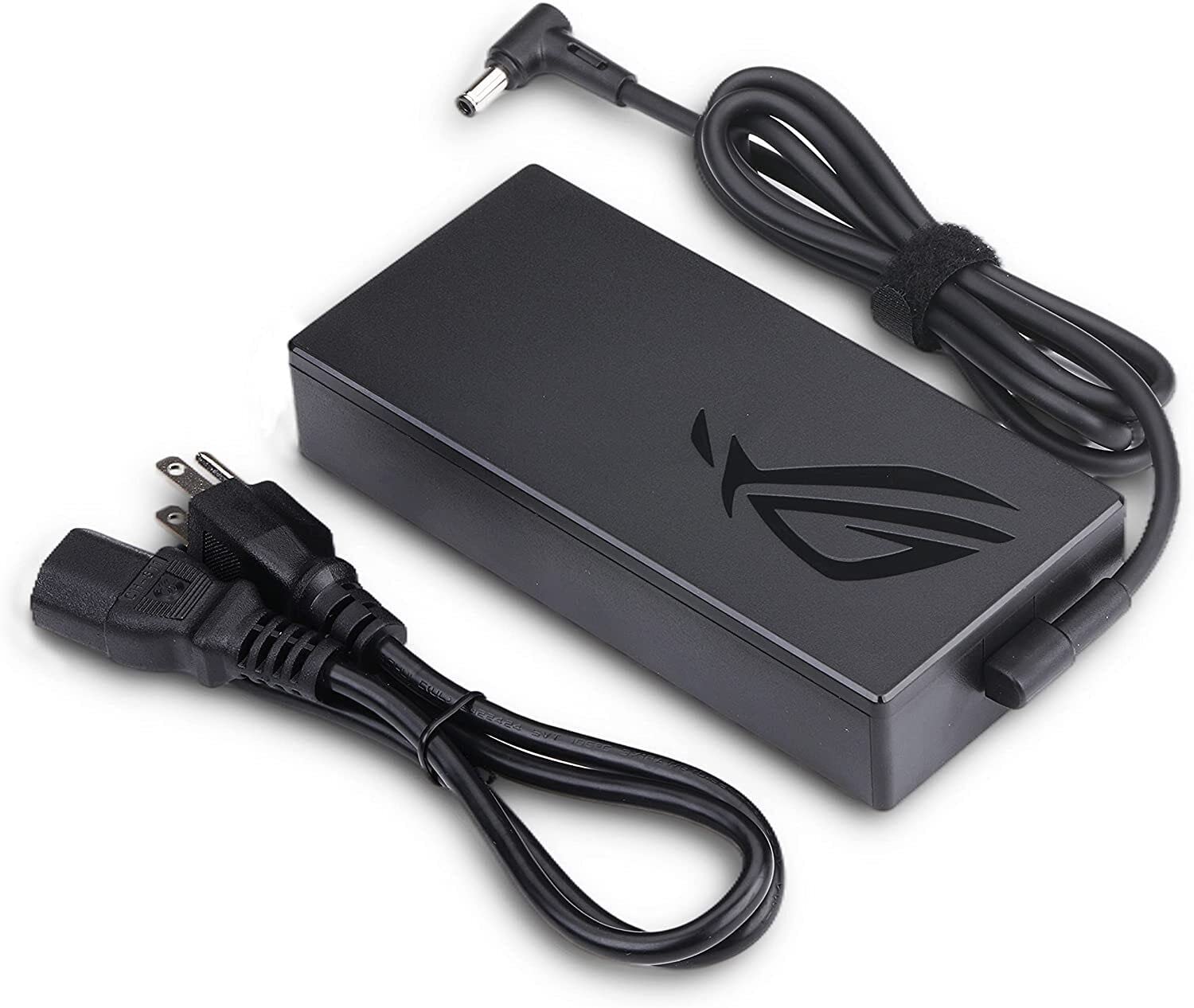
Daily use on ROG laptops for stable gaming sessions without throttling.
HS214 240W Power Supply for ASUS ROG Strix Precise 20V 12A output with correct 5.5x2.5mm plug, overload protection.
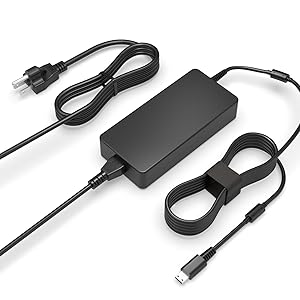
Upgrading MSI gaming rigs for headroom during 4K gaming.
AC Doctor 280W Laptop Charger for MSI GE/GS High-efficiency replacement with 19.5V 14.36A, includes cable for convenience.
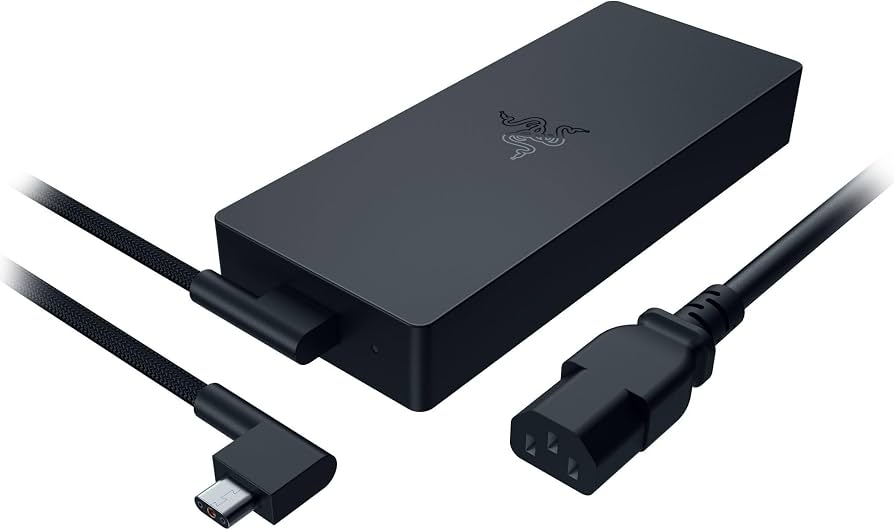
Premium users wanting authentic performance and warranty compatibility.
Razer Official 230W Power Adapter OEM quality with slim design, perfect voltage match for Blade laptops.
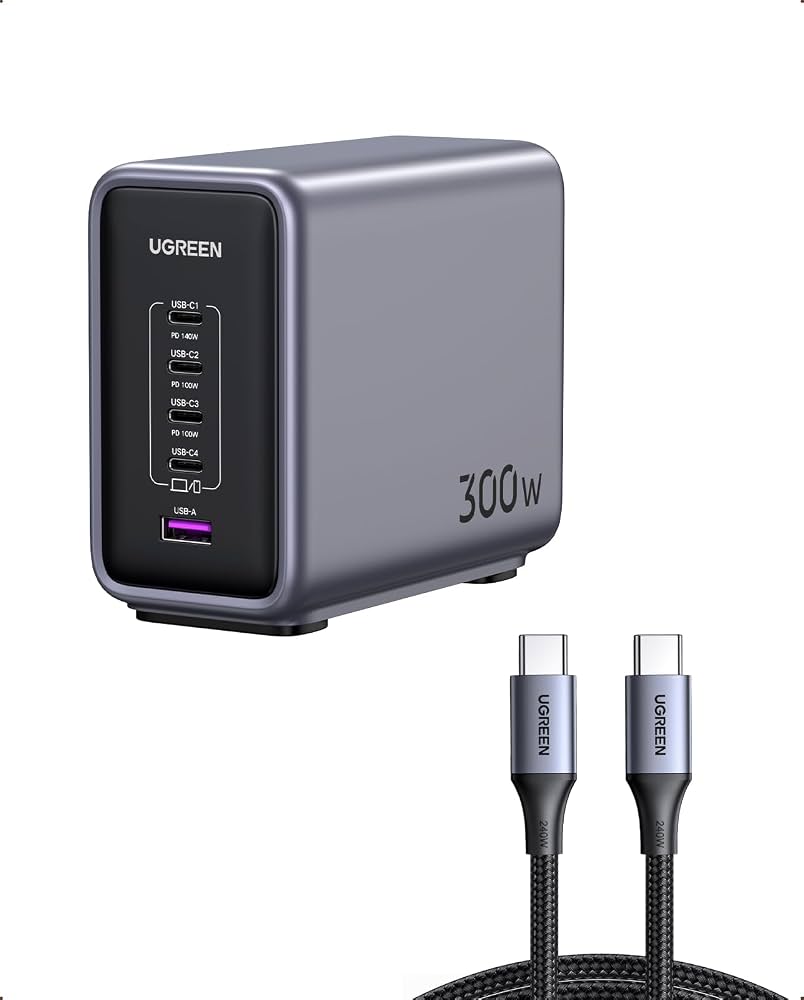
Modern Thunderbolt laptops needing 240W+ PD charging.
UGREEN 300W USB-C GaN Charger Future-proof for USB-C gaming laptops like Lenovo Legion Slim, multiple ports.