The 3DO Interactive Multiplayer promised revolutionary 32/64-bit gaming in 1993, beating PlayStation and Saturn to market with FMV-heavy titles like Road Rash and The Need for Speed. Today, retro enthusiasts chase its chunky controllers and ambitious library, but aging hardware, capacitor leaks, and rarity create hurdles. This guide breaks down every major 3DO console variant for advanced collectors.
You'll gain a deep comparison of models, key factors for playability (like video output and modding potential), sourcing tips, and FPGA alternatives. Expect to understand which console suits your setup—whether stock play or HDMI-modded glory—in 15 minutes of reading.
Perfect for those with SNES/Saturn experience; no soldering required upfront, but we'll cover advanced tweaks.
▸What You'll Need
- •Basic retro gaming knowledge (e.g., composite/component video setups)
- •Access to eBay, Mercari, or retro forums like 3DO Friends
- •Multimeter (optional, for testing units)
- •Isopropyl alcohol and capacitor kit (for advanced repairs)
Estimated Time: 15-20 minutes
Difficulty: advanced
▸Step-by-Step Instructions
Step 1: Grasp 3DO's History and Core Specs
The 3DO was a multi-manufacturer standard led by Trip Hawkins (EA founder), using RISC CPUs (2x ARM60 at 12.5MHz, 50MHz RISC) for 50,000 polygons/sec—impressive for 1993. It loaded CDs slowly but excelled in full-motion video and texture mapping, unlike pixel-pushing Sega CDs.
Why it matters: Knowing specs helps compare models; all share the same hardware baseline but differ in build quality and ports. Expect regional locks (NTSC/PAL) impacting game compatibility.
💡 Tips:
- •Analogy: Think 3DO as CD-i's ambitious cousin—great for cinematics, weak on action vs. polygons beasts like N64.
Step 2: Evaluate the Original 3DO FZ-1
The 1993 gold-standard by The 3DO Company: bulky (3.5" height), RGB SCART support in Europe, but US units stuck to composite/RF. Pros: Authentic feel, best official controller ergonomics. Cons: Rare (under 100k units), prone to yellowing plastic and power supply failures.
For retro gaming: Ideal for purists, but expect recap (capacitor replacement) after 30 years. Video output maxes at 240p progressive.
⚠️ Warnings:
- •Avoid untested units—power-on reveals humming PSUs often.
Step 3: Compare Panasonic REAL 3DO Models (FZ-10/20/25)
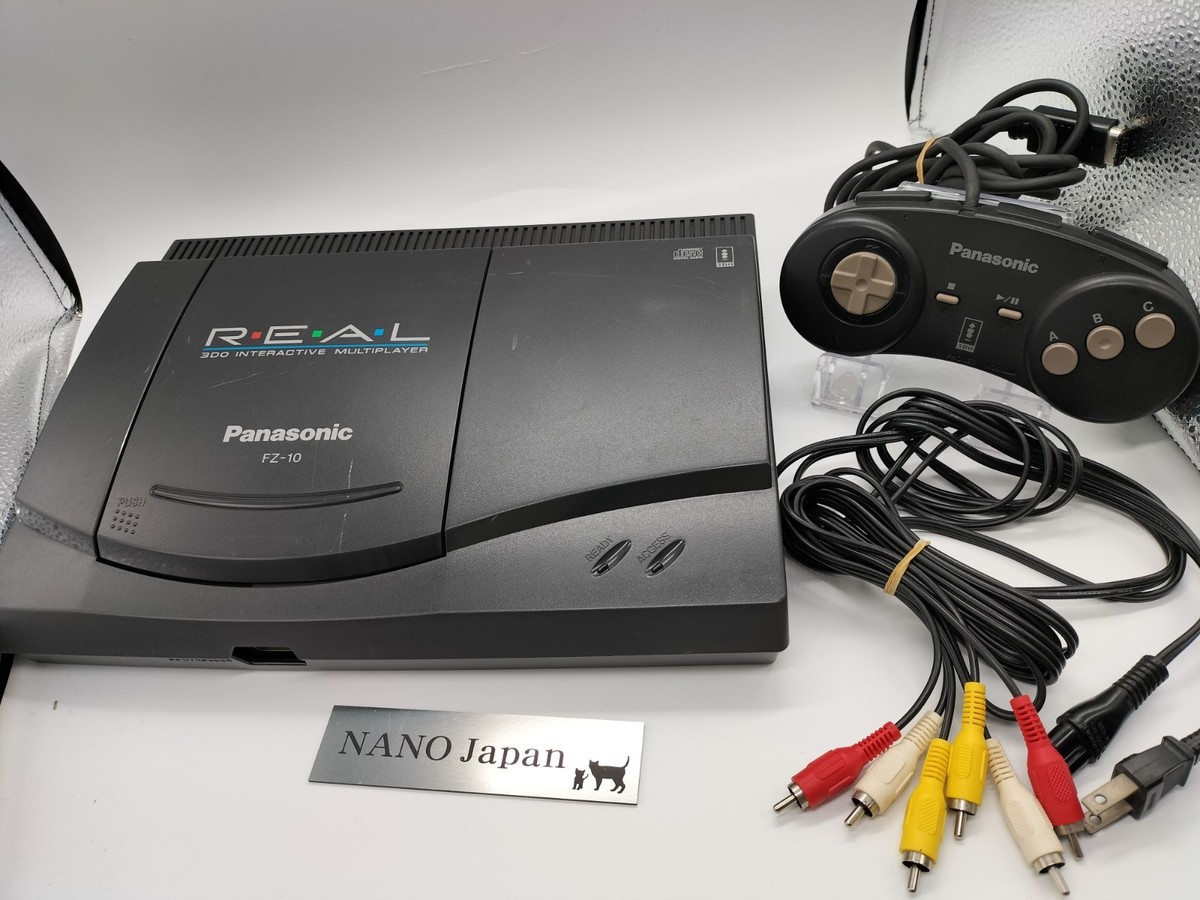
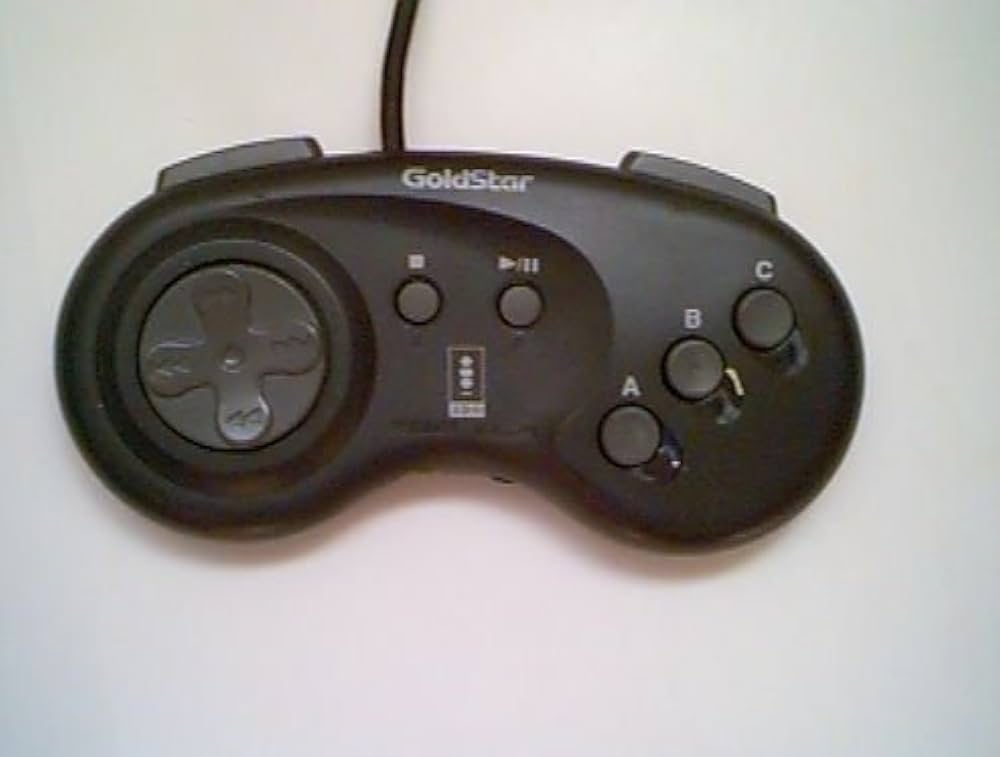
Panasonic's FZ-10 (1994) is the king: smaller, reliable Panasonic laser/CD mechanism, S-Video out, and goldstar controller compatibility. FZ-20 adds black casing; FZ-25 is PAL-only with minor RGB tweaks.
Why best for retro: 80% of surviving units are FZ-10s—easiest to source/service. Modders love its board layout for HDMI (e.g., OSSC integration). Expect crisp Need for Speed playback at native res.
💡 Tips:
- •Pro tip: FZ-10's disc tray is toughest; PAL FZ-25 for EU games.
Step 4: Assess Licensed Variants: GoldStar and Sanyo
GoldStar GP3D2001A (Korea/US): Compact, vertical design, but weaker laser and RF-only video. Sanyo Try (Japan): Rare import with Try controller (paddle-style).
Trade-offs: Cheaper ($100-200), but higher failure rates (cap leaks). Great for budget collectors if recapped; GoldStar's form factor fits modern shelves.
Step 5: Key Comparison: Features for Retro Play
| Model | Size | Video Ports | Rarity | Mod Potential |
|---|
| FZ-1 | Large | Composite/RGB(EU) | High | Medium |
| FZ-10 | Medium | S-Video/Comp | Low | High |
| GoldStar | Small | RF/Comp | Medium | Low |
Focus on S-Video+ models for CRTs; all handle 60fps FMV flawlessly.
💡 Tips:
- •Match region: NTSC US/JP games won't play smooth on PAL.
Step 6: Inspect for Playability: Condition Checks
Test laser (disc spin-up), audio (humming = bad caps), video (snowy = RF fault). Use multimeter on PSU caps—leaks corrode boards.
Advanced: Check for 'G2' mod sites (RGB hacks). Expect 50/50 working rate on untested buys.
⚠️ Warnings:
- •Never force discs—laser misalignment bricks units.
Step 7: Source and Setup Your Console
Hunt eBay (seller ratings 99%+), Reddit r/3DOexchange. Clean with IPA, recap if needed ($20 kit). Hook to OSSC/RetroTINK for HDMI/scanlines.
Result: Boot '3DO Interactive Multiplayer' logo, load Gex in under 30s.
▸Pro Tips
- •Prioritize FZ-10 with video evidence of boot/gameplay.
- •Buy controller lots—brass knuckle design wears buttons fast.
- •Use 50/50 IPA/distilled water for sticky controllers.
- •Flash region-free BIOS hacks for JP imports.
- •Pair with 240p Test Suite for calibration.
- •Store vertically to prevent disc scratches.
- •Join 3DO Discord for trade alerts.
▸Common Mistakes to Avoid
- •Buying cosmetic units without power-on test—leads to dead lasers.
- •Ignoring PAL/NTSC—games stutter or black screen.
- •Skipping recap—capacitor goo destroys traces in 6-12 months.
- •Using modern DVDs—strict CD-ROM only.
- •Overpaying for FZ-1 ($500+) when FZ-10 matches performance for $250.
▸Troubleshooting
Problem: No disc read
Solution: Clean laser lens with microfiber/IPA; replace mechanism ($30 from donor units). Test with audio CD.
Problem: Power hum or shutdown
Solution: Recap PSU (common 1000uF/16V leaks); YouTube guides for FZ-10.
Problem: Video snow/distortion
Solution: Bypass RF modulator via AV mod; use SCART if EU model.
Problem: Controller unresponsiveness
Solution: Potentiometer clean/replace; GoldStar pads are most durable.
Panasonic FZ-10 REAL 3DO Interactive Multiplayer Console
Most reliable laser and mod-friendly board; dominates surviving population.
Best for: Daily stock play or HDMI-upscaled setup on modern TVs.
Price Range: $200-$400
GoldStar 3DO GP3D2001A Interactive Multiplayer
Compact alternative with same core performance; easier to ship.
Best for: Space-constrained collections or starter unit.
Price Range: $150-$300
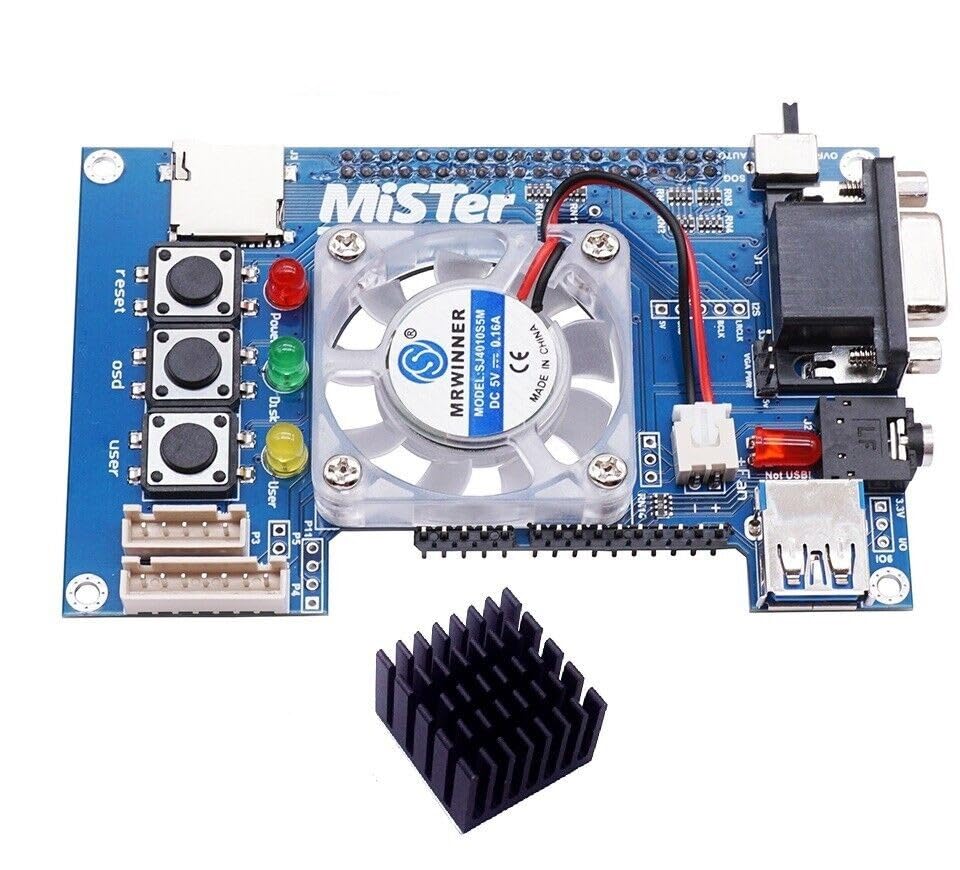
MiSTer FPGA DE10-Nano Board + 3DO Core
Cycle-accurate recreation; no wear, HDMI native, multi-system.
Best for: Advanced users wanting lag-free 3DO without hardware risks.
Price Range: $200-$250
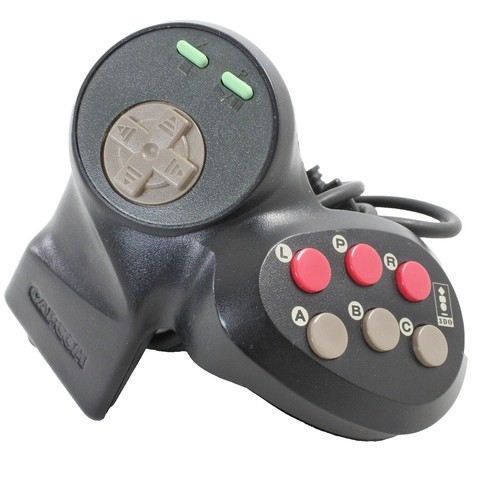
Official 3DO Controller (Brass Knuckle)
Ergonomic 12-button icon; compatible across models.
Best for: Authentic controls for Road Rash/immersives.
Price Range: $40-$80
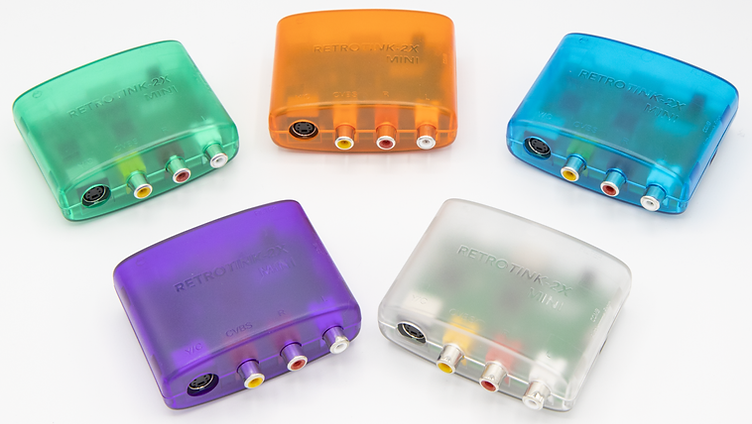
RetroTINK-2X Mini
Upscales 240p to 1080p with scanlines; fixes composite woes.
Best for: LCD/LED TV integration for crisp output.
Price Range: $70-$90