

Super Lube 21030 Synthetic Grease with PTFE
Z-axis and extruder maintenance on Ender 3 or Prusa.
$8-$12
Super Lube 21030 Synthetic Grease with PTFE Ideal for lead screws and gears—stays put, withstands heat up to 400°F.
Get the App
Better experience on mobile
Learn which key parts require lubrication, why it matters, and how to do it right to extend your printer's life and improve print quality.
Tired of squeaky movements, ghosting in prints, or premature wear on your 3D printer?
Proper lubrication is the unsung hero of smooth, reliable 3D printing. Friction from moving parts builds up over time, causing noise, inaccuracies, and breakdowns. This guide breaks down exactly which parts need regular lube, why, and how to maintain them—tailored for intermediate users who know their way around a printer but want to optimize performance.
You'll learn the top 5 parts requiring attention, step-by-step inspection and application techniques, plus pro tips to avoid over-lubing disasters. Expect 20-40 minutes for your first session, with maintenance becoming quicker over time. No advanced tools needed—just basic knowledge of your printer's frame.
Estimated Time: 20-40 minutes for full inspection and lubrication Difficulty: intermediate
Lubrication reduces friction between moving parts, preventing wear, noise, and print defects like layer shifts or ghosting. Without it, metal-on-metal contact accelerates failure—think of it like oil in a car engine.
In 3D printers, dust, filament residue, and heat degrade factory lube quickly. Regular maintenance (every 100-200 print hours or monthly) keeps motion smooth. Expect quieter operation and crisper prints after.
Pro users note: Modern printers like Ender 3 or Prusa use linear rods/rails and screws that thrive on specific lubes—oil for rods, dry PTFE for rails to avoid dust attraction.
💡 Tips:
Smooth rods (shiny metal shafts) guide your print head and bed. They need light, dry lubrication to slide effortlessly.
Power off and unplug. Wipe rods clean with isopropyl alcohol-soaked rag to remove grime—don't use WD-40, as it attracts dust. Apply 2-3 sprays of PTFE dry lube, wipe excess lightly. Move gantry by hand to distribute.
Why it matters: Dry rods cause binding, leading to skewed prints. Users report 50% quieter operation post-lube.
💡 Tips:
⚠️ Warnings:
CoreXY or rail-based printers (e.g., Voron, Bambu Lab) use precision rails. These require dry PTFE only—no oil or grease.
Clean rail surfaces and carriages with alcohol. Spray lightly into crevices, run the axis 10-20 times to spread. Excess attracts filament dust.
Expect: Silky-smooth motion; rails last 2-3x longer.
💡 Tips:
Threaded rods for Z-height need grease to prevent stripping and wobble. Common on Cartesian printers.
Clean threads thoroughly. Apply thin layer of synthetic PTFE grease with brush, focusing on threads—not nuts. Rotate screw by hand to coat evenly.
Why critical: Ungreased screws cause layer height inconsistencies, ruining tall prints.
⚠️ Warnings:
The filament drive gear (brass/steel hobbed gear) grips filament. Light dry lube or grease prevents grinding.
Disassemble extruder per manual (e.g., remove bowden). Clean gears of filament dust. Dab dry lube or tiny grease amount on teeth—less is more.
Result: Reliable extrusion, no skipping.
💡 Tips:
Belts need tension, not lube. Fans rarely do (oil bearings only if squeaking). Hotend—no lube inside.
Inspect for wear. Tighten belts if loose. This step prevents over-maintenance.
⚠️ Warnings:
Reassemble, power on, home axes. Print a calibration cube to verify smoothness.
Log your session. Schedule repeats based on usage. Success sign: No noise, accurate dimensions.
💡 Tips:
Problem: Prints still ghosting after lube
Solution: Check belt tension or frame squareness; re-lube rails.
Problem: Excessive noise persists
Solution: Inspect bearings/bushings for wear; replace if pitted.
Problem: Lube attracting dust
Solution: Switch to dry PTFE spray; clean more frequently.
Problem: Extruder skipping filament
Solution: Clean gears deeper; check spring tension.
Ideal for lead screws and gears—stays put, withstands heat up to 400°F.
Best for: Z-axis and extruder maintenance on Ender 3 or Prusa.
Price Range: $8-$12
Dry formula perfect for rods/rails; no mess, dust-repellent.
Best for: X/Y motion systems on budget printers like Creality.
Price Range: $9-$15
PTFE-based dry lube for rails; precise application, long-lasting.
Best for: High-speed CoreXY printers like Bambu Lab.
Price Range: $25-$35
Pre-soaked for easy cleaning before lubing; no residue.
Best for: Quick wipe-downs on rods/gears.
Price Range: $10-$15
Precise application without waste; essential for gears.
Best for: Any detailed lubing to avoid spills.
Price Range: $6-$10
Z-axis and extruder maintenance on Ender 3 or Prusa.
Super Lube 21030 Synthetic Grease with PTFE Ideal for lead screws and gears—stays put, withstands heat up to 400°F.
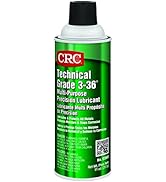
X/Y motion systems on budget printers like Creality.
CRC 05359 Dry Graphite Lube Aerosol Dry formula perfect for rods/rails; no mess, dust-repellent.
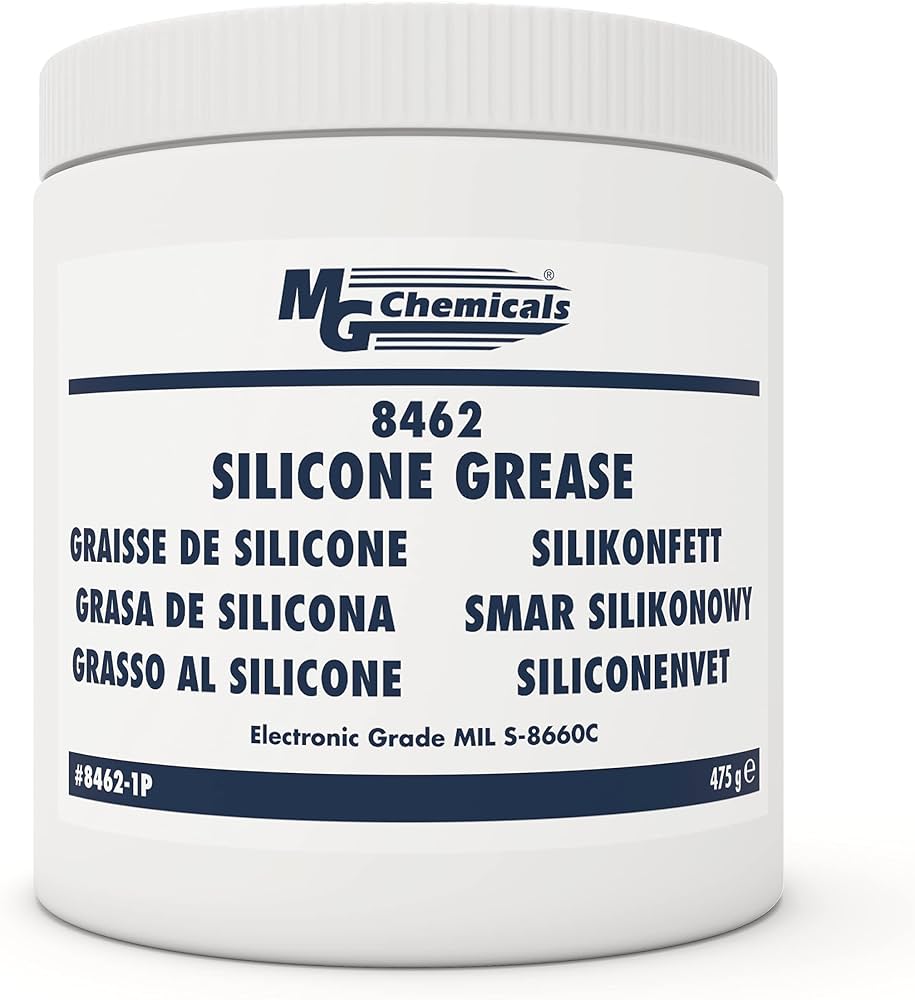
High-speed CoreXY printers like Bambu Lab.
MG Chemicals 8462-340ML Super Lubricant Dry Film PTFE-based dry lube for rails; precise application, long-lasting.
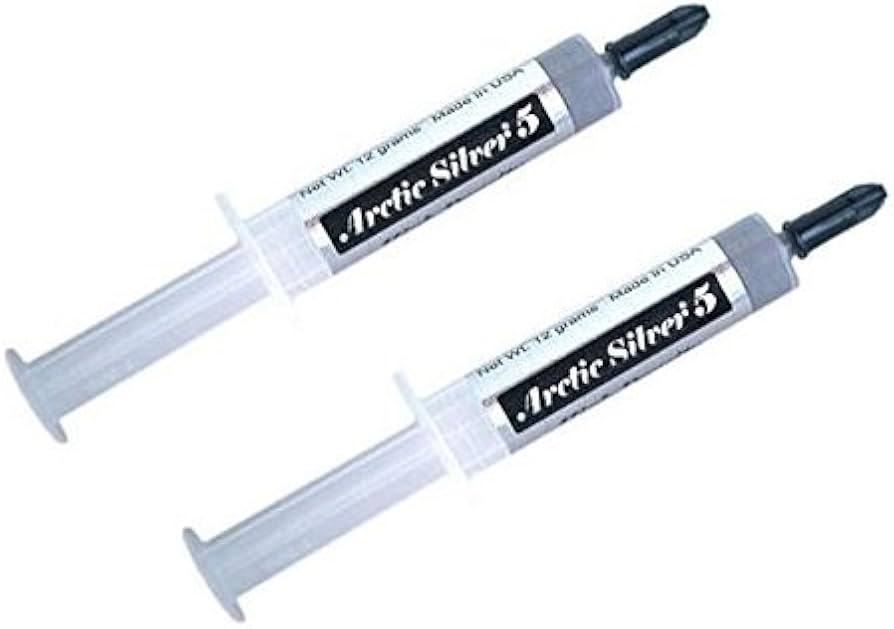
Quick wipe-downs on rods/gears.
Artic Silver 5g Tube ArctiClean Swabs Pre-soaked for easy cleaning before lubing; no residue.
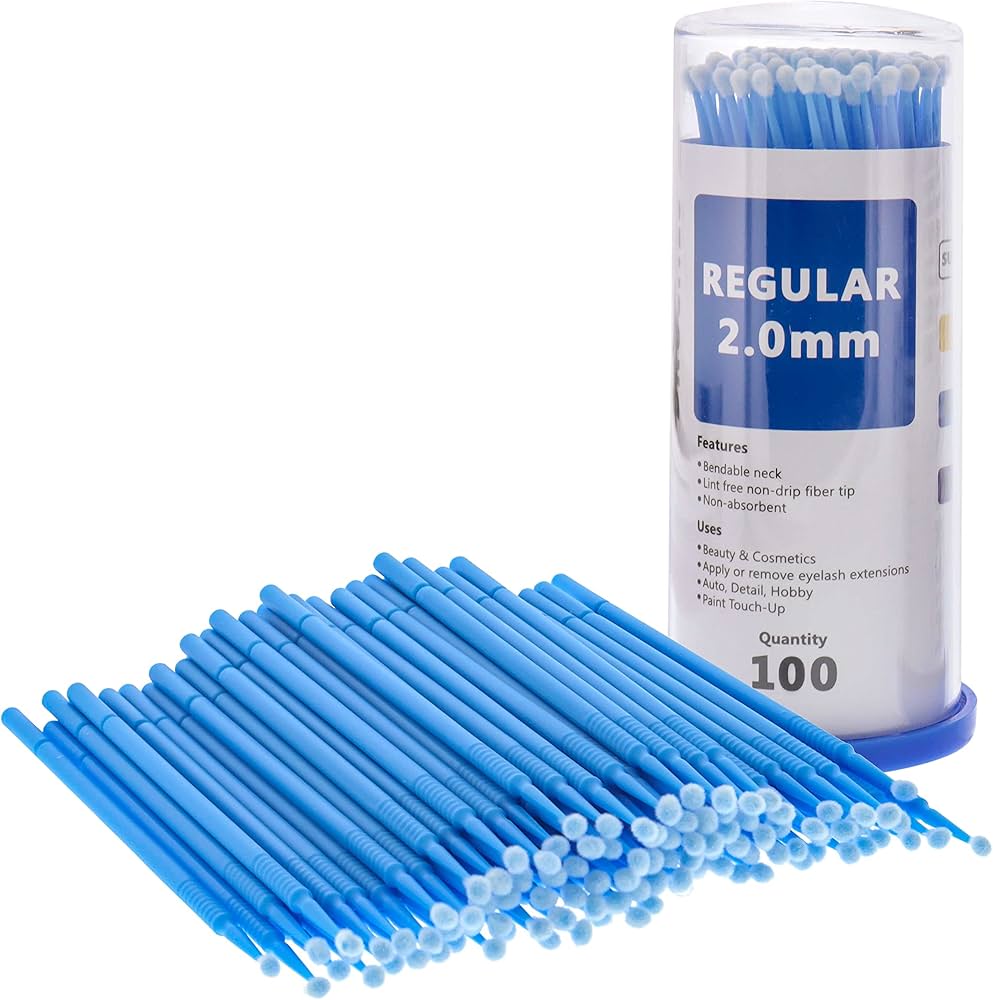
Any detailed lubing to avoid spills.
Small Parts Organizer Micro Brushes (100-pack) Precise application without waste; essential for gears.