
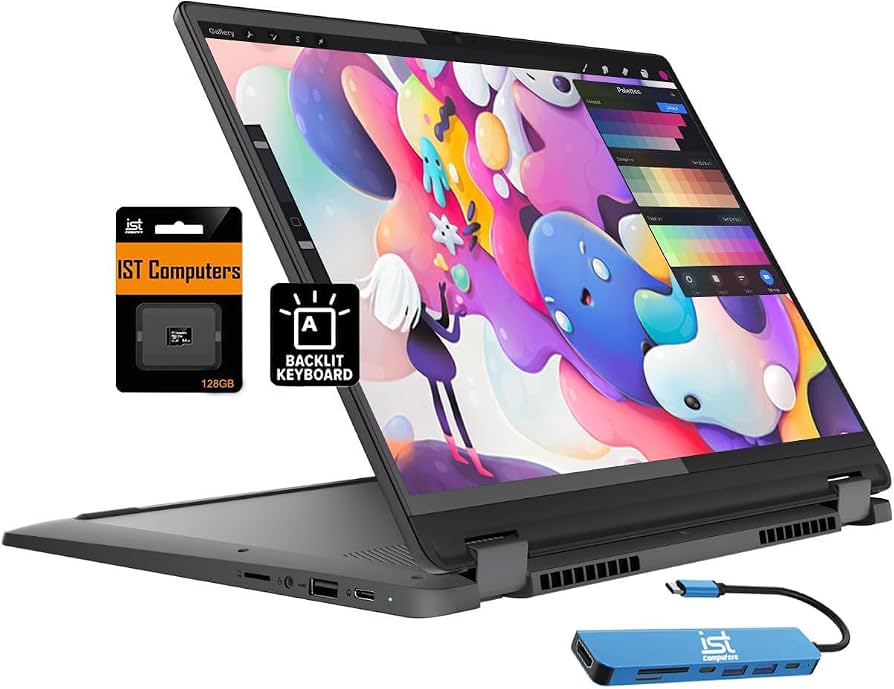
Lenovo IdeaPad Flex 5i Chromebook Plus
High school/college basics under $500.
$450-$550
Lenovo IdeaPad Flex 5i Chromebook Plus Affordable, 12+ hour battery, lightweight (2.8 lbs) with stylus—ideal for basic student tasks like notes and browsing.
Get the App
Better experience on mobile
Find the top versatile 2-in-1 laptops that balance portability, battery life, and performance for student budgets and needs in 2024.
As a student, juggling classes, assignments, note-taking, and downtime means you need a laptop that's more than just a screen and keyboard. Traditional laptops can feel clunky for quick sketches or tablet-style reading, but 2-in-1 laptops flip, fold, or detach to switch modes effortlessly. This guide solves the overwhelm of choosing the right one amid hundreds of options.
You'll learn what makes a 2-in-1 ideal for students, key features to prioritize, and our top recommendations across budgets. By the end, you'll know exactly which model fits your studies—whether for high school note-taking or college coding. No tech expertise needed; it's beginner-friendly with simple breakdowns.
Expect 20-30 minutes to read, evaluate your needs, and pick a winner. We'll cover everything from basics to buyer's tips.
Estimated Time: 20-30 minutes Difficulty: beginner
A 2-in-1 laptop combines a traditional laptop with a tablet. It features a 360-degree hinge, detachable keyboard, or fold-over design, letting you use it in laptop, tablet, tent, or stand modes.
Think of it like a Swiss Army knife for computing: perfect for typing essays in laptop mode, annotating PDFs as a tablet with a stylus, or propping up for Zoom classes. Students love this versatility—no need for separate devices.
Expect modes to feel natural after a day; most include touchscreens and stylus support for drawing diagrams or handwritten notes.
💡 Tips:
Students carry heavy backpacks and switch tasks rapidly—from lectures to group projects to Netflix breaks. 2-in-1s shine with portability (under 4 lbs), long battery (10+ hours), and multi-use.
Unlike bulky gaming rigs, they're slim for dorm life. Battery lasts a full school day, and tablet mode aids visual learners. Analogy: It's your all-in-one textbook, notebook, and calculator.
In 2024, improved hinges and screens make them durable for daily backpack abuse.
⚠️ Warnings:
Aim for 10+ hours of battery to survive lectures without outlets. Check reviews for real-world tests (e.g., web browsing/video).
Portability means 13-15 inch screens, under 3.5 lbs, slim profiles (<0.7 inches). This fits small backpacks and cafe tables.
Why it matters: Dead battery mid-exam = disaster. Expect mixed-use life of 8-12 hours on top models.
💡 Tips:
For students, Intel Core i5/Ryzen 5 or better, 8GB+ RAM (16GB ideal), 256GB+ SSD. Handles Google Docs, Zoom, light Photoshop, basic coding.
Avoid 4GB RAM—it's laggy with multiple tabs. SSDs boot in seconds vs. slow HDDs.
Analogy: CPU is the brain (faster = multitask better); RAM is short-term memory.
IPS or OLED touchscreen (1920x1080+ resolution), 300+ nits brightness for outdoors. Stylus support (active pen included?) for notes.
Good keyboard/trackpad prevent typing fatigue. Webcam (1080p) for classes.
Expect vibrant screens for textbooks; anti-glare reduces eye strain.
💡 Tips:
Under $500: ChromeOS for basics. $500-$1000: Windows versatility. Over $1000: Premium power.
ChromeOS (lightweight, secure) great for web apps; Windows for software like Office/Adobe.
Match to needs—Chromebook for high school, Windows for college majors.
⚠️ Warnings:
We'll detail specifics next, but scan for value: battery, build, reviews (4.4+ stars). Check student discounts via Lenovo/HP sites.
Use comparison sites like PCMag for benchmarks.
Proceed to recommendations after assessing your needs.
Compare current Amazon/Best Buy prices, read recent reviews. Look for back-to-school sales (Aug/Sep).
Warranty (1-2 years), return policy key. Student deals via UNiDAYS.
Buy confidently—most have 30-day returns.
💡 Tips:
Problem: Laptop lags after purchase
Solution: Close background apps, upgrade to 16GB RAM model, or reset to factory settings.
Problem: Short battery life
Solution: Update BIOS/drivers, dim screen, disable Bluetooth when unused; test in power-saving mode.
Problem: Hinge feels loose
Solution: Normal for flex; if wobbly, contact warranty—avoid forcing.
Problem: Can't decide between models
Solution: List top 3 needs (e.g., battery > price), score each 1-10.
Affordable, 12+ hour battery, lightweight (2.8 lbs) with stylus—ideal for basic student tasks like notes and browsing.
Best for: High school/college basics under $500.
Price Range: $450-$550
Balanced performance (Ryzen 7, 16GB RAM), vibrant OLED option, durable aluminum build for daily carry.
Best for: College students needing Windows apps and light editing.
Price Range: $700-$900
Excellent battery (15+ hours), Intel Core Ultra, 2K display—powers through multitasking without bulk.
Best for: Intensive use like coding or design on bigger screen.
Price Range: $1000-$1200
Great value with 1080p touchscreen, solid webcam, expandable storage—reliable for everyday student life.
Best for: Budget Windows option for essays and virtual classes.
Price Range: $400-$600
Premium detachable design, Snapdragon X Elite for all-day battery, best stylus experience.
Best for: Creative students wanting ultimate tablet-laptop hybrid.
Price Range: $1200-$1500
High school/college basics under $500.
Lenovo IdeaPad Flex 5i Chromebook Plus Affordable, 12+ hour battery, lightweight (2.8 lbs) with stylus—ideal for basic student tasks like notes and browsing.
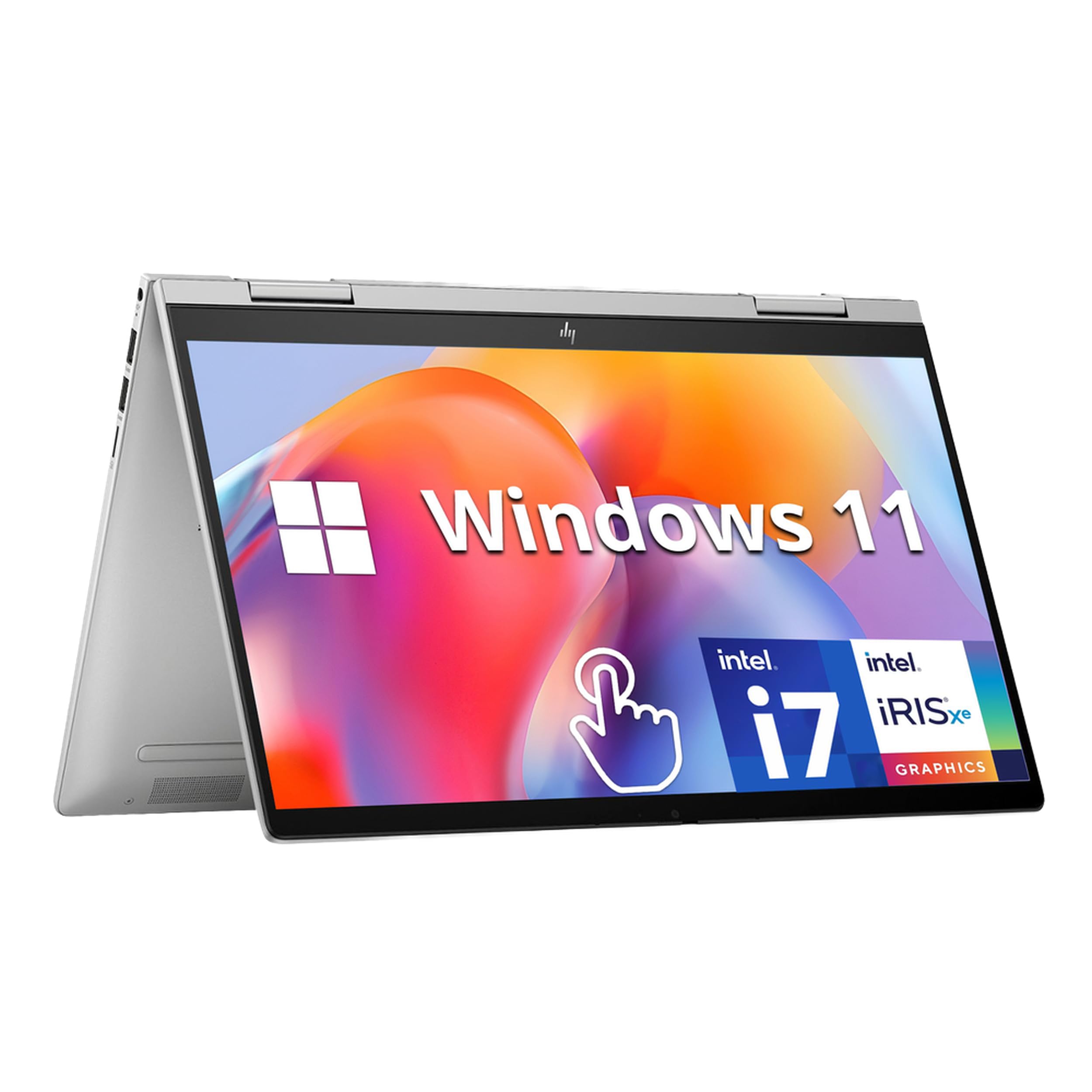
College students needing Windows apps and light editing.
HP Envy x360 14-inch Balanced performance (Ryzen 7, 16GB RAM), vibrant OLED option, durable aluminum build for daily carry.
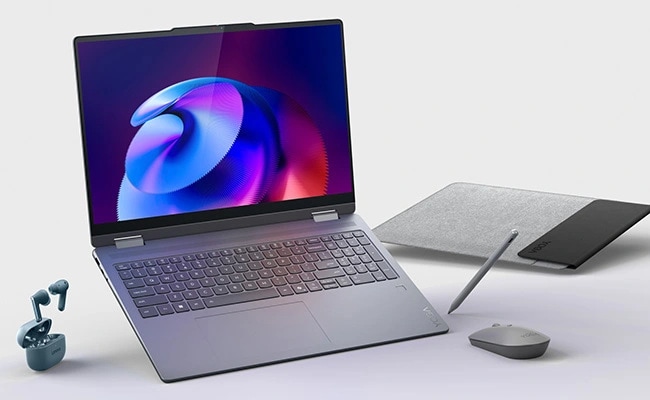
Intensive use like coding or design on bigger screen.
Lenovo Yoga 7i 2-in-1 16-inch Excellent battery (15+ hours), Intel Core Ultra, 2K display—powers through multitasking without bulk.
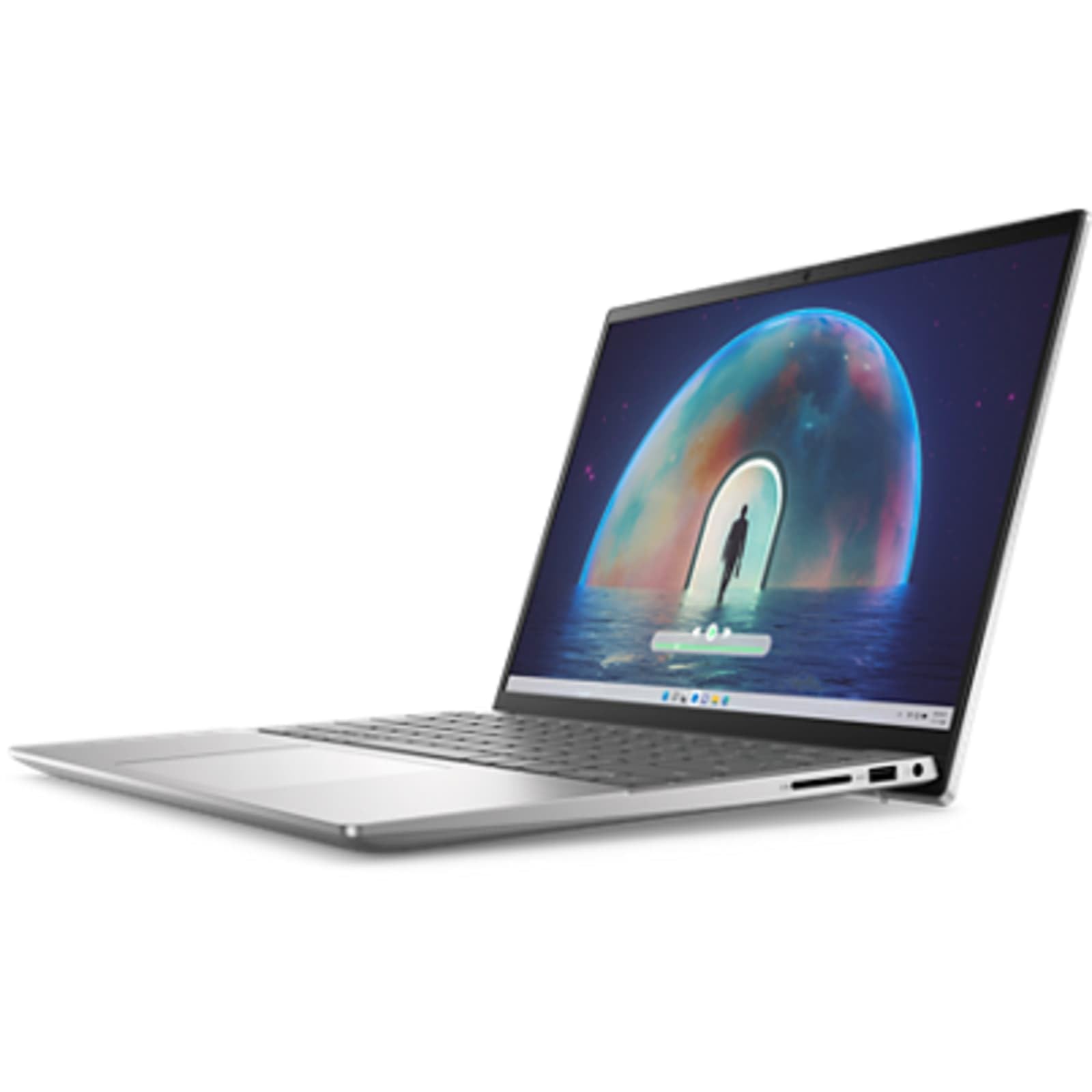
Budget Windows option for essays and virtual classes.
Dell Inspiron 14 2-in-1 Great value with 1080p touchscreen, solid webcam, expandable storage—reliable for everyday student life.
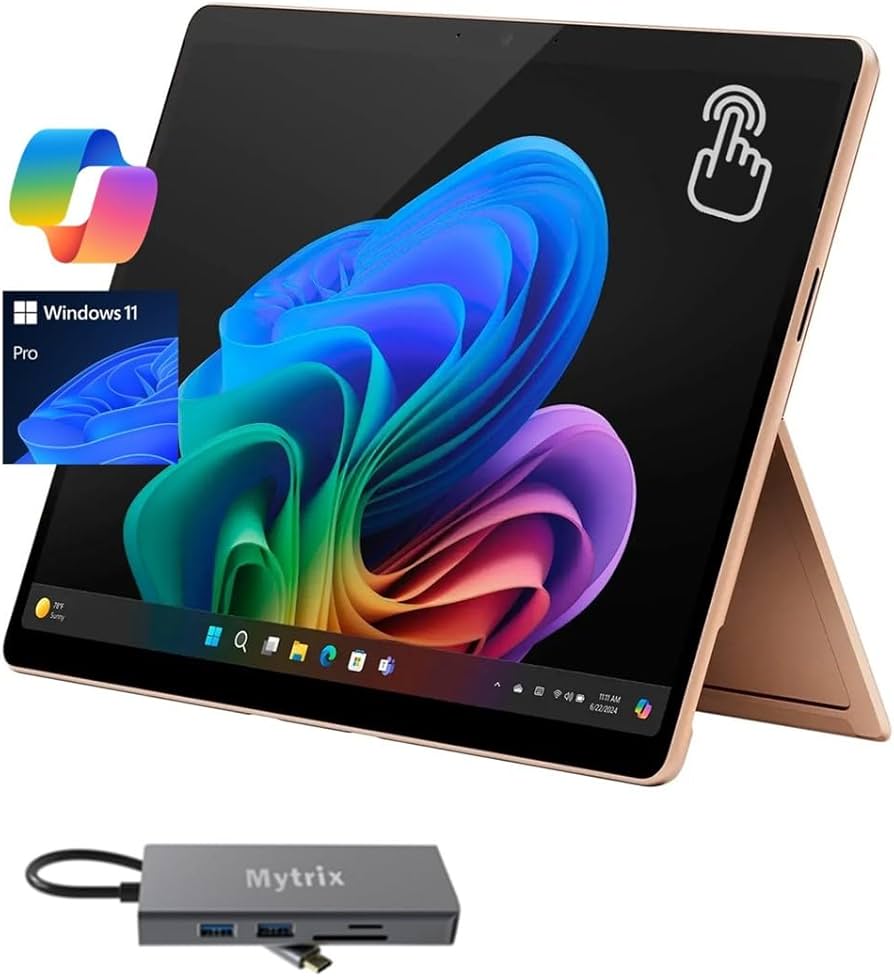
Creative students wanting ultimate tablet-laptop hybrid.
Microsoft Surface Pro 11 Premium detachable design, Snapdragon X Elite for all-day battery, best stylus experience.