
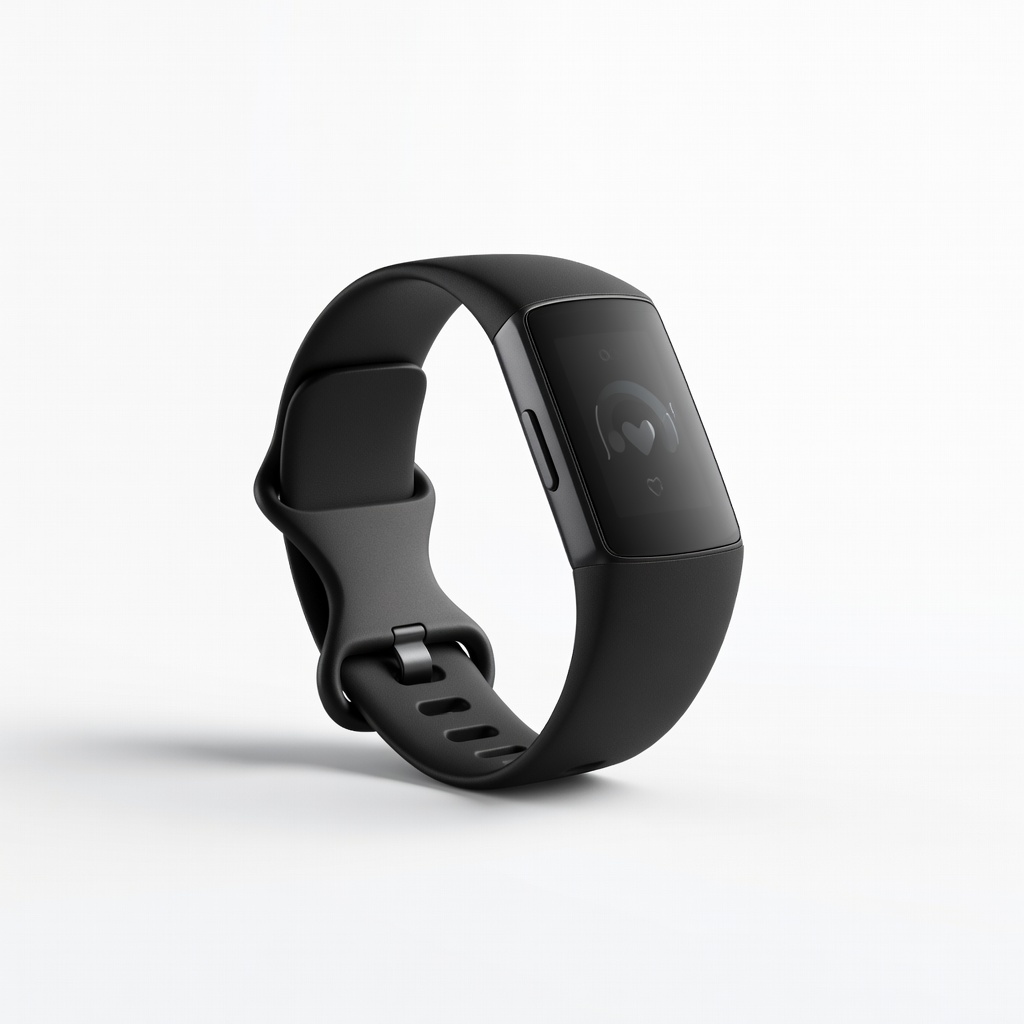
Fitbit Charge 6
Daily runners/cyclists wanting affordable zone workouts.
$159.95
Fitbit Charge 6 Excellent optical HR accuracy, built-in GPS, and easy zone training in app for all-day tracking.
Get the App
Better experience on mobile
Unlock optimal fat burn, endurance, and performance by mastering heart rate zones with your fitness tracker in simple steps.
Tired of workouts that feel endless without real results? Many people exercise hard but miss the sweet spot for fat loss or stamina gains because they ignore heart rate zones. Fitness trackers make zone training accessible, turning guesswork into data-driven progress.
In this guide, you'll learn to calculate zones, set up your tracker, run targeted sessions, and analyze results. Whether you're a runner, cyclist, or gym-goer, this method boosts efficiency. Expect 20-30 minutes for setup and 45-60 minutes per workout.
No advanced math or gear needed—just your tracker and this step-by-step process for intermediate fitness enthusiasts.
Estimated Time: 20-30 minutes setup + 45-60 minutes per workout Difficulty: intermediate
Start by finding your Max HR, the highest beats per minute (BPM) your heart can safely reach. Use the formula: 220 - your age for a rough estimate (e.g., 30-year-old: 190 BPM). For accuracy, perform a field test: Warm up 10 minutes, then run/sprint all-out for 3-5 minutes on a hill or track. Note the peak reading on your tracker.
Why it matters: Zones are percentages of Max HR, so accuracy here ensures safe, effective training. Expect a number like 180-200 BPM depending on fitness.
Pro tip: Measure resting HR first thing in the morning for better personalization.
💡 Tips:
⚠️ Warnings:
Divide your Max HR into zones:
Calculate: Zone 2 low = Max HR x 0.60. Use an online calculator or app. Why? Each zone targets specific adaptations—Zone 2 for long-term fat loss, Zone 4 for speed.
Success: A table with your personalized BPM ranges, e.g., Zone 2: 114-133 BPM.
💡 Tips:
Pair your tracker via Bluetooth in the app (e.g., Fitbit app > Account > Set Up Device). Ensure firmware is updated. Enable continuous heart rate monitoring.
Why? Real-time HR data powers zone alerts. Expect a snug wrist fit 1-2 finger-widths above wrist bone for optical accuracy.
Test: Jog lightly; HR should rise realistically.
⚠️ Warnings:
In settings (e.g., Garmin Connect > User Settings > Heart Rate Zones), enter Max HR and let it auto-calculate or manually set BPM ranges. Enable audio/haptic zone alerts.
Why it matters: Personalized zones beat defaults. Success: App shows color-coded zones on watch face during activity.
💡 Tips:
Select activity (run, bike), set target zone (e.g., Zone 2 for 45 mins). Hit start—watch vibrations/colors guide you (green=Zone 2).
Why? Keeps effort precise, preventing under/over-training. Expect gradual HR climb post-warmup.
💡 Tips:
⚠️ Warnings:
Glance at display: Stay in zone by speeding up/slowing. Use breathing: Nasal in Zone 2 feels conversational.
Why? Real-time feedback optimizes session. Success: 90% time in target zone.
End with 5-10 mins Zone 1. Save in app—data autosyncs.
💡 Tips:
Review app dashboard: Time in zones, calories, recovery advice. Adjust future workouts (e.g., more Zone 3).
Why? Tracks progress, prevents plateaus. Success: Weekly zone time charts improving.
💡 Tips:
Problem: Inaccurate HR readings (jumpy or low)
Solution: Tighten band, clean sensor, warm up arms. Switch to chest strap if persists.
Problem: Zones not alerting
Solution: Check app permissions, enable notifications, restart device.
Problem: HR won't drop post-workout
Solution: Extend cooldown, check for dehydration/stress. Rest 24-48 hrs if high.
Problem: App sync fails
Solution: Update app/firmware, toggle Bluetooth, clear cache.
Excellent optical HR accuracy, built-in GPS, and easy zone training in app for all-day tracking.
Best for: Daily runners/cyclists wanting affordable zone workouts.
Price Range: $159.95
Advanced HR zones with adaptive training plans, superior battery, and precise multisport tracking.
Best for: Serious athletes doing structured zone sessions.
Price Range: $449.99
Chest strap for gold-standard ECG accuracy, pairs with any tracker for reliable zone data.
Best for: High-intensity or sweaty workouts where wrist HR fails.
Price Range: $87.90
Seamless iOS integration, real-time zone alerts, and ECG for health insights.
Best for: Apple users blending fitness with daily smartwatch use.
Price Range: $399+
Daily runners/cyclists wanting affordable zone workouts.
Fitbit Charge 6 Excellent optical HR accuracy, built-in GPS, and easy zone training in app for all-day tracking.

Serious athletes doing structured zone sessions.
Garmin Forerunner 265 Advanced HR zones with adaptive training plans, superior battery, and precise multisport tracking.
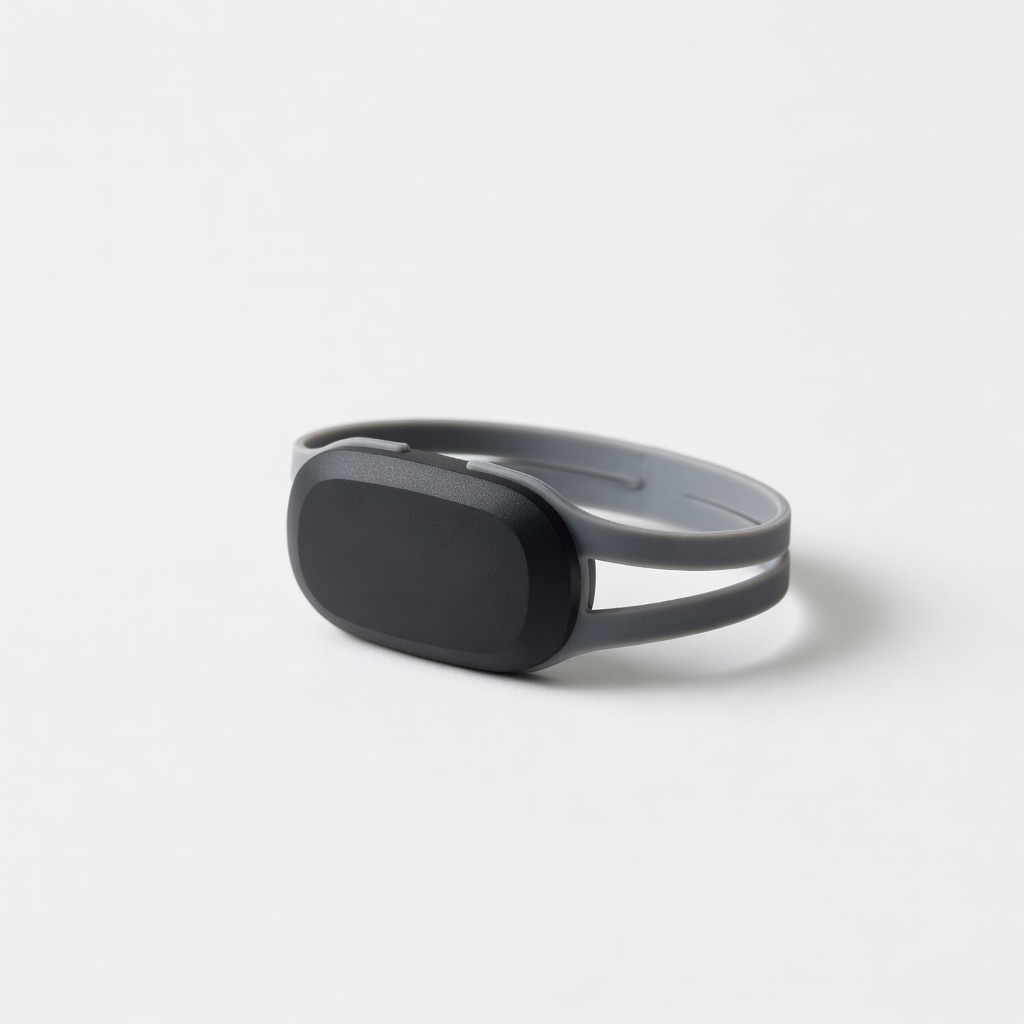
High-intensity or sweaty workouts where wrist HR fails.
Polar H10 Heart Rate Sensor Chest strap for gold-standard ECG accuracy, pairs with any tracker for reliable zone data.

Apple users blending fitness with daily smartwatch use.
Apple Watch Series 9 Seamless iOS integration, real-time zone alerts, and ECG for health insights.