
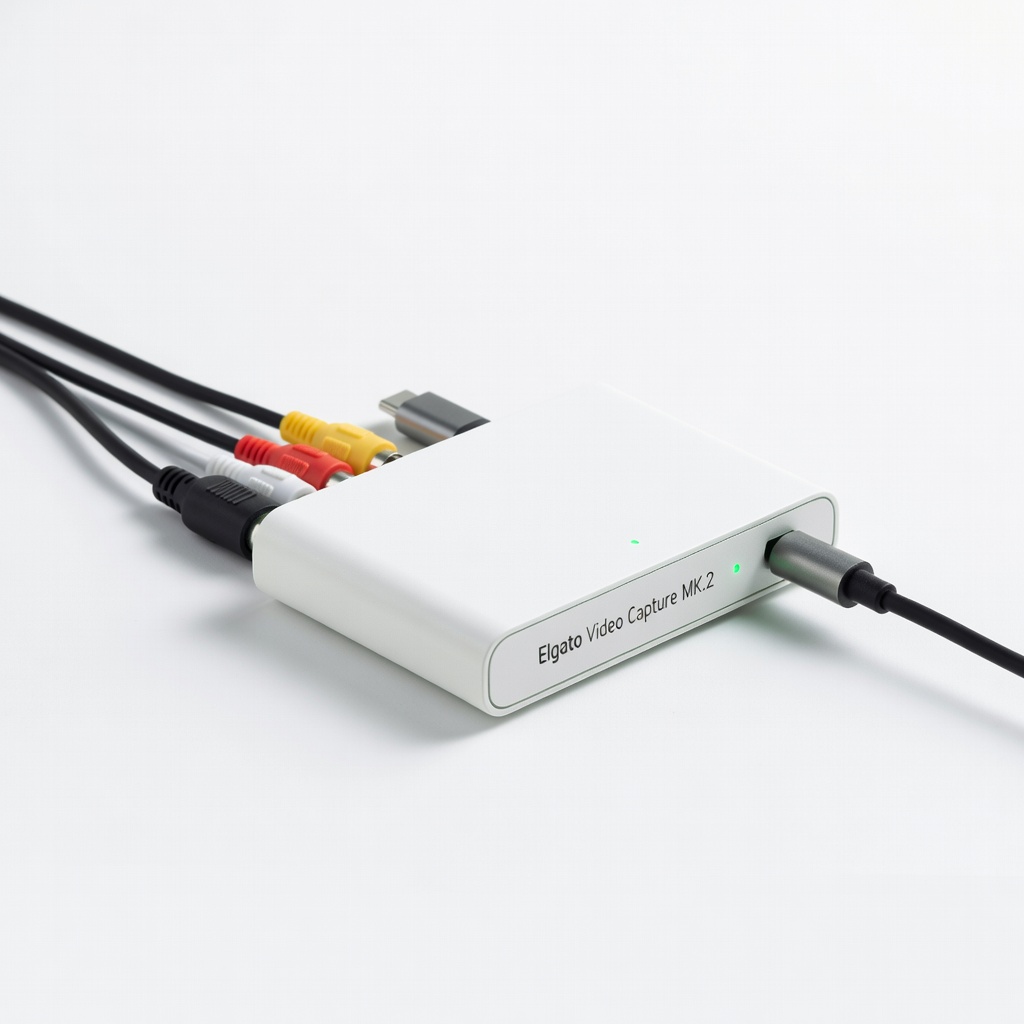
Elgato Video Capture MK.2
High-quality video capture for movies/home videos.
$79.99
Elgato Video Capture MK.2 Reliable USB ADC with excellent software integration for VHS/cassette to digital.
Get the App
Better experience on mobile
Convert VHS tapes, cassettes, and vinyl to digital files for streaming on your TV, phone, or computer in under an hour.
Remember those dusty VHS tapes, cassette tapes, or vinyl records gathering dust in your attic? They're irreplaceable memories at risk of degradation. Modern TVs and streaming devices no longer support analog signals, but analog-to-digital converters (ADCs) make it easy to bring them back to life digitally.
In this beginner-friendly guide, you'll learn how to connect an ADC to your old player, capture high-quality digital files, and stream them anywhere. No technical expertise needed—just follow these steps.
Expect a straightforward process taking 45-60 minutes per tape or record, with plug-and-play hardware and free software.
Estimated Time: 45-60 minutes per media item (setup: 15 min, capture: 30-45 min) Difficulty: beginner
Start by collecting all necessary items to avoid interruptions. Check that your old media player (like a VCR) powers on and plays media cleanly—test with a short tape first.
Why it matters: Missing cables or incompatible devices waste time. Success looks like everything powered and ready on your desk.
Lay out your ADC, cables, player, and computer nearby.
💡 Tips:
⚠️ Warnings:
Plug RCA cables from your media player's output (yellow video, red/white audio) into the ADC's input jacks. For turntables, use phono-to-RCA if needed.
This converts analog signals to digital. Expect no lights or sounds yet—power off everything first.
Secure connections firmly to prevent loose signals causing dropouts.
💡 Tips:
Insert the USB cable from the ADC into your computer's USB port. Most ADCs are plug-and-play; drivers auto-install on Windows 10+ or Mac.
Power on the media player. Your computer should recognize the device (check Device Manager on Windows or System Report on Mac).
Success: ADC appears as an audio/video input device.
⚠️ Warnings:
Download free OBS Studio (obsproject.com) for video/audio or Audacity (audacityteam.org) for audio-only. Install and open.
In OBS, add a 'Video Capture Device' source and select your ADC. For Audacity, select ADC as input in audio setup.
Why? Software records the digital stream. Test with a 10-second clip.
💡 Tips:
Set resolution to 480p or 720p for VHS quality, frame rate 30fps, audio 44.1kHz stereo. Adjust levels to avoid clipping (green/yellow bars, not red).
Preview the feed—play media briefly to see live video/audio.
Success: Clear preview without distortion.
⚠️ Warnings:
Cue your tape/record to start, hit record in software, then play the media at normal speed. Monitor for issues.
Let it run full length (e.g., 2-hour movie). Pause if needed, but avoid for seamless files.
Stop recording when done—file saves as MP4 or WAV.
💡 Tips:
Use free HandBrake (handbrake.fr) to compress MP4 for streaming (H.264, 1080p). Trim skips with built-in editor.
Export to MP4/MKV. Transfer to phone/TV via USB or cloud.
Success: Playable file under 2GB/hour.
Upload to YouTube, Plex server, or stream via Roku/ smart TV apps. For local: Use VLC or Plex Media Server.
Organize in folders by title. Enjoy on any device!
Final success: Old VHS streaming smoothly on your 4K TV.
💡 Tips:
Problem: No signal detected
Solution: Check cable seating, try different USB port, reinstall drivers from manufacturer site.
Problem: Choppy video/audio
Solution: Lower resolution/FPS, close background apps, use wired connection.
Problem: Driver not recognized
Solution: Download specific drivers (e.g., from Elgato support), restart computer.
Problem: High noise/hum
Solution: Ground player properly, use ferrite chokes on cables, shorten cable runs.
Reliable USB ADC with excellent software integration for VHS/cassette to digital.
Best for: High-quality video capture for movies/home videos.
Price Range: $79.99
Budget-friendly plug-and-play for beginners, supports composite inputs.
Best for: Quick digitization of old tapes without frills.
Price Range: $16.99
All-in-one converter with editing software for seamless workflow.
Best for: Users wanting built-in DVD burning too.
Price Range: $49.99
Top audio ADC for vinyl/cassettes with low noise floor.
Best for: High-fidelity music digitization.
Price Range: $29.00
High-quality video capture for movies/home videos.
Elgato Video Capture MK.2 Reliable USB ADC with excellent software integration for VHS/cassette to digital.
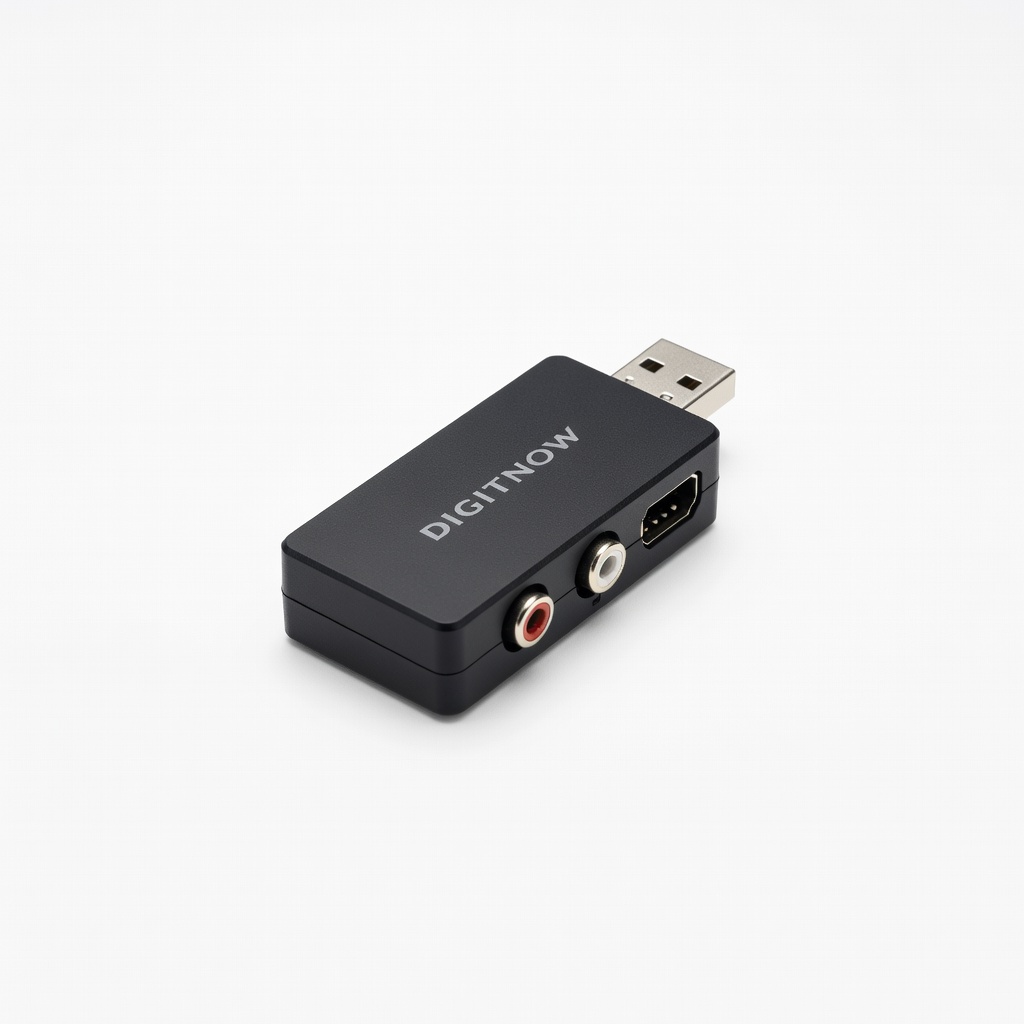
Quick digitization of old tapes without frills.
DIGITNOW USB Audio Video Capture Card Budget-friendly plug-and-play for beginners, supports composite inputs.
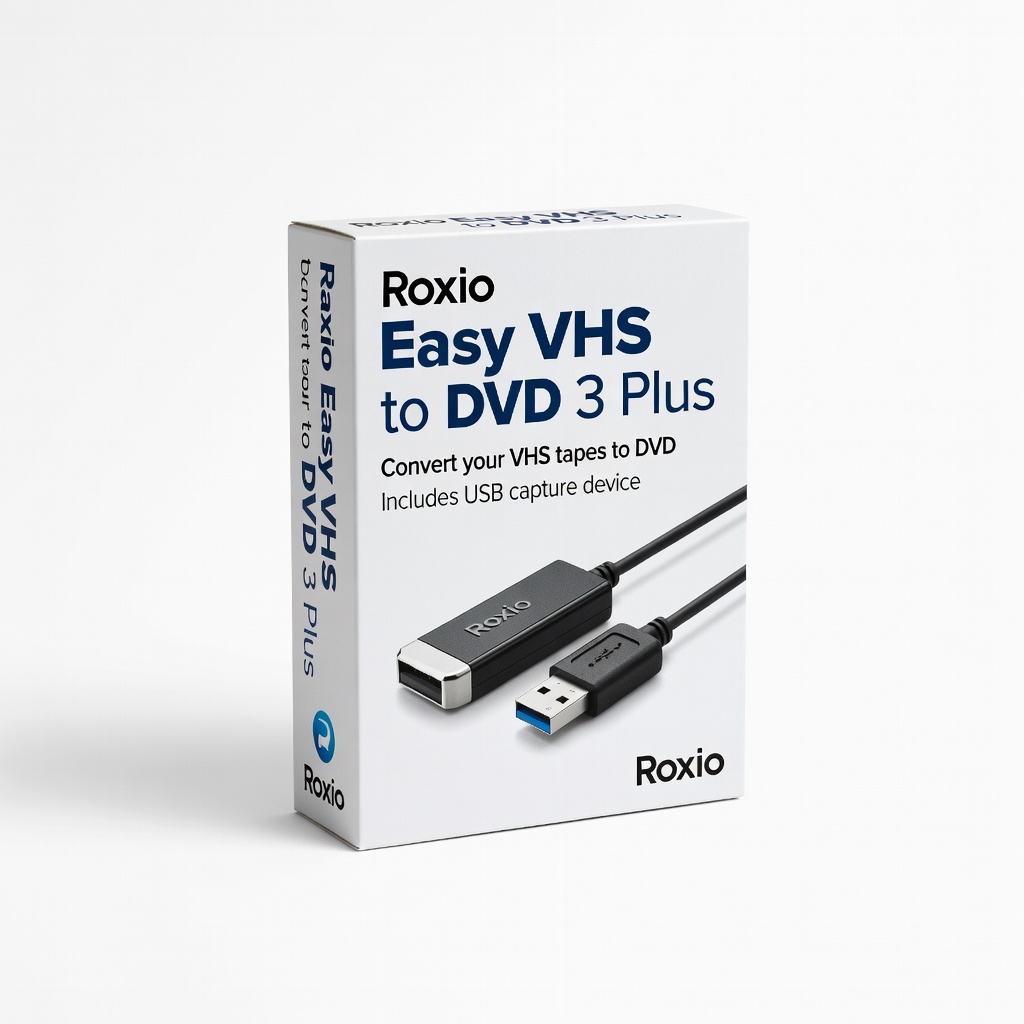
Users wanting built-in DVD burning too.
Roxio Easy VHS to DVD 3 Plus All-in-one converter with editing software for seamless workflow.
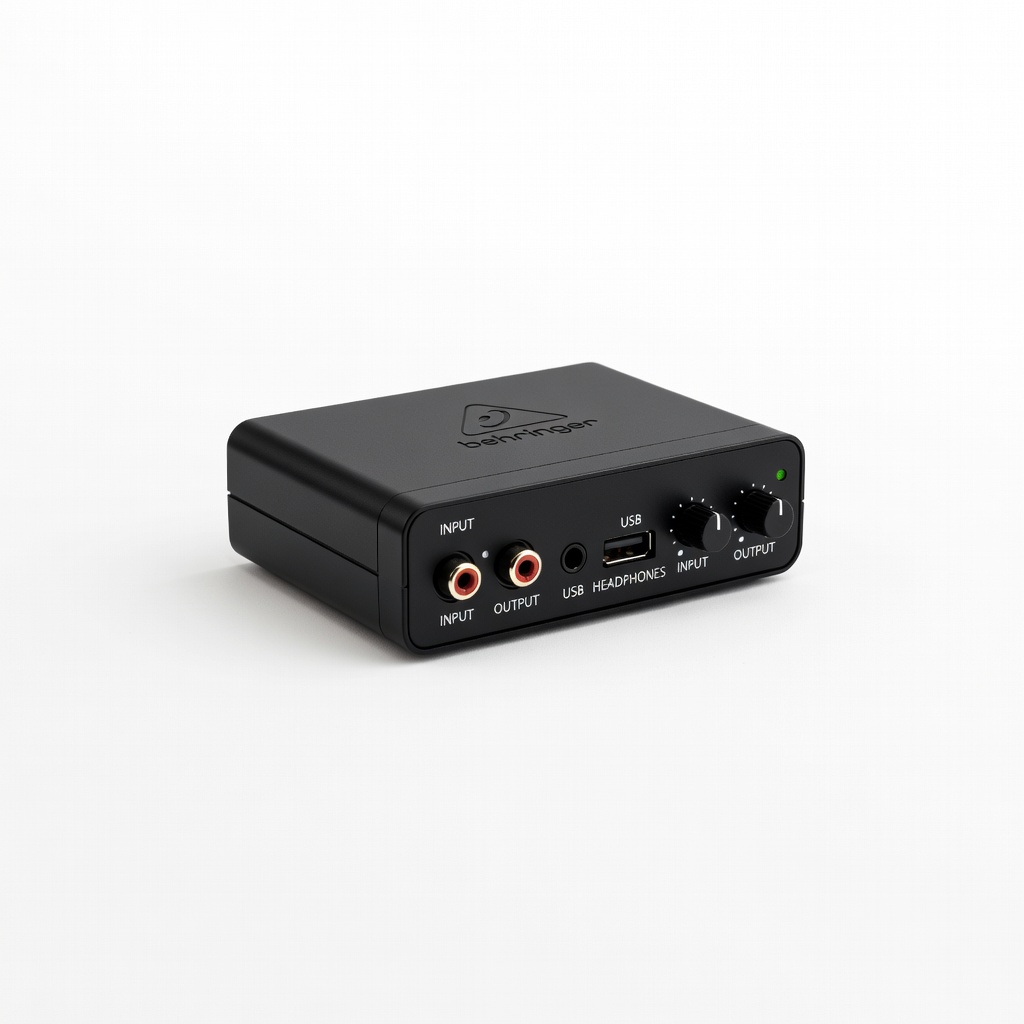
High-fidelity music digitization.
Behringer UCA202 Audio Interface Top audio ADC for vinyl/cassettes with low noise floor.