

Apple MacBook Air M2 (2022)
Intensive research sessions with large result sets.
$999-$1,299
Apple MacBook Air M2 (2022) Fast processor handles multiple database tabs, PDF annotations, and citators without lag.
Get the App
Better experience on mobile
Unlock regulations, agency decisions, and guidance with advanced techniques in Westlaw, LexisNexis, and more to streamline your legal practice.
Navigating administrative law research can be overwhelming due to the sheer volume of federal regulations, agency interpretations, and adjudicative decisions scattered across multiple sources. Many advanced practitioners waste hours on inefficient searches, missing critical precedents or updates. This guide solves that by teaching proven strategies to master key databases.
You'll learn step-by-step how to select databases, craft precise queries, validate sources, and organize findings for case prep or memos. Expect to complete a full research workflow, from query to export, building skills for complex admin law issues like EPA rules or FCC dockets.
This advanced tutorial takes 45-90 minutes, assuming familiarity with basic legal research. You'll achieve efficient, comprehensive results ready for citation.
Estimated Time: 45-90 minutes Difficulty: advanced
Begin by choosing a database suited to your admin law query. Westlaw excels for agency decisions and citators; LexisNexis for regulations and state admin materials; HeinOnline for historical treatises and journals; Bloomberg Law for docket access.
Why it matters: Matching the tool to the task (e.g., CFR updates in Lexis) saves time and ensures depth. Free alternatives like govinfo.gov or regulations.gov work for basics but lack advanced filters.
Success looks like: A shortlist of 2-3 databases based on your issue (e.g., OSHA regs → Westlaw Practical Law).
💡 Tips:
⚠️ Warnings:
Log in via your law firm, school portal, or personal subscription. Use VPN if off-campus. Navigate to the admin law hub (e.g., Westlaw's 'Administrative Law' tab or Lexis 'Agency & Administrative').
Why it matters: Secure access unlocks full features like KeyCite or filters. Expect multi-factor authentication.
Success: Dashboard loaded with admin law materials visible.
💡 Tips:
Pinpoint primaries: CFR/USCA for regs, Federal Register for notices, agency dockets/decisions (e.g., NLRB), guidance docs. Secondaries: treatises, law reviews.
Why it matters: Admin law relies on hierarchy—regs trump guidance. Use database guides to map.
Success: List of 3-5 source types tailored to query (e.g., FCC rulemaking → Notices + Orders).
💡 Tips:
⚠️ Warnings:
Build queries like: "EPA /s 'climate change' AND w/10 waiver" (proximity in Westlaw). Use fields: TI(Title) for regs, date ranges.
Why it matters: Precision cuts noise in massive corpora.
Success: 50-200 initial hits, relevant to issue.
💡 Tips:
Filter by jurisdiction (federal/state), date, document type, citing references. Use facets for agencies (e.g., DOJ opinions).
Why it matters: Narrows to gold—e.g., post-Chevron decisions.
Success: Results under 50, highly targeted.
💡 Tips:
⚠️ Warnings:
Read headnotes, history tabs. Shepardize (Lexis) or KeyCite (Westlaw) for negative treatment.
Why it matters: Ensures validity amid frequent updates.
Success: Annotated list with status (valid/overruled).
Annotate PDFs, create folders, add memo notes. Use database clipping for key excerpts.
Why it matters: Preps for writing/court.
Success: Export-ready research trail.
💡 Tips:
Download PDFs, generate citations (Bluebook format). Share via links.
Why it matters: Compliance and collaboration.
Success: Complete research file with TOC.
⚠️ Warnings:
Problem: No results or irrelevant hits
Solution: Revise query with synonyms, remove quotes, check spelling of agency names. Try natural language search.
Problem: Access denied or login fails
Solution: Clear cookies, use incognito, verify subscription status. Fall back to govinfo.gov.
Problem: Slow performance
Solution: Close tabs, use desktop app if available, upgrade internet.
Problem: Citation errors
Solution: Cross-check with Bluebook manual; use database validator tools.
Fast processor handles multiple database tabs, PDF annotations, and citators without lag.
Best for: Intensive research sessions with large result sets.
Price Range: $999-$1,299
Precise scrolling and multi-device switching ideal for jumping between databases.
Best for: Navigating complex interfaces and long documents.
Price Range: $99.99
Secure, fast storage for downloading regs, decisions, and research folders.
Best for: Offline access and backing up large PDF libraries.
Price Range: $89.99-$109.99
Essential for accurate citing of admin sources like regs and agency memos.
Best for: Finalizing memos or briefs post-research.
Price Range: $100-$120
Digitizes handwritten research notes via app, reusable for sustainability.
Best for: Jotting case summaries during database reviews.
Price Range: $29.99-$39.99
Intensive research sessions with large result sets.
Apple MacBook Air M2 (2022) Fast processor handles multiple database tabs, PDF annotations, and citators without lag.

Navigating complex interfaces and long documents.
Logitech MX Master 3S Wireless Mouse Precise scrolling and multi-device switching ideal for jumping between databases.
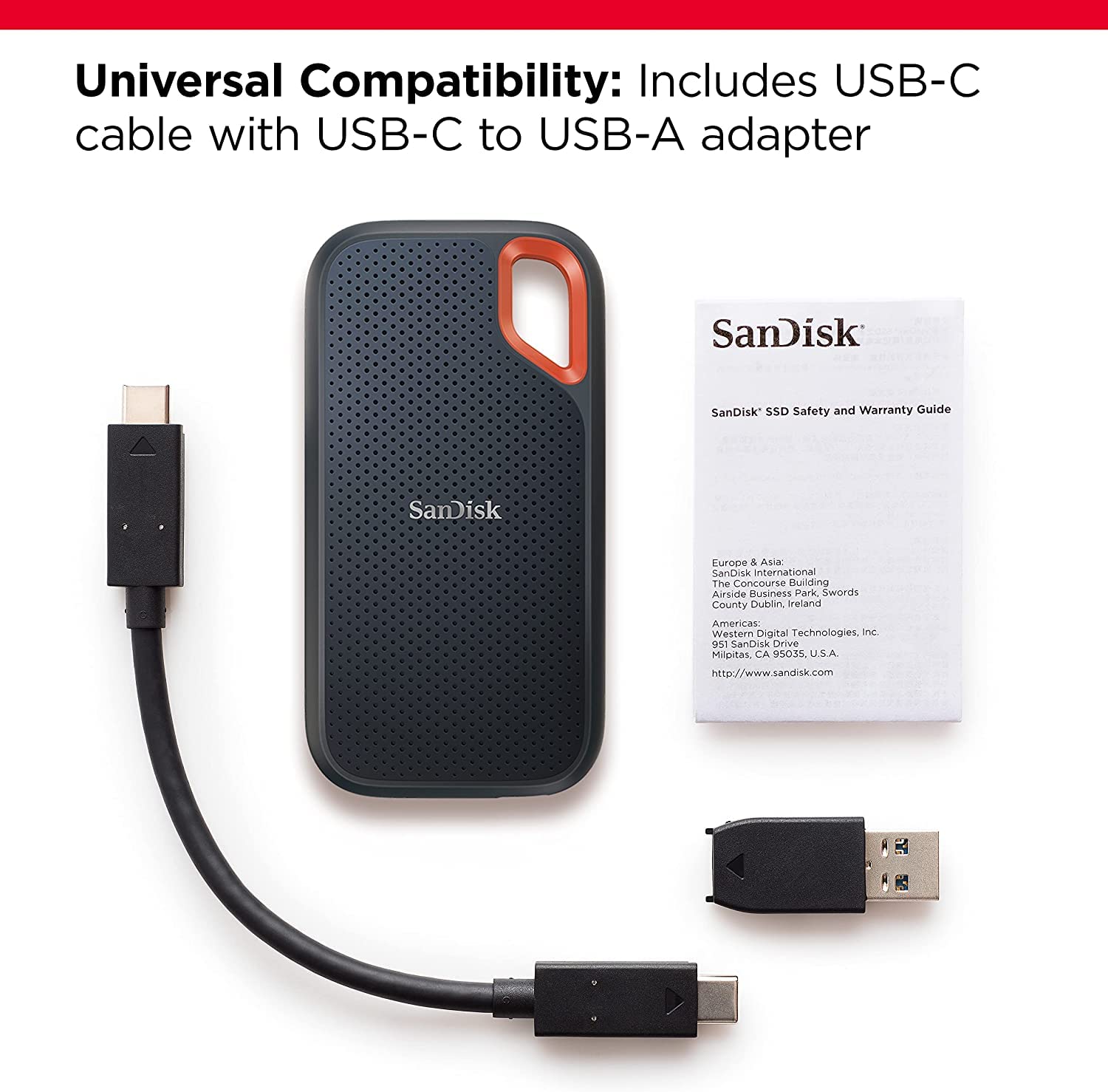
Offline access and backing up large PDF libraries.
SanDisk 1TB Extreme Portable SSD Secure, fast storage for downloading regs, decisions, and research folders.
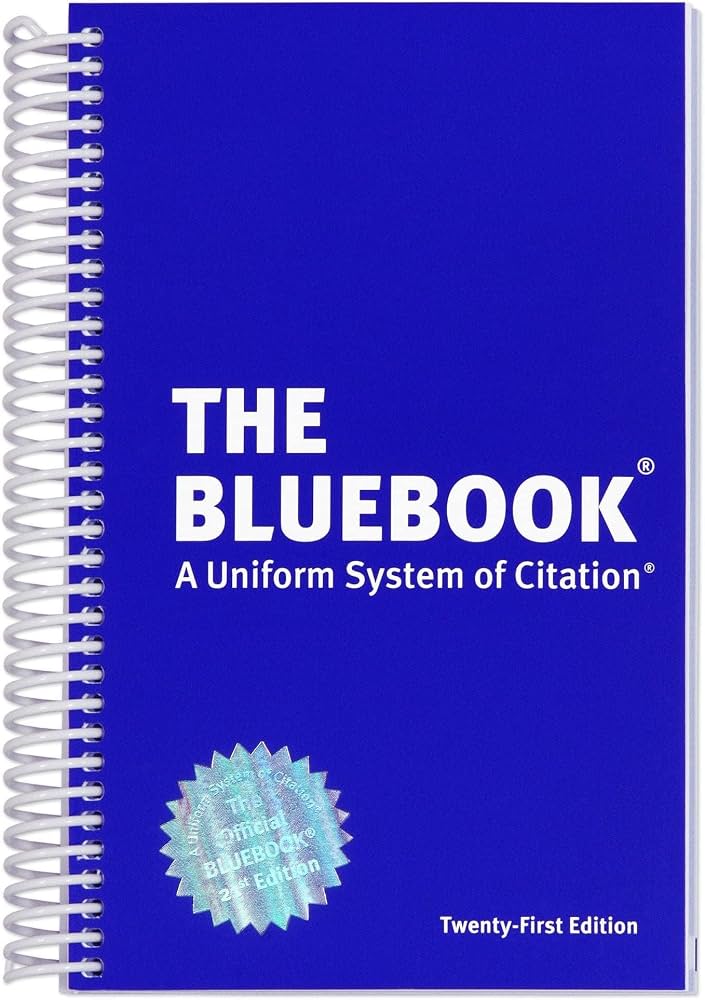
Finalizing memos or briefs post-research.
The Bluebook: A Uniform System of Citation, 21st Edition Essential for accurate citing of admin sources like regs and agency memos.

Jotting case summaries during database reviews.
Rocketbook Fusion Smart Reusable Notebook Digitizes handwritten research notes via app, reusable for sustainability.