
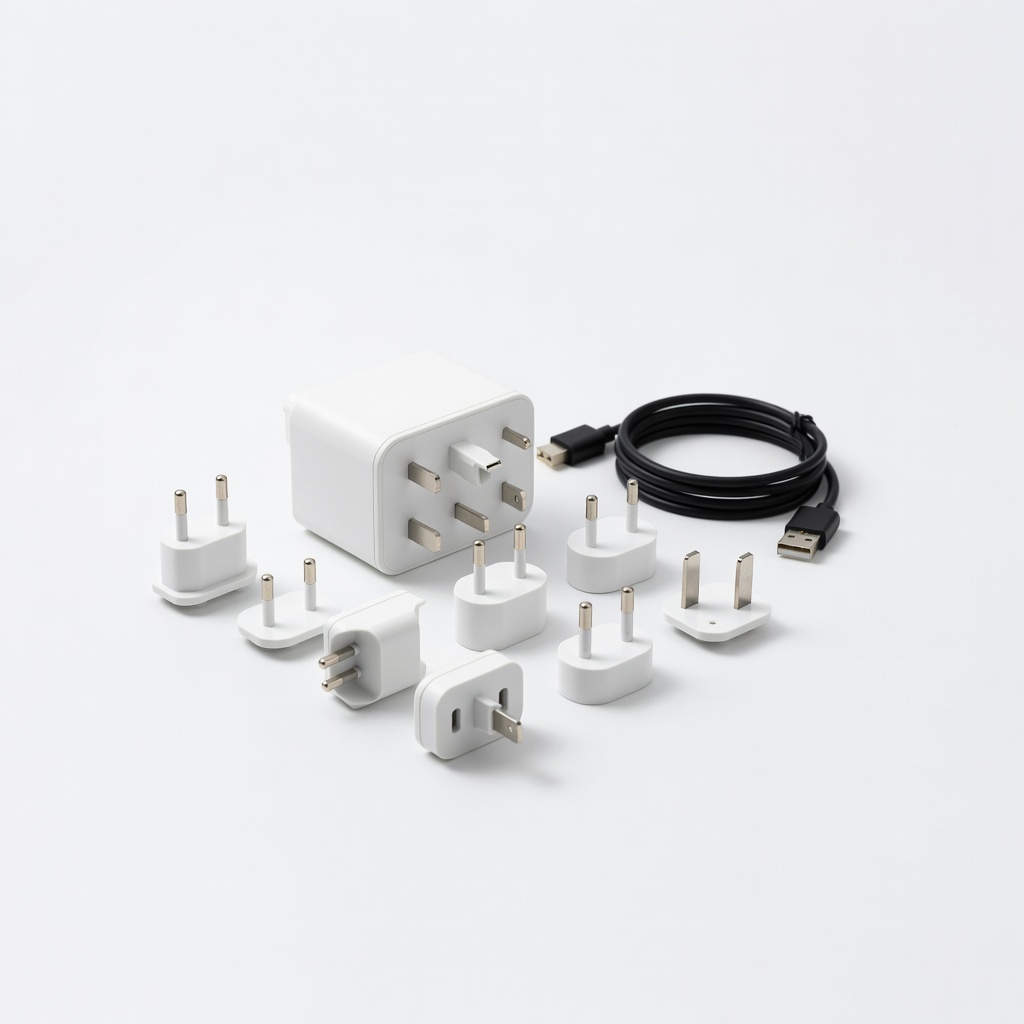
Ceptics World Travel Adapter Kit
Dual-voltage consoles needing plug swaps only.
$25-$30
Ceptics World Travel Adapter Kit Covers 200+ countries with 4 USB ports; grounded and compact for consoles.
Get the App
Better experience on mobile
Learn to safely use adapters for your PS5, Xbox or Switch overseas without frying your gear – quick setup in minutes.
Traveling abroad with your gaming console? Nothing kills the fun faster than a dead PS5 or Xbox because your power adapter doesn't fit the local outlet. Many gamers face bricked consoles from mismatched plugs or voltages, but it's an easy fix with the right knowledge.
In this beginner guide, you'll learn how to check your console's power needs, pick the correct adapter (or converter), and plug in safely anywhere in the world. We'll cover popular consoles like PlayStation 5, Xbox Series X/S, and Nintendo Switch. Expect a straightforward process taking under 15 minutes, with no technical skills needed.
By the end, your console will power on reliably in any country, letting you game on without interruptions.
Estimated Time: 10-15 minutes Difficulty: beginner
Start by inspecting the label on your console's power supply brick (the boxy part of the cord). Look for input specs like '100-240V ~ 50/60Hz'. Most modern consoles (PS5, Xbox Series X/S, Switch) are dual-voltage, meaning they work on 100-240V worldwide – you only need a plug adapter.
Why it matters: Older consoles or peripherals (e.g., some Xbox 360 models) are 110V-only and need a voltage converter to step down 220-240V. Success: You note '100-240V' (safe for adapters only) or '100-127V' (needs converter).
Tip: Google your model + 'power supply voltage' if the label is worn.
💡 Tips:
⚠️ Warnings:
Use a world plug chart (search 'international plug types') or sites like WorldStandards.eu. Note your destination's plug shape (e.g., Type A/B for US, Type C/F for Europe, Type G for UK) and standard voltage (110V US/Japan vs 220-240V Europe/Australia).
Why: Ensures compatibility. Success: You know e.g., 'UK needs Type G plug, 230V'. Most countries use 50/60Hz, which is fine.
Apps like 'Travel Plug Adapter' make this instant.
💡 Tips:
If your console is 100-240V: Get a plug adapter only (changes shape, not voltage). If 110V-only: Buy a voltage converter (steps down 220V to 110V) rated for your console's wattage (PS5 ~350W max, Xbox ~250W).
Why critical: Adapters alone fry 110V gear on 220V. Success: Adapter for dual-voltage; converter + adapter for others. Console power bricks are usually non-USB – confirm yours has a standard IEC C13 plug.
⚠️ Warnings:
Choose a universal adapter covering your origin (likely US Type A/B) and destination plugs. It should have multiple inputs/outputs and USB ports for chargers.
Success: Adapter fits your power brick plug perfectly. Test at home by plugging into a US outlet with a dummy load.
💡 Tips:
Insert your power cord into the adapter, then adapter into wall socket. For converters: Console cord → converter output → adapter → wall.
Power on console. Success: Fans spin, lights glow, no sparks/smoke/heat. Game for 30 mins to confirm stability.
Unplug by pulling the plug, not cord.
⚠️ Warnings:
Run a full gaming session (1 hour). Check for unusual heat, noise, or shutdowns.
Why: Catches issues early. Success: Normal operation, cool temps.
💡 Tips:
Problem: Console won't power on
Solution: Check loose connections, try direct wall plug (no adapter). Verify voltage match. Test cord at home.
Problem: Overheating or shutdowns
Solution: Wrong voltage/converter rating. Unplug immediately, use proper converter. Improve airflow.
Problem: Sparks or burning smell
Solution: Stop use! Mismatched plug/voltage. Seek local repair or replace gear.
Problem: Adapter doesn't fit
Solution: Wrong type – double-check country chart. Buy universal with swappable plugs.
Covers 200+ countries with 4 USB ports; grounded and compact for consoles.
Best for: Dual-voltage consoles needing plug swaps only.
Price Range: $25-$30
All-in-one with 3 USB-A + 1 USB-C; surge protection; fits US plugs perfectly.
Best for: Gaming on the go with chargers; beginners.
Price Range: $19.99
Handles high-wattage like PS5 (up to 350W); includes adapters for 150+ countries.
Best for: Older 110V-only consoles or risky voltages.
Price Range: $45-$50
Affordable, with EU/UK/AU plugs; 4 USB ports for peripherals.
Best for: Budget gamers needing occasional conversion.
Price Range: $35-$40
Premium 65W GaN charger/adapter combo; quick-charge safe for modern consoles.
Best for: Switch or low-power setups; multi-device.
Price Range: $70-$80
Dual-voltage consoles needing plug swaps only.
Ceptics World Travel Adapter Kit Covers 200+ countries with 4 USB ports; grounded and compact for consoles.
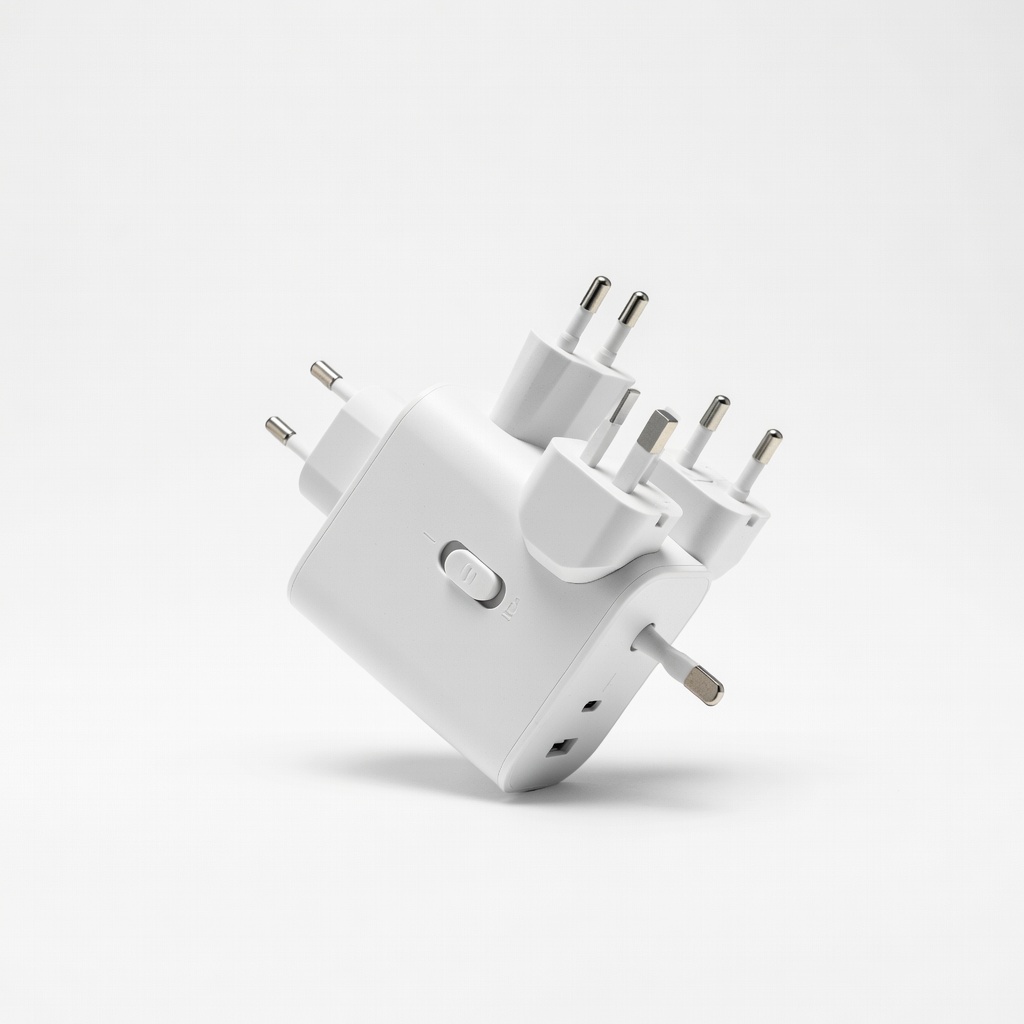
Gaming on the go with chargers; beginners.
EPICKA Universal Travel Adapter All-in-one with 3 USB-A + 1 USB-C; surge protection; fits US plugs perfectly.
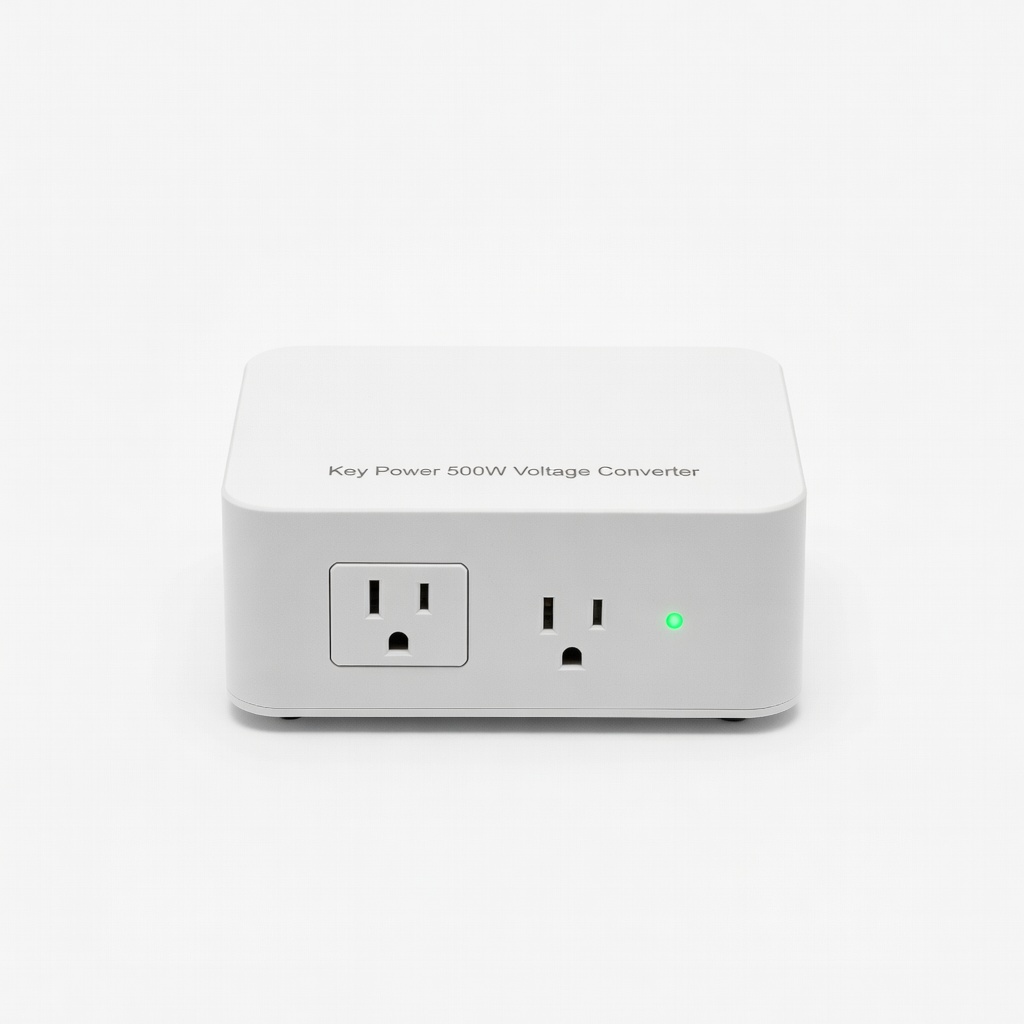
Older 110V-only consoles or risky voltages.
Key Power 500W Voltage Converter Handles high-wattage like PS5 (up to 350W); includes adapters for 150+ countries.
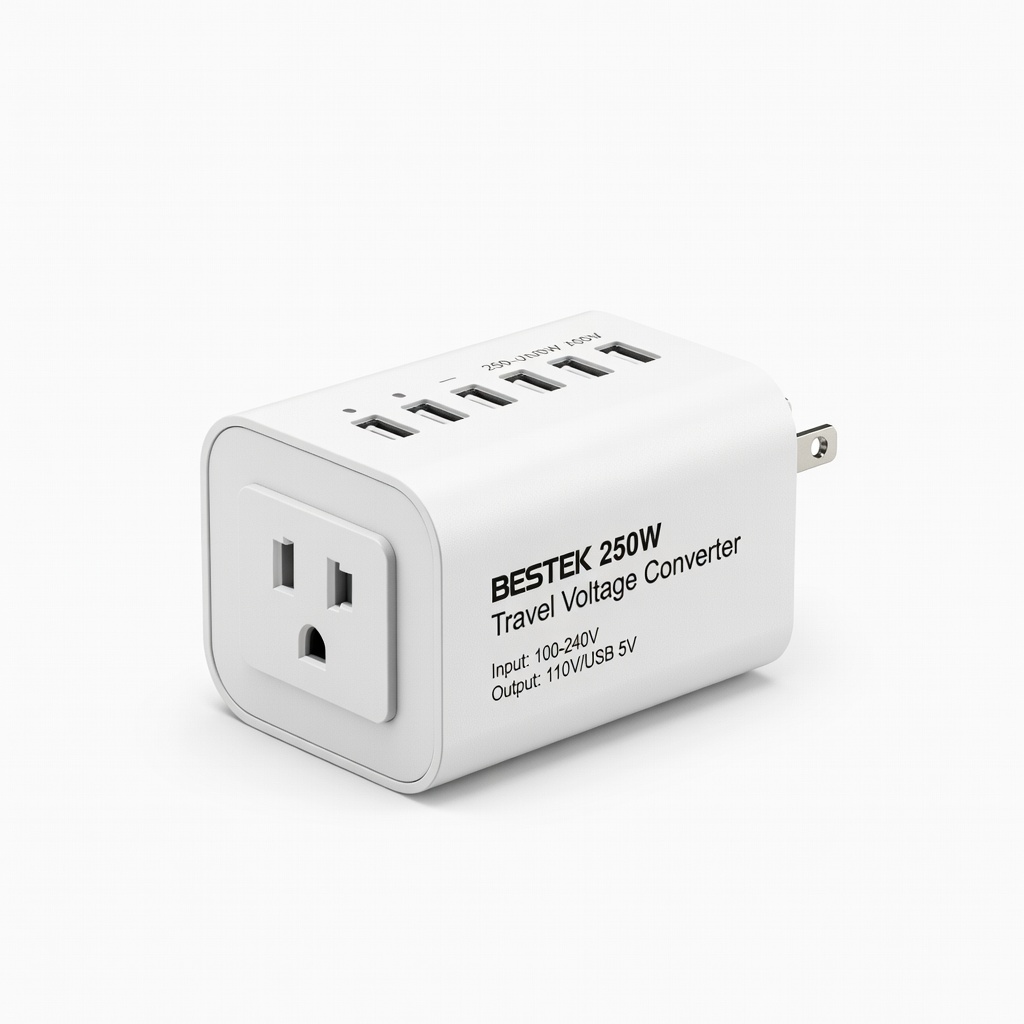
Budget gamers needing occasional conversion.
BESTEK 250W Travel Voltage Converter Affordable, with EU/UK/AU plugs; 4 USB ports for peripherals.
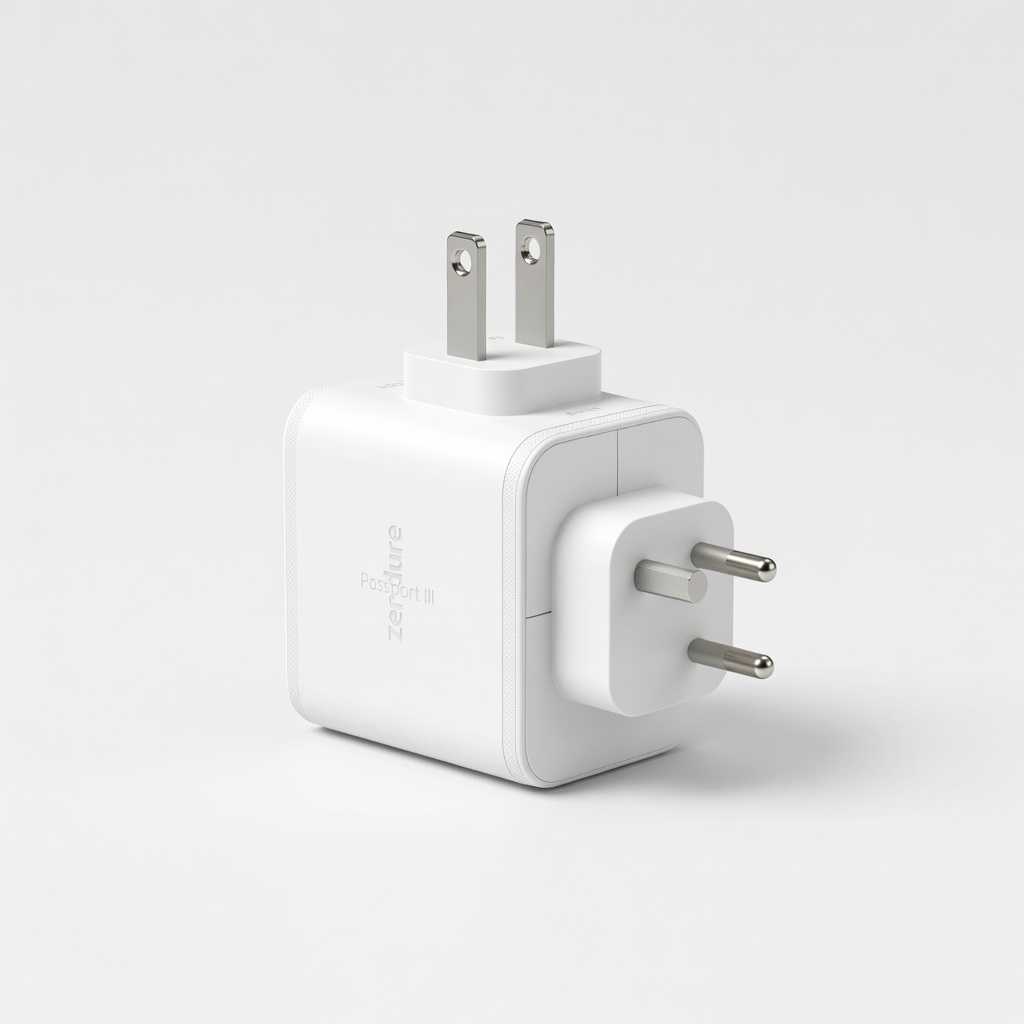
Switch or low-power setups; multi-device.
Zendure Passport III Premium 65W GaN charger/adapter combo; quick-charge safe for modern consoles.