

Fitbit Inspire 3
Daily step tracking and gentle reminders for routines.
$99.95
Fitbit Inspire 3 Slim design, 10-day battery, active zone minutes, and senior-friendly app with fall alerts.
Get the App
Better experience on mobile
Discover simple steps to integrate fitness trackers into seniors' daily routines for better health tracking, motivation, and independence.
As we age, staying active and monitoring health becomes crucial, but technology can feel overwhelming for seniors. Activity trackers offer an easy way to track steps, heart rate, sleep, and hydration, helping prevent falls, encourage movement, and alert caregivers to issues. This guide empowers beginners to set up and use these devices seamlessly.
You'll learn how to choose, set up, and incorporate a tracker into everyday life, with tips tailored for seniors. Expect a straightforward process taking 30-45 minutes initially, then just minutes daily. No tech expertise needed—we break it down into clear steps for real results like increased daily steps and better sleep insights.
Estimated Time: 30-45 minutes for setup; 5 minutes daily for use Difficulty: beginner
Select a tracker with simple interfaces, long battery life (7+ days), large displays, and features like fall detection, heart rate monitoring, and gentle reminders. Prioritize water resistance for daily wear and app compatibility with easy pairing.
Why it matters: Seniors need devices that are lightweight, comfortable, and not overwhelming. Look for models with customizable vibrations over loud alerts. Success looks like a device that fits snugly and charges fully in under 2 hours.
💡 Tips:
⚠️ Warnings:
Open the package, locate the tracker and USB charging cable. Plug into a wall adapter or computer USB port—most trackers use magnetic chargers that snap on easily.
Charge until the indicator shows full (usually 1-2 hours). This ensures it's ready for setup without interruptions. Expect a small LED light to pulse or turn green when done.
💡 Tips:
On the senior's smartphone, go to App Store (iOS) or Google Play (Android). Search for the tracker's app (e.g., 'Fitbit' or 'Garmin Connect') and install it. Grant permissions for Bluetooth, notifications, and location (for accurate GPS steps).
Why it matters: The app syncs data, sets goals, and provides insights. Success: App opens to a welcome screen without errors.
💡 Tips:
⚠️ Warnings:
Open the app, sign up with email (use a family-shared one if needed), and follow prompts to pair. Turn on Bluetooth, hold tracker near phone, and select it from the list. Enter any setup code shown on the tracker.
Pairing takes 1-2 minutes. Success: Tracker vibrates and app shows 'Connected' with name (e.g., 'Mom's Fitbit').
💡 Tips:
In the app, adjust profile: Enter age, height, weight for accurate tracking. Enable large font mode, hourly move reminders, hydration alerts, and fall detection if available. Set sedentary reminders gently.
This tailors data to senior needs, like low-impact goals. Expect personalized dashboard with steps, heart rate, and sleep previews.
💡 Tips:
⚠️ Warnings:
Put on the tracker on the non-dominant wrist, one finger-width above the wrist bone. Adjust strap for snug but not tight fit—should slide one finger underneath.
Wear 24/7 except showering (if not water-resistant). Why: Continuous tracking for accurate sleep and activity data.
💡 Tips:
Use app to log routines: Track walks post-meals, set hydration goals (6-8 glasses), bedtime reminders. Sync every few hours by opening app.
Integrate: Morning weigh-in sync, evening review. Success: Daily summary shows progress toward goals.
💡 Tips:
Weekly, check app reports for trends: Average steps, sleep quality, active minutes. Adjust goals based on data (e.g., increase steps by 500 if easy).
Share reports with family/doctor. This builds habits and motivates.
💡 Tips:
Problem: Tracker won't pair
Solution: Restart Bluetooth/phone, ensure tracker charged, try forgetting device in settings and re-pair.
Problem: Inaccurate step count
Solution: Calibrate by walking known distance; wear higher on wrist.
Problem: Short battery life
Solution: Disable GPS/always-on display; charge fully weekly.
Problem: App crashes
Solution: Update app/OS, clear cache, or reinstall.
Slim design, 10-day battery, active zone minutes, and senior-friendly app with fall alerts.
Best for: Daily step tracking and gentle reminders for routines.
Price Range: $99.95
Pulse Ox for oxygen monitoring, hydration tracking, discreet band—ideal for health-conscious seniors.
Best for: All-day wear with sleep and stress insights.
Price Range: $149.99
Affordable, 18-day battery, 120+ sports modes, Alexa integration for voice use.
Best for: Budget option for basic routines like walking and sleep.
Price Range: $49.99
ECG app, built-in GPS, Google integration—advanced yet simple for active seniors.
Best for: Outdoor walks with precise tracking.
Price Range: $159.95
Daily step tracking and gentle reminders for routines.
Fitbit Inspire 3 Slim design, 10-day battery, active zone minutes, and senior-friendly app with fall alerts.
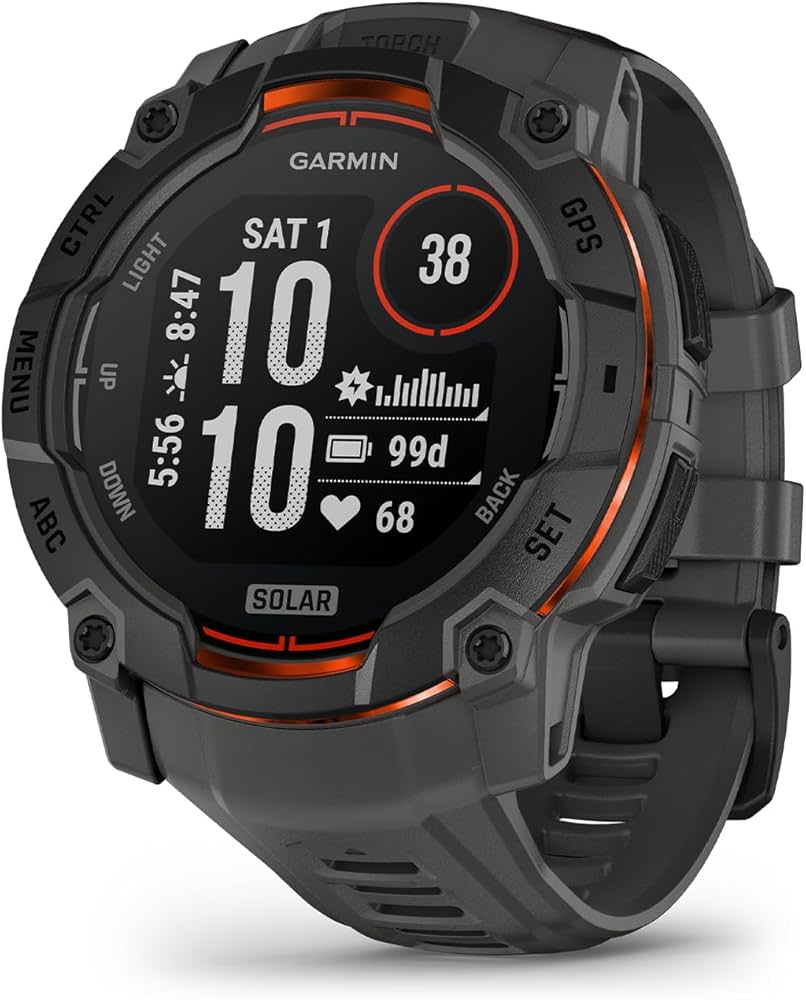
All-day wear with sleep and stress insights.
Garmin vívosmart 5 Pulse Ox for oxygen monitoring, hydration tracking, discreet band—ideal for health-conscious seniors.
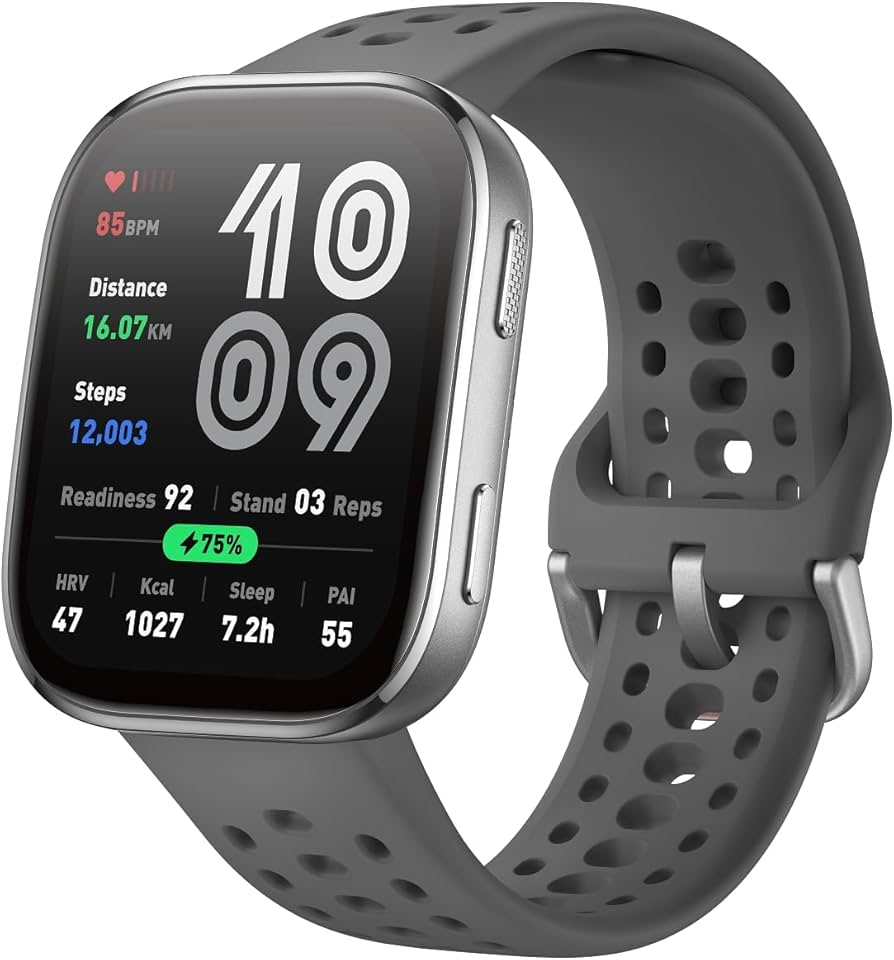
Budget option for basic routines like walking and sleep.
Amazfit Band 7 Affordable, 18-day battery, 120+ sports modes, Alexa integration for voice use.
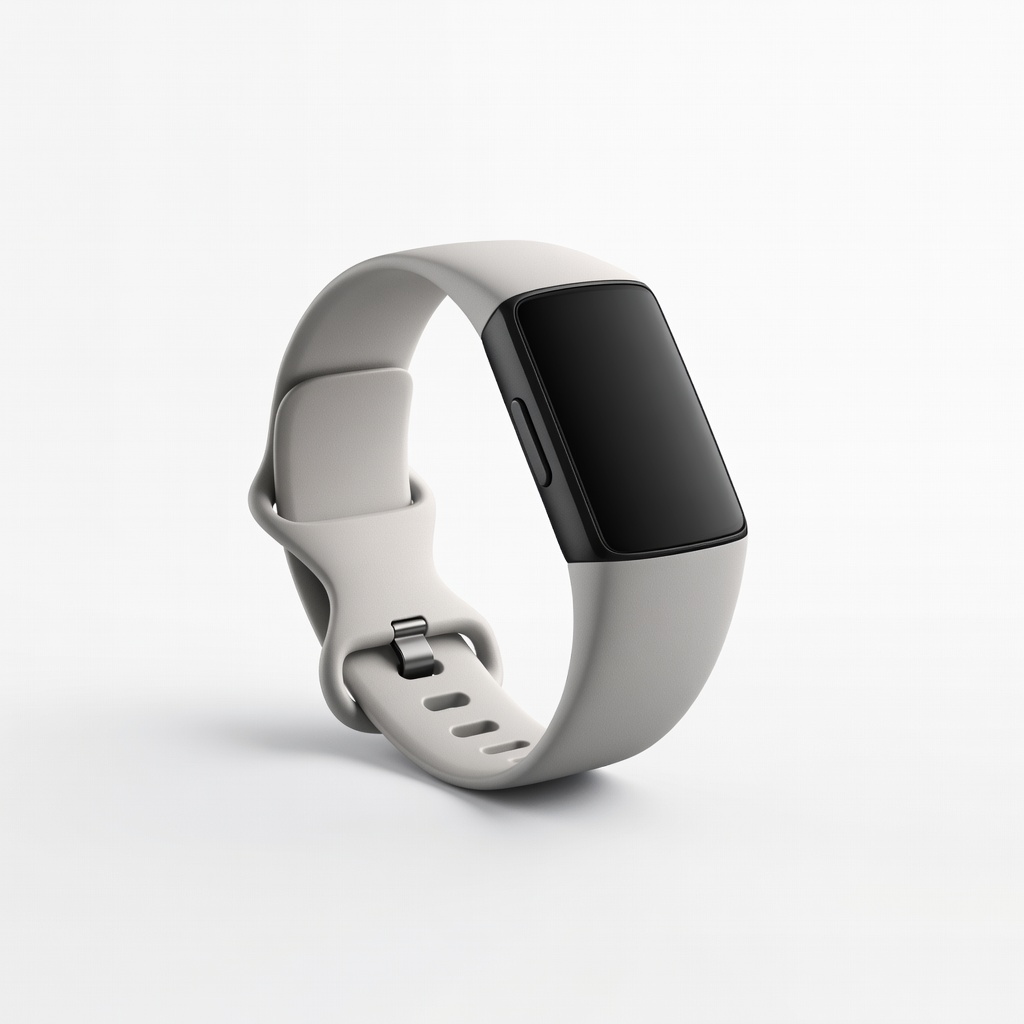
Outdoor walks with precise tracking.
Fitbit Charge 6 ECG app, built-in GPS, Google integration—advanced yet simple for active seniors.