
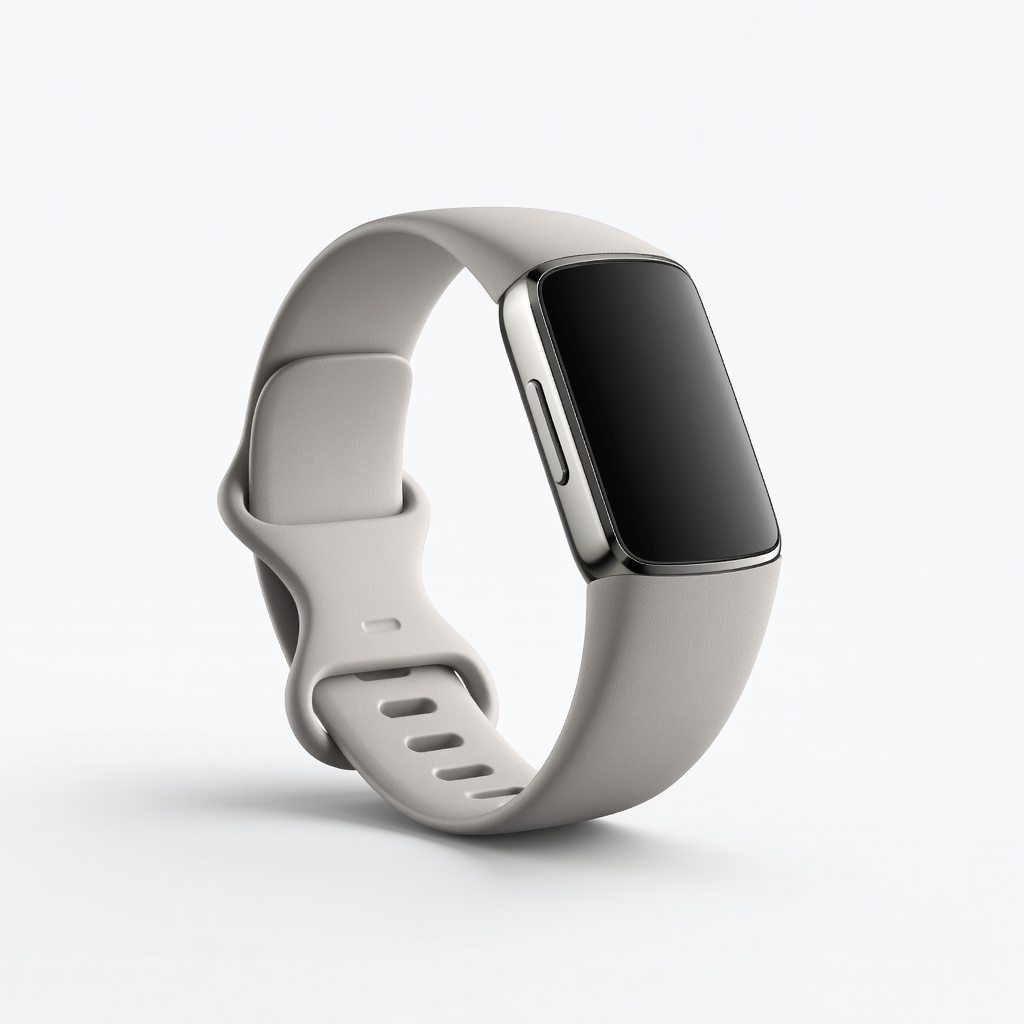
Fitbit Charge 6
Daily wrist tracking for beginners to intermediate users seeking insights.
$159.95
Fitbit Charge 6 Excellent sleep stages, SpO2, HRV with user-friendly app and 7-day battery.
Get the App
Better experience on mobile
Master sleep tracking with activity monitors to uncover sleep patterns, improve habits, and boost your health in under 30 minutes setup.
Struggling with restless nights or unexplained fatigue? Poor sleep impacts everything from mood to productivity, but activity, health, and wellness monitors like fitness trackers and smart rings can reveal hidden insights into your sleep quality. These devices use sensors to monitor heart rate, movement, and breathing for detailed reports on sleep stages, duration, and disturbances.
In this guide, you'll learn how to set up your wearable for accurate sleep tracking, interpret the data, and use it to optimize your sleep. Expect a straightforward process: setup takes 20-30 minutes, with ongoing tracking providing actionable insights within a week. Perfect for intermediate users familiar with basic app syncing but ready to dive deeper into health metrics.
By the end, you'll have personalized sleep scores and habit recommendations to wake up refreshed.
Estimated Time: 20-30 minutes for setup; 7 days for meaningful insights Difficulty: intermediate
Select a device optimized for sleep tracking. Look for features like heart rate variability (HRV), blood oxygen (SpO2), and stage detection (light, deep, REM). Devices like smart rings excel in non-intrusive overnight wear.
Why it matters: Not all trackers track sleep equally—wristbands may overestimate due to movement, while rings are more accurate. Test compatibility with your phone OS.
Success: Device purchased and charged to 100%.
💡 Tips:
⚠️ Warnings:
Install the official app (e.g., Fitbit app, Oura app) from App Store or Google Play. Create an account, pair via Bluetooth, and update firmware.
Enter basics: age, weight, height for personalized baselines. Enable notifications.
Expect: App dashboard with sleep preview. Sync time: 1-2 minutes.
💡 Tips:
Position snugly: wrist 1-2 fingers above bone for bands, finger-root for rings. Charge pre-bed if needed.
Why: Loose fit causes inaccurate motion/HR data. Wear consistently for trend accuracy.
Success: Comfortable, no skin irritation after test wear.
💡 Tips:
⚠️ Warnings:
In app settings, toggle 'Sleep Tracking' on. Set bedtime/wake alarms if available. Activate advanced modes like auto-detect or SpO2.
Why: Custom schedules refine auto-detection.
Expect: Confirmation popup; first track starts at bedtime.
💡 Tips:
Wear to bed as usual. Device auto-tracks from ~10pm-7am or motion stillness.
Morning: Wake to vibration summary if enabled.
Success: Data logged—no manual start needed.
⚠️ Warnings:
Open app post-wake; tap sync. View dashboard: total time, stages pie chart, score (e.g., 85/100).
Metrics: Awake time, deep sleep %, disturbances.
Expect: Visual graphs; export PDF option.
💡 Tips:
Learn stages: Light (50-60%), Deep (15-25%, restorative), REM (20-25%, dreams). HRV high = recovery.
Low score? Note factors like late meals.
Success: Understand your 7-9hr ideal.
💡 Tips:
After 7 nights, view weekly/monthly trends. App suggests: Earlier bed, no screens.
Track changes: Adjust routine, re-track.
Success: Score up 10-20 points.
💡 Tips:
Update app/firmware weekly. Recalibrate fit/HR. Cross-check with sleep diary.
Why: Algorithms improve with data.
Expect: Rising accuracy over time.
⚠️ Warnings:
Problem: No sleep data logged
Solution: Check battery >20%, Bluetooth on, bedtime after 9pm. Force resync.
Problem: Inaccurate stages (too much deep sleep)
Solution: Refit device, update firmware, avoid alcohol. Calibrate with manual log.
Problem: App sync fails
Solution: Restart phone/device, forget/re-pair Bluetooth, clear app cache.
Problem: Skin irritation
Solution: Clean device, rotate wrist position, use hypoallergenic band. Rest 1 day.
Problem: Low battery overnight
Solution: Charge to 100% pre-bed; upgrade to longer-life model.
Excellent sleep stages, SpO2, HRV with user-friendly app and 7-day battery.
Best for: Daily wrist tracking for beginners to intermediate users seeking insights.
Price Range: $159.95
Top-rated for sleep accuracy (validated studies), discreet finger wear, detailed readiness score.
Best for: Minimalist overnight tracking without wrist bulk.
Price Range: $349-$549
Advanced Body Battery and respiration tracking for comprehensive wellness integration.
Best for: Athletes combining sleep with activity data.
Price Range: $149.99
Precise sleep apnea detection, auto-stage tracking synced to iOS Health.
Best for: iPhone users wanting ecosystem integration.
Price Range: $399+
Affordable ring alternative with strong sleep recovery metrics, no subscription.
Best for: Budget-conscious for accurate, subscription-free tracking.
Price Range: $349
Daily wrist tracking for beginners to intermediate users seeking insights.
Fitbit Charge 6 Excellent sleep stages, SpO2, HRV with user-friendly app and 7-day battery.
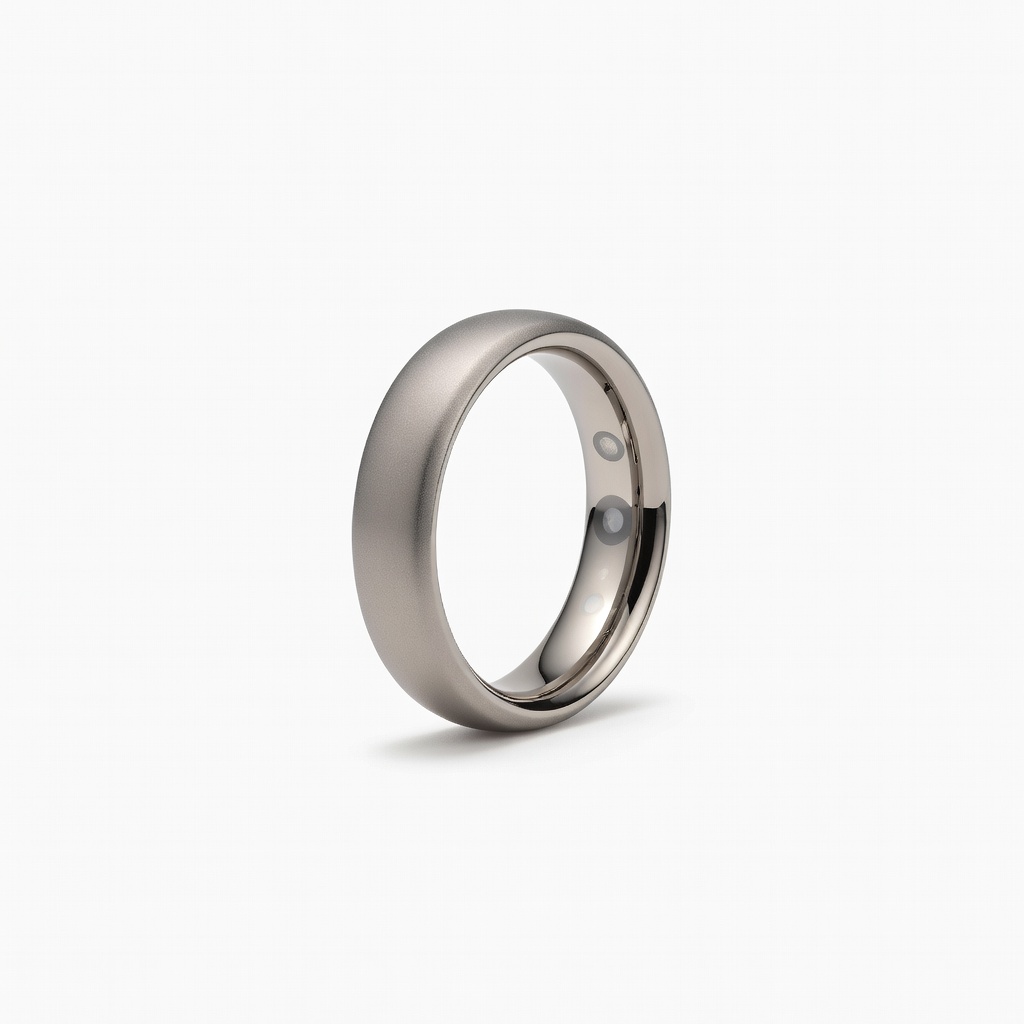
Minimalist overnight tracking without wrist bulk.
Oura Ring Gen3 Top-rated for sleep accuracy (validated studies), discreet finger wear, detailed readiness score.
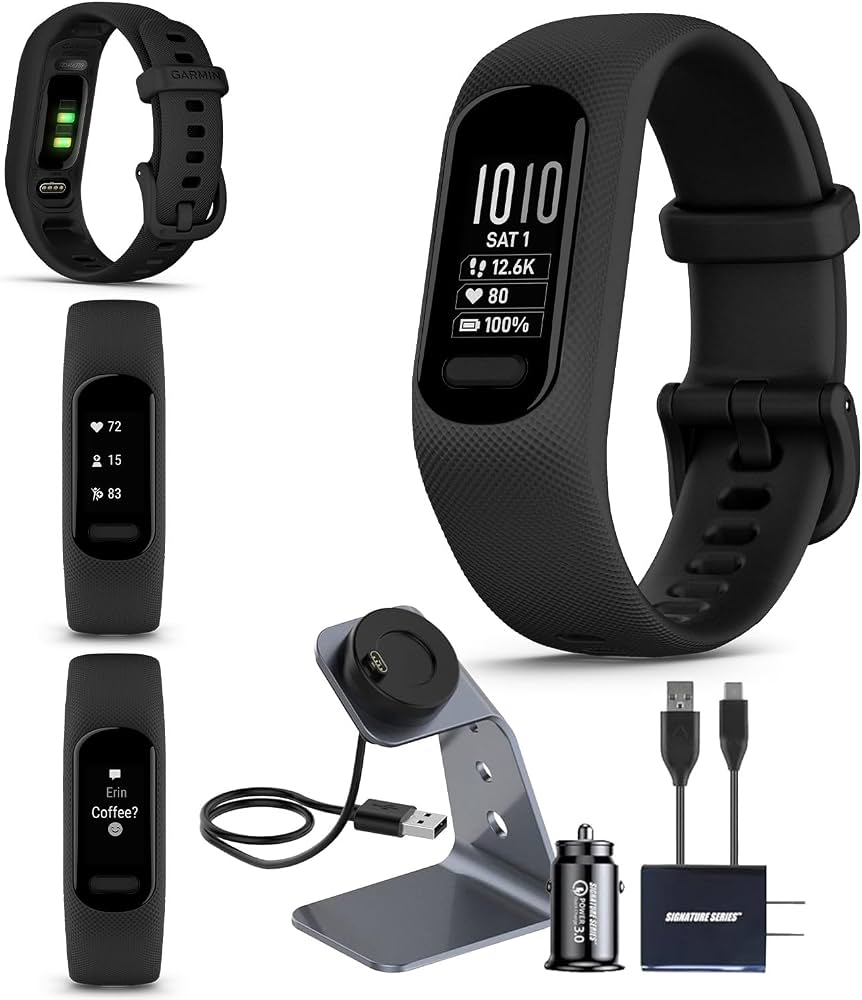
Athletes combining sleep with activity data.
Garmin Vivosmart 5 Advanced Body Battery and respiration tracking for comprehensive wellness integration.
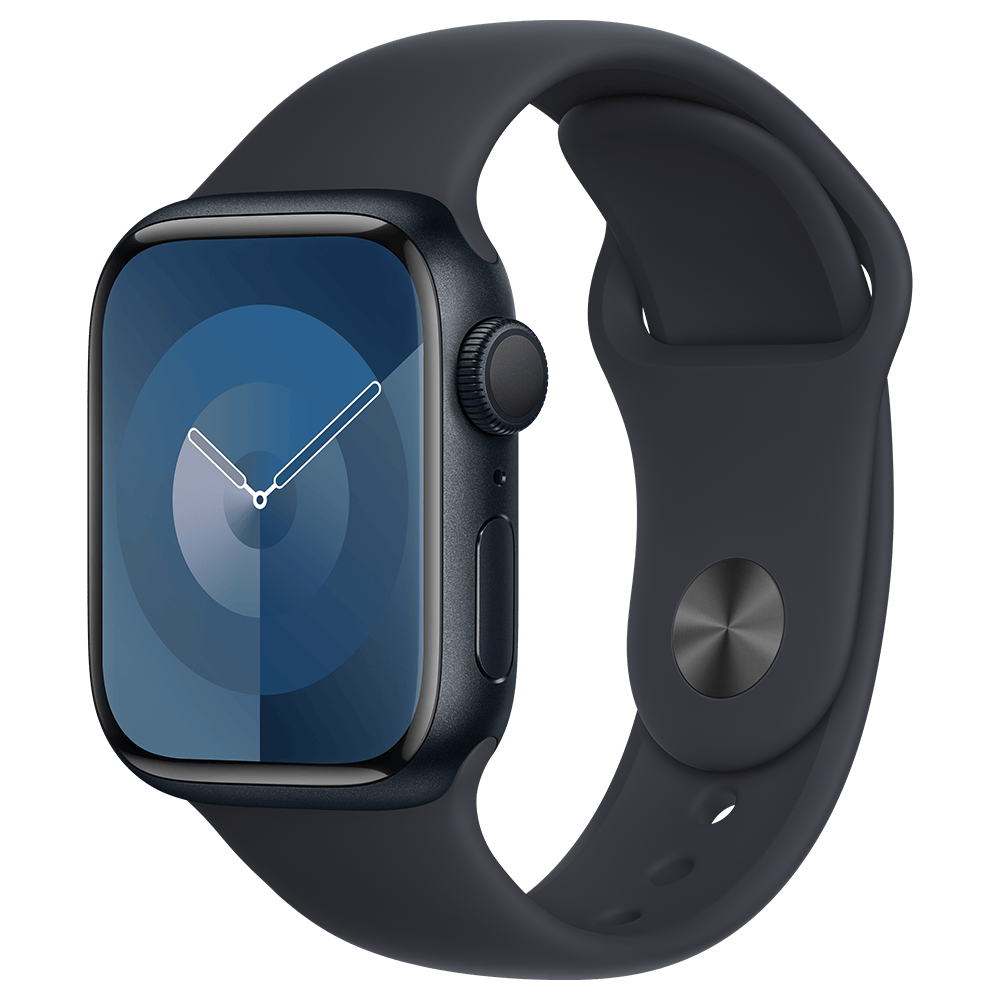
iPhone users wanting ecosystem integration.
Apple Watch Series 9 Precise sleep apnea detection, auto-stage tracking synced to iOS Health.
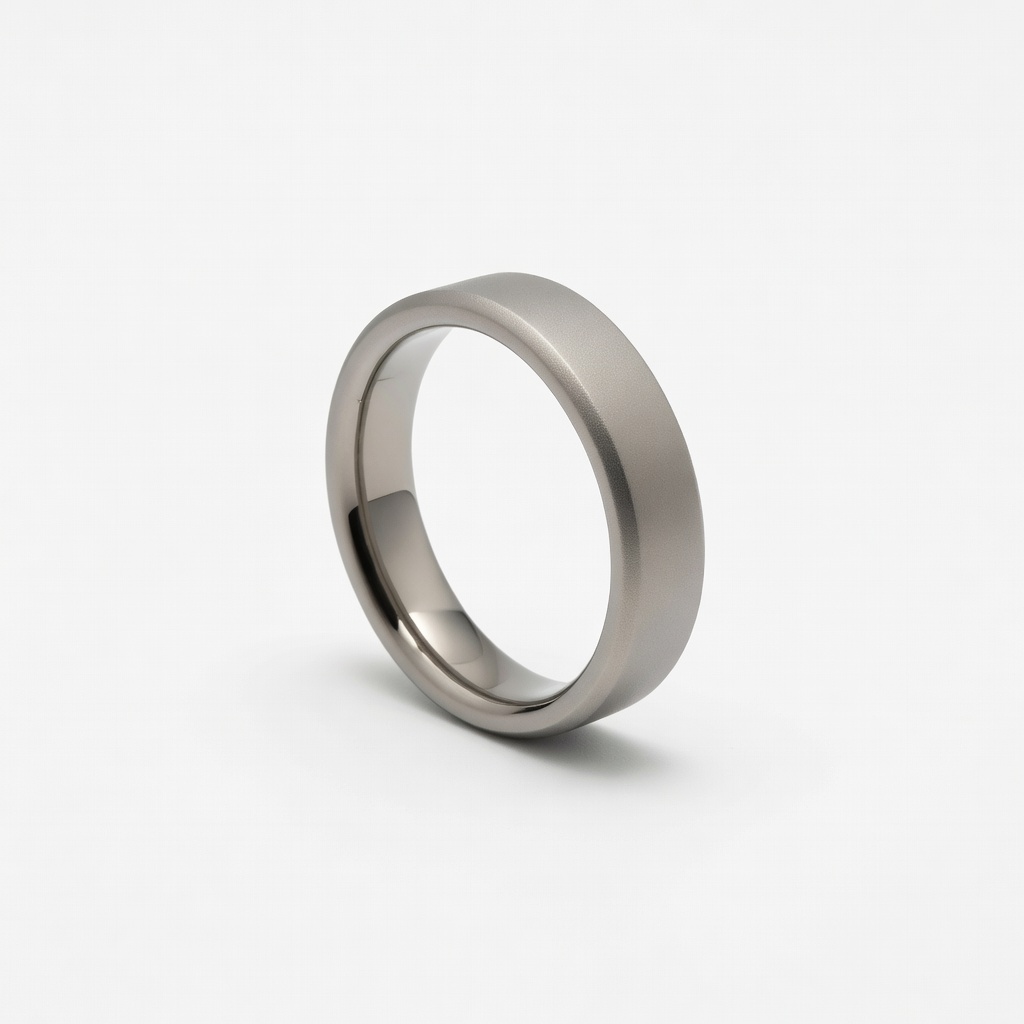
Budget-conscious for accurate, subscription-free tracking.
Ultrahuman Ring Air Affordable ring alternative with strong sleep recovery metrics, no subscription.