
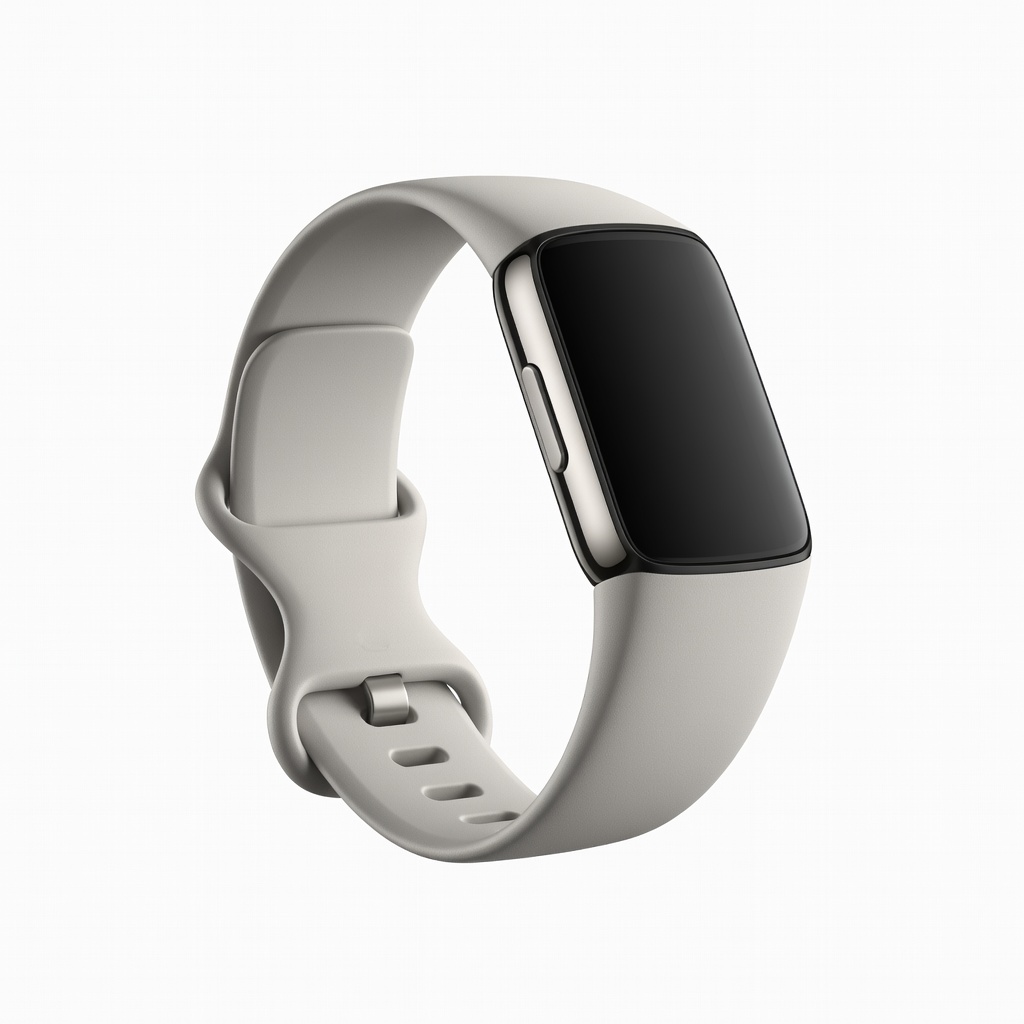
Fitbit Charge 6
Daily workouts and beginners to zones.
$159.95
Fitbit Charge 6 Excellent optical HR accuracy for zones, with auto-detection and EDA stress tracking.
Get the App
Better experience on mobile
Master heart rate zone training with your fitness tracker to optimize workouts, boost endurance, and track progress effectively in under 30 minutes.
Struggling to make your workouts more effective? Many people exercise without knowing their heart rate zones, leading to inefficient training or burnout. Activity health monitors like smartwatches and fitness bands can change that by providing real-time feedback on your heart rate zones, helping you train smarter in the right intensity for fat burn, endurance, or speed.
In this guide, you'll learn how to set up your device, calculate zones, monitor during workouts, and analyze results. Whether you're a runner, cyclist, or gym-goer, this intermediate-level process takes 20-30 minutes to set up and delivers personalized training insights immediately.
Expect clear steps, pro tips, and device-agnostic advice that works for most popular trackers—no advanced tech skills required.
Estimated Time: 20-30 minutes for setup + 30-60 minutes for first test workout Difficulty: intermediate
Heart rate zones are five intensity levels based on your maximum heart rate (Max HR), typically calculated as 220 - age or via a field test. They guide training:
Why it matters: Training in specific zones builds targeted fitness. Your monitor visualizes this in real-time via colors or numbers.
💡 Tips:
⚠️ Warnings:
Estimate Max HR: 220 - your age (e.g., 180 for age 40). For better accuracy, do a field test: Warm up 10 min, then 3x3-min hard efforts with recovery.
Input into app: Open your device's app (e.g., Garmin Connect, Fitbit app), go to profile > heart rate settings, enter age/weight/resting HR. App auto-generates zones.
Success: App shows custom zone ranges like Zone 2: 126-144 bpm.
💡 Tips:
Position wrist-based monitor 1-2 fingers above wrist bone, snug but not tight. For chest straps, wet electrodes and tighten across chest.
Why: Poor fit causes inaccurate optical HR reads (up to 10% error). Test: Do jumping jacks; HR should rise quickly.
Expect steady green light blinking on wrist sensors.
⚠️ Warnings:
Enable Bluetooth, open app, select 'Add Device' or pair. Follow prompts to sync.
Enable HR features: In app settings > workouts > heart rate zones (toggle on, select auto-detect or custom).
Success: Device vibrates, app shows live HR.
💡 Tips:
Start a 20-min easy run/jog. Monitor shows live HR and zone (e.g., color-coded: blue for Zone 2).
Why: Calibrates algorithms to your physiology.
Expect: Post-workout summary with time in each zone.
💡 Tips:
Plan workout: E.g., 30 min Zone 2 for endurance. Start activity mode on device.
During: Alerts vibrate for zone shifts. Adjust pace to stay in zone.
Success: Real-time feedback keeps you precise.
⚠️ Warnings:
Sync post-workout. App dashboard shows pie chart: 70% Zone 2, etc. Track trends over weeks.
Adjust: If zones feel off, retest Max HR.
Success: Insights like 'Improved Zone 3 time by 15%'.
💡 Tips:
Set audio/vibe alerts for zone entry/exit. Create weekly goals: 150 min Zone 2.
Why: Builds habits. Monitor recovery via HRV if available.
💡 Tips:
Problem: Inaccurate HR readings (jumpy numbers)
Solution: Reposition higher on wrist, clean sensor, update app. Switch to chest strap if persists.
Problem: No zone display during workout
Solution: Enable in app settings > activities > HR zones. Restart device.
Problem: Zones feel too easy/hard
Solution: Retest Max HR with lab test or field protocol. Adjust thresholds manually.
Problem: Battery drains fast
Solution: Disable always-on HR; use workout mode only. Charge daily.
Excellent optical HR accuracy for zones, with auto-detection and EDA stress tracking.
Best for: Daily workouts and beginners to zones.
Price Range: $159.95
Precise zone tracking with Body Battery energy monitor for recovery insights.
Best for: All-day wear with detailed post-workout zone analysis.
Price Range: $149.99
Chest strap gold standard for lab-accurate zones, pairs with any app/watch.
Best for: High-intensity or verification of wrist HR.
Price Range: $87.99
Advanced HRV, lactate threshold auto-detect for dynamic zones.
Best for: Serious athletes training specifically by zones.
Price Range: $449.99
Daily workouts and beginners to zones.
Fitbit Charge 6 Excellent optical HR accuracy for zones, with auto-detection and EDA stress tracking.
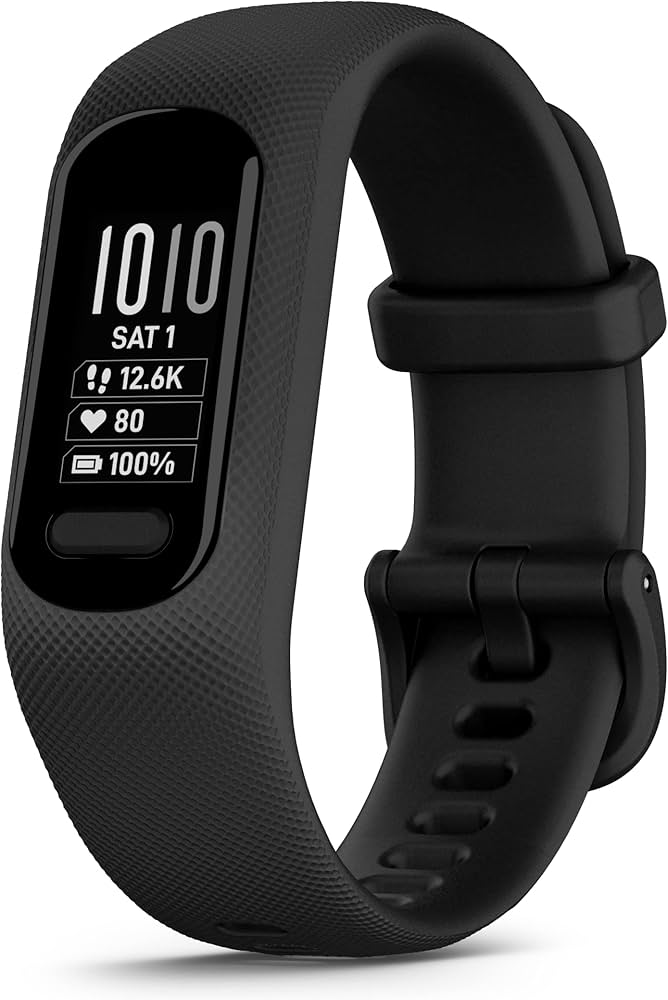
All-day wear with detailed post-workout zone analysis.
Garmin Vivosmart 5 Precise zone tracking with Body Battery energy monitor for recovery insights.
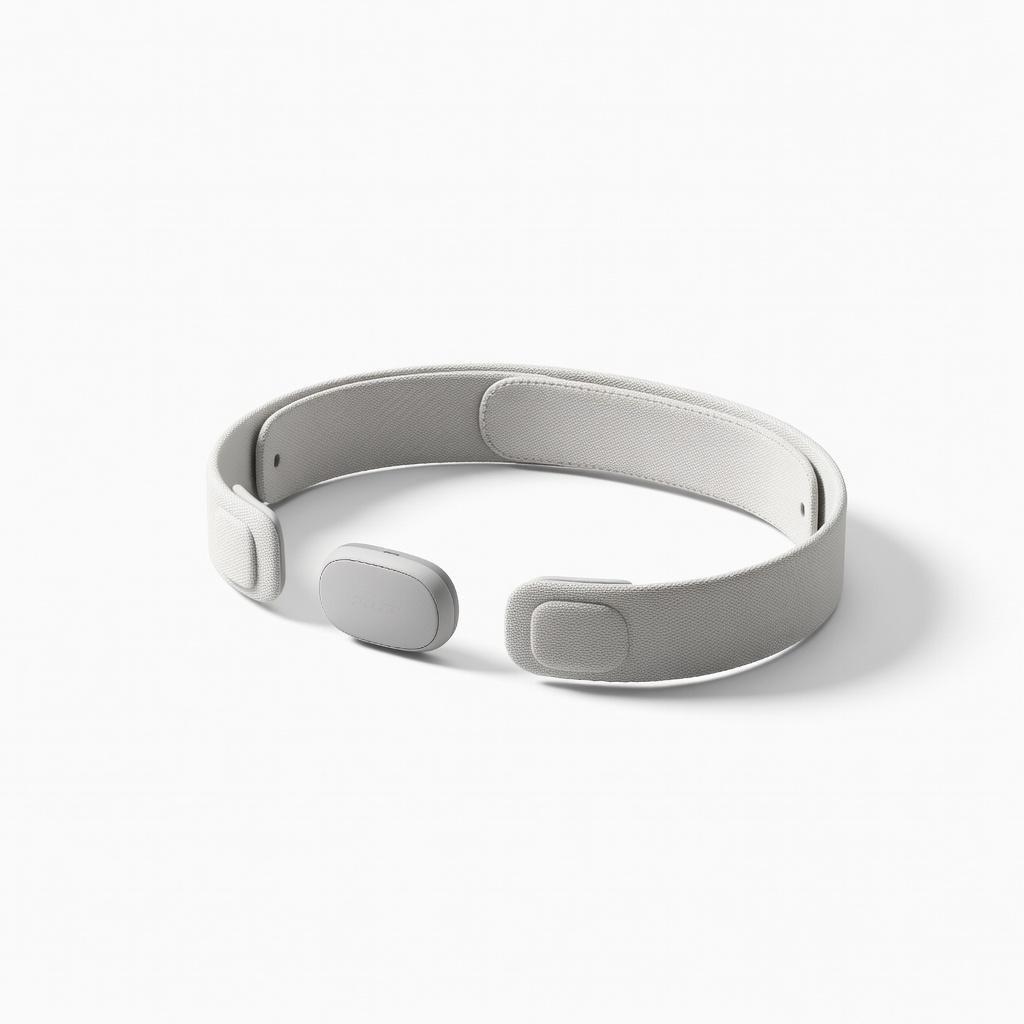
High-intensity or verification of wrist HR.
Polar H10 Heart Rate Monitor Chest strap gold standard for lab-accurate zones, pairs with any app/watch.
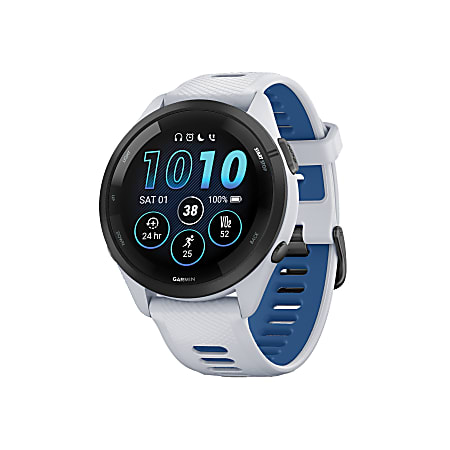
Serious athletes training specifically by zones.
Garmin Forerunner 265 Advanced HRV, lactate threshold auto-detect for dynamic zones.