
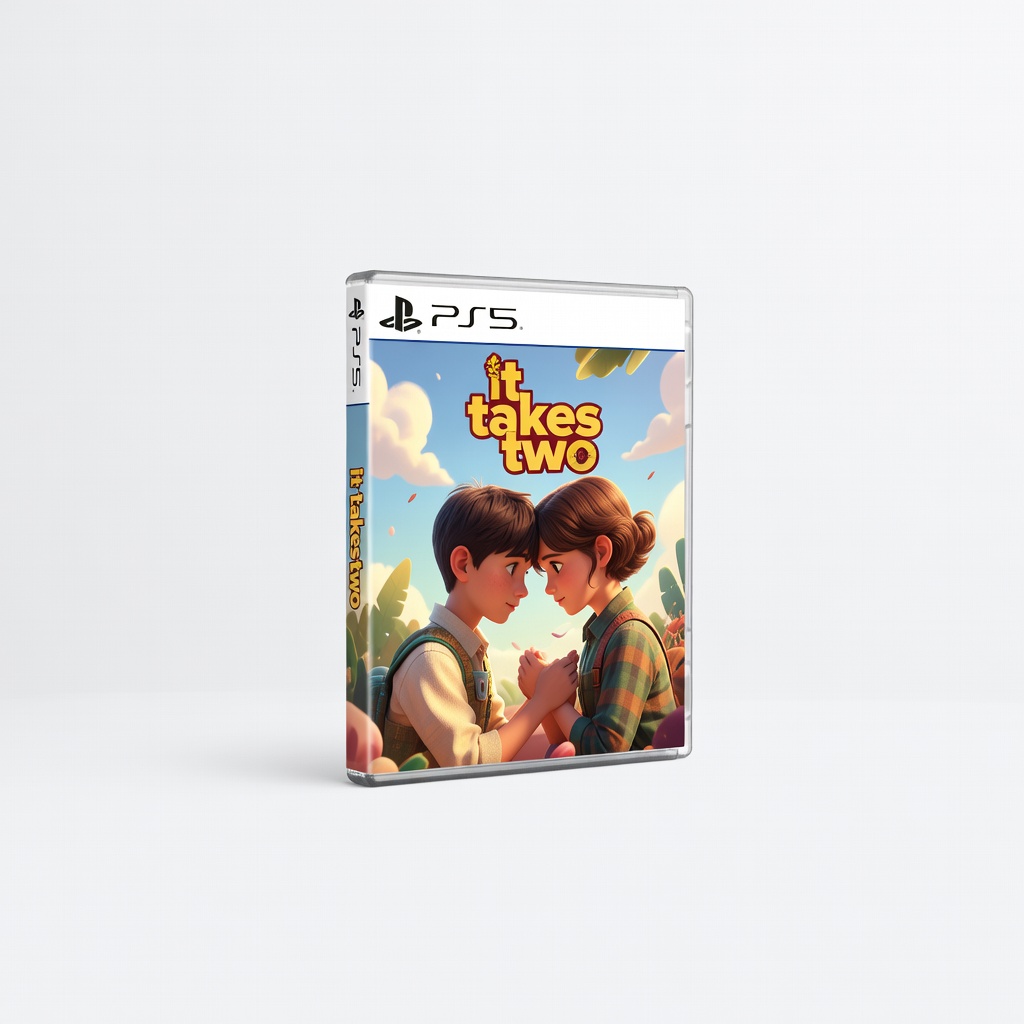
It Takes Two (PlayStation 5)
Ideal for small teams building trust through puzzles and platforming.
$19.99-$39.99
It Takes Two (PlayStation 5) Perfect co-op action adventure for pairs, emphasizing communication and creative problem-solving.
Get the App
Better experience on mobile
Boost team collaboration and fun using action adventure games with this step-by-step guide to create engaging sessions in 2-4 hours.
Struggling with remote or hybrid teams that lack connection? Traditional team building like trust falls feels outdated. Action adventure games offer thrilling, immersive ways to foster communication, problem-solving, and camaraderie through shared challenges.
In this guide, you'll learn how to select games, set up sessions, facilitate play, and debrief for maximum impact. Perfect for managers or HR pros targeting intermediate team dynamics. Expect a 2-4 hour event that's scalable for 4-20 people.
No gaming expertise needed—just follow these steps for memorable results that strengthen bonds.
Estimated Time: 2-4 hours (30 min planning, 1-2 hours playing, 30-60 min debrief) Difficulty: intermediate
Start by identifying what you want to achieve: better communication, trust, or strategy skills? Action adventure games excel at cooperative challenges that mirror real teamwork.
Gather input from team leads via a quick survey. List 3-5 specific outcomes, like 'improve cross-department coordination.' This ensures game selection aligns perfectly.
Success looks like a clear one-page goal sheet shared with participants.
💡 Tips:
⚠️ Warnings:
Choose 2-3 games with co-op modes emphasizing action and adventure, like puzzle-solving, combat, or exploration. Top picks: It Takes Two (puzzles and platforming), Helldivers 2 (co-op shooting missions), or Deep Rock Galactic (mining adventures).
Match to goals—e.g., It Takes Two for paired trust-building. Check platform compatibility and player count.
Success: A shortlist with download links or disc ready, tested for multiplayer.
💡 Tips:
Connect consoles/PCs to a TV or projector for group viewing. Ensure controllers or keyboards are sanitized and assigned.
For remote: Use Steam Remote Play or Parsec for shared sessions, plus Discord for voice chat. Test connections 24 hours prior.
Success: Everyone logs in smoothly, with low latency (<50ms).
💡 Tips:
⚠️ Warnings:
Invite team via calendar with agenda. Start with icebreaker: 'Share a favorite game memory.' Explain rules and goals.
Divide into pairs/teams based on game modes. Emphasize fun over winning.
Success: Excited group ready to play, understanding no penalties for failure.
💡 Tips:
Rotate through games in 20-40 min rounds. Facilitate by calling out challenges: 'Discuss strategy before acting!'
Monitor for engagement; pause for laughs or highlights.
Success: Laughter, high-fives, and natural collaboration emerging.
💡 Tips:
⚠️ Warnings:
After play, discuss: 'What worked well? How did it relate to work?' Use STAR method (Situation, Task, Action, Result).
Capture insights on a shared doc.
Success: Actionable takeaways like 'We need clearer role assignments.'
💡 Tips:
Send recap email with highlights and next steps. Survey in 1 week: 'Did teamwork improve?'
Track metrics like engagement scores.
Success: Repeat events scheduled, with proven ROI.
💡 Tips:
Problem: Lag or disconnects during online play
Solution: Switch to wired connections, close background apps, or go local co-op. Use tools like ExitLag for optimization.
Problem: Uneven skill levels causing frustration
Solution: Assign handicap modes or buddy systems where experts coach.
Problem: Team conflicts arise
Solution: Pause, mediate with 'What could we do differently?' Debrief immediately.
Problem: Hardware shortages
Solution: Use phone controllers or cloud gaming like Xbox Game Pass.
Perfect co-op action adventure for pairs, emphasizing communication and creative problem-solving.
Best for: Ideal for small teams building trust through puzzles and platforming.
Price Range: $19.99-$39.99
Chaotic co-op shooter with adventure missions that demand squad coordination.
Best for: Larger groups practicing strategy under pressure.
Price Range: $29.99-$39.99
Wireless with clear mic and low-latency audio for seamless voice comms.
Best for: Remote team building to ensure everyone hears strategies.
Price Range: $129.99-$179.99
Haptic feedback enhances immersion in action games.
Best for: Extra controllers for group sessions.
Price Range: $54.99-$69.99
Portable for local multiplayer adventures, easy setup.
Best for: In-office events with games like co-op titles.
Price Range: $349.99
Ideal for small teams building trust through puzzles and platforming.
It Takes Two (PlayStation 5) Perfect co-op action adventure for pairs, emphasizing communication and creative problem-solving.
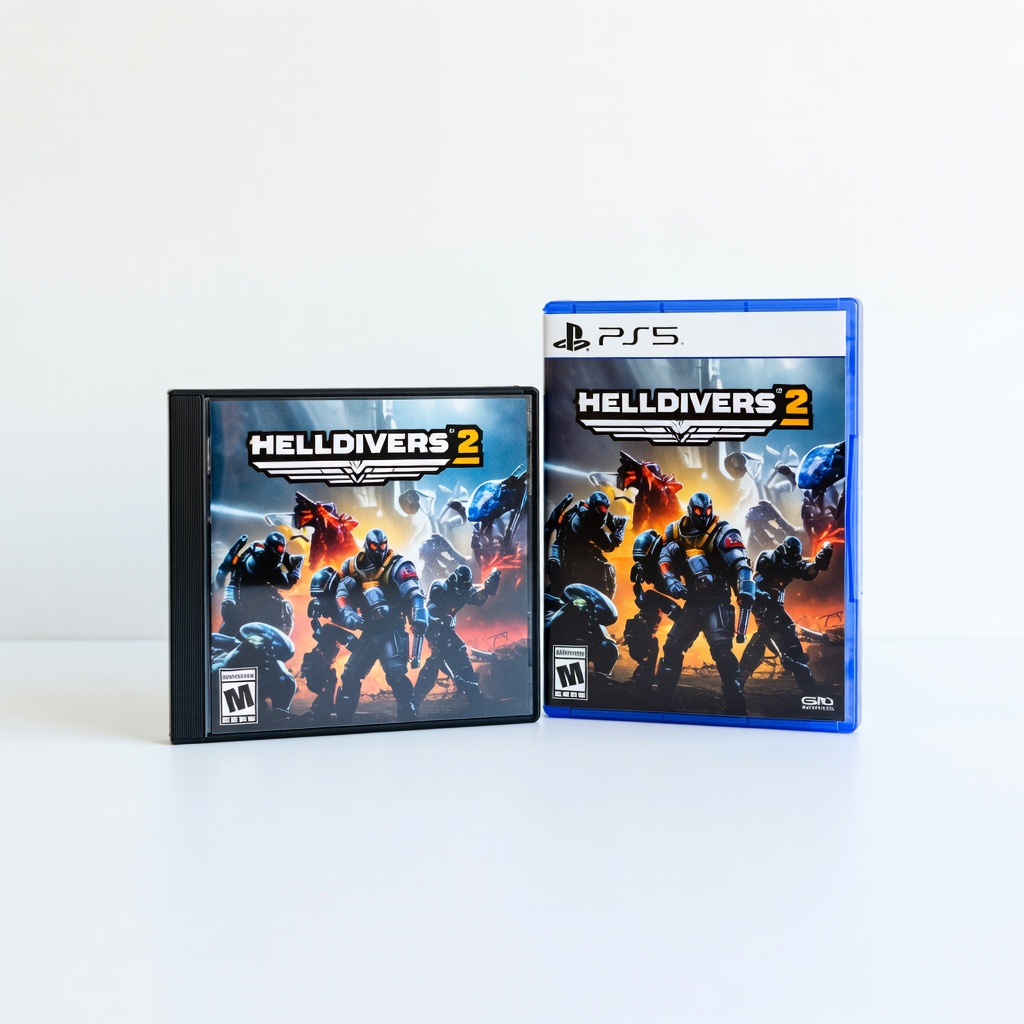
Larger groups practicing strategy under pressure.
Helldivers 2 (PC/PS5) Chaotic co-op shooter with adventure missions that demand squad coordination.
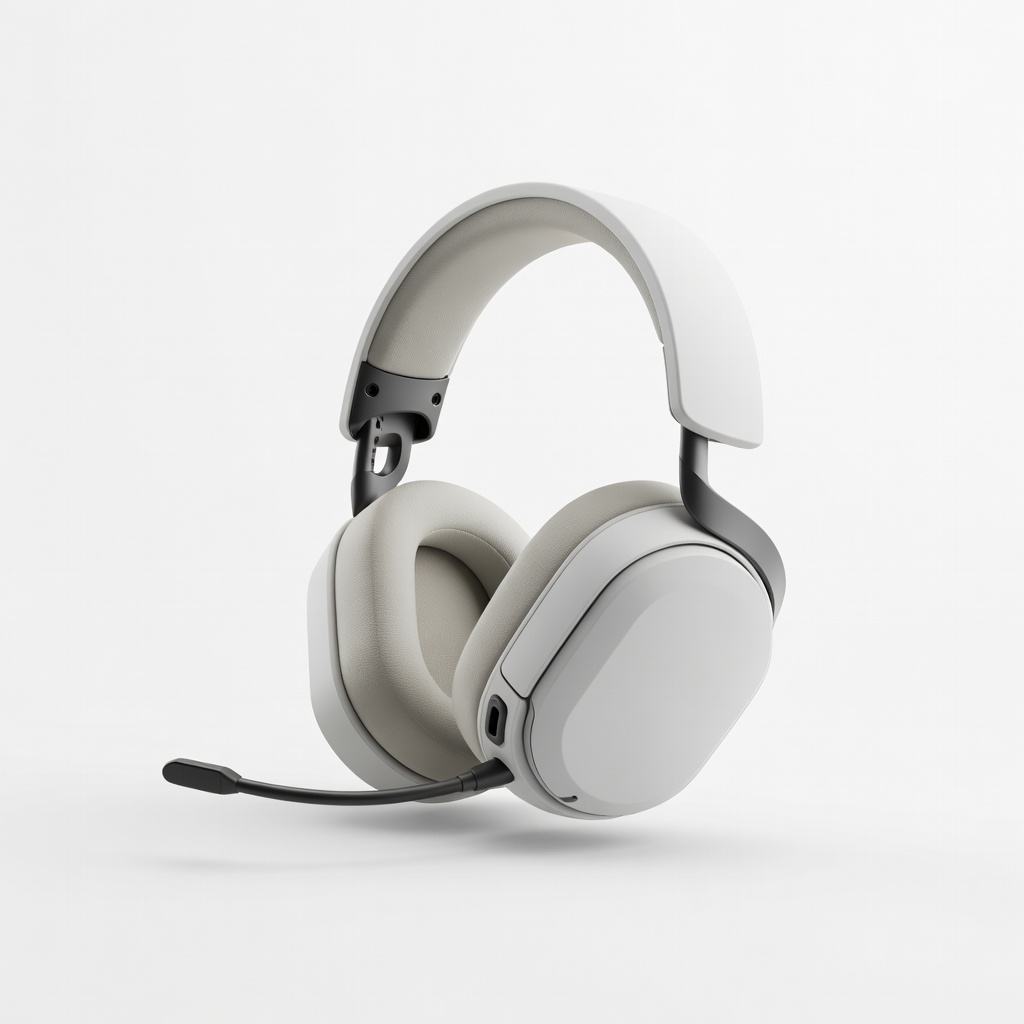
Remote team building to ensure everyone hears strategies.
SteelSeries Arctis Nova 7 Gaming Headset Wireless with clear mic and low-latency audio for seamless voice comms.

Extra controllers for group sessions.
PlayStation DualSense Wireless Controller Haptic feedback enhances immersion in action games.
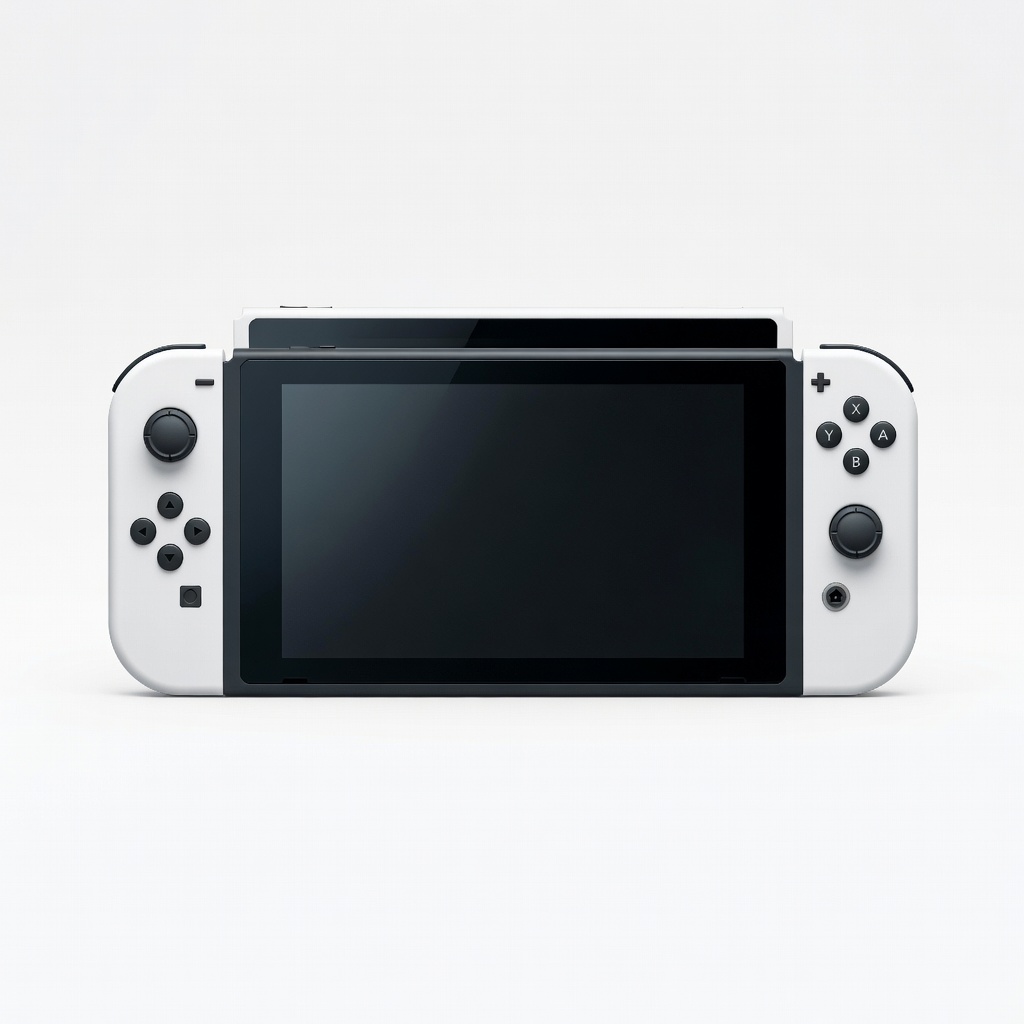
In-office events with games like co-op titles.
Nintendo Switch OLED Model Portable for local multiplayer adventures, easy setup.