As an Etsy seller, tax season can feel overwhelming with scattered sales data, receipts, and deductions. Many sellers miss out on valuable write-offs or face audits due to poor record-keeping. This guide shows you how to use account books—a simple, reliable tool—to stay organized and compliant.
You'll learn step-by-step how to set up, maintain, and use an account book for Etsy taxes, turning chaotic finances into clear records for Schedule C filing. Expect to spend initial setup time once, then just minutes daily. Perfect for intermediate sellers ready to level up their bookkeeping.
By the end, you'll have a system that calculates profits, tracks deductions, and prepares you for quarterly estimates or year-end taxes effortlessly.
▸What You'll Need
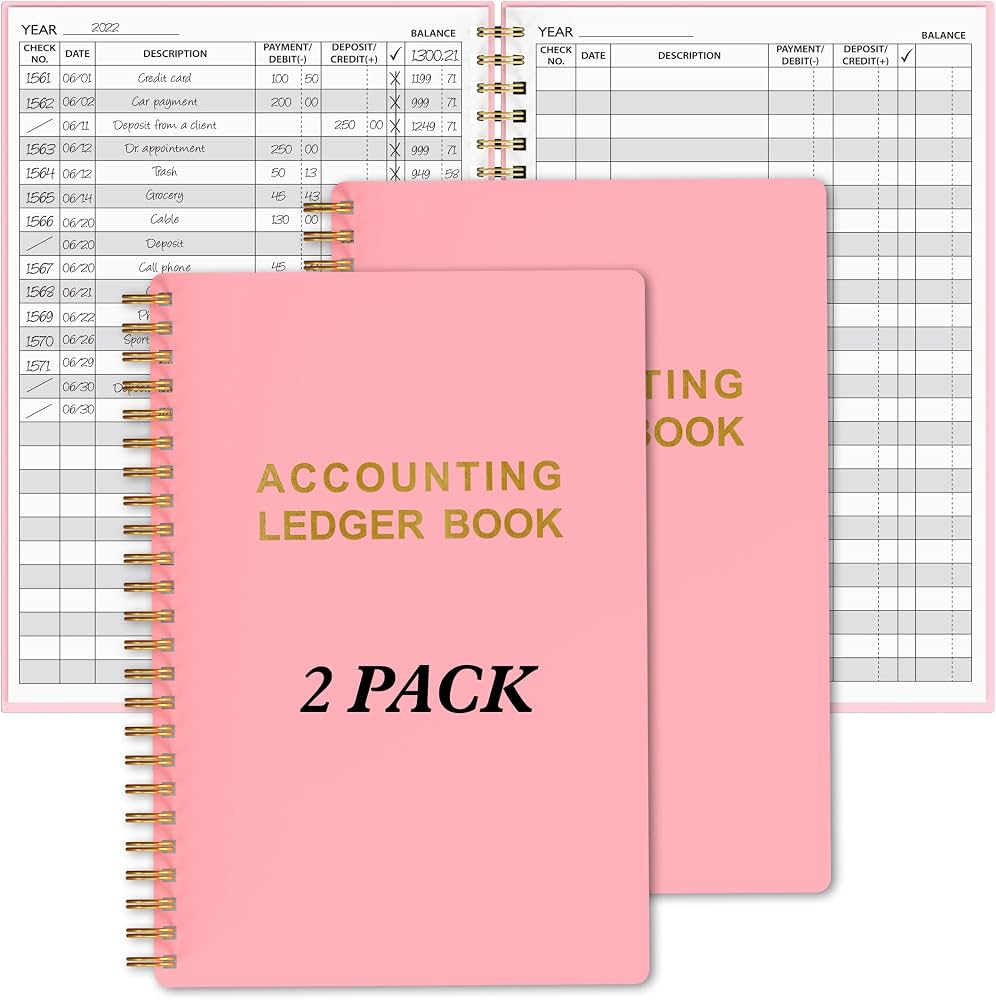
- •Physical or digital account book/ledger (columnar style with columns for Date, Description, Income, Expense, Balance)
- •Pens or markers in black/blue for entries, highlighters for categories
- •Access to Etsy Shop Manager > Finances tab for sales reports
- •Receipts and bank statements (digital scanner app optional)
- •Calculator or spreadsheet for reconciliations (Excel/Google Sheets)
- •Optional: Tax categorization cheat sheet for Schedule C
Estimated Time: 30-45 minutes setup + 5-10 minutes daily/weekly maintenance
Difficulty: intermediate
▸Step-by-Step Instructions
Step 1: Choose the Right Account Book
Select a columnar account book with at least 4-11 columns (Date, Description, Debit/Income, Credit/Expense, Balance) and 100+ pages for a year's records. Look for acid-free paper for longevity and pre-numbered pages to prevent lost entries.
Why it matters: Proper structure prevents errors and matches IRS requirements for legible records. Expect pages sized 8.5x11 inches for easy filing.
Pro setup: Dedicate sections: first half for income/expenses, second for summaries.
💡 Tips:
- •Opt for wire-bound for flat lay; waterproof covers for portability.
⚠️ Warnings:
- •Avoid notebooks without columns—they lead to messy handwriting.
Step 2: Set Up Your Book Structure
On the first page, create a title page: 'Etsy Seller Account Book [Year]', your shop name, EIN/SSN (redact for security), and contact info. Label columns clearly: Date, Transaction Description, Income (Sales/Fees Received), Expenses (COGS, Fees, Supplies), Category (Sales, Supplies, Shipping), Balance.
Add a key page listing IRS Schedule C categories like Advertising, Supplies, Shipping. Why? This organizes data for tax software import or CPA review. Success: Neat headers ready for entries.
Time estimate: 10 minutes.
💡 Tips:
- •Use colored tabs to divide months/quarters.
Step 3: Gather Etsy Financial Data Weekly
Log into Etsy > Shop Manager > Finances > Orders & Shipping. Download CSV reports for sales, deposits, fees. Note gross sales, Etsy fees (transaction 6.5%, payment processing), refunds.
Why track weekly? Prevents backlog; deposits are net after fees. Expect to see columns like Order Total, Fees Charged, Payout Amount. Cross-reference bank deposits.
💡 Tips:
- •Set calendar reminder for Sundays.
⚠️ Warnings:
- •Don't rely on memory—Etsy data is your source of truth.
Step 4: Record Income Transactions
For each deposit or sale batch: Enter date, 'Etsy Payout #XXXX - Gross Sales $XXX', income amount in Income column, Etsy fees as negative in Expenses if not separated. Calculate running balance.
Example: Sale $50, fees $4.25 → Income $50, Expense $4.25 (Fees category). Why? Separates gross revenue for accurate profit calc. Success: Balance matches bank.
💡 Tips:
- •Batch weekly for efficiency.
Step 5: Log All Business Expenses
Track every cost: supplies (beads $20), shipping labels ($5), ads ($10), tools. Enter date, description, amount in Expenses, category. Keep receipts stapled or scanned.
Why? Maximizes deductions like COGS (cost of goods sold). Expect 50-70% of expenses deductible for Etsy sellers. Use sub-columns if book allows.
⚠️ Warnings:
- •Only business expenses—no personal groceries.
Step 6: Categorize for Tax Deductions
Match categories to Schedule C: Line 18 Office Expense, 22 Supplies, 27 Other (tools). Highlight or code (S=Supplies). Monthly, tally by category.
Why it matters: Preps Form 1040 Schedule C directly. Success: Category totals ready for tax time.
💡 Tips:
- •Print IRS Pub 334 for categories.
Step 7: Reconcile Monthly with Statements
End of month: Compare book balance to Etsy CSV total and bank statement. Note variances (e.g., pending deposits). Adjust if needed.
Why? Catches errors early. Expect 100% match after fees reconciliation.
⚠️ Warnings:
- •Unreconciled books trigger audits.
Step 8: Calculate Quarterly Profits
Sum Income - Expenses = Profit. Estimate taxes (15-30% self-employment). Note for Form 1040-ES payments.
Why? Avoid underpayment penalties. Success: Quarterly summary page.
💡 Tips:
- •Use calculator formula: Balance column auto-sums.
Step 9: Prepare and Backup for Tax Filing
Year-end: Total all categories, photocopy/scan book. File with CPA or import to TurboTax.
Why? Digital backup ensures IRS-proof records (keep 3-7 years). Success: Ready for April 15.
▸Pro Tips
- •Use abbreviations like 'Etsy Fee' consistently for quick entry.
- •Photograph receipts immediately and file by category digitally.
- •Review book weekly during coffee break—takes 5 mins.
- •Color-code: Green for income, red for expenses.
- •Integrate with apps like Evernote for receipt scans.
- •Track mileage separately if shipping yourself (IRS rate 67¢/mile 2024).
- •Start mid-year? Backtrack 3 months from Etsy's history.
▸Common Mistakes to Avoid
- •Mixing personal and business expenses—solution: Separate columns.
- •Forgetting Etsy fees as deductions—track as 'Payment Processing'.
- •Irregular entries leading to backlog—schedule weekly.
- •No categorization—use Schedule C list upfront.
- •Poor backups—scan monthly to cloud.
▸Troubleshooting
Problem: Book balance doesn't match Etsy/bank
Solution: Check for missed fees/refunds; list variances on summary page. Recheck CSVs.
Problem: Running out of pages mid-year
Solution: Start second book or use digital ledger; summarize first book.
Problem: Unsure on deductible categories
Solution: Consult IRS Pub 535 or Etsy seller forums; seek CPA for $100 consult.
Problem: Overwhelmed by volume
Solution: Batch bi-weekly; consider QuickBooks integration for high-volume shops.
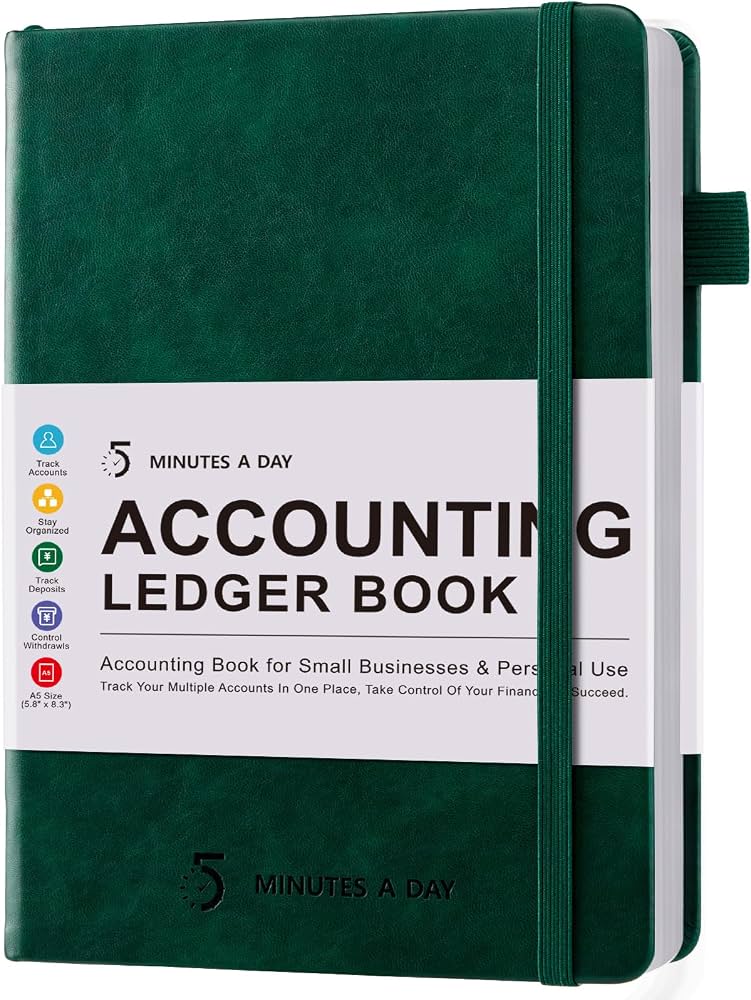
Carmela Books Accounting Ledger Book (ASIN: B07V5R5R5R)
11-column format perfect for Etsy tracking with pre-labeled pages for income/expenses.
Best for: Daily sales and expense logging for small Etsy shops.
Price Range: $6.99
BookFactory Columnar Account Book (ASIN: B0052E5E5E)
Durable, numbered pages with security tint to prevent alterations—IRS compliant.
Best for: Professional record-keeping for audits.
Price Range: $19.99
Redi-Tag Accounting Ledger Notebook (ASIN: B08L5M5M5M)
Portable 6x9 size with 208 pages, ideal for on-the-go sellers.
Best for: Traveling sellers tracking at craft fairs.
Price Range: $9.99
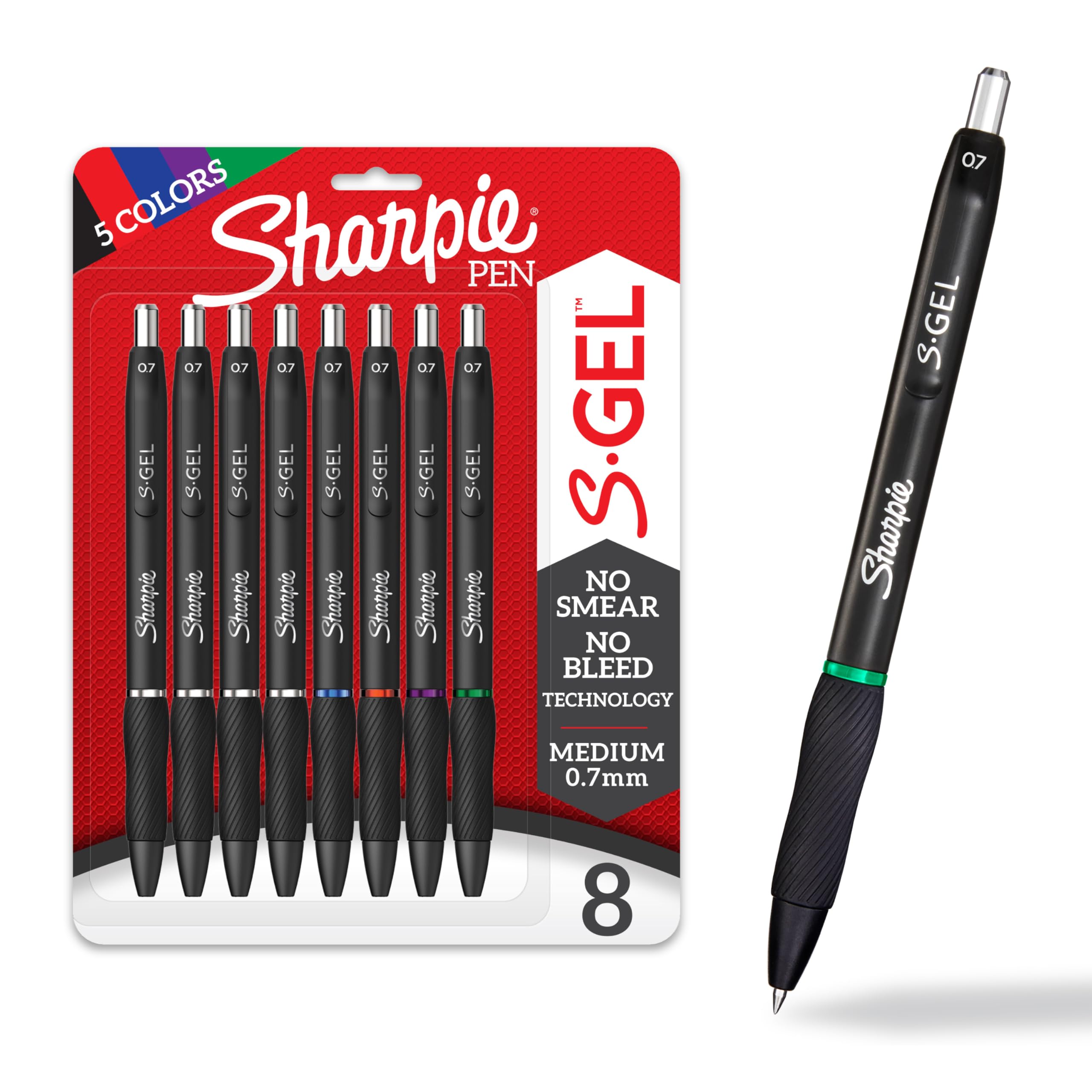
Sharpie S-Gel Pens (ASIN: B07P5X5X5X)
Smooth, no-smear ink for neat, permanent entries.
Best for: Precise handwriting in ledgers.
Price Range: $12.99 for 8-pack
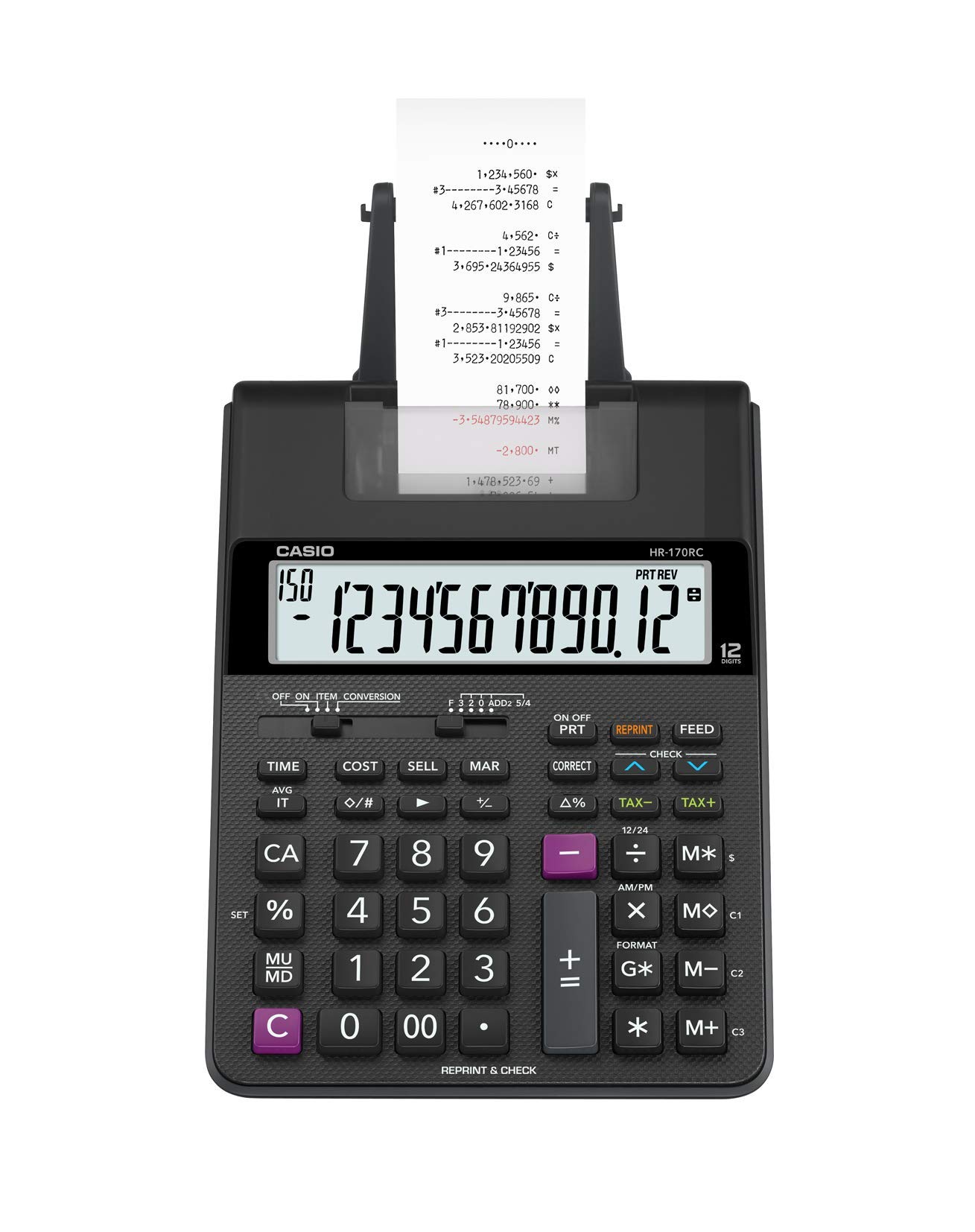
Casio Mini Desktop Calculator (ASIN: B00000JBLK)
Compact for quick balances and tax estimates.
Best for: Reconciliations without spreadsheet errors.
Price Range: $14.99