
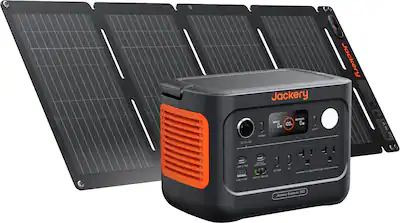
Jackery Explorer 300 Portable Power Station
Travel or camping to power laptops 3-4 hours.
$259.99
Jackery Explorer 300 Portable Power Station Compact 293Wh capacity with 300W pure sine wave AC outlet—ideal for 65W laptop adapters without overload.
Get the App
Better experience on mobile
Master safe, efficient charging of AC-powered devices like laptops using your power bank's inverter outlet in just minutes.
Ever been stranded without a wall outlet but need to charge your laptop or other AC-powered gadget? Power banks with built-in AC outlets solve this by mimicking a wall socket, letting you plug in standard AC adapters anywhere. However, mismatching specs or ignoring safety can lead to overheating, battery drain, or damage.
In this guide, you'll learn step-by-step how to safely connect and use AC adapters with compatible power banks. We'll cover compatibility checks, setup, monitoring, and best practices. Expect a quick 10-15 minute setup that's perfect for intermediate users familiar with basic electronics.
By the end, you'll confidently power devices on the go, extending your power bank's utility for camping, travel, or outages.
Estimated Time: 10-15 minutes for setup; 1-4 hours continuous use depending on load Difficulty: intermediate
Select a power bank with a pure sine wave AC inverter outlet. Avoid modified sine wave models as they can damage sensitive electronics. Look for at least 300W continuous output to handle most AC adapters (e.g., 65W-100W laptop chargers).
Why it matters: Insufficient wattage causes shutdowns or overheating. Success looks like a power bank rated for your adapter's draw—check the label (e.g., 90W adapter needs 100W+ bank output).
Image description: Side-by-side comparison of power bank models showing AC outlet and spec labels.
💡 Tips:
⚠️ Warnings:
Confirm your AC adapter's requirements: most are 100-240V AC input. Power bank AC outlets output 110V/60Hz (US) or 220V/50Hz (EU)—match your region. Calculate load: Adapter watts ÷ efficiency (85%) = power bank draw.
Use a multimeter on the outlet for 110V confirmation. Expect stable output if compatible; mismatch causes flickering or no power.
Why it matters: Overload trips protection circuits, underload wastes battery.
💡 Tips:
⚠️ Warnings:
Plug the power bank into a wall outlet using its DC input (often via included adapter). Charge to 100%—LED indicators or app show progress. This takes 2-6 hours depending on capacity.
Success: All lights green, app reads 100%. Why: Starting full maximizes runtime (e.g., 256Wh bank powers 65W laptop ~3 hours).
💡 Tips:
Press the power button; select AC output mode if multi-port. Listen for a soft fan hum—indicates inverter activation. Success: AC outlet LED lights up, multimeter shows ~110V.
Why it matters: Ensures stable sine wave before connecting.
⚠️ Warnings:
Insert the AC adapter's plug firmly into the power bank's AC outlet. No sparks or heat means good connection. Adapter light (if any) should illuminate.
Why: Simulates wall power. Expect device to recognize input as normal.
💡 Tips:
⚠️ Warnings:
Plug the adapter's DC output into your device (e.g., laptop barrel jack). Turn on device—fan spins, charging light on.
Monitor initial draw; success is steady charging without alarms. Runtime example: 500Wh bank + 65W adapter = 5-6 hours.
💡 Tips:
Check power bank every 15-30 mins: touch-test (warm OK, hot=stop). Use built-in display for % battery, watts drawn. Shut down if >80% load prolonged.
Why: Prevents thermal runaway. Success: Steady operation, 1-2% drop per minute at 50W.
⚠️ Warnings:
Power off device first, unplug DC then AC plug. Turn off power bank AC output. Recharge bank immediately post-use.
Success: No residual heat, bank ready for next cycle.
💡 Tips:
Problem: No AC output or trips immediately
Solution: Check load <80% rating; reset power bank (hold button 10s). Test outlet with lamp.
Problem: Overheating during use
Solution: Unplug, cool 30 mins; reduce load or improve ventilation. Clean vents.
Problem: Device charges slowly or not at all
Solution: Verify adapter compatibility; try wall outlet test. Replace faulty adapter.
Problem: Short runtime
Solution: Recalculate efficiency (real ~70%); avoid high-draw modes.
Compact 293Wh capacity with 300W pure sine wave AC outlet—ideal for 65W laptop adapters without overload.
Best for: Travel or camping to power laptops 3-4 hours.
Price Range: $259.99
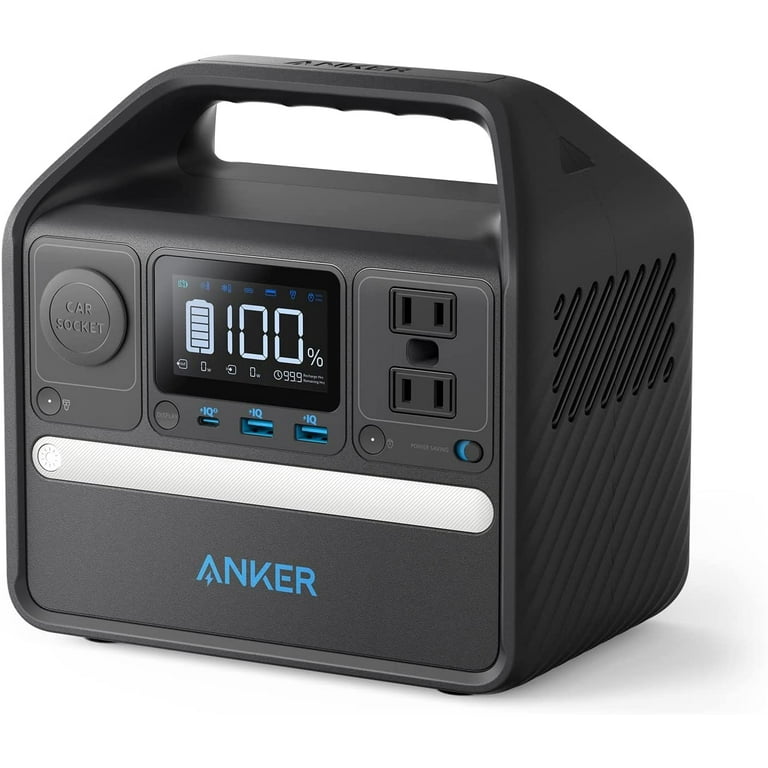
Reliable 300W AC output with app monitoring; LiFePO4 battery lasts 3000+ cycles.
Best for: Daily emergencies or short outages for routers/laptops.
Price Range: $249.99
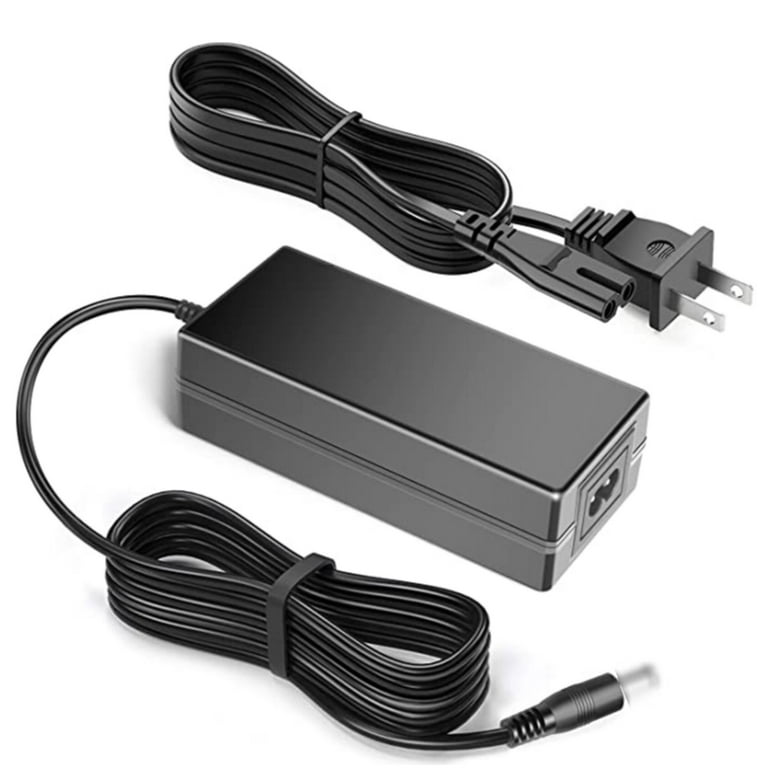
Versatile 65W charger with multiple tips—pairs perfectly with power banks for various laptops.
Best for: Multi-device setups; auto-adjusts voltage.
Price Range: $25.99
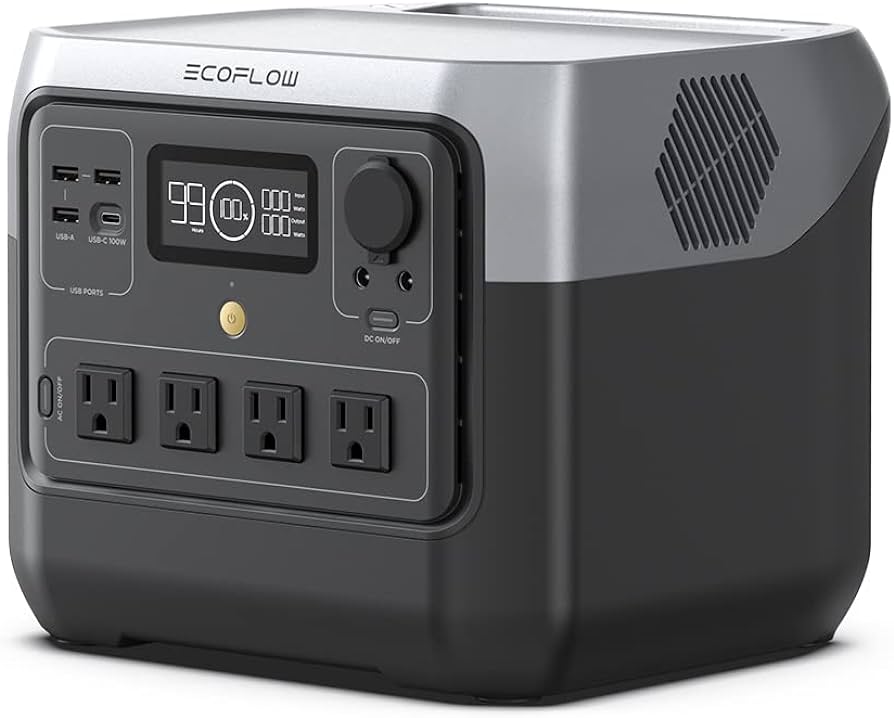
360W AC output handles higher-draw adapters; fast recharge.
Best for: Power-hungry devices like gaming laptops.
Price Range: $499.00
Adds protection against surges from inverters; compact for power bank kits.
Best for: Multi-device charging safely.
Price Range: $19.99
Travel or camping to power laptops 3-4 hours.
Jackery Explorer 300 Portable Power Station Compact 293Wh capacity with 300W pure sine wave AC outlet—ideal for 65W laptop adapters without overload.
Daily emergencies or short outages for routers/laptops.
Anker 521 PowerHouse (256Wh) Reliable 300W AC output with app monitoring; LiFePO4 battery lasts 3000+ cycles.
Multi-device setups; auto-adjusts voltage.
Nekteck 60W Universal Laptop AC Adapter Versatile 65W charger with multiple tips—pairs perfectly with power banks for various laptops.
Power-hungry devices like gaming laptops.
EcoFlow RIVER 2 Pro 360W AC output handles higher-draw adapters; fast recharge.
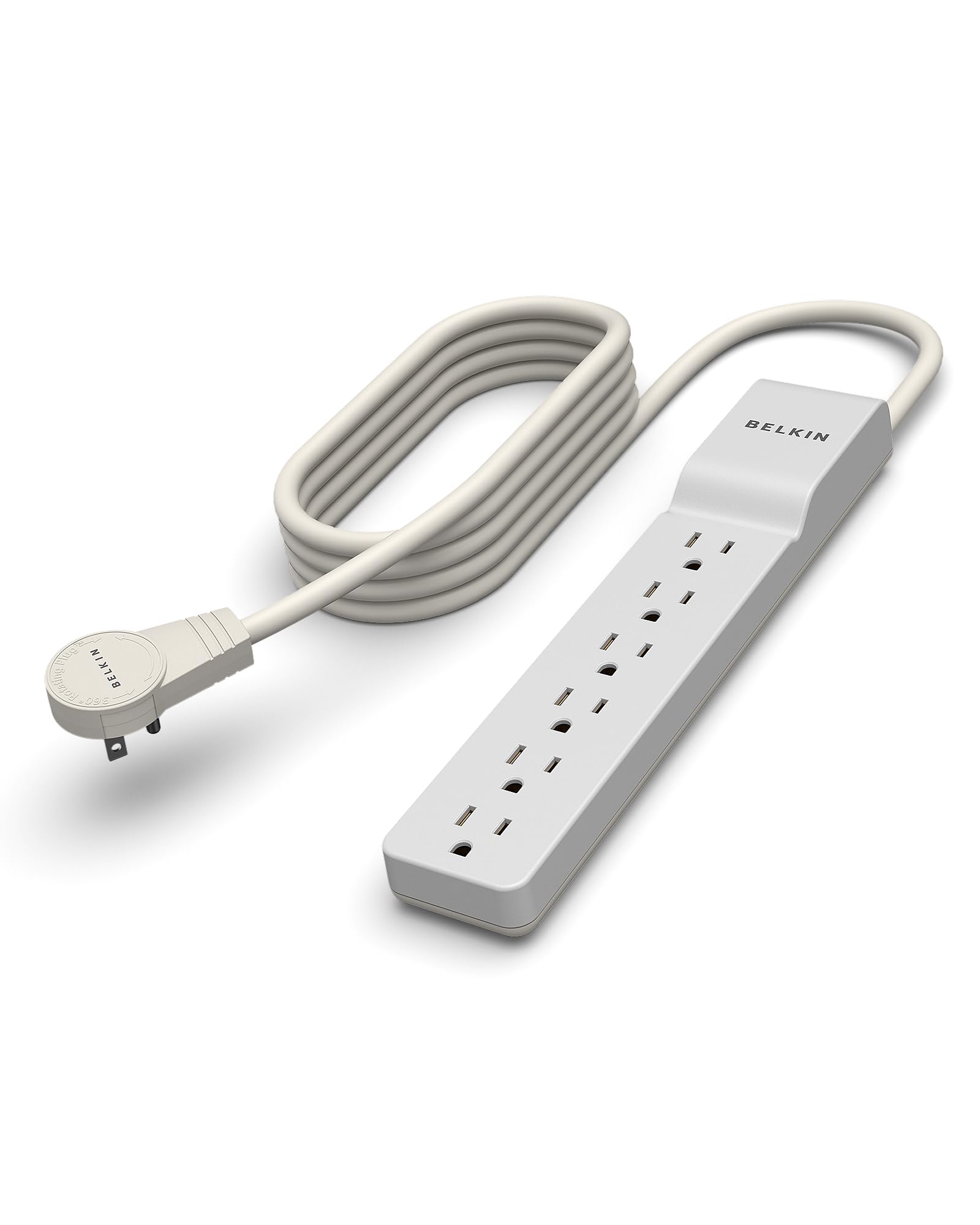
Multi-device charging safely.
Belkin Surge Protector (6-Outlet) Adds protection against surges from inverters; compact for power bank kits.