Ever had your laser pointer, stylus pen, or small remote die mid-use because of a bad AAAA battery? These pint-sized powerhouses are notoriously hard to gauge by feel, leading to frustration and tossed-good batteries. This guide fixes that.
You'll learn to use a battery tester step-by-step for accurate results on AAAA batteries (1.5V alkaline or lithium types). It's beginner-friendly, no tools or tech skills needed—just follow along.
Expect a 5-minute process: gather gear, test, interpret, and act. Perfect for household gadgets like glucose meters or mini flashlights.
▸What You'll Need
- •Battery tester with AAAA slot (analog or digital; required)
- •AAAA batteries to test (required)
- •Clean, dry workspace (required)
- •Voltage chart or app for reference (optional; most testers include one)
Estimated Time: 5-10 minutes
Difficulty: beginner
▸Step-by-Step Instructions
Step 1: Gather Your Battery Tester and AAAA Batteries
Start by collecting a universal battery tester that supports AAAA size—these have a small rectangular slot labeled 'AAAA' or '1.5V small'. Remove AAAA batteries from their devices carefully, noting which ones came from working vs. dead gadgets for comparison.
Why it matters: Clean, undamaged batteries give true readings. Expect to see shiny terminals; wipe with a dry cloth if corroded.
Image description: Close-up of a hand holding a black analog battery tester next to several shiny silver AAAA batteries on a white table.
💡 Tips:
- •Test batteries at room temperature (68°F/20°C) for accuracy.
⚠️ Warnings:
- •Avoid testers without AAAA slots—they won't fit properly.
Step 2: Inspect and Prepare the Tester
Check your tester: For analog (needle gauge), ensure the needle rests at zero without a battery. For digital, insert its own small battery (usually LR44) if powered, and turn it on—display should light up.
Why? A faulty tester wastes time. Success looks like a responsive needle or clear LCD readout.
Pro tip: Shake gently; loose internals mean replace it.
💡 Tips:
- •Read the tester manual for AAAA-specific instructions—most are universal.
Step 3: Insert the AAAA Battery Correctly
Locate the narrow AAAA slot (often next to AAA/AA). Align the battery's flat negative (-) end first into the spring contact, then positive (+) bump toward the metal tab. Push gently until secure—no forcing.
Why it matters: Polarity errors give reversed or zero readings. Expect a snug fit; the tester lights up or needle jumps if good.
⚠️ Warnings:
- •Don't mix polarities—risks short-circuit sparks.
Step 4: Read the Test Result
Observe: Analog shows color zones (green=good 1.3-1.6V, yellow=weak <1.2V, red=dead). Digital displays voltage like '1.45V'.
Compare to standards: Fresh alkaline AAAA ~1.5-1.6V, usable >1.2V, rechargeables >1.25V. Success: Green zone or 1.3V+ means good.
💡 Tips:
- •Test 3-5 batteries from same batch for averages.
Step 5: Remove, Label, and Repeat
Gently pull out battery. Label with tape/marker: 'GOOD 1.45V' or 'DEAD'. Test next one.
Why? Tracks performance over time. Expect most household AAAA to read low if over 6 months old.
💡 Tips:
- •Store good ones in plastic cases to prevent shorts.
⚠️ Warnings:
- •Don't recharge non-rechargeable alkalines—explosion risk.
Step 6: Dispose or Reuse Properly
Dead batteries (<1.0V): Recycle at stores/hardware shops. Good ones: Reuse in low-drain devices first.
Final success: Devices power up with tested-good batteries.
▸Pro Tips
- •Test under load if possible—some advanced testers simulate device use for real accuracy.
- •Buy lithium AAAA for longer life; they test higher initially (~1.7V).
- •Batch-test expirations; older than 2 years often fail regardless.
- •Clean tester contacts with isopropyl alcohol monthly.
- •Use a phone app like 'Battery Rescuer' for voltage charts on-the-go.
- •Compare new vs. used: Fresh should hit 1.55V+.
- •For remotes, test after heavy use—drain shows fast.
▸Common Mistakes to Avoid
- •Inserting backwards: Causes zero or erratic readings—double-check +/- every time.
- •Ignoring temperature: Cold batteries read low falsely—warm to room temp.
- •Over-relying on one test: Always test multiples and track over days.
- •Using worn tester: Needle stuck or dim LCD—replace yearly.
- •Testing corroded batteries: False lows—clean first or discard.
▸Troubleshooting
Problem: No reading or zero voltage
Solution: Check polarity, clean contacts, test tester on known-good AA battery. Replace if faulty.
Problem: Inconsistent results between tests
Solution: Wiggle battery for firm contact; test at stable temp. Average 3 readings.
Problem: Tester doesn't power on (digital)
Solution: Replace internal LR44 battery. Check for loose wires.
Problem: All batteries read low
Solution: Your tester may be bad—cross-check with multimeter. Seek store recycling help if unsure.
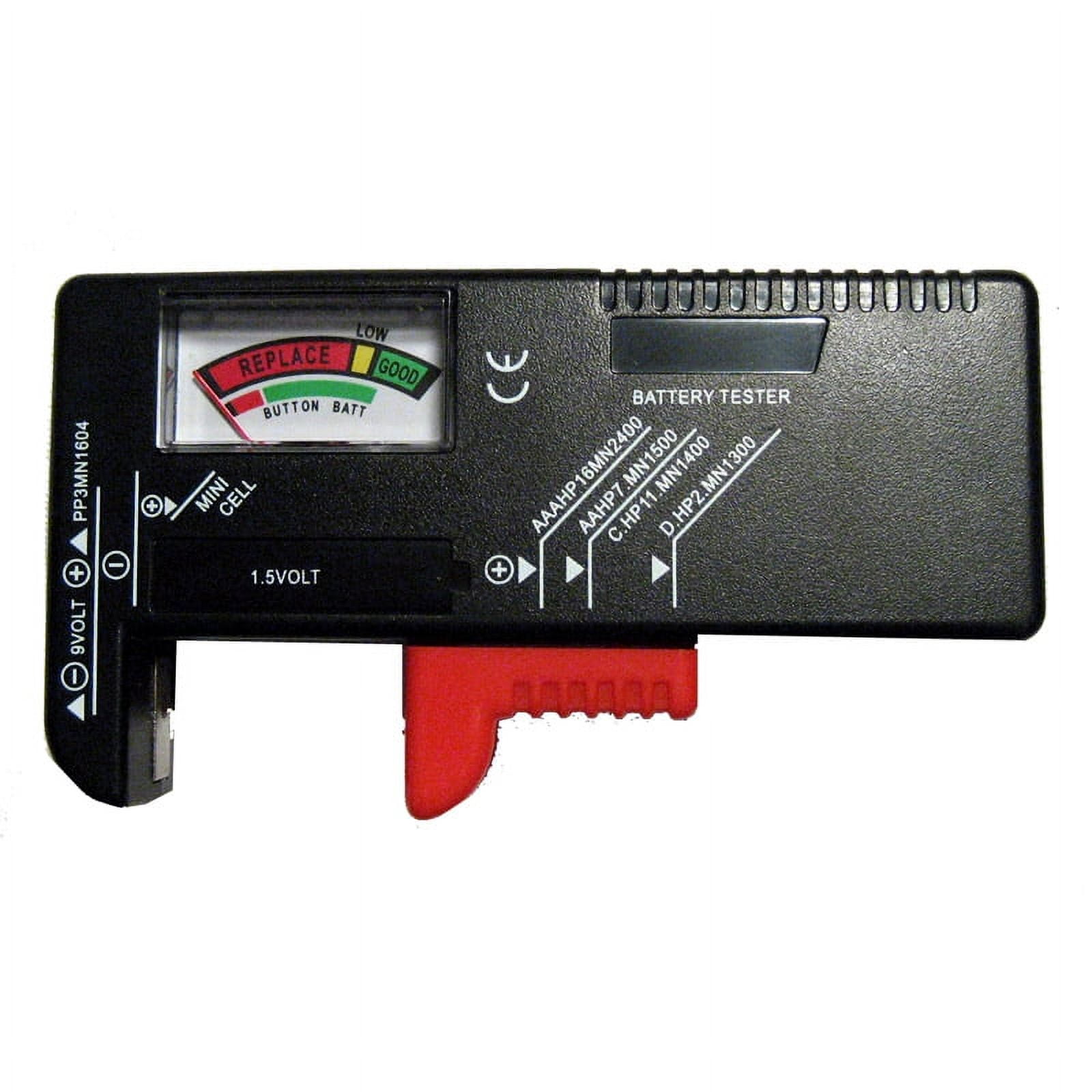
Zenel Battery Tester (Universal AA/AAA/AAAA/C/D/9V)
Affordable analog tester with clear color-coded gauge and dedicated AAAA slot for beginners.
Best for: Quick household checks on small batteries without batteries needed.
Price Range: $7.99
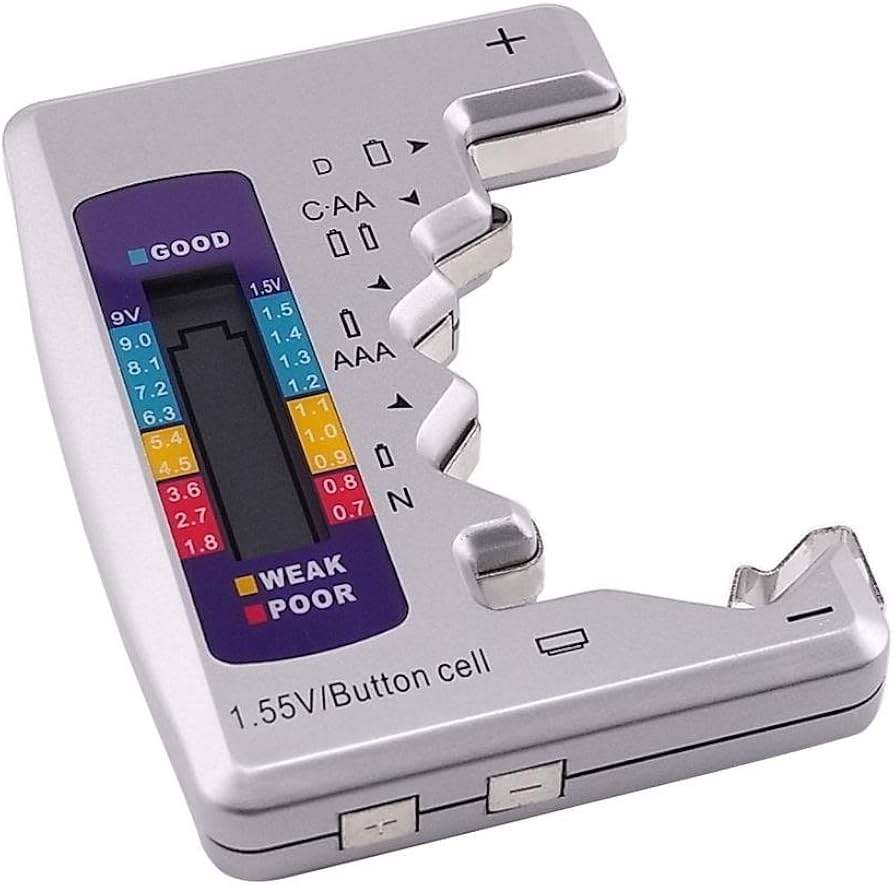
LBCL Universal Battery Tester Checker
Compact, no-battery analog design supports AAAA perfectly with easy-read needle.
Best for: Travel or everyday testing of mini gadgets like pens/remotes.
Price Range: $8.99
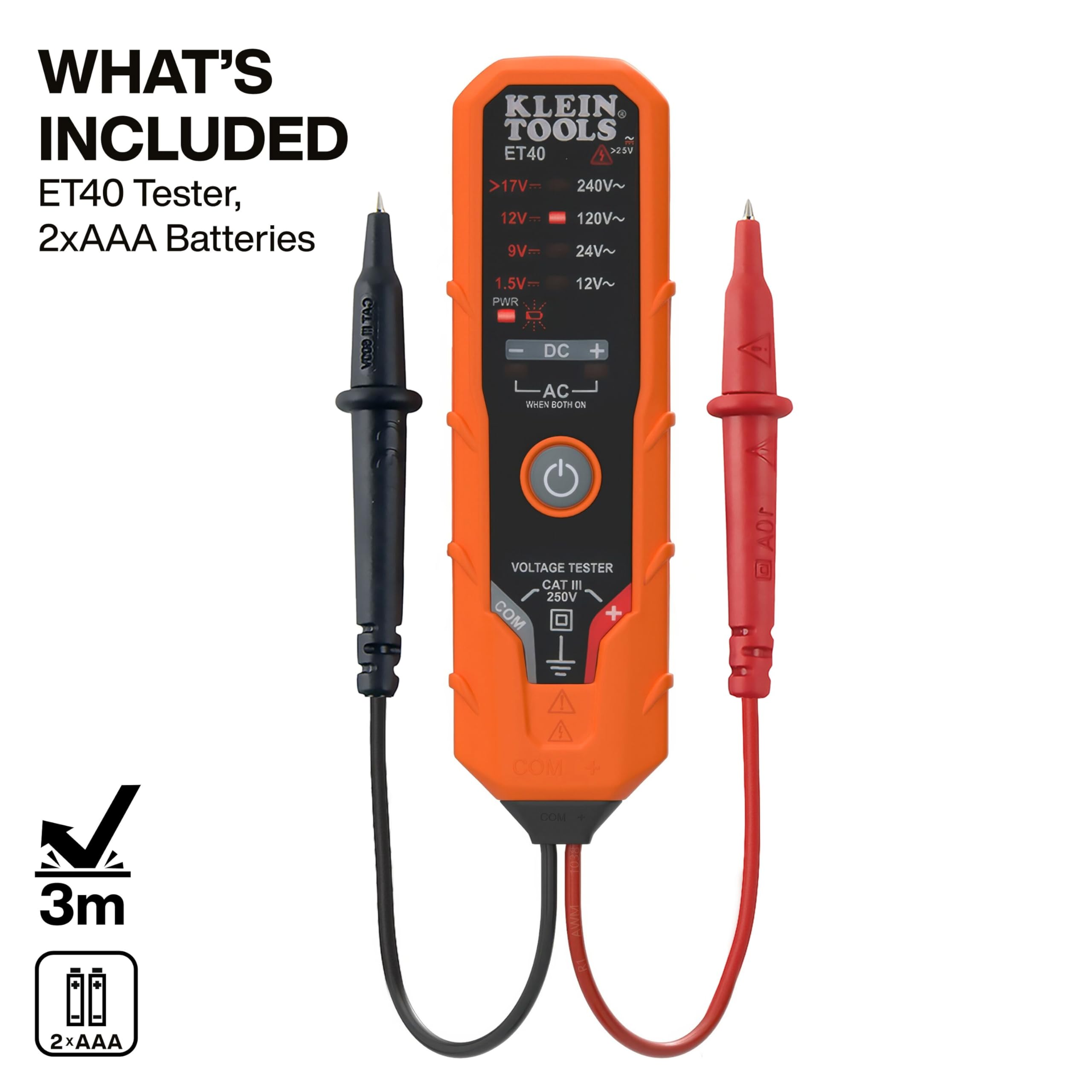
Klein Tools ET40 Battery Tester
Pro-grade digital tester measures exact voltage for AAAA/1.5V cells accurately.
Best for: Precise diagnostics when analog isn't enough, like for medical devices.
Price Range: $24.99
Energizer Ultimate Lithium AAAA Batteries (2-Pack)
Premium batteries to test against; hold charge 7x longer for reliable baselines.
Best for: Compare your old stock to these fresh ones (test ~1.7V).
Price Range: $9.99