
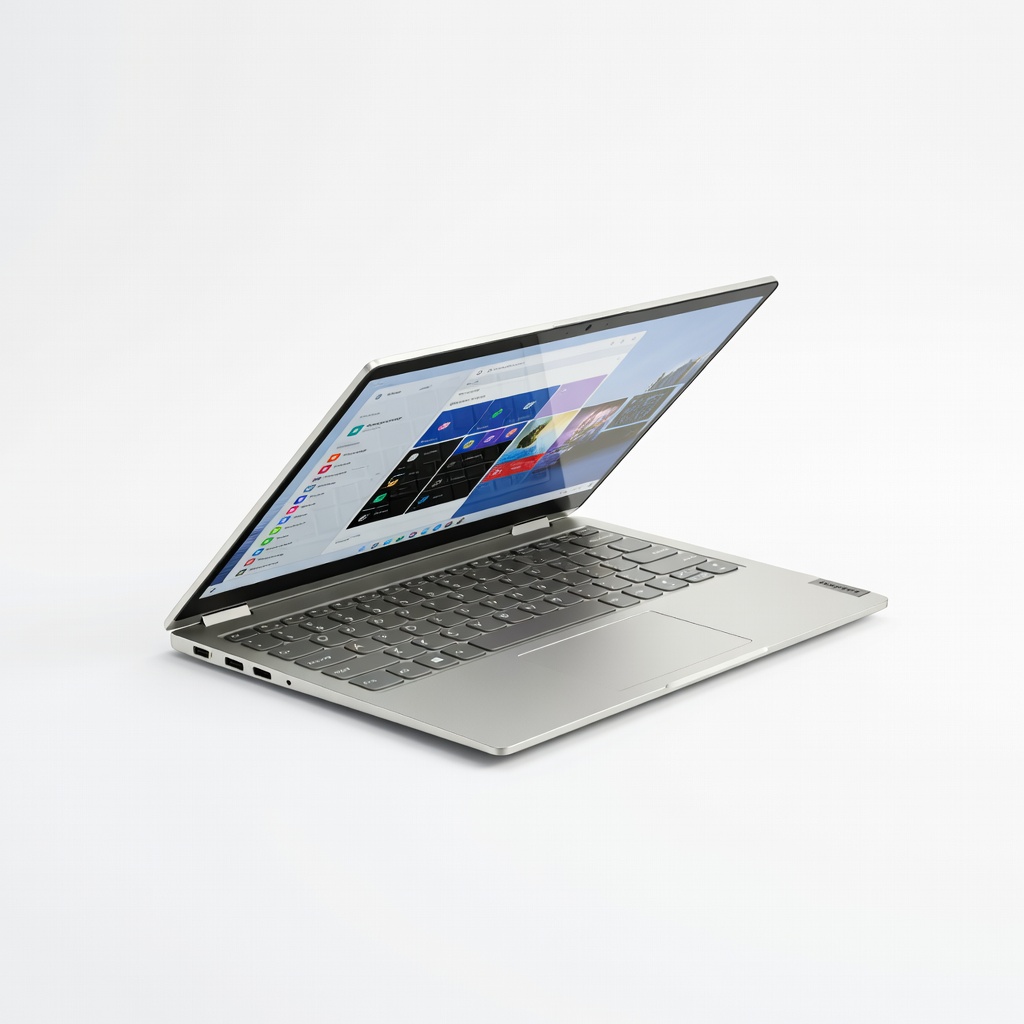
Lenovo IdeaPad Flex 5 14-inch 2-in-1 Laptop
Everyday movie streaming with 10+ hour battery.
$450-$550
Lenovo IdeaPad Flex 5 14-inch 2-in-1 Laptop Excellent 360-degree hinge stability and vibrant IPS display perfect for tent mode movies.
Get the App
Better experience on mobile
Easily fold your 2-in-1 laptop into tent mode for hands-free, immersive movie watching on the go in just minutes.
Watching movies on a laptop often means awkward angles or constant holding, leading to neck strain and discomfort. Tent mode on 2-in-1 laptops solves this by turning your device into a stable, angled stand—perfect for beds, couches, or travel. This beginner-friendly guide shows you how to set it up for the best viewing experience.
You'll learn step-by-step how to activate tent mode, optimize settings for movies, and troubleshoot issues. No tech expertise needed; the process takes 5-10 minutes and works on most convertible laptops with 360-degree hinges.
By the end, you'll enjoy Netflix, Prime Video, or downloaded films like a mini theater, with tips to extend battery life and enhance audio.
Estimated Time: 5-10 minutes Difficulty: beginner
Not all laptops have tent mode—check if yours is a 2-in-1 convertible with a 360-degree hinge. Open your laptop fully and gently rotate the screen backward. If it folds flat without resistance, you're good.
Why it matters: Tent mode requires flexible hinges; rigid ones can break. Visit your manufacturer's site (e.g., Lenovo support) and search your model + 'tent mode' for confirmation.
Success looks like: Screen rotates smoothly 180-360 degrees without popping off.
💡 Tips:
⚠️ Warnings:
Power on your laptop and connect to Wi-Fi. Go to Settings > Update & Security > Windows Update (Windows) or System Preferences > Software Update (macOS/ChromeOS). Install any hinge or display driver updates.
Why it matters: Outdated software can cause orientation glitches or hinge detection issues in tent mode.
Expect a quick scan and 2-5 minute install. Restart if prompted.
Success looks like: No pending updates, system fully current.
💡 Tips:
Close the laptop lid halfway, then rotate the screen 360 degrees until the keyboard faces the table and screen stands upright like a tent. The base should support it stably.
Why it matters: This creates a 45-60 degree viewing angle, ideal for eye-level watching without propping.
Adjust feet or rubber grips if your model has them for better stability.
Success looks like: Laptop forms an inverted 'V', screen visible from front, keyboard underneath.
💡 Tips:
⚠️ Warnings:
Swipe down notification shade (Windows: Action Center; ChromeOS: Quick Settings). Toggle off Auto-rotate or Rotation lock. Drag brightness slider to 50-70%.
Why it matters: Auto-rotate flips the screen sideways in tent mode; locking keeps it landscape for movies.
Success looks like: Screen stays upright, brightness comfortable without glare.
Pair Bluetooth headphones: Settings > Devices > Bluetooth > Add device. Select your headphones and connect.
Why it matters: Built-in speakers distort at angles; wireless audio immerses you.
Test with a sound clip. Use wired if Bluetooth lags.
Success looks like: Audio plays clearly from headphones.
💡 Tips:
Open Netflix/Prime Video/etc. Log in, select a movie, and hit play. Enable full-screen (F11 or app button).
Why it matters: Full-screen maximizes the tent's angled view.
Position 1-2 feet away for optimal FOV.
Success looks like: Crystal-clear movie in landscape, hands-free.
In-app: Set subtitles on, quality to HD, Dolby audio if available. Laptop-wide: Enable battery saver if unplugged.
Why it matters: Optimizes visuals/audio/battery for 2-4 hour sessions.
Success looks like: Smooth playback, vibrant colors, synced sound.
💡 Tips:
Problem: Screen rotates automatically or blacks out
Solution: Lock rotation in quick settings; update graphics drivers.
Problem: Tent mode unstable or collapses
Solution: Check rubber feet; use on flat surface or add non-slip mat.
Problem: No sound or Bluetooth won't connect
Solution: Restart Bluetooth; forget/re-pair device.
Problem: Overheats during long movies
Solution: Elevate base for airflow; use in cool room. Seek repair if persistent.
Excellent 360-degree hinge stability and vibrant IPS display perfect for tent mode movies.
Best for: Everyday movie streaming with 10+ hour battery.
Price Range: $450-$550
Touchscreen with strong kickstand support in tent mode and Dolby Audio speakers.
Best for: Large-screen home theater setup.
Price Range: $650-$800
Kickstand enhances tent mode; stunning PixelSense display for cinematic viewing.
Best for: Portable travel movie watcher.
Price Range: $900-$1200
40-hour battery and immersive sound pairs perfectly with tent mode silence.
Best for: Block distractions during movies.
Price Range: $70-$80
Boosts tent mode height for better ergonomics if needed.
Best for: Desk or lap stability.
Price Range: $25-$35
Everyday movie streaming with 10+ hour battery.
Lenovo IdeaPad Flex 5 14-inch 2-in-1 Laptop Excellent 360-degree hinge stability and vibrant IPS display perfect for tent mode movies.
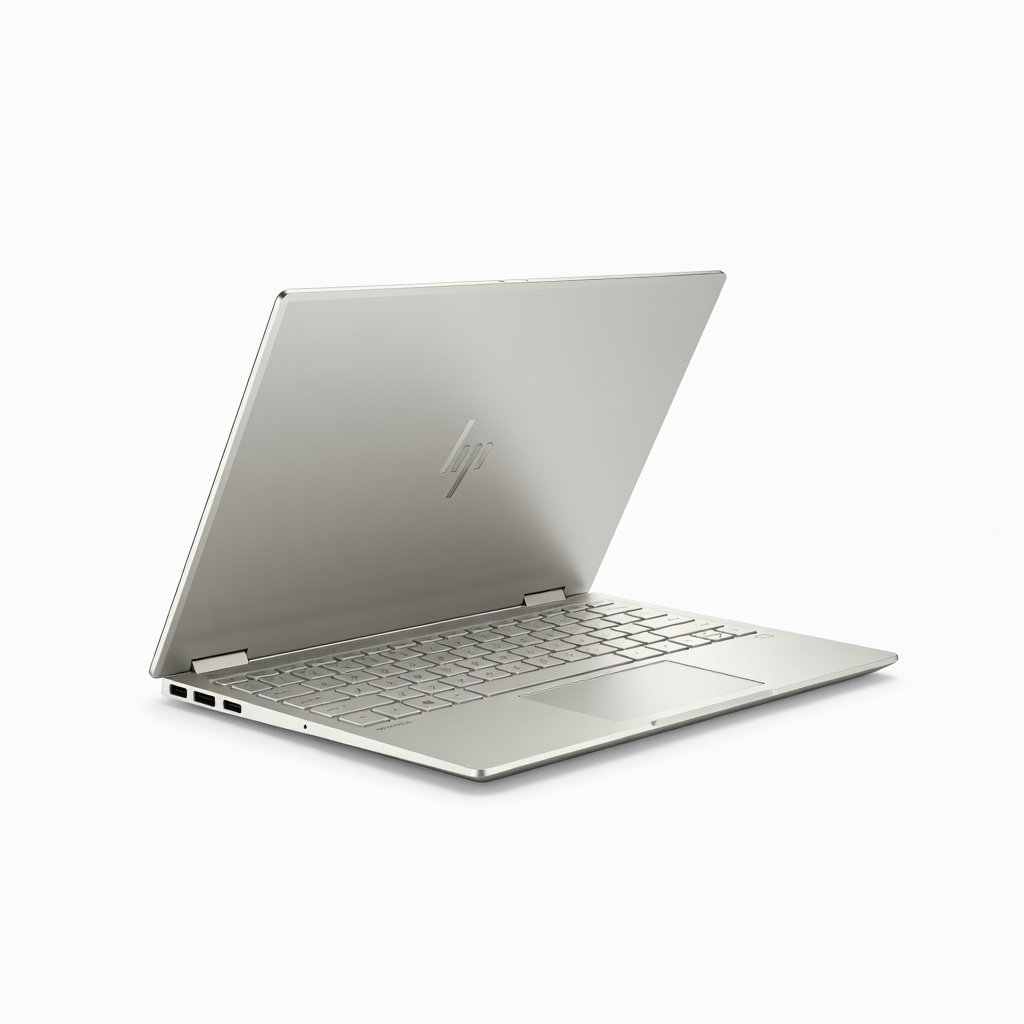
Large-screen home theater setup.
HP Envy x360 15.6-inch 2-in-1 Laptop Touchscreen with strong kickstand support in tent mode and Dolby Audio speakers.
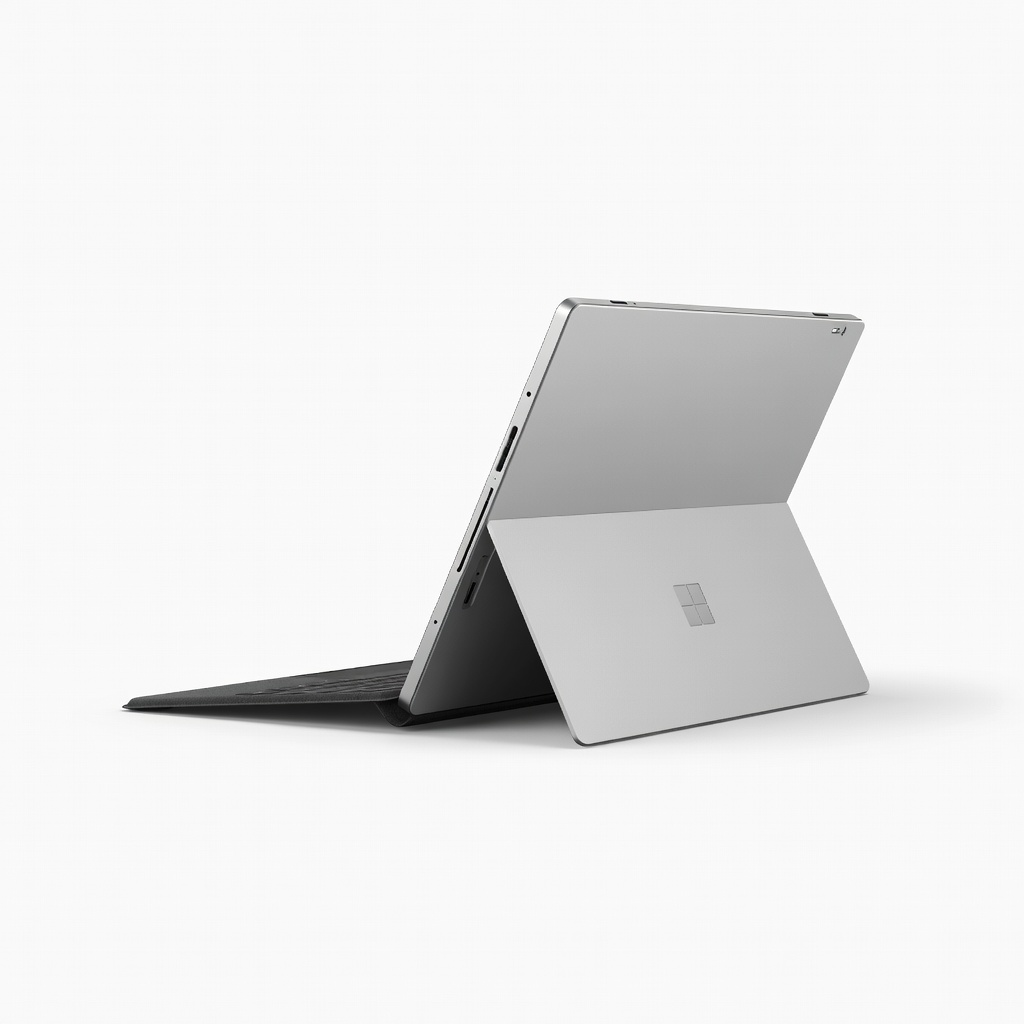
Portable travel movie watcher.
Microsoft Surface Pro 9 (Intel) Kickstand enhances tent mode; stunning PixelSense display for cinematic viewing.
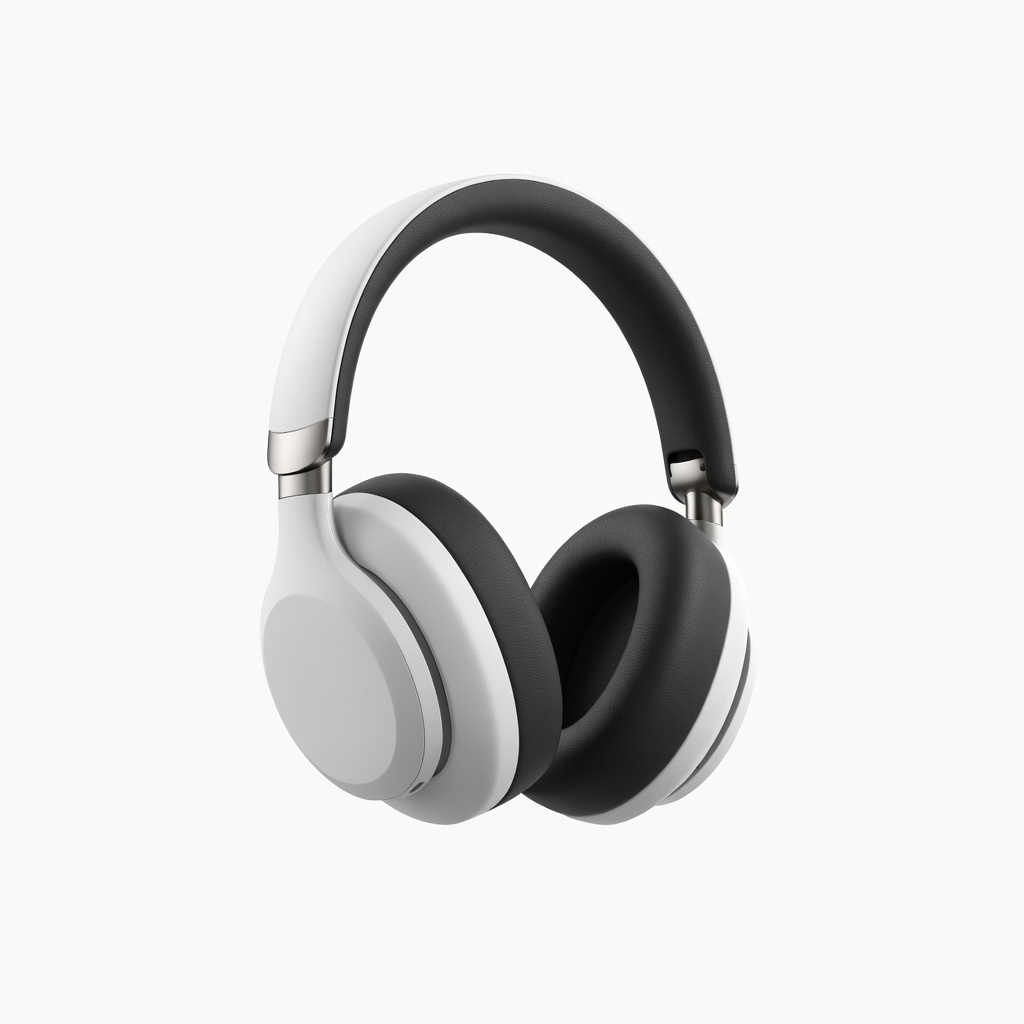
Block distractions during movies.
Soundcore Life Q30 Noise Cancelling Headphones 40-hour battery and immersive sound pairs perfectly with tent mode silence.
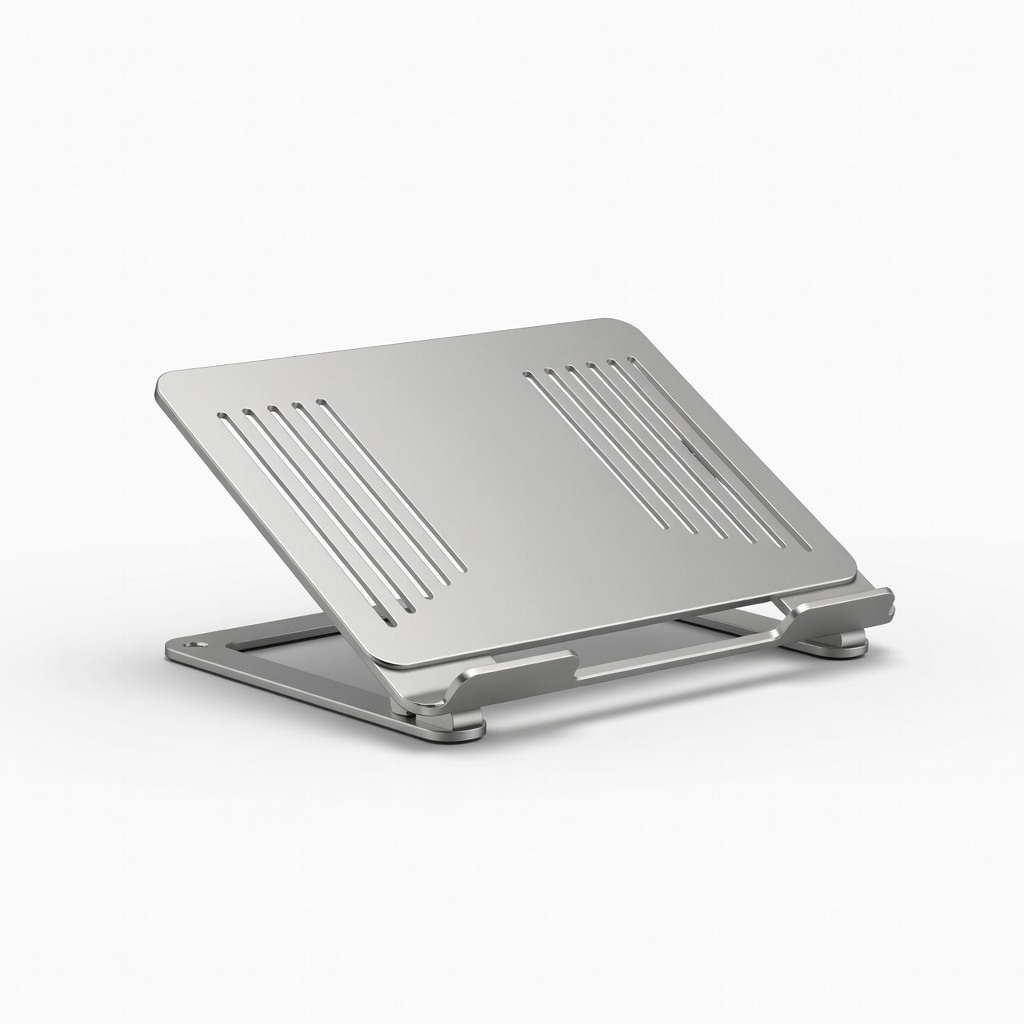
Desk or lap stability.
Nulaxy Laptop Stand Riser Boosts tent mode height for better ergonomics if needed.